 シードレスへ。SWITCH30で30%OFF。11/04まで


Tangem Walletで忘れたアクセスコードをリセットする方法
Tangemカードのアクセスコードを忘れた場合や、すべてのカードのアクセスコードを変更したい場合は、Tangemアプリで簡単にリセットできます。
アクセスコードをリセットする際は、確認用としてバックアップカードがもう1枚必要です。そのため、アクセスコードをリセットするには、変更したいカードと、バックアップセットから追加のカードの2枚が必要になります。
アクセスコードの変更方法については、こちらのガイドをご覧ください。
新しいTangem Walletでは、バックアップカードによるアクセスコードリセットの無効化も可能です。アクセスコードリカバリー無効化の手順もご参照ください。
アクセスコードを忘れた場合のリセット手順:
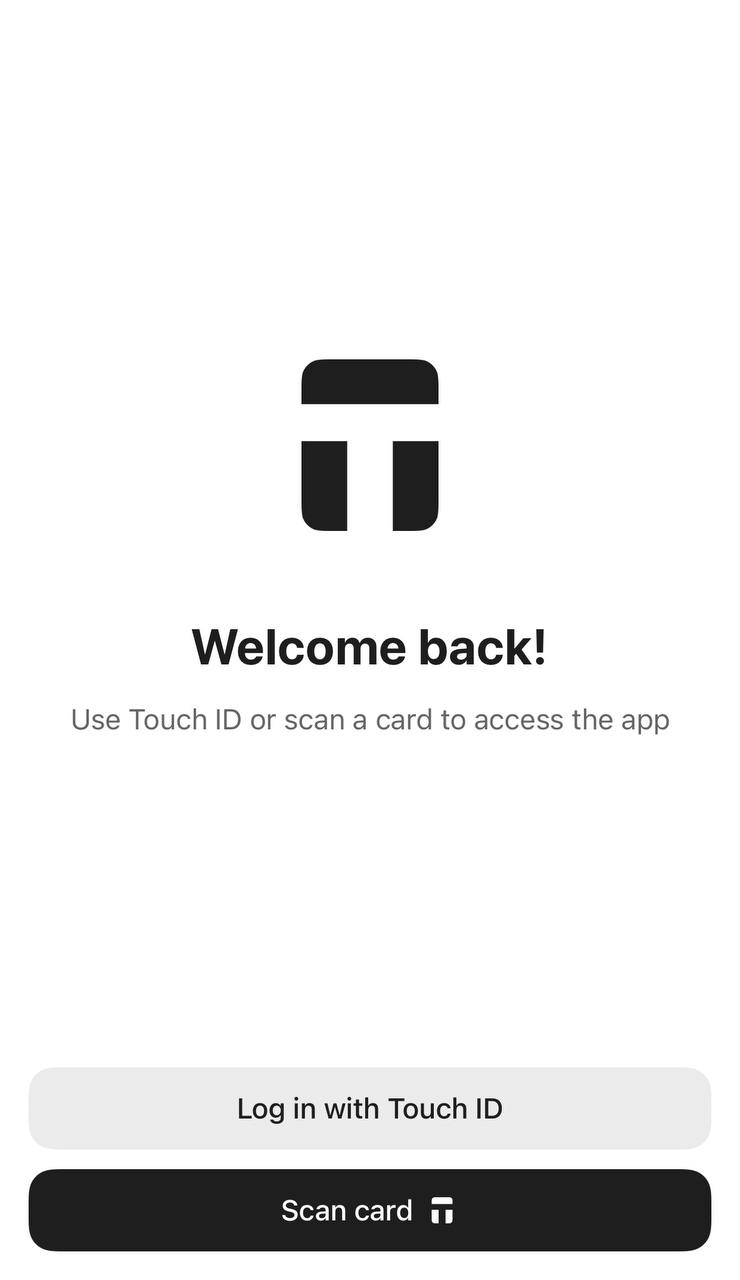
1. Tangemアプリを開き、セットアップまたはウェルカムページでScan cardをタップします。
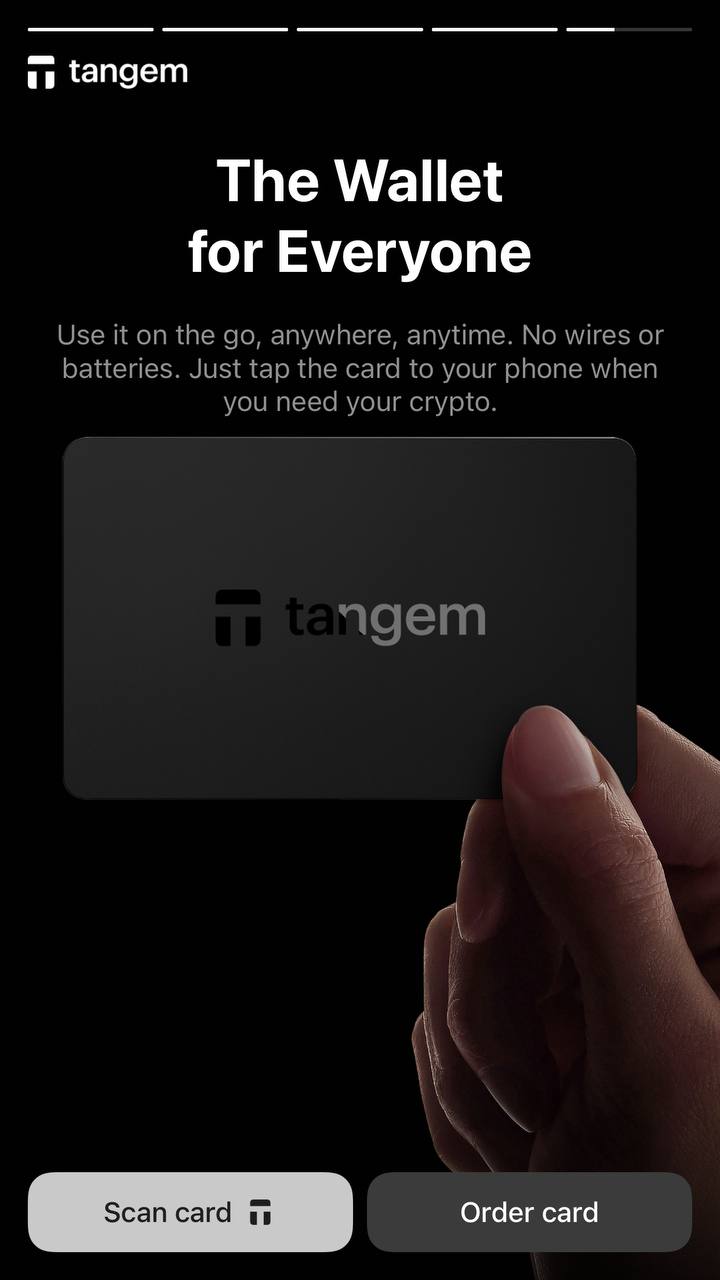
2. Forgot your code?をタップします。
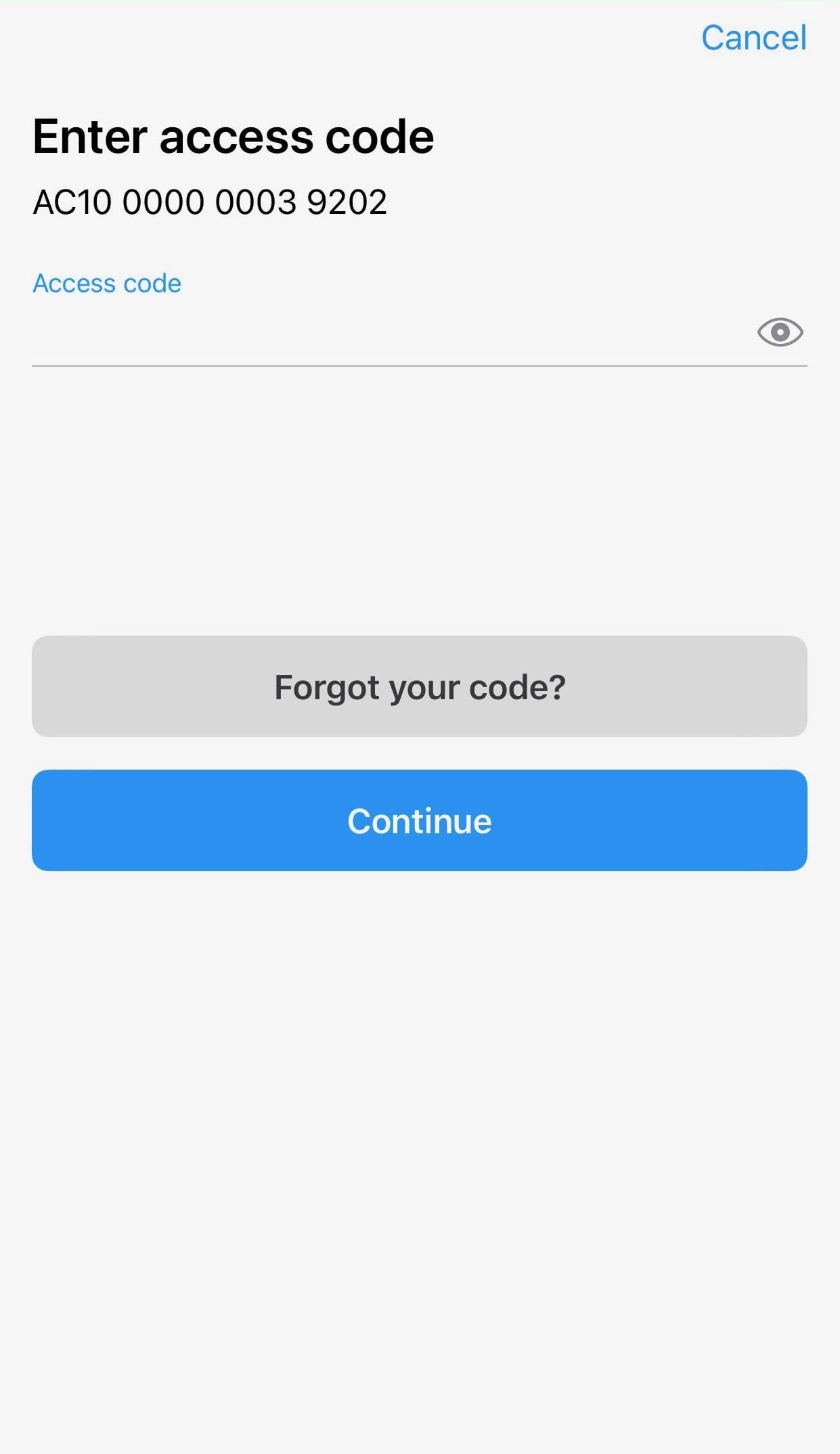
3. 新しいアクセスコードを入力し、確認のため再入力します。
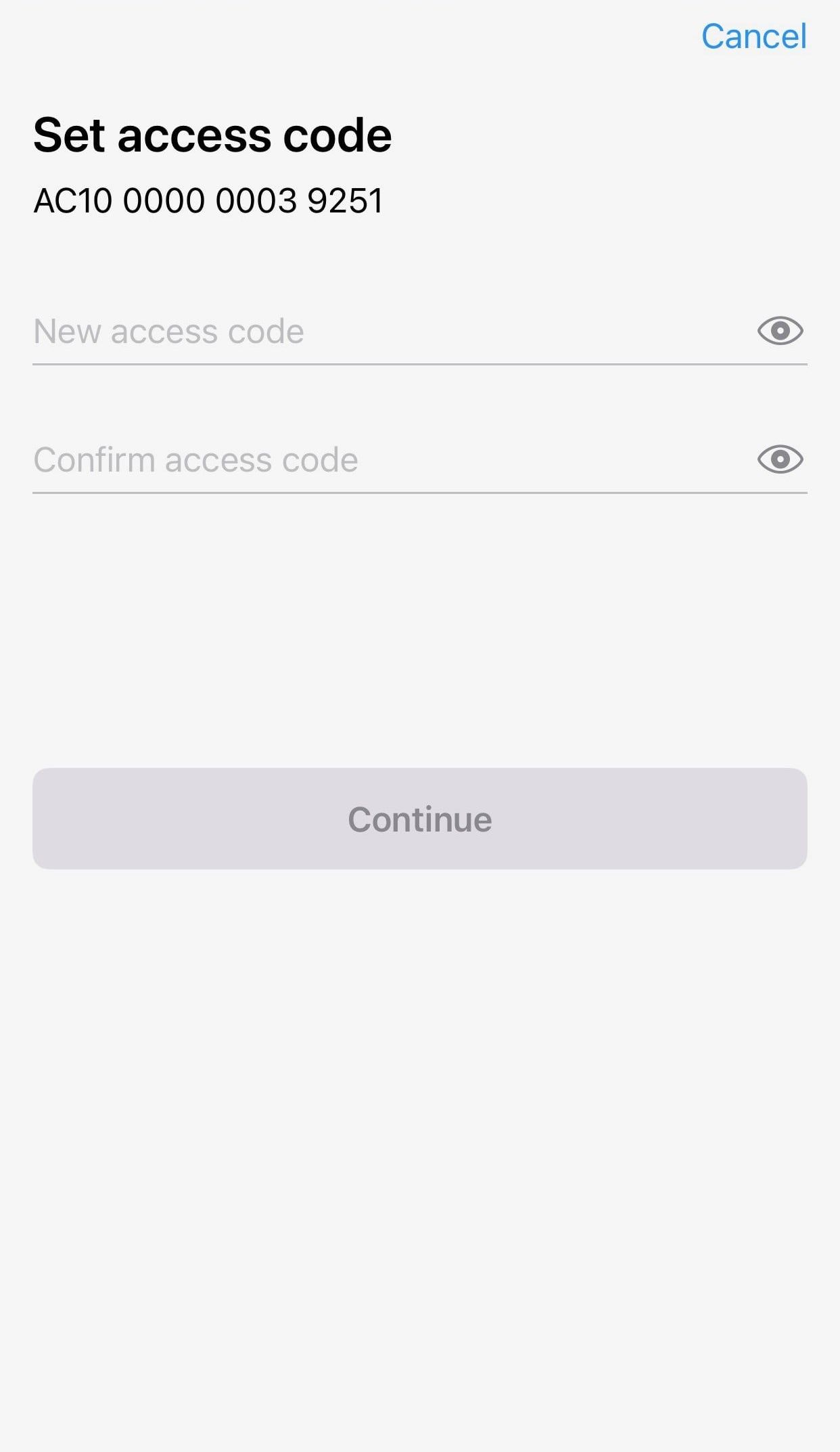
4. Continueを押します。
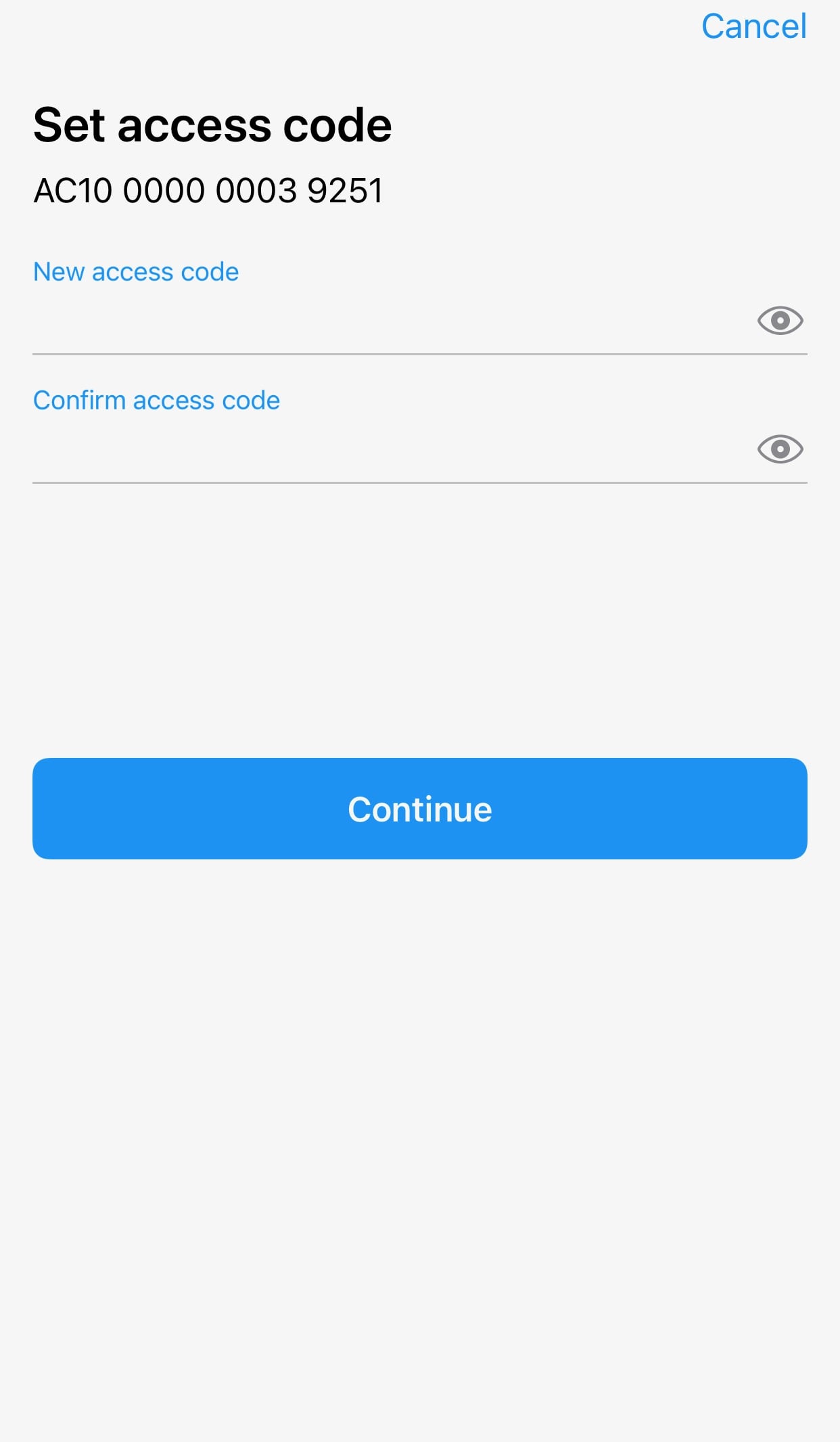
5. リセットしたいカードをタップします。15秒間カウントダウンが終わるまで待ち、その後Continueを押します。
表示されているカード番号がタップしているカードと一致しているかご確認ください。
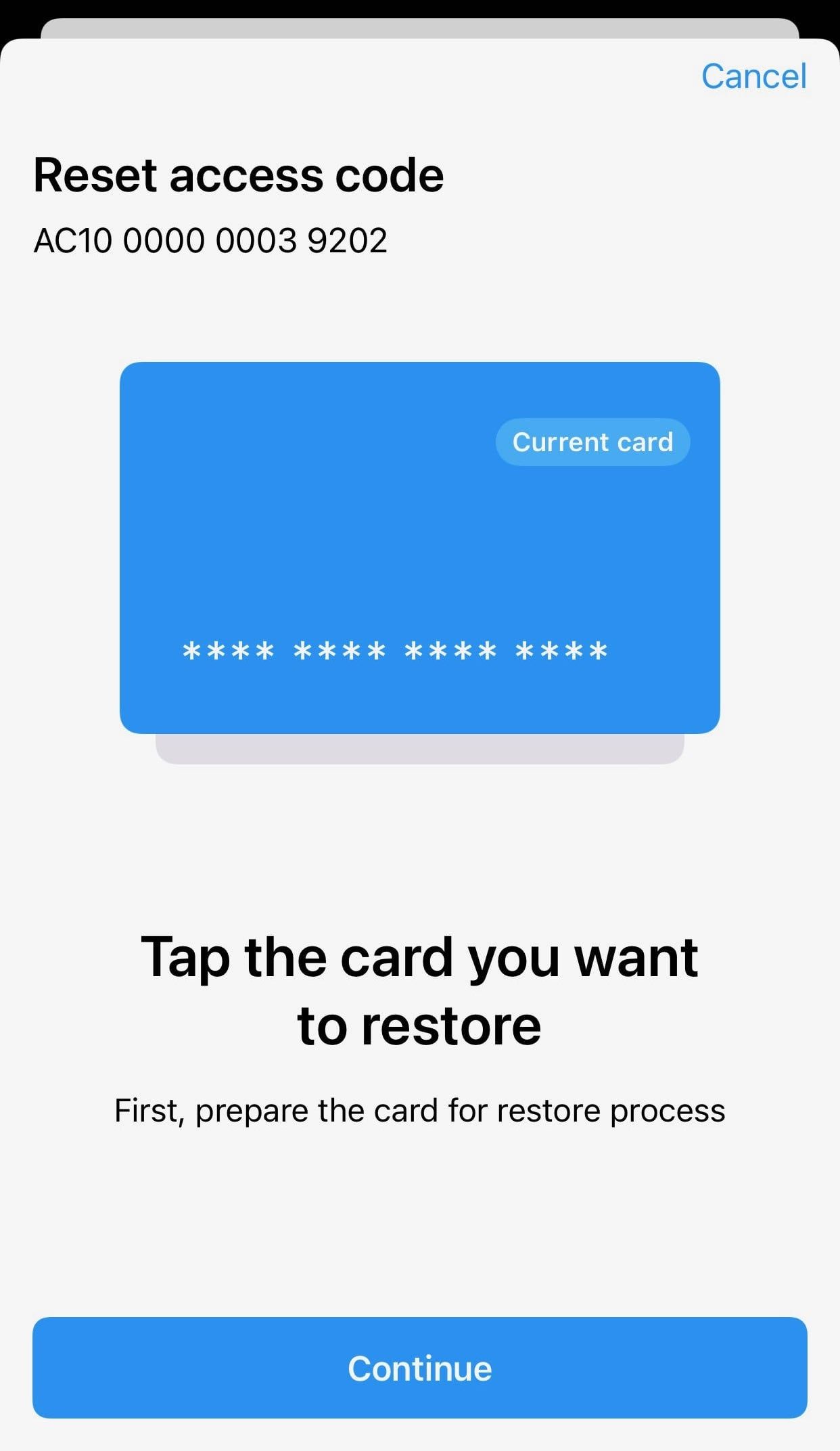
6. Tangem Walletセットのバックアップカードをタップします。15秒間カウントダウンが終わるまで待ち、その後Continueを押します。
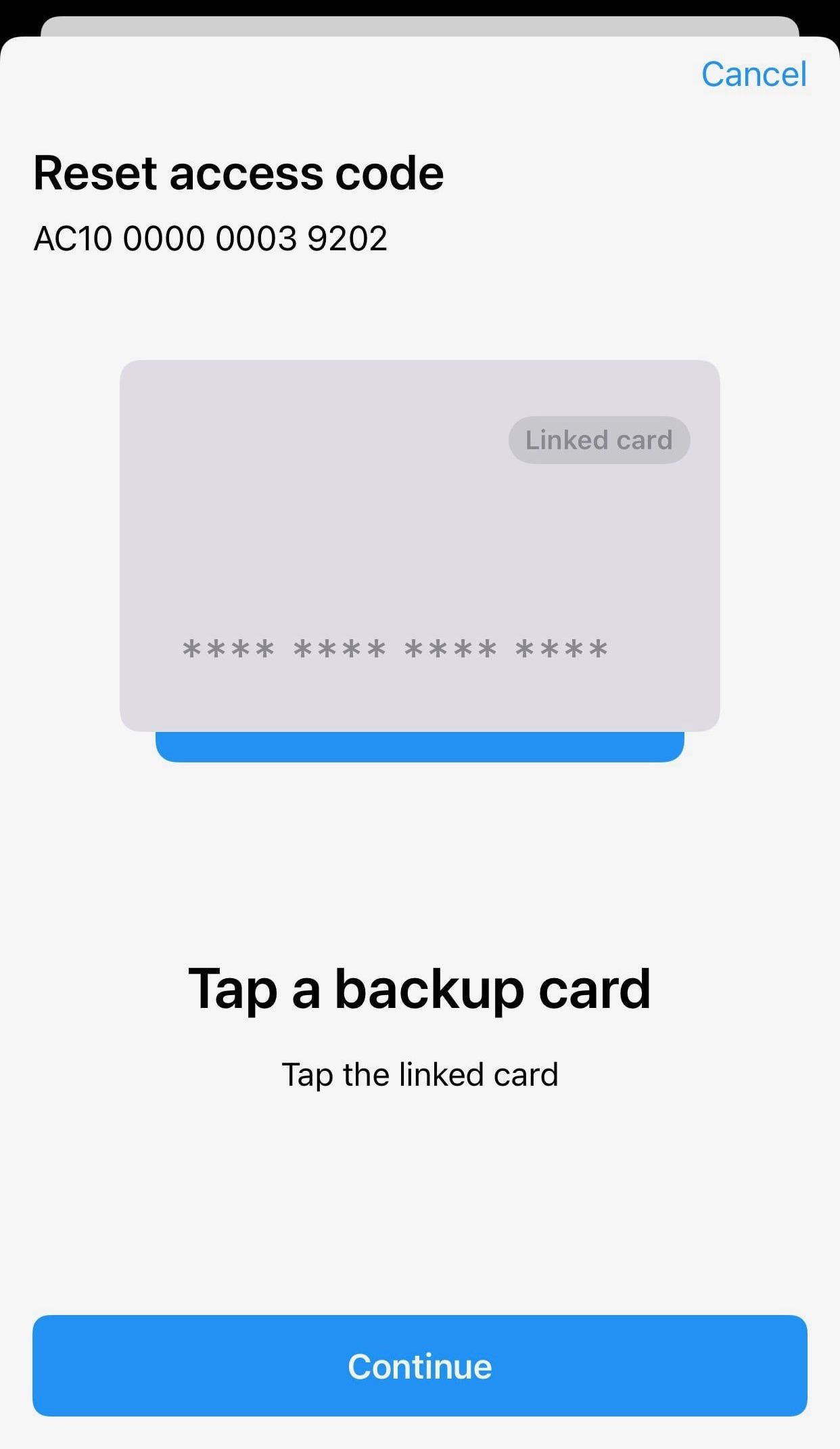
7. 復元中のカードをもう一度タップします。
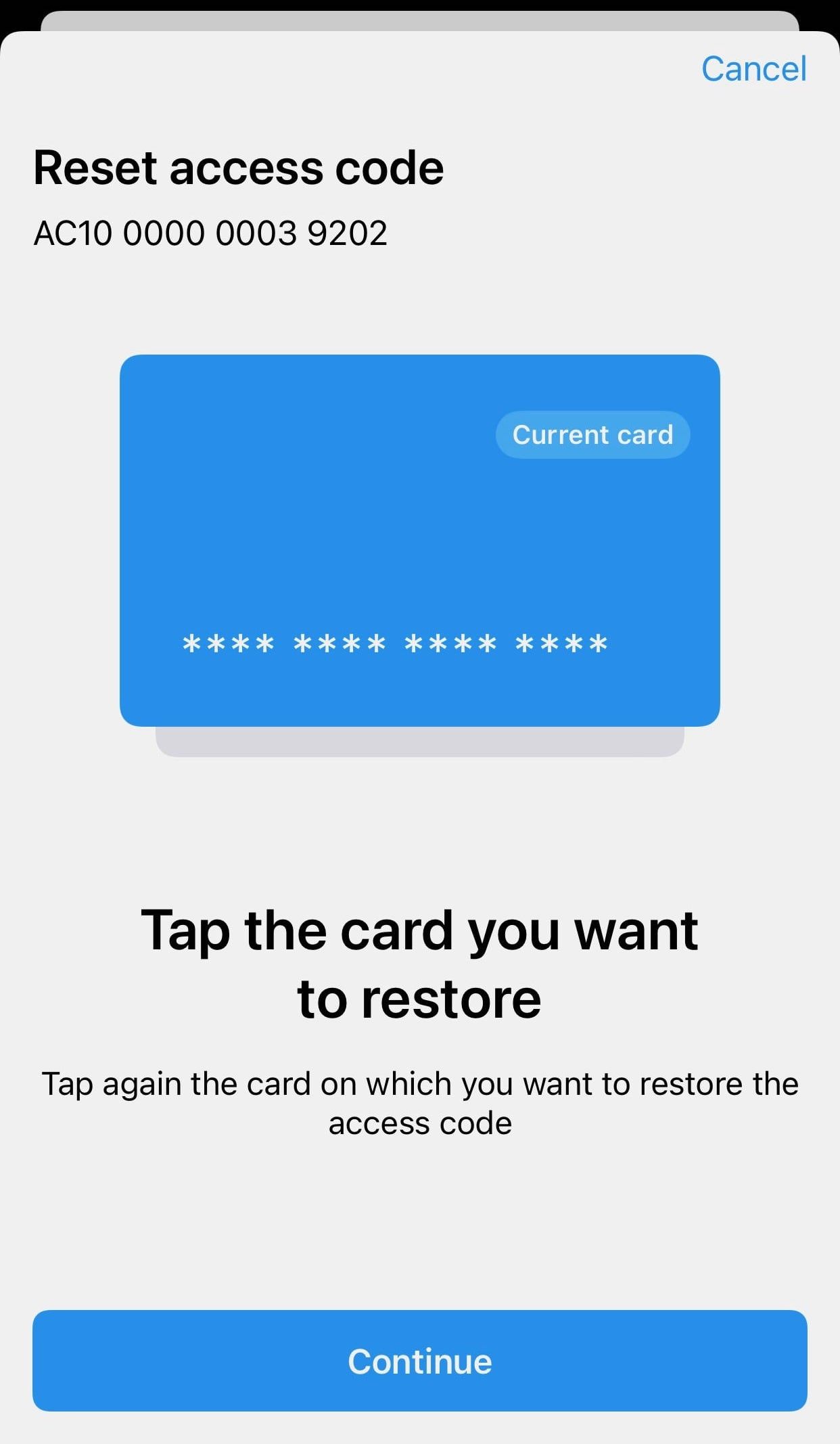
8. OKをクリックします。
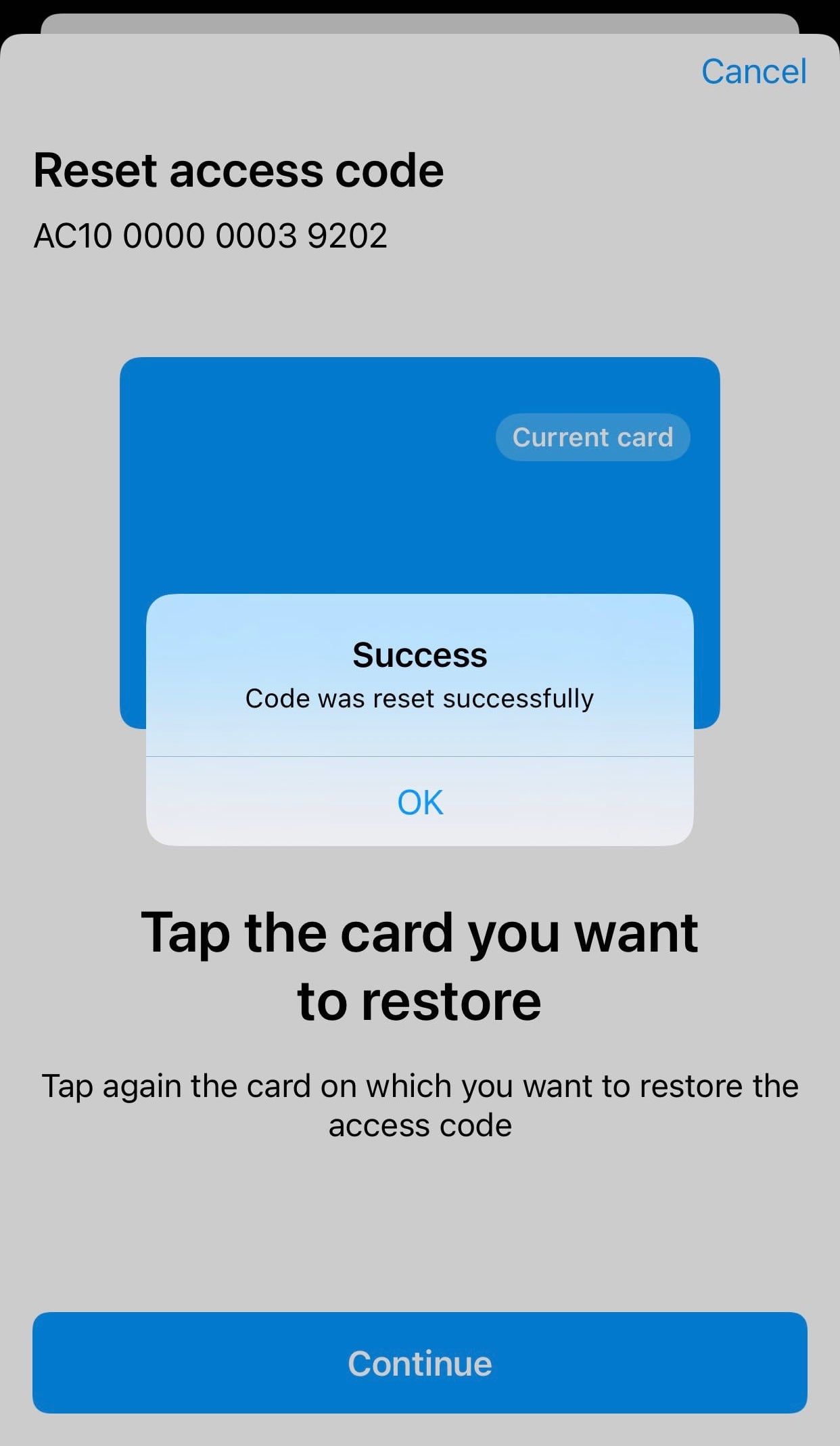
9. Tangemをもう一度スキャンしてください。これでアクセスコードのリセットが完了し、新しいアクセスコードでウォレットにアクセスできます。
すべてのカードやリングのアクセスコードをリセットしたい場合は、各カードごとにこの手順を繰り返してください。
アクセスコードのリセットFAQ
-
Tangem アプリを開いて「Scan card」をタップし、「Forgot your code」を選びます。新しいアクセスコードを入力して確認し、リセットするカードをタップして15秒のカウントダウンを待ちます。次に、セット内のバックアップカードをタップして確認し、最後にもう一度最初のカードをタップします。新しいコードはすぐに有効になります。
-
バックアップカードによる確認を求めることで、カードを1枚盗んだ人がそのアクセスコードをリセットできないようにしています。必要なのは、コードを忘れたカードと、同じウォレットセットのもう1枚のカードです。
-
はい。現行の Tangem Wallet では、最大限の安全性のために、アクセスコードの復元機能を完全にオフにできます。復元を無効にすると、忘れたコードはリセットできなくなるため、確実に覚えていられる場合にのみ選択してください。
-
いいえ。すべてのカードとリングのアクセスコードをリセットしたい場合は、デバイスごとに個別に手順を行う必要があります。

お見逃しなく 






その他の記事

