如何重置 Tangem Wallet 忘记的访问码

Author logo
Patrick Dike-Ndulue
Post image

如果你忘记了某张或全部 Tangem 卡的访问码,可以在 Tangem App 中轻松重置。

When resetting an access code, you must have another backup card to confirm the code reset. Therefore, you'll require two cards to reset your access code— the card whose access code you want to change and an additional card from your backup set for confirmation.

如需更改 Tangem Wallet 的访问码,请参考此指南

The new Tangem Wallet allows you to disable access code reset with a backup card. Here's a quick guide on turning off access code recovery

以下是重置忘记访问码的步骤:

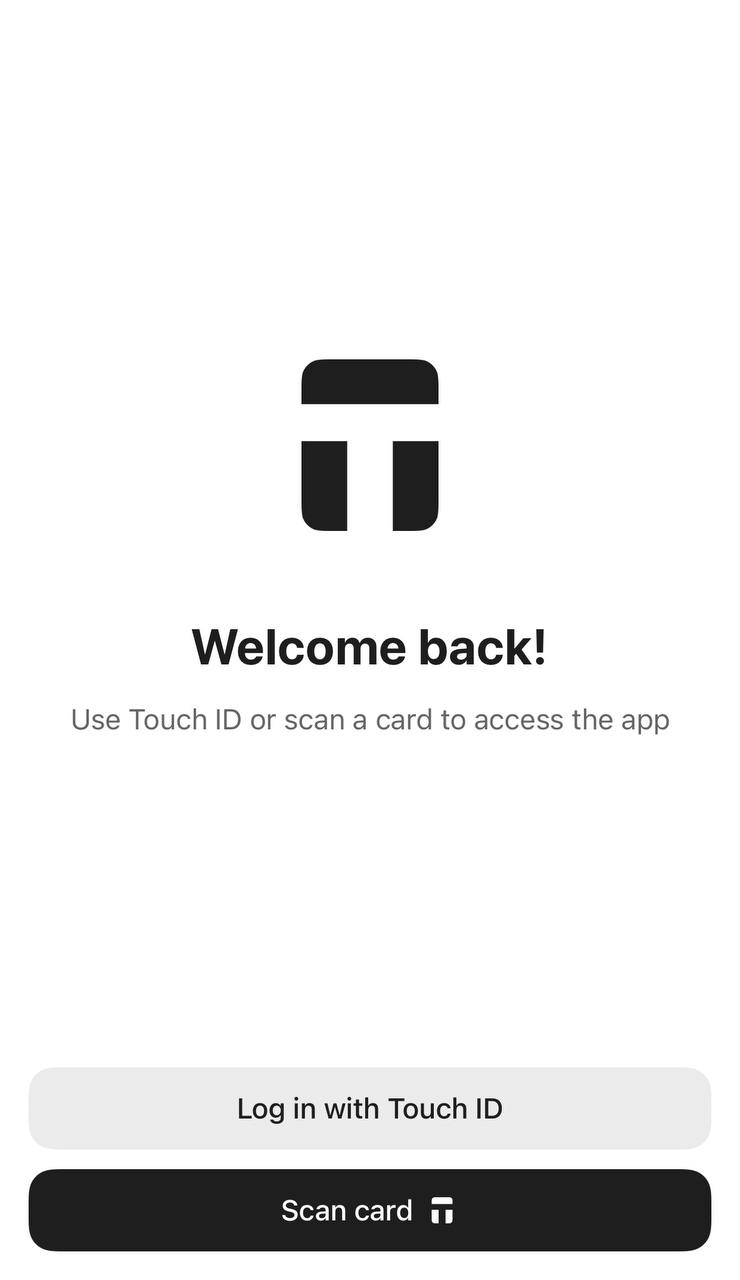
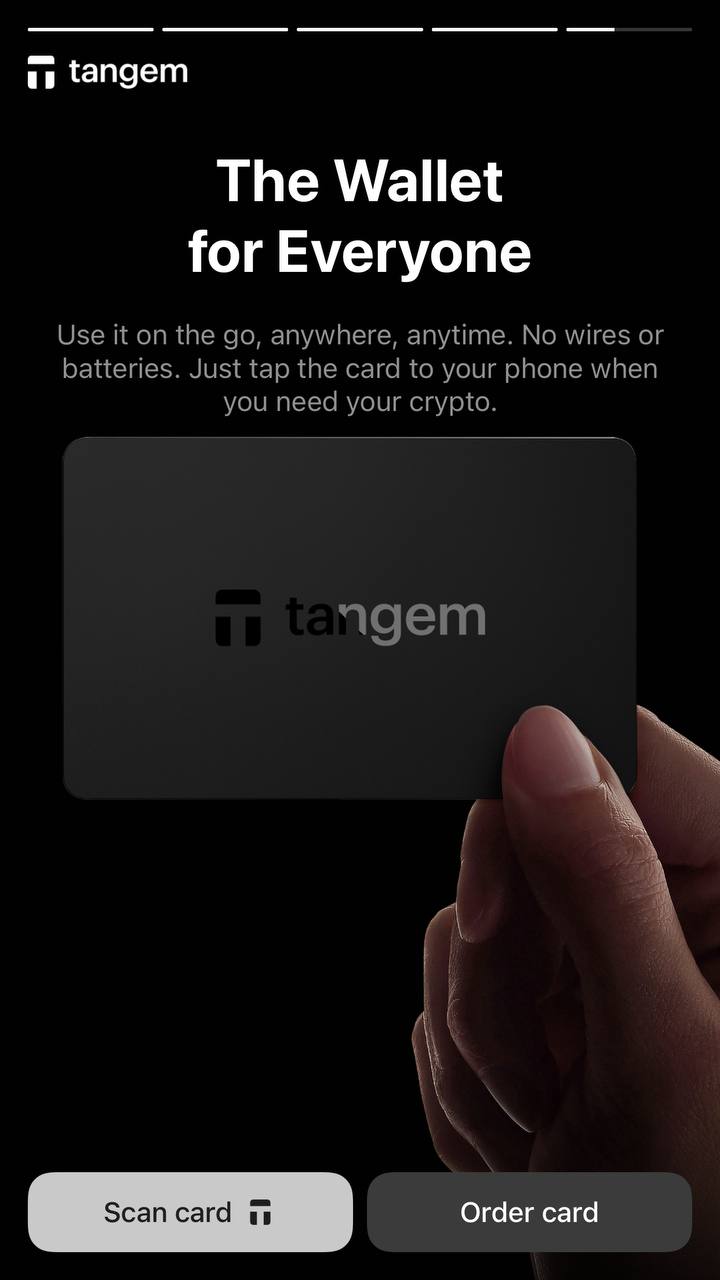
1. 打开 Tangem App,在设置或欢迎页面点击 Scan card

Reset Forgotten Access Code.jpg
Reset Forgotten Access Code 2.jpg


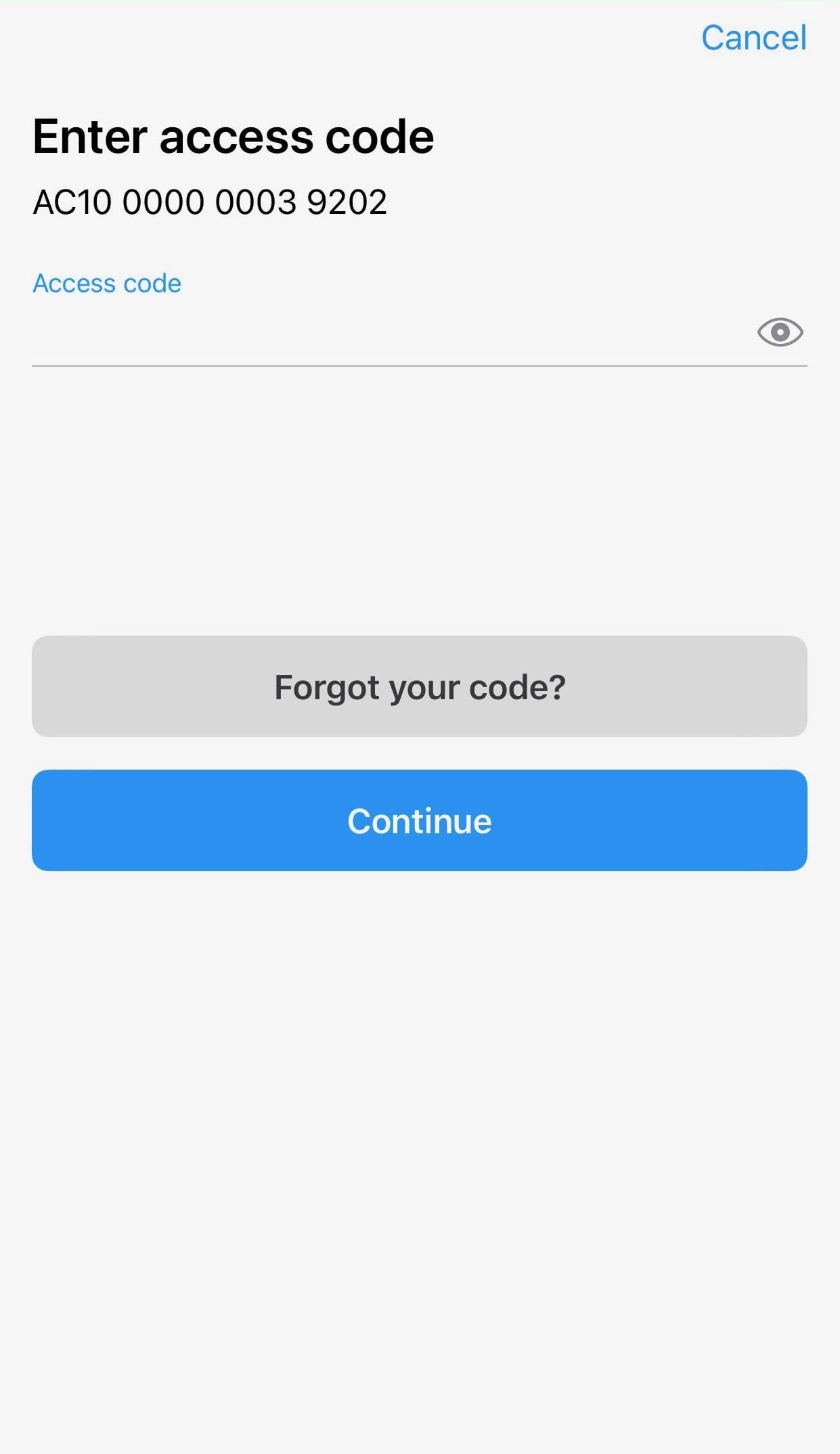
2. 点击 Forgot your code?

How to Reset Forgotten Access Code in Tangem Wallet1.jpeg

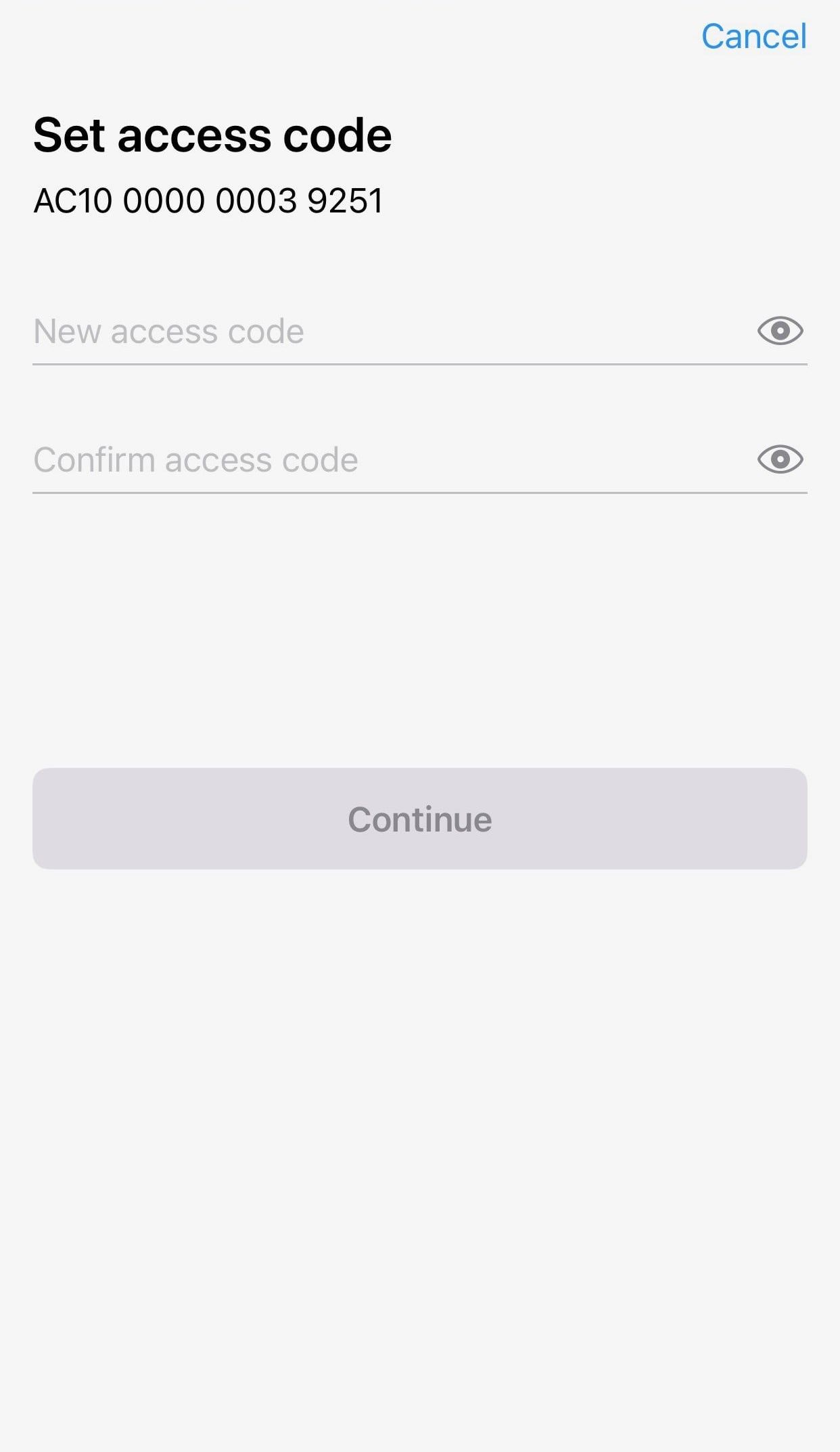
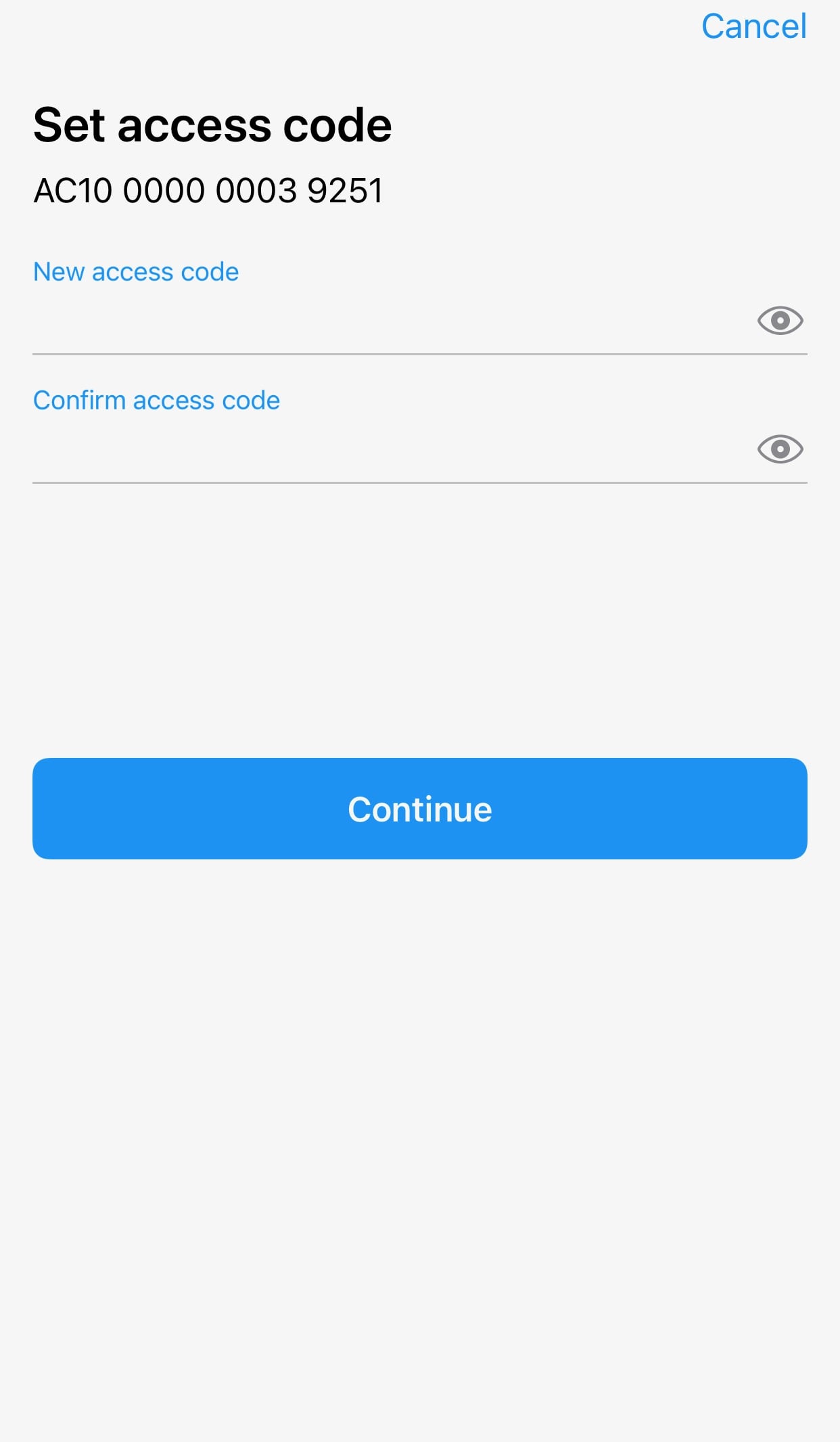
3. 输入新的访问码,并进行确认。

How to Reset Forgotten Access Code in Tangem Wallet6.jpeg

4. 点击 Continue

How to Reset Forgotten Access Code in Tangem Wallet7.jpeg

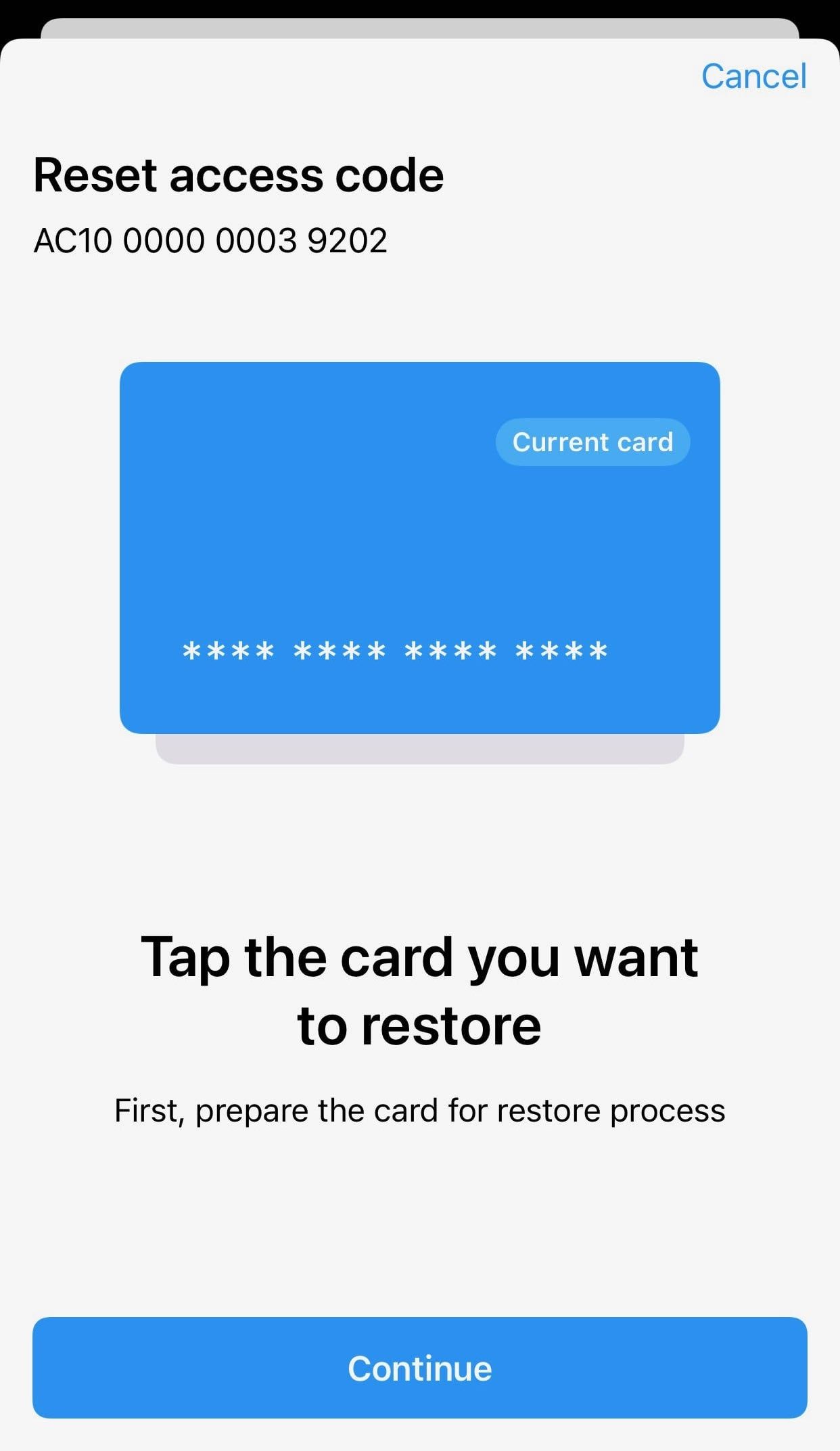
5. 选择需要重置访问码的卡片。等待 15 秒倒计时结束后,点击 Continue

Please ensure that the card number shown matches the card you're tapping. 

How to Reset Forgotten Access Code in Tangem Wallet2.jpeg


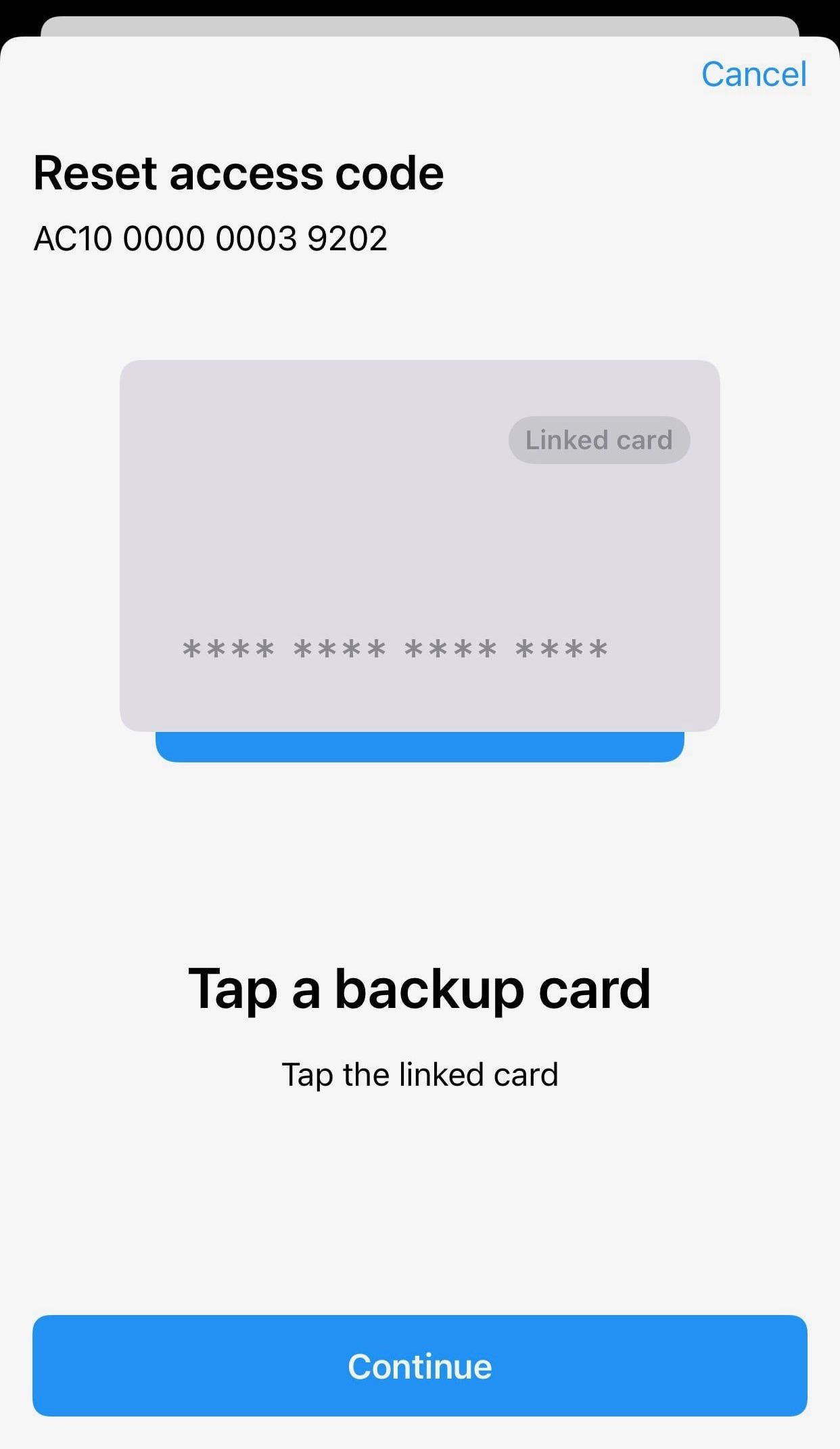
6. Tap a backup card from your Tangem Wallet set. Wait 15 seconds for the countdown to finish and then press Continue.

How to Reset Forgotten Access Code in Tangem Wallet3.jpeg


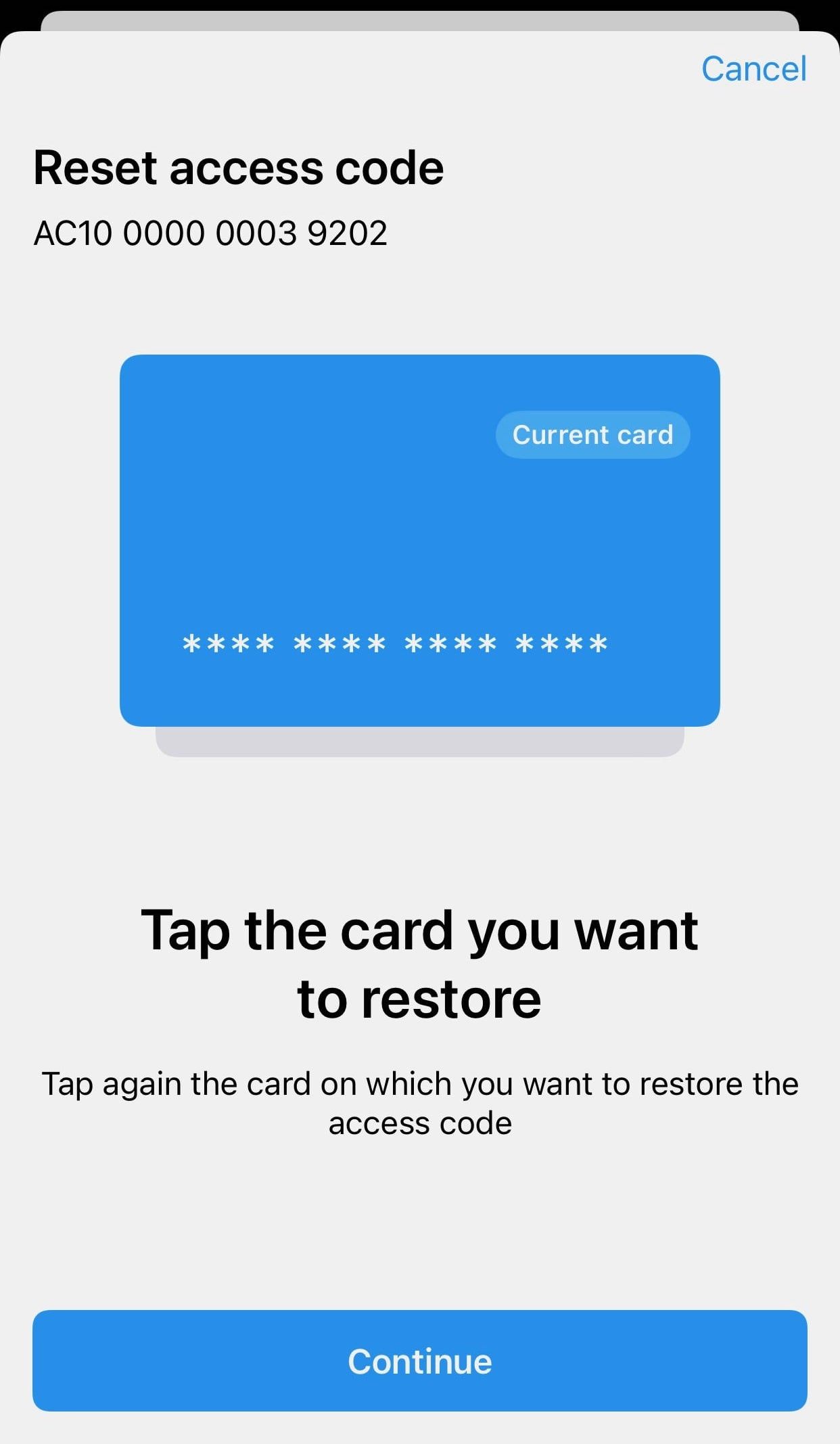
7. 再次贴卡进行恢复。


How to Reset Forgotten Access Code in Tangem Wallet4.jpeg


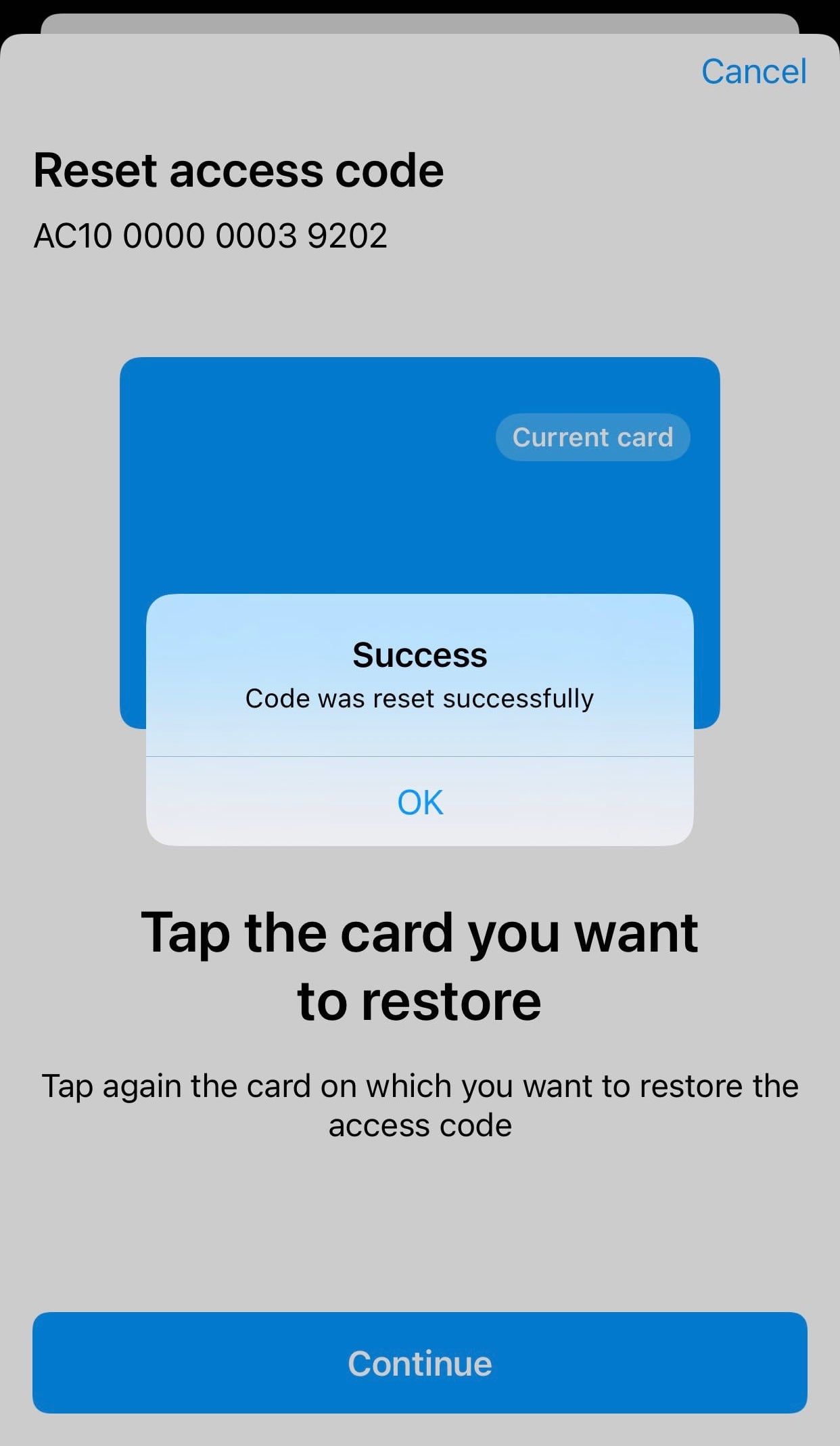
8. 点击 OK.

How to Reset Forgotten Access Code in Tangem Wallet5.jpeg


9. 再次扫描 Tangem 卡。此时访问码已重置成功,你可以用新设置的访问码进入钱包。
 

  If you want to reset the access code for the whole wallet (all your cards and rings), you must perform the procedure for each card

Author logo
作者 Patrick Dike-Ndulue

Senior editor covering crypto, onchain equities, and technology.

Author logo
經審核 Patrick Dike-Ndulue

Senior editor covering crypto, onchain equities, and technology.