How to Reset Forgotten Access Code in Tangem Wallet
This article is available in the following languages:
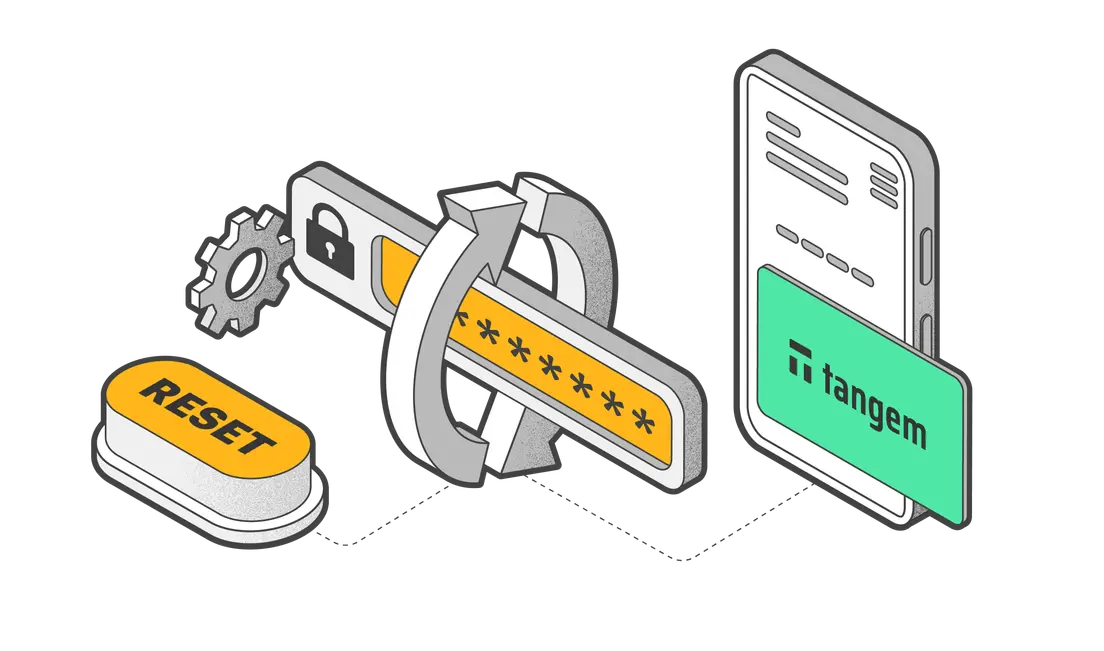
If you have forgotten the access code for one or all of your Tangem cards, you can easily reset it in the Tangem app.
When resetting an access code, you must have another backup card to confirm the code reset. Therefore, you'll require two cards to reset your access code— the card whose access code you want to change and an additional card from your backup set for confirmation.
To change an access code in Tangem Wallet, read this guide.
The new Tangem Wallet allows you to disable access code reset with a backup card. Here's a quick guide on turning off access code recovery.
Here's how to reset a forgotten access code:
1. Open the the Tangem app and tap Scan card on the Setup or Welcome page.
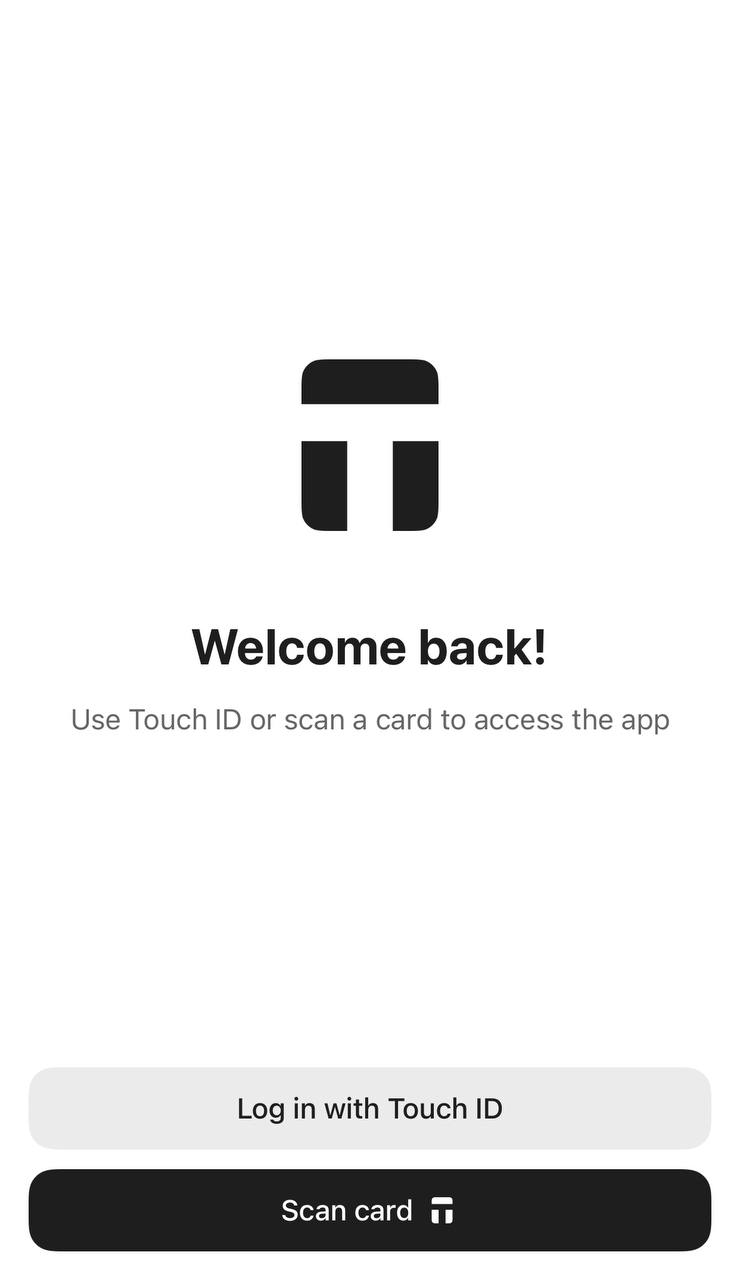
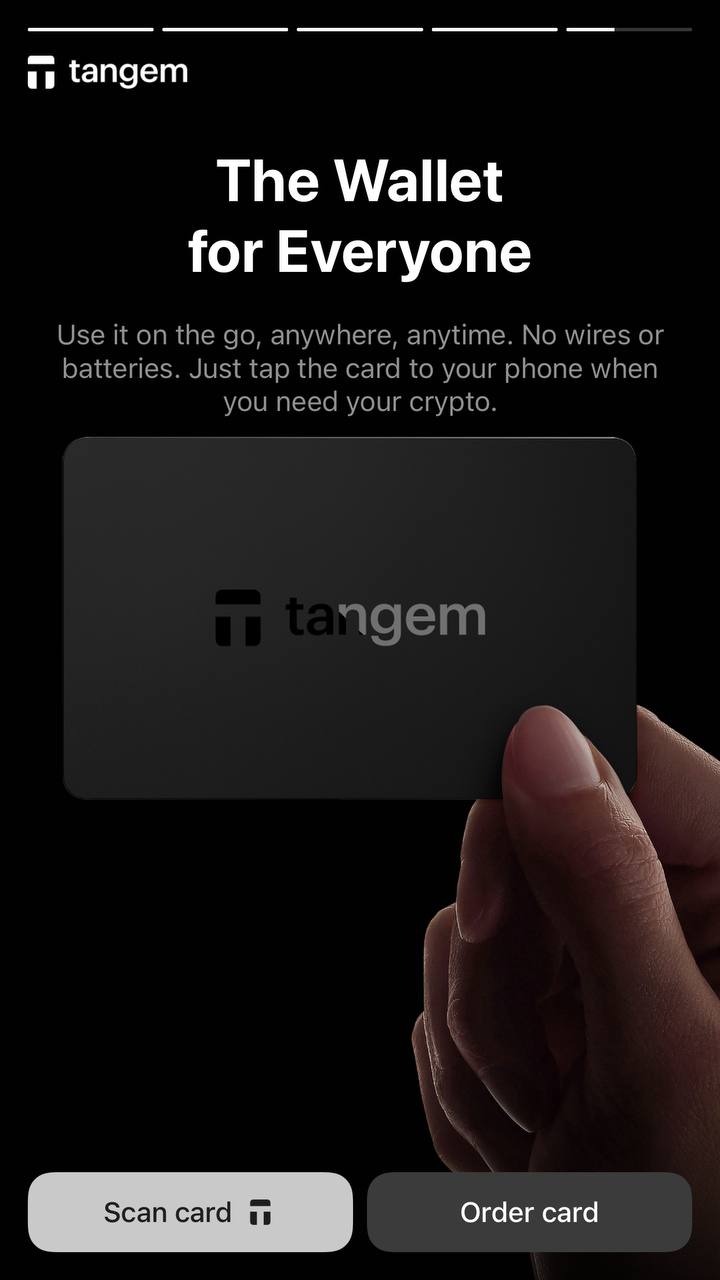
2. Click Forgot your code?.
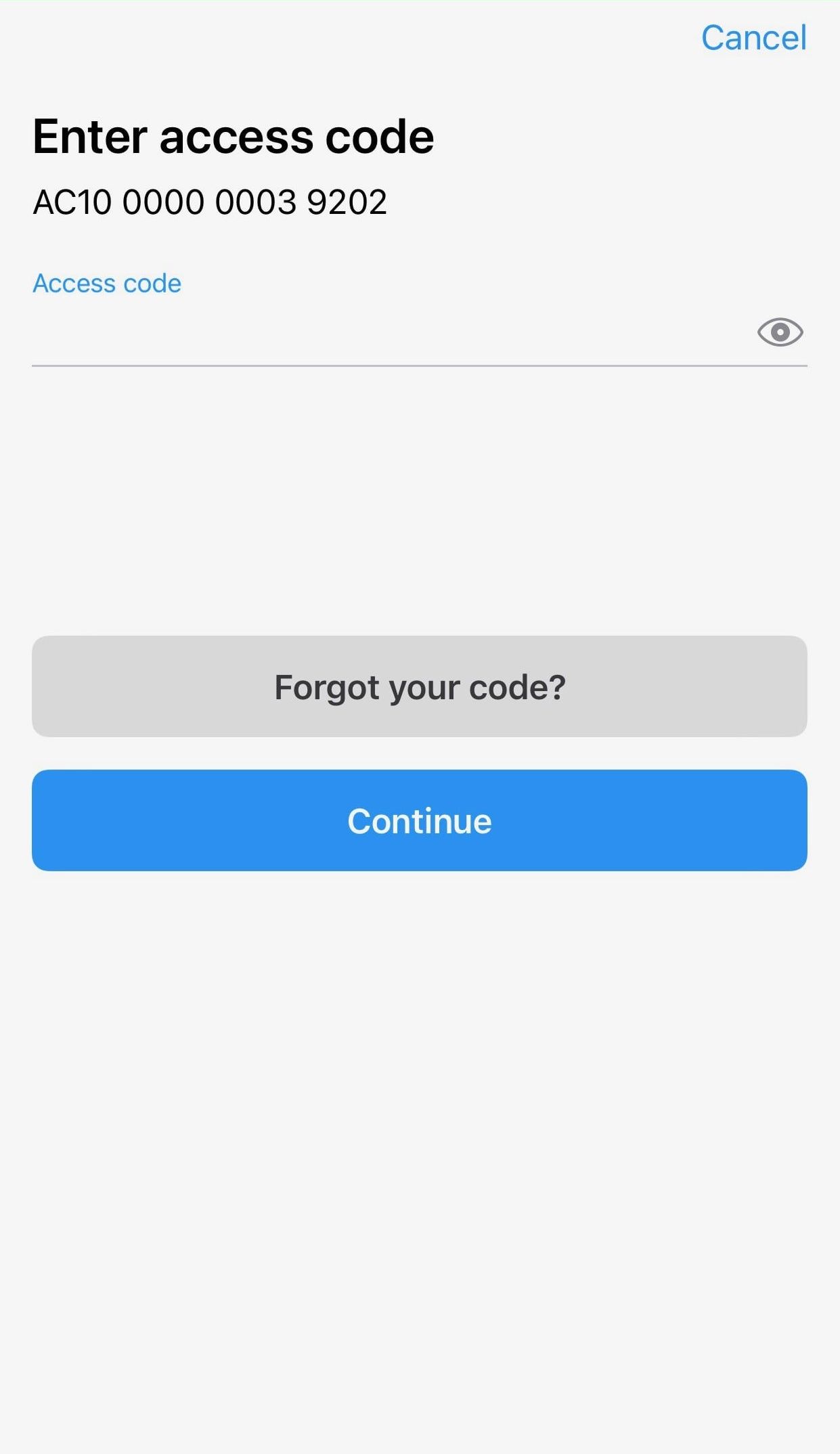
3. Enter a new access code and confirm the access code.
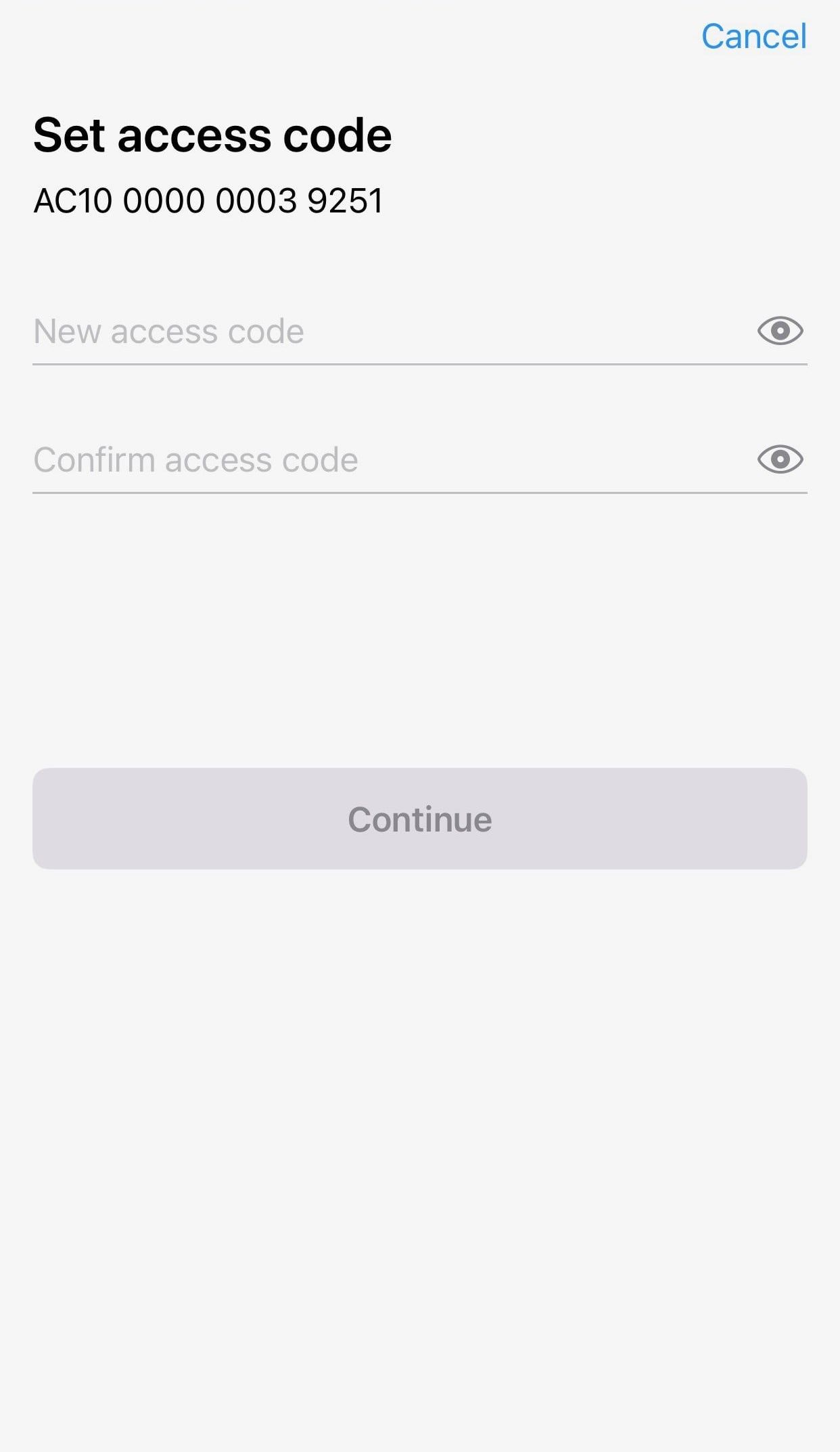
4. Press Continue
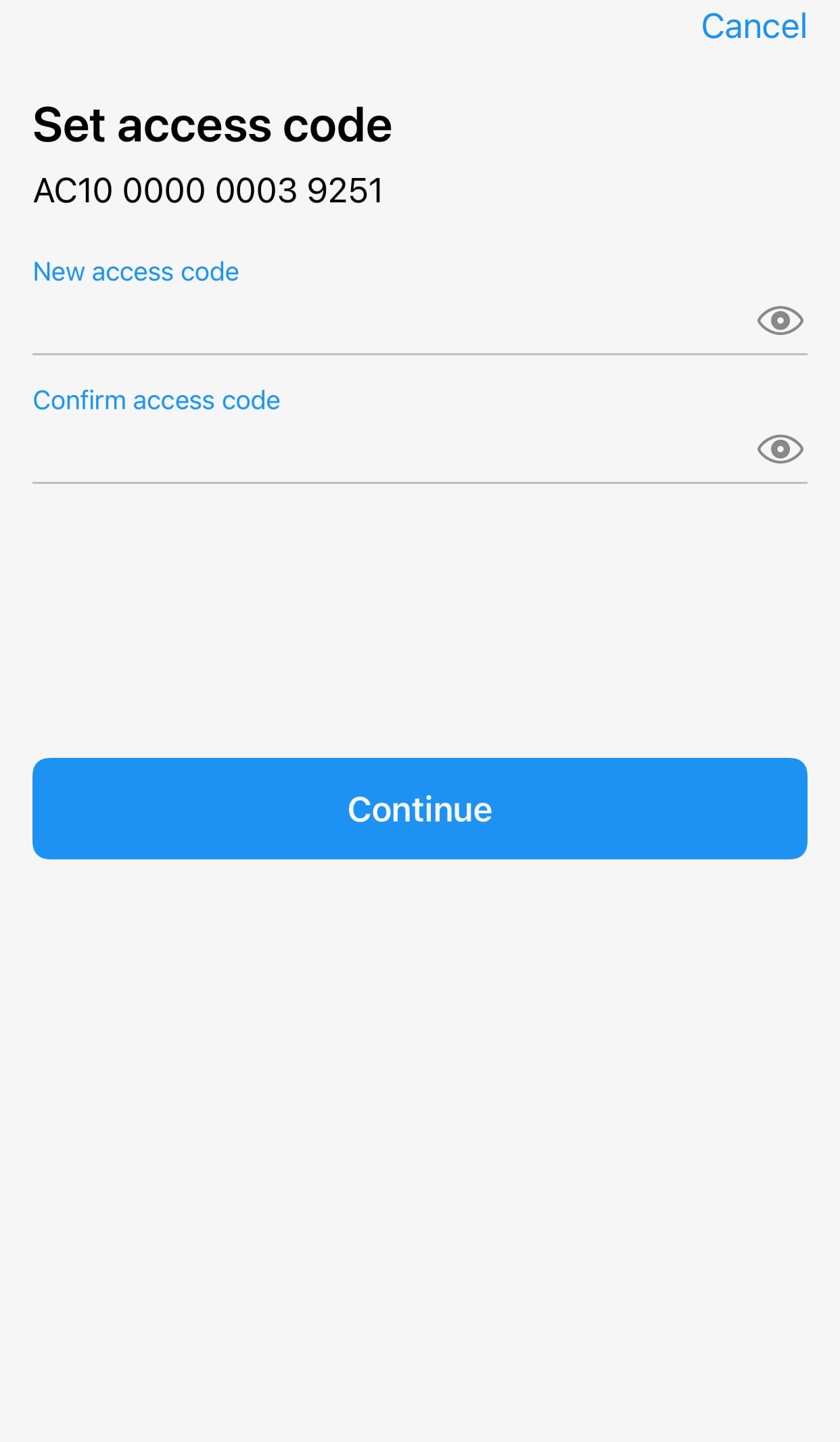
5. Tap the card you want to reset the access code for. Wait 15 seconds for the countdown to finish and then press Continue.
Please ensure that the card number shown matches the card you're tapping.
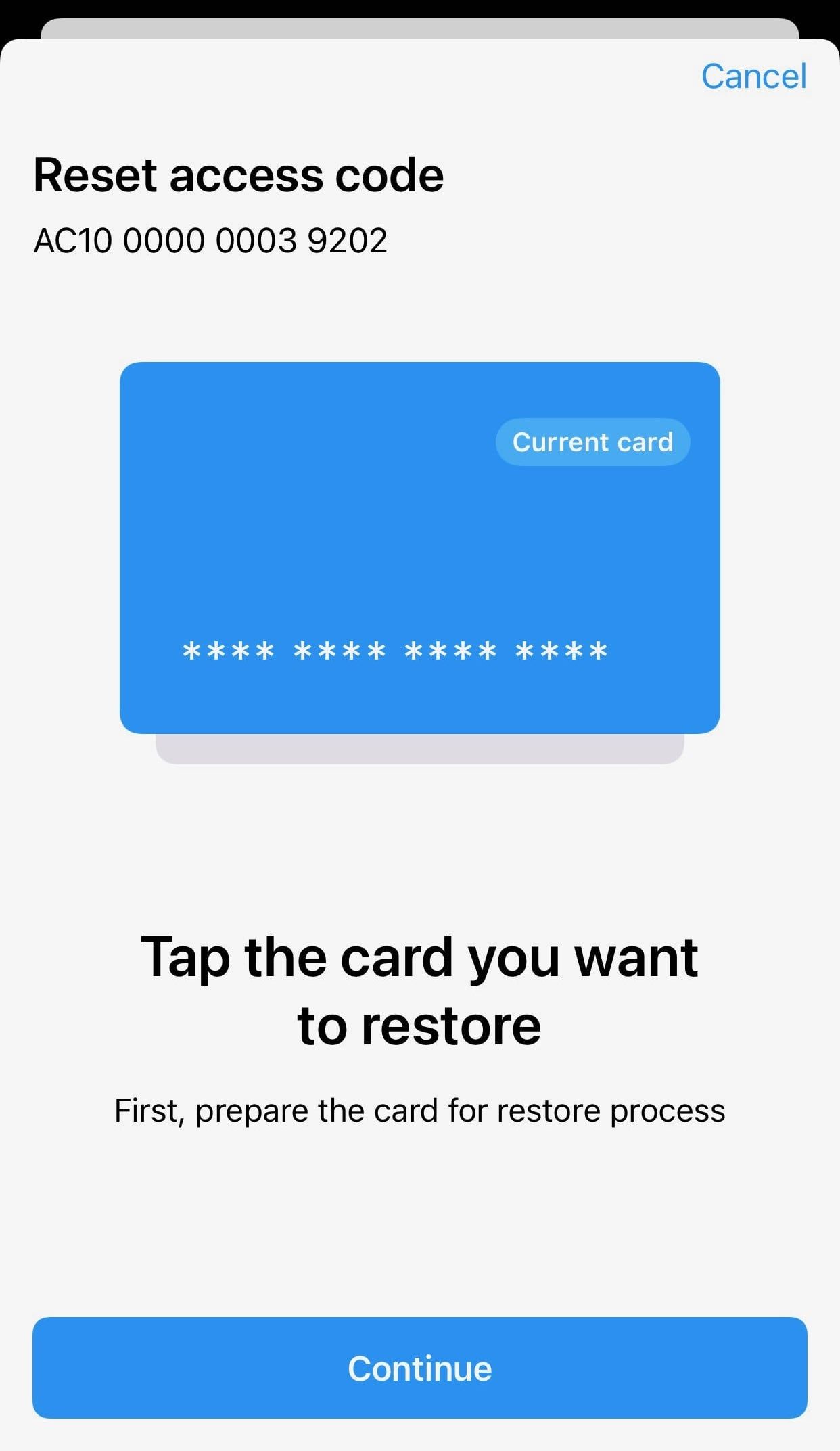
6. Tap a backup card from your Tangem Wallet set. Wait 15 seconds for the countdown to finish and then press Continue.
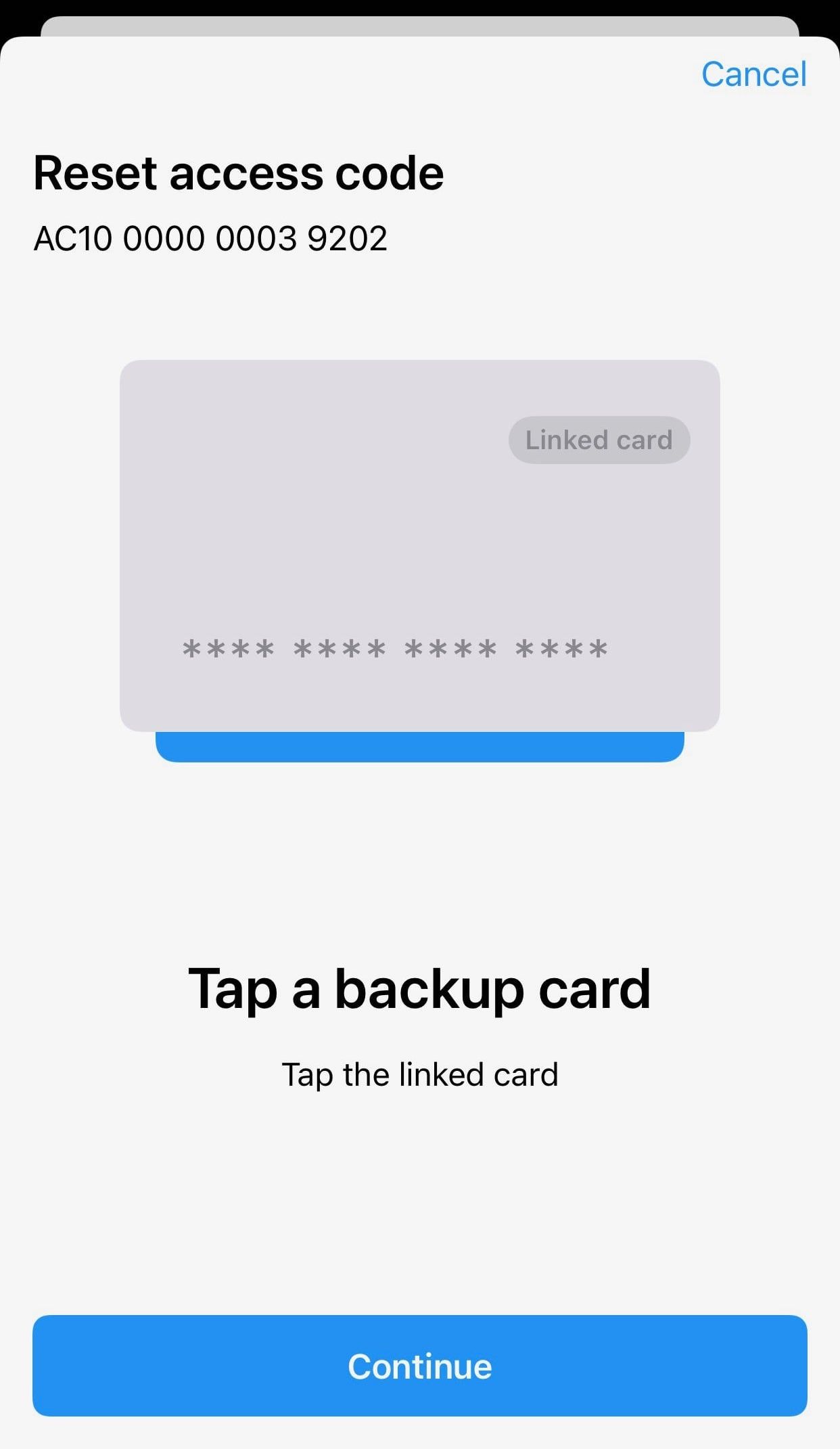
7. Tap the card you are restoring once again.
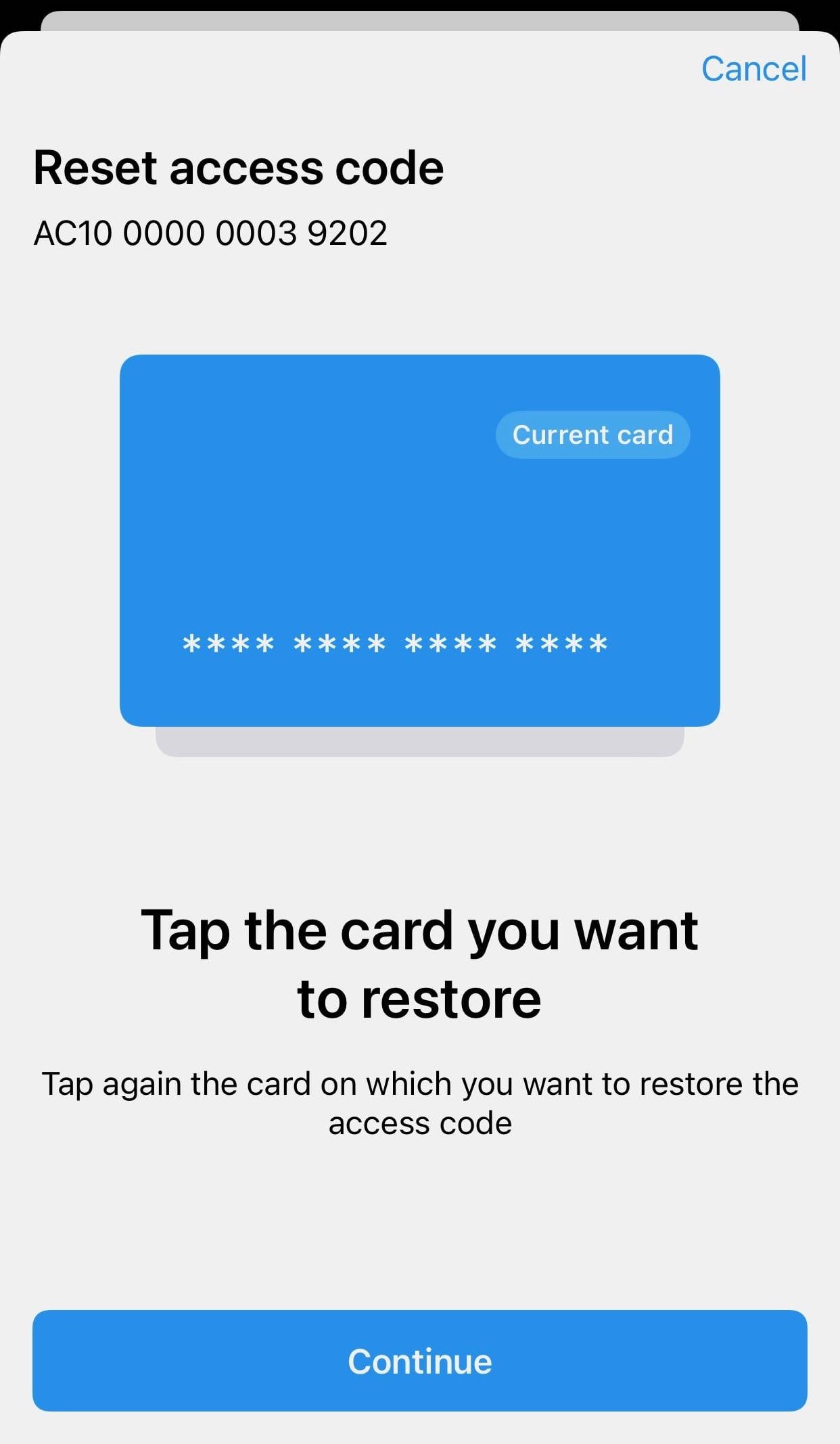
8. Click OK.
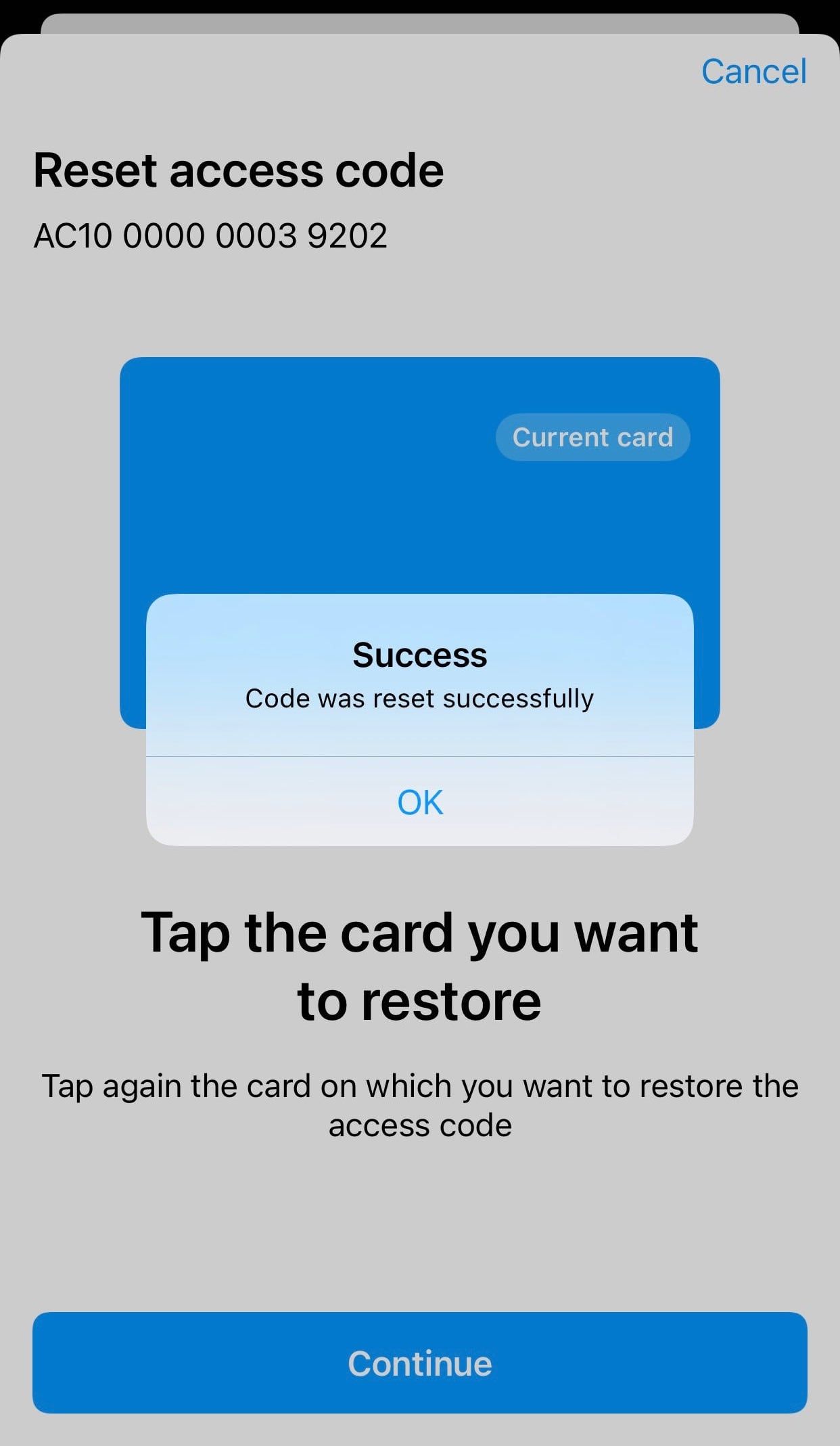
7. Scan your Tangem once more. Your forgotten access code has been successfully reset, and you can now use the new access code you’ve created to access the wallet.
If you want to reset the access code for the whole wallet (all your cards and rings), you must perform the procedure for each card.
Access code reset FAQ
-
Open the Tangem app, tap Scan card, and choose Forgot your code. Enter and confirm a new access code, tap the card you are resetting, wait for the 15-second countdown, then tap a backup card from your set to confirm, and finally tap the first card again. The new code is active immediately.
-
Confirmation with a backup card ensures that someone who steals a single card cannot reset its access code. You need the card whose code you forgot plus one more card from the same wallet set.
-
Yes. The current Tangem Wallet lets you turn off access code recovery entirely for maximum security. With recovery disabled, a forgotten code cannot be reset, so only choose this if you are confident you will remember it.
-
No. If you want to reset the access code for all your cards and rings, you must perform the procedure for each device individually.