 시드리스로 전환하고 SWITCH30으로 30% 할인. 10월 19일까지



Tangem Wallet에서 잊어버린 액세스 코드 재설정 방법
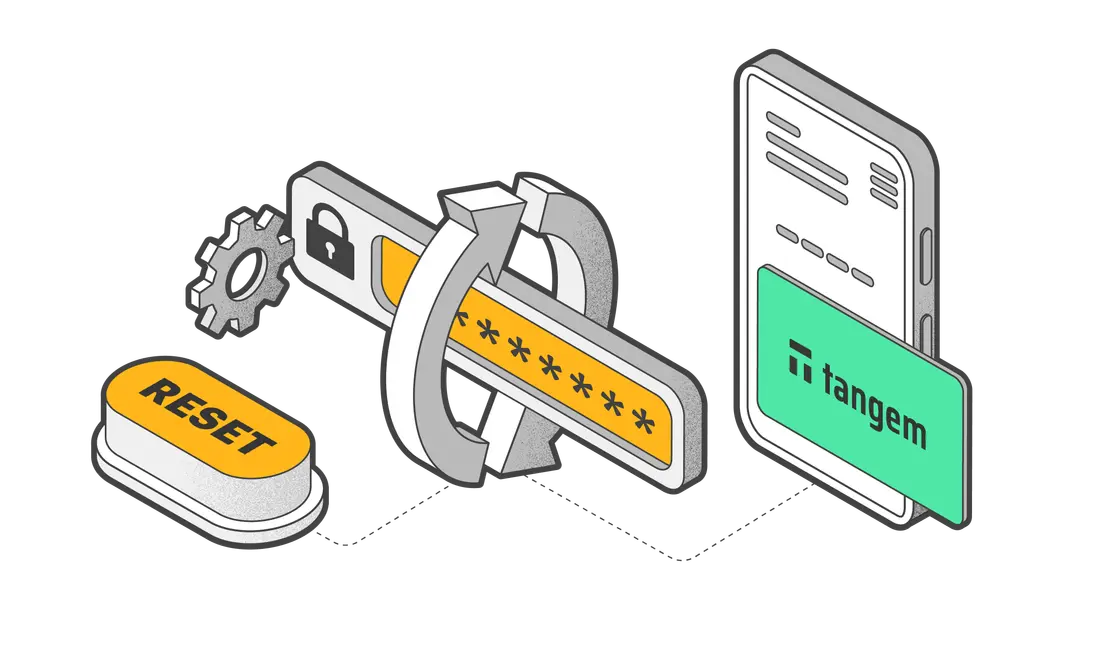
Tangem 카드의 액세스 코드를 잊어버렸거나, 하나 또는 모든 카드의 코드를 변경하고 싶을 때 Tangem 앱에서 쉽게 재설정할 수 있어요.
When resetting an access code, you must have another backup card to confirm the code reset. Therefore, you'll require two cards to reset your access code— the card whose access code you want to change and an additional card from your backup set for confirmation.
액세스 코드를 변경하는 방법은 Tangem Wallet의 이 가이드를 참고해 주세요.
새로운 Tangem Wallet에서는 백업 카드로 액세스 코드 재설정 기능을 비활성화할 수 있어요. 액세스 코드 복구 해제 가이드도 참고해 주세요.
Here's how to reset a forgotten access code:
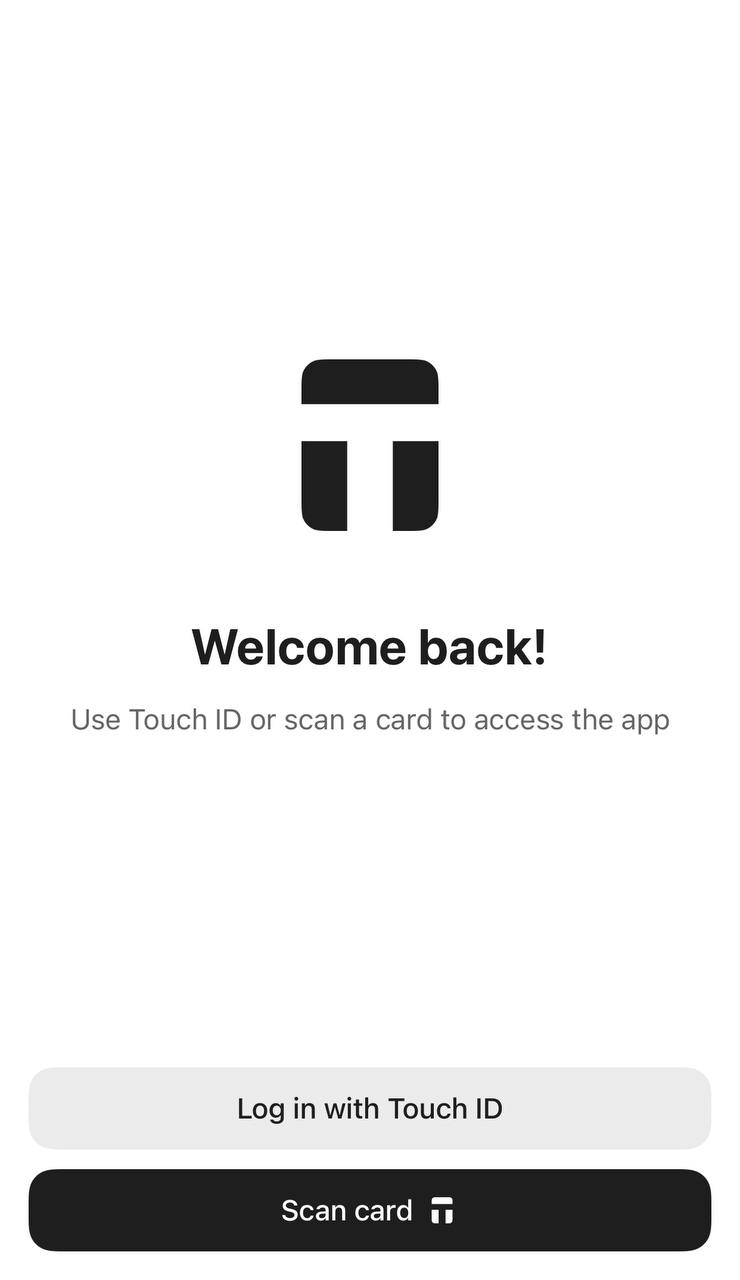
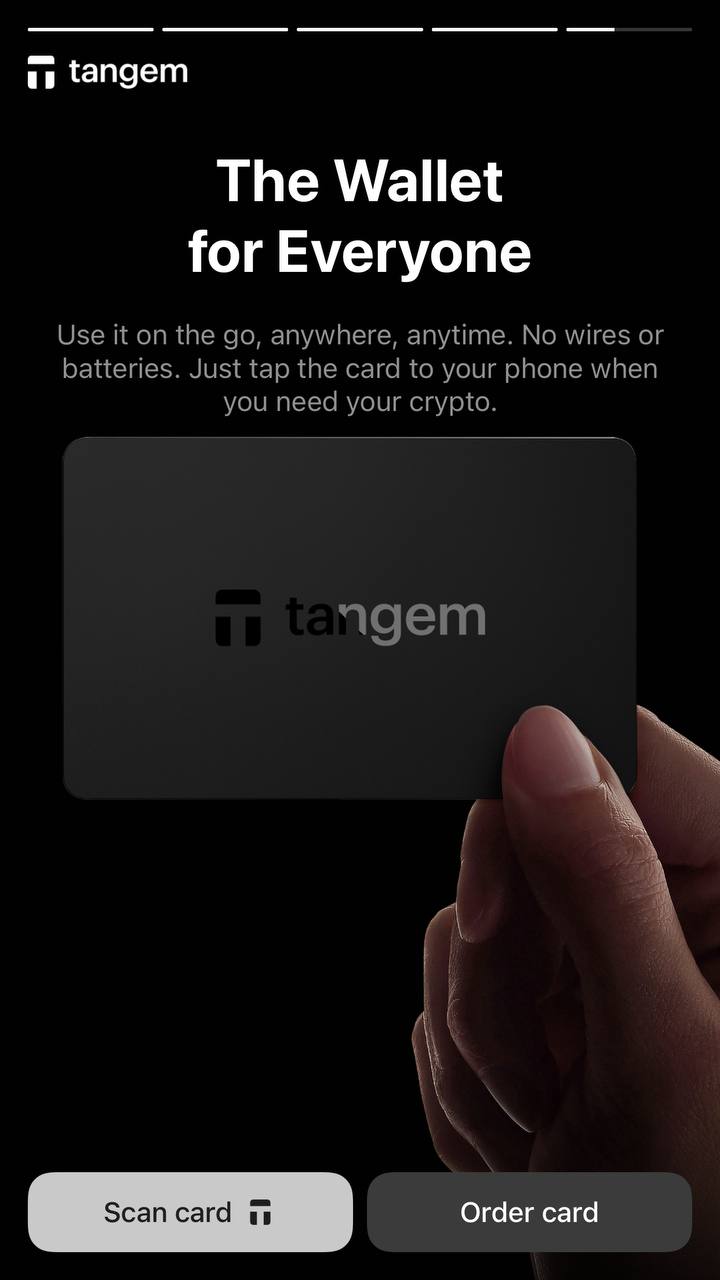
1. Tangem 앱을 열고 시작 또는 환영 화면에서 Scan card 를 눌러주세요.
2. Forgot your code?를 선택하세요.
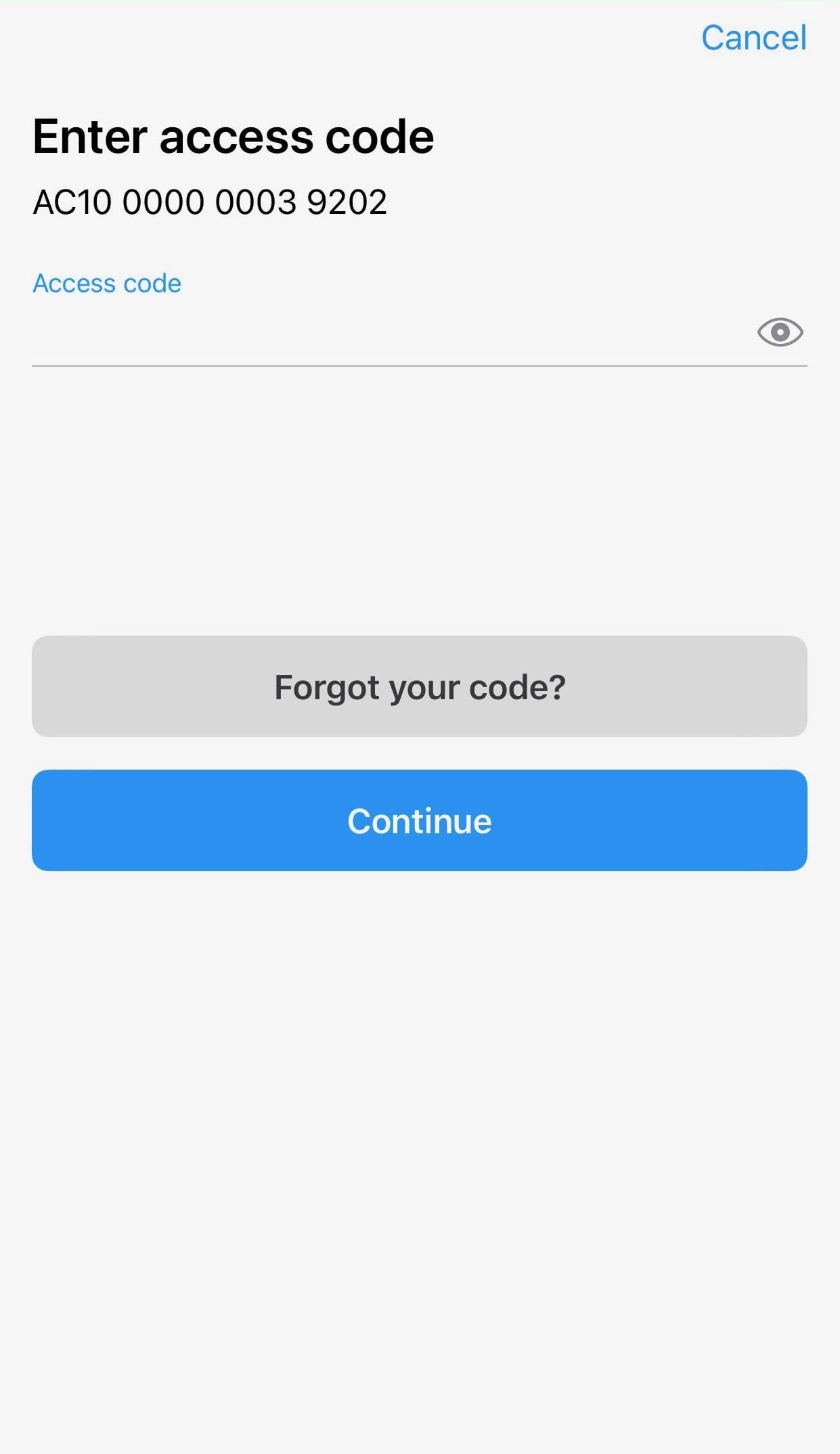
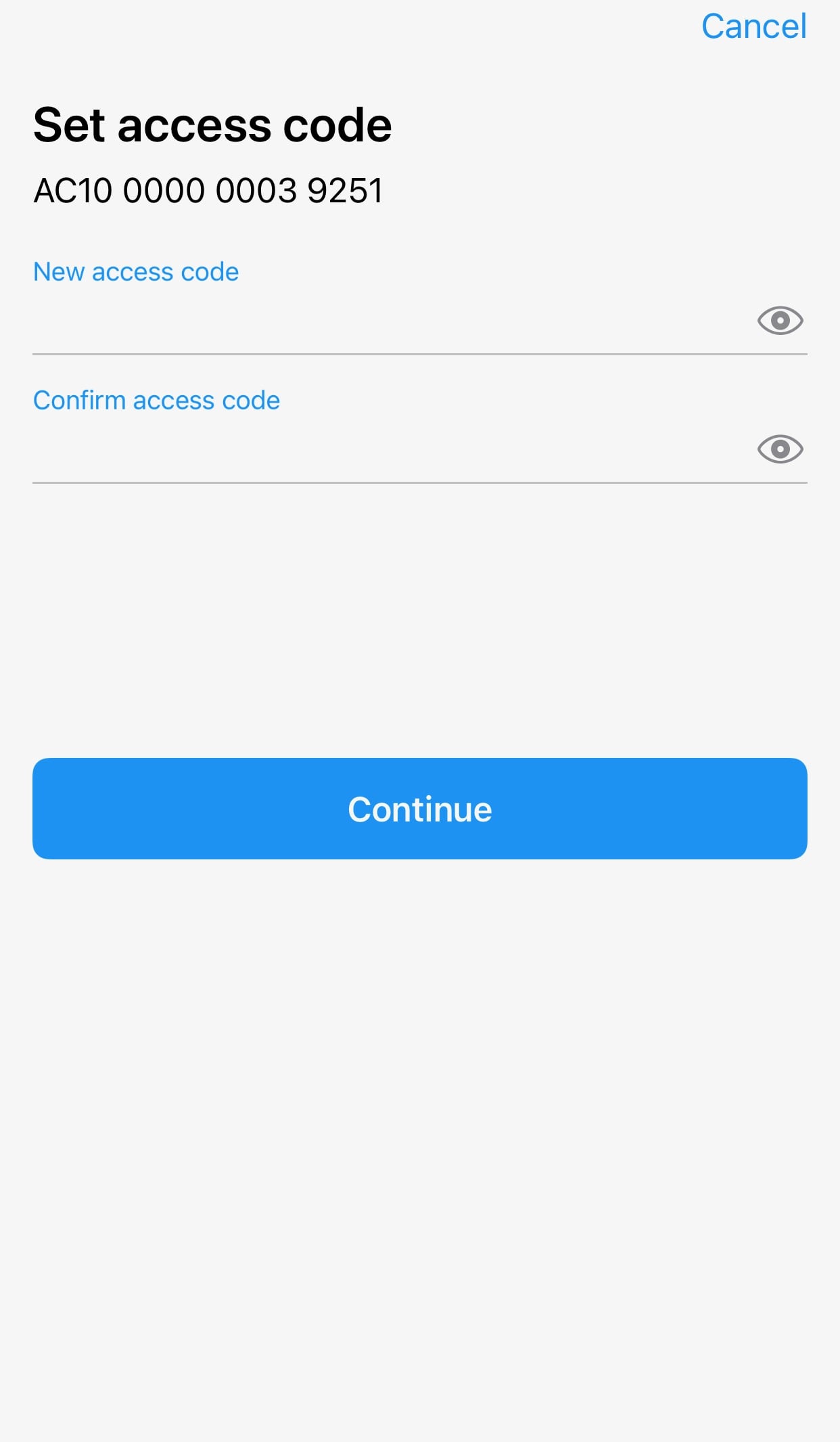
3. 새로운 액세스 코드를 입력하고 한 번 더 확인해 주세요.
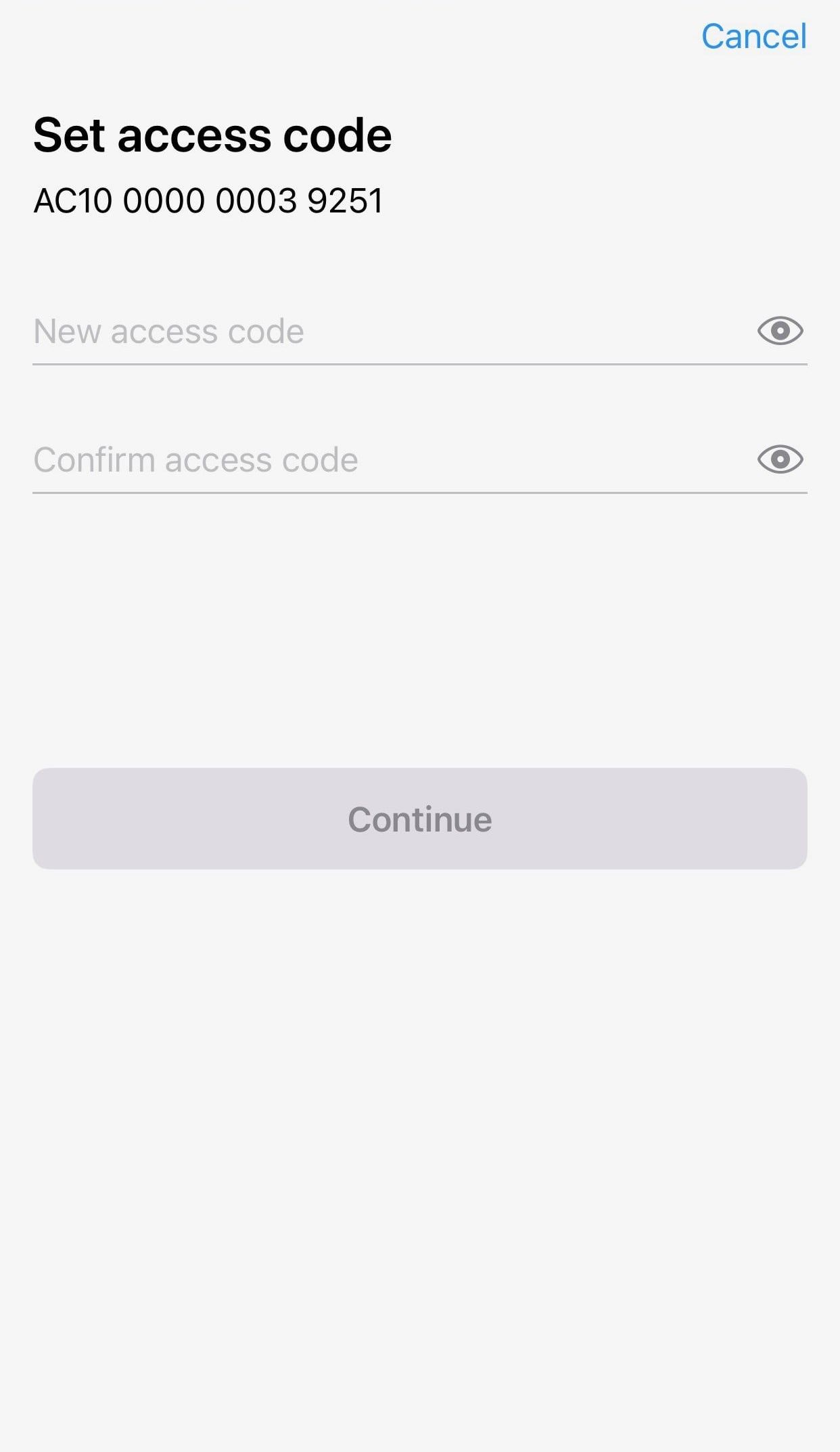
4. Continue를 눌러주세요.
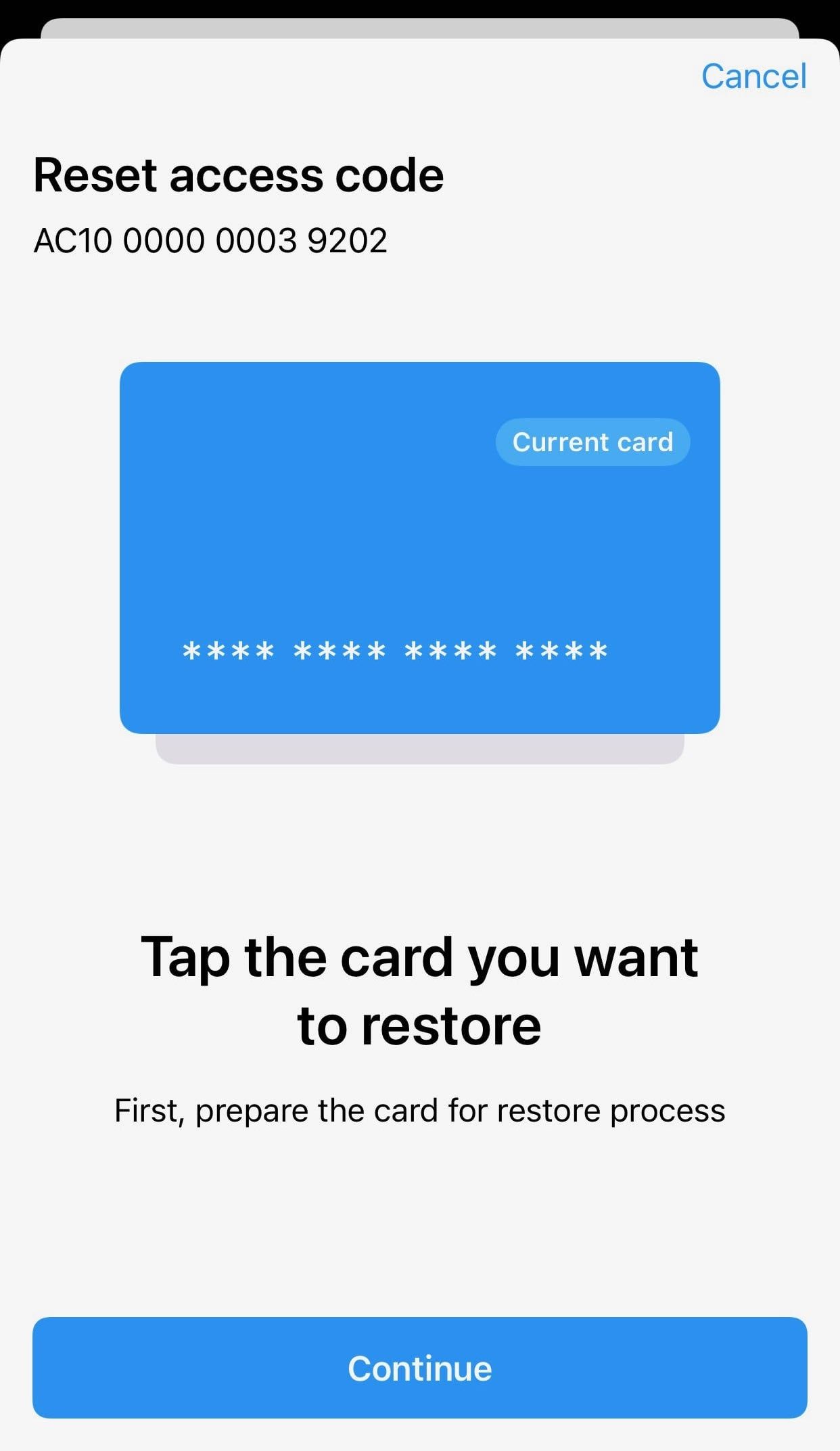
5. 액세스 코드를 재설정할 카드를 태그하세요. 15초 카운트다운이 끝나면 Continue를 다시 눌러주세요.
Please ensure that the card number shown matches the card you're tapping.
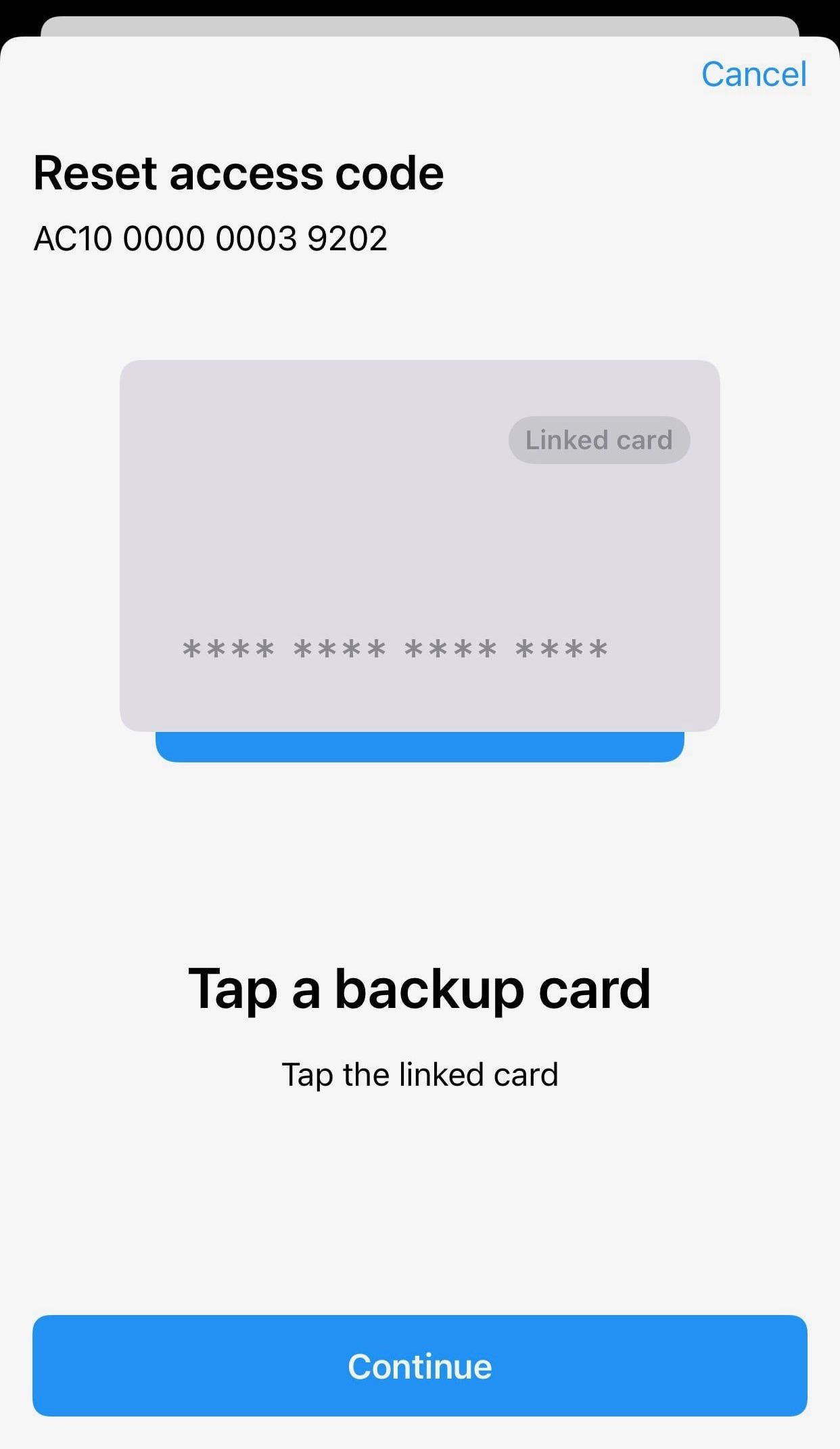
6. Tangem Wallet 세트에서 백업 카드를 태그하세요. 15초 카운트다운이 끝나면 Continue를 눌러주세요.
7. 복구 중인 카드를 다시 한 번 태그하세요.
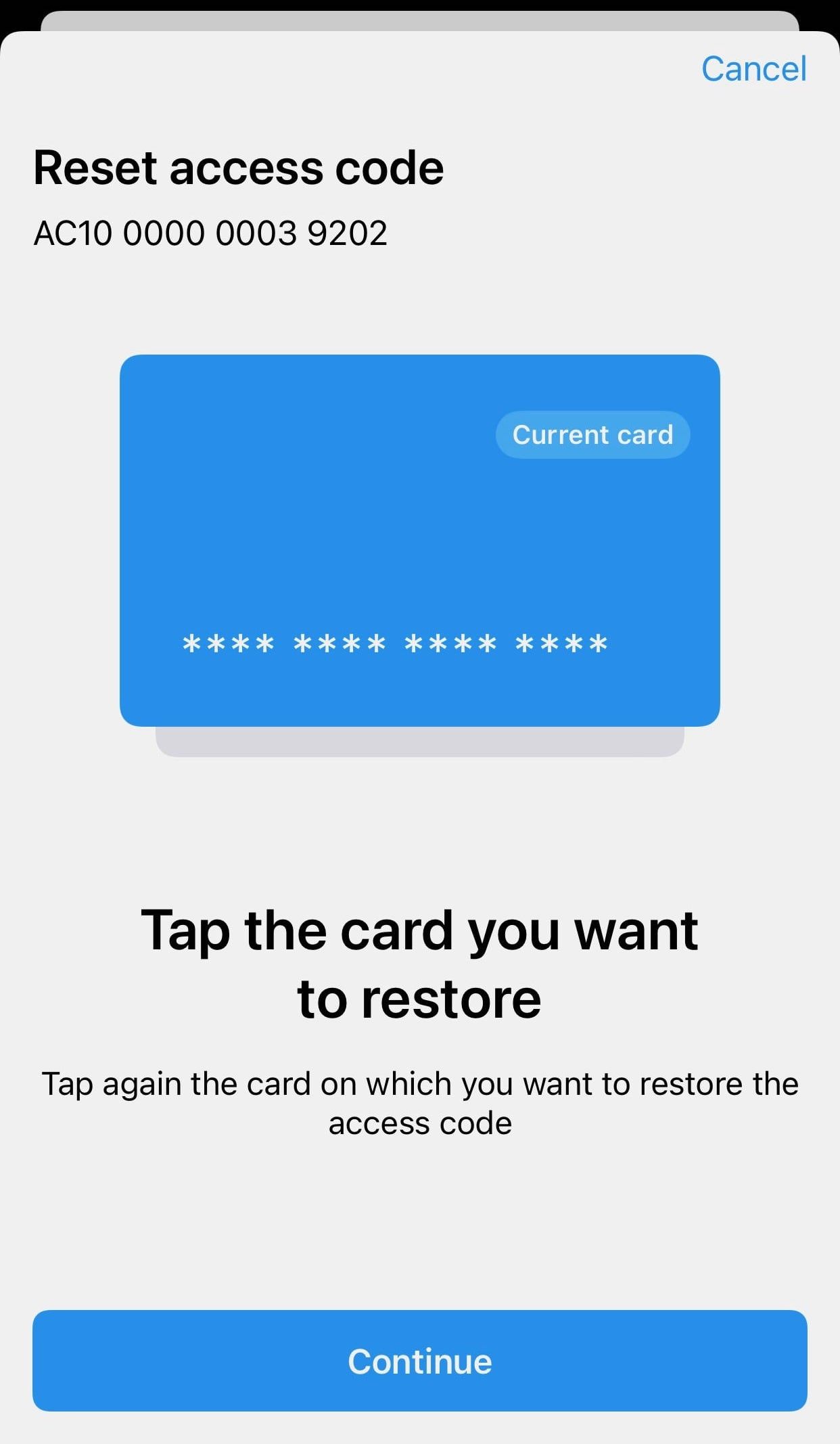
8. OK.를 클릭하세요.
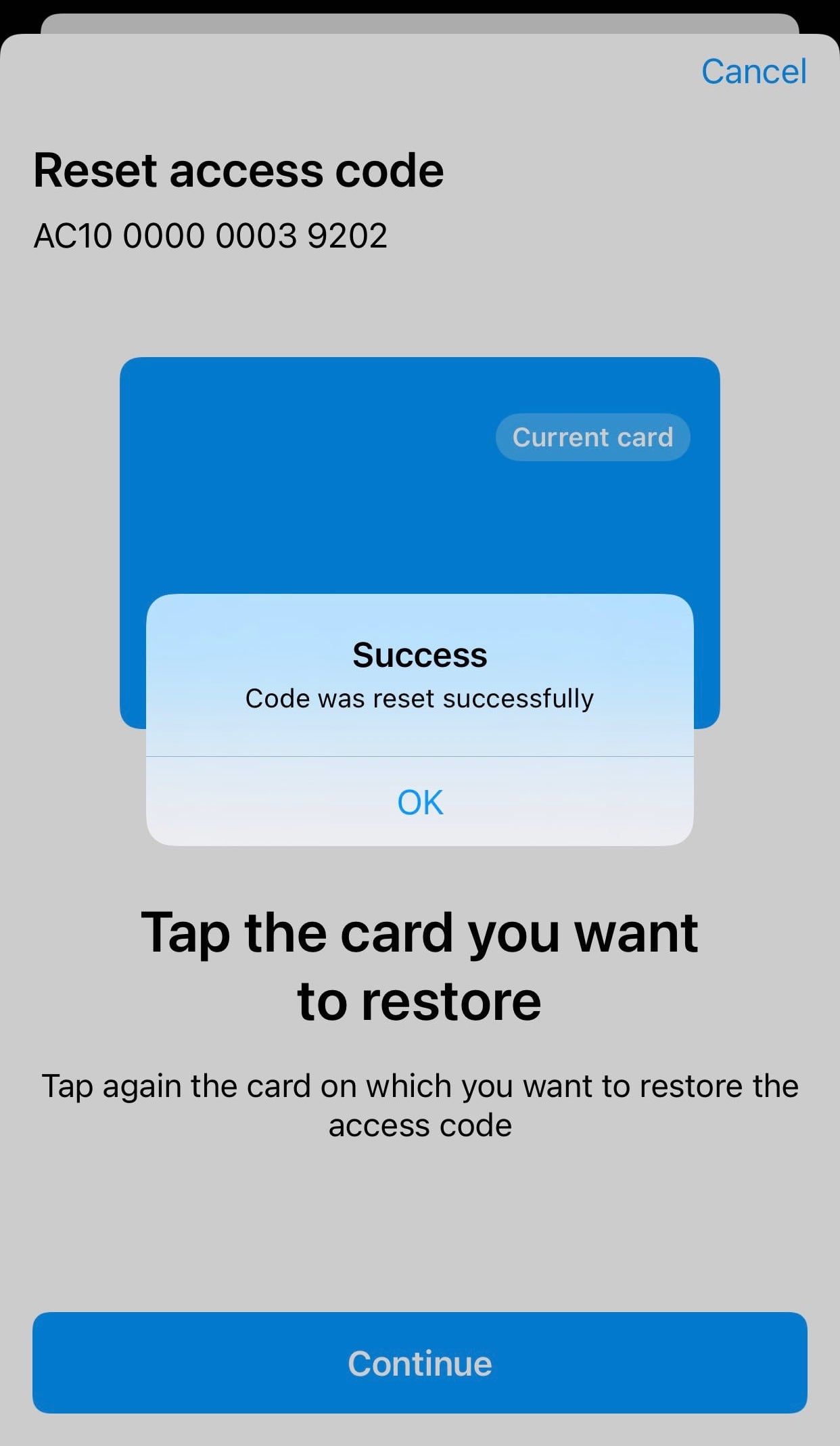
9. Tangem을 한 번 더 스캔하세요. 이제 잊어버린 액세스 코드가 성공적으로 재설정되어, 새로 만든 액세스 코드로 지갑을 사용할 수 있어요.
If you want to reset the access code for the whole wallet (all your cards and rings), you must perform the procedure for each card

이것들을 놓치지 마세요 





다른 기사들

