


 Switch to seedless. Get 30% off with SWITCH30 till Nov 02
How to Sell Cryptocurrency
You can sell cryptocurrency directly in the Tangem app using an integrated off-ramp provider such as MoonPay.
Step-by-step guide
Open the Tangem app and tap Transfer on the main screen.
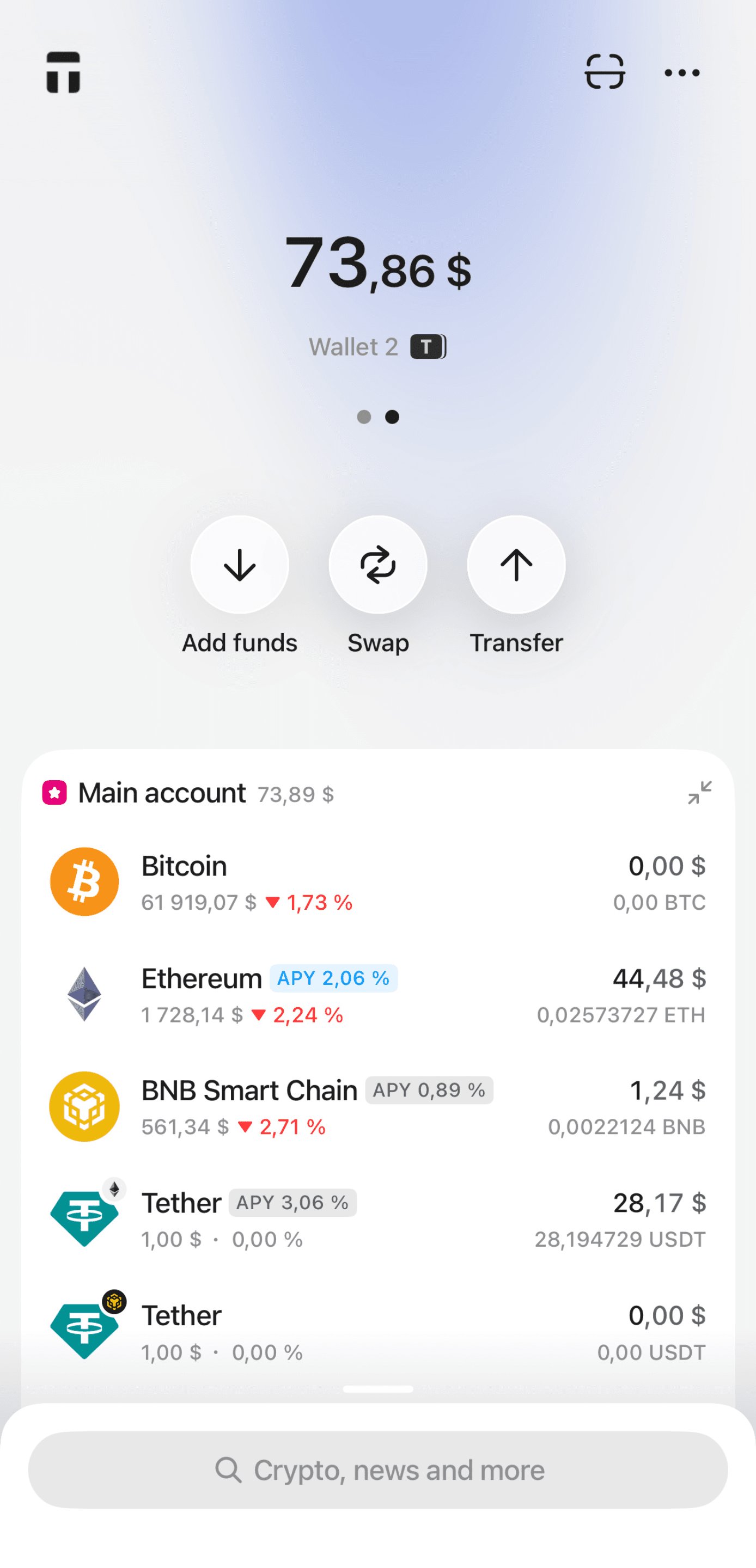
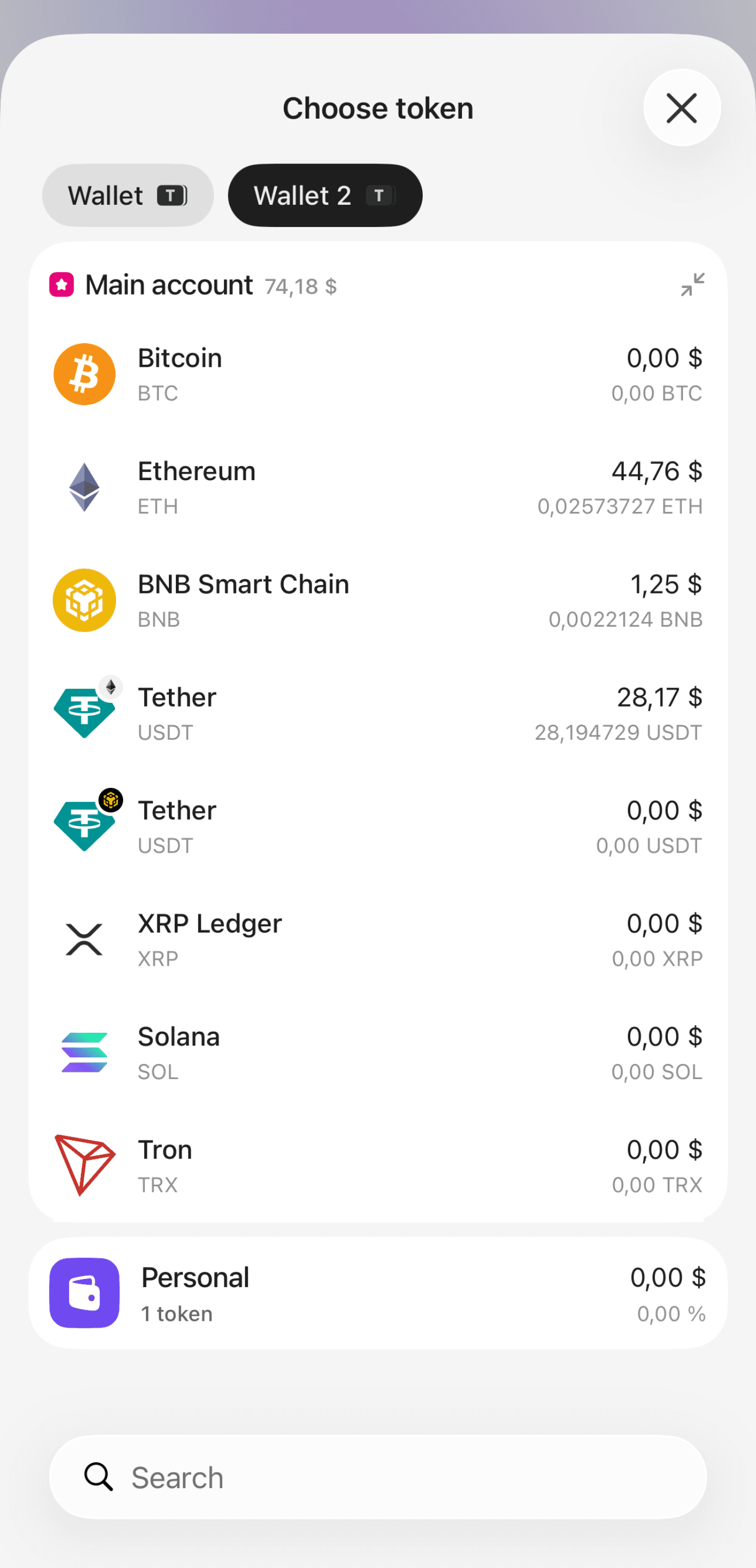
Select the cryptocurrency you want to sell.
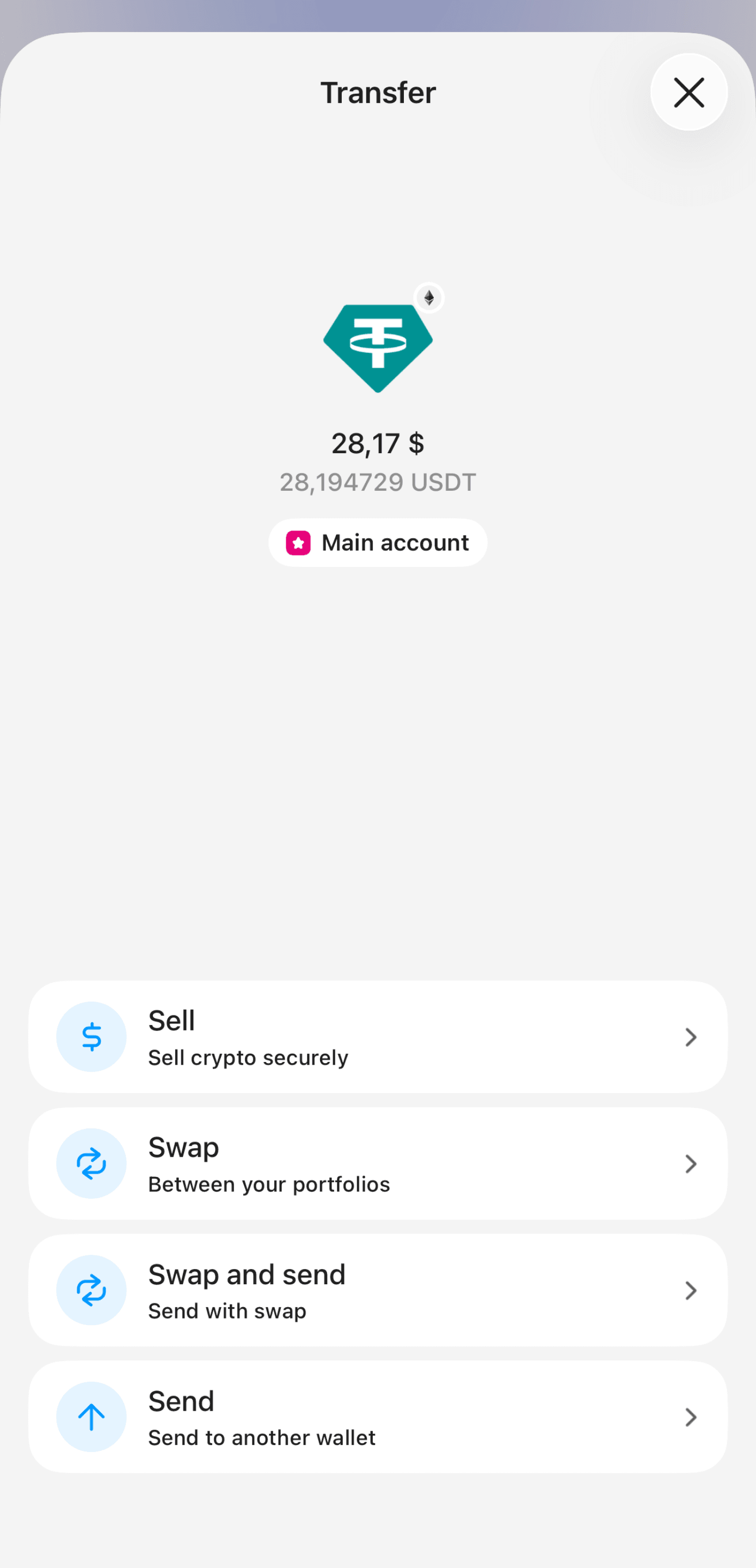
Tap Sell.
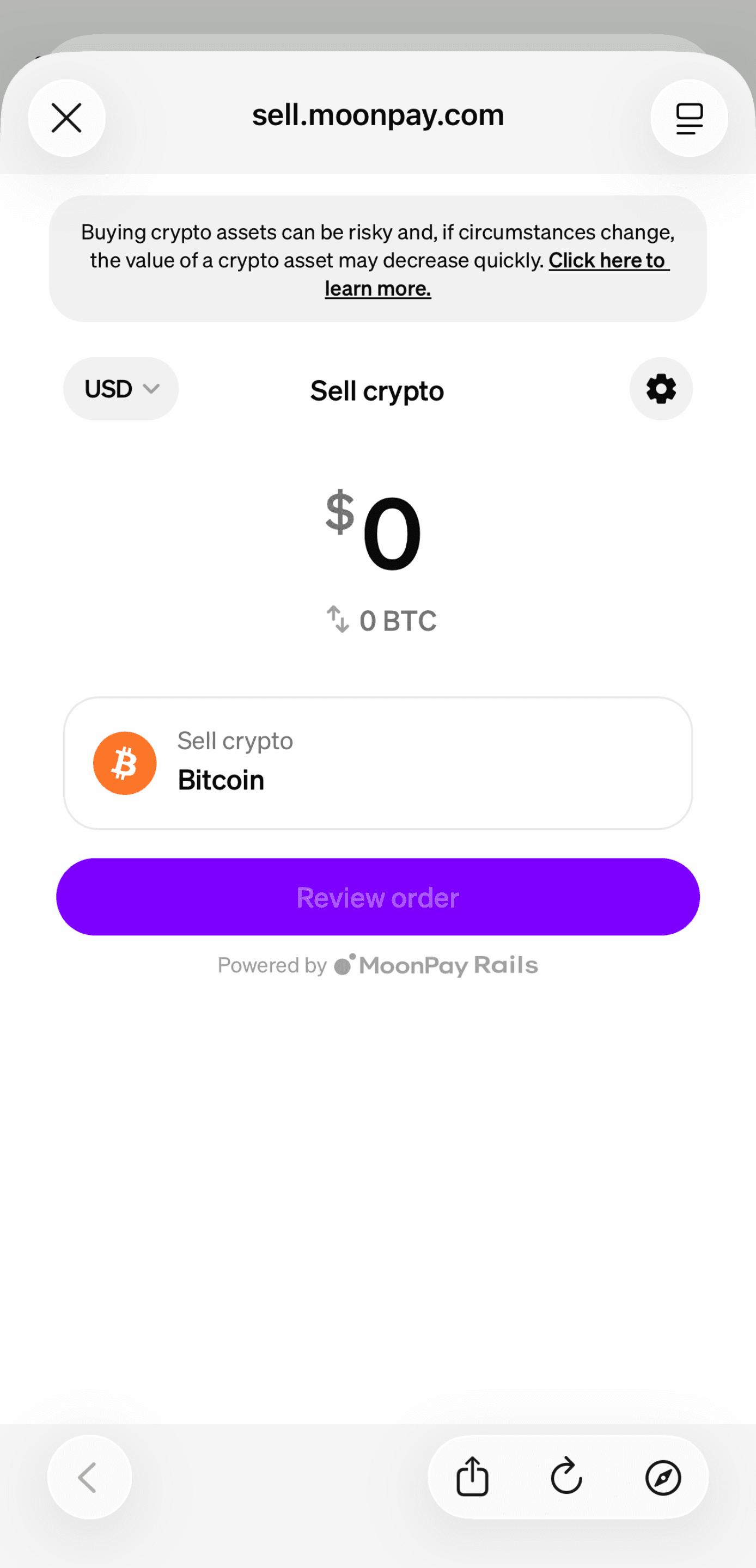
You will be redirected to MoonPay. Enter the amount you want to sell.
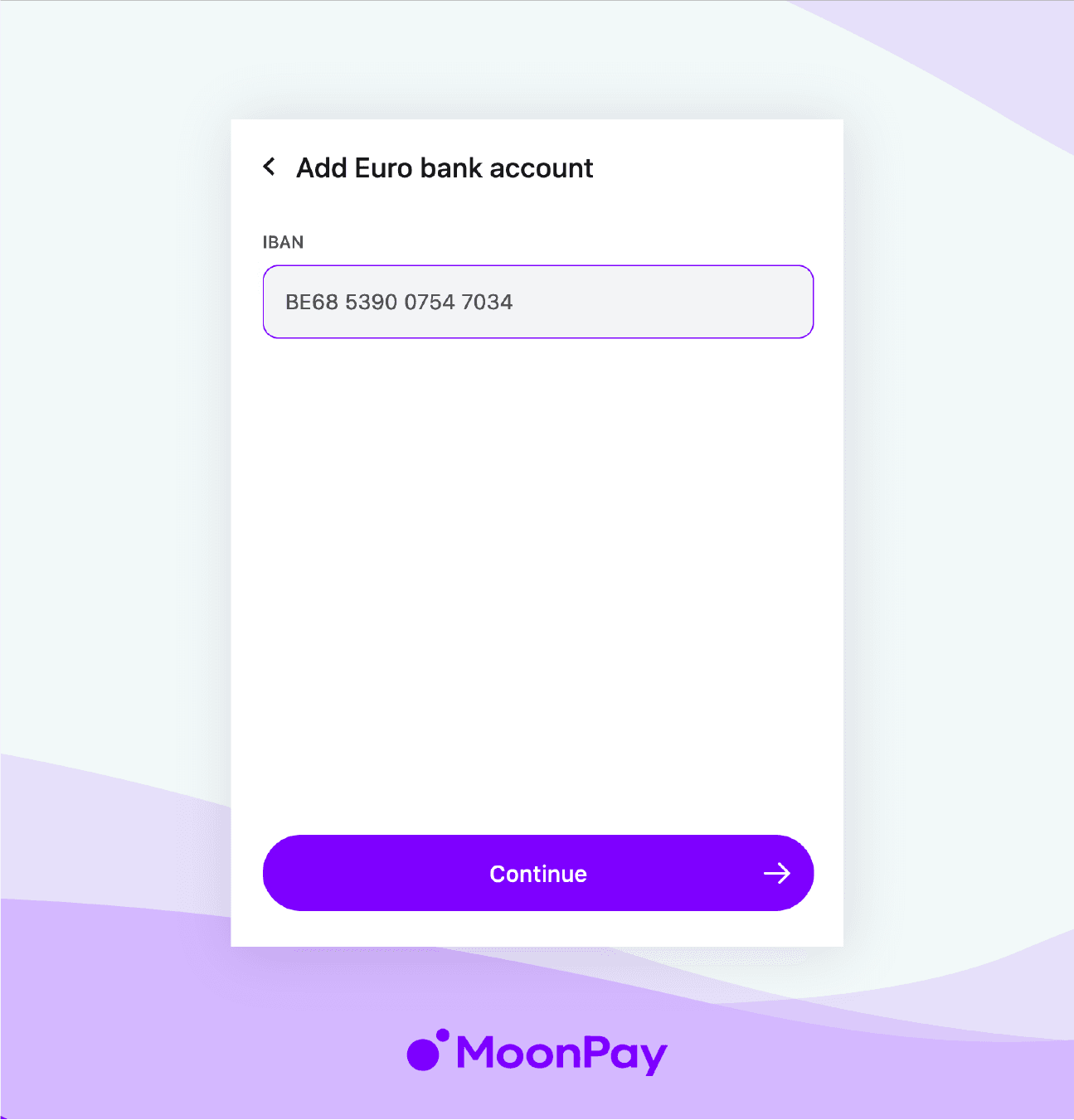
Enter your email address and provide your bank details to receive the funds.
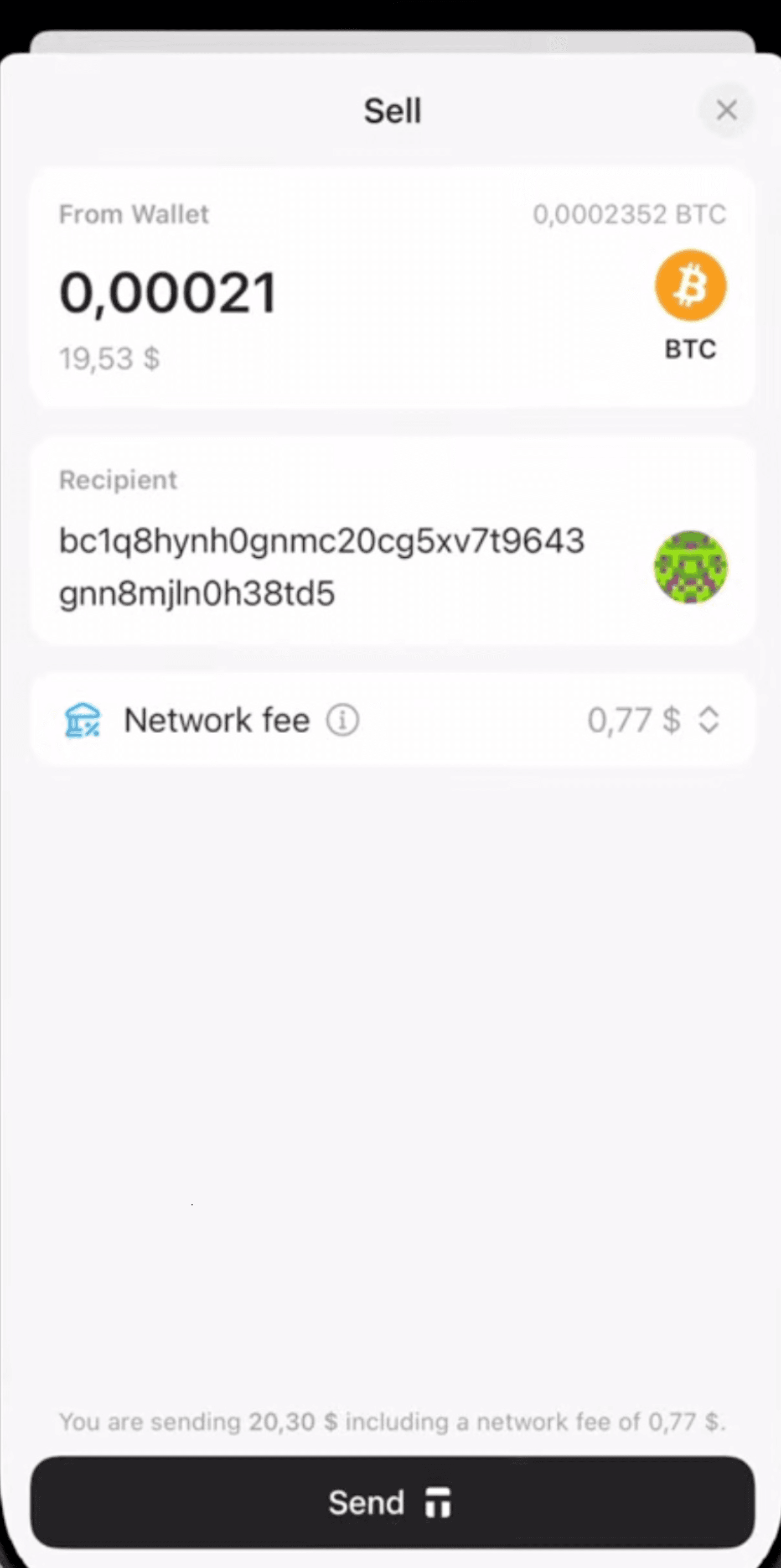
Send the crypto to the wallet address provided by the service.
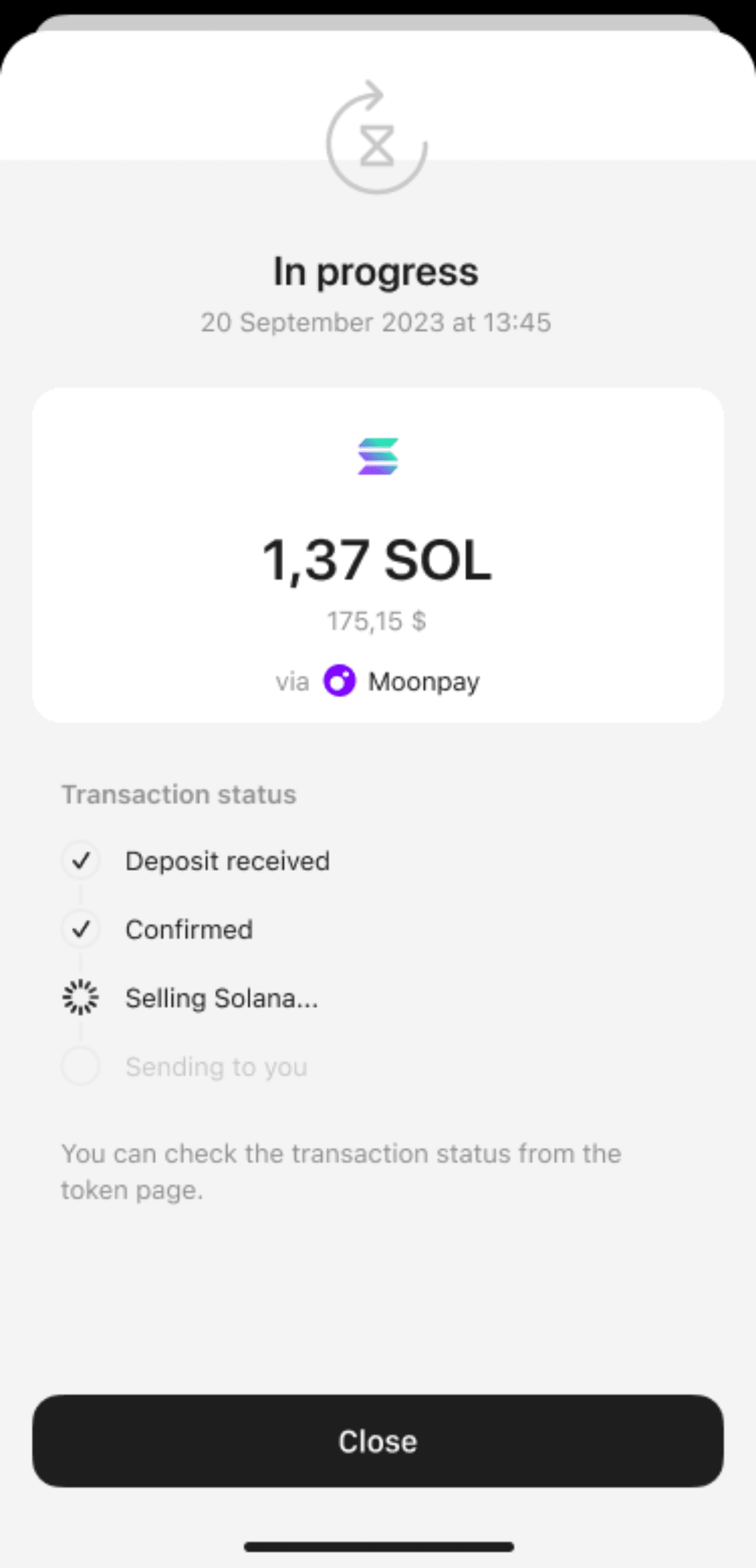
Once the transaction is initiated, you can track its status in the Tangem app.
Important
- KYC requirements depend on the provider
- Fees, rates, and processing time may vary between payment methods
Once the transaction is completed, the fiat funds will be transferred to your bank account. Processing times may vary and can take from a few minutes to several hours.
Provider guide
You can also refer to the detailed guide from the provider: How do I sell cryptocurrency with MoonPay.
FAQ
Where can I find the selling terms?
You can find the terms and conditions on the MoonPay website:
- Available fiat currencies
- Supported cryptocurrencies
- Minimum and maximum transaction limits
- Supported bank accounts for withdrawals
- Unsupported countries
Why is the "Sell" button disabled?
If the Sell button is inactive for a specific token, it means that selling is currently unavailable. This may happen if:
- The provider doesn't support the selected token
- The provider doesn't operate in your country
We are working to expand availability. In the meantime, you can sell your cryptocurrency using other services, such as centralized exchanges (CEX).

