 シードレスへ。SWITCH30で30%OFF。11/04まで


Tangemウォレットから仮想通貨を送金する方法
Tangem Walletから仮想通貨を送金する操作はとても簡単です。以下の手順に沿って進めてください。
1. 受取人に送金先アドレスを確認しましょう。
Important! You must find out from the recipient which network you need to use to send them the coins. Many tokens exist simultaneously across different networks. If the transfer is not made to the network that the recipient specified when they generated the address, the coins will be lost and it will be impossible to recover them.
2. Tangemアプリを開き、送金したいトークンを選択します。
例として、Binance Smart Chainネットワーク上のUSDTを使用します。
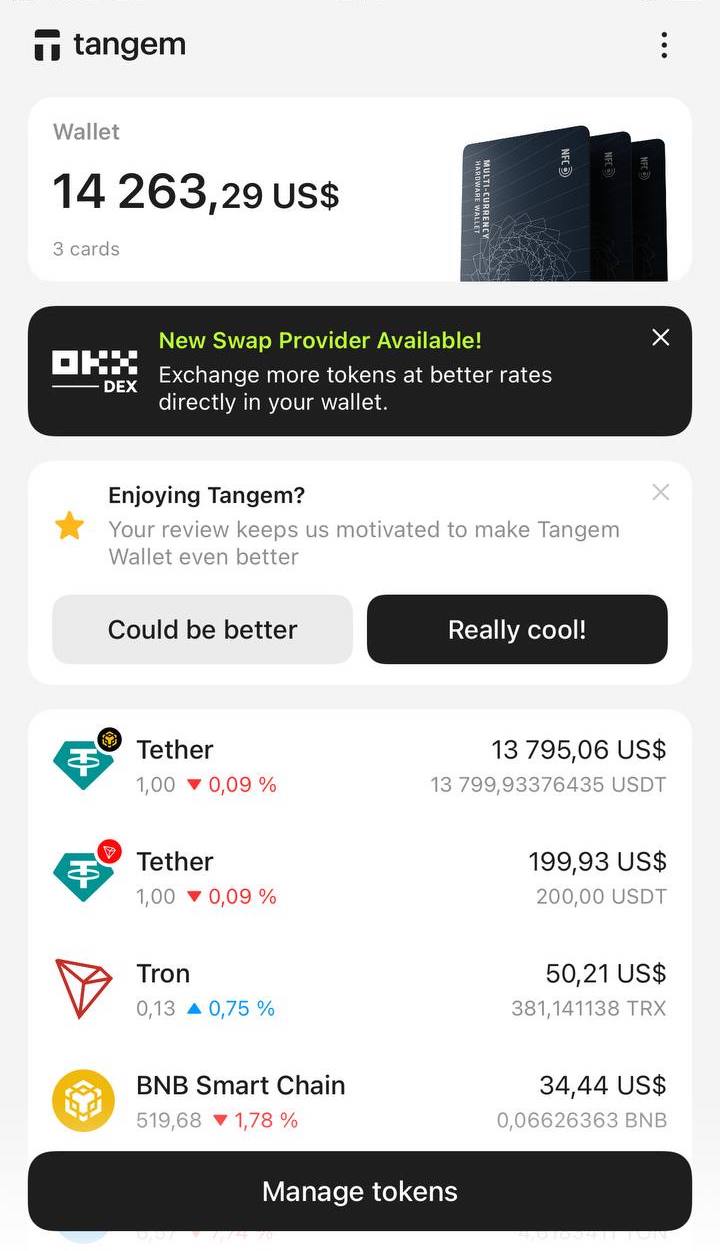
3. 表示された画面でSendをタップします。
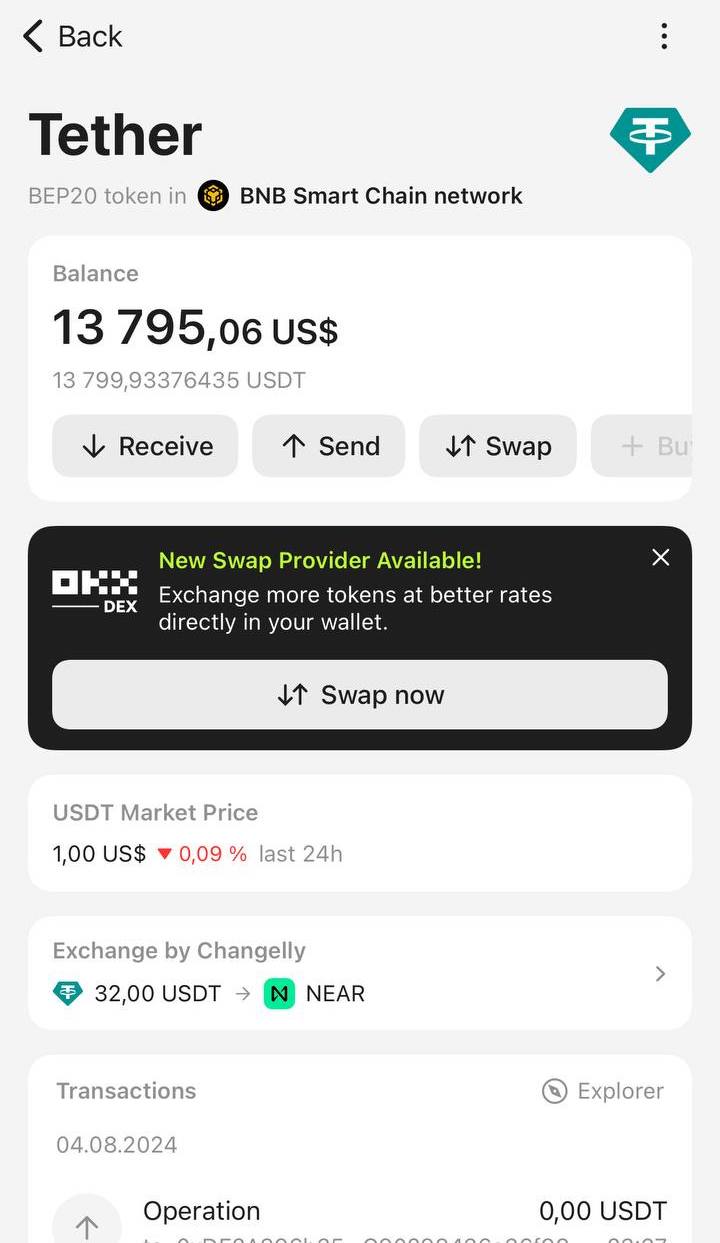
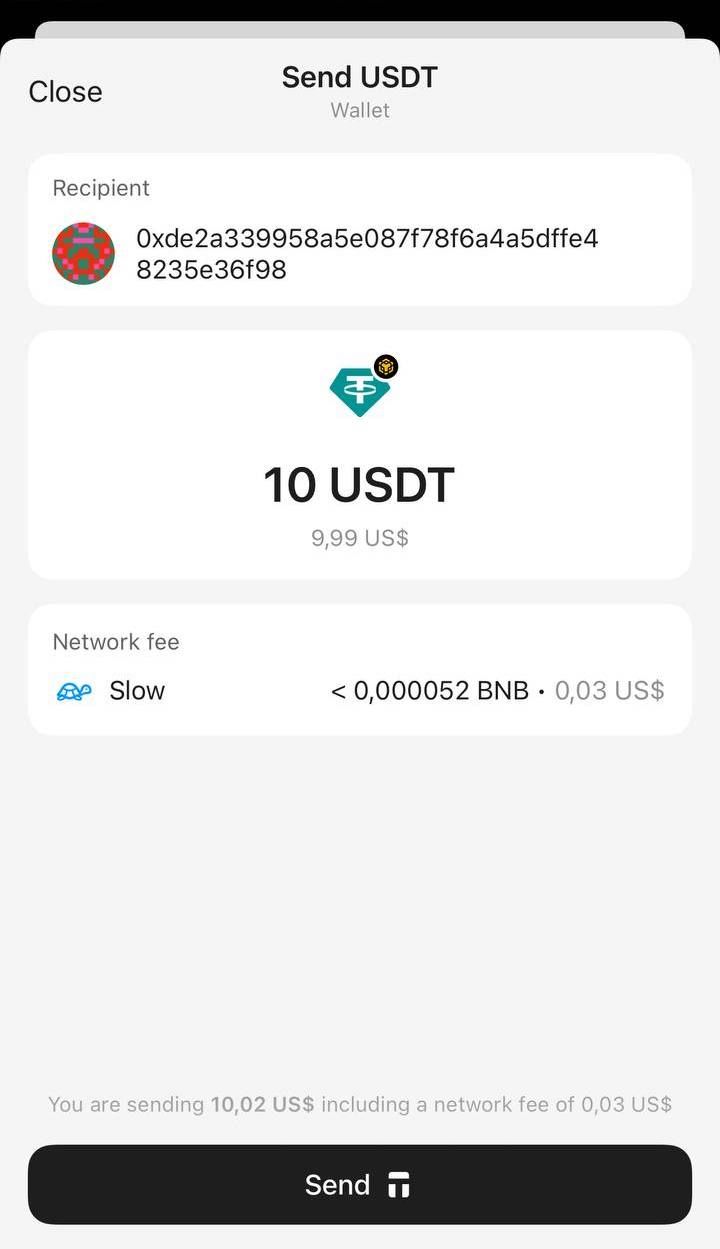
4. Pasteまたは受取人のアドレスを入力します。コピー&ペーストしたアドレスは必ず再確認してください。Nextをタップします。
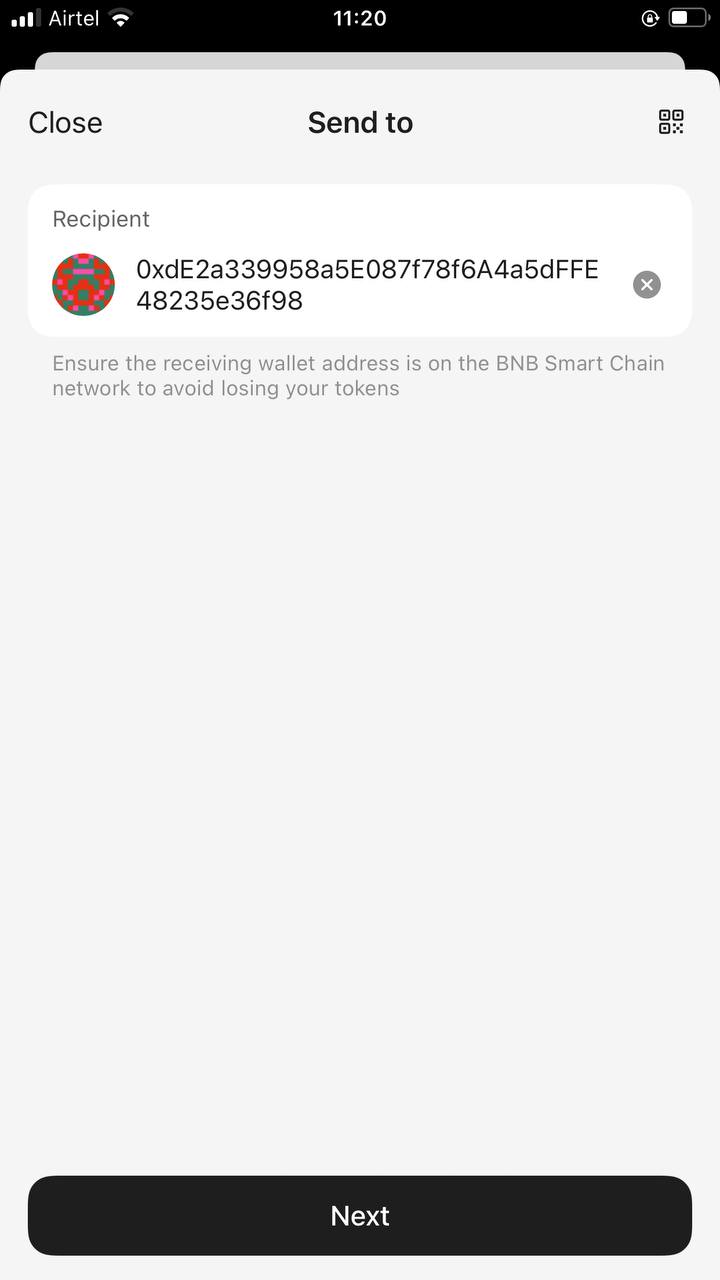
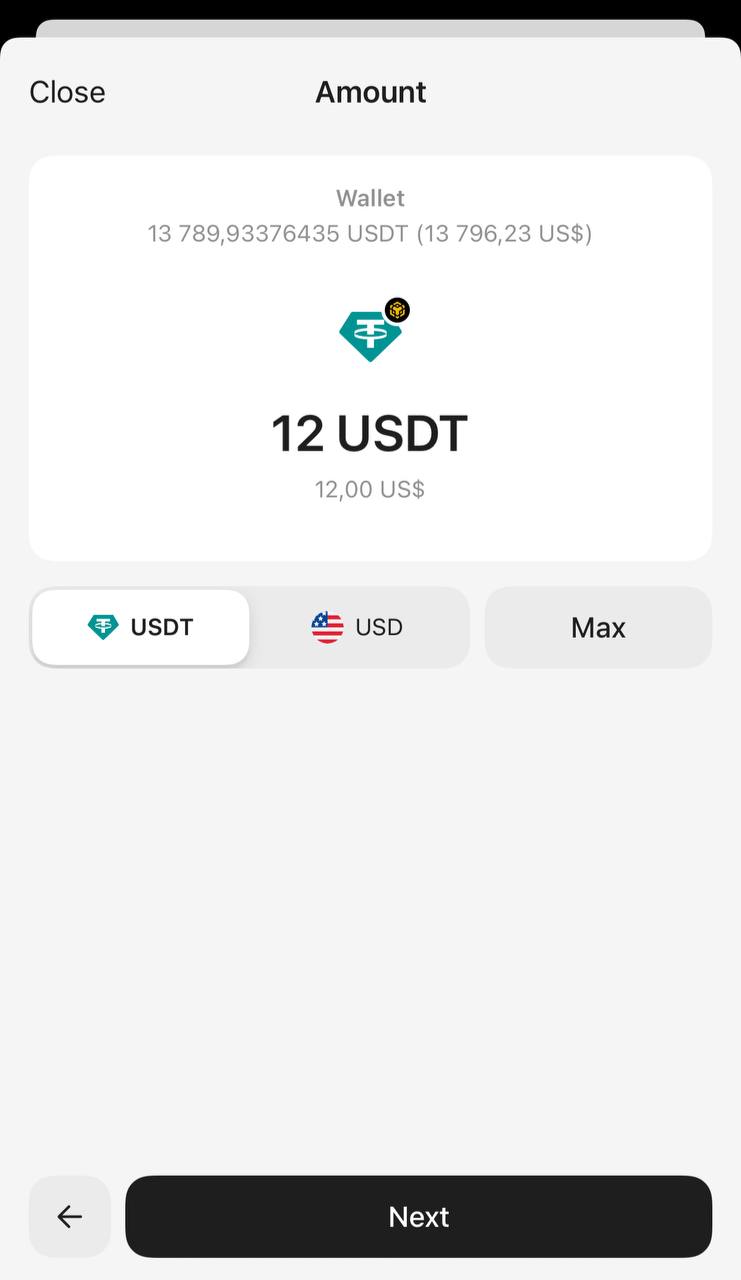
5. 送金したい金額を入力します。トークン数または米ドル換算額で指定できます。全額送金する場合はMaxをタップしてください。Nextを押して進みます。
6. Network feeをタップして手数料レベルを選択します。初期設定はMarketです。
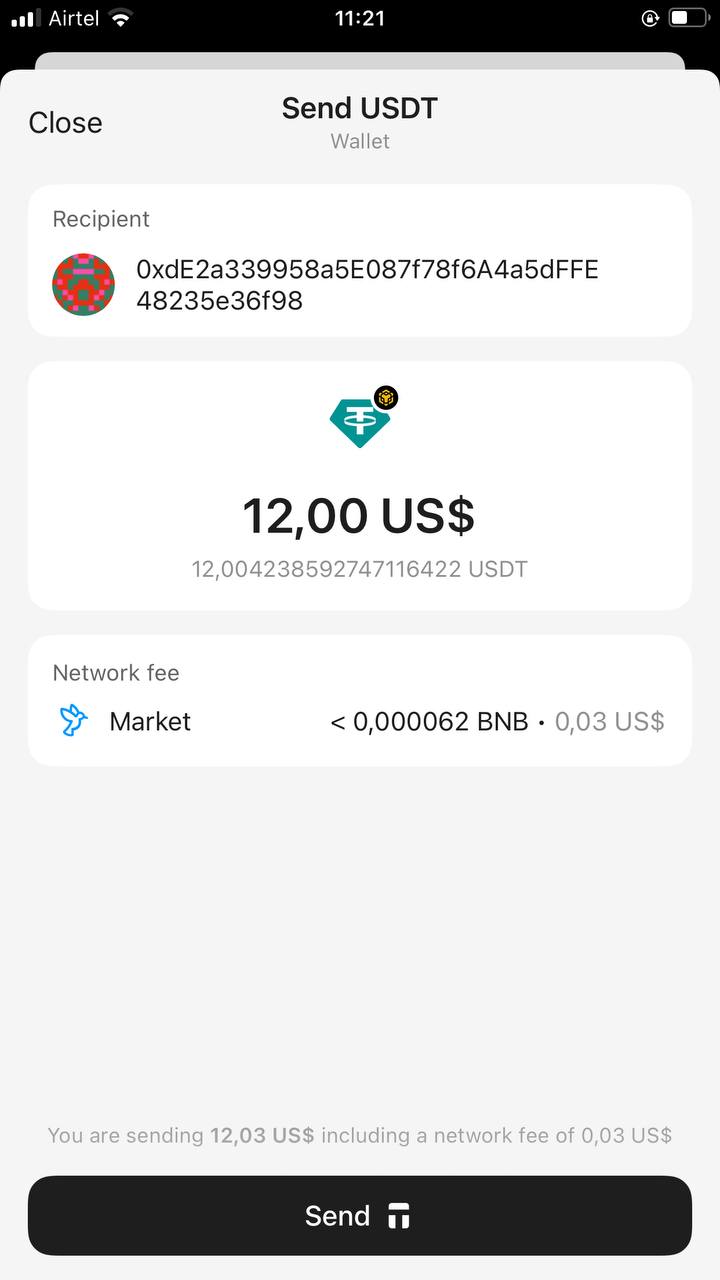
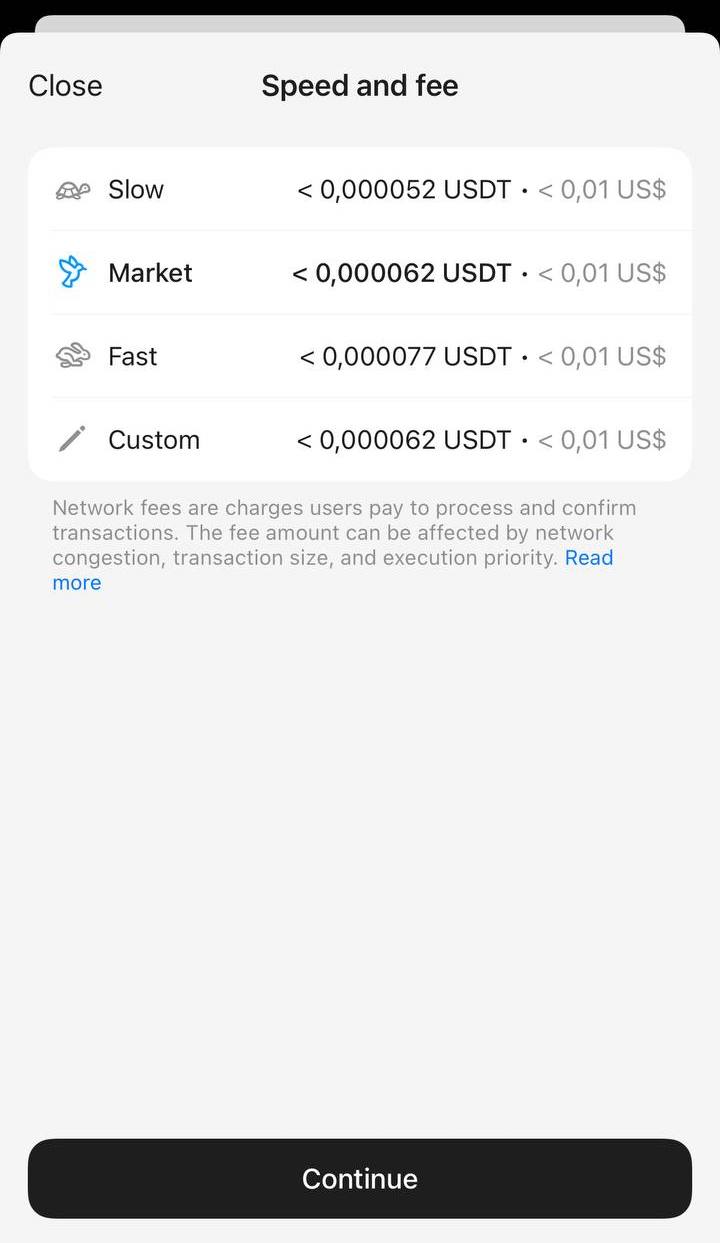
手数料はSlow、Market、Fastから選択でき、Customで独自の手数料も設定できます。処理がスムーズに進むよう、十分な手数料を設定してください。調整後はContinueをタップします。
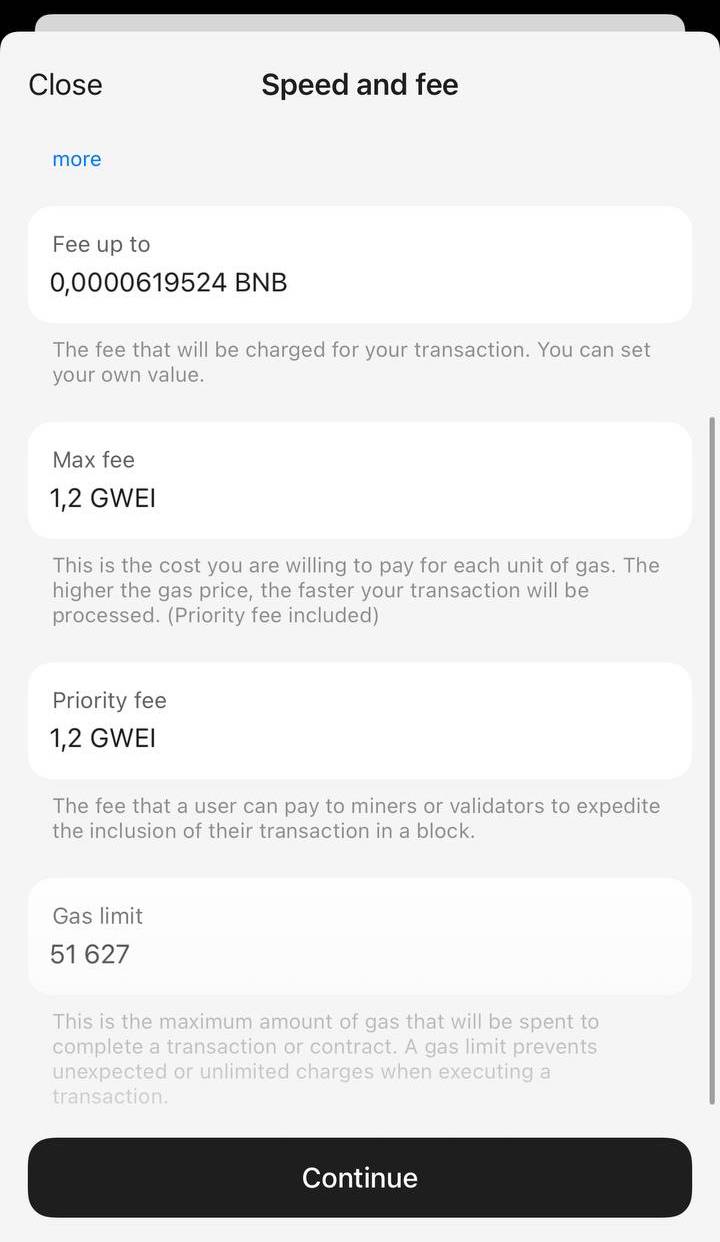
8. 入力内容をすべて確認し、Sendをタップします。
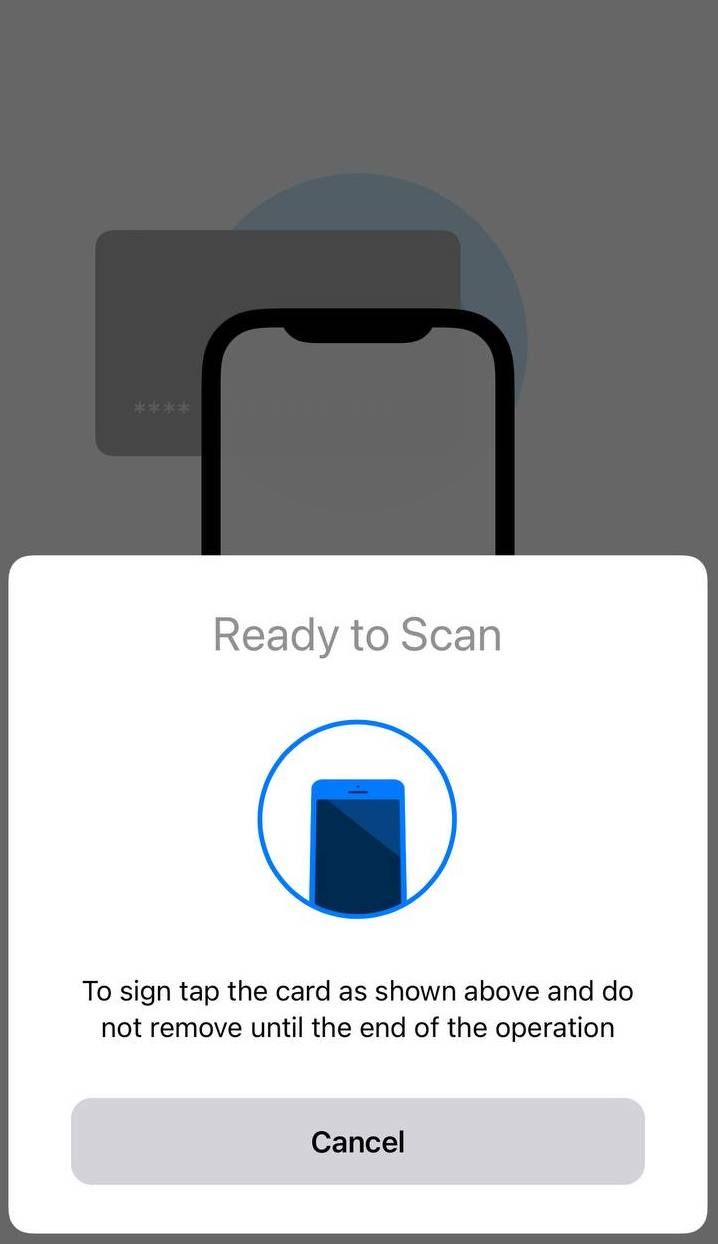
9. アクセスコードまたは生体認証IDを入力し、ウォレットをスキャンして署名します。
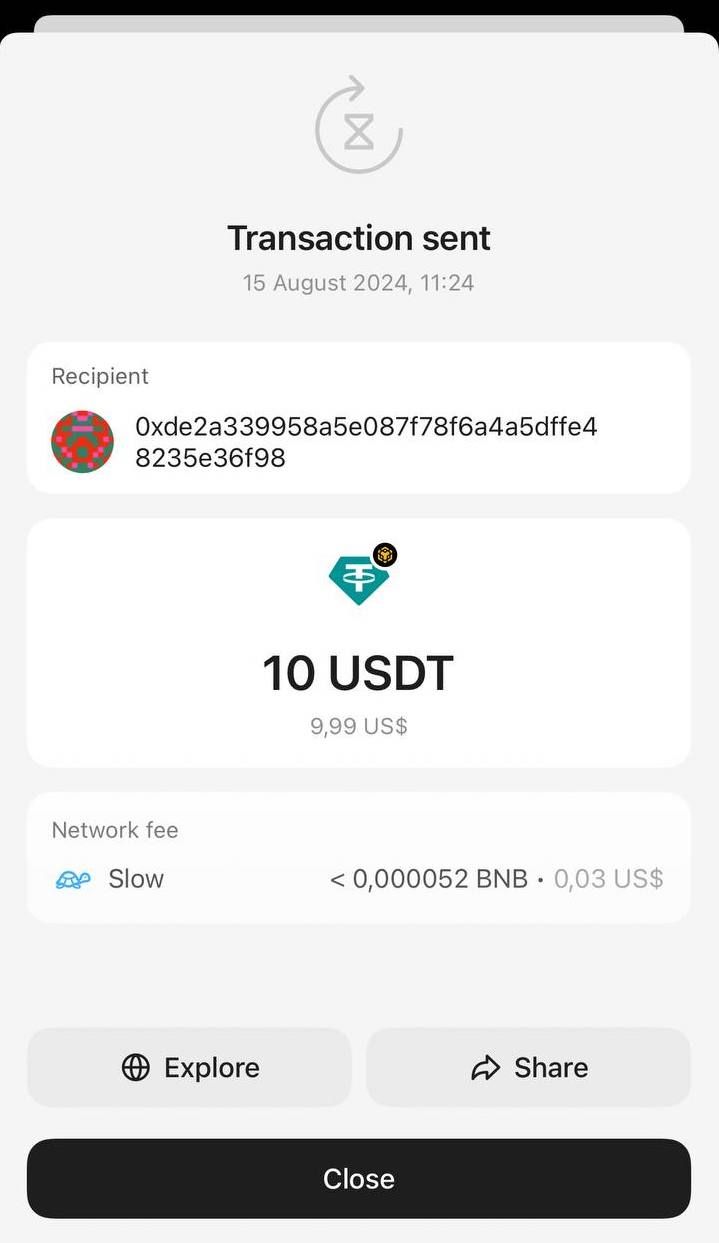
10. Closeをタップして終了します。ブロックチェーンで取引が承認されると、ホーム画面の残高が更新されます。送金額が差し引かれ、受取人に反映されます。
上記と同様の手順で、Tangem Walletが対応しているあらゆるデジタル通貨を送金できます。
Tangem Walletで仮想通貨の受け取り方法もご覧ください。
Tangem から暗号資産を送る:FAQ
-
Tangem アプリでトークンを開き、「Send」を押して、受取人のアドレスを貼り付け、金額を入力し、ネットワーク手数料を確認します。確定したらアクセスコードまたは生体認証を入力し、Tangem をスマートフォンにかざしてトランザクションに署名します。ブロックチェーンで承認されると、ホーム画面の残高が更新されます。
-
どのネットワークを使うかを受取人に確認してください。多くのトークンは複数のネットワークに同時に存在しており、受取人がアドレスを生成した際に指定したネットワークで送金しなかった場合、コインは失われ、取り戻す方法はありません。また、アドレスを貼り付けた後は、もう一度よく確認してください。
-
はい。「Network fee」をタップして、「Slow」、「Market」(デフォルト)、「Fast」から選べます。「Custom」で独自のレートを設定することもできます。ネットワークがトランザクションを処理できるだけの十分な手数料に設定してください。
-
金額画面で「Max」をタップすると、アプリが全残高を自動入力します。金額はトークン単位でも、ドル換算額でも入力できます。


お見逃しなく 


その他の記事

