 切换至无助记词模式。使用 SWITCH30 立减 30%,截止 11 月 04 日


如何从 Tangem Wallet 转账加密货币
通过 Tangem Wallet 转账加密货币非常简单。操作流程如下:
1. 向收款方索要收币地址。
Important! You must find out from the recipient which network you need to use to send them the coins. Many tokens exist simultaneously across different networks. If the transfer is not made to the network that the recipient specified when they generated the address, the coins will be lost and it will be impossible to recover them.
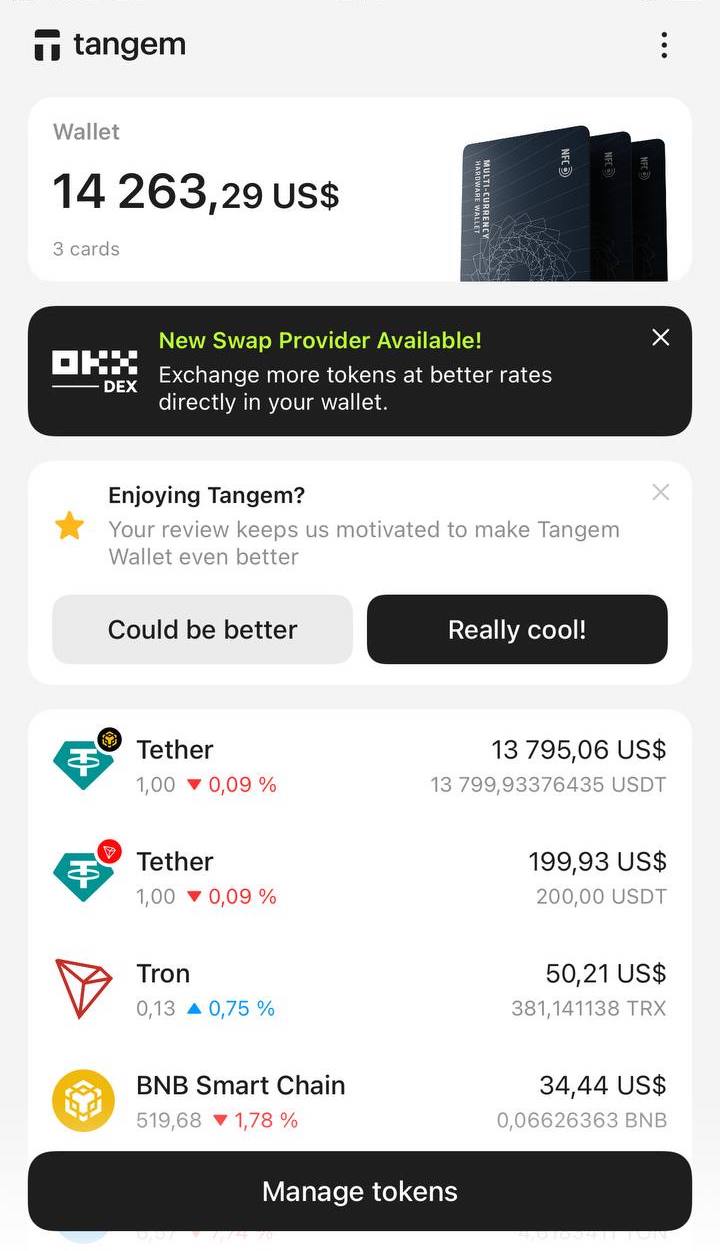
2. 打开 Tangem app,点击你要转账的币种。
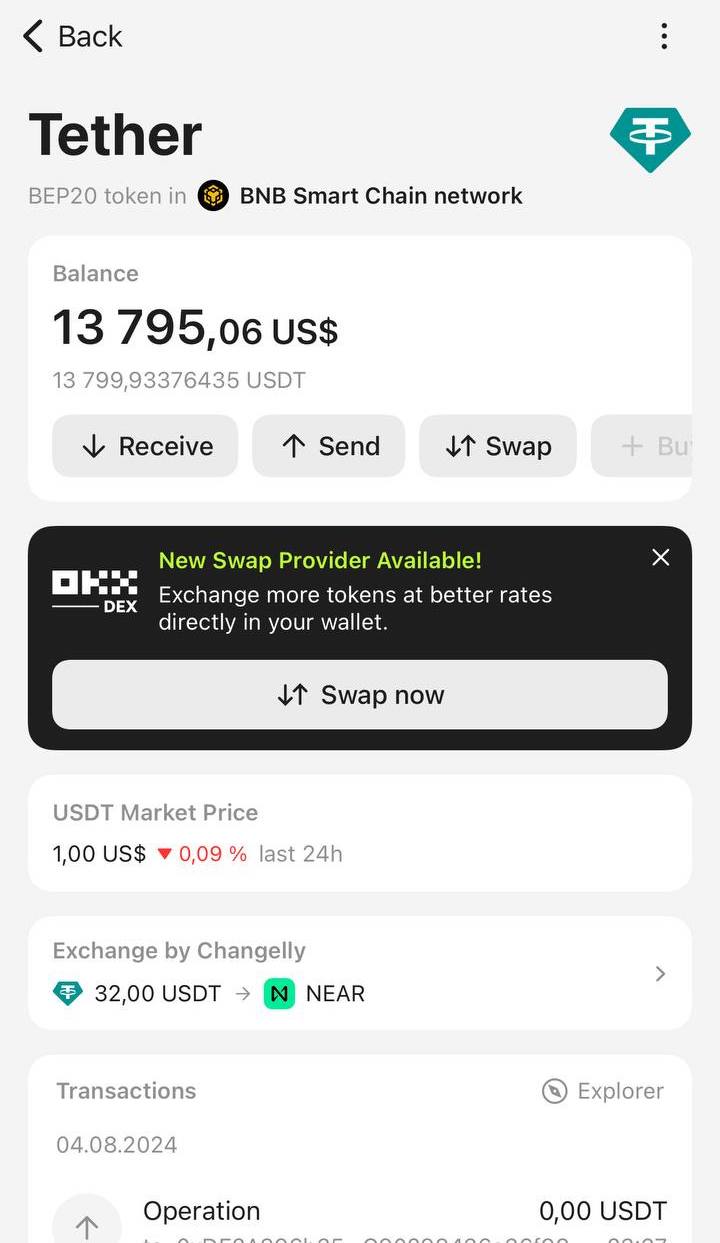
例如,这里以 USDT 在 Binance Smart Chain 网络为例。
3. 在出现的界面点击 Send。
4. Paste 或手动输入收款地址。请务必仔细核对复制粘贴的地址。点击 Next。
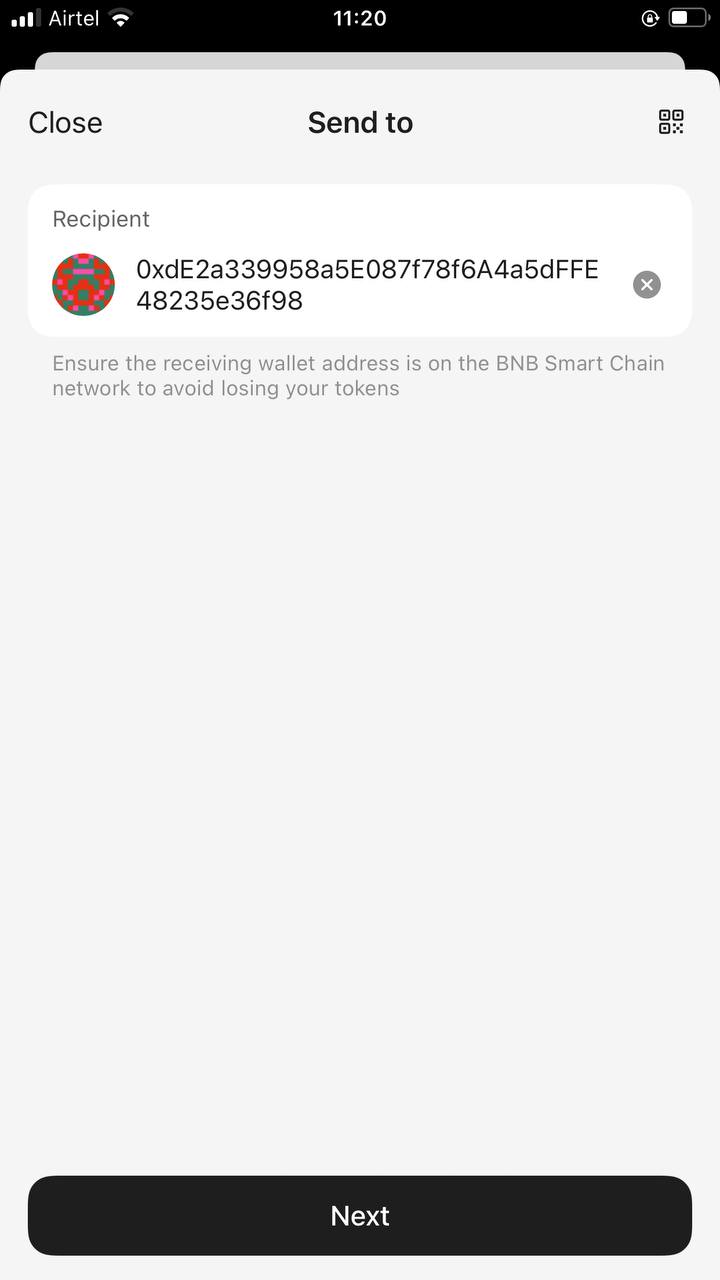
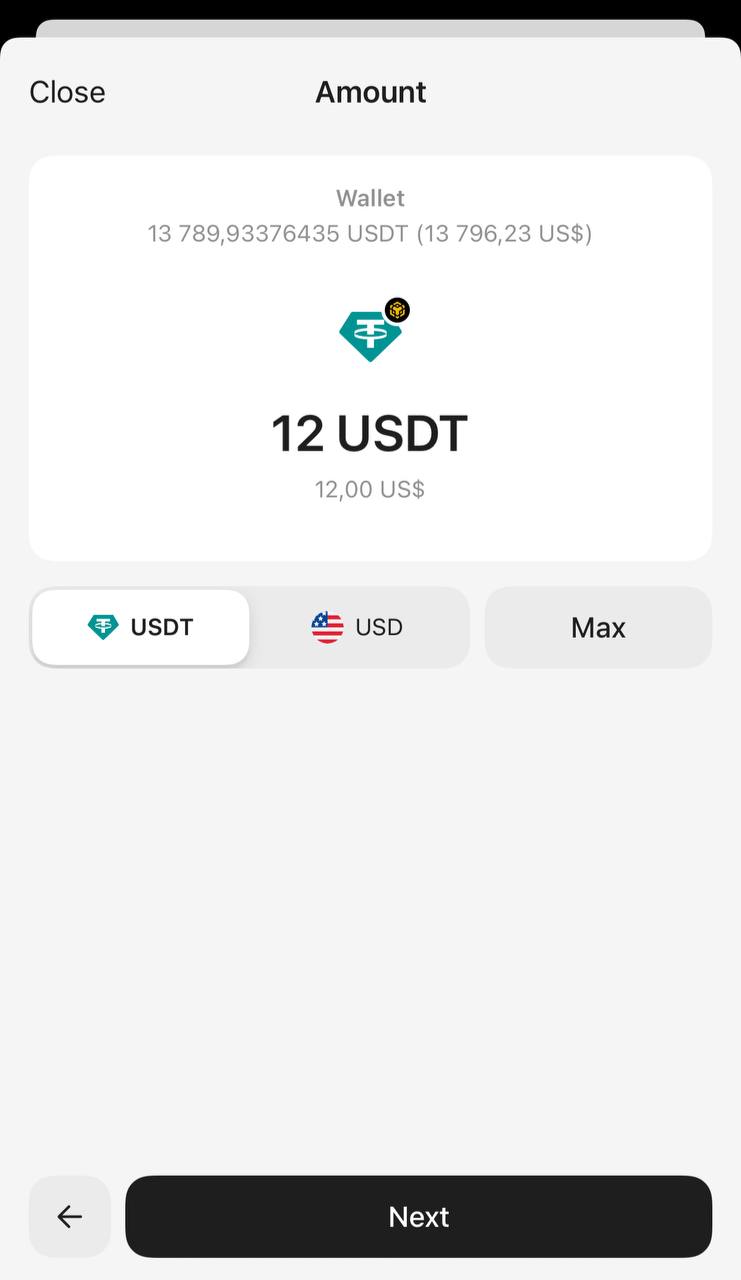
5. 输入转账金额。你可以填写代币数量或等值美元金额。如需转出全部余额,点击 Max,然后点击 Next。
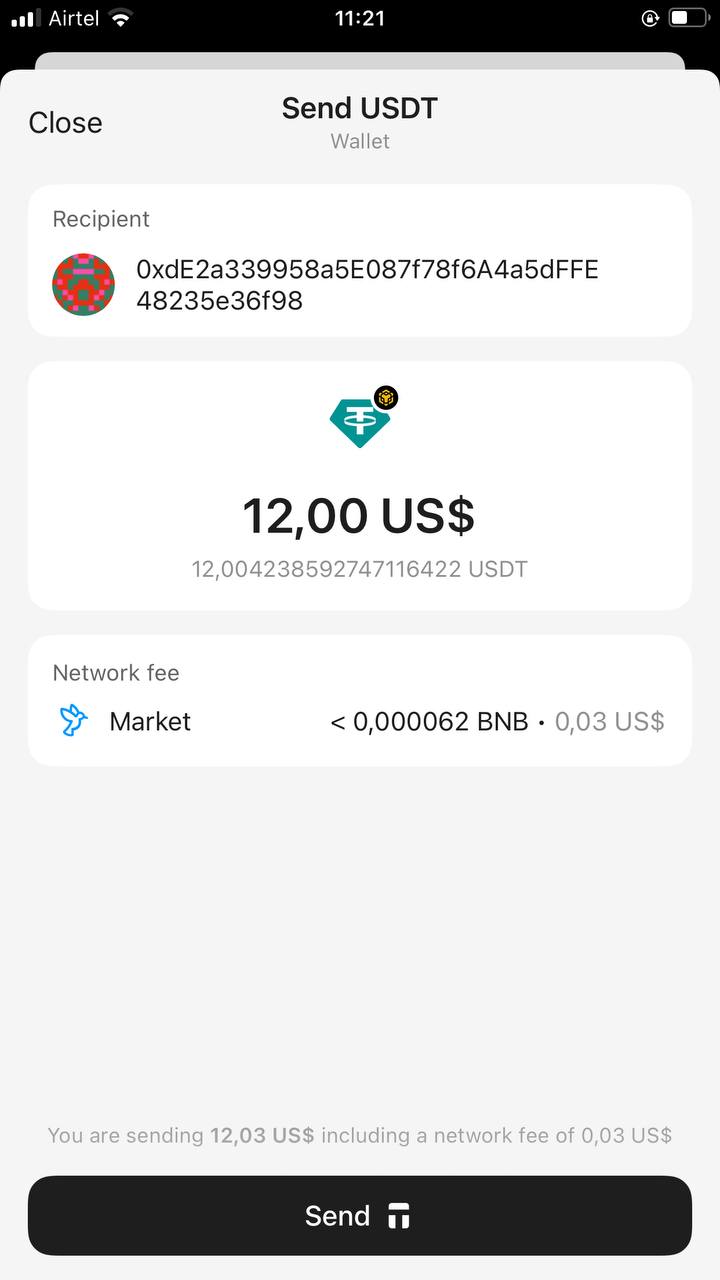
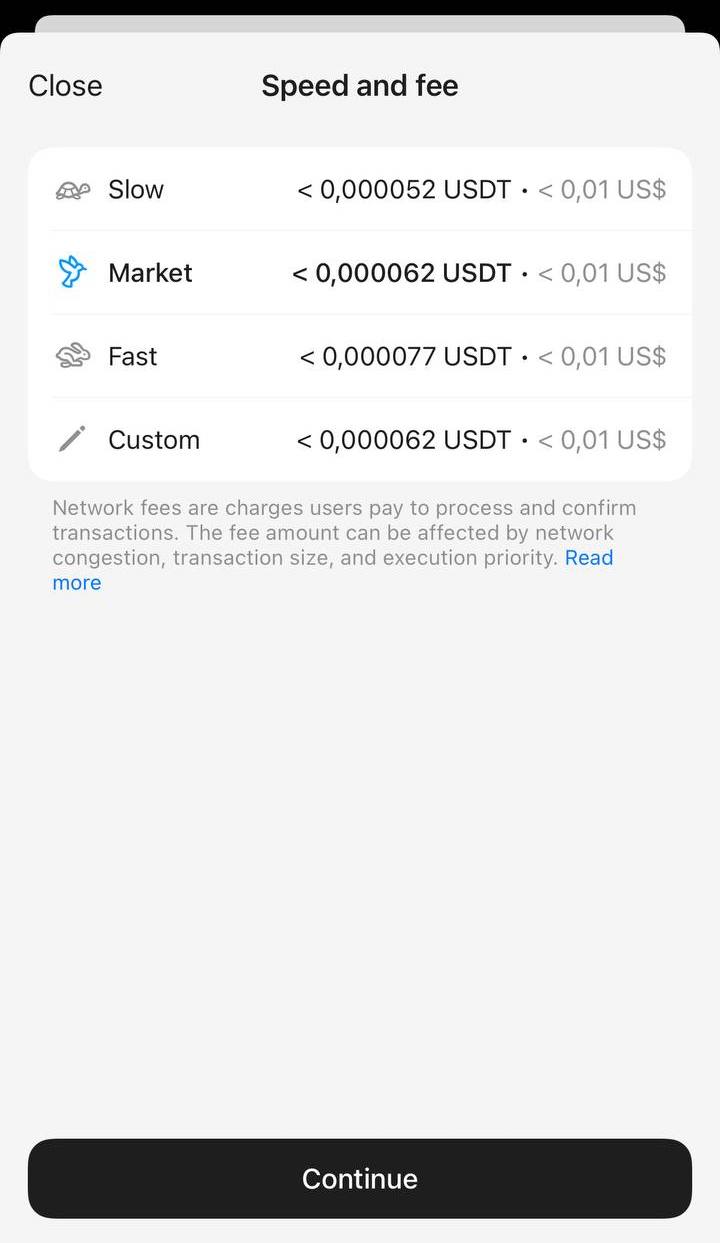
6. 点击 Network fee,选择手续费等级,默认是 Market。
你可以在 Slow、Market、Fast 之间选择,也可以点击 Custom 自定义手续费。请确保手续费足够让交易顺利打包。调整 Network fee 后,点击 Continue。
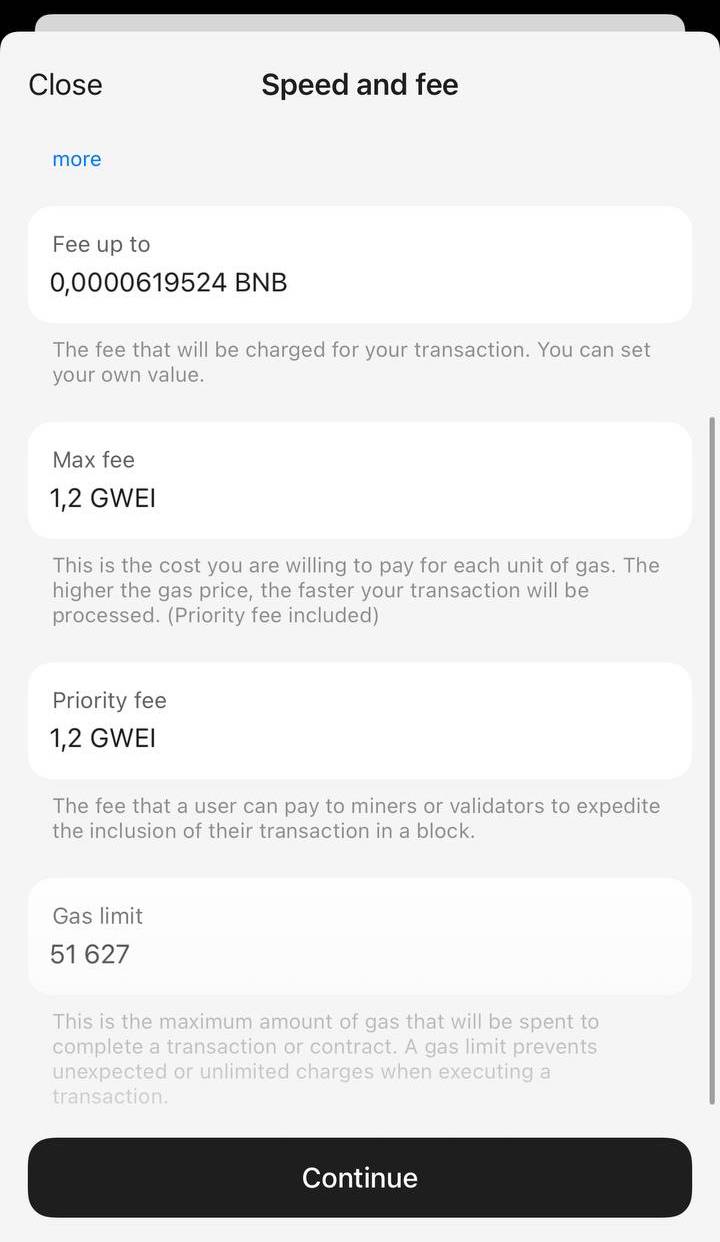
8. 检查所有填写信息,点击 Send。
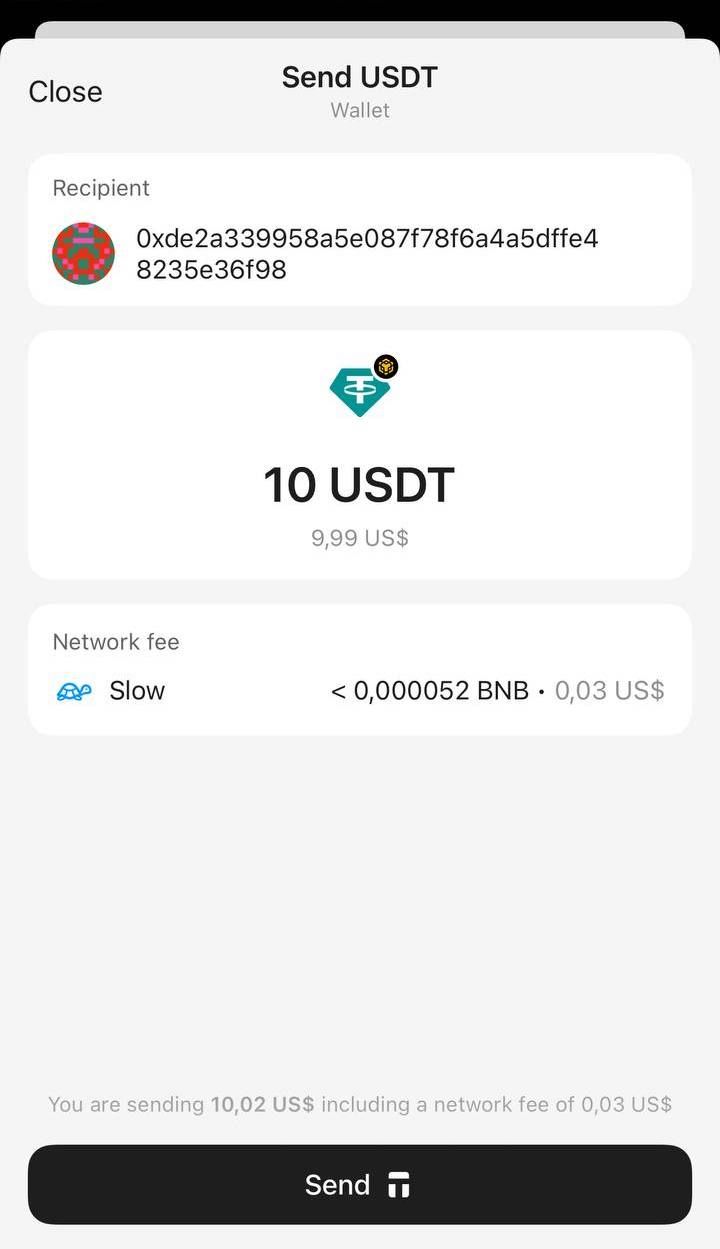
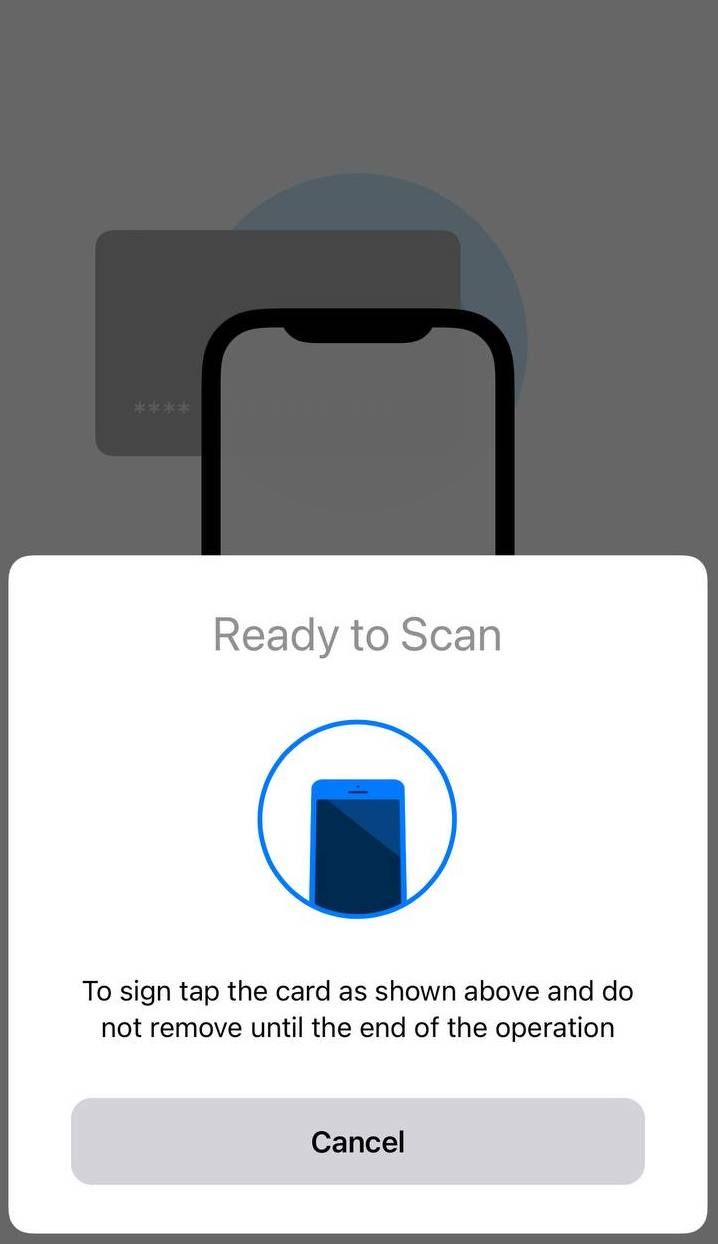
9. 输入访问码或生物识别信息,扫描你的钱包以签名交易。
10. 点击 Close 退出。区块链确认交易后,首页余额会自动更新,代币扣除,收款方将收到转账。
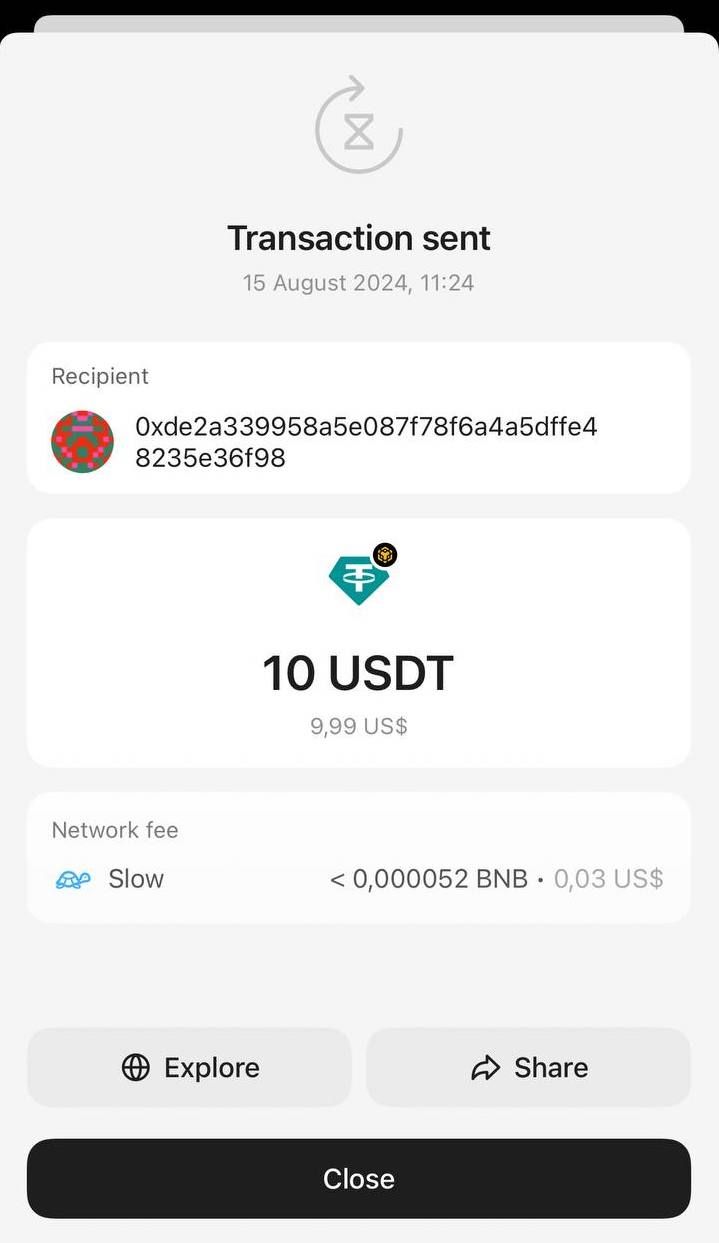
按照上述流程,你可以转账 Tangem Wallet 支持的任意数字货币。


別錯過這些 



其他文章

