


 Switch to seedless. Get 30% off with SWITCH30 till Nov 02


How to Pay with Crypto in Real Life: Complete Guide 2026
This article is available in the following languages:

Can You Actually Spend Crypto at Regular Stores?
The short answer: yes, but not always directly. Most shops and restaurants don't have a crypto terminal. What they do have is a card reader. That gap is exactly what crypto payment infrastructure has been built to close, through three distinct routes.
The first is direct merchant acceptance: the store integrates a payment gateway such as BitPay, Coinbase Commerce, or NOWPayments. Those gateways handle invoicing, on-chain confirmation, and accounting, so the merchant can receive local currency while you pay in crypto. You don't need the merchant to hold any private keys or understand blockchain at all.
Gift-card platforms let you buy store balances with crypto. It adds a step but expands where you can spend. The third route is a crypto card, a Visa or Mastercard that converts your crypto at the point of sale. The merchant sees a normal card transaction. You spend from a crypto balance. Neither party needs to think about blockchain.
Methods of Paying with Crypto in 2026
Here's how each method actually works at checkout. Take a $20 purchase paid with 20 USDC through a Visa card. Tangem Pay's documented flow converts USDC 1:1 to USD, Visa processes the card payment, and the merchant receives USD. The terminal handles it like any other card sale.
Crypto Debit and Prepaid Cards
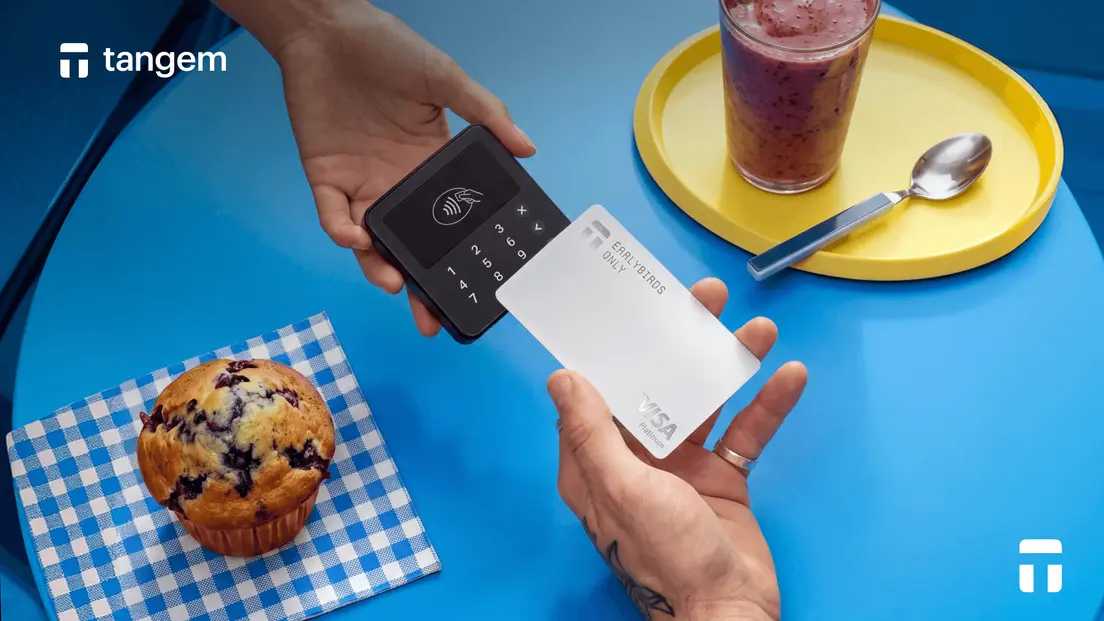
Crypto cards use a payment balance or convert crypto at checkout. The merchant receives local currency through standard card rails. With an auto-convert card, a $20 purchase can trigger a sale of the needed crypto at checkout. The issuer completes the authorization over normal card rails, and the sale may carry a spread or conversion fee. That cost is why the price shown in your wallet deserves a quick check.
Contactless Payments via Apple Pay and Google Pay
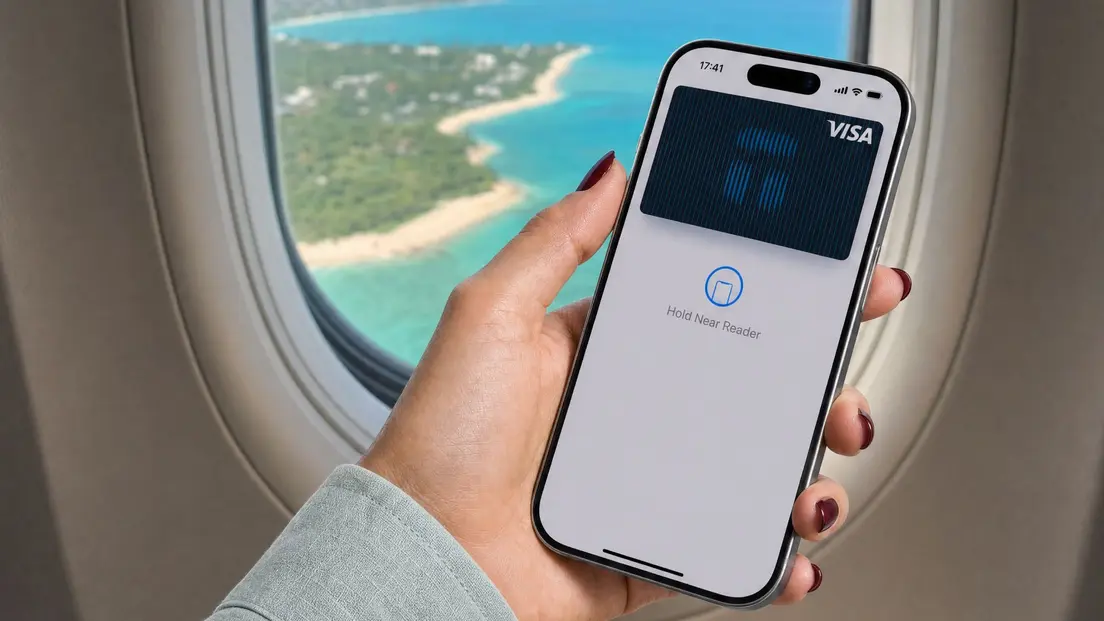
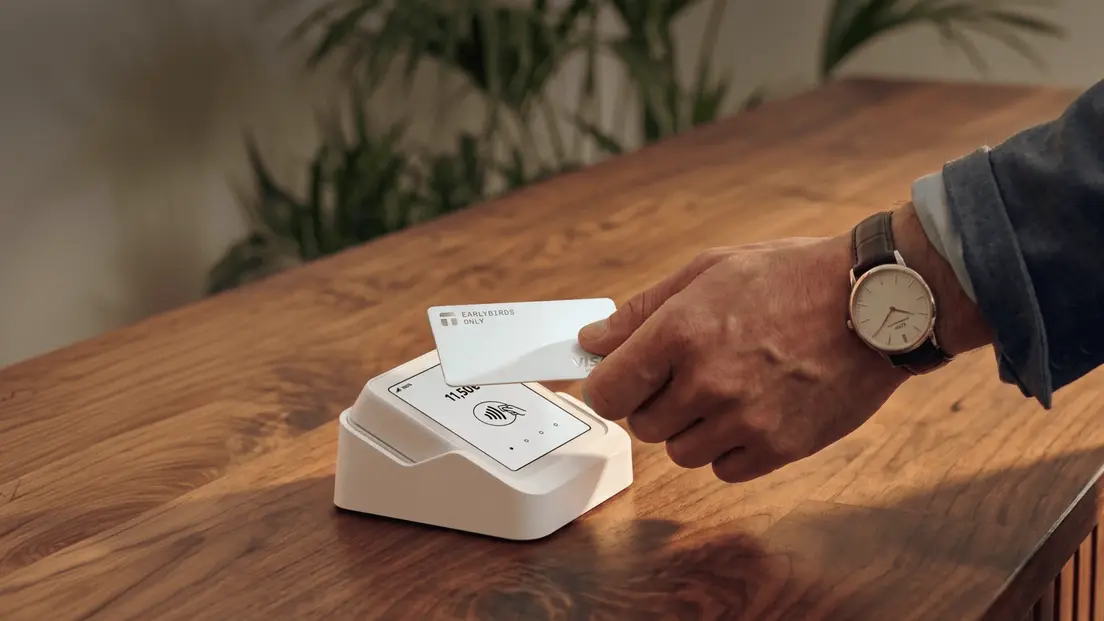
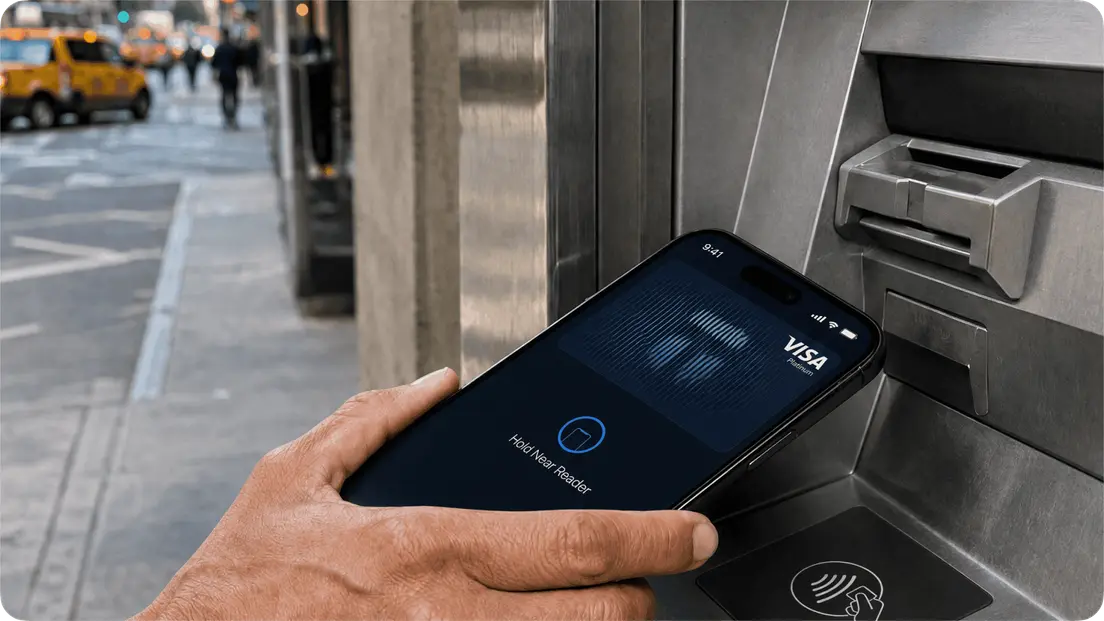
You can add your crypto card to Apple Pay or Google Pay and tap your phone at any contactless terminal. Apple Pay and Google Pay use tokenized card credentials, so merchants do not see your card number.
Direct Merchant Crypto Payments
A gateway checkout shows a QR code. Scan the code and review the amount and fee before confirming the on-chain payment. A $20 USDC invoice makes the choice clear. You scan its QR code, check the amount and network fee, then authorize the payment. Once broadcast, the transfer is confirmed on the blockchain instead of passing through card rails.
Peer-to-Peer Transfers
For informal payments, send crypto directly to another wallet. The recipient receives crypto, not fiat. For a $20 dinner split, transfer 20 USDC to a friend's wallet, and they receive the crypto itself. Agree on the address and the asset first. A wallet transfer does not turn the payment into fiat for the recipient.
How to Set Up Your Mobile Wallet for Payments
Here is a practical setup: keep some USDC available for small purchases, while the rest of your holdings stay elsewhere. That gives you a spending amount to use without exposing a long-term balance every time you tap or scan.
Step 1: Choose a Non-Custodial Wallet
A non-custodial wallet gives you control of your private keys and backups. If you load USDC into a non-custodial wallet, control of its keys stays with you. That also makes you responsible for key management and backups.
Step 2: Load Stablecoins (USDC or USDT)
Stablecoins can make everyday spending more predictable than volatile assets. For a $20 purchase, using 20 USDC avoids a Bitcoin price move between when you fund a card and at checkout. The amount still needs to cover any network or card-related charges.
Step 3: Activate Your Tangem Pay Card
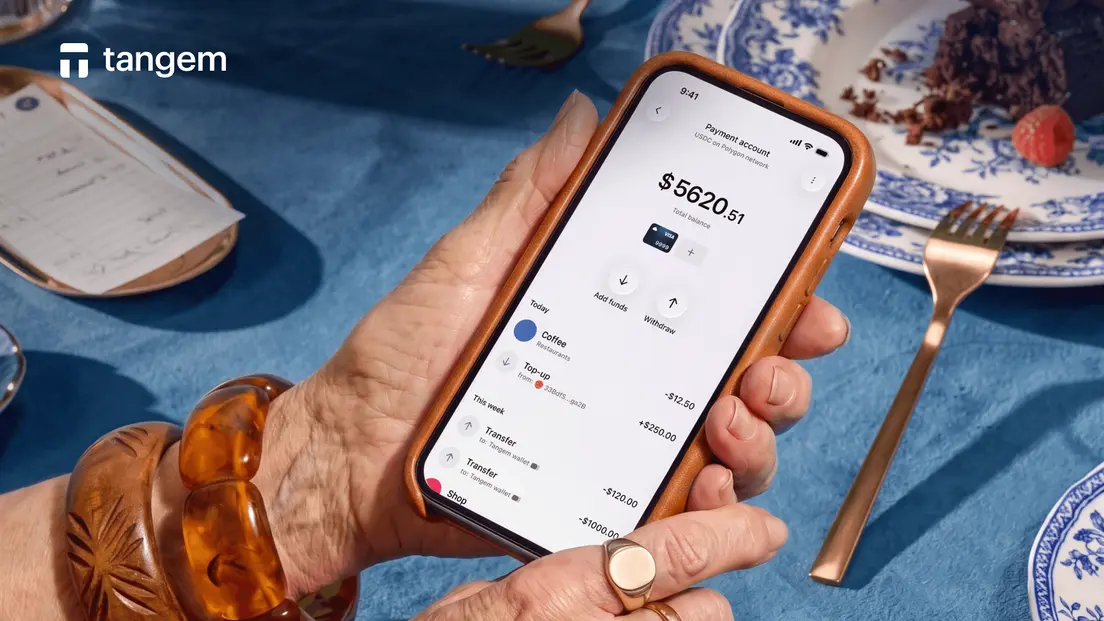
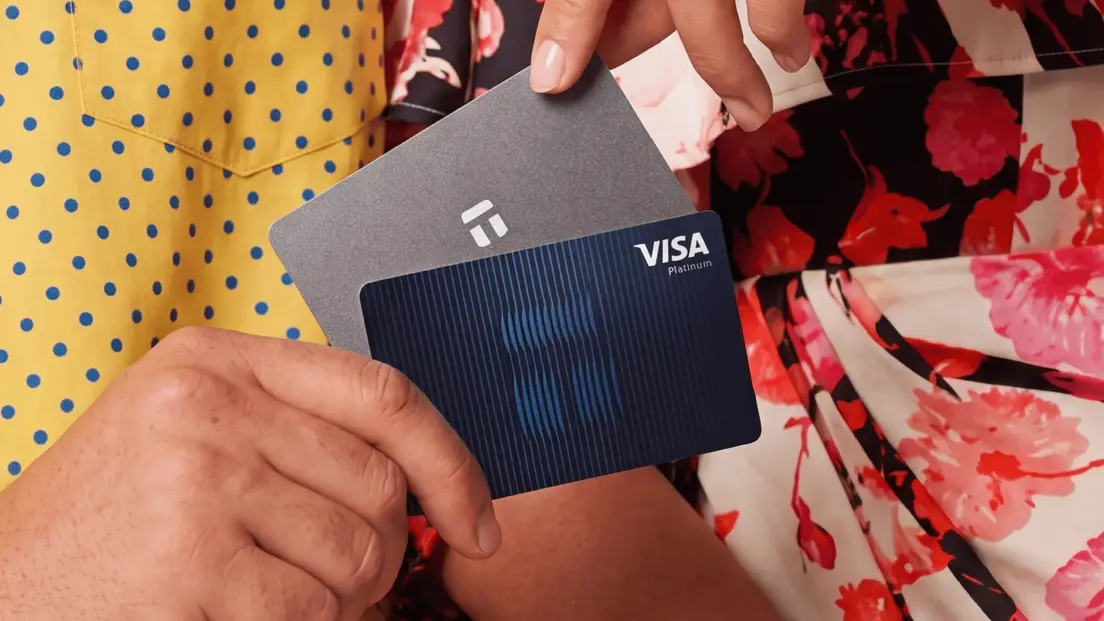
Tangem Pay is an optional, non-custodial regulated payment feature in the Tangem Wallet app. Funds remain in a user-controlled smart contract. Tangem Pay supports USDC and USDT on Polygon, Base, and Arbitrum. Purchases automatically convert stablecoins to USD for payment to merchants via Visa.
The Visa card supports Apple Pay and Google Pay for online and contactless in-store payments. Daily POS limits are $10,000 on the Basic plan and $50,000 on the Plus plan.
Setup requires a Tangem hardware wallet or a backed-up Tangem Mobile Wallet, plus one-time KYC.
Step 4: Add to Apple Pay or Google Pay
Add the Visa card to Apple Pay or Google Wallet, then complete any issuer verification. Once the card is in your phone wallet, a $20 USDC purchase can be a phone tap. It replaces a QR-code transfer. Complete any issuer check before you reach the terminal.
Paying with crypto FAQ: stores, taxes, and tools
-
Not directly in most cases. Use a crypto card to convert Bitcoin to fiat at the point of sale, or choose a merchant gateway that supports a crypto checkout.
-
Stablecoins such as USDC are usually easier for daily spending because their value stays close to the dollar. Auto-convert cards can spend Bitcoin, but the exchange rate can change at checkout.
-
It depends on your jurisdiction. In the U.S., virtual currency is generally treated as property, so spending it can be a taxable disposal. Keep records and ask a local tax professional.
-
For a direct on-chain payment, your wallet needs an active connection to broadcast the transaction. A contactless crypto-card payment is processed through ordinary card rails, though the card wallet still needs its normal payment setup.
-
Refund and chargeback terms depend on the merchant and the card issuer. For a direct wallet payment, ask the merchant how it handles refunds before you confirm the on-chain transaction.
-
Check the issuer's transaction status before you retry the payment. Card protections and payment outcomes follow the card network and issuer's program rules, which vary by provider.


Don't miss these 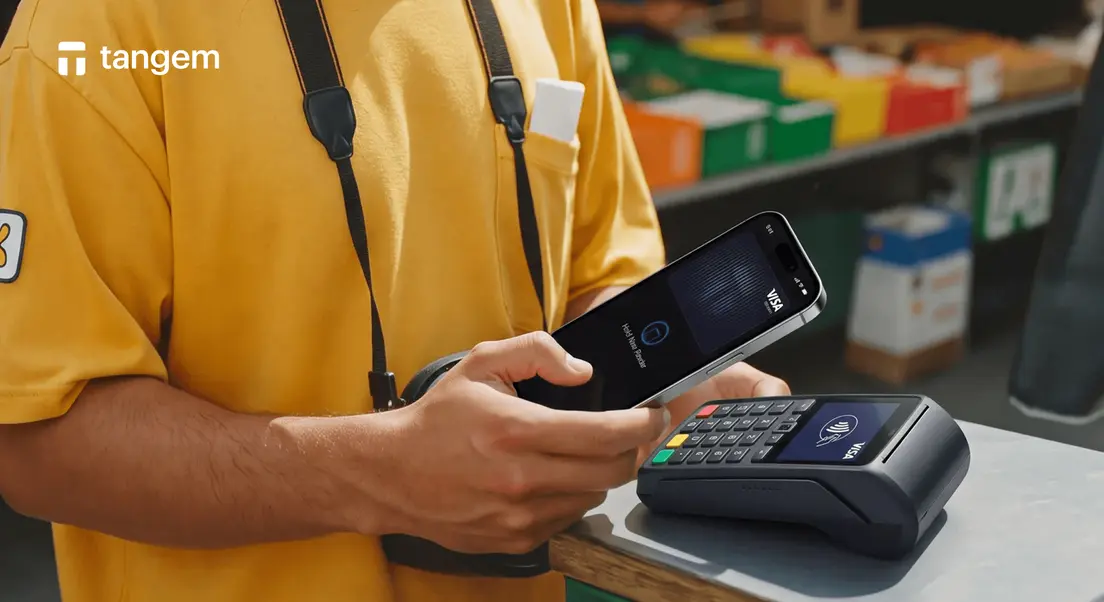



Other articles

