


 Switch to seedless. Get 30% off with SWITCH30 till Nov 02


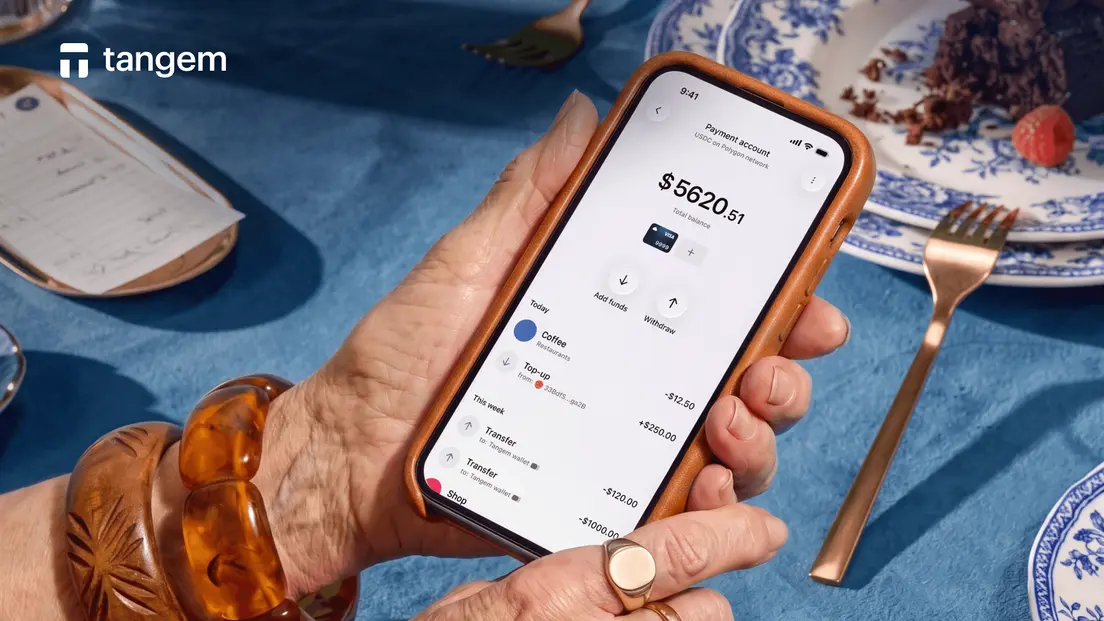
Best USDC Card: How to Spend USDC Anywhere
Spending USDC with a card sounds simple until you discover your USDC is on the wrong chain, the card charges a monthly fee you didn't budget for, or the provider holds your keys. For readers who hold native USDC on Polygon and want a self-custody option, Tangem Pay is the best USDC card in this comparison. If your USDC sits on Ethereum, Solana, or another chain, you'll need to bridge it before funding Tangem Pay. Getting it right means checking three things before you commit to any card: which blockchain it supports, whether you keep custody, and what each transaction actually costs.
What to Check Before Picking a USDC Card
Three questions cut through most of the noise.
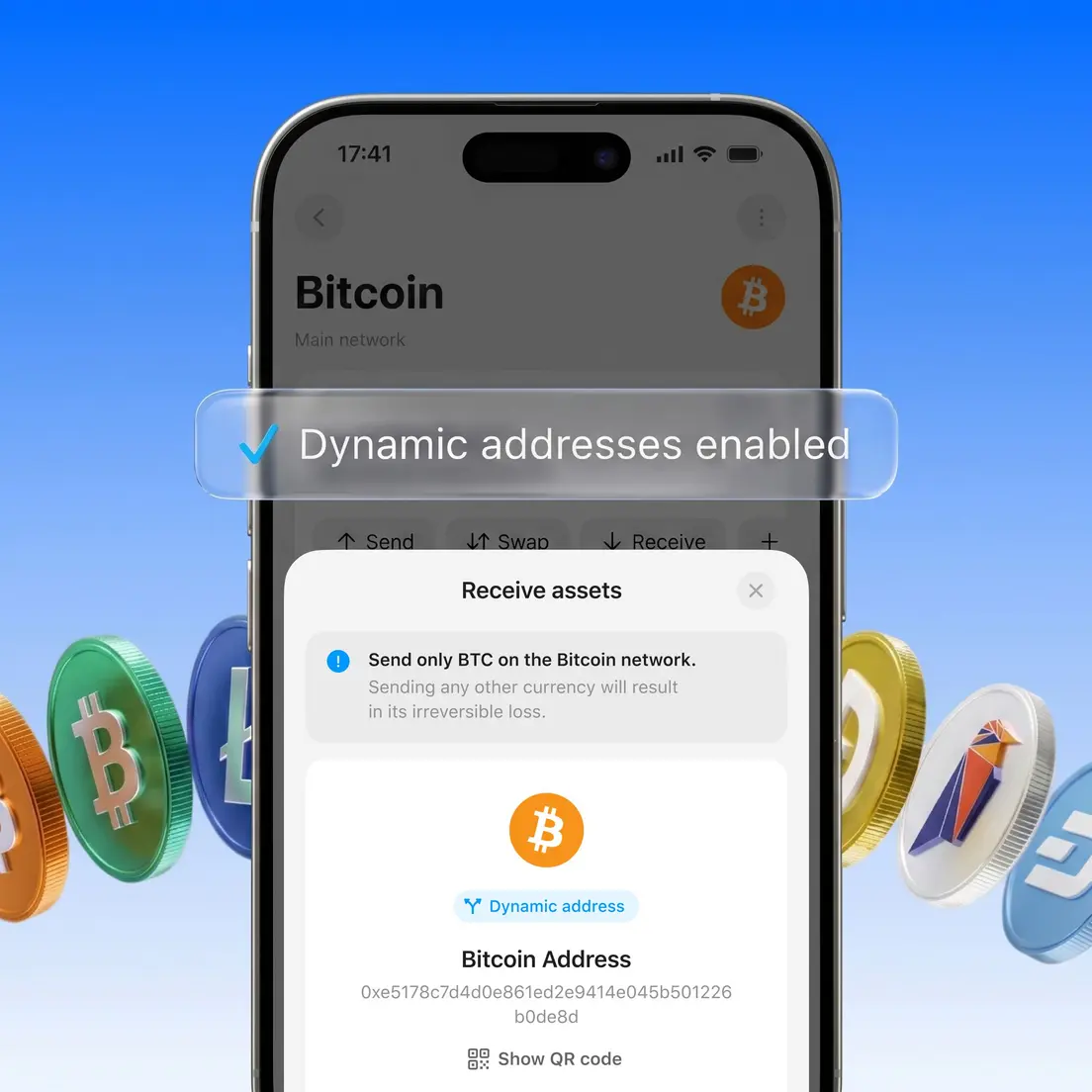
Chain compatibility is the first. USDC exists natively on multiple blockchains, and a card that accepts USDC on Polygon won't automatically accept USDC you're holding on Ethereum or Solana. Tangem Wallet supports 16,000+ cryptocurrencies across 85+ blockchain networks, but Tangem Pay's funding route is native USDC on Polygon. Check the card's supported network before you move any funds. A wrong-network deposit can leave assets stranded.
The custody model is the second. With a self-custody card, you control the private keys; transactions are signed locally and broadcast to the blockchain without an intermediary authorizing them. Tangem's documented recovery model supports 2- or 3-card backup sets with identical private keys. With a custodial card, a service controls the keys on your behalf. That trade-off matters: custodial accounts can offer easier recovery, but they introduce platform risk: hacks, insolvency, or regulatory freezes can affect your balance even if you did nothing wrong.
- Fees are the third. Network fees for funding a card change are affected by blockchain congestion and are separate from whatever the card provider charges for monthly access, ATM withdrawals, or foreign-exchange conversion. These costs stack, so look at the full picture before choosing.
Comparison Table: USDC Cards by Chain & Fees
The table below covers the cards for which sourced data is available. Fee structures and availability change, so verify current terms directly with each provider before funding.
| Card | USDC Chain Supported | Self-Custody | Monthly Fee | ATM Fee | Ideal For |
|---|---|---|---|---|---|
| Tangem Pay | Native USDC on Polygon | Yes | None documented | 4% for the basic plan, 2% for the Plus plan | Self-custody users holding USDC on Polygon |
| Bybit Card | USDC (custodial balance) | No | Varies by tier | Varies | Active traders already on Bybit |
| DeCard | USDC (deposit address) | No | Varies | Varies | Singapore-based users |
| KAST Card | USDC (deposit address) | No | Varies | Varies | Users wanting an instant virtual-card setup |
Tangem Pay stands out on two axes. It is the only card in this table that funds directly from a self-custody wallet using native USDC on Polygon, and it has no documented purchase fee, monthly account fee, or virtual card issuance fee. The Polygon network fee for funding is paid to validators, not to Tangem.
One honest limitation: Tangem Pay requires one-time KYC verification through Sumsub (government ID plus face verification), and it is currently available only in supported regions. ATM withdrawal functionality is documented as a planned feature and is not yet live.
For the other cards, check each provider's current fee schedule before committing.
If Your USDC Is on a Different Chain
If your USDC is on Ethereum, Solana, or any chain other than Polygon, you can't fund Tangem Pay directly. You need to bridge it first.
A crypto bridge transfers an asset from one blockchain to another. Blockchains don't communicate natively, so a bridge handles the move by locking or burning your USDC on the source chain, verifying the transaction, and then minting or releasing an equivalent amount on the destination chain (Polygon, in this case).
Here's what that means in practice: a cross-chain transfer incurs fees on the source chain, the bridge, and the destination chain. It's not a single transaction cost. One documented cross-chain test moving USDT from Tron to USDC on Polygon cost approximately $2.80 in total, though that figure reflects a specific route and conditions. Before bridging, carefully verify both networks, use a trusted bridge interface, and start with a small test transfer. A wrong-network transfer can make funds inaccessible.
Tangem Wallet's WalletConnect support includes bridge dApps, specifically naming OKX Bridge and multichain bridge options. That means you can initiate a bridge directly from the Tangem app without moving to a separate browser session. Once your USDC lands on Polygon, funding your Tangem Pay is straightforward: send from your Tangem Wallet or any other wallet to your Tangem Pay account address, and the balance updates after blockchain confirmation.
USDC Card Fees, Step by Step
Understanding where fees appear helps you avoid surprises. There are three distinct moments where costs can apply.
Funding the card. When you send USDC from your wallet to Tangem Pay, you pay the Polygon network fee. This goes to validators, not to Tangem. Polygon is an EIP-1559 network, so the actual fee is calculated from gas used multiplied by the base fee plus a priority fee. The displayed maximum is usually higher than what gets charged. Token transfers interact with a smart contract, so they typically use more gas than a plain native-token transfer.
Spending. Tangem Pay has no documented purchase or transaction fee. At checkout, your USDC is converted 1:1 to USD, the Visa network processes the payment, and the merchant receives USD. No USDC touches the merchant's account.
Foreign-exchange purchases. Spending in a non-USD currency is subject to standard Visa foreign-exchange rates. This applies when the purchase is in a currency other than USD.
- ATM withdrawals. ATM withdrawals are now available on Tangem Pay.
The on-chain fee for bridging USDC from another network (covered in the previous section) is a separate, upstream cost that applies only if you're moving USDC across chains before funding.
How to Actually Start Spending USDC
The setup flow has five steps.
- Get a Tangem hardware wallet (card or ring) and install the Tangem Wallet app. Tangem Pay requires the hardware wallet to function.
- Hold native USDC on Polygon in your Tangem Wallet. If your USDC is on another chain, bridge it to Polygon first.
- Complete KYC. Open the Tangem Pay section in the app and follow the Sumsub verification flow: government ID plus face verification. Tangem's documentation states it does not see or store identity data; KYC is separate from your main wallet, which stays anonymous.
- Fund Tangem Pay. Send USDC from your Tangem Wallet (or any other wallet) to your Tangem Pay account. The balance updates after Polygon confirmation.
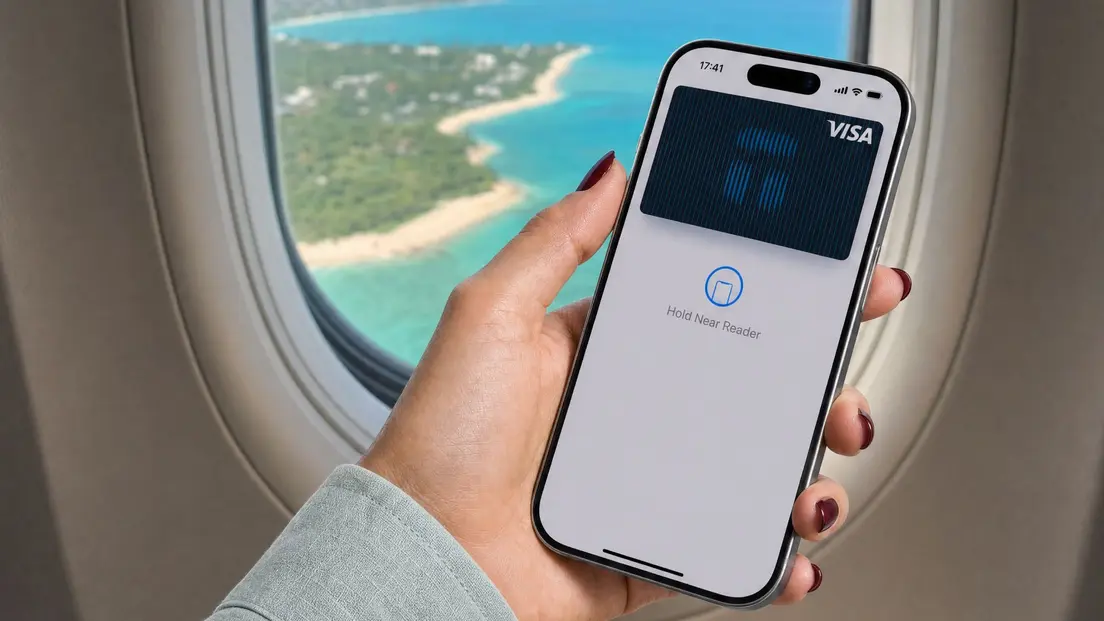
- Add to Apple Pay or Google Pay and spend online or in-store anywhere Visa is accepted.
Keep the card and app ready when you fund and pay. The app provides account information, while the hardware wallet signs transactions locally. That separation means the card is part of the spending flow, but the wallet remains where keys are stored. Confirm the recipient's address in the app before sending funds, especially when using another wallet to fund Tangem Pay.
One architectural point worth knowing: if your Tangem Pay card is ever frozen, it disconnects from the Visa network while your on-chain USDC balance remains unaffected. Your funds stay in the smart contract you control.
USDC card FAQ: spending without off-ramps
-
It depends on which blockchain your USDC is on. Tangem Pay funds directly with native USDC on Polygon from a self-custody wallet, with no documented monthly fee and no purchase fee. If your USDC is on a different chain, you'll need to bridge it to Polygon first. Check chain compatibility before choosing any USDC card.
-
Yes, through a USDC-funded card. The card provider converts your USDC to fiat automatically at checkout; merchants never receive USDC directly. Payment is processed through the Visa network, and the merchant receives USD. The conversion is handled by the card infrastructure, not the merchant.
-
Only if your USDC is on a different chain than the card supports. Tangem Pay uses native USDC on Polygon and also via smart routing (deposits or top-ups using supported tokens and networks directly). Bridging incurs fees on both chains and on the bridge itself, so factor that into your cost calculation.
-
Yes. Tangem Pay requires one-time KYC verification through Sumsub: a government ID and face verification. The documentation states Tangem does not see or store identity data, and your main Tangem Wallet remains separate and anonymous. Basic Tangem Wallet usage with no spending features does not require KYC.
-
Your USDC balance is unaffected. Freezing a Tangem Pay card disconnects it from the Visa network, but the on-chain USDC held in the smart contract you control stays intact. This is a direct consequence of the self-custody model: the card is a spending interface, not a custodian of your funds.
-
No. Tangem Pay requires a supported region and a one-time KYC check. Current availability details are not confirmed in the sourced documentation at the time of writing. Check the Tangem app or the Tangem website for the current list of supported countries before starting the setup process.


Don't miss these 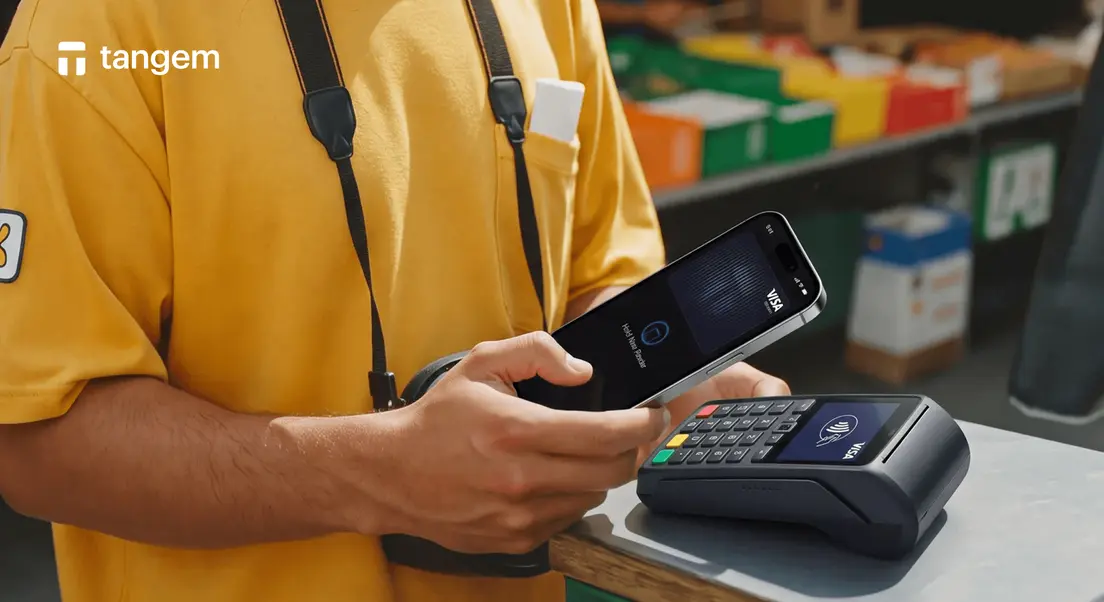




Other articles

