


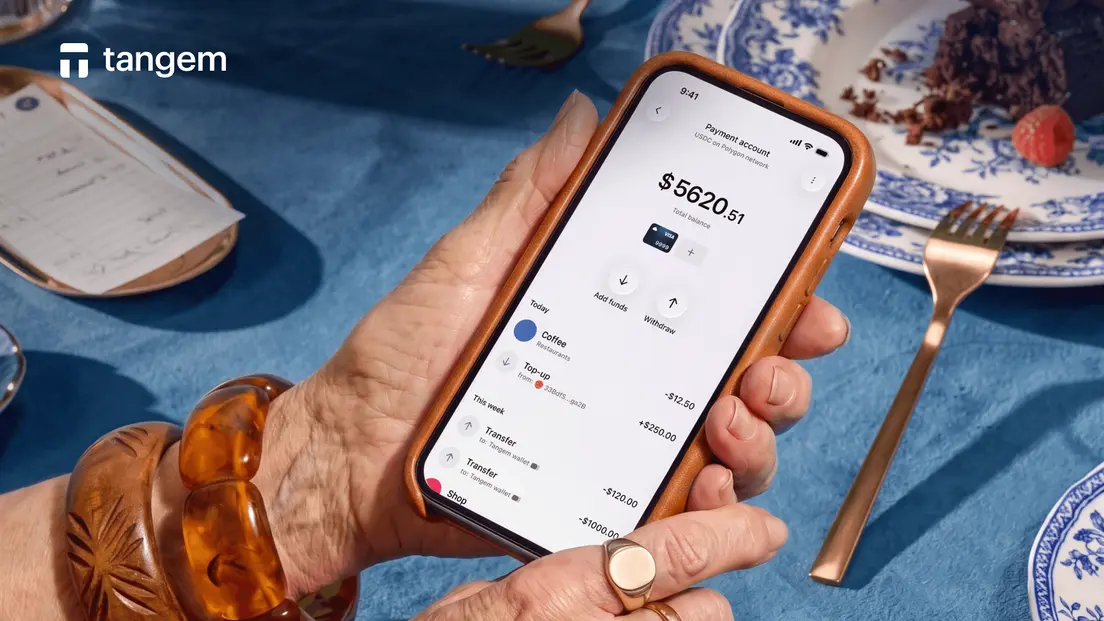
How to Spend USDC: A Complete Guide
You have USDC. Now you want to actually use it: pay for something, move it somewhere useful, or convert it to cash. The question is which path makes sense for your situation. There are three distinct routes, and they're not interchangeable. Picking the wrong one costs you time, fees, or both.
The Three Ways to Spend USDC
Most merchants don't accept USDC directly. That's not a flaw. It's just how the current payment infrastructure works. When you pay with a crypto card, the card network settles the merchant in fiat; the merchant never touches USDC at all. That single fact shapes everything below.
Card-funded spending is the fastest path. A card automatically converts your USDC to fiat at checkout, so the merchant receives USD (or the local currency), and you spend from your USDC balance. No manual selling required.
Bridge-then-spend applies when your USDC lives on a chain that your card or platform doesn't support. You move the USDC to the right network first, then fund your card.
- Manual convert-and-withdraw is the fallback. Sell on an exchange, withdraw to your bank, and spend the fiat. It works, but the bank withdrawal alone can take 2 to 5 business days.
Here's the honest issue with the manual route: by the time the fiat lands in your account, you've paid trading fees, withdrawal fees, and lost several days. It's worth knowing how it works, but it's rarely the right first choice.
Method 1: Spend Directly With a USDC Card (Fastest)
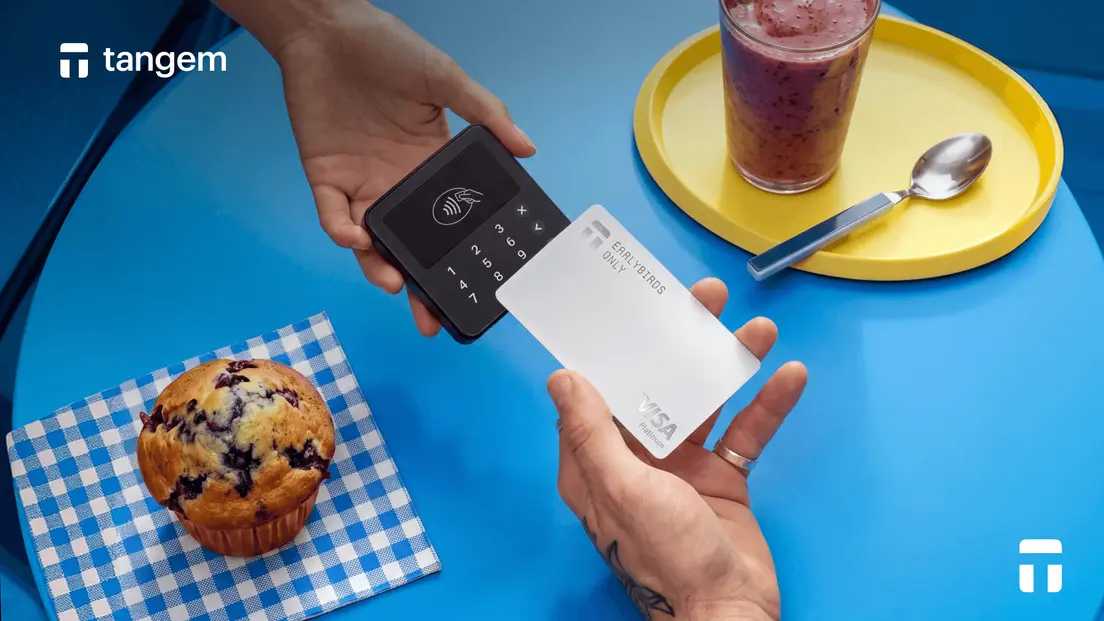
A USDC card keeps the conversion invisible. You load USDC, you tap your card, and the merchant receives fiat. That's the entire flow from the user's perspective.
Tangem Pay is a non-custodial payment account built into the Tangem Wallet app. Here's what makes the architecture different from a typical prepaid card: funds sit in a smart contract you control, not in a company's account.
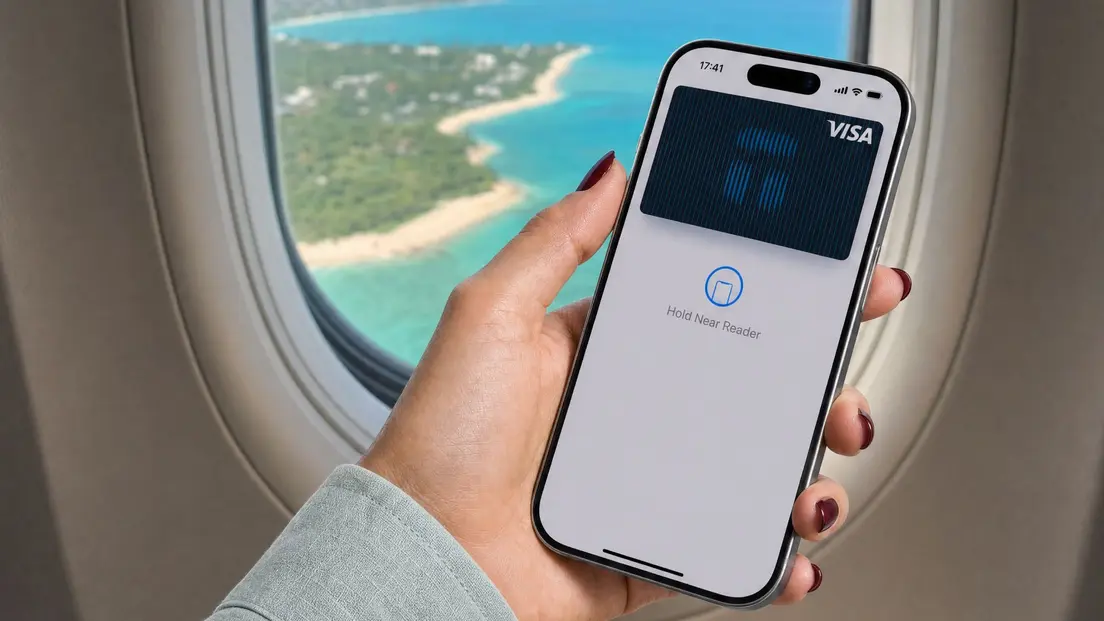
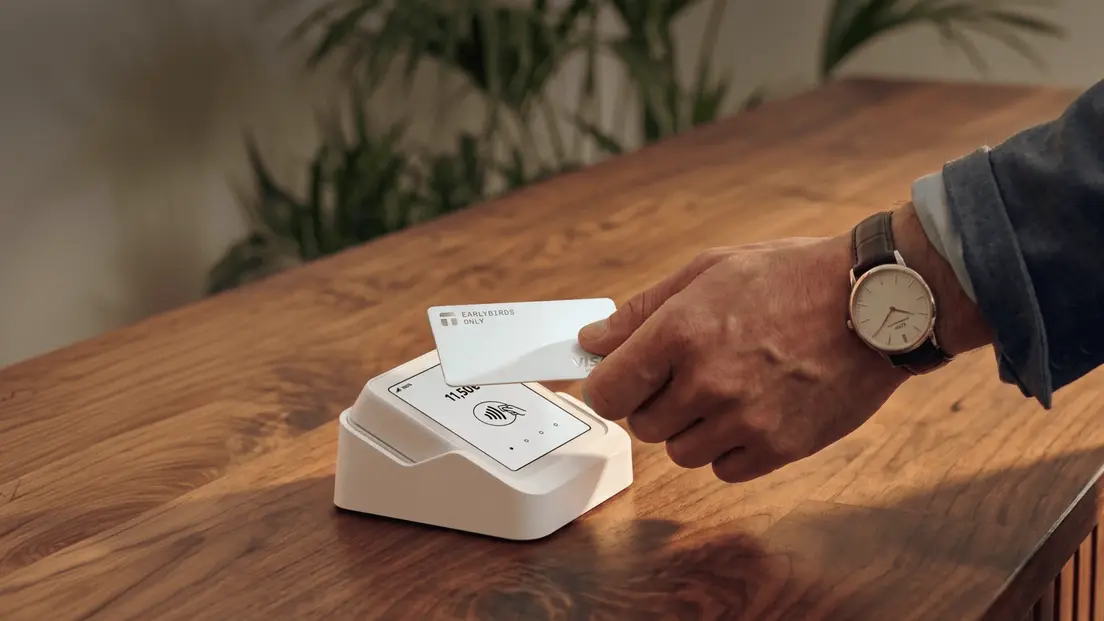
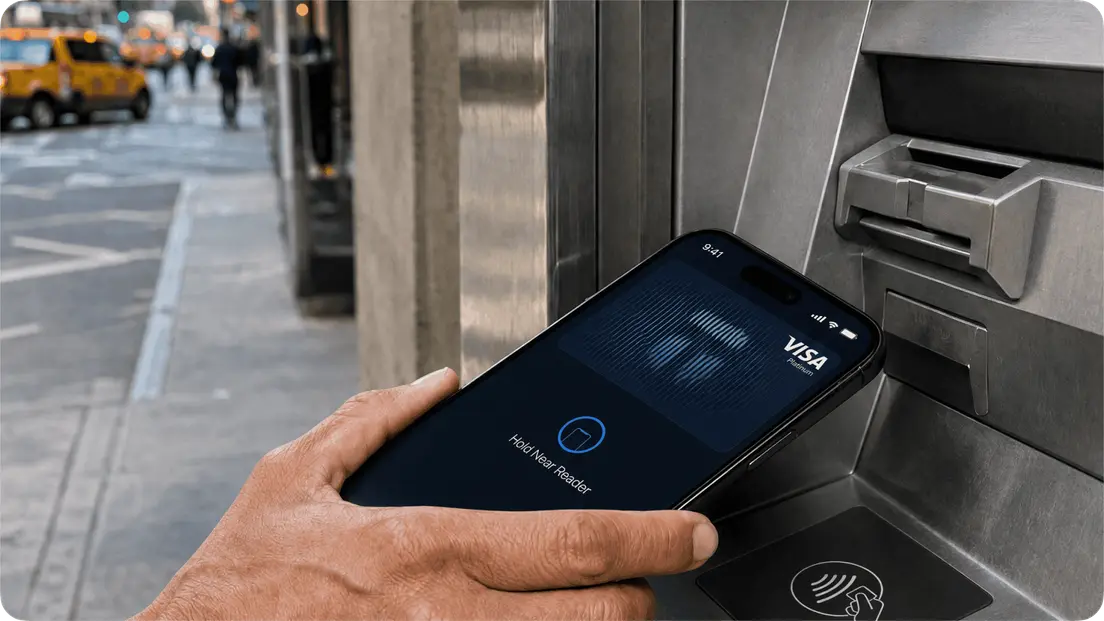
At the moment of purchase, USDC converts 1:1 to USD, Visa processes the transaction, and the merchant receives USD. The spending instrument is a Visa card. You can use it for online purchases or add it to Apple Pay or Google Pay for in-store contactless payments.
Setup requirements: a Tangem hardware wallet (card or Ring), the Tangem Wallet app, a supported region, and one-time KYC verification through Sumsub (government ID and face scan). Tangem states it does not see or store your identity data. Only the compliance partner does.
Funding the account: send native USDC on the Polygon network to your Tangem Pay address using your Tangem Wallet or another wallet. Funds become available after blockchain confirmation.
Fee structure: no transaction fees or monthly account fees. The only cost to load is a Polygon network gas fee paid to validators. Spending in a non-USD currency is subject to standard Visa foreign-exchange rates.
Tangem Pay is available in the U.S. and selected countries across Latin America, Asia-Pacific, the Middle East, and Africa; eligibility is confirmed during in-app onboarding. EEA availability was added in March 2026, while the UK remained pending in the later 2026 coverage.
What USDC Spending Actually Costs
A few notes on that table. The 1 to 2.5% conversion spread applies to volatile crypto like BTC or ETH, not to USDC, which converts 1:1. The main cost for USDC card spending is the Polygon gas fee when you top up. Polygon fees are typically lower than Ethereum's.
FX markup is worth tracking separately from purchase fees. If you spend in euros or pounds on a USD-denominated card, the Visa foreign-exchange rate applies. That's true of any Visa card, not just crypto cards.
Common Mistakes and How to Avoid Them
- Sending USDC on the wrong network is the most common and most painful error. Exchanges support USDC on several networks (Ethereum, Polygon, Solana, and others). If you withdraw to the wrong network to a wallet that only supports a different one, funds can become inaccessible or require recovery steps.
- Confusing custodial deposits with self-custody funding trips up beginners switching between platforms. When you deposit USDC into an exchange, you no longer hold the private keys. The exchange does. When you fund a Tangem Pay account from a self-custody wallet, you control the funds until the moment of the transaction.
- Skipping the test transfer. Before moving a large balance across an unfamiliar bridge or to a new address, send a small amount first. Confirm it arrives on the right network.
Spending USDC FAQ: speed and self-custody
-
A USDC-funded card that converts to fiat automatically at checkout, like Tangem Pay, is the fastest method. It skips the manual sell-and-withdraw sequence entirely. After you load USDC to the card account and the blockchain confirmation goes through, you can spend at any Visa-accepting merchant or through Apple Pay and Google Pay.
-
Not directly at most merchants. Merchants don't accept USDC directly, so a card or platform automatically converts it to fiat at the point of sale. You don't perform the conversion manually, but it does happen. The card network handles it, and the merchant receives local currency.
-
Only if your USDC is on a different blockchain than the one your card or platform requires. Tangem Pay uses native USDC on the Polygon network, so USDC held on Ethereum or another chain needs to be bridged to Polygon first. If your USDC is already on Polygon, no bridging step is needed.
-
Yes, when set up correctly. Self-custody means you control the funds until the moment of the transaction. They sit in a smart contract you own, not a company's account. The key safety step is to verify that you're using the official app or site. Phishing pages that mimic card-linking flows are a real risk, so always bookmark official URLs and never follow links from messages.
-
The funds can become inaccessible or require a recovery process, depending on the receiving platform. Some exchanges can recover wrong-network deposits, but they typically charge a fee, and it's not guaranteed. The only reliable fix is prevention: always confirm the exact network the receiving address expects before sending.
-
In many jurisdictions, spending crypto is a taxable disposal event. Holding and spending USDC close to its $1 peg may produce minimal gains or losses, but record-keeping requirements still apply. Tax treatment varies by country, so keep a record of each transaction and consult a qualified tax adviser for your specific situation.


Don't miss these 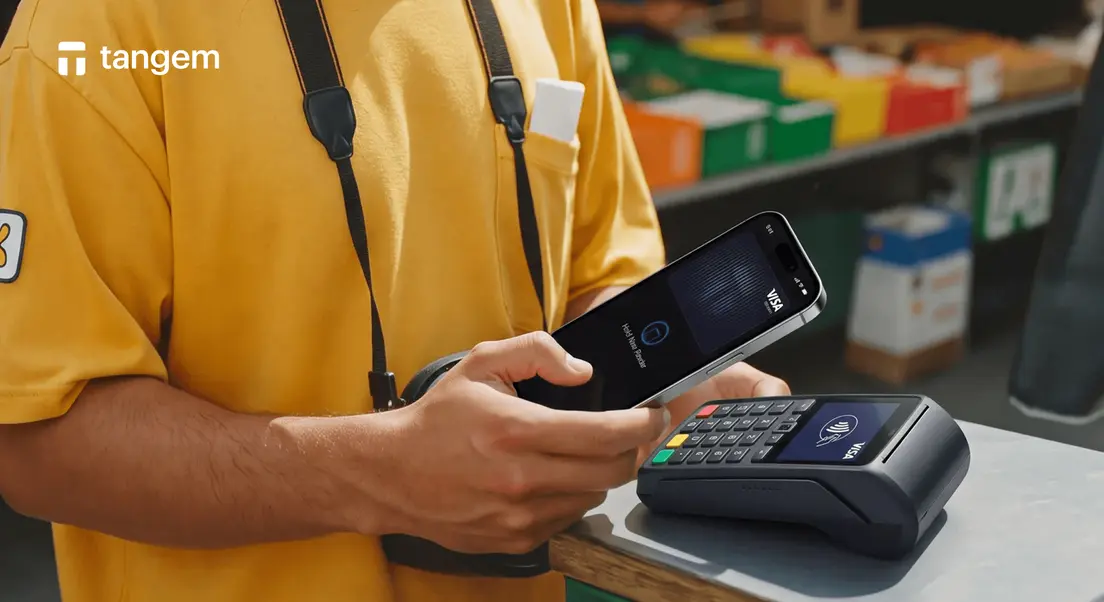



Other articles

