


 Switch to seedless. Get 30% off with SWITCH30 till Nov 02


How to Top Up Tangem Pay With USDT
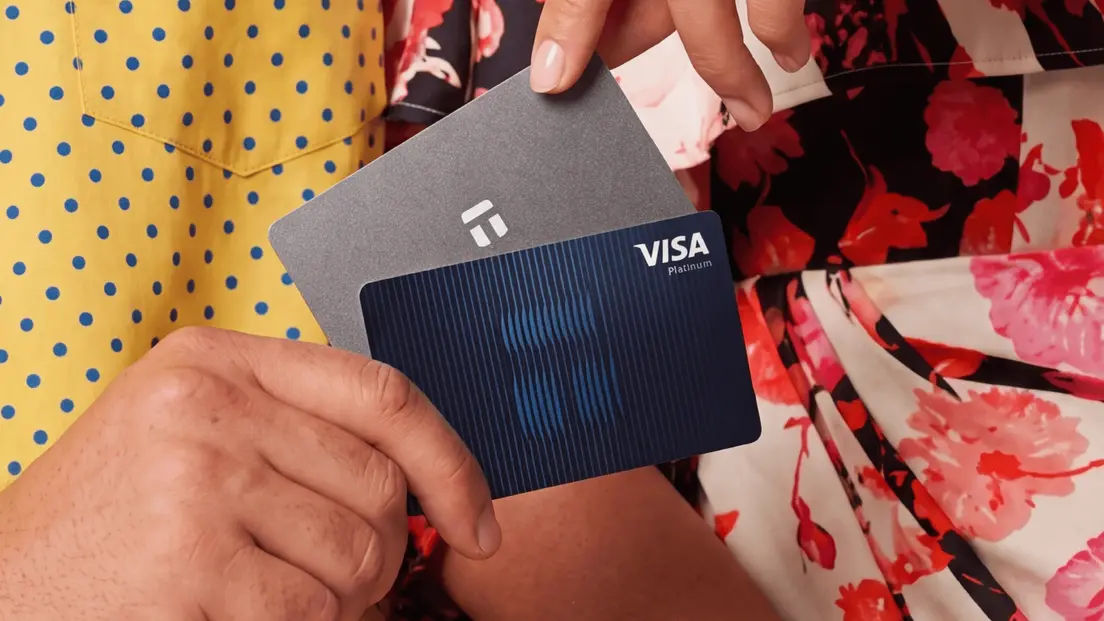
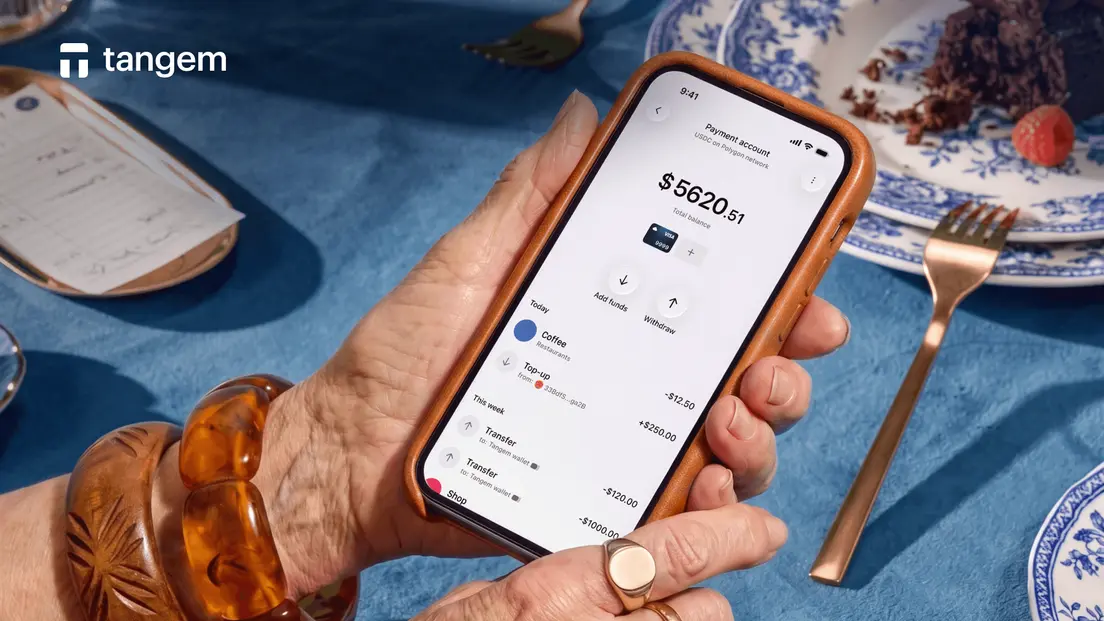
Tangem Pay is a non-custodial payment account embedded in the Tangem Wallet app. It works with a Visa card you can add to Apple Pay or Google Pay, and you can fund it with stablecoins or, where available, a bank transfer. This guide covers the full USDT top-up flow, which networks are supported, what the transfer actually costs, and what to do if your balance doesn't update.
Tangem Pay top-up guide
Tangem Pay accepts direct USDC and USDT top-ups from your Tangem Wallet or from an external wallet. The supported networks for USDT top-ups are Polygon, Base, Arbitrum, and BNB Smart Chain. You can also top up with USDC. The original top-up asset when Tangem Pay launched in app version 5.31 on December 12, 2025, was native USDC on Polygon. USDT support across multiple networks came later.
One more option: the built-in swap. If you hold USDT on a network that isn't directly supported for top-ups, or you simply want to move funds from your main wallet holdings, the Tangem app can swap supported USDT into your Tangem Pay balance at 1:1 with no spread. Spending still happens in USDC on Polygon on the back end, but you don't need to manage that conversion manually.
Where U.S. bank funding is available, you can also fund via ACH ($1 fee) or FedWire ($11 fee). For most users outside the U.S., the USDT or USDC top-up route is the primary path.
How to top up with USDT
The flow is straightforward once you know the network rules.
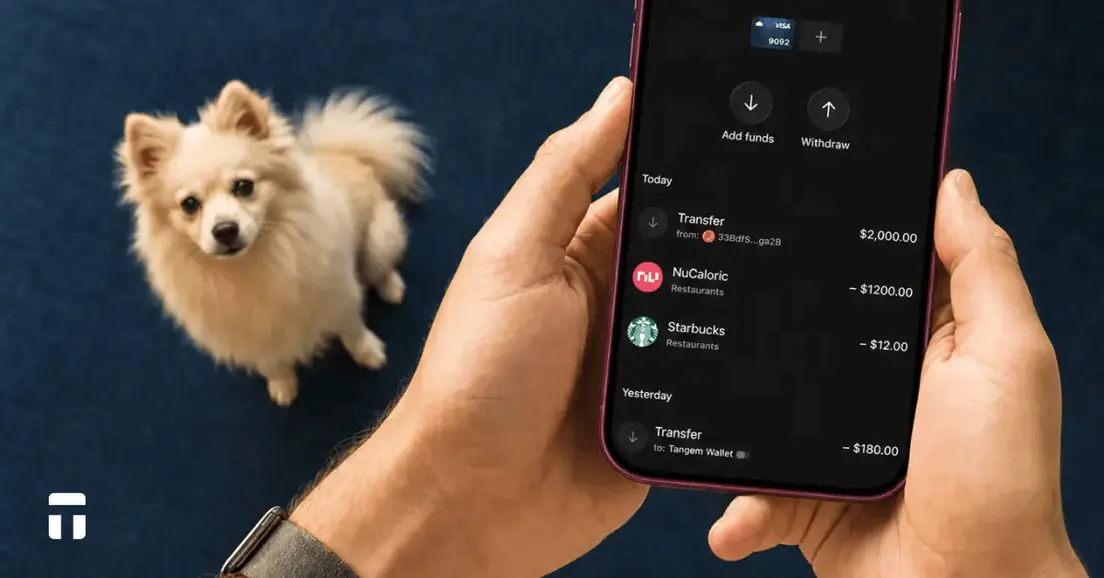
- Open the Tangem app and go to Tangem Pay. You'll find Tangem Pay as a separate account in the app, distinct from your main wallet.
- Tap Top Up and select USDT. The app will show you the supported networks. Pick the one that matches where your USDT is currently held.
- Confirm the network. This step matters more than it looks. EVM-compatible chains like Polygon, Base, Arbitrum, and BNB Smart Chain can share the same wallet address format. Sending USDT on the wrong network won't automatically fail. It may simply strand your funds at an address that Tangem Pay isn't monitoring for that network.
- Enter the amount and review the fee. The app will display the network gas fee before you confirm. That fee goes to validators on the blockchain, not to Tangem. Tangem Pay itself has no transaction fee, no monthly account fee, and no virtual-card issuance fee.
- Sign and send. Confirm the transaction. If you're sending from your Tangem hardware wallet (card or ring), you'll tap the card to sign via NFC.
- Wait for blockchain confirmation. Your Tangem Pay balance updates once the transaction is confirmed on-chain. Confirmation time depends on which network you used. More on that below.
How long do USDT top-ups take?
The cost of a top-up is almost entirely the gas fee on whichever network you use. Polygon is typically the cheapest option. Gas fees vary with network congestion, transaction size, and execution priority.
Here's a rough sense of confirmation times across the supported networks, based on typical conditions:
| Network | Typical Confirmation Time |
|---|---|
| Polygon | ~5 to 10 minutes |
| Base | ~7.5 minutes |
| BNB Smart Chain | ~5 minutes |
| Arbitrum | ~20 minutes |
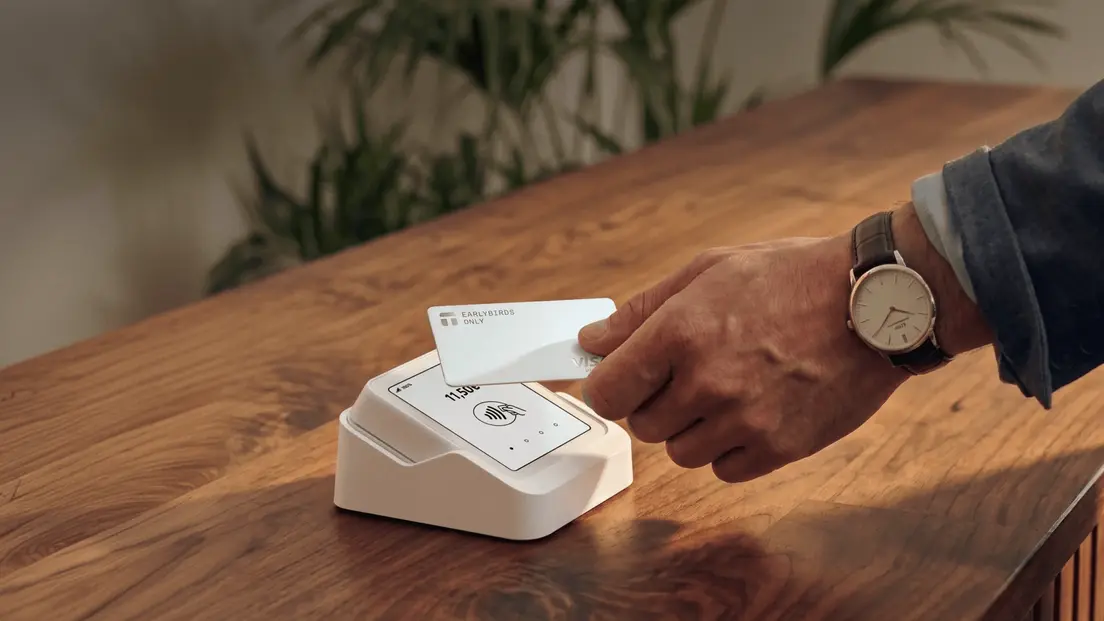
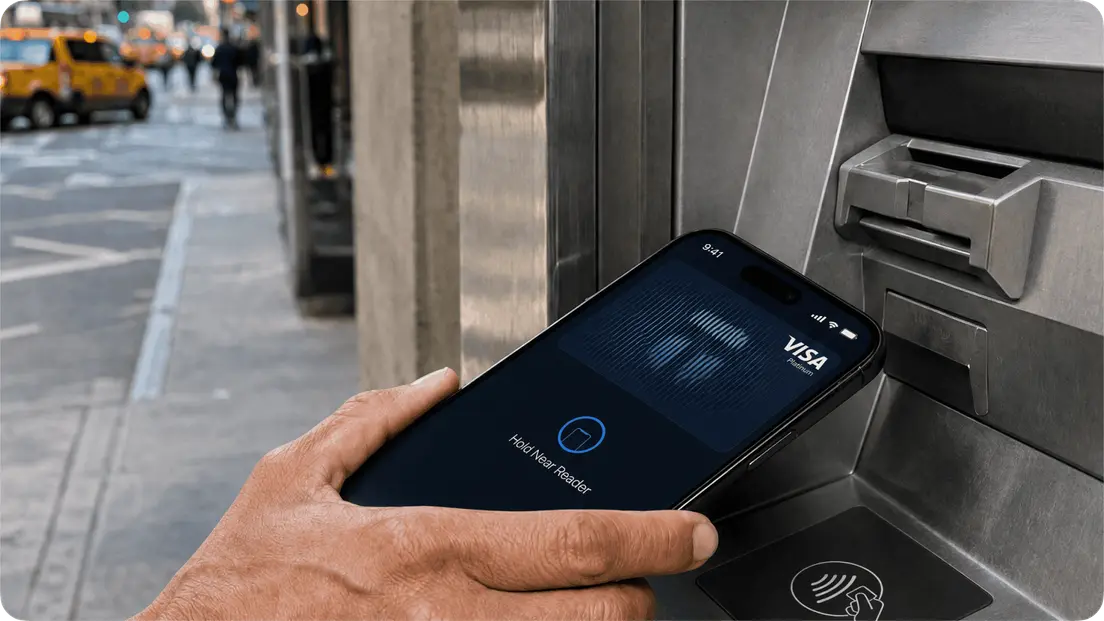
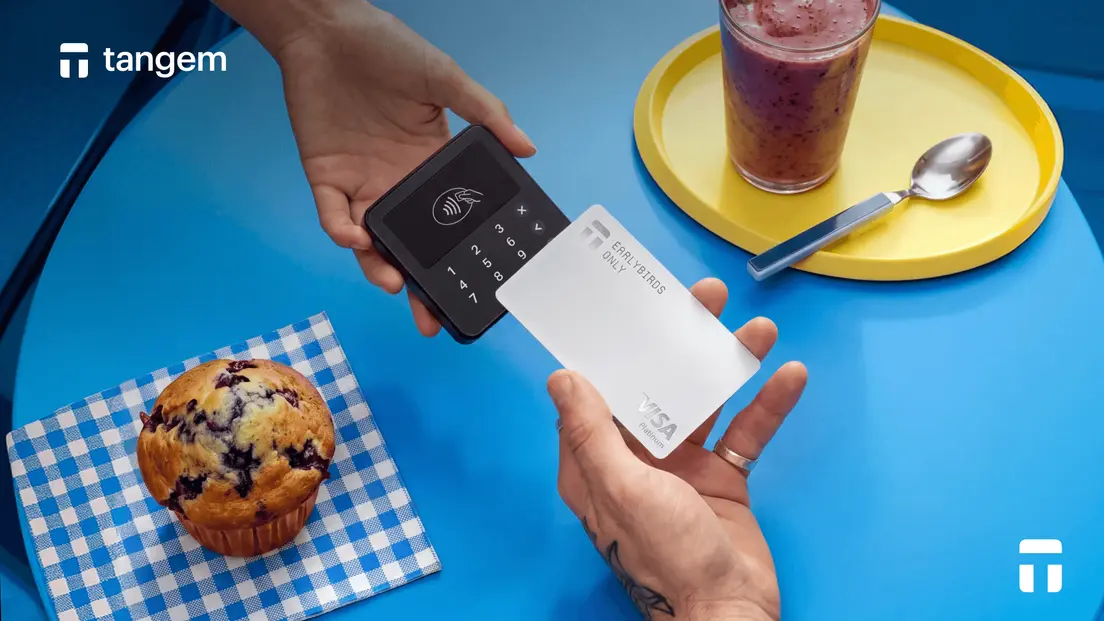
Once your Tangem Pay balance is funded, spending works like this: you make a purchase with the Visa card (or through Apple Pay or Google Pay), the USDC equivalent is deducted from your Tangem Pay balance, and the merchant receives USD through Visa. If you spend in a non-USD currency, standard Visa foreign-exchange rates apply.
FAQ
-
No. Tangem Pay can be used with a Tangem Mobile Wallet, provided the feature is available in your region. However, the Mobile Wallet must be backed up before you can use Tangem Pay.
-
Sumsub handles identity verification. You'll need a government ID and face verification before you can use the payment account.
-
Tangem does not see or store the identity data used for Tangem Pay verification. Sumsub handles the government ID and face verification process.
-
Because EVM chains share address formats, a transfer sent on an unsupported network may not arrive and could strand your funds. Before sending, always verify that the network shown in the Tangem app matches the network your USDT is on. If a transfer doesn't arrive, check the transaction on a block explorer using the transaction ID. It will show the sender, recipient, amount, fee, and confirmation status.
-
First, check the transaction on the relevant blockchain explorer using your transaction ID. Confirm that the asset, network, amount, and receiving address all match your Tangem Pay top-up instructions. If the transaction shows as confirmed on-chain but your balance hasn't updated, contact Tangem support with the transaction hash. Don't resend the transfer until you've confirmed the first one's status.
-
No. Smart Gas applies to Send, Swap, and Send via Swap transactions in your main Tangem Wallet. It does not cover Tangem Pay top-up transactions. You'll need a small amount of the native gas token for whichever network you're using to complete the top-up.
-
Use the built-in swap in the Tangem app. You can swap supported USDT into your Tangem Pay balance at 1:1 with no spread. This is the simplest path if your USDT is on a network that isn't directly supported for top-ups, or if you want to fund Tangem Pay from holdings already inside your main Tangem Wallet.
-
Tangem Pay is currently available in the U.S. and select countries in Latin America, Asia-Pacific, the Middle East, Africa, and other regions. The UK and EU are planned for 2026. The fastest way to check your eligibility is to go through the in-app onboarding flow.


Don't miss these 



Other articles

