 Switch to seedless. Get 30% off with SWITCH30 till Oct 21


What Can You Buy With USDC?
Most merchants don't accept USDC directly. But with a USDC-funded Visa card, that doesn't matter; you can buy nearly anything, anywhere, because the card converts your USDC to USD at checkout before the merchant ever sees it. Here's what that means in practice: the full Visa network, all the everyday spending categories you'd expect, and a handful of real exceptions worth knowing.
The Short Answer: Anywhere Visa Is Accepted
Tangem Pay is funded with native USDC on the Polygon network and issues a virtual Visa card for spending. Visa is accepted at more than 175 million merchant locations across over 220 countries and territories. That's the practical ceiling for where you can spend. The merchant doesn't touch USDC. They receive USD through the Visa network, exactly as they would from any other card. From their perspective, it's a normal transaction. From yours, the USDC balance in your account covers it. That distinction matters. The card is accepted on the standard Visa network, including merchants that do not directly accept crypto.
Everyday Categories You Can Buy With USDC
Here's how the most common spending categories break down.
1. Groceries and supermarkets
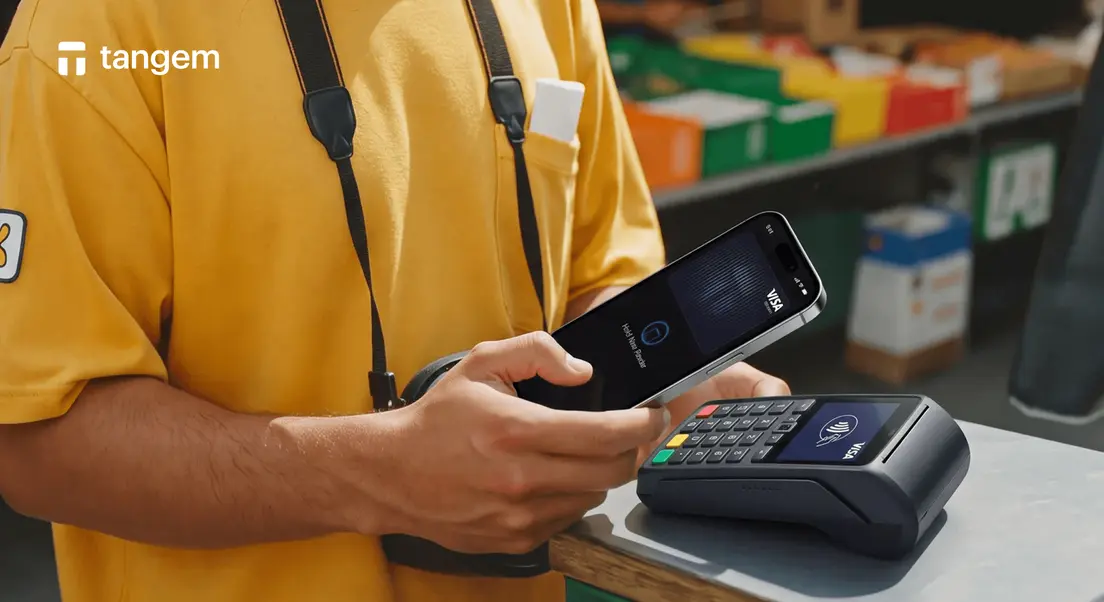
Any supermarket or grocery chain that accepts Visa card payment works. You can tap your phone at the register using Apple Pay or Google Pay. Both support the Tangem Pay virtual card. The USDC is deducted from your account at the moment of purchase; the store receives USD. At a self-checkout or a staffed lane, it remains a Visa purchase. You do not need to send USDC to the supermarket, nor does the store need to support a crypto wallet.
2. Streaming and digital subscriptions
Recurring subscriptions are a natural fit for a card-funded account. Services like Netflix, Spotify, Amazon Prime, Disney+, YouTube Premium, and Apple TV+ all charge a card on file. You enter the virtual card details once, and the monthly charge goes through like any other subscription. Keep your balance at least equal to your total monthly subscription cost, with a small buffer for any unexpected charges. For example, if five services total $60 per month, a $70-$80 balance leaves room for a charge that comes in before you top up.
3. Dining, cafés, and food delivery
Restaurants and cafés that accept contactless payment work the same way as grocery stores. For food delivery apps and rideshare services where you pay in-app, you enter your card details at checkout. The conversion from USDC to USD happens in the background. The restaurant or driver is paid normally. Ordering a coffee in person and booking a ride in an app use different checkout screens, but the card route is the same. In both cases, the merchant receives USD rather than USDC.
4. Online shopping
This is where a virtual card is particularly practical. Enter the card number, expiry, and CVV at any online checkout that accepts Visa. These are the same fields you'd fill in for any other card. One-time purchases and recurring billing both work. International merchants are supported, with standard Visa foreign-exchange rates applying for non-USD transactions. That matters for a $60 software subscription as much as a one-off order: the site receives card authorization, not a request to accept USDC.
5. Travel: flights, hotels, and car rentals
Airlines, hotel booking platforms, and car rental providers that accept Visa are all reachable. Book directly on the provider's site or through a travel platform and pay with the card details. For international travel, top up your USDC balance before departure. Estimate your expected daily spending across the trip and add a buffer. Before a three-day trip, check the total booking and the expected daily spending, then fund the account with that total plus a buffer. The card uses Visa at checkout, not direct USDC payment to the airline or hotel.
6. Bills and utilities
Some utility providers and service companies accept card payments directly. If your electricity, internet, or phone provider offers a card-payment option, the Tangem Pay card works there. The caveat: bills that require a direct bank transfer rather than a card transaction cannot be paid this way. That's a constraint of how those payment systems work, not a USDC-specific issue. That distinction matters when setting up an automatic payment. Check the payment method on the provider's site before relying on your card for a bill.
What You Can't Buy Directly With USDC (And Why)
Some payments fall outside the card-payment route.
A merchant that operates cash-only or has no Visa terminal is entirely outside the card-payment route. This applies to any Visa card. A farmer's market stall that takes cash only, or a small local vendor without a card reader, cannot accept cards. A cash-only stall can sell the same goods as a Visa-accepting shop, yet it cannot accept cards. The same applies to payment situations that require a direct bank transfer. Rent paid via bank wire, government tax payments routed through a bank account, and some utility arrangements that only accept ACH require a bank transfer. A housing portal that asks for bank details still needs a bank account, even if other bills take cards.
A decline at a Visa-accepting merchant usually points to a card limit or balance issue. A merchant that does not accept card payments cannot process a Visa card. That is a payment-method issue, not a stablecoin one.
How the Purchase Actually Goes Through
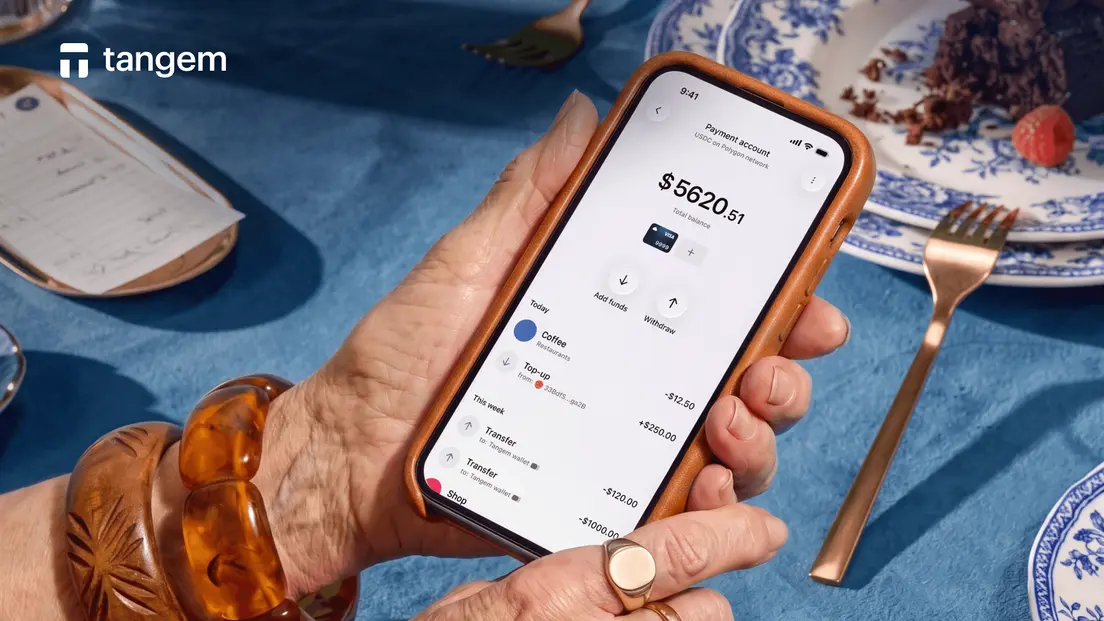
The mechanics are simpler than they sound. You fund the Tangem Pay account with native USDC on the Polygon network. Your balance is held in a smart contract you control. When you make a purchase, the card is processed through the Visa network: USDC is converted to USD at a 1:1 rate, the merchant receives USD, and the equivalent USDC is deducted from your account.
For online purchases, you enter the card details at checkout. For in-store purchases, you tap your phone using Apple Pay or Google Pay. The merchant sees a normal Visa transaction either way.
Polygon gas is charged when you top up the account. That fee goes to network validators, not to Tangem. There are no transaction, monthly account, or card issuance fees on the Tangem Pay side. Tangem Pay and your main Tangem Wallet are separate accounts within the same app. The main wallet is for holdings and storage; Tangem Pay is the spending account, with KYC applied to comply with payment regulations.
Tips for Everyday USDC Spending
Check your balance before large purchases. The Tangem app shows your current Tangem Pay balance. For anything over a few hundred dollars, confirm the balance covers the cost before you get to checkout.
Keep a fiat or cash backup. Card-funded USDC can't cover cash-only merchants or bank-transfer-only bills. A small cash reserve handles situations that a card can't.
Top up before travel. Estimate your expected daily spending, multiply by the number of days, and add a buffer. Topping up from abroad is possible but adds a step; doing it before you leave is simpler.
Set a daily limit that matches your habits. Tangem Pay supports setting a daily spending limit directly in the app. The reported basic daily limit is $10,000, with a higher tier available. Adjust it to match your typical spending pattern. A tighter limit reduces exposure if the card details are ever compromised.
- For subscriptions, maintain a standing buffer. If you run five monthly subscriptions totaling $60, keep at least $70- $80 in the account to absorb any timing variation in when charges hit.
FAQ
-
Anything a merchant that accepts Visa sells, including groceries, subscriptions, dining, travel, online shopping, and bills where card payments are accepted. A USDC-funded card converts to USD automatically at checkout, so the merchant is paid normally. The practical reach is Visa's global network: more than 175 million merchant locations across over 220 countries and territories.
-
Yes. With a USDC-funded card, grocery shopping works exactly like a normal card transaction. Tap your phone at the register using Apple Pay or Google Pay, or enter the card details manually. The USDC-to-USD conversion happens automatically; the store receives USD.
-
Only in the same situations would any card be declined or unusable: merchants that are cash-only, payment arrangements that require a direct bank transfer, and purchases above your card's daily spend limit. ATM cash withdrawals are now supported. None of these are USDC-specific restrictions.
-
Not directly through Tangem Pay. The spending account is funded with native USDC on Polygon, so USDC held on another network needs to arrive as native Polygon USDC before it can fund the card. Once it is funded, checkout follows the usual Visa flow.
-
Yes. Tangem Pay requires one-time KYC before you can use its spending account. The documented setup also requires a Tangem hardware wallet and the Tangem app.
-
A declined payment does not mean a store rejects USDC. First check that the merchant accepts Visa and that your balance and daily limit cover the purchase. The declined charge leaves the funds in place.


Don't miss these 


Other articles

