 Mude para seedless. 30% OFF com SWITCH30 até 19 out.


Como configurar a Tangem Wallet sem seed phrase
Este artigo está disponível nos seguintes idiomas:
Neste artigo, mostramos como configurar sua Tangem Wallet sem seed phrase — a forma recomendada. Seed phrases representam uma vulnerabilidade; já abordamos esse tema em um artigo detalhado. Para configurar sua Tangem Wallet sem seed phrase, você precisa de um smartphone com NFC e dos seus Tangem Cards.
Processo de configuração
Veja como configurar a nova Tangem Wallet sem seed phrase.
1. Baixe e abra o aplicativo oficial da Tangem.
2. Selecione Scan card.
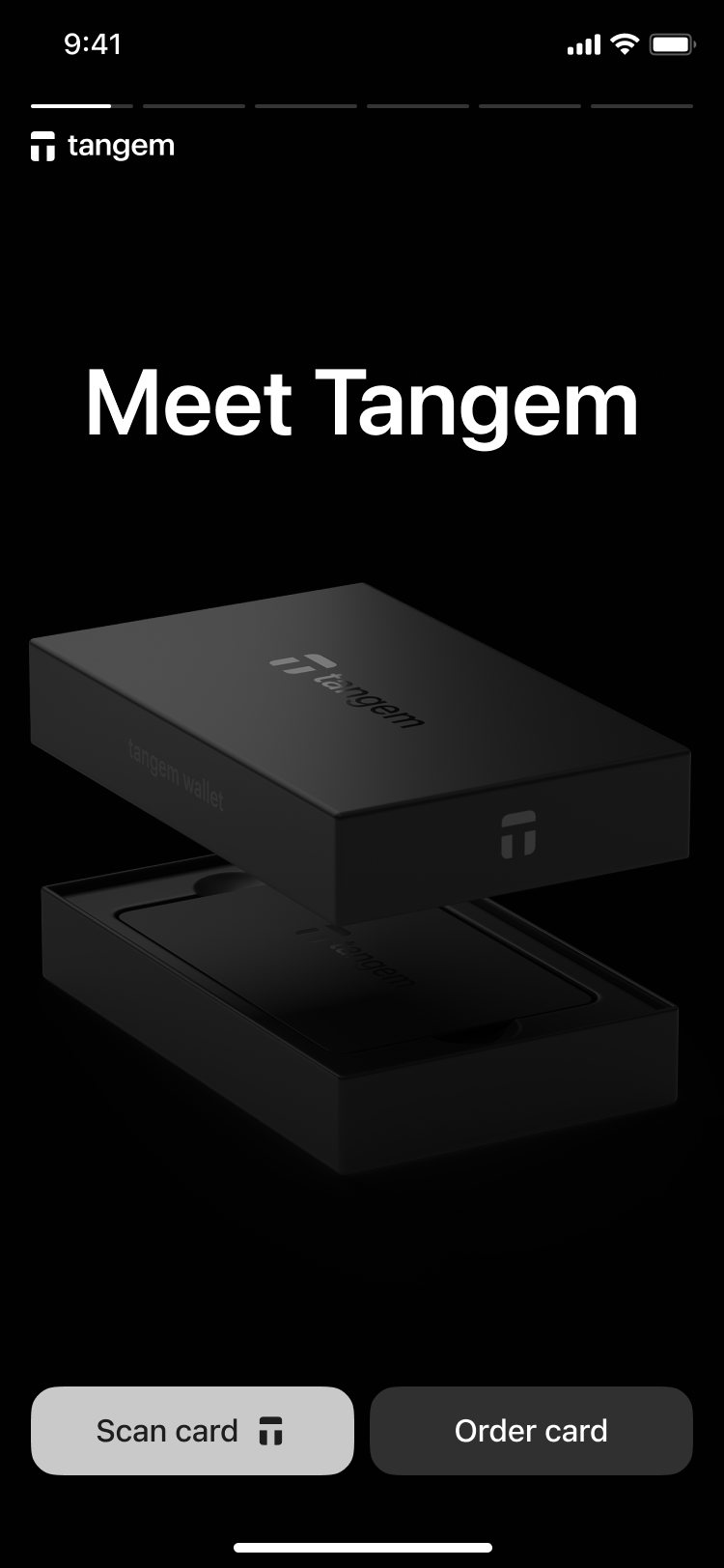
3. Tap the first card on your phone to scan it.
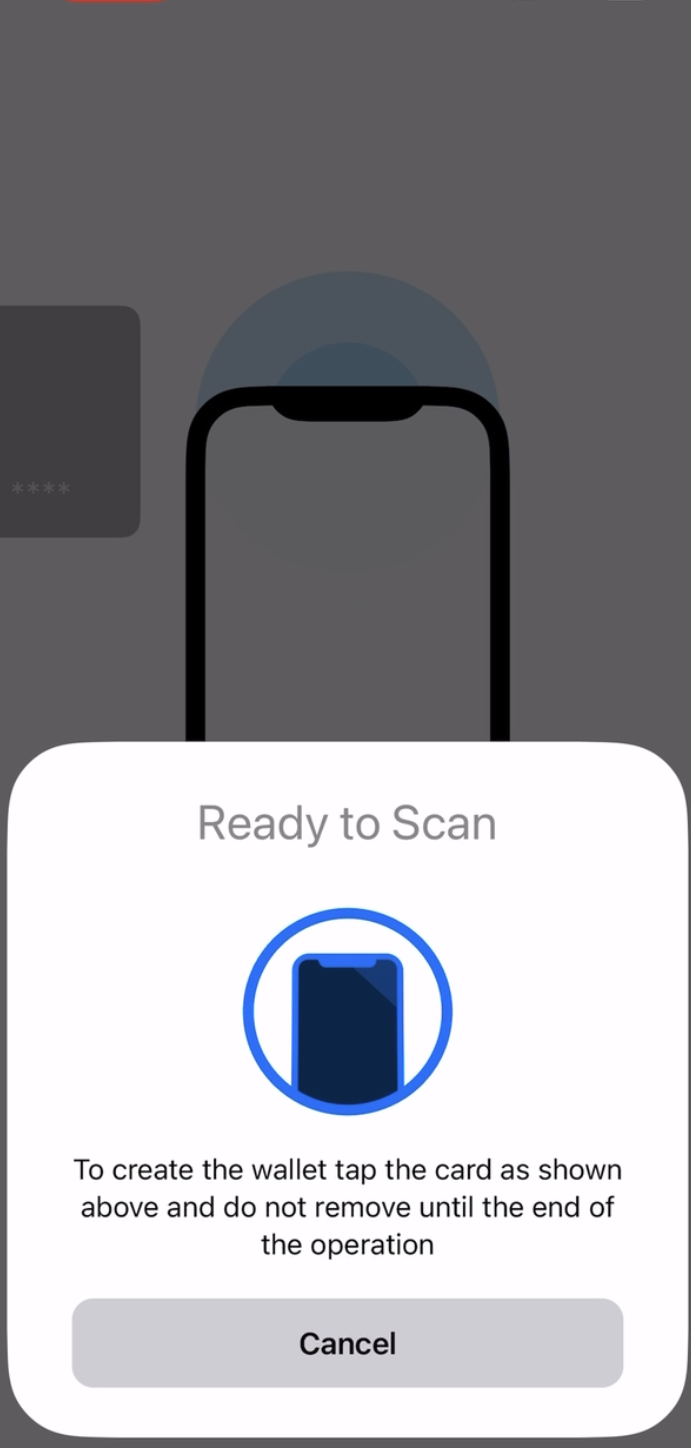
3. Tap Create wallet.
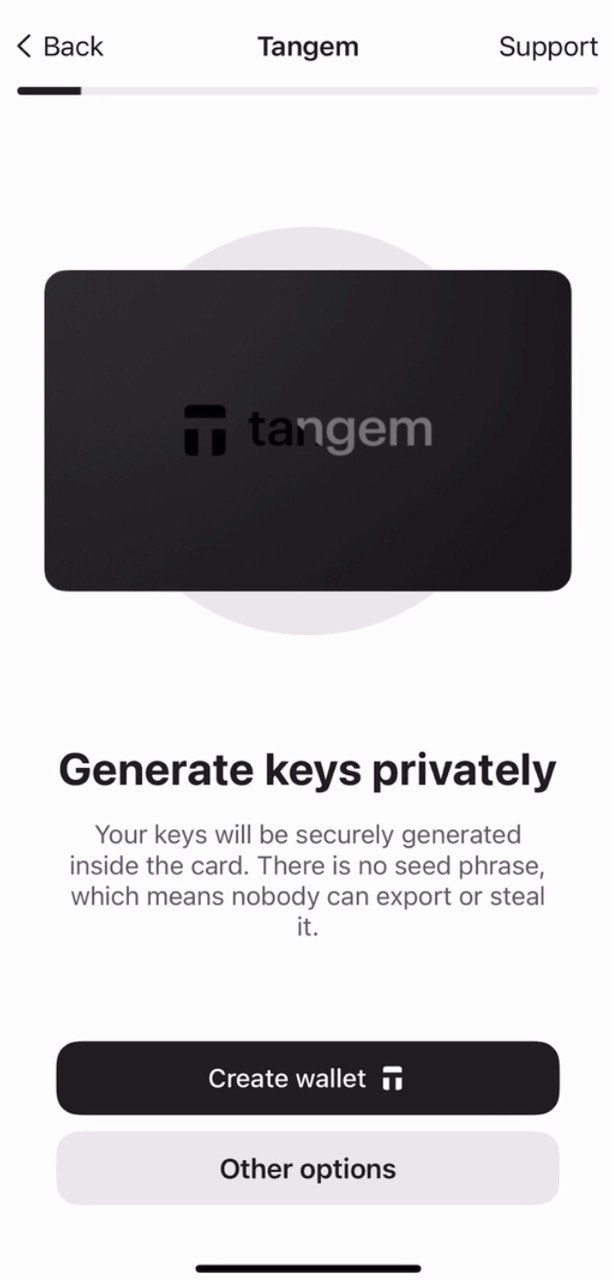
The Tangem card will now generate your private and public keys inside the secure chip. Congratulations! Your private keys cannot be extracted, stolen, or exposed.
Criando backups
O aplicativo vai solicitar a criação de um backup. Recomendamos fortemente iniciar o processo de backup imediatamente. Você pode fazer o backup das chaves nos outros Tangem cards. E sugerimos usar todos os 2 ou 3 cards para evitar problemas no futuro.
- Tap Add a backup card.
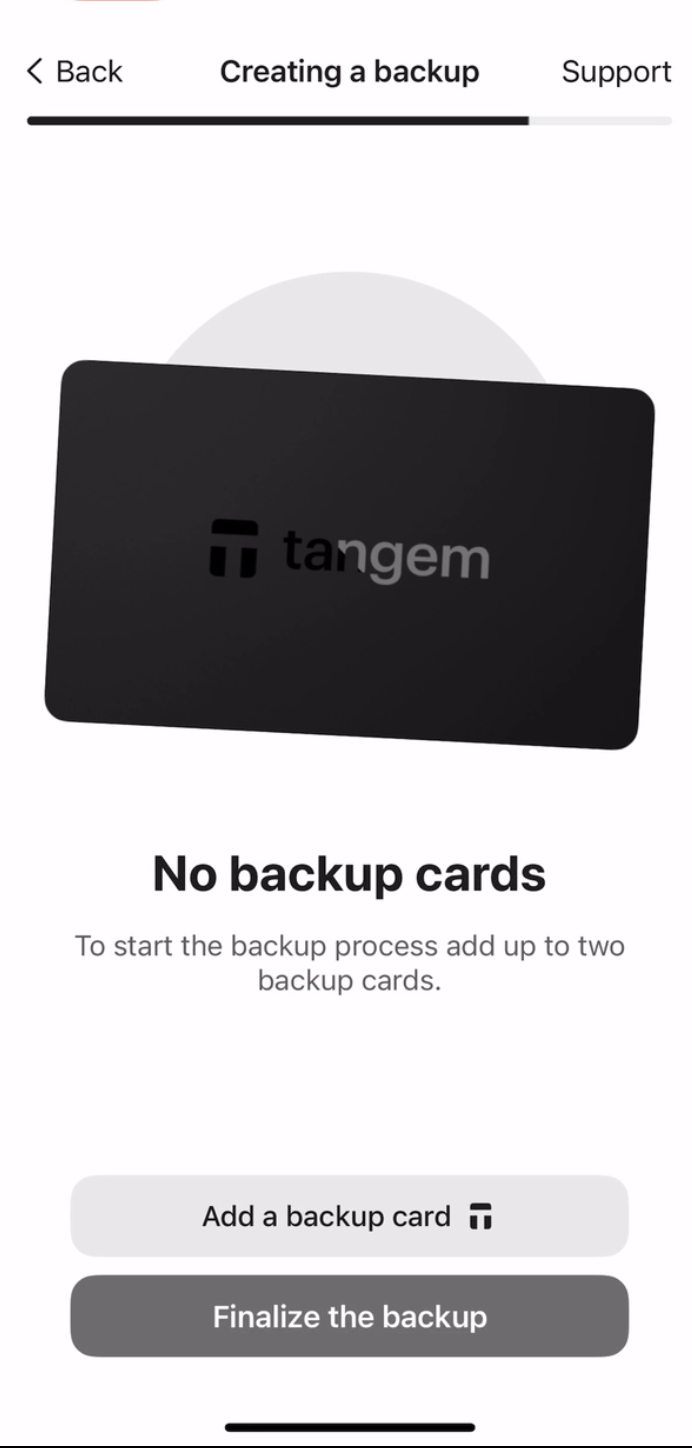
2. Scan the second card with your smartphone.
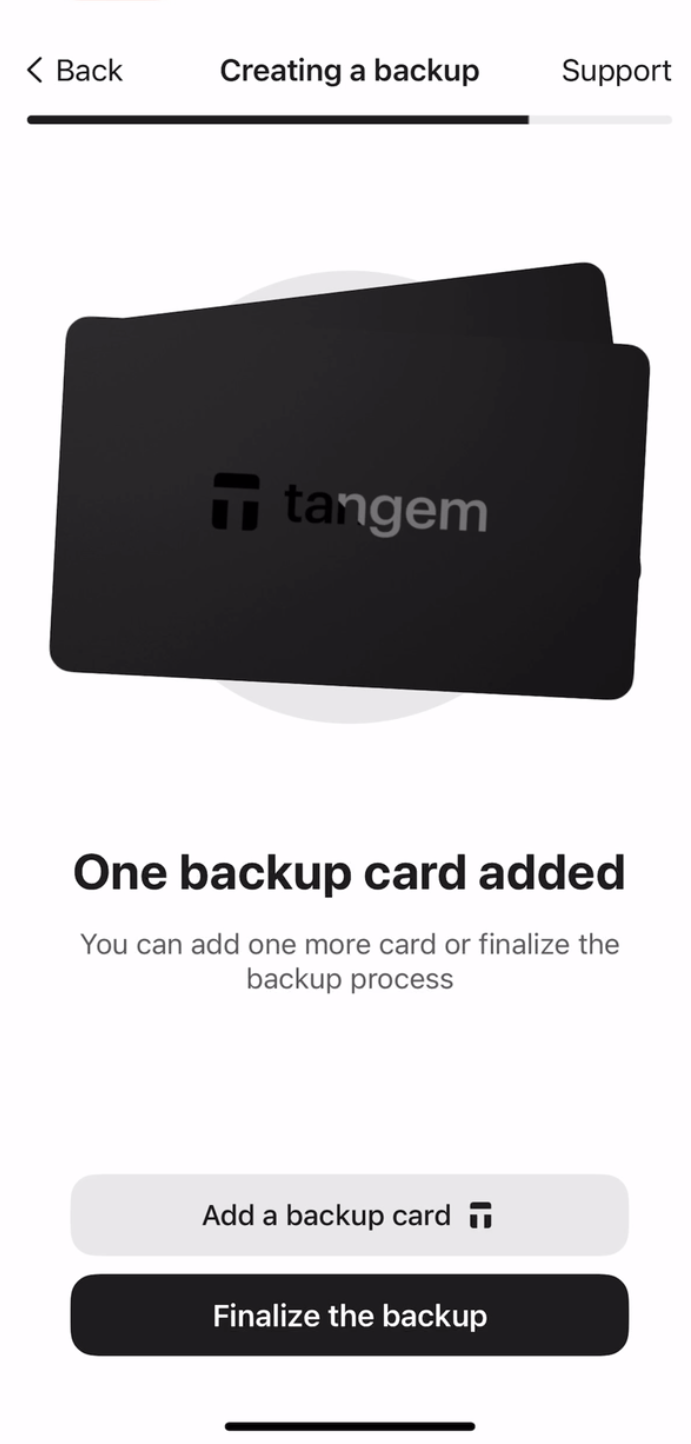
3. If you have a third Tangem card, tap Add a backup card, scan the third card, and tap Finalize the backup.
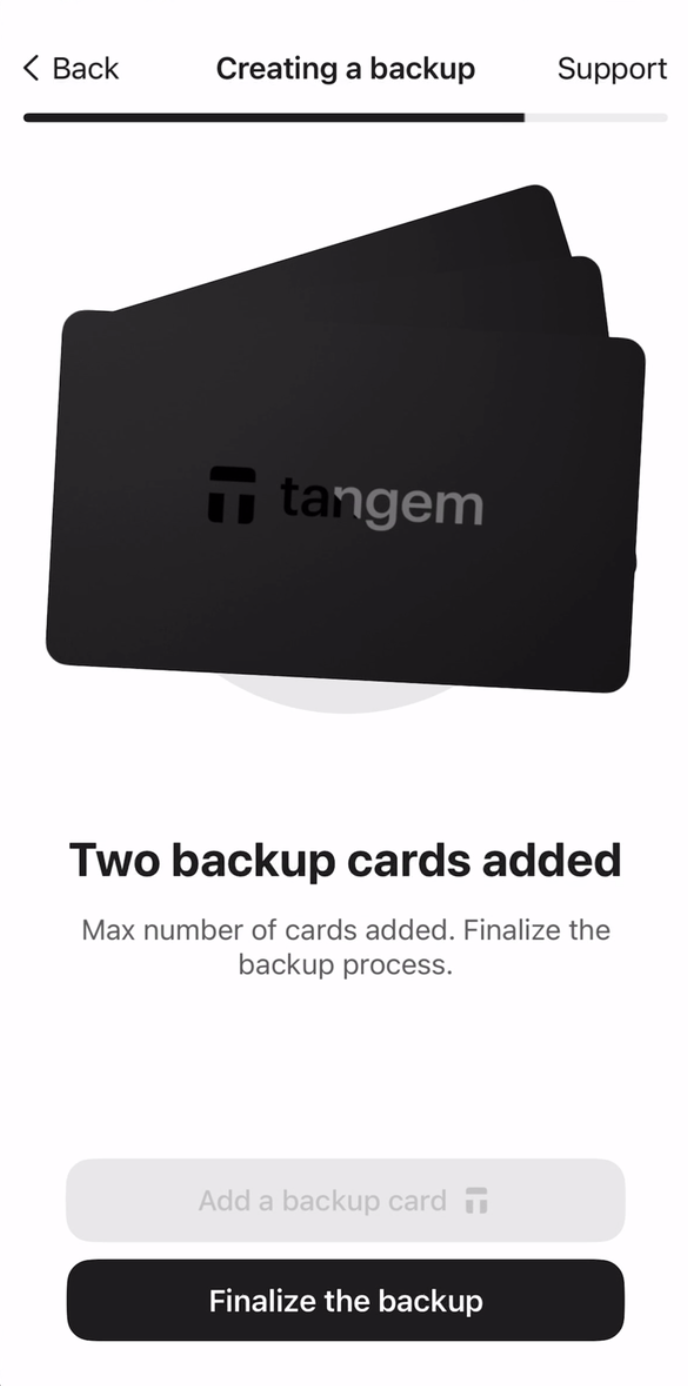
Agora, é preciso criar um código de acesso para proteger seus cards contra ataques de força bruta.
4. Tap Continue para definir um código de acesso.
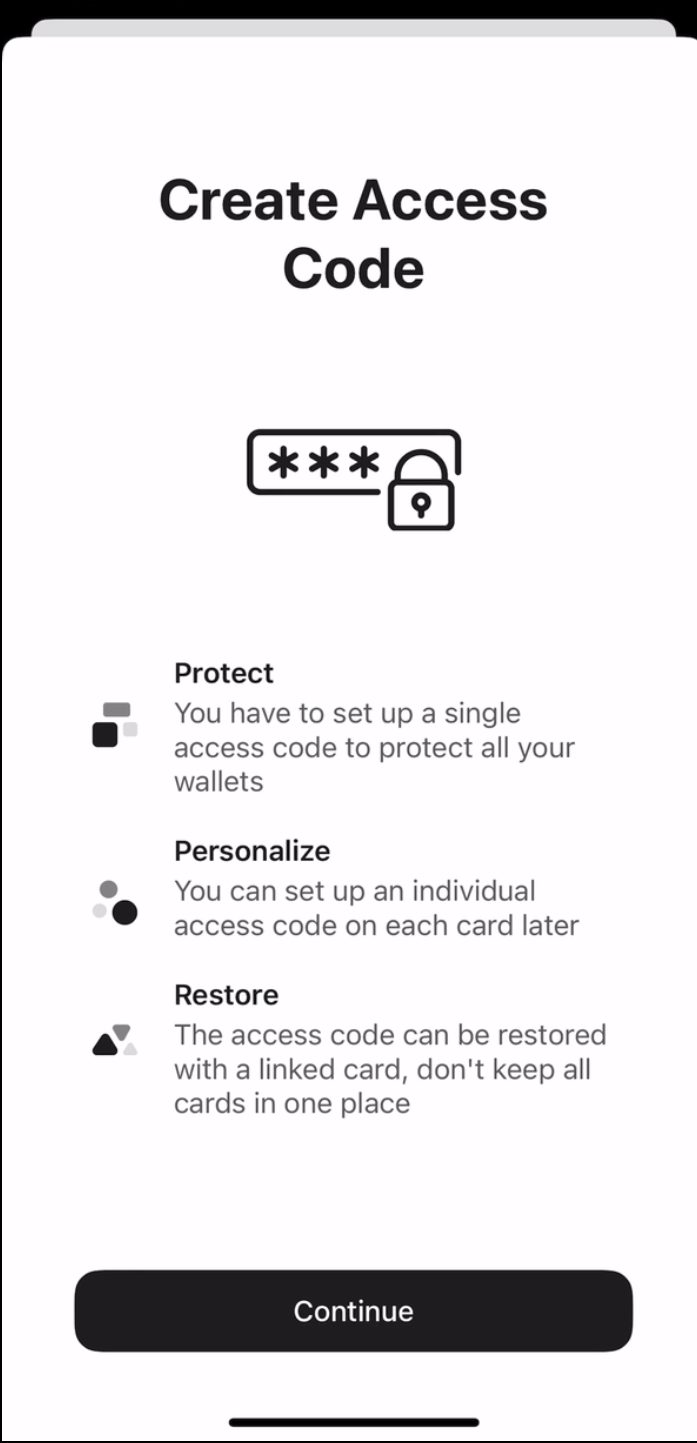
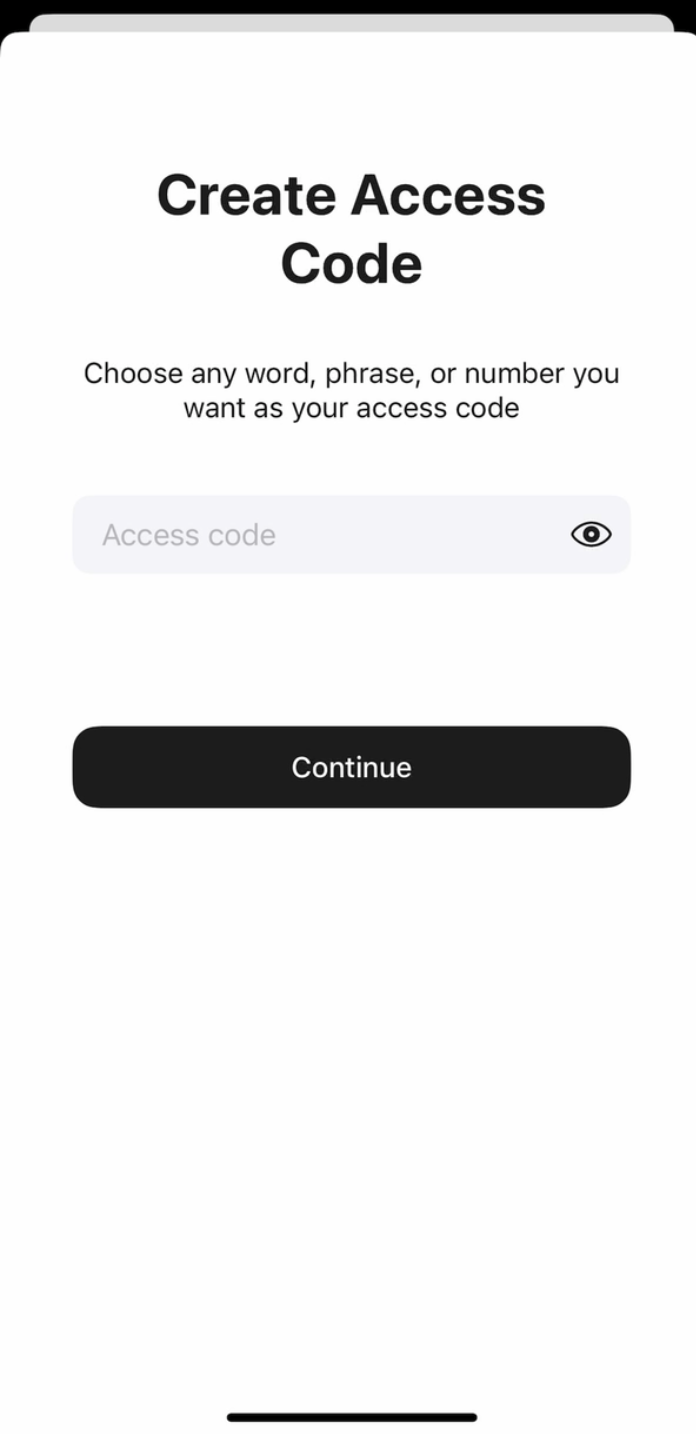
5. Digite o código de acesso. Escolha qualquer palavra, frase ou número e toque em Continue. Depois, é possível definir códigos diferentes para cada card, se quiser.
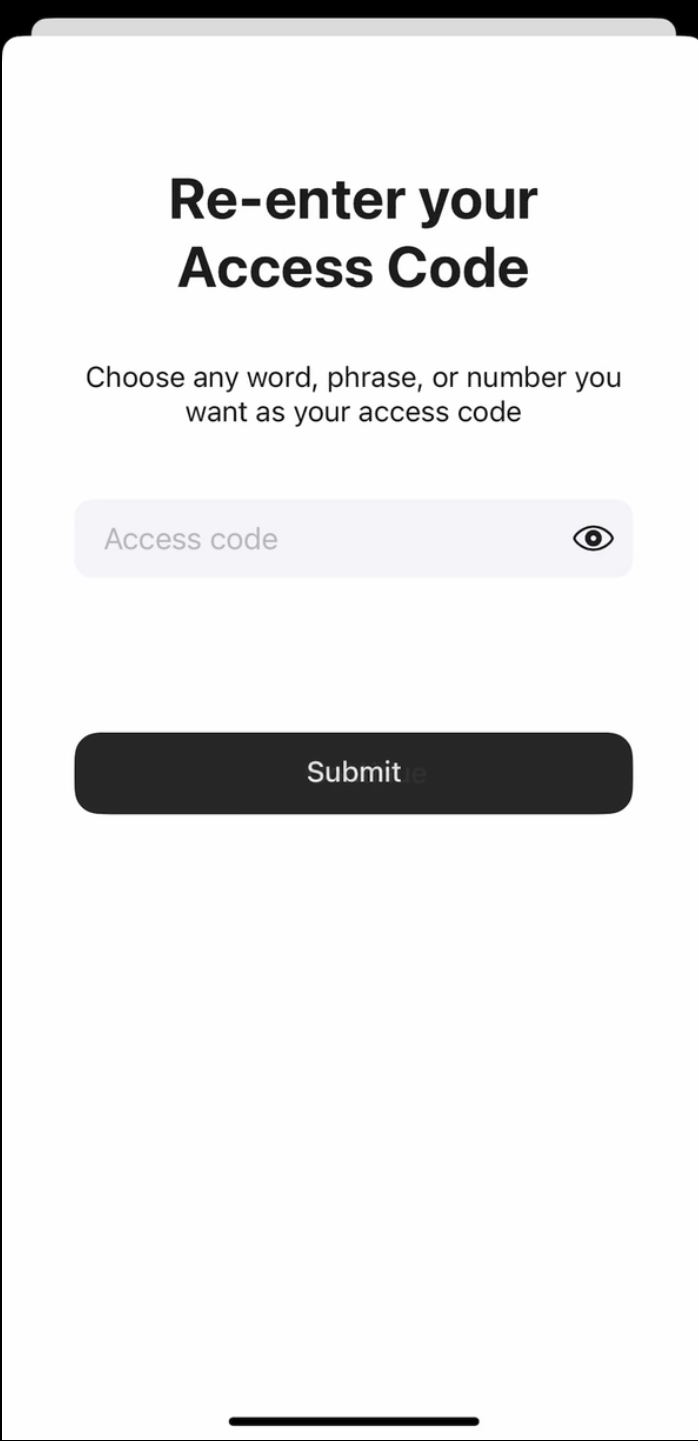
6. Digite novamente o código de acesso e toque em Submit.
7. Clique em Scan the primary card e encoste o card indicado no celular. O app fará a leitura do card por 15 segundos.
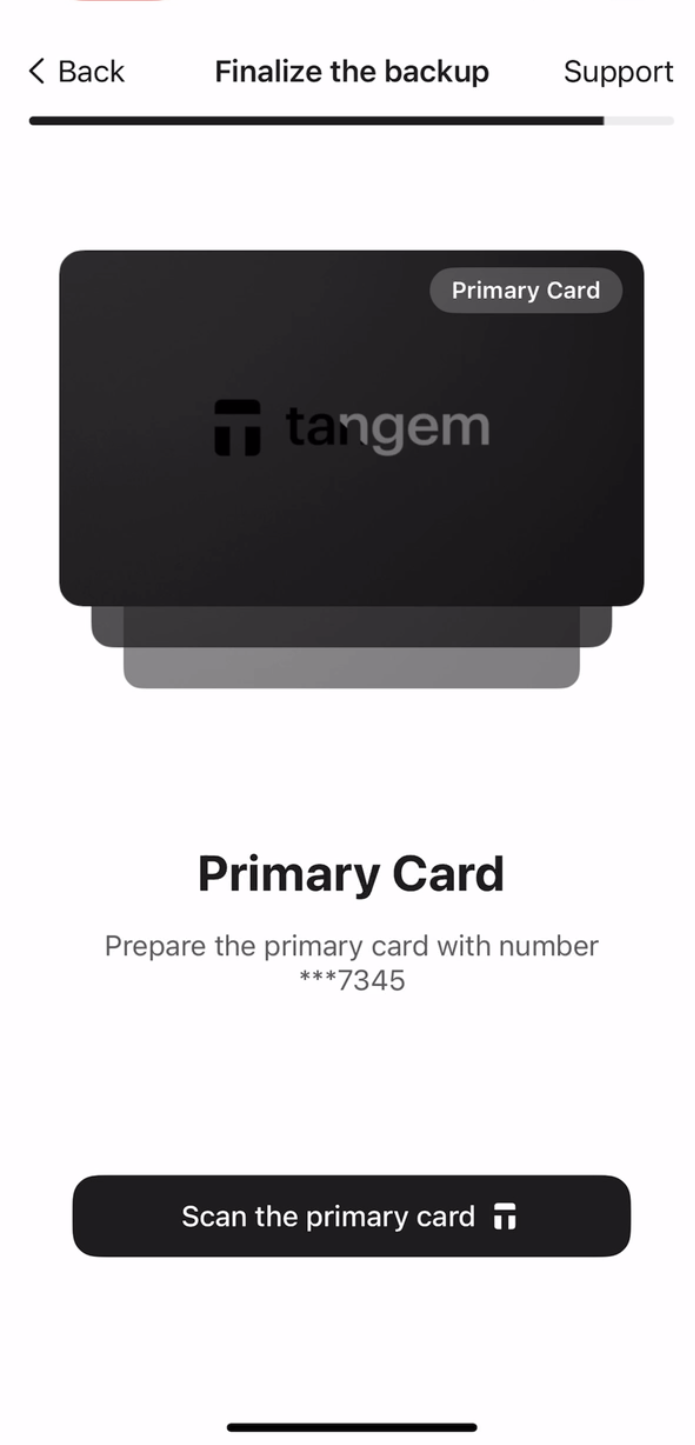
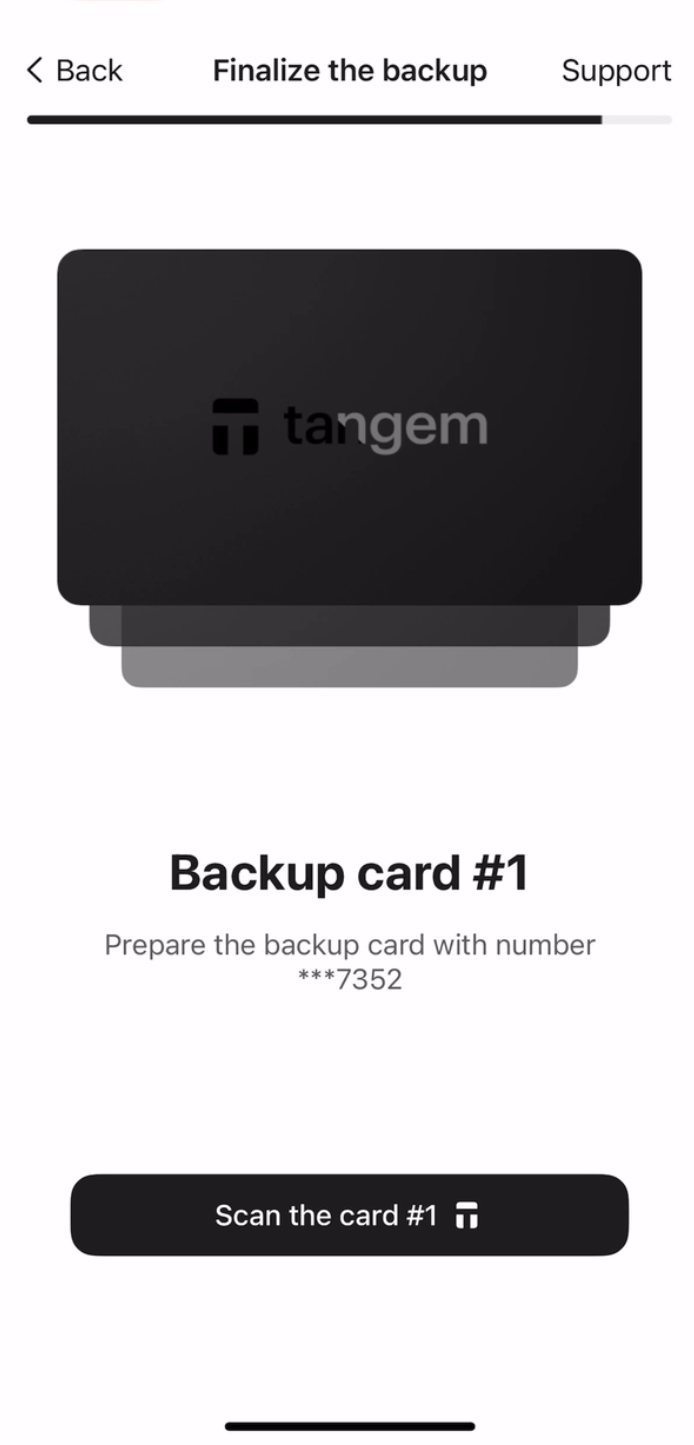
8. Scan the first backup card. Please pay attention to the last four digits of each card.
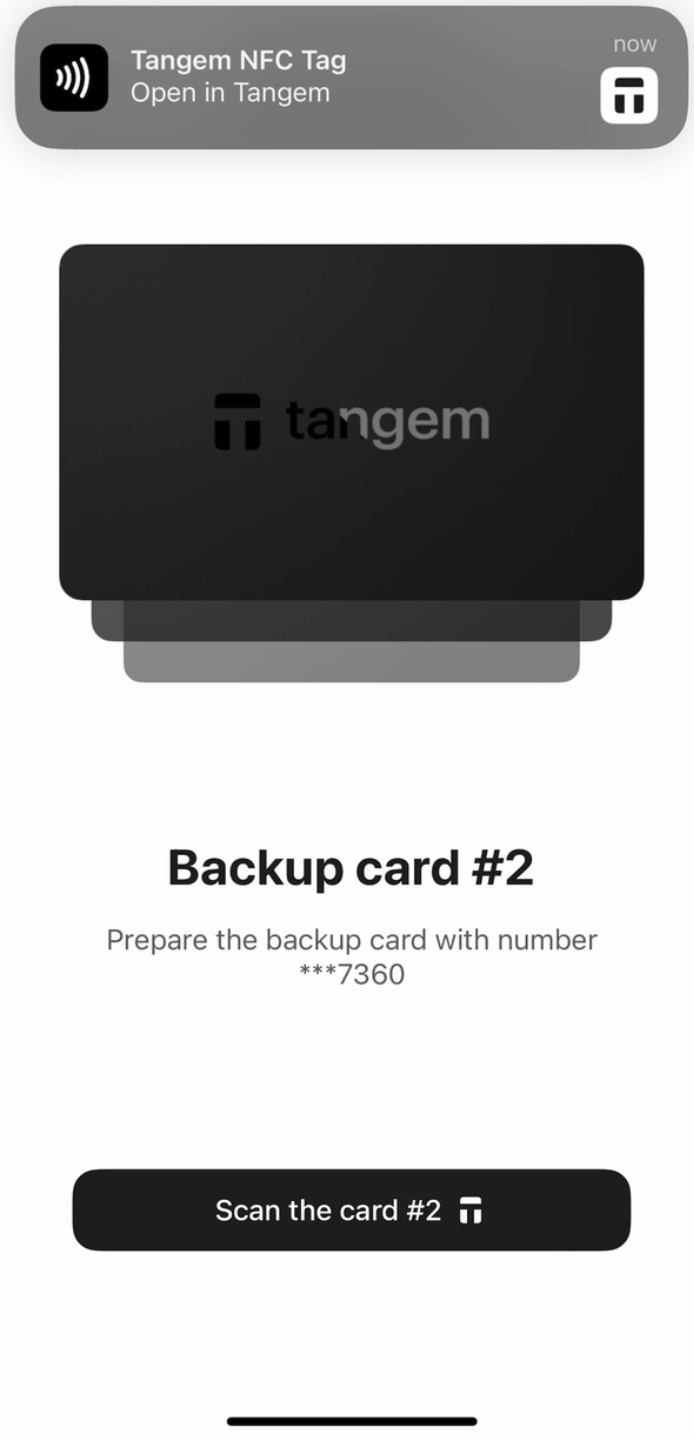
9. Scan the second backup card.
10. Tap Continue to my wallet.
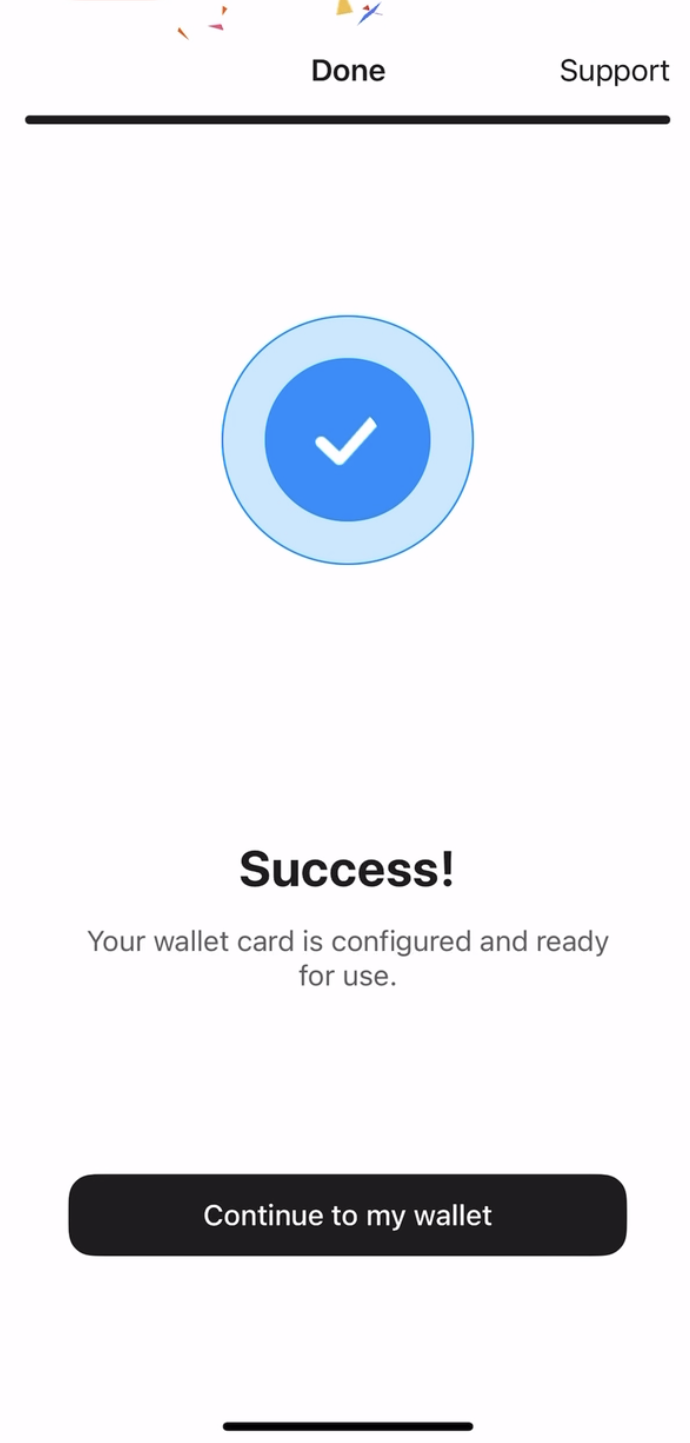
Sua Tangem Wallet foi configurada com sucesso sem seed phrase. Esperamos que aproveite todos os recursos. Obrigado por escolher a Tangem.


Não perca estes 


Outros artigos

