 Pásate a seedless. 30 % dto. con SWITCH30 hasta el 26 oct.



Cómo configurar Tangem Wallet sin una frase semilla
Este artículo está disponible en los siguientes idiomas:
En este artículo te explicamos cómo configurar tu Tangem Wallet sin una frase semilla, la opción recomendada. Las frases semilla representan una vulnerabilidad; hemos abordado este tema en un artículo detallado. Para configurar tu Tangem Wallet sin una frase semilla, necesitas un smartphone con NFC y tus Tangem Cards.
Proceso de configuración
A continuación, te mostramos cómo configurar tu nueva Tangem Wallet sin una frase semilla.
1. Descarga y abre la app oficial de Tangem.
2. Selecciona Scan card.
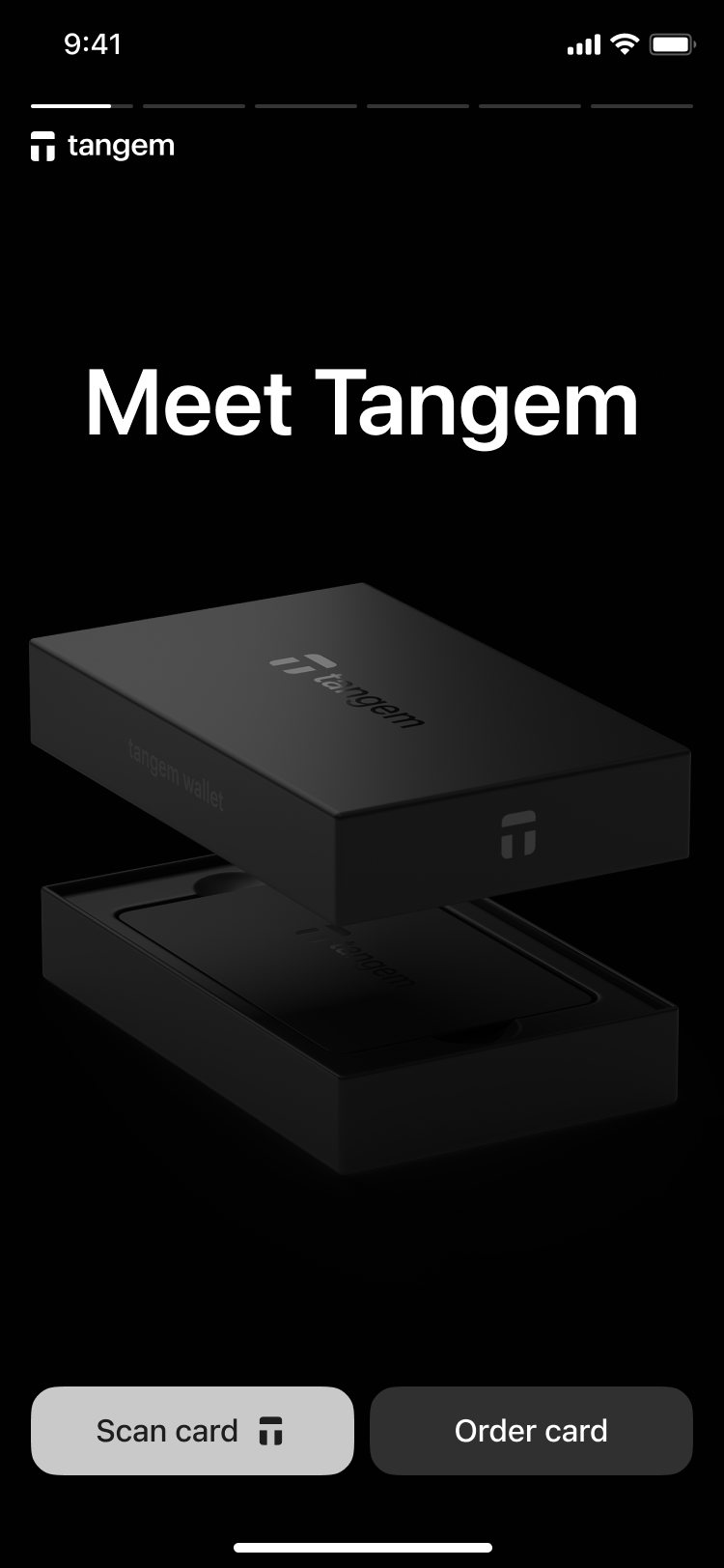
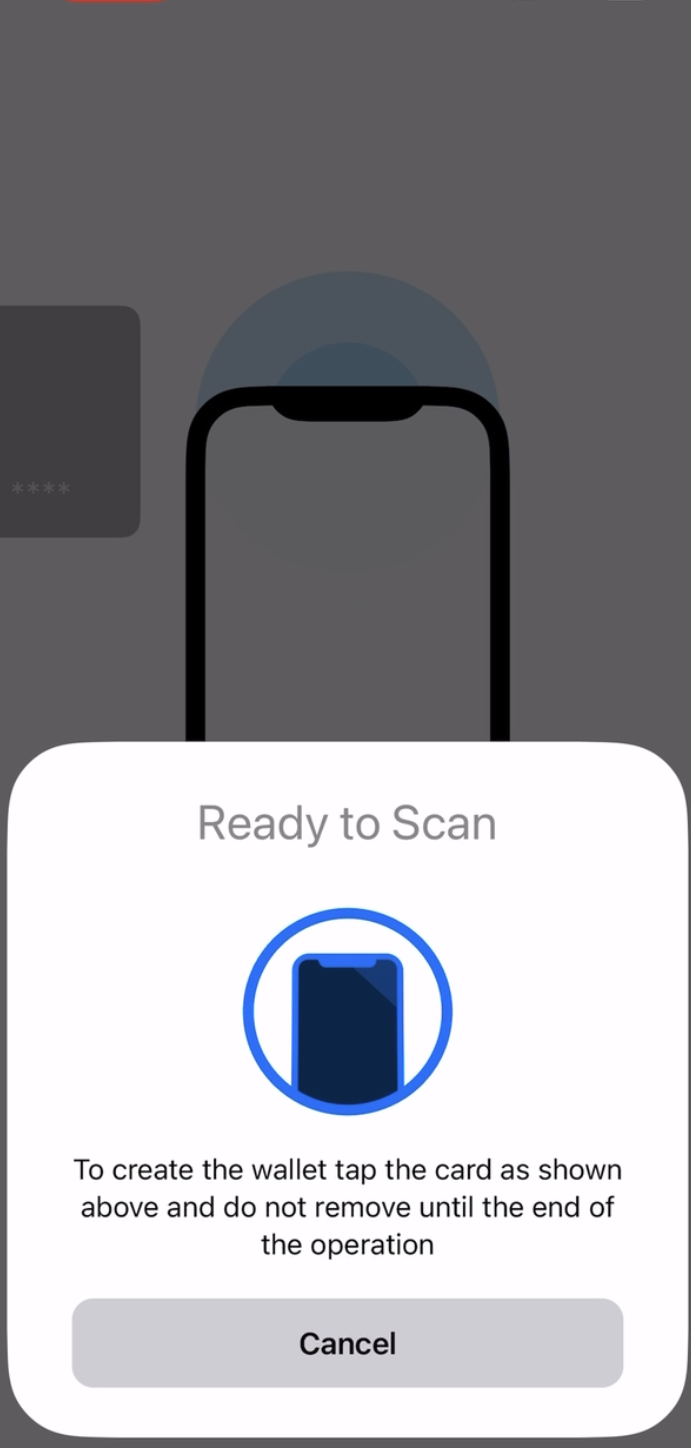
3. Tap the first card on your phone to scan it.
3. Tap Create wallet.
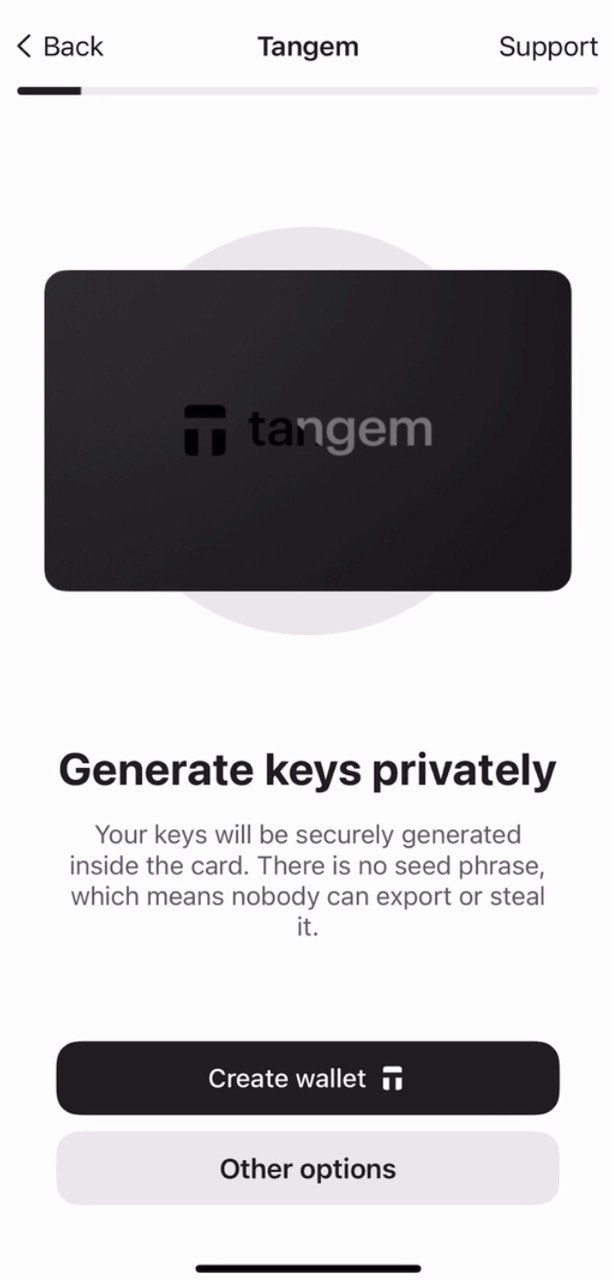
The Tangem card will now generate your private and public keys inside the secure chip. Congratulations! Your private keys cannot be extracted, stolen, or exposed.
Creación de copias de seguridad
La billetera te pedirá crear una copia de seguridad. Te recomendamos iniciar este proceso de inmediato. Puedes respaldar tus claves en tus otras Tangem cards. Sugerimos usar las 2 o 3 tarjetas para evitar problemas en el futuro.
- Toca Add a backup card.
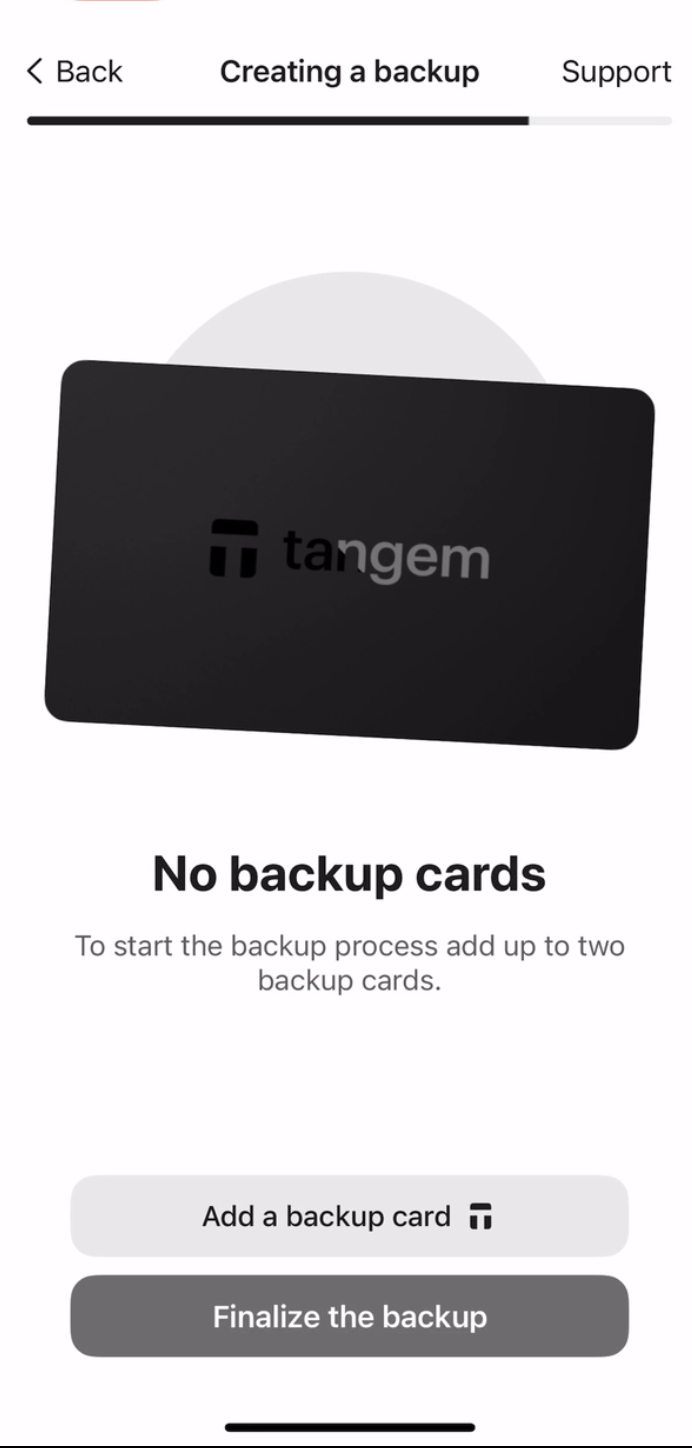
2. Scan the second card with your smartphone.
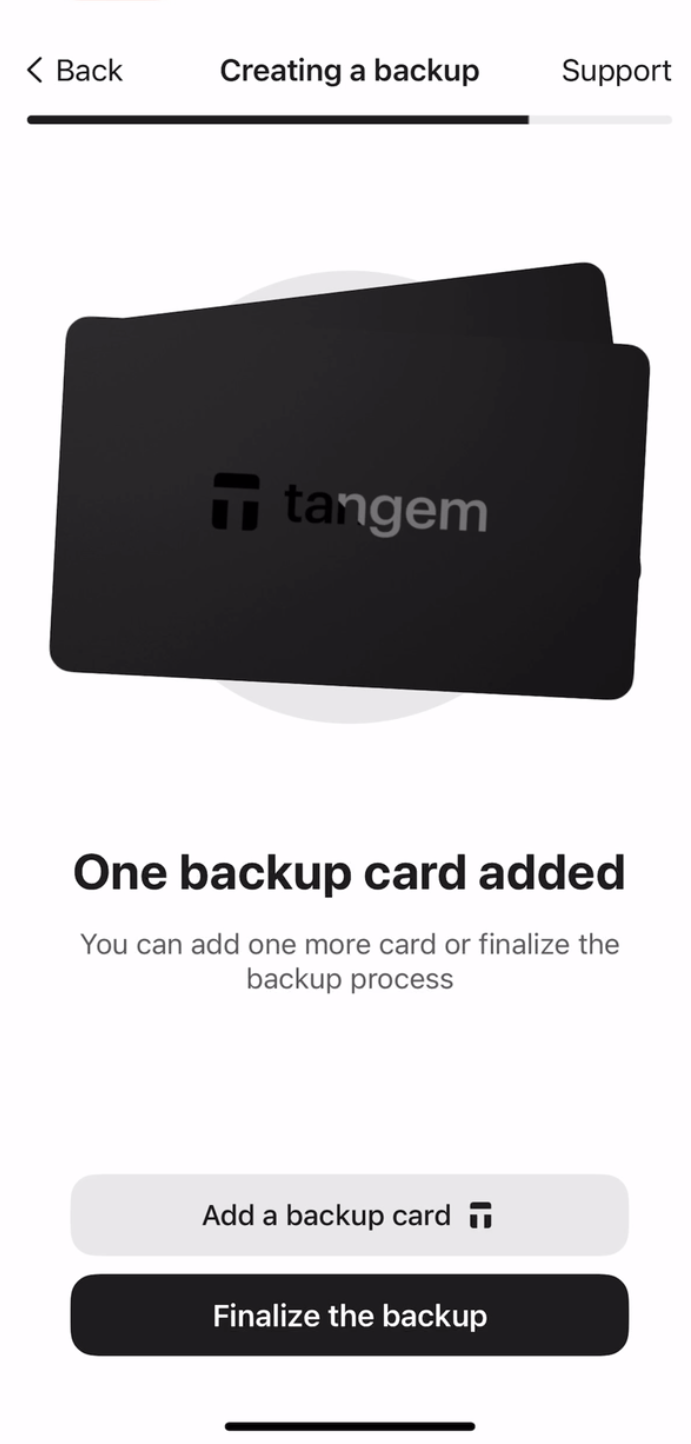
3. If you have a third Tangem card, tap Add a backup card, scan the third card, and tap Finalize the backup.
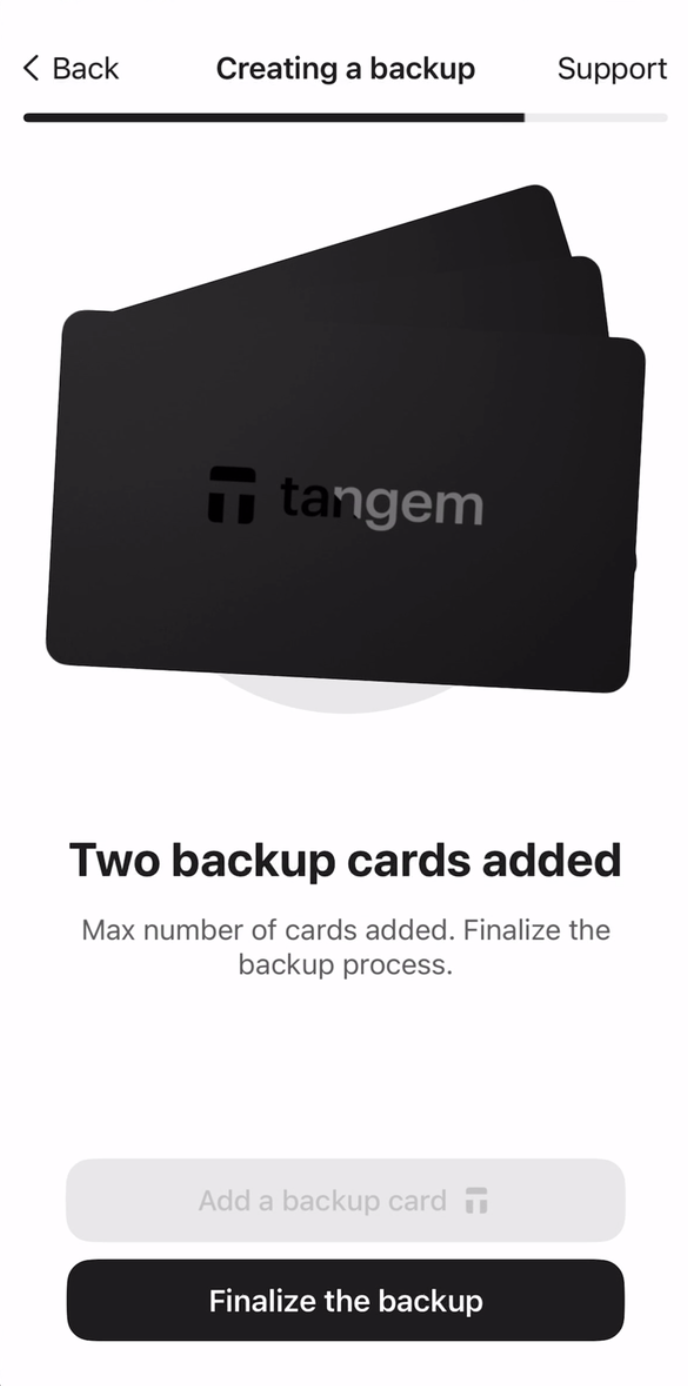
Ahora debes crear un código de acceso para proteger tus tarjetas contra ataques de fuerza bruta.
4. Toca Continue para ingresar un código de acceso.
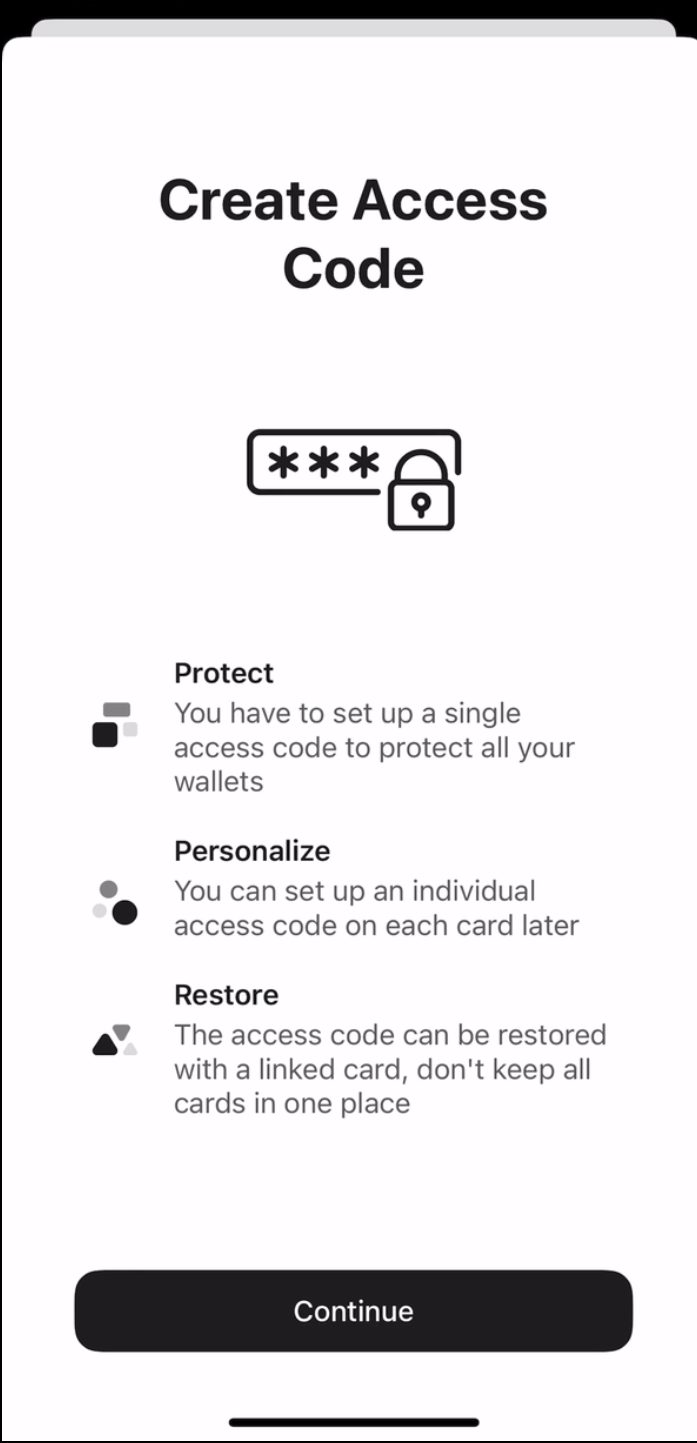
5. Ingresa tu código de acceso. Elige cualquier palabra, frase o número que prefieras y toca Continue. También puedes establecer un código de acceso único para cada tarjeta más adelante.
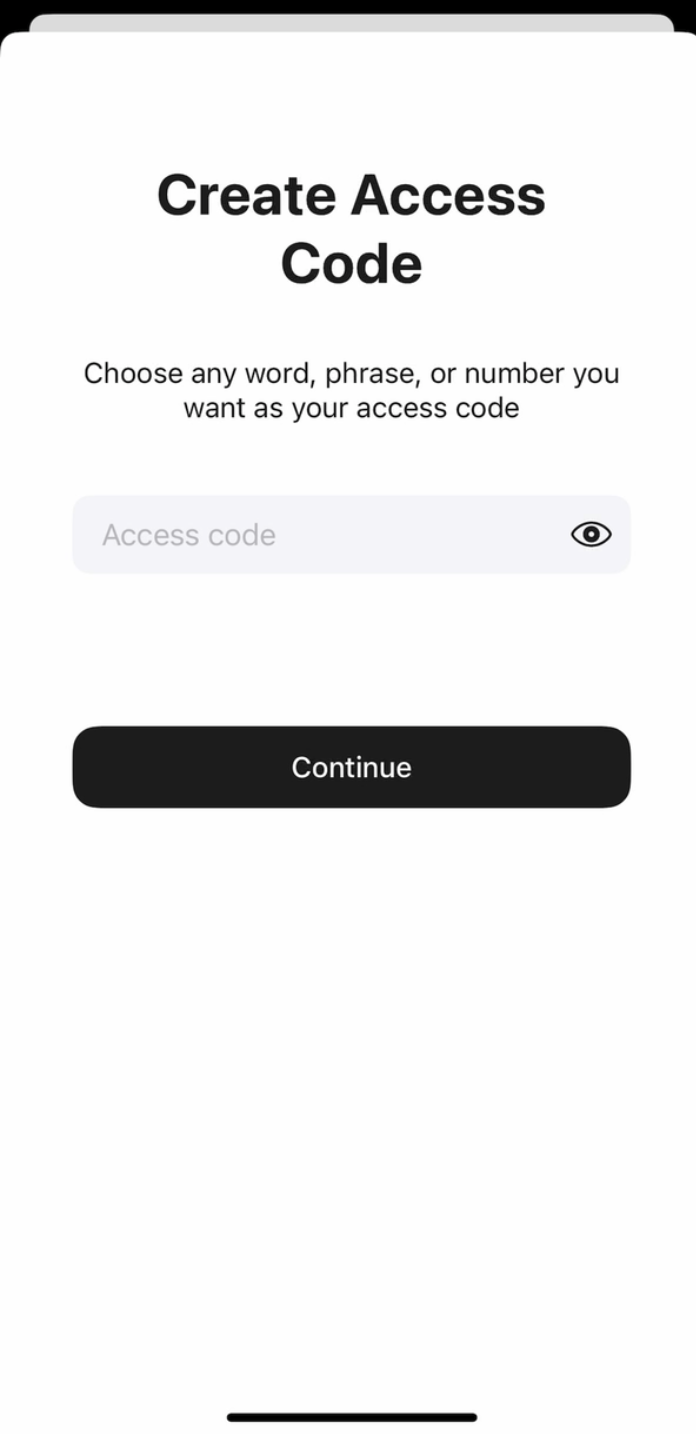
6. Ingresa nuevamente tu código de acceso y toca Submit.
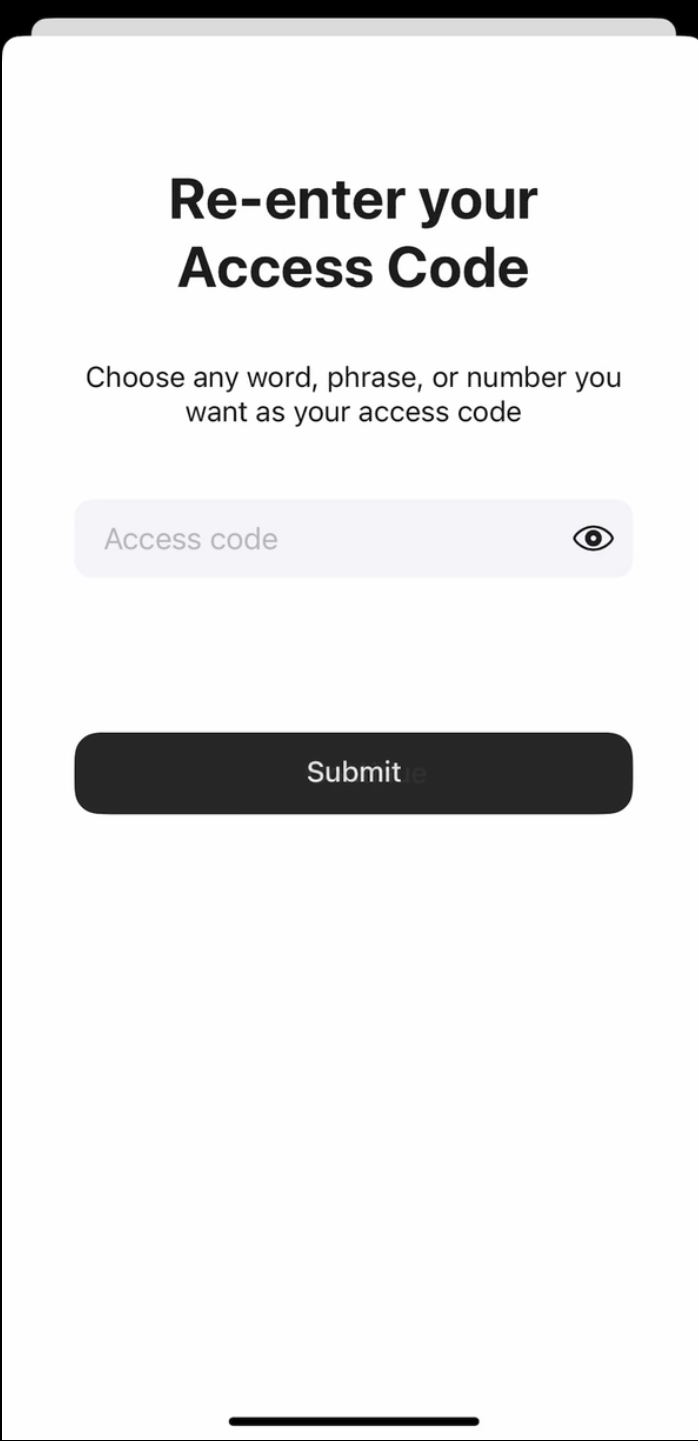
7. Haz clic en Scan the primary card y acerca la tarjeta con el número indicado a tu teléfono. La app escaneará la tarjeta durante 15 segundos.
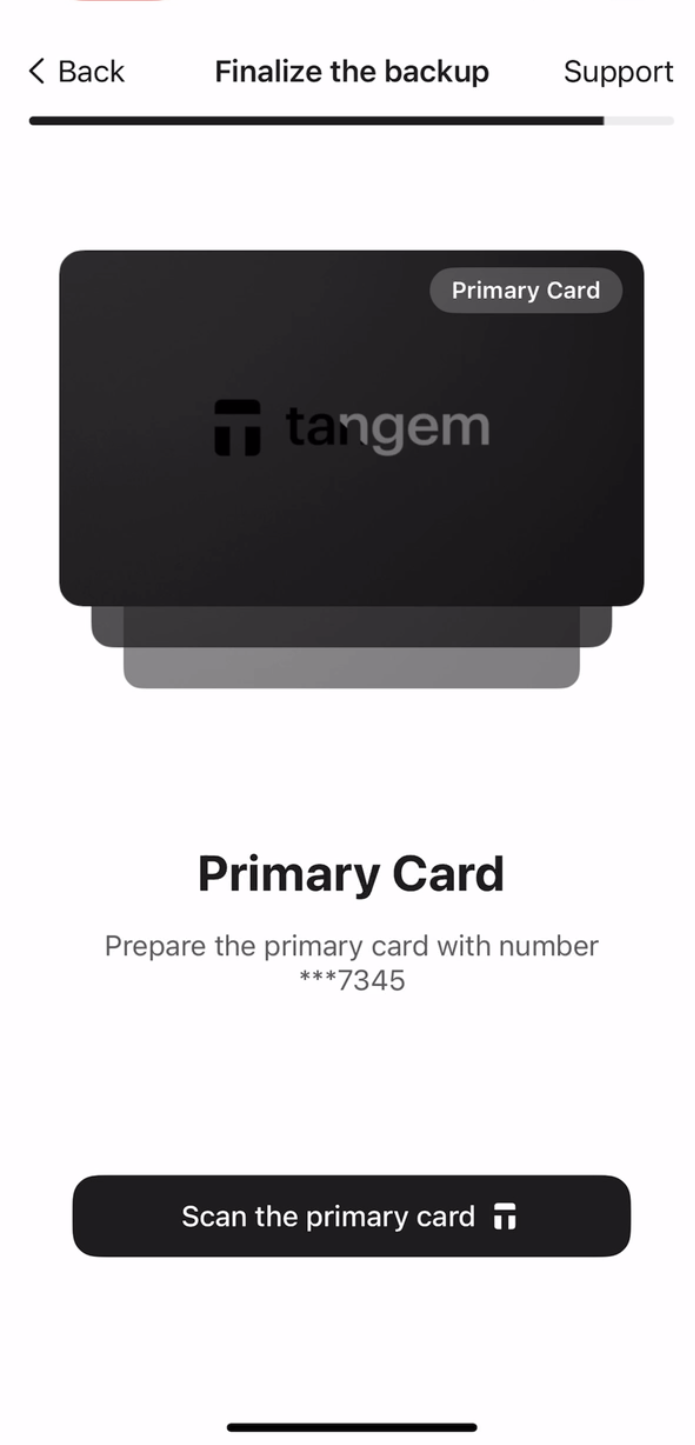
8. Scan the first backup card. Please pay attention to the last four digits of each card.
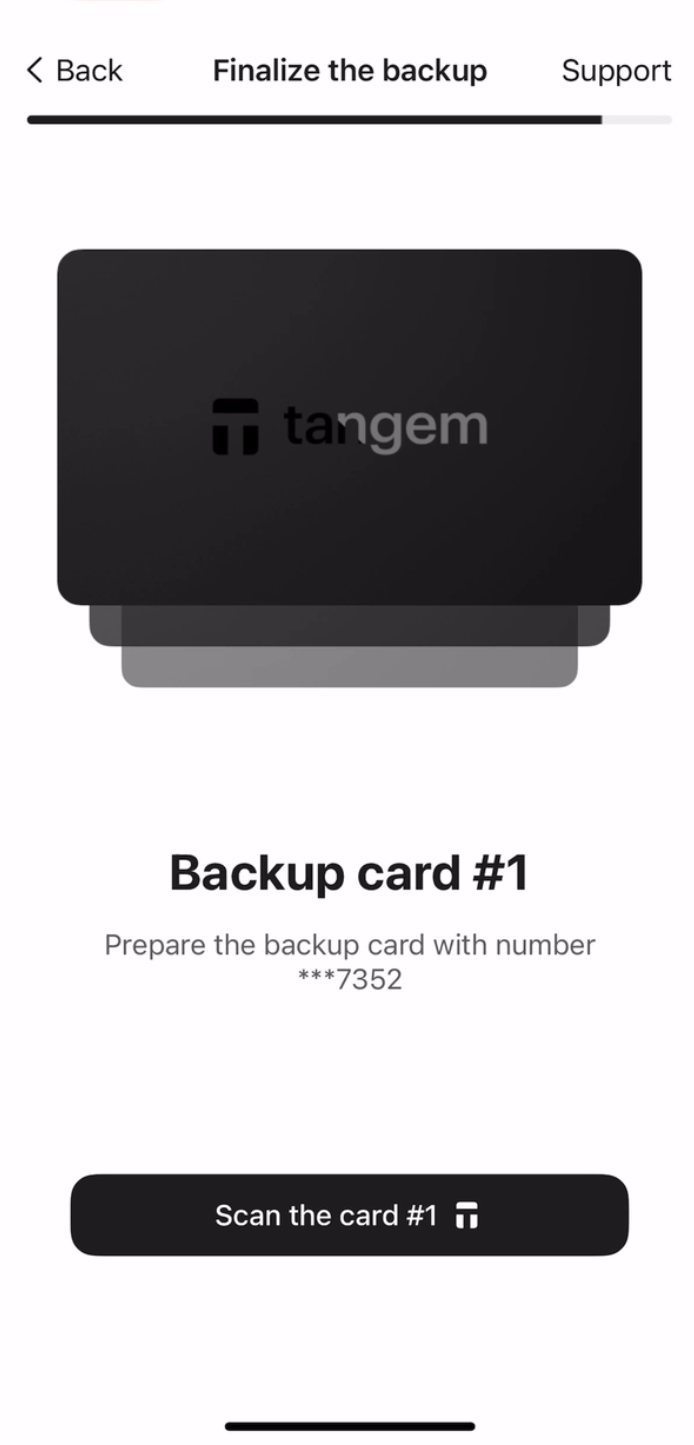
9. Scan the second backup card.
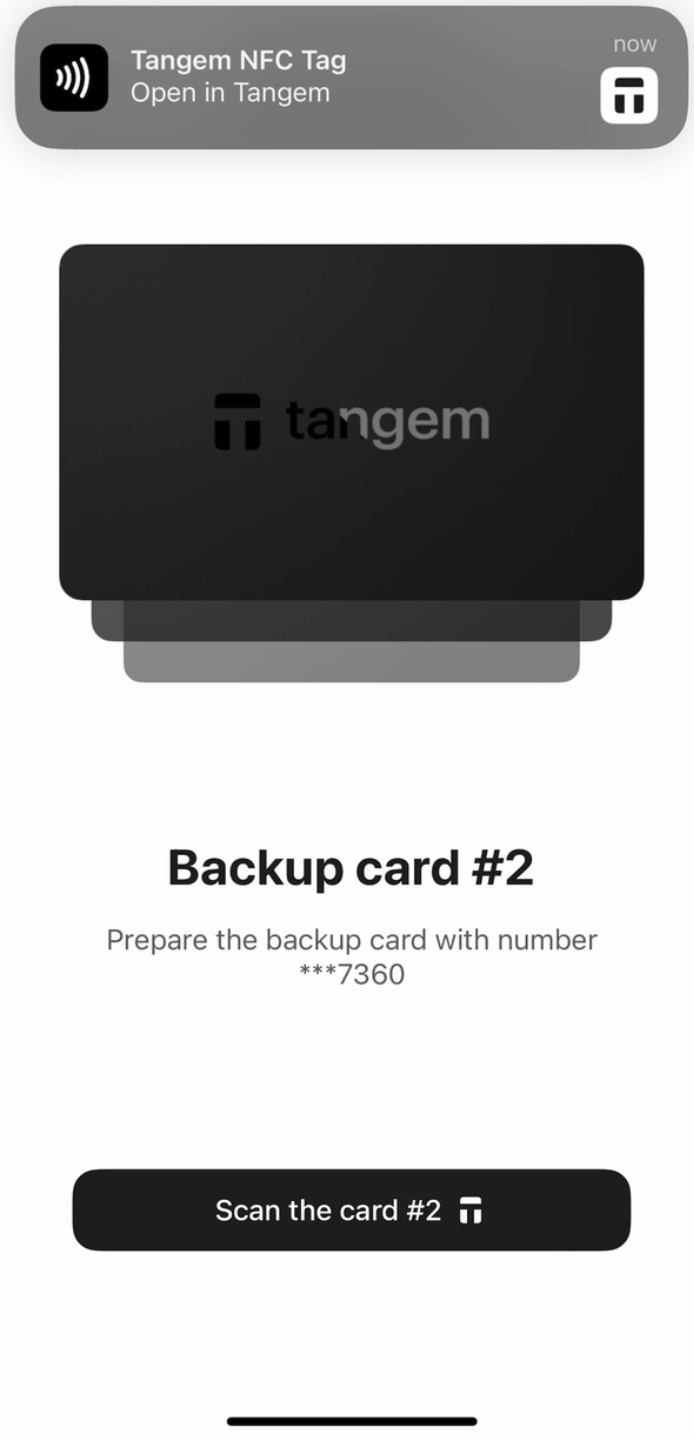
10. Tap Continue to my wallet.
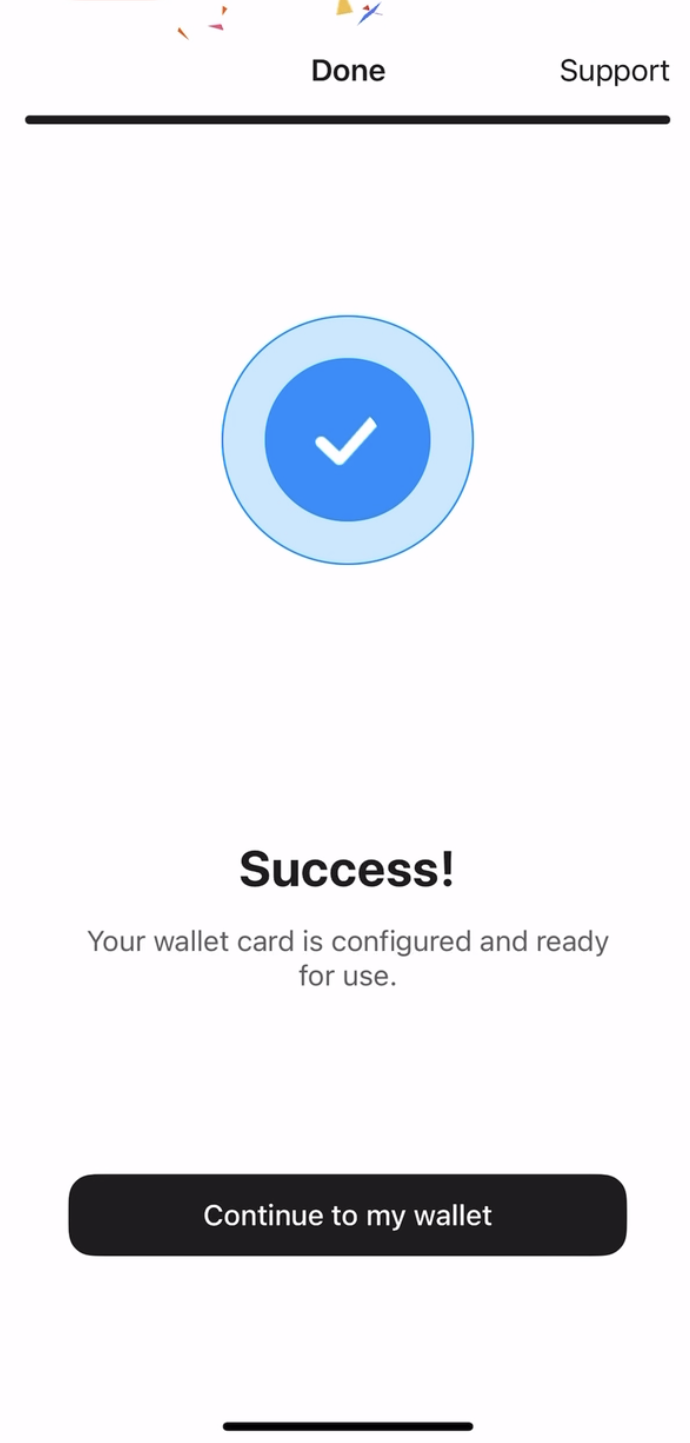
Has configurado exitosamente tu Tangem Wallet sin una frase semilla. Esperamos que disfrutes de todas sus funciones. Gracias por elegir Tangem.


No se pierda estos 
Otros artículos

