 시드리스로 전환하고 SWITCH30으로 30% 할인. 10월 26일까지


시드 구문 없이 Tangem Wallet 설정하는 방법
이 문서는 다음 언어로 제공됩니다:
이 글에서는 시드 구문 없이 Tangem Wallet을 설정하는 가장 안전한 방법을 안내해 드려요. 시드 구문은 보안상 취약점이 될 수 있어요. 이에 대한 자세한 내용은 별도의 글에서 다뤘으니 참고해 주세요. 시드 구문 없이 Tangem Wallet을 설정하려면 NFC 기능이 있는 스마트폰과 Tangem Card가 필요해요.
설정 절차
시드 구문 없이 새 Tangem Wallet을 설정하는 방법을 안내할게요.
1. 공식 Tangem 앱을 다운로드해 실행해요.
2. Scan card를 선택해요.
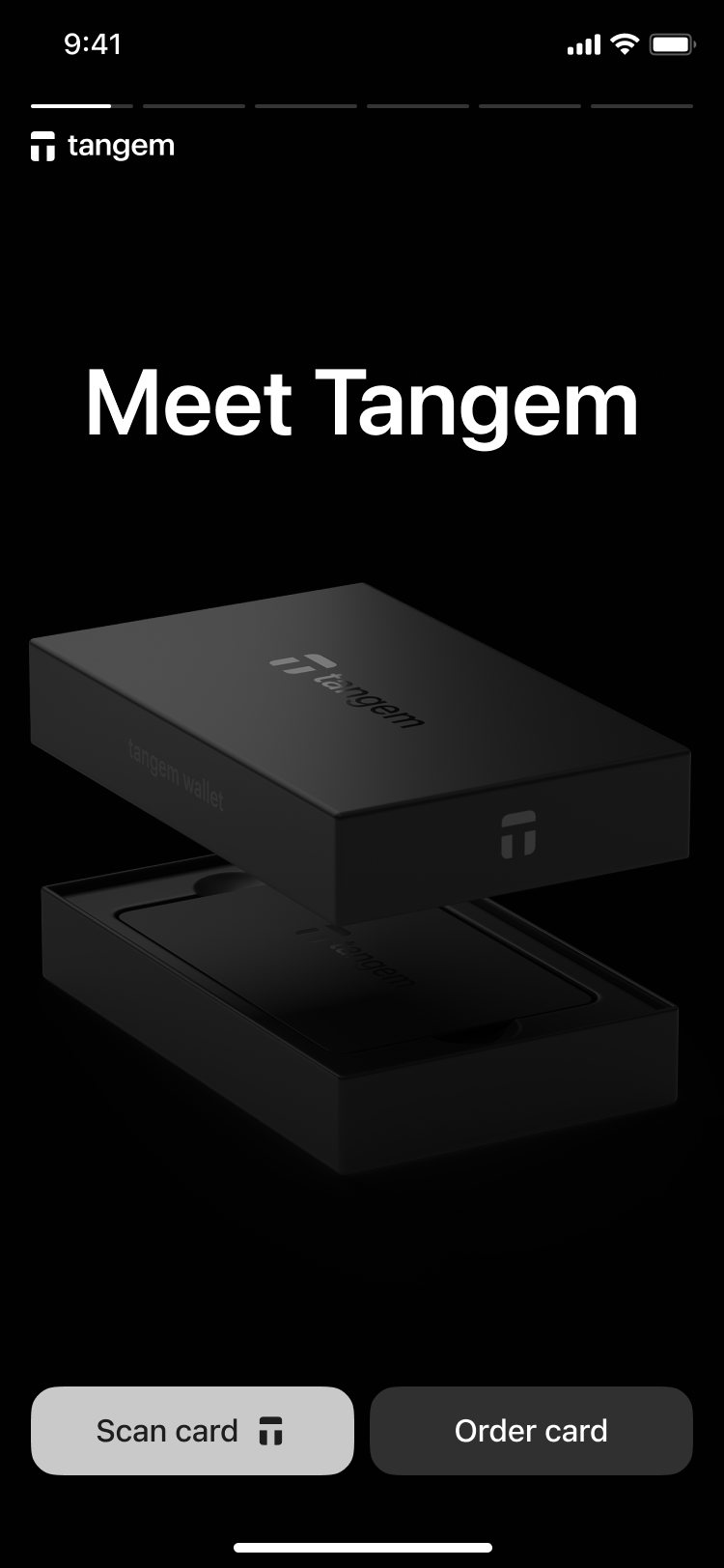
3. 첫 번째 카드를 스마트폰에 태그해 Scan card를 진행해요.
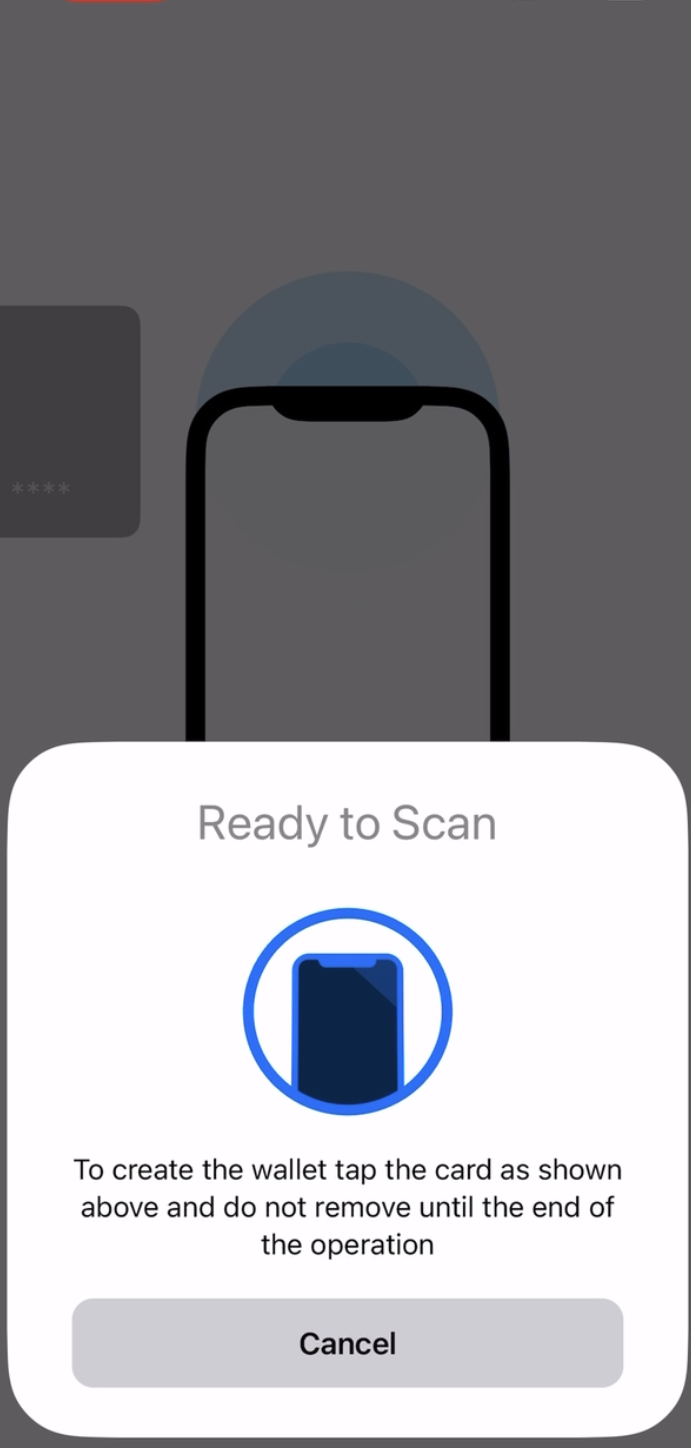
3. Create wallet을 탭해 지갑을 생성해요.
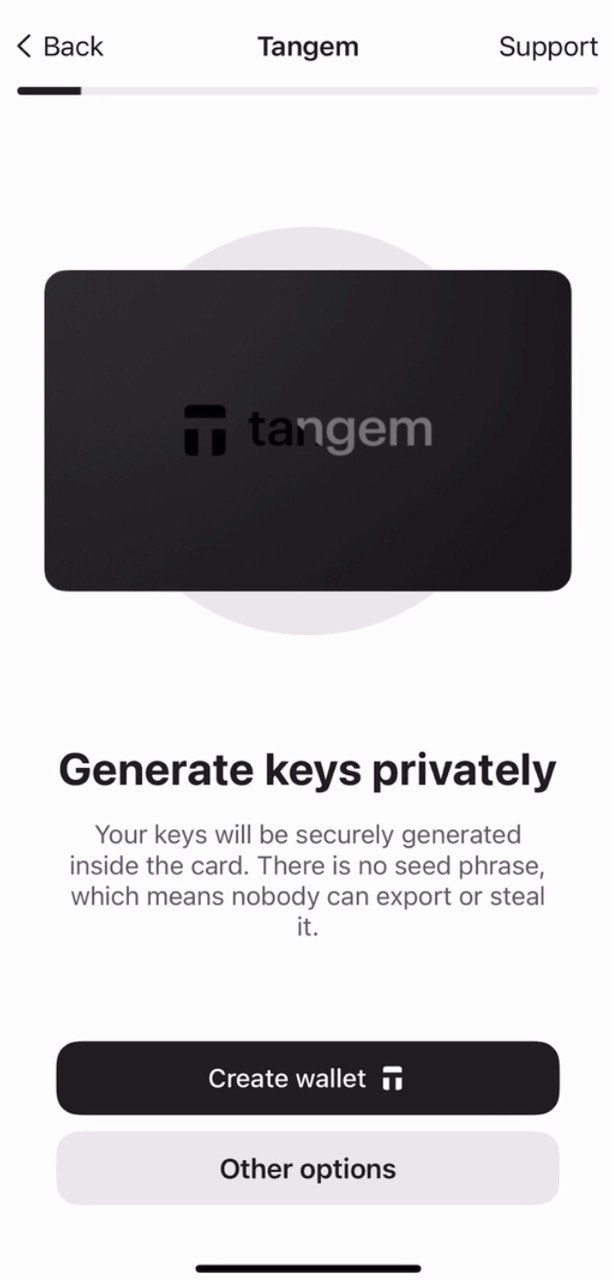
The Tangem card will now generate your private and public keys inside the secure chip. Congratulations! Your private keys cannot be extracted, stolen, or exposed.
백업 카드 만들기
지갑을 생성하면 백업을 만들라는 안내가 나와요. 바로 백업을 시작하는 것을 강력히 추천해요. 키는 다른 Tangem Card에 백업할 수 있어요. 추후 문제를 예방하려면 2장 또는 3장 모두 사용하는 것이 좋아요.
- Add a backup card를 탭해 백업을 시작해요.
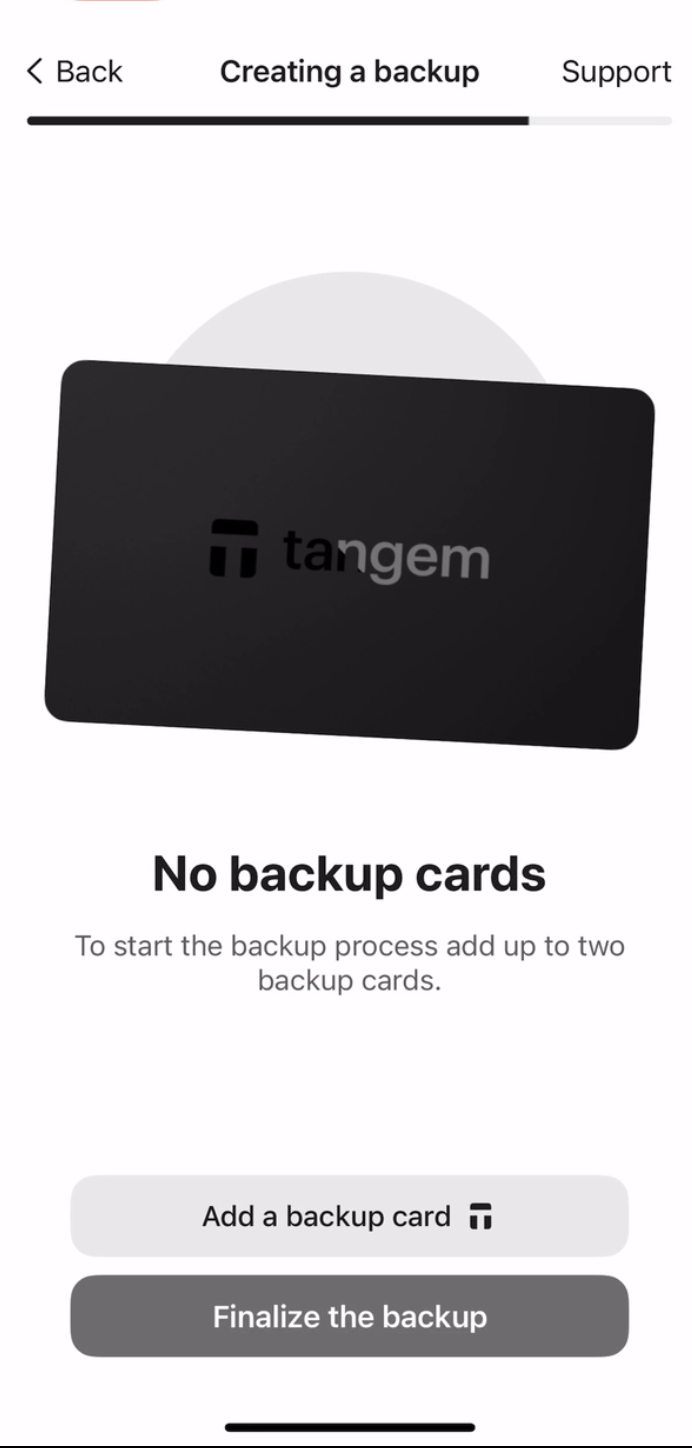
2. 두 번째 카드를 스마트폰에 태그해 Scan card를 진행해요.
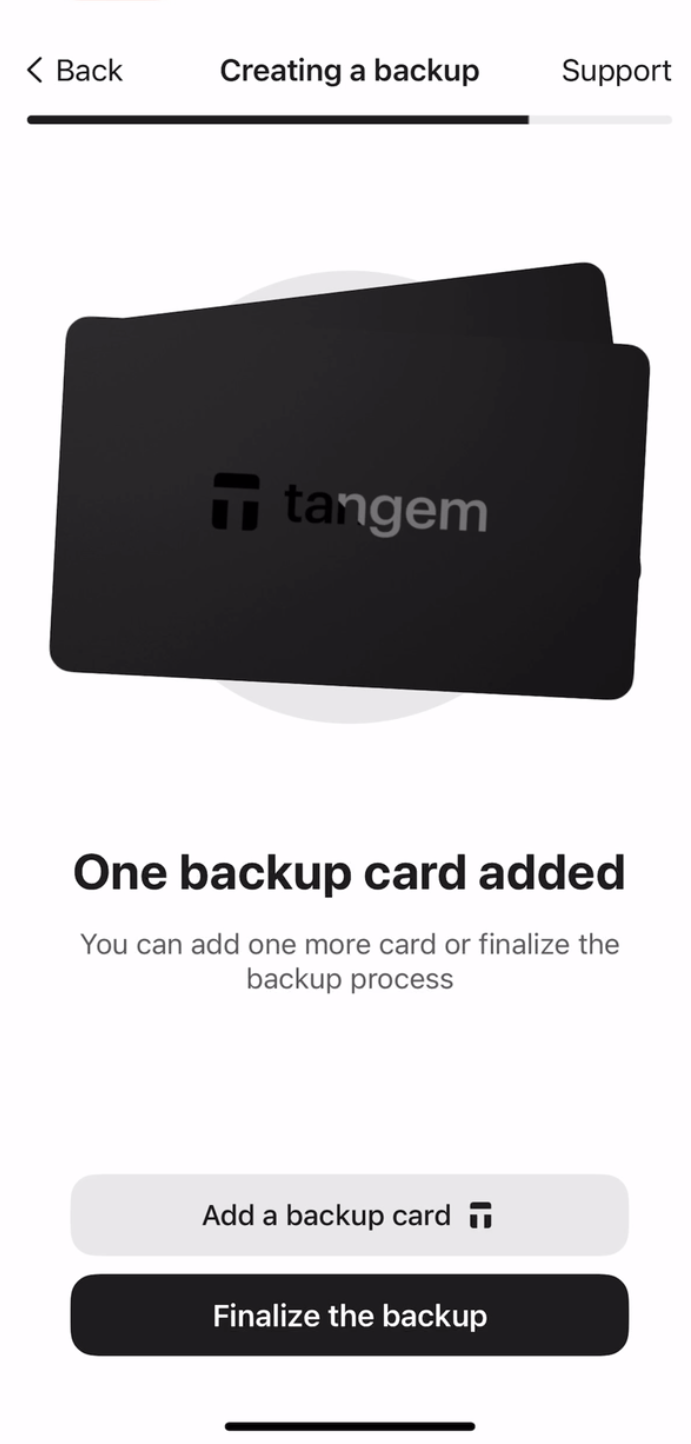
3. 만약 세 번째 Tangem Card가 있다면 Add a backup card를 다시 탭하고, 세 번째 카드를 태그한 뒤 Finalize the backup을 눌러 마무리해요.
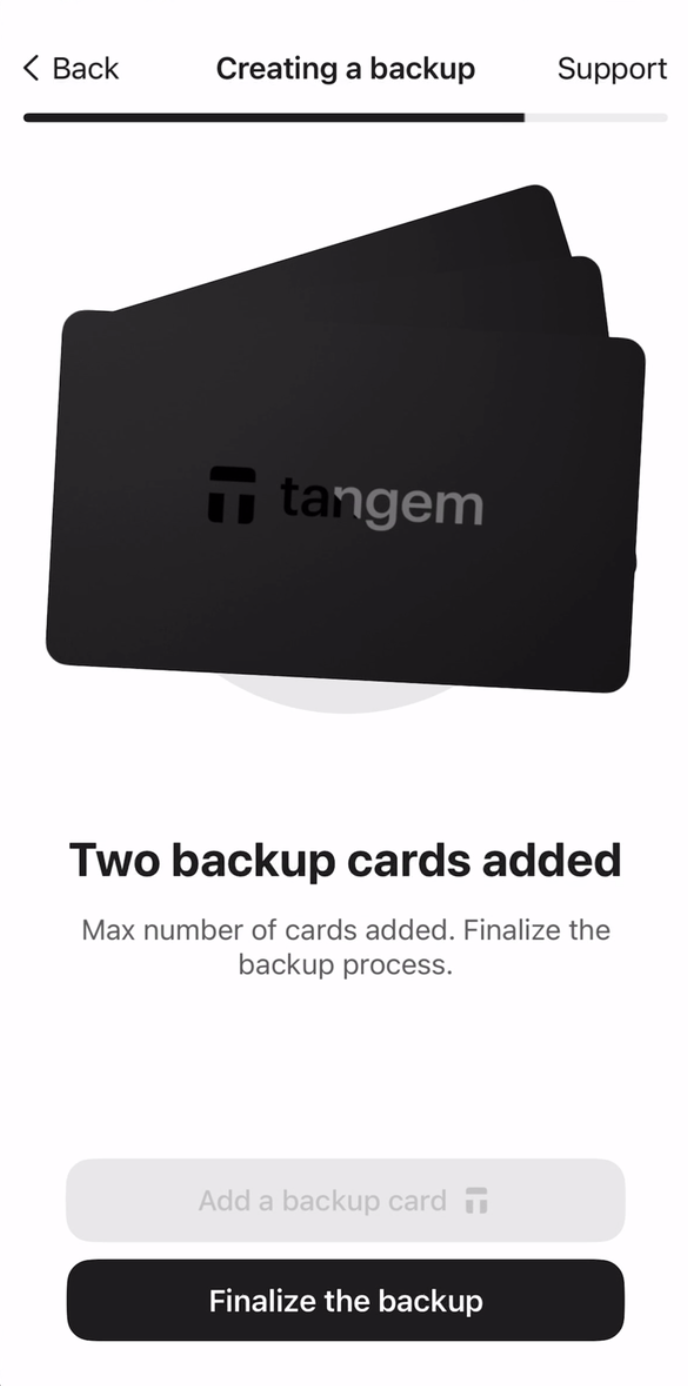
이제 카드 보호를 위해 접근 코드를 만들어야 해요.
4. Continue를 눌러 접근 코드를 입력해요.
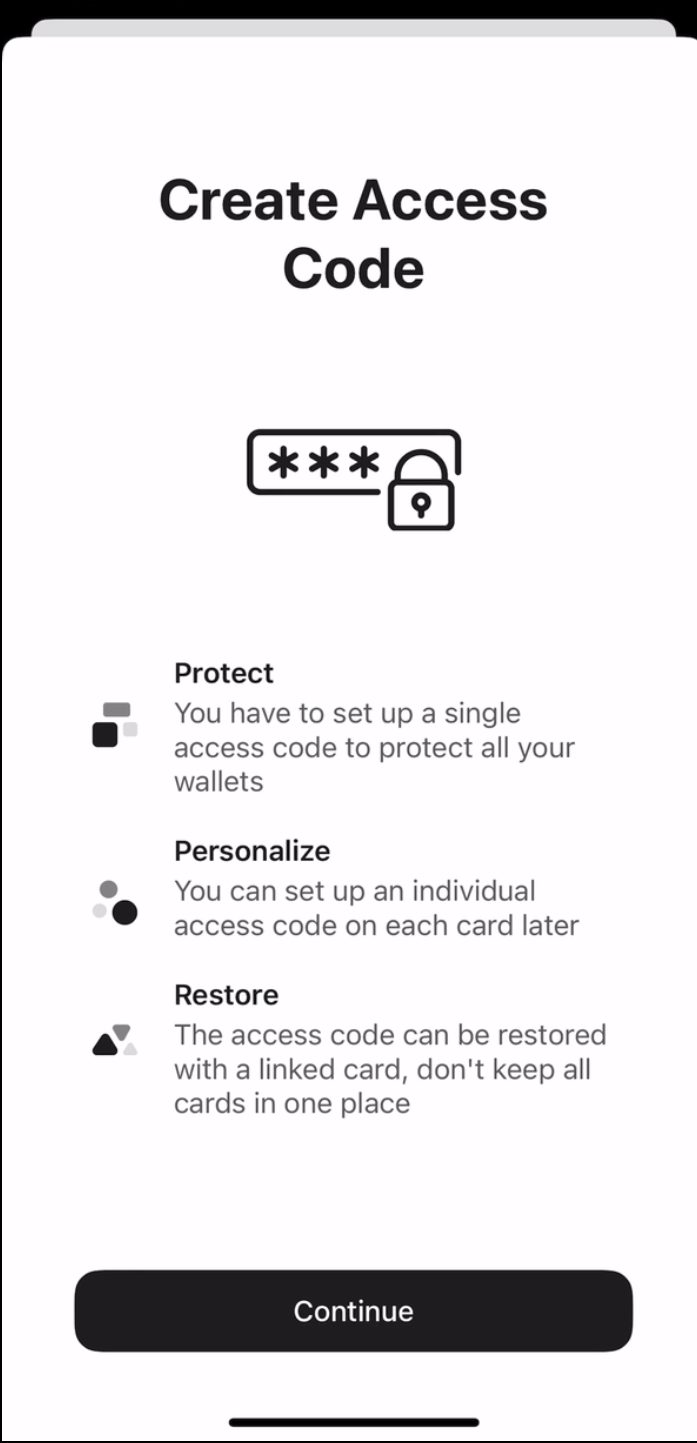
5. 원하는 단어나 문구, 숫자를 입력하고 Continue를 눌러요. 각 카드마다 고유한 접근 코드를 나중에 따로 설정할 수도 있어요.
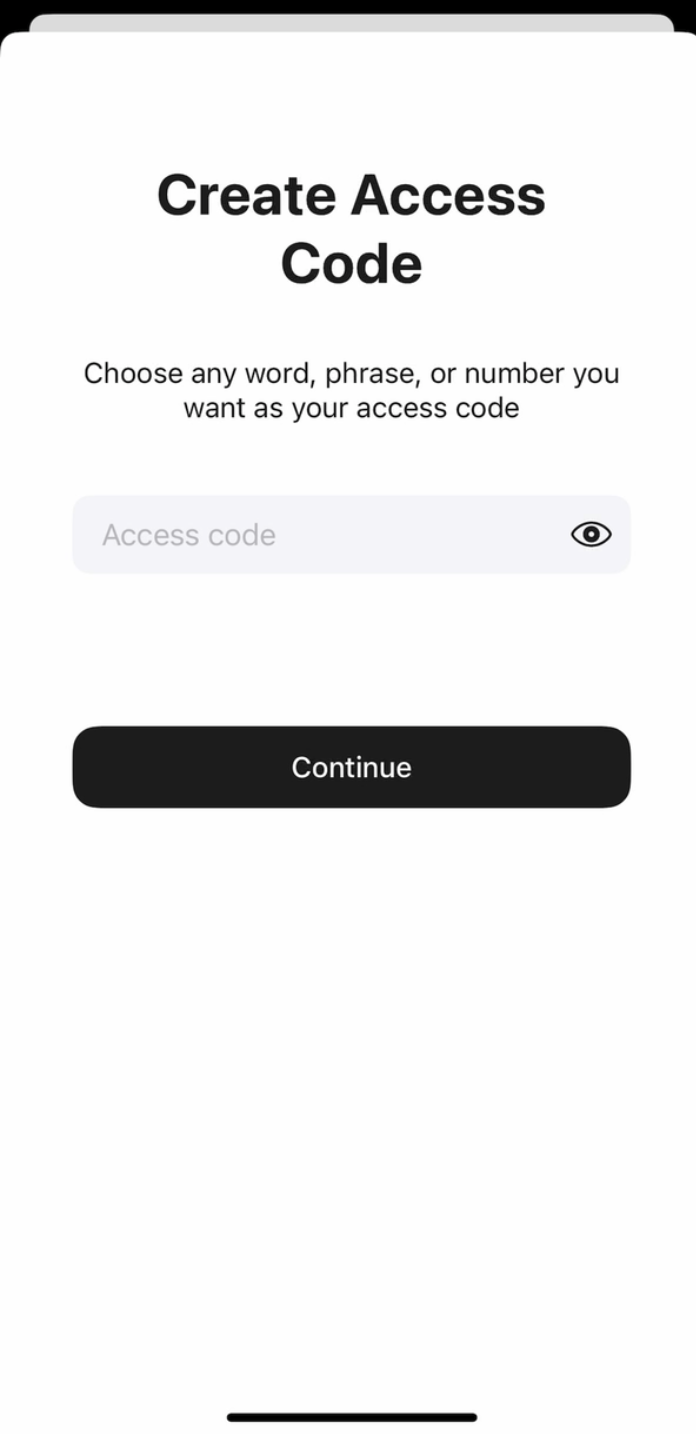
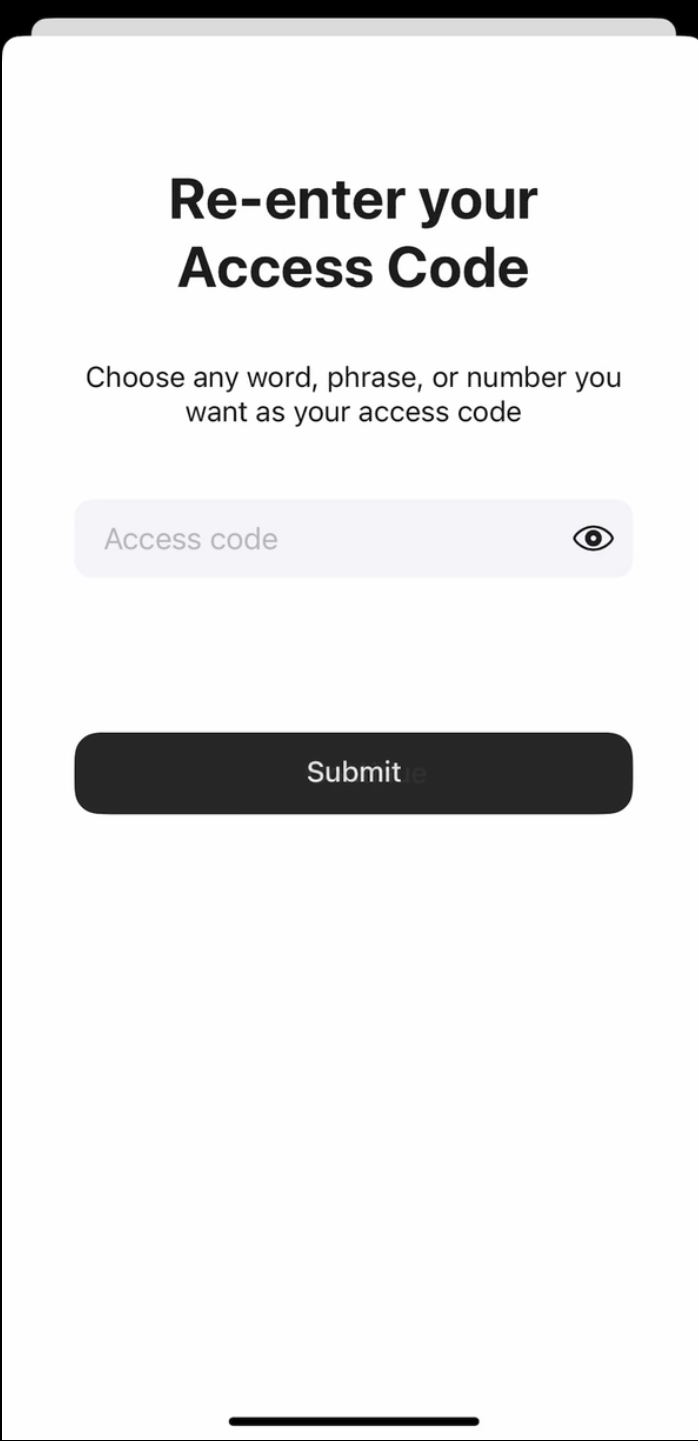
6. 접근 코드를 한 번 더 입력하고 Submit을 눌러요.
7. Scan the primary card를 클릭한 후, 안내된 번호의 카드를 스마트폰에 태그해 주세요. 앱이 약 15초간 카드를 스캔해요.
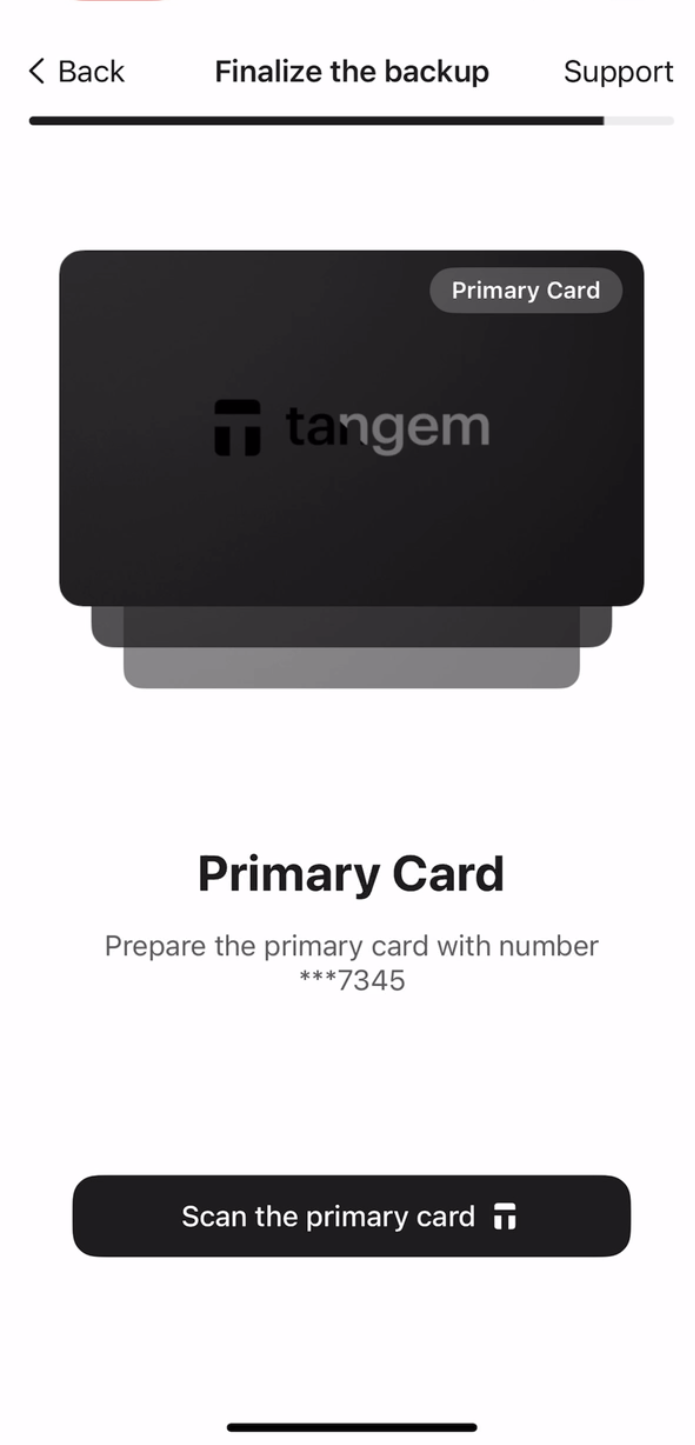
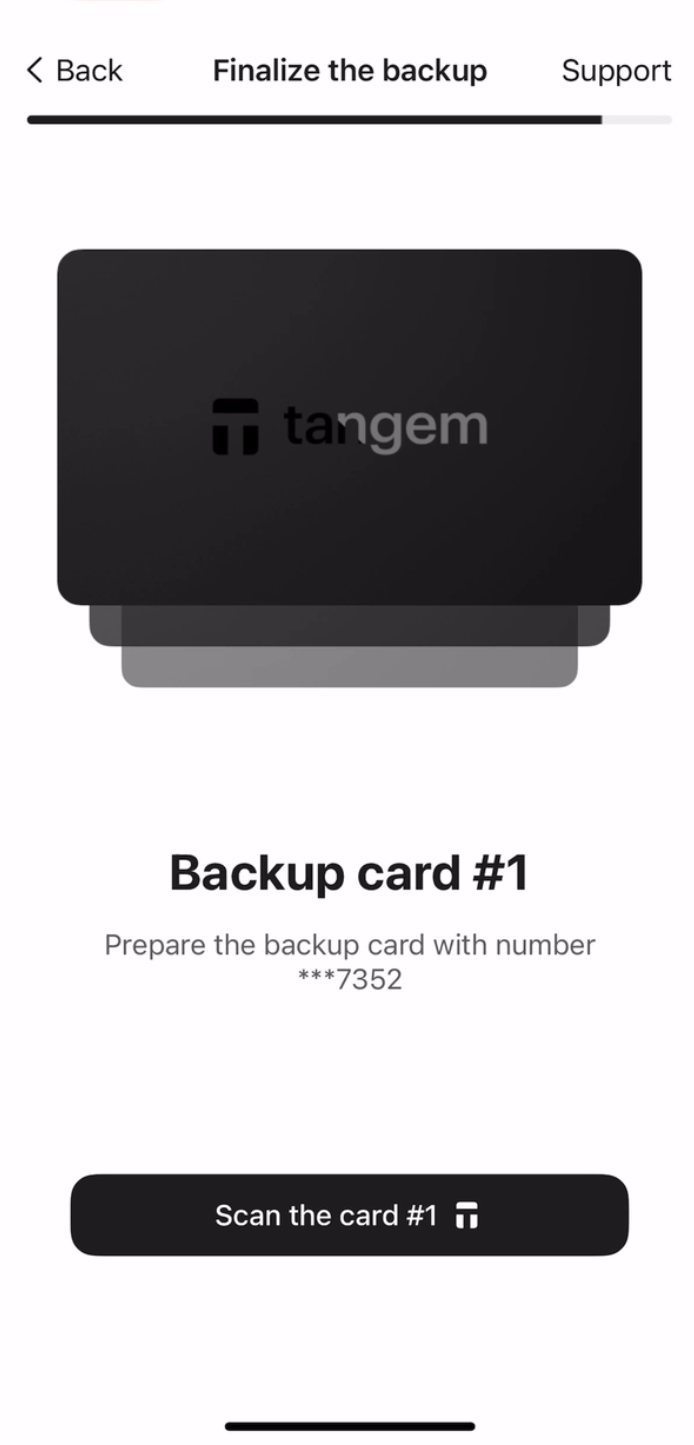
8. 첫 번째 백업 카드를 스캔해요. 각 카드의 마지막 네 자리 숫자를 꼭 확인해 주세요.
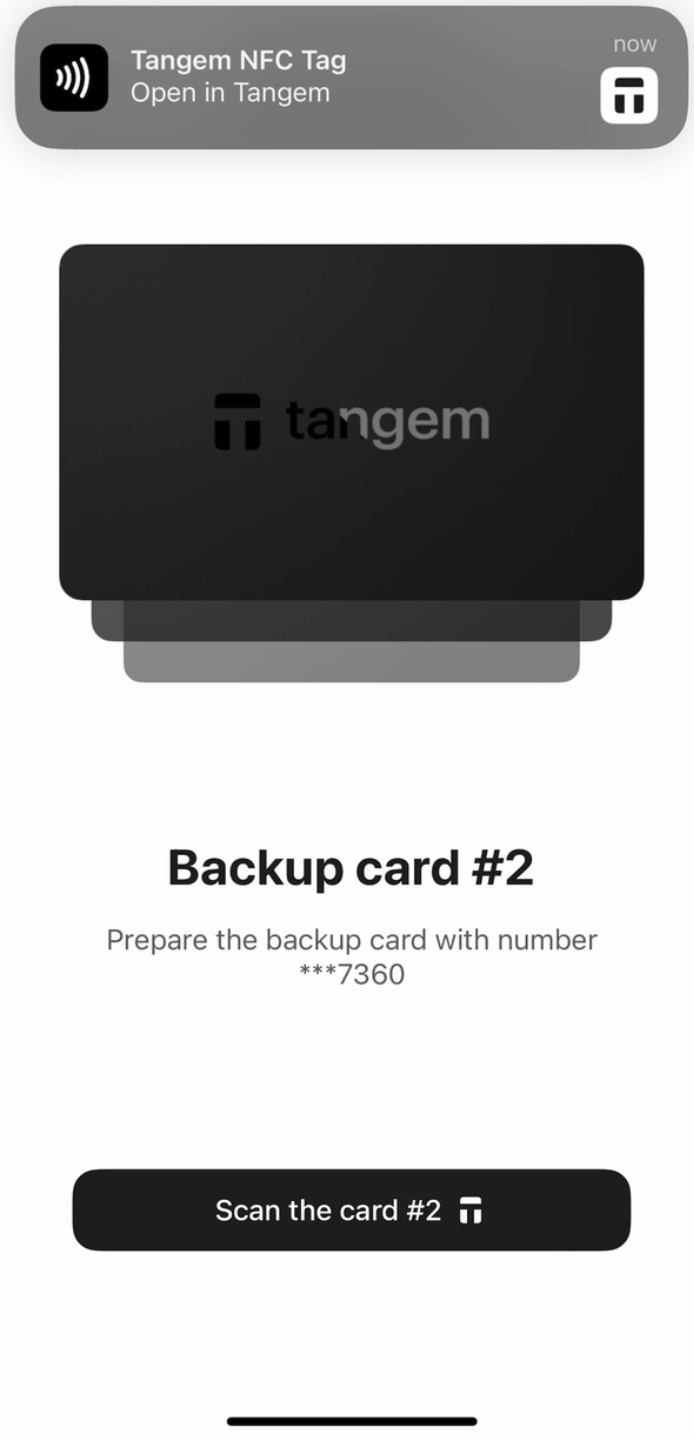
9. 두 번째 백업 카드를 스캔해요.
10. Continue to my wallet을 눌러 마무리해요.
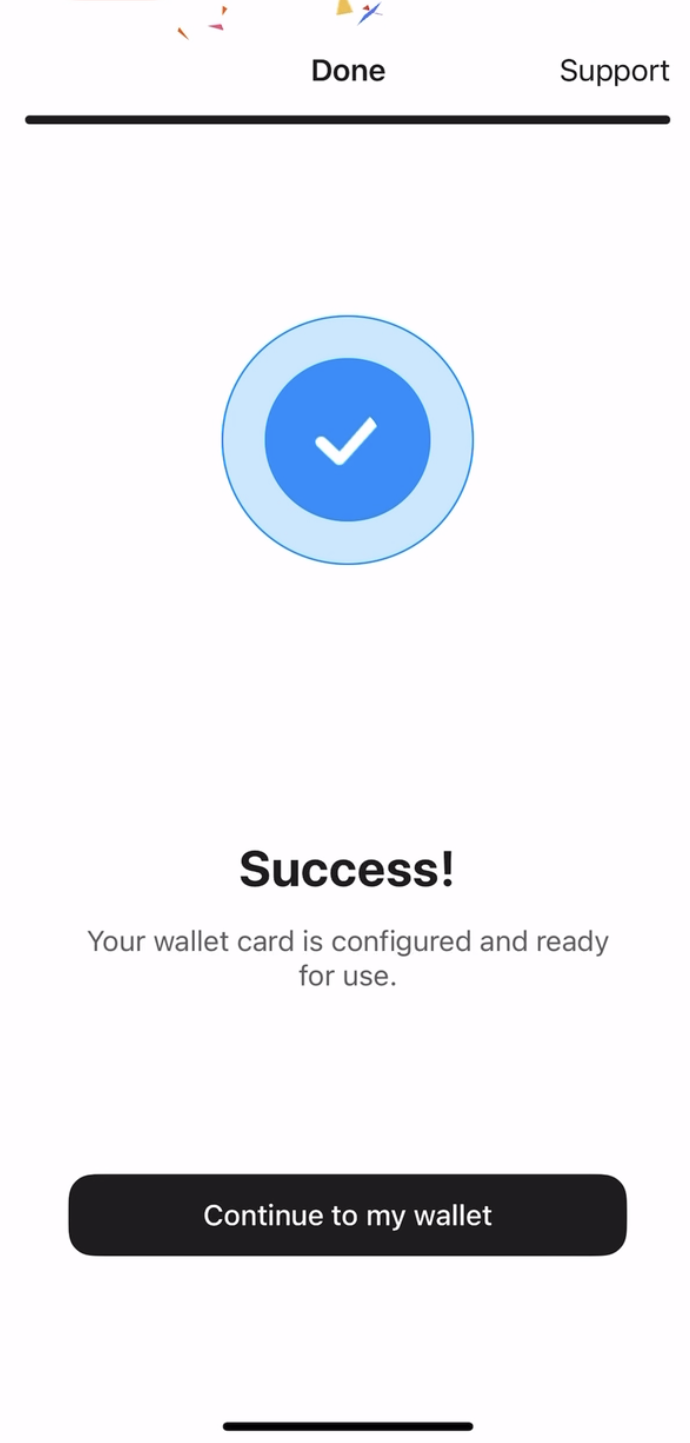
이제 시드 구문 없이 Tangem Wallet 설정이 모두 끝났어요. 다양한 기능을 안전하게 이용해 보세요. Tangem을 선택해 주셔서 감사합니다.


이것들을 놓치지 마세요 



다른 기사들

