 Seedless’a geç. SWITCH30 ile %30 indirim, 26 Eki’ye kadar.


Tangem Wallet'ı Seed Phrase Olmadan Nasıl Kurarsınız?
Bu makale aşağıdaki dillerde mevcuttur:
Bu yazıda, Tangem Wallet'ınızı seed phrase olmadan — yani önerilen yöntemle — nasıl kuracağınızı adım adım anlatıyoruz. Seed phrase'ler bir güvenlik açığı oluşturur; bu konuyu detaylı bir makalemizde ele aldık. Tangem Wallet'ınızı seed phrase olmadan kurmak için NFC destekli bir akıllı telefona ve Tangem Card'larınıza ihtiyacınız var.
Kurulum süreci
Yeni Tangem Wallet'ı seed phrase olmadan kurmak için aşağıdaki adımları izleyin.
1. Resmi Tangem uygulamasını indirin ve açın.
2. Scan card seçeneğini seçin.
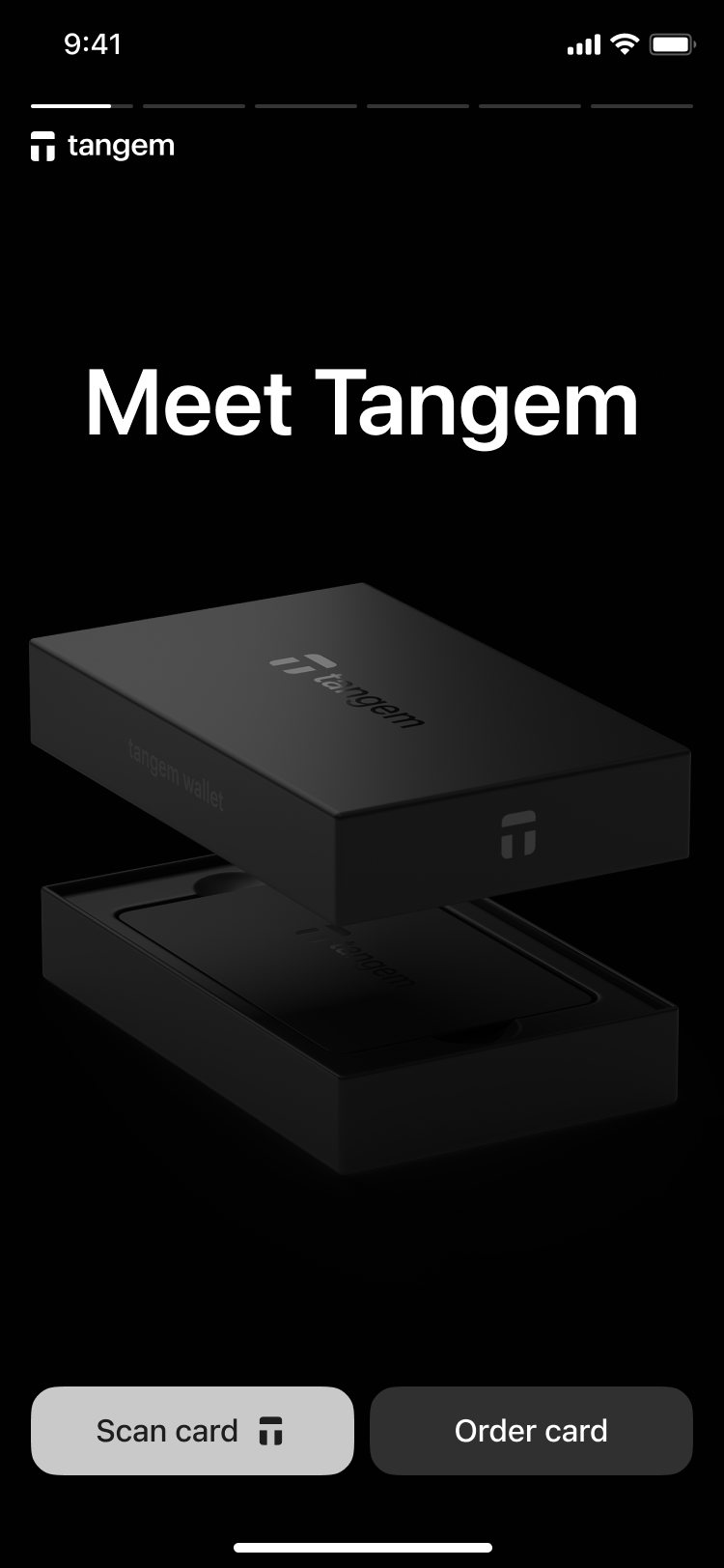
3. Tap the first card on your phone to scan it.
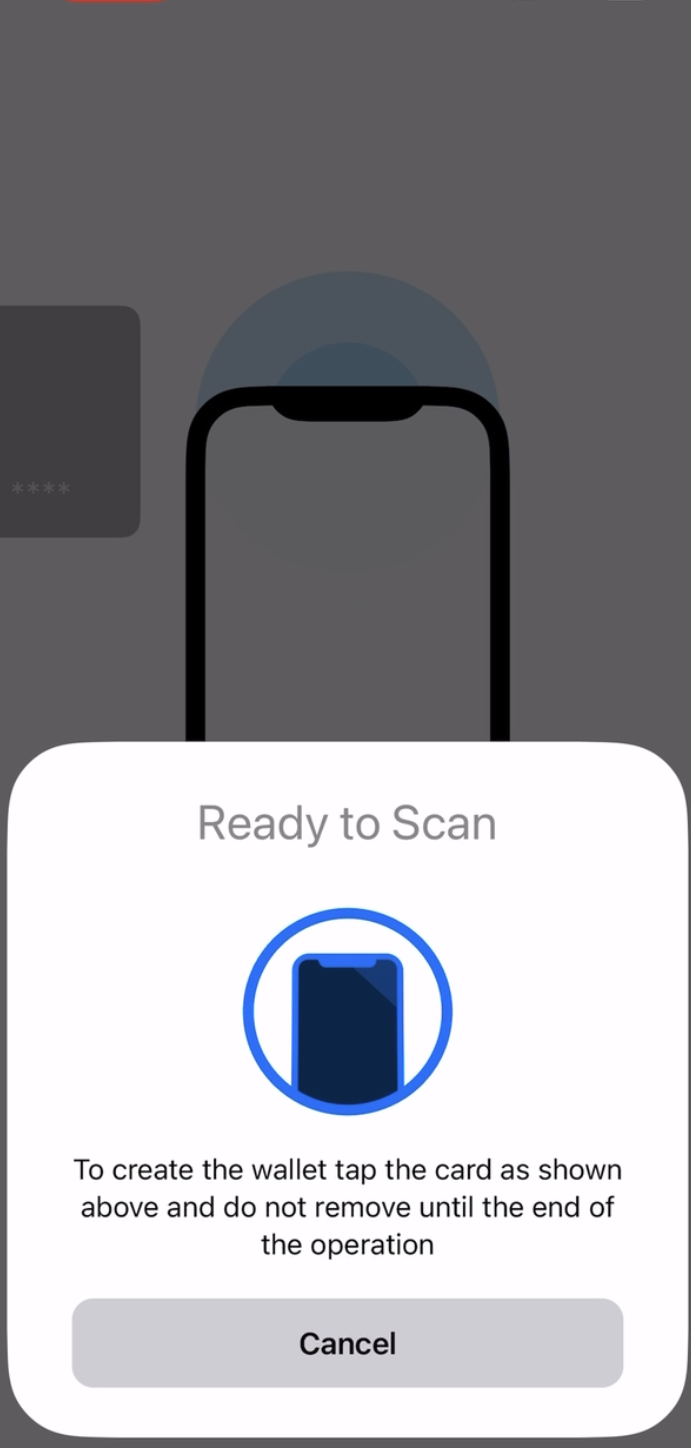
3. Create wallet seçeneğine dokunun.
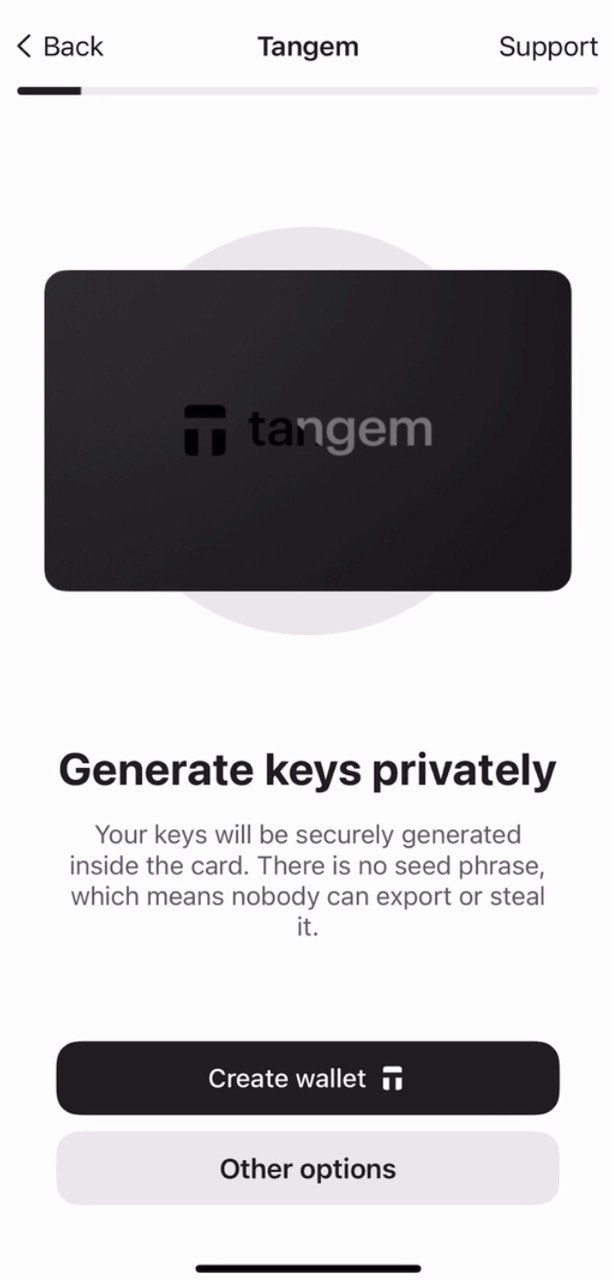
The Tangem card will now generate your private and public keys inside the secure chip. Congratulations! Your private keys cannot be extracted, stolen, or exposed.
Yedekleme oluşturma
Cüzdan, sizden bir yedek oluşturmanızı isteyecektir. Yedekleme işlemini hemen başlatmanızı kesinlikle öneriyoruz. Anahtarlarınızı diğer Tangem Card'larınıza yedekleyebilirsiniz. İleride sorun yaşamamak için 2 veya 3 kartın tamamını kullanmanızı tavsiye ederiz.
- Add a backup card seçeneğine dokunun.
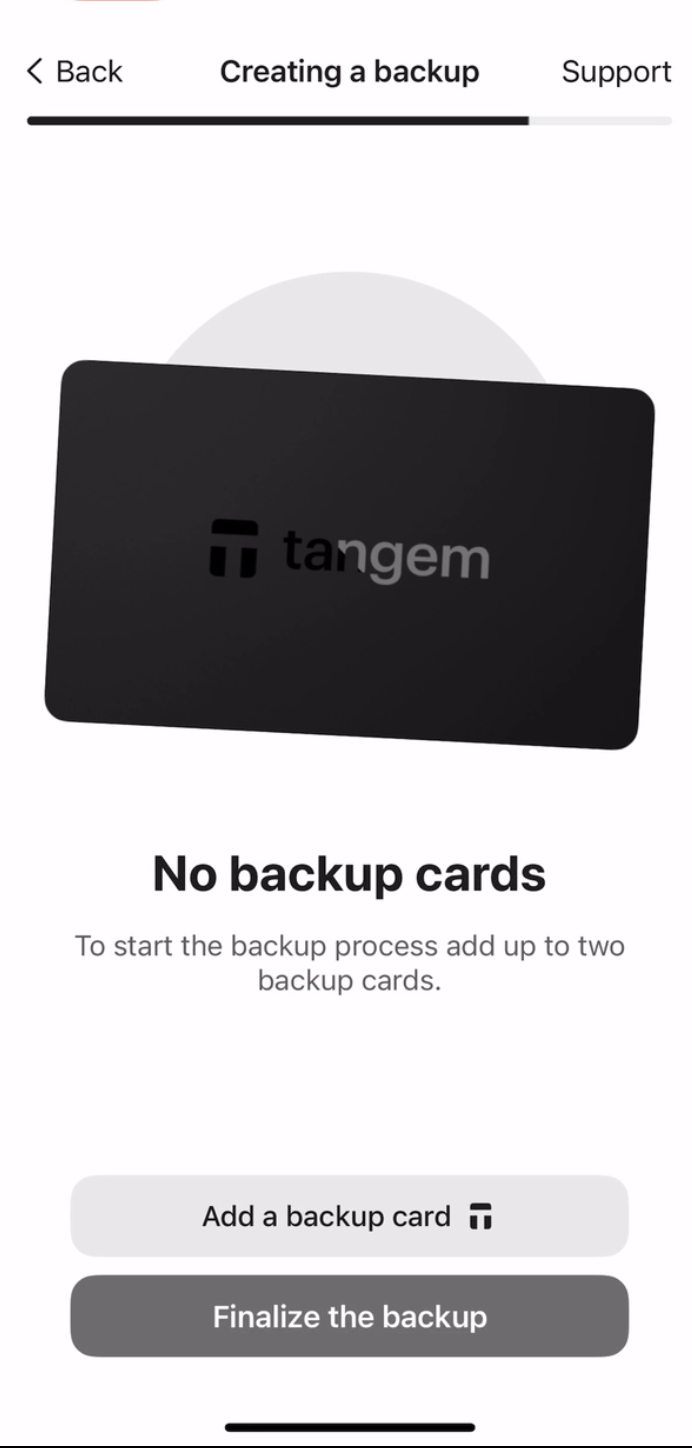
2. Scan the second card with your smartphone.
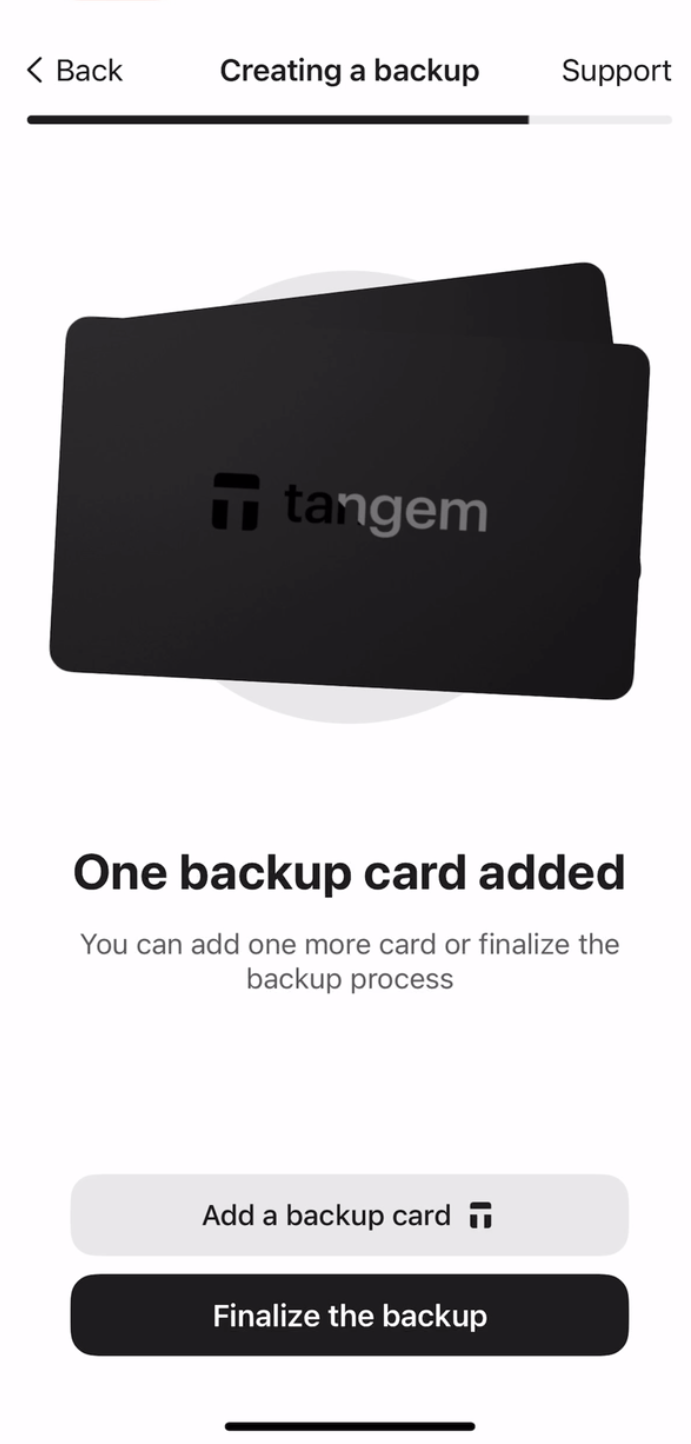
3. Eğer üçüncü bir Tangem Card'ınız varsa, Add a backup card seçeneğine dokunun, üçüncü kartı tarayın ve Finalize the backup seçeneğini kullanın.
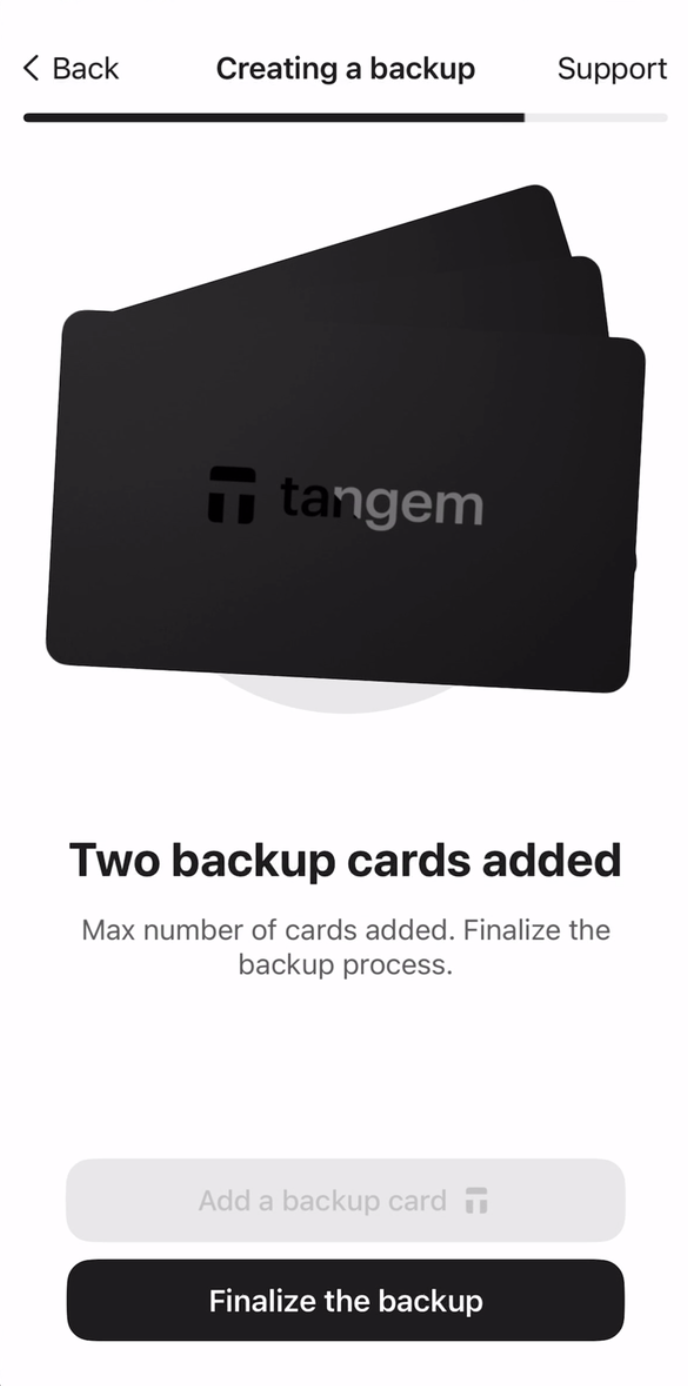
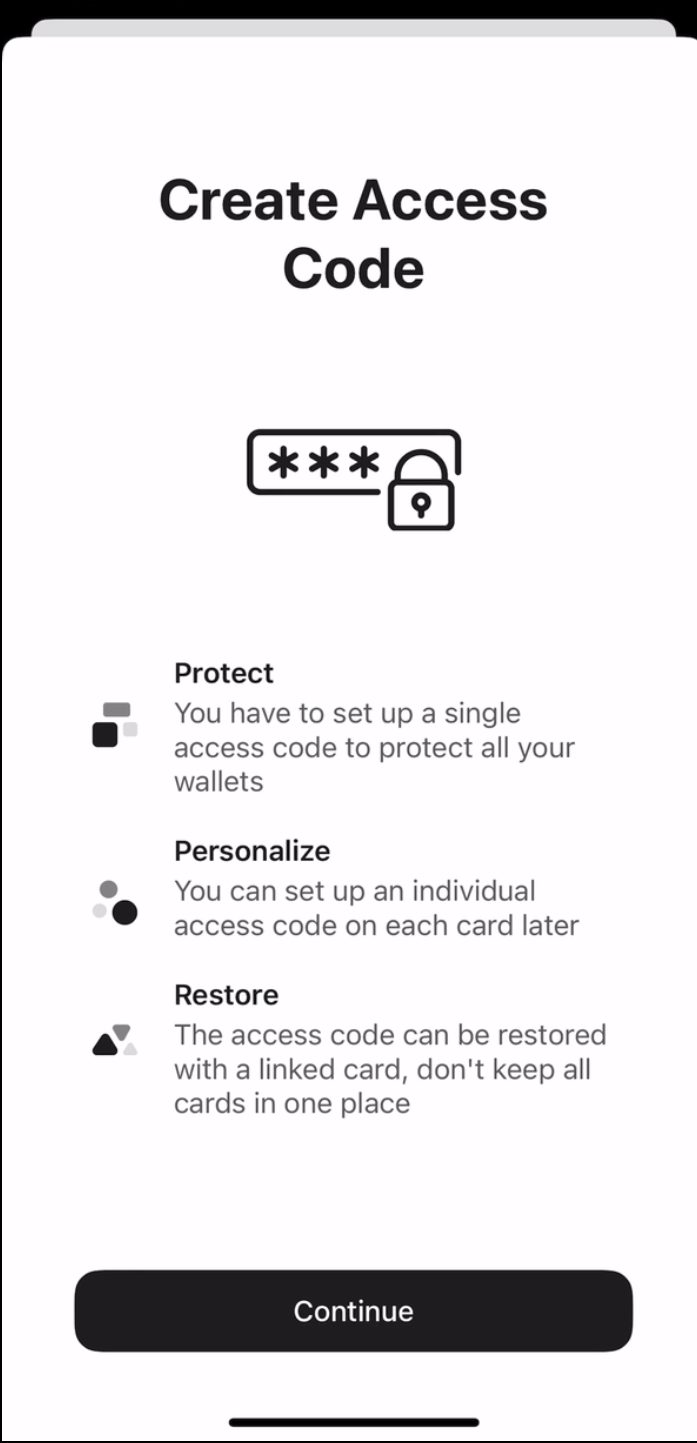
Şimdi, kartlarınızı brute-force saldırılarına karşı korumak için bir erişim kodu oluşturmanız gerekiyor.
4. Erişim kodu oluşturmak için Continue seçeneğine dokunun.
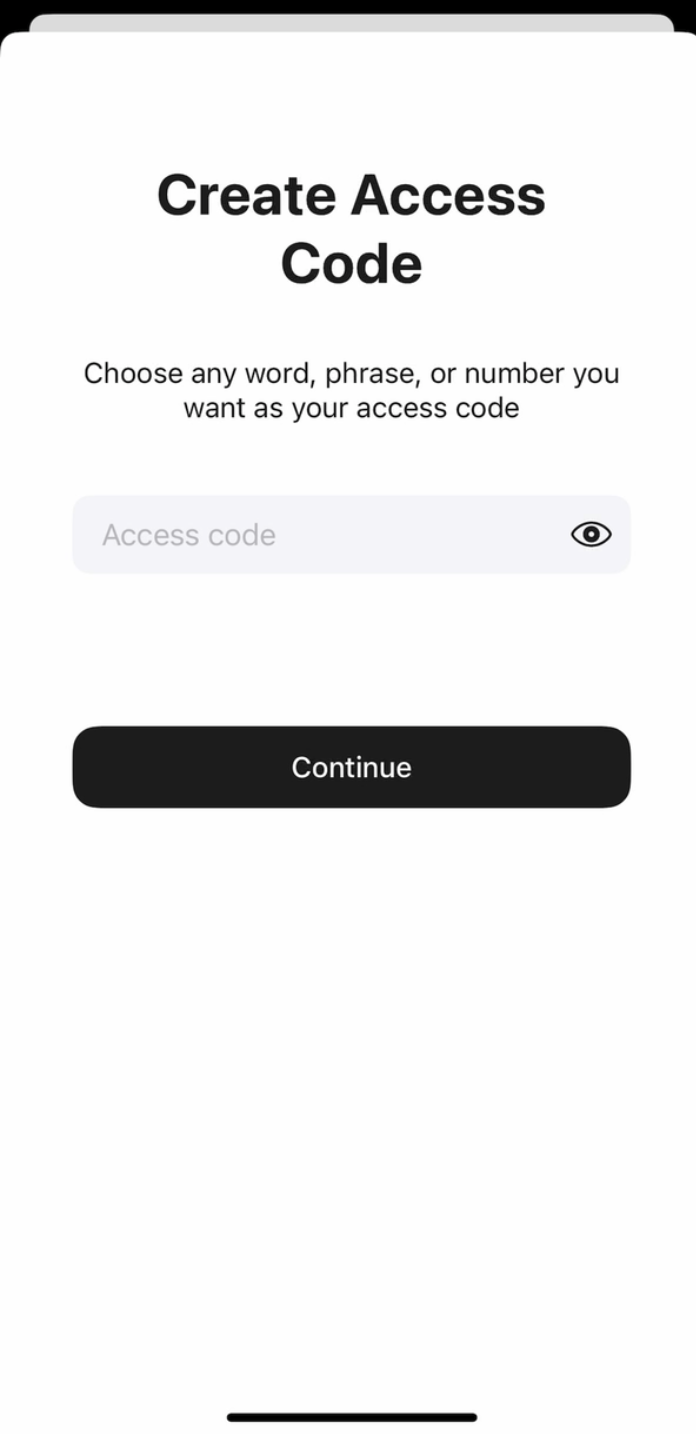
5. Erişim kodunuzu girin. Dilediğiniz bir kelime, cümle veya sayı belirleyip Continue seçeneğine dokunun. Ayrıca her kart için daha sonra farklı bir erişim kodu belirleyebilirsiniz.
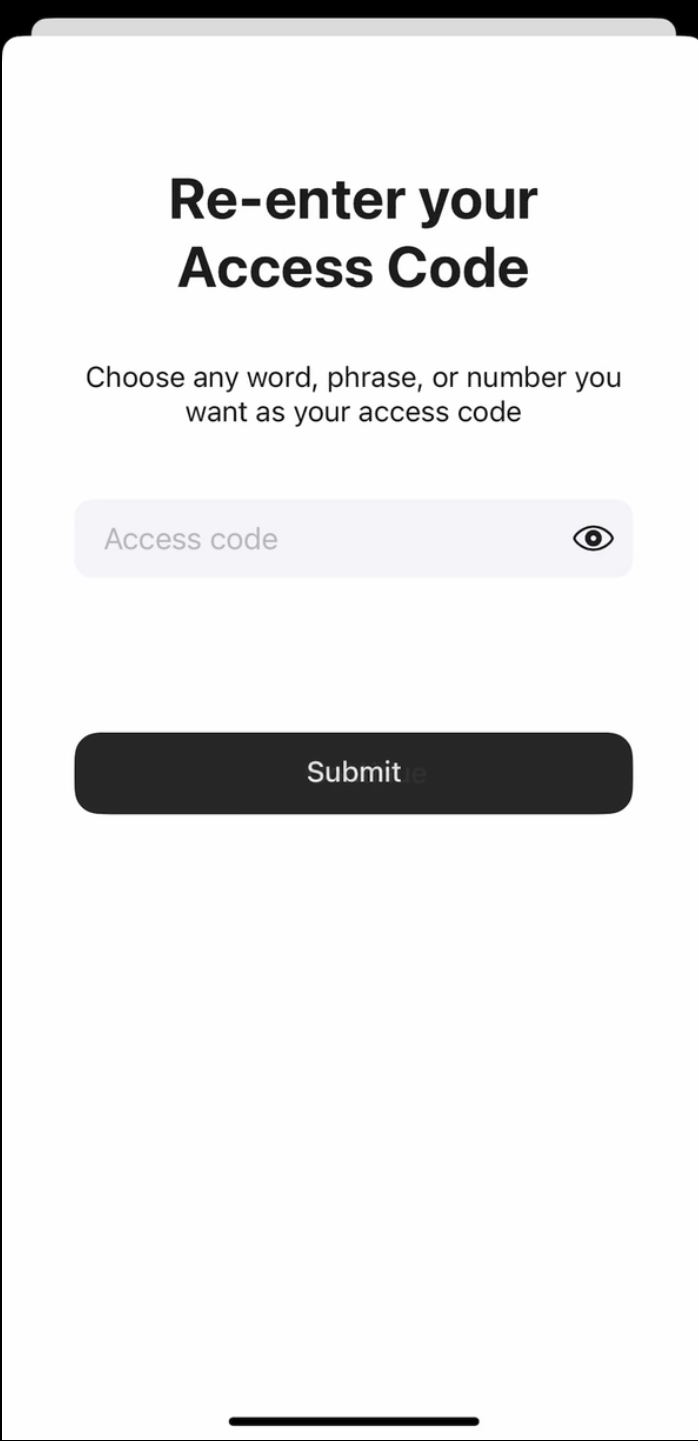
6. Erişim kodunuzu tekrar girin ve Submit seçeneğine dokunun.
7. Scan the primary card seçeneğine tıklayın ve belirtilen numaralı kartı telefonunuza yaklaştırın. Uygulama kartı 15 saniye boyunca tarayacaktır.
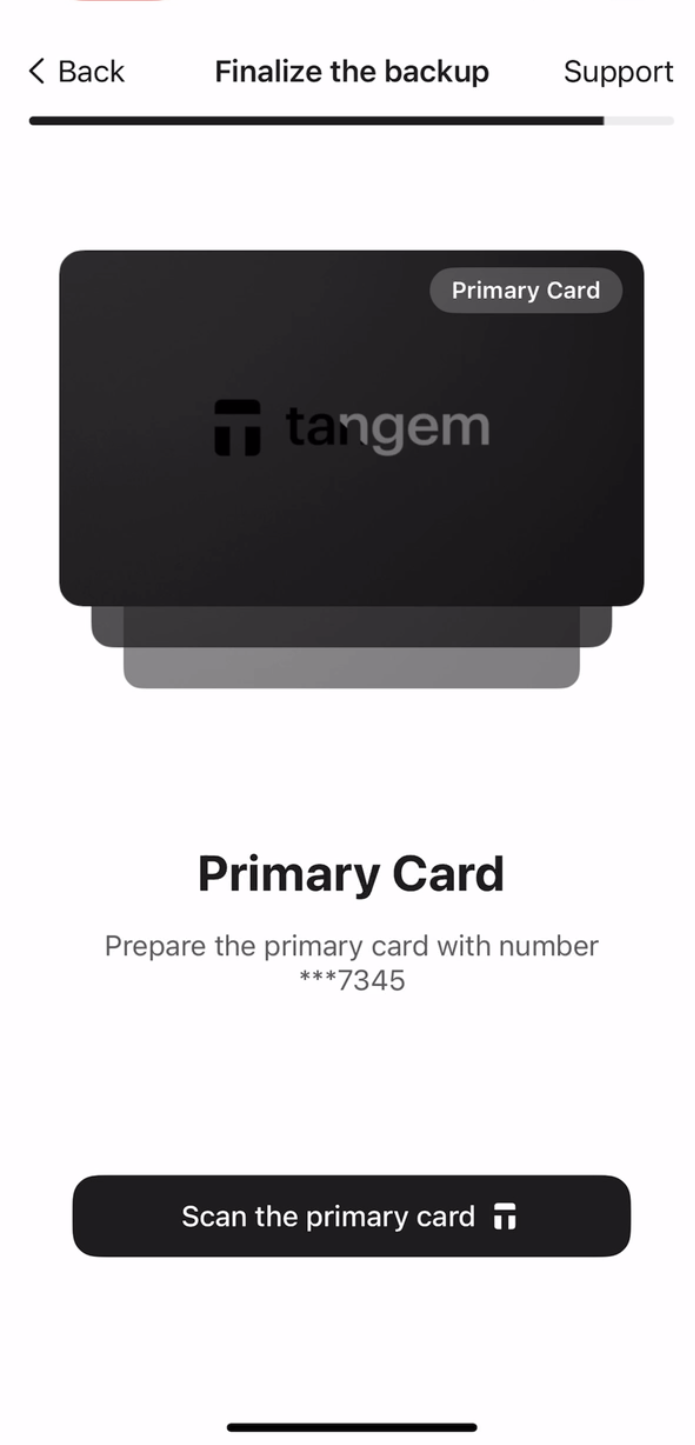
8. Scan the first backup card. Please pay attention to the last four digits of each card.
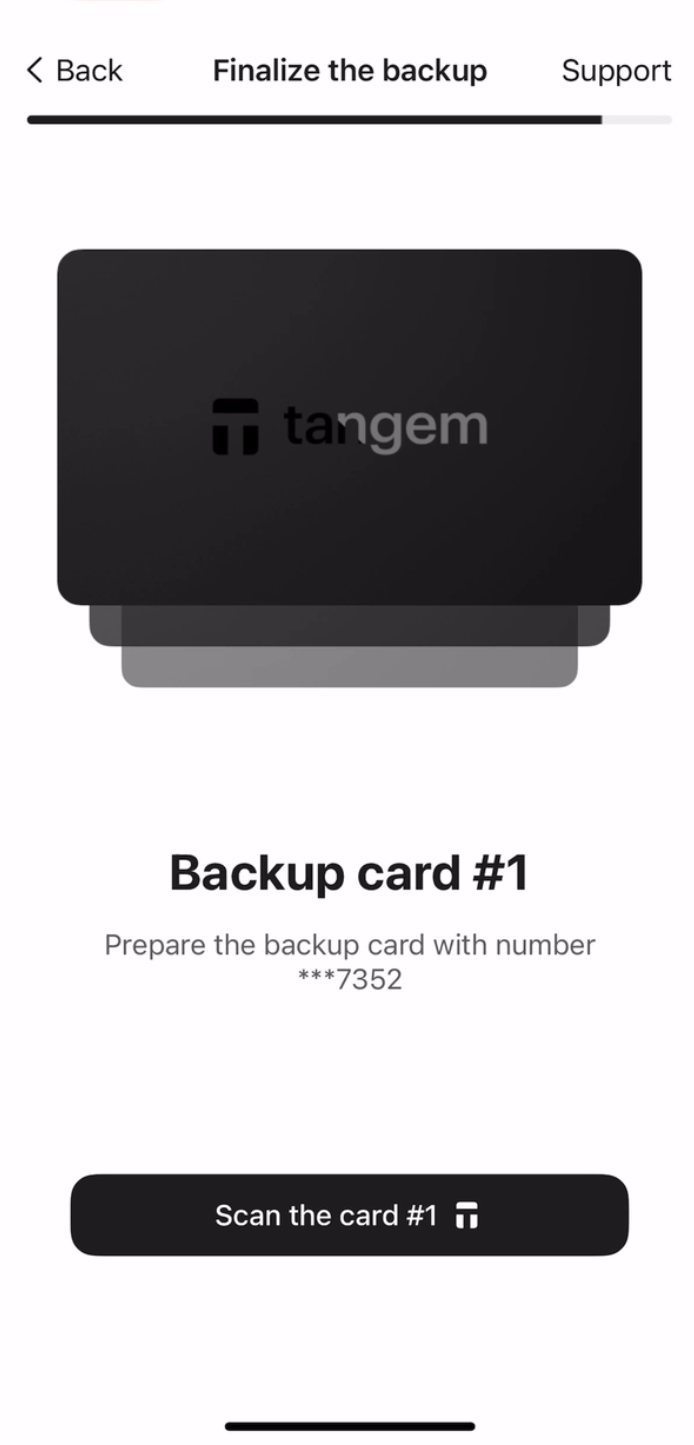
9. Scan the second backup card.
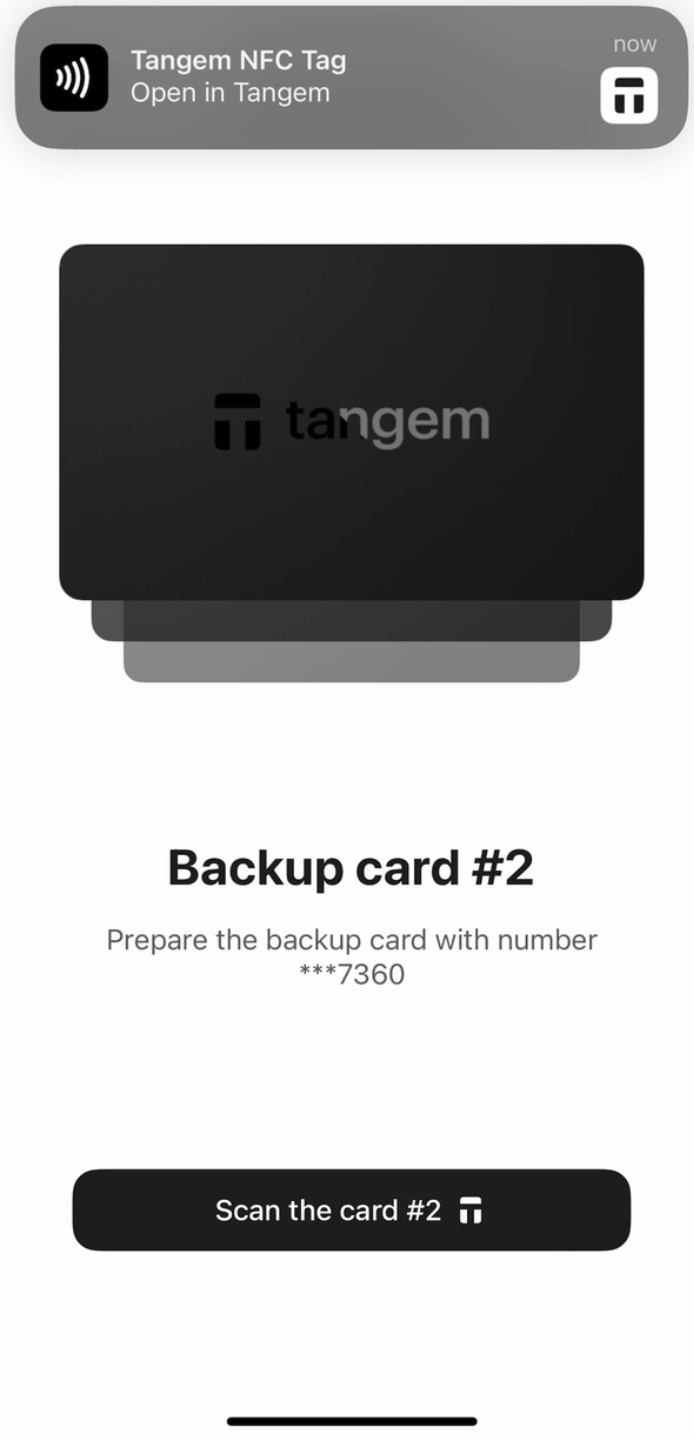
10. Continue to my wallet seçeneğine dokunun.
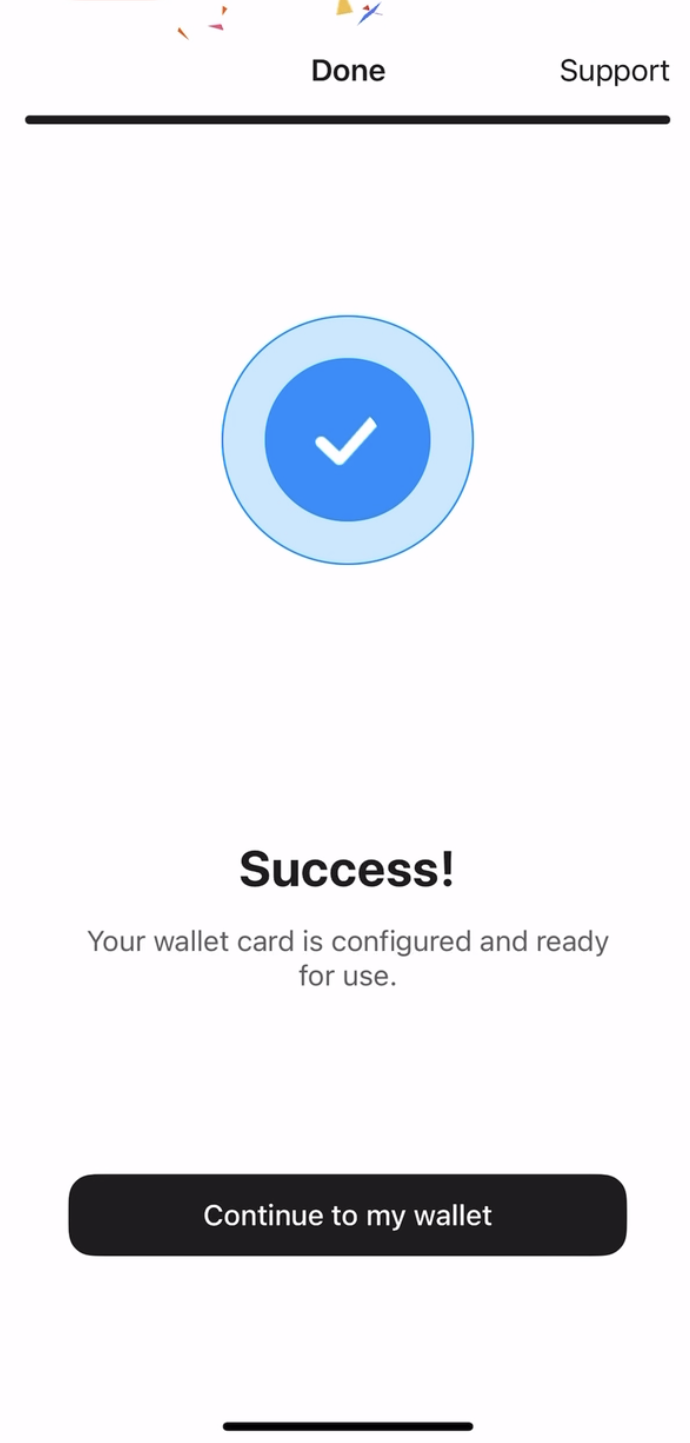
Tangem Wallet'ınızı seed phrase olmadan başarıyla kurdunuz; tüm özelliklerini güvenle kullanmanızı dileriz. Tangem'i tercih ettiğiniz için teşekkür ederiz.


Bunları kaçırmayın 



Diğer makaleler

