 切换至无助记词模式。使用 SWITCH30 立减 30%,截止 10 月 26 日



如何无需助记词设置 Tangem Wallet
本文将为你详细介绍如何无需助记词设置 Tangem Wallet,这是官方推荐的方式。助记词本身存在安全隐患,我们在另一篇文章中已详细讨论。要设置无需助记词的 Tangem Wallet,你只需一部支持 NFC 的智能手机和 Tangem Card。
设置流程
以下是无需助记词设置新 Tangem Wallet 的步骤:
1. 下载并打开官方 Tangem App。
2. 选择Scan card。
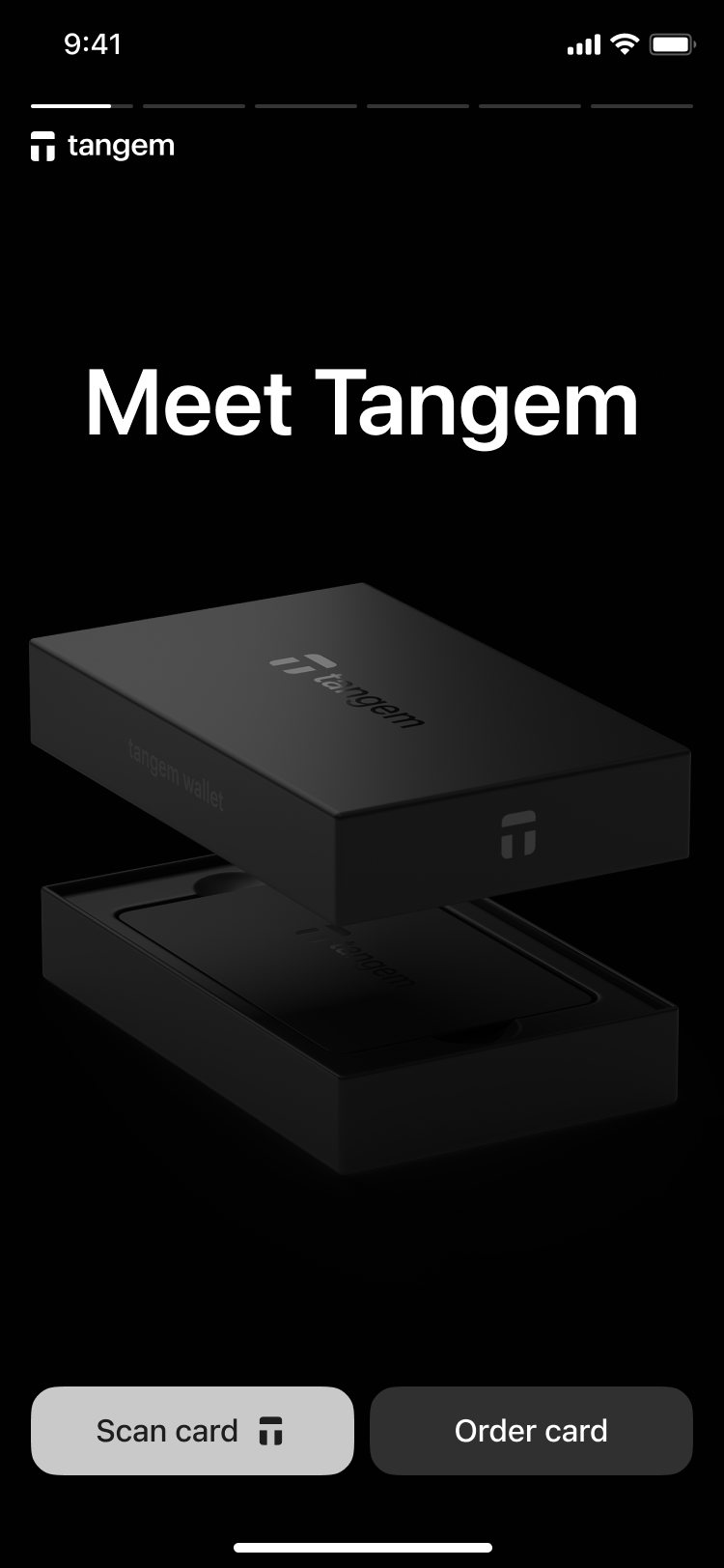
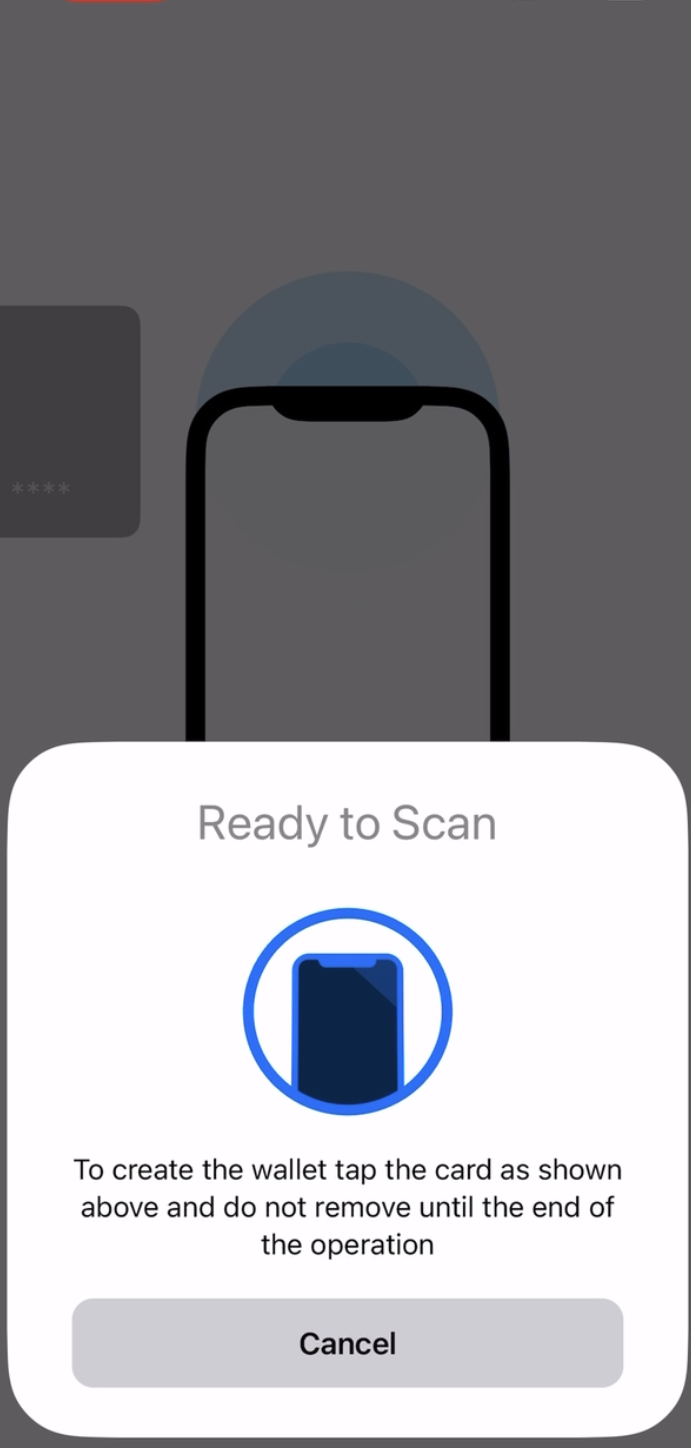
3. Tap the first card on your phone to scan it.
3. Tap Create wallet。
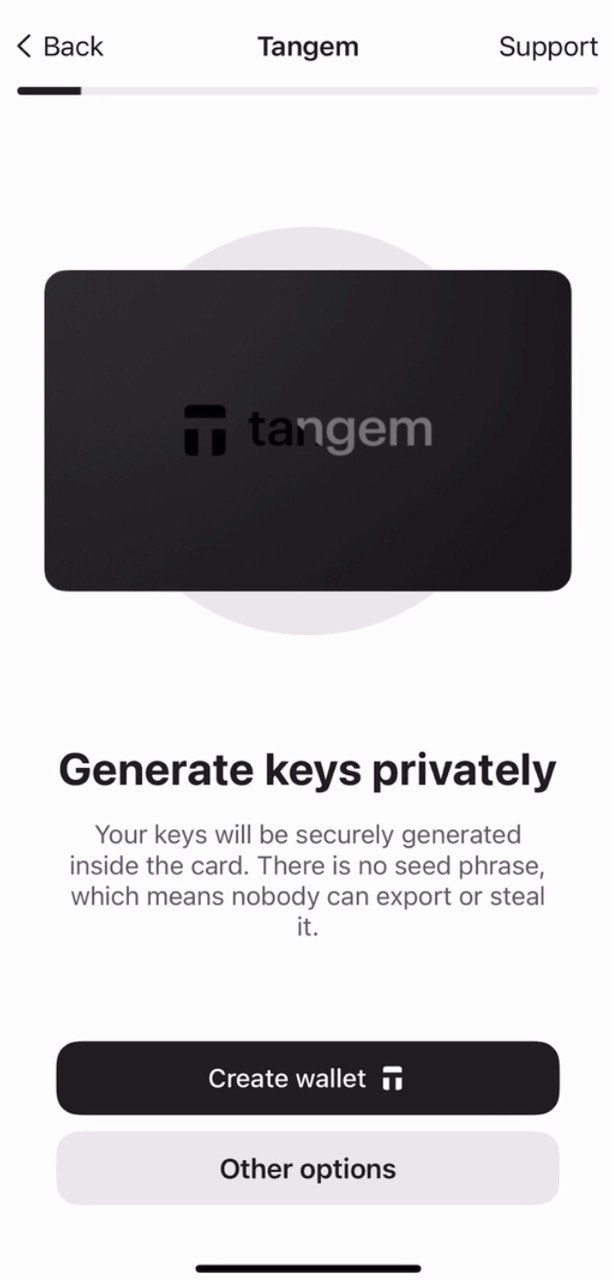
The Tangem card will now generate your private and public keys inside the secure chip. Congratulations! Your private keys cannot be extracted, stolen, or exposed.
Creating backups
钱包会提示你创建备份。我们强烈建议你立即开始备份流程。你可以将密钥备份到其他 Tangem Card,建议全部 2 张或 3 张卡都参与备份,以避免后续出现问题。
- Tap Add a backup card.
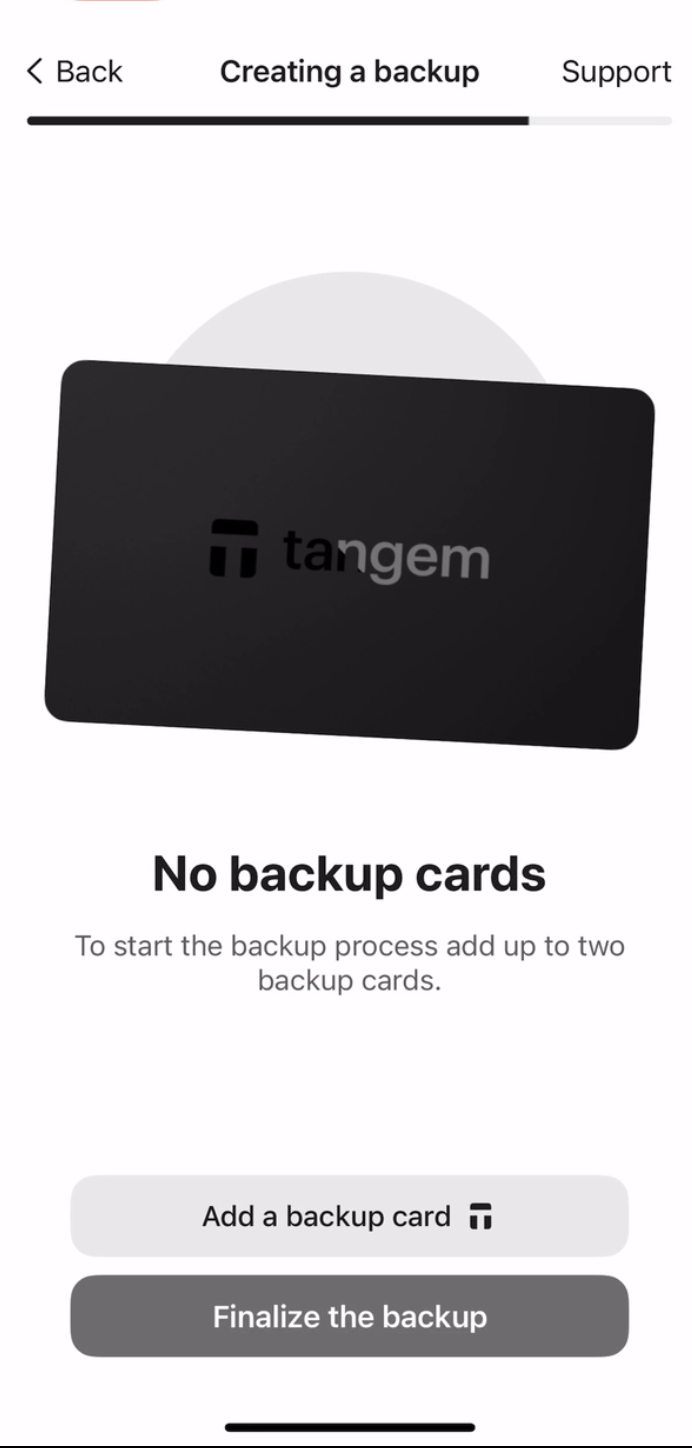
2. Scan the second card with your smartphone.
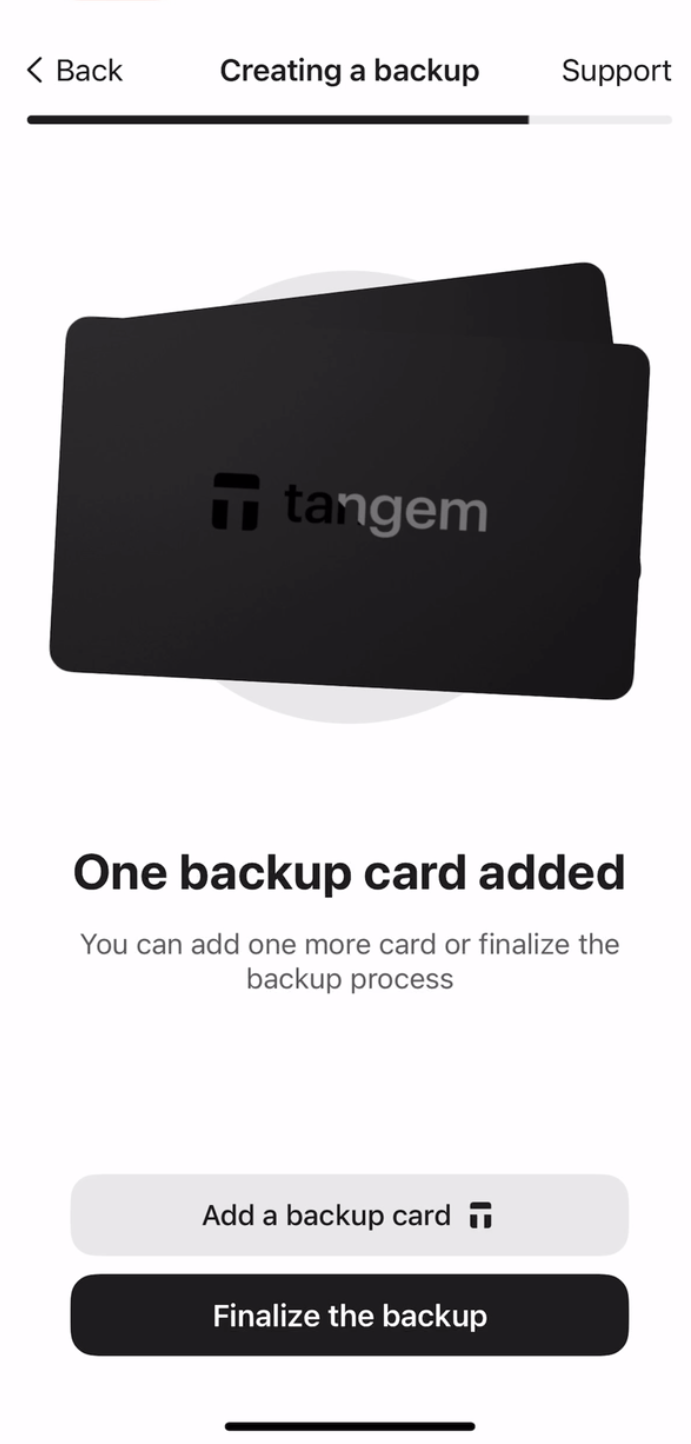
3. If you have a third Tangem card, tap Add a backup card, scan the third card, and tap Finalize the backup。
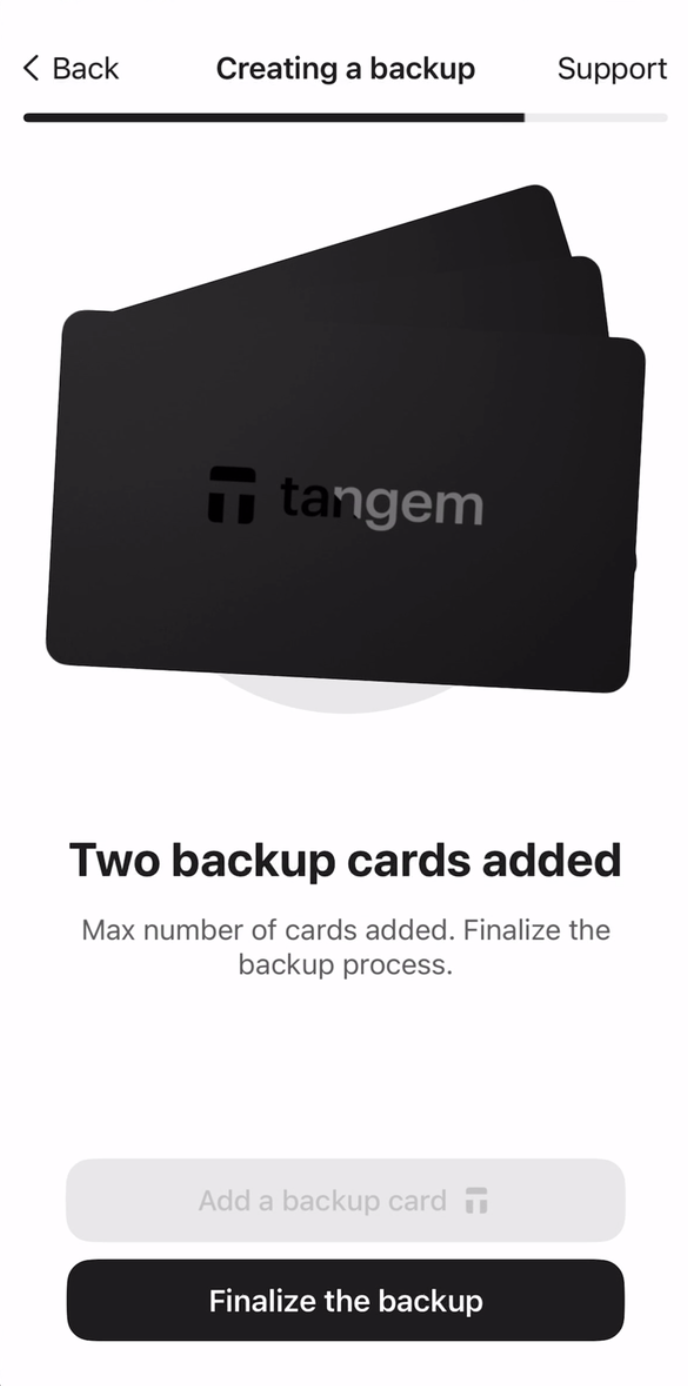
接下来,你需要设置访问码,以防止暴力破解。
4. Tap Continue,输入访问码。
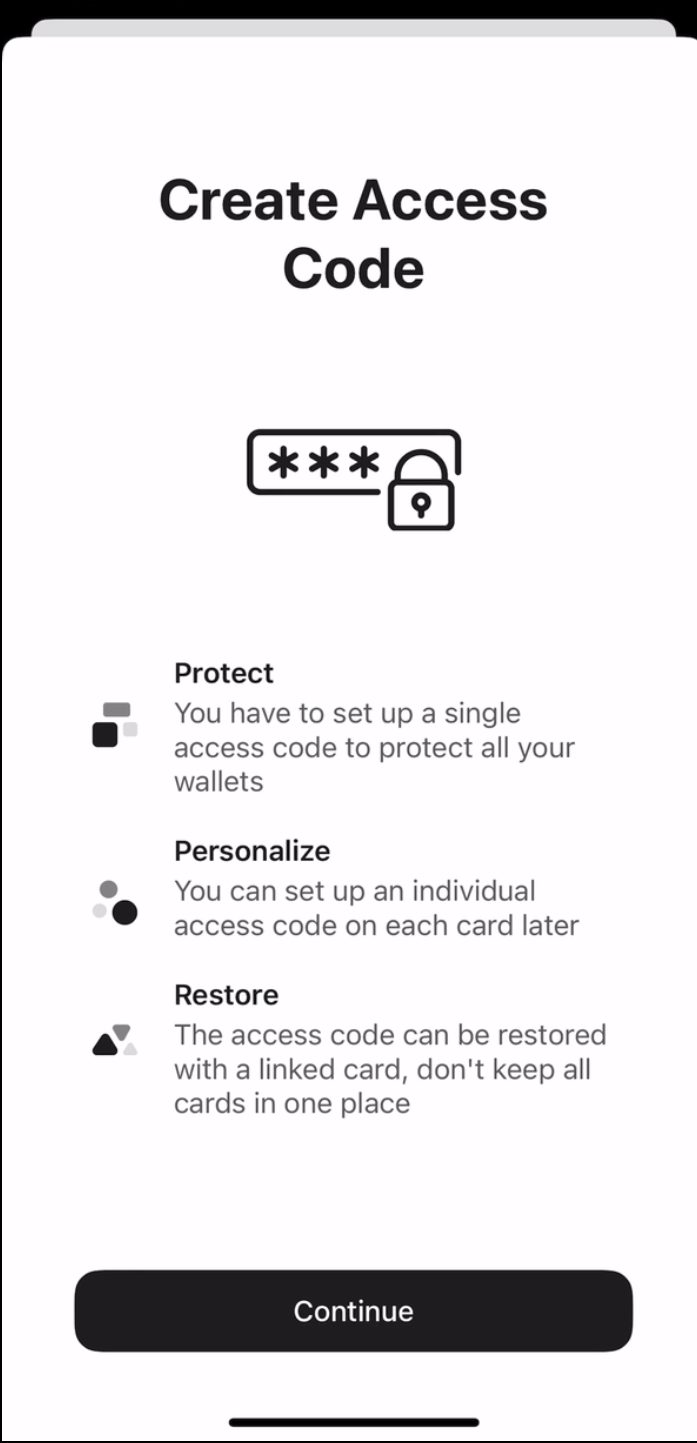
5. 输入访问码。你可以选择任意单词、短语或数字,然后点击 Continue。也可以为每张卡单独设置不同的访问码。
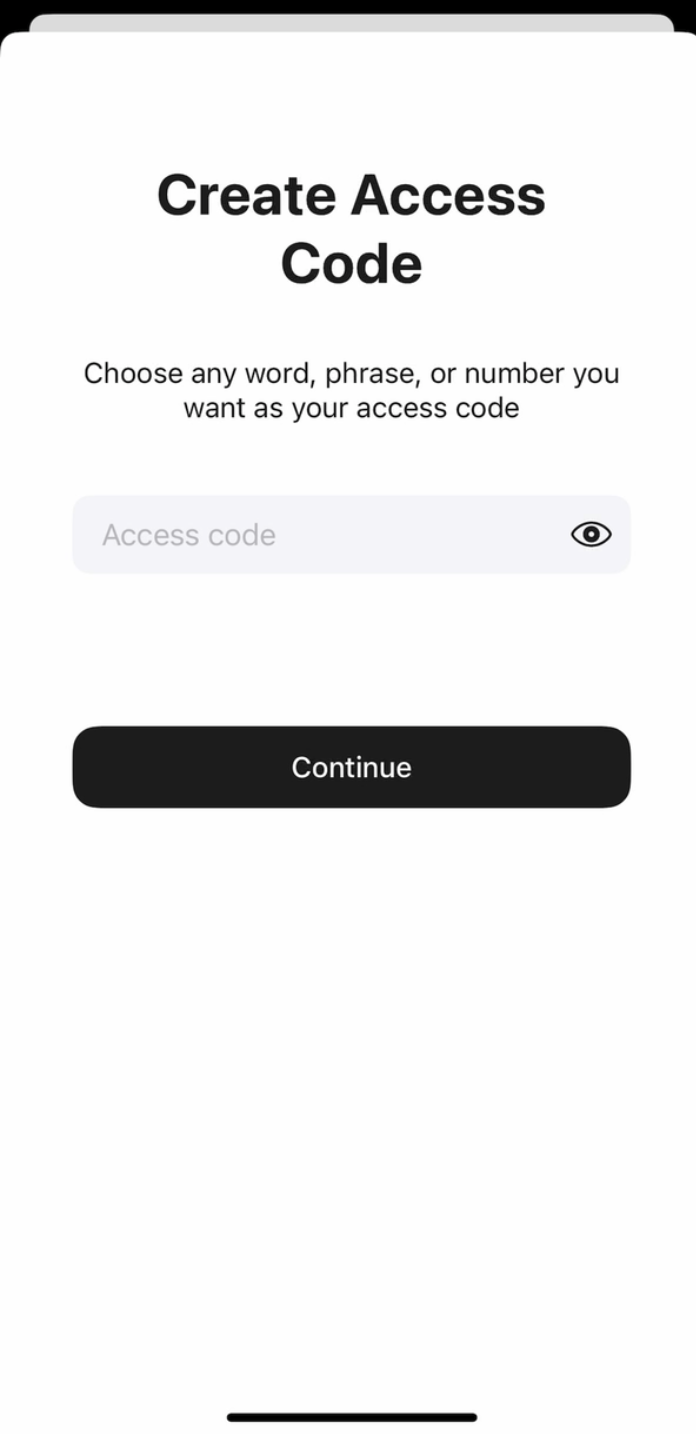
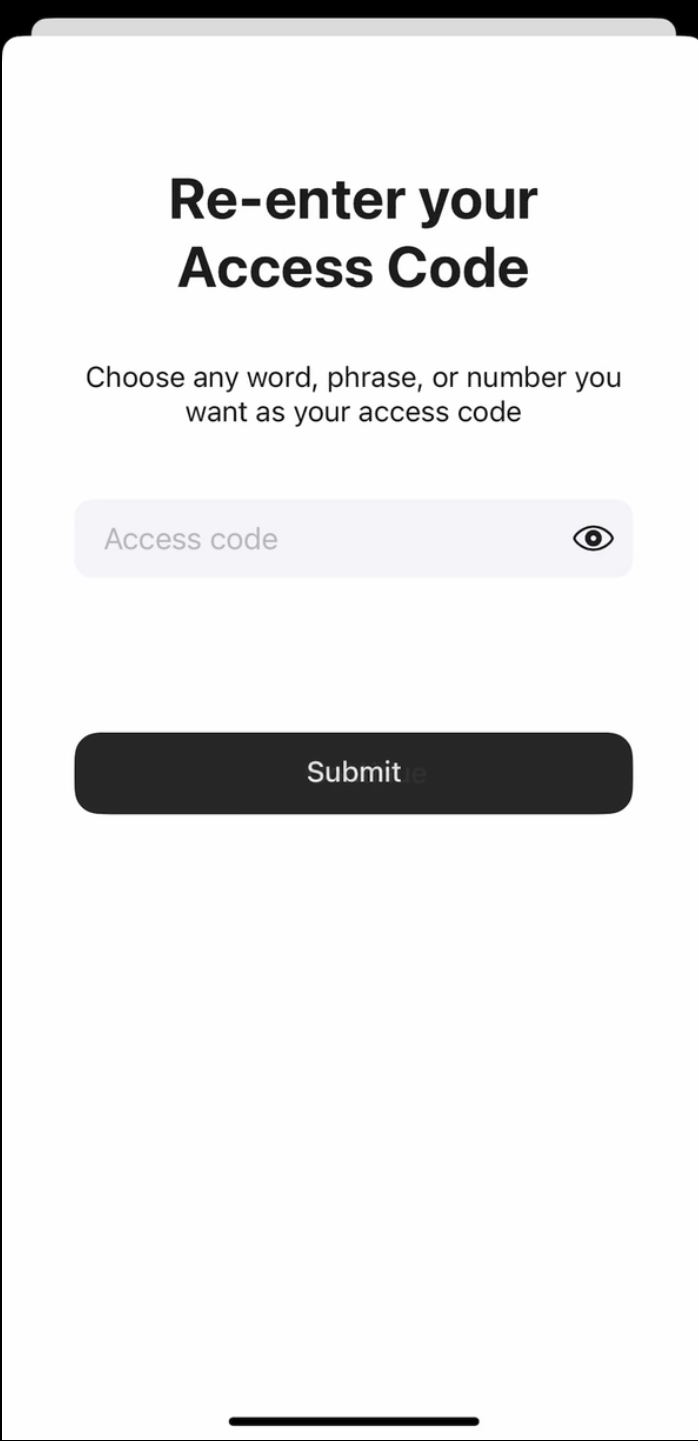
6. 再次输入访问码,然后点击 Submit。
7. 点击 Scan the primary card,将指定编号的卡片贴近手机,App 会扫描 15 秒。
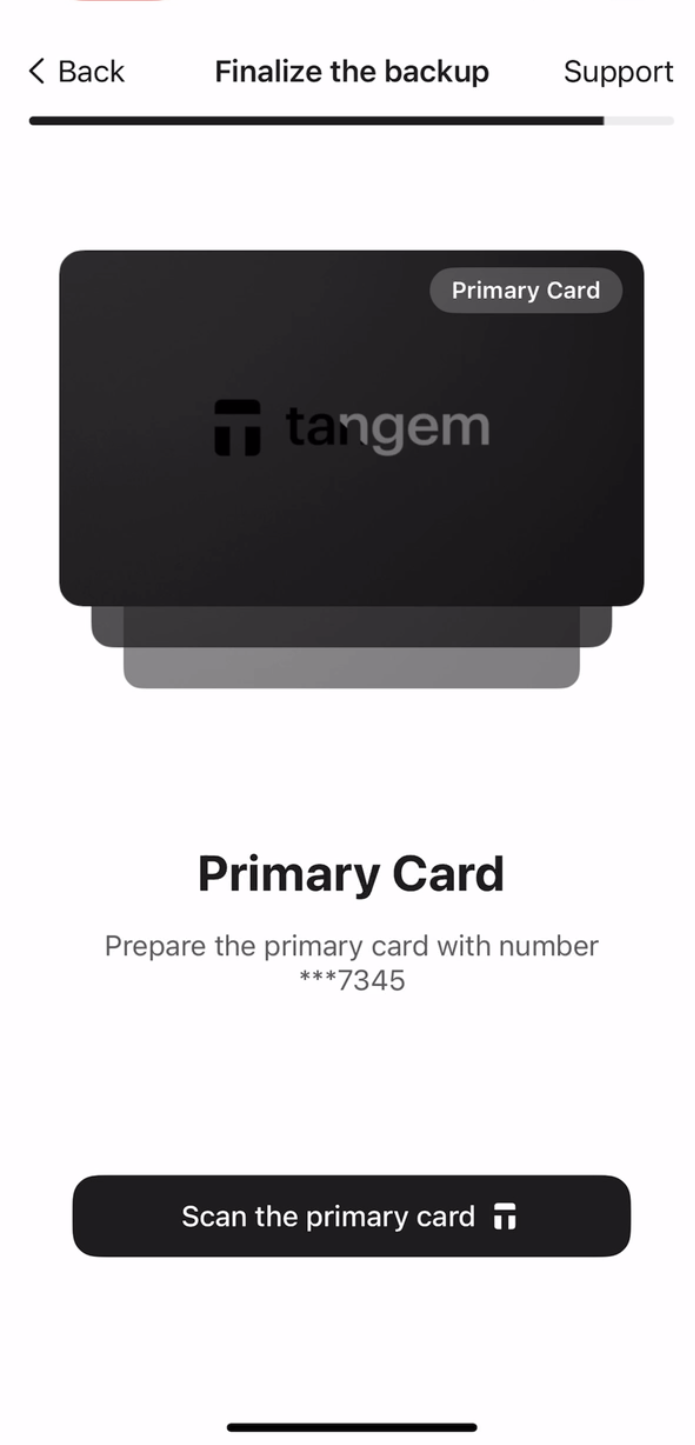
8. Scan the first backup card. Please pay attention to the last four digits of each card。
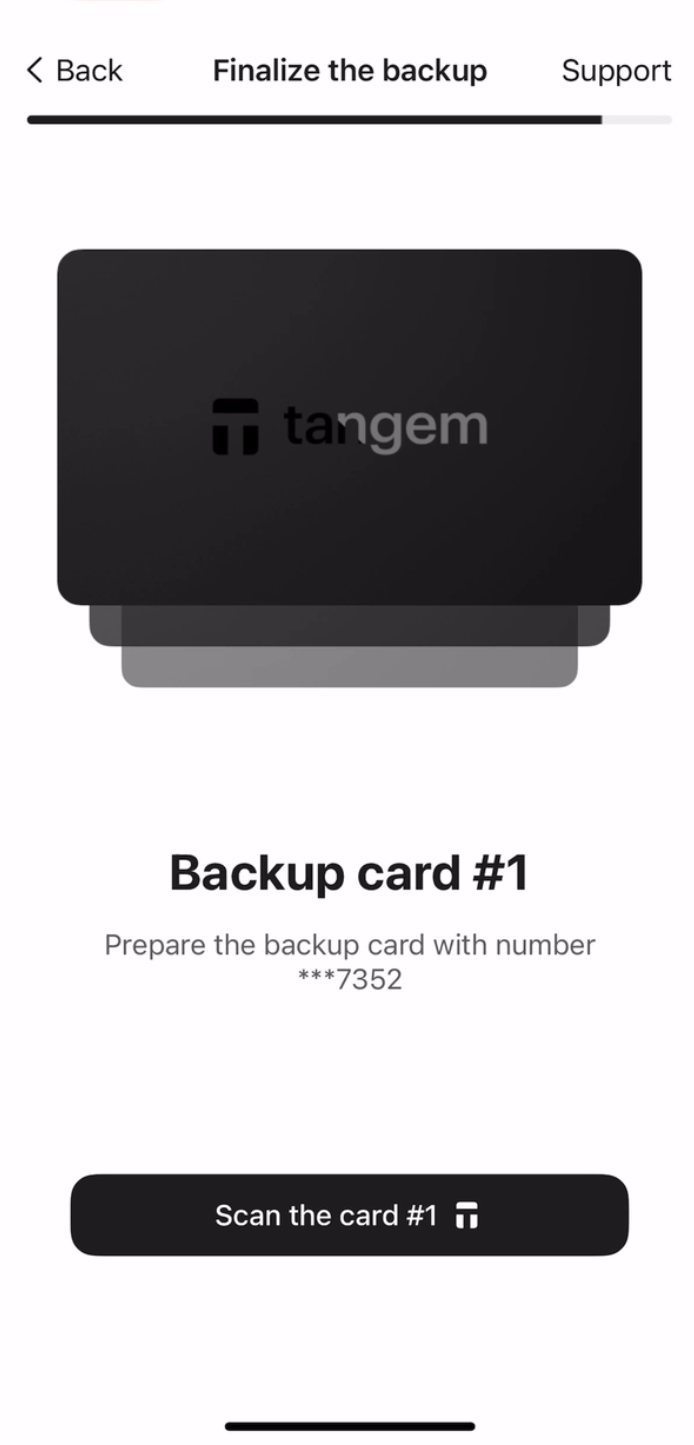
9. Scan the second backup card。
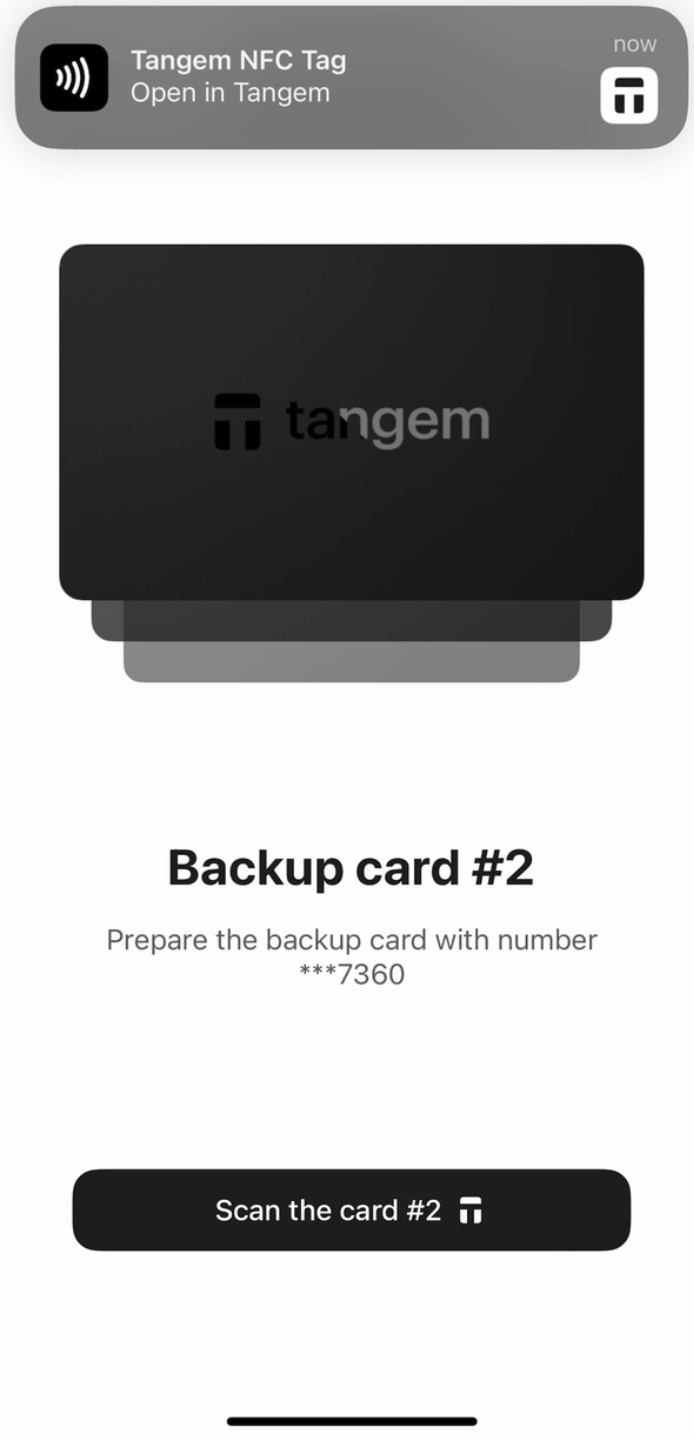
10. Tap Continue to my wallet。
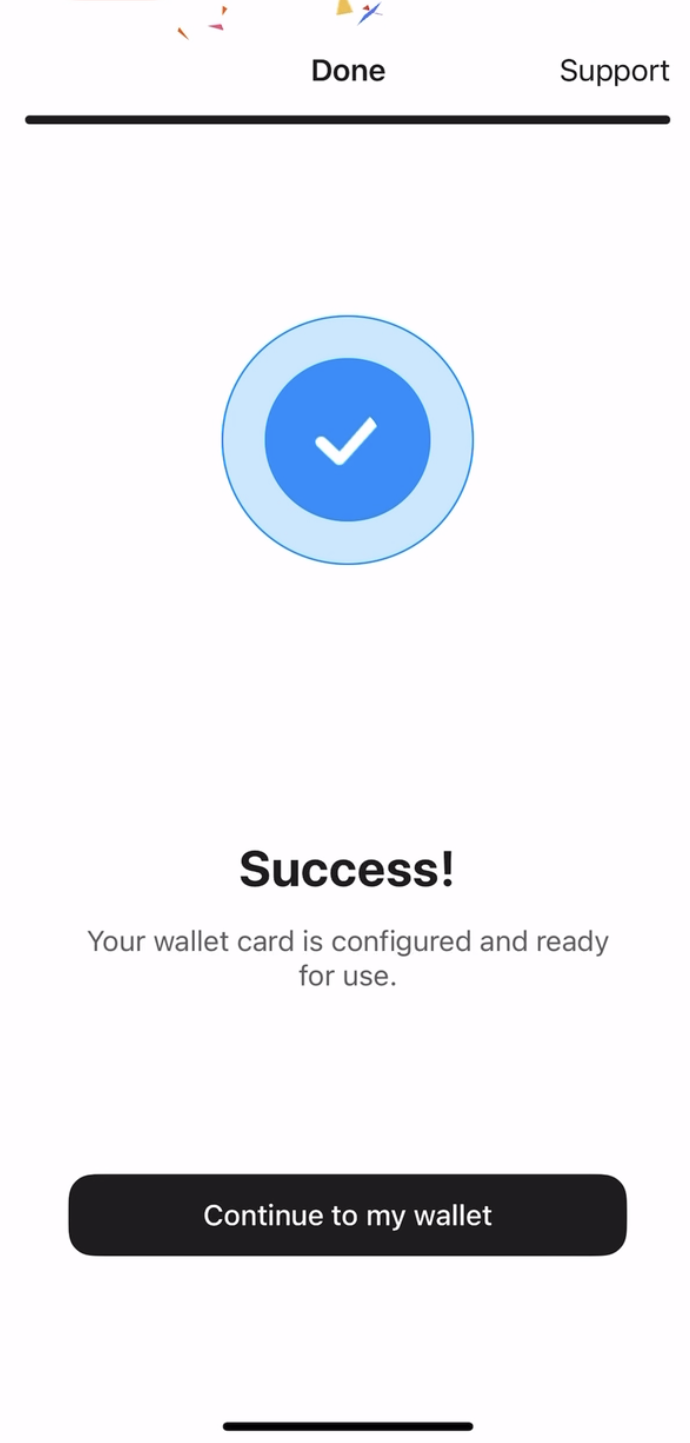
至此,你已成功完成无需助记词的 Tangem Wallet 设置,欢迎体验全部功能。感谢你选择 Tangem。


別錯過這些 





其他文章

