 シードレスへ。SWITCH30で30%OFF。10/26まで



シードフレーズ不要!Tangem Walletのかんたんセットアップ手順
この記事は次の言語でご利用いただけます:
この記事では、シードフレーズを使わずにTangem Walletをセットアップするおすすめの手順を解説します。シードフレーズはセキュリティ上の弱点となる場合があり、別記事でも詳しくご紹介しています。Tangem Walletをシードフレーズなしで始めるには、NFC対応のスマートフォンとTangem Cardが必要です。
セットアップ手順
ここからは、シードフレーズを使わずに新しいTangem Walletをセットアップする方法をご案内します。
1. 公式のTangemアプリをダウンロードして起動します。
2. Scan card を選択します。
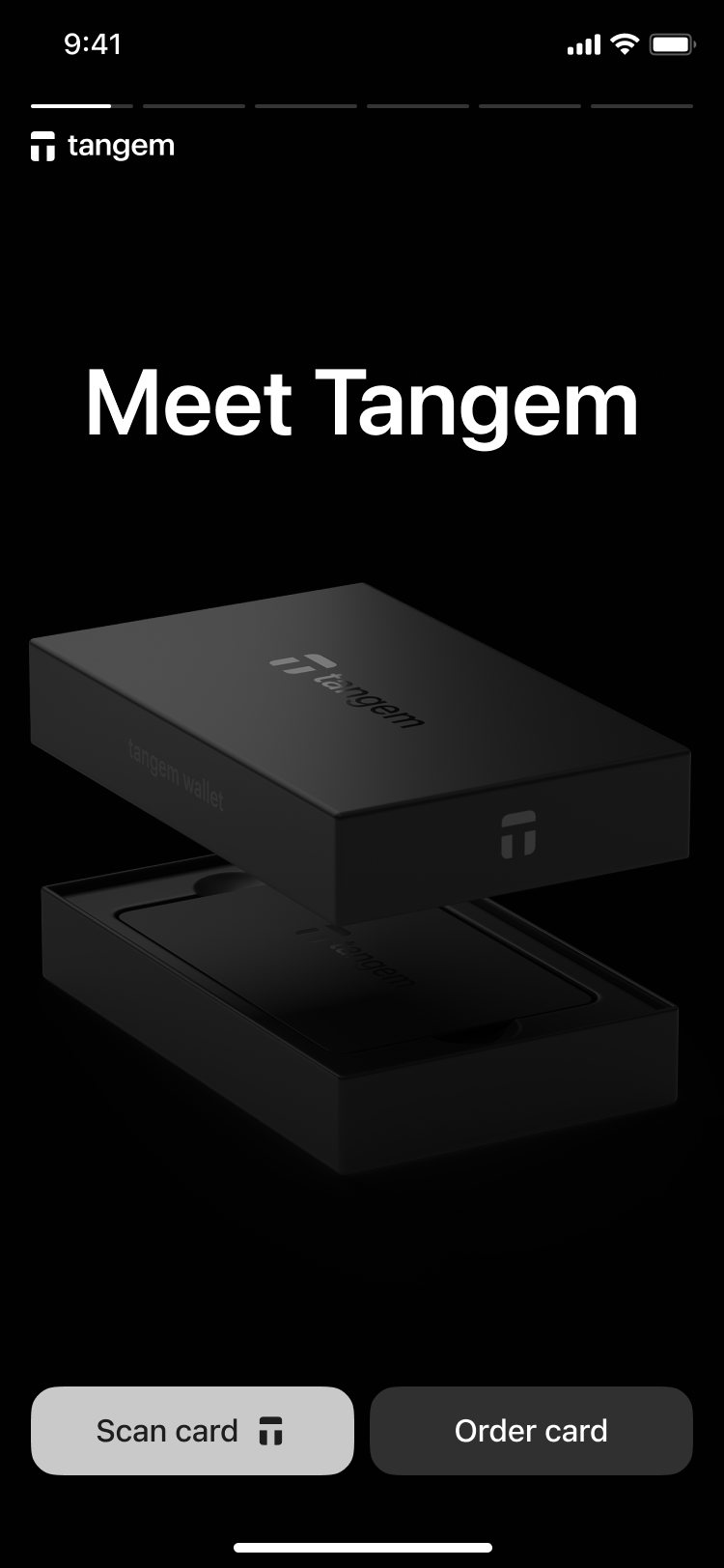
3. Tap the first card on your phone to scan it.
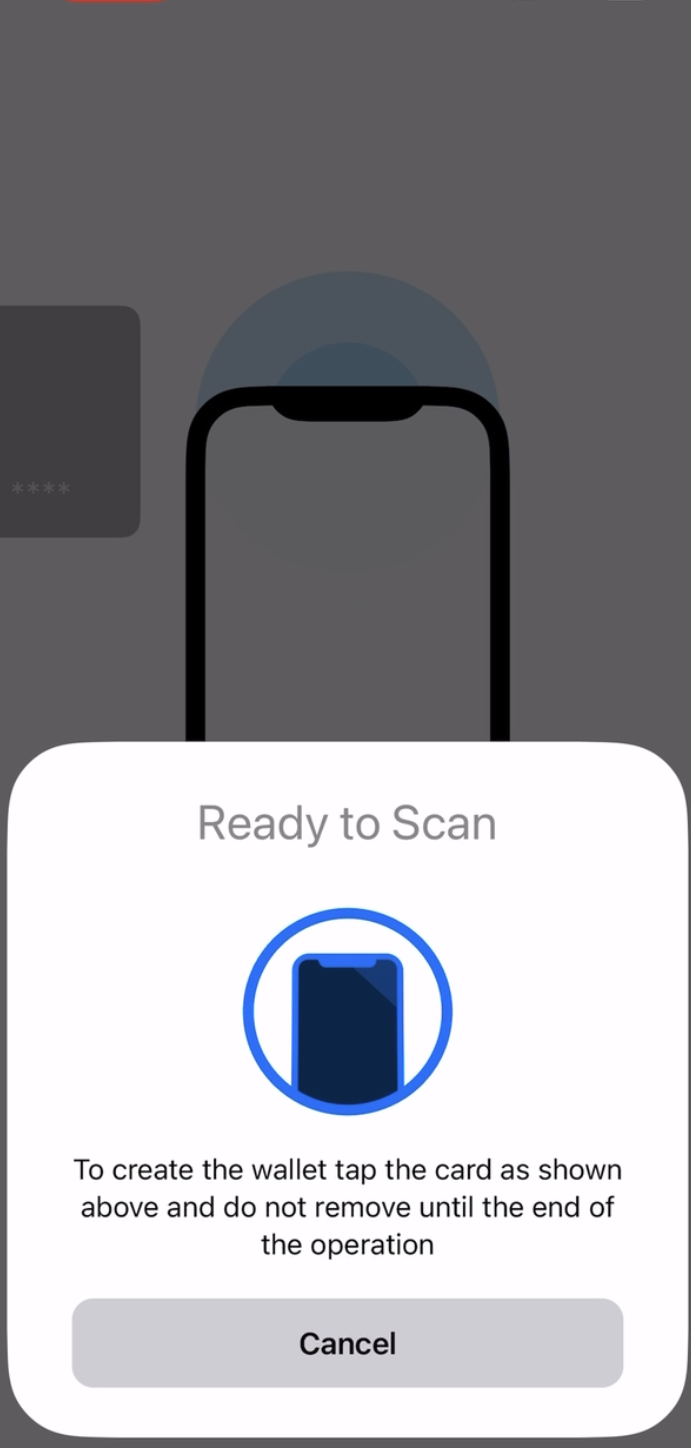
3. Tap Create wallet.
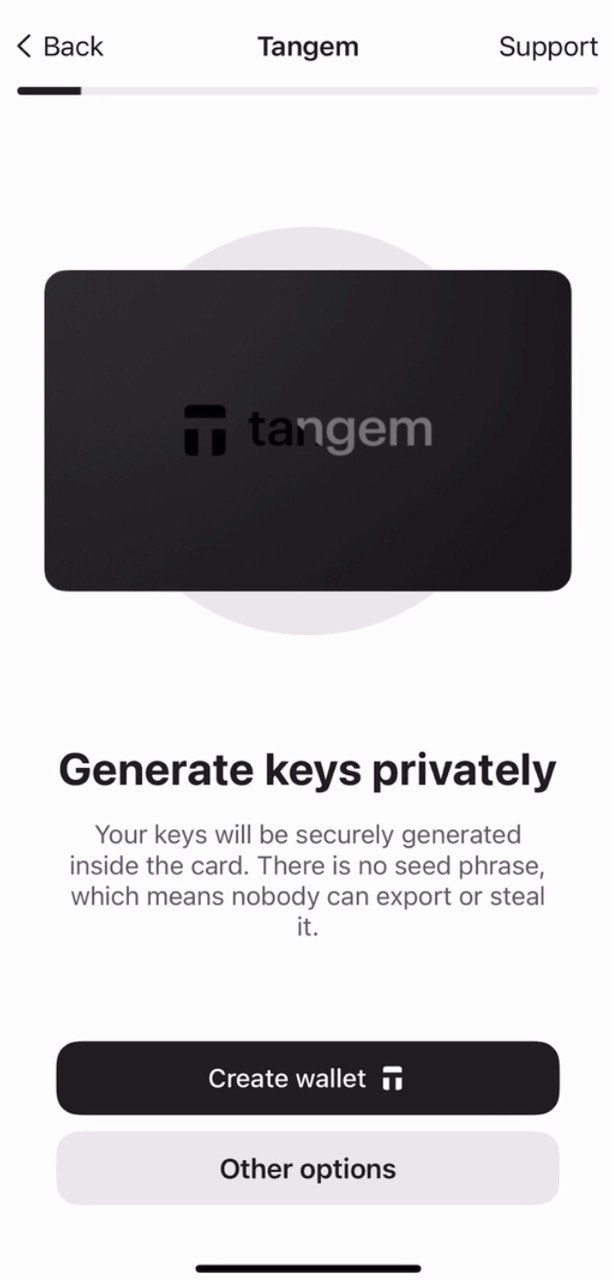
The Tangem card will now generate your private and public keys inside the secure chip. Congratulations! Your private keys cannot be extracted, stolen, or exposed.
バックアップの作成
ウォレットのセットアップ後は、バックアップ作成を求められます。バックアップは必ずすぐに開始することをおすすめします。ほかのTangem Cardに鍵をバックアップでき、2枚または3枚すべてのカードでバックアップを作成しておくと、万が一の際も安心です。
- Add a backup card をタップします。
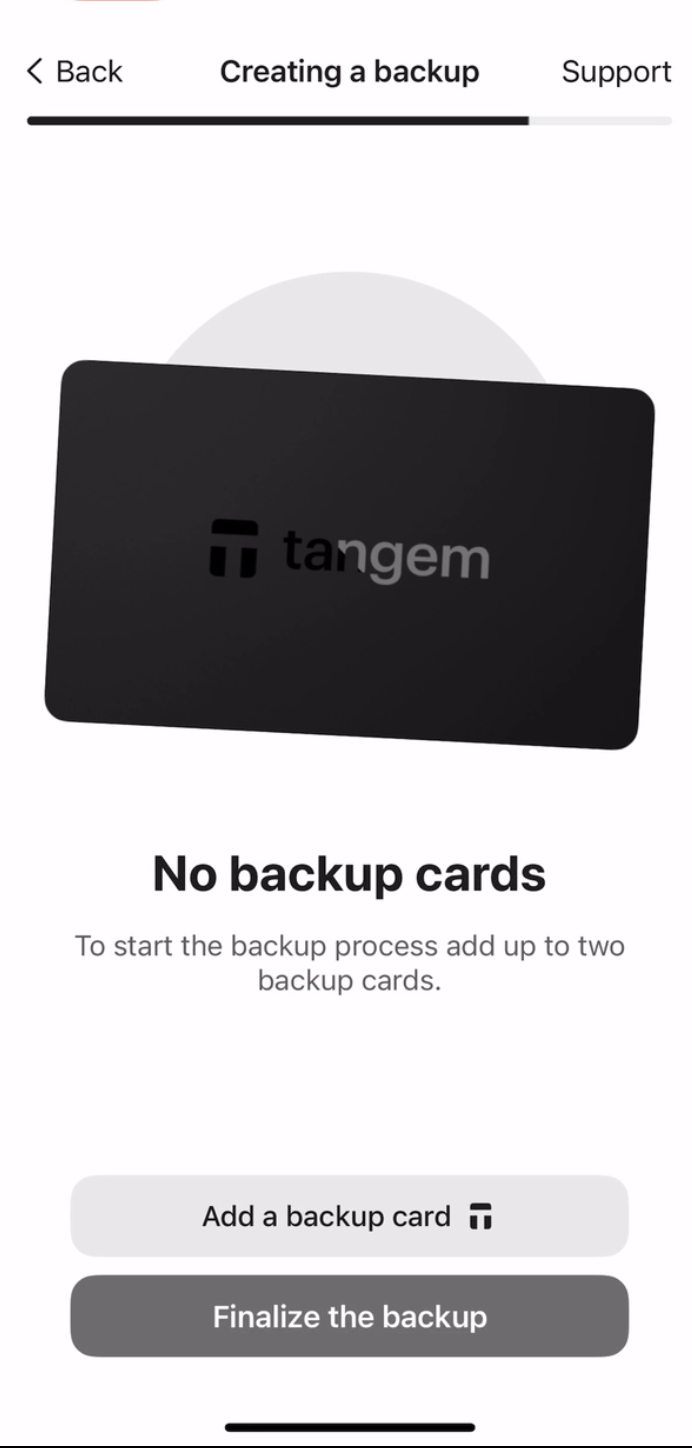
2. Scan the second card with your smartphone.
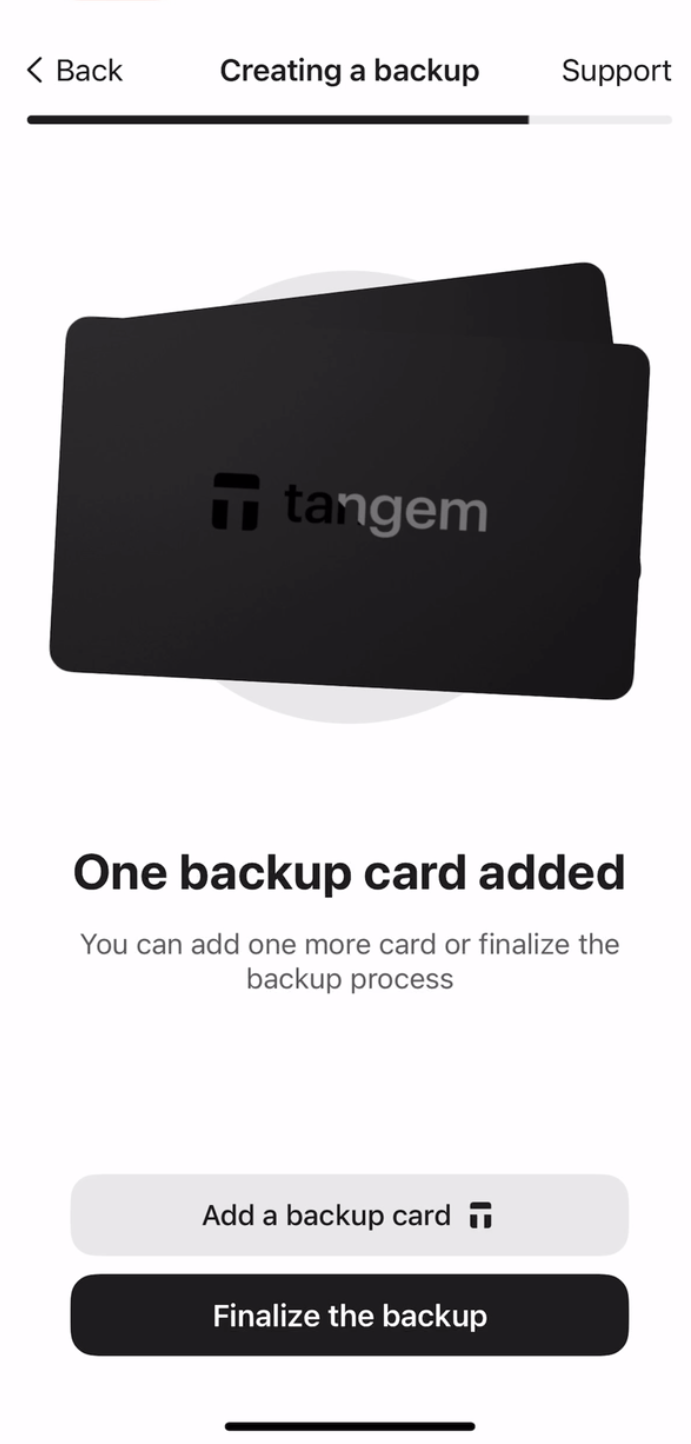
3. If you have a third Tangem card, tap Add a backup card, scan the third card, and tap Finalize the backup.
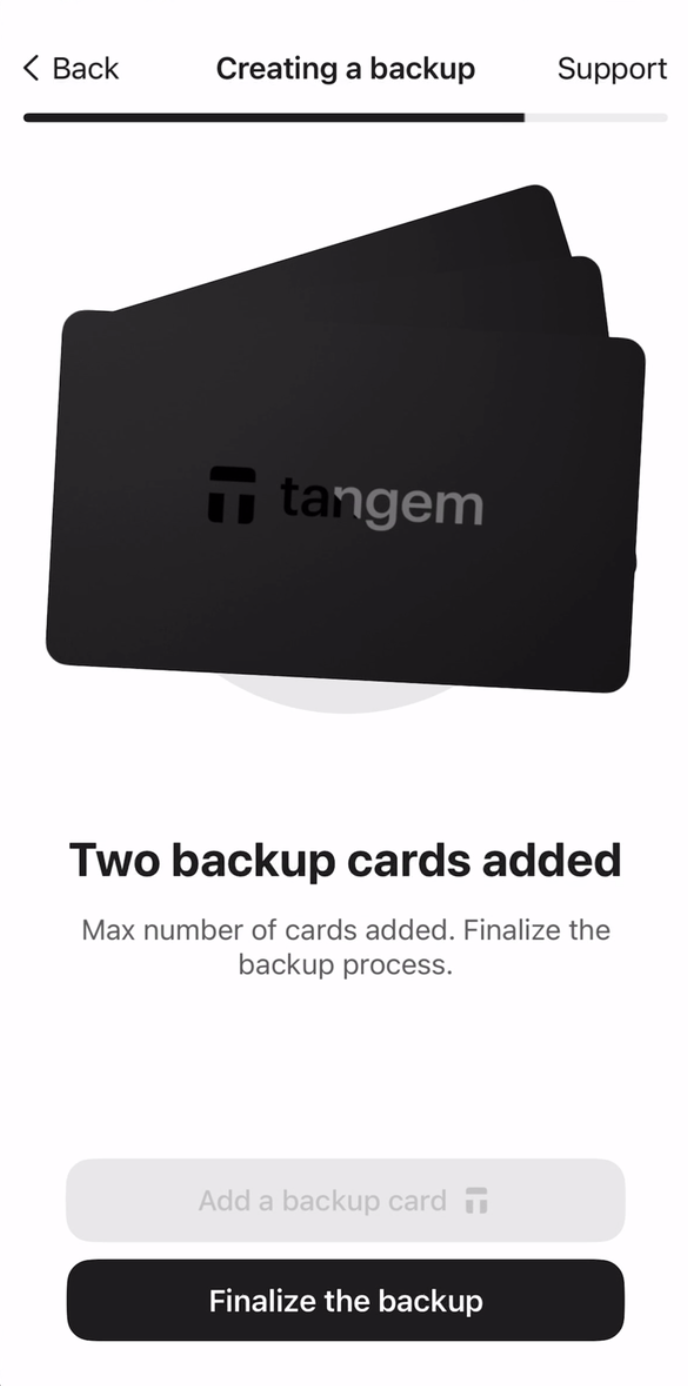
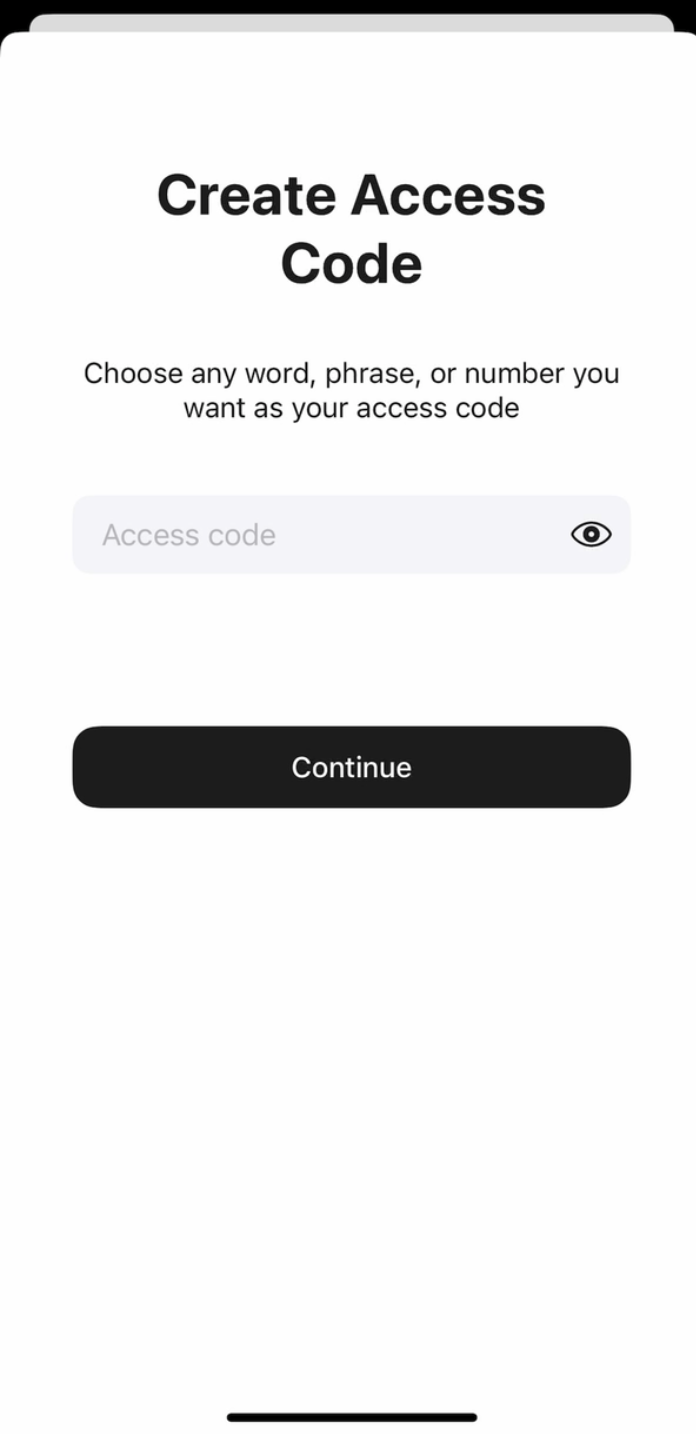
続いて、不正アクセス対策としてアクセスコードを作成します。
4. Continue をタップし、アクセスコードを入力します。
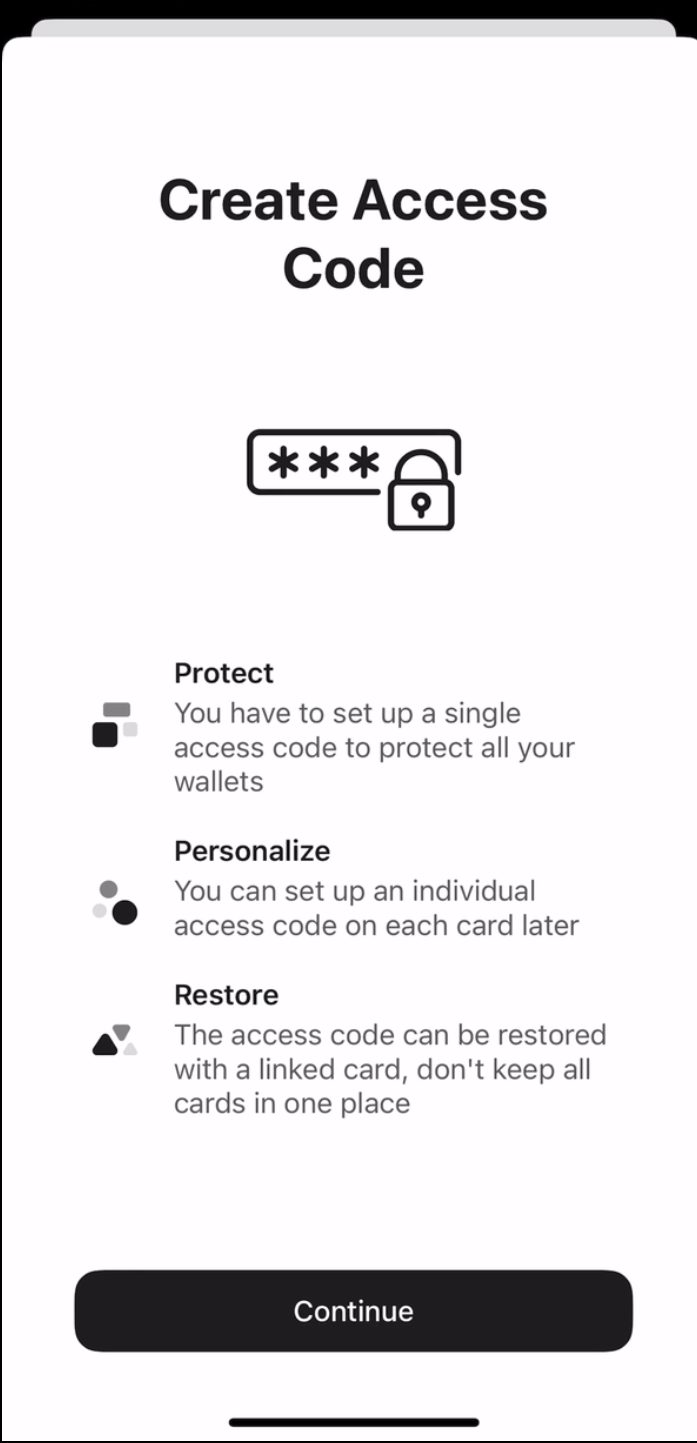
5. お好きな単語やフレーズ、数字などでアクセスコードを設定し、Continue をタップします。各カードごとに異なるアクセスコードを後から設定することも可能です。
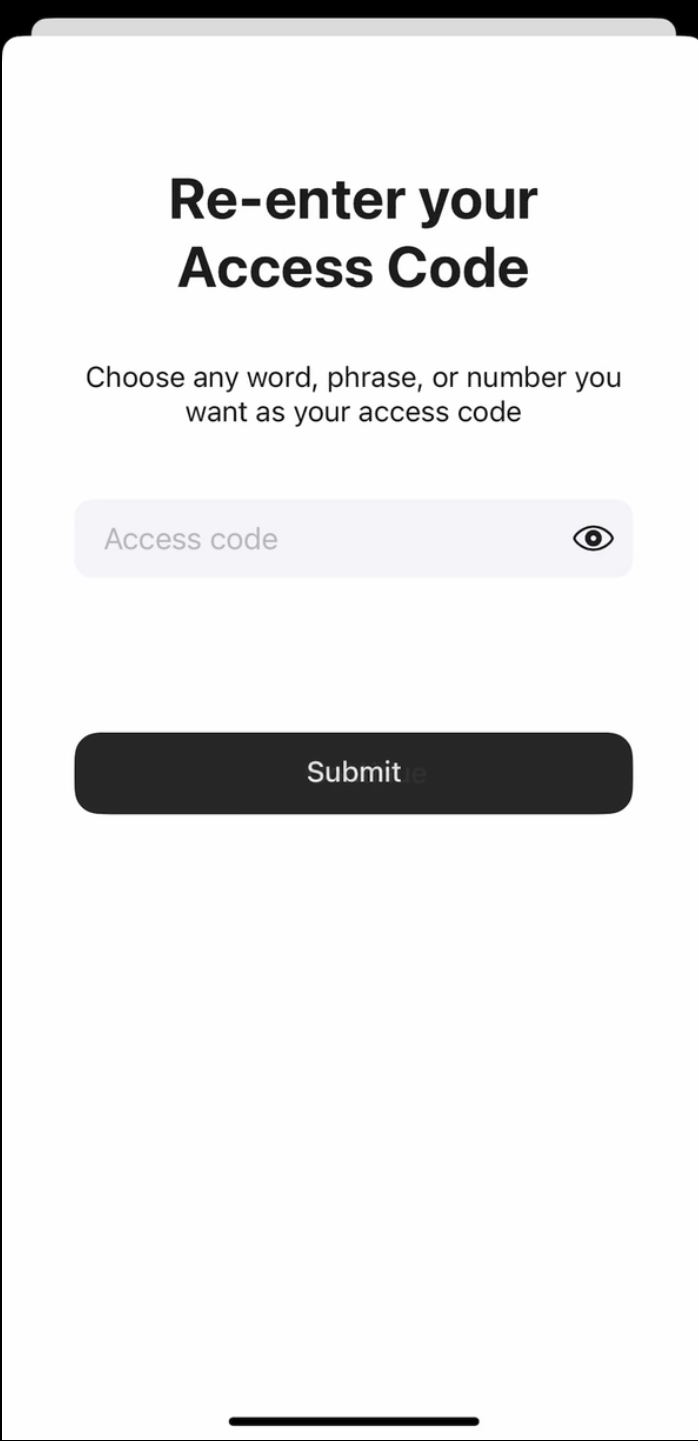
6. 再度アクセスコードを入力し、Submit をタップします。
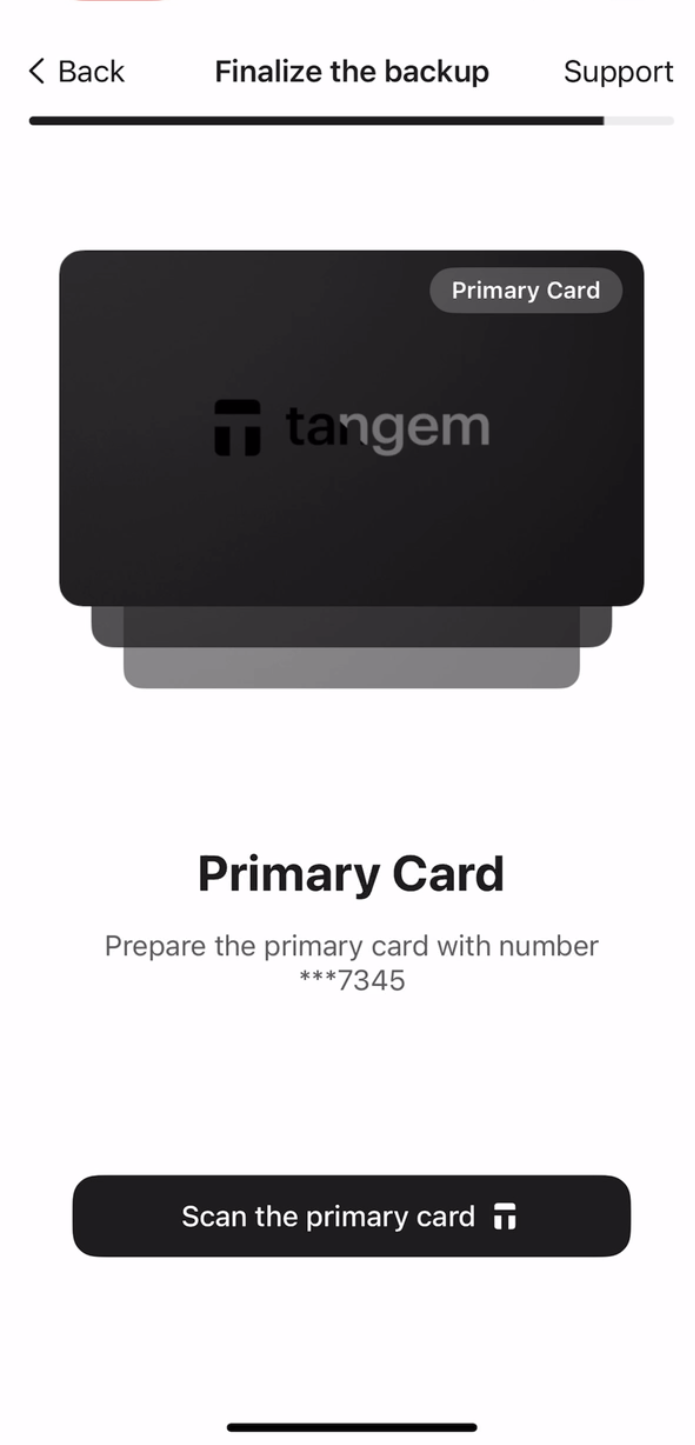
7. Scan the primary card を選び、指定された番号のカードをスマートフォンにかざしてください。アプリが約15秒間カードをスキャンします。
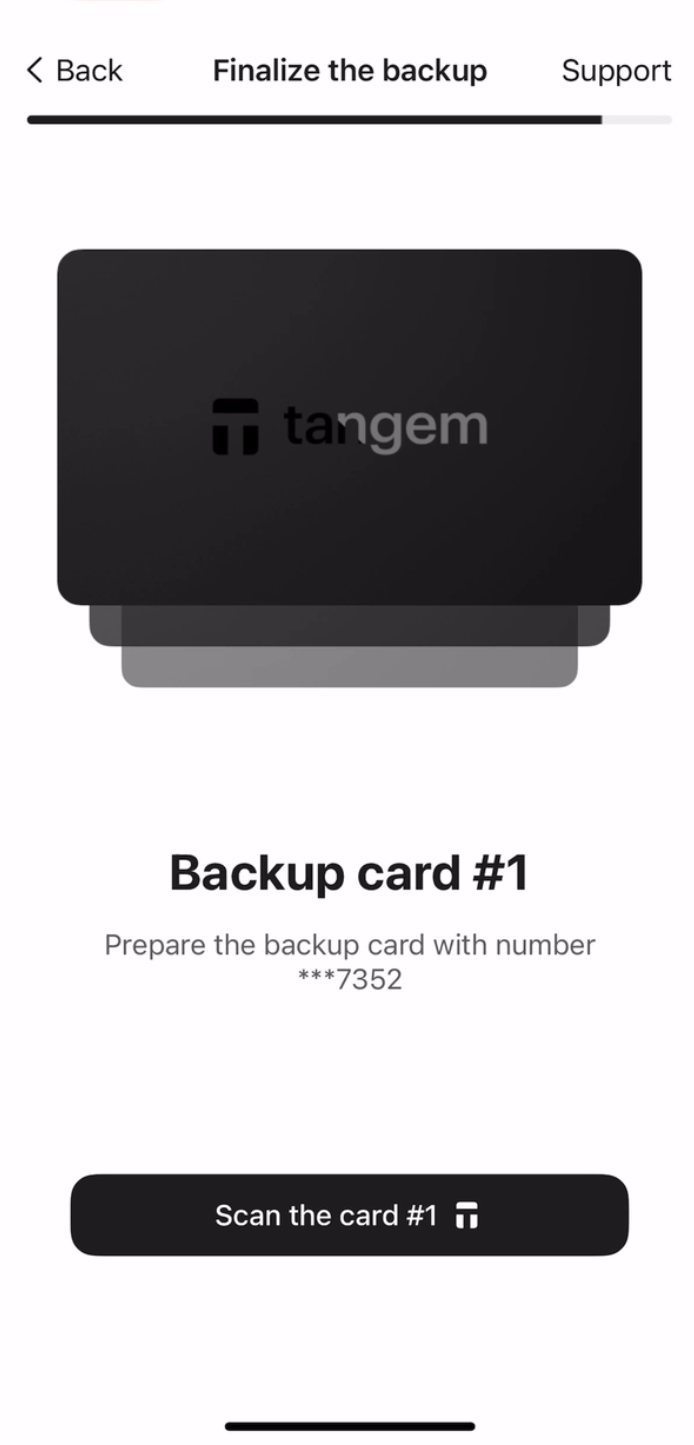
8. Scan the first backup card. Please pay attention to the last four digits of each card.
9. Scan the second backup card.
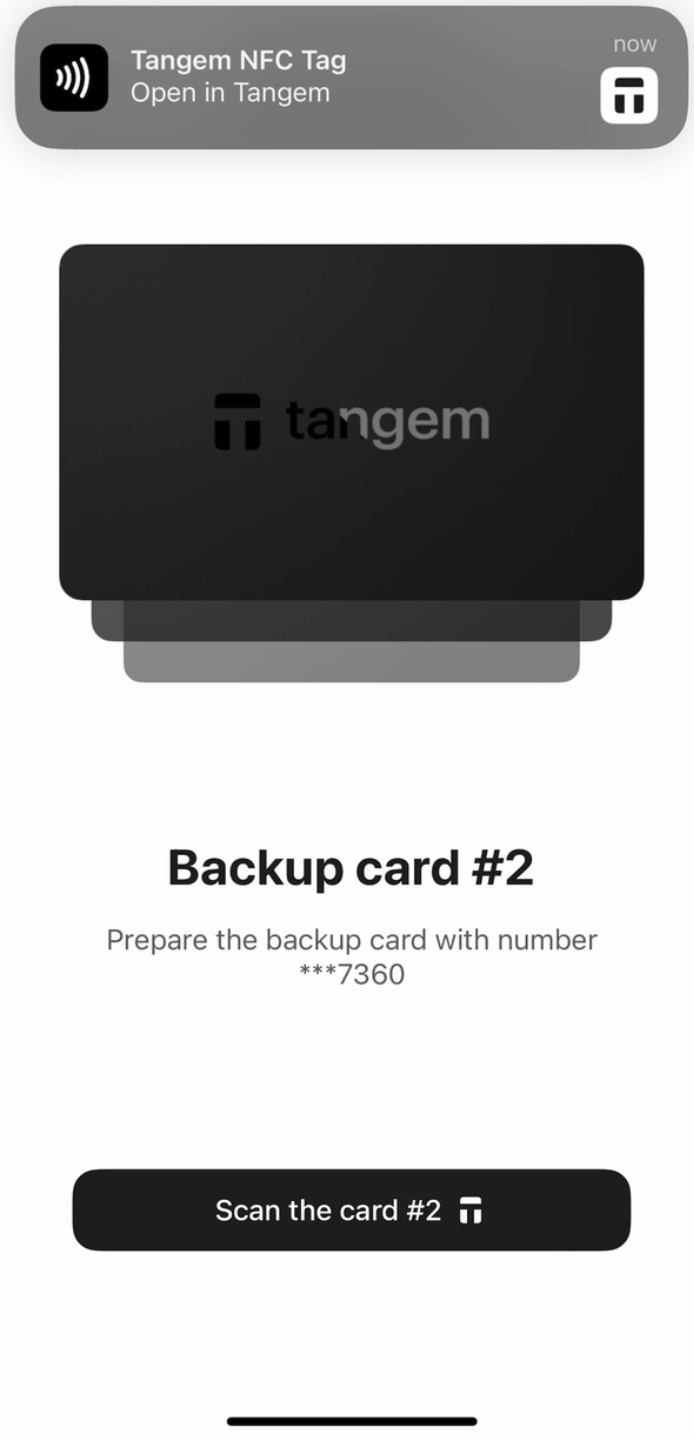
10. Continue to my wallet. をタップします。
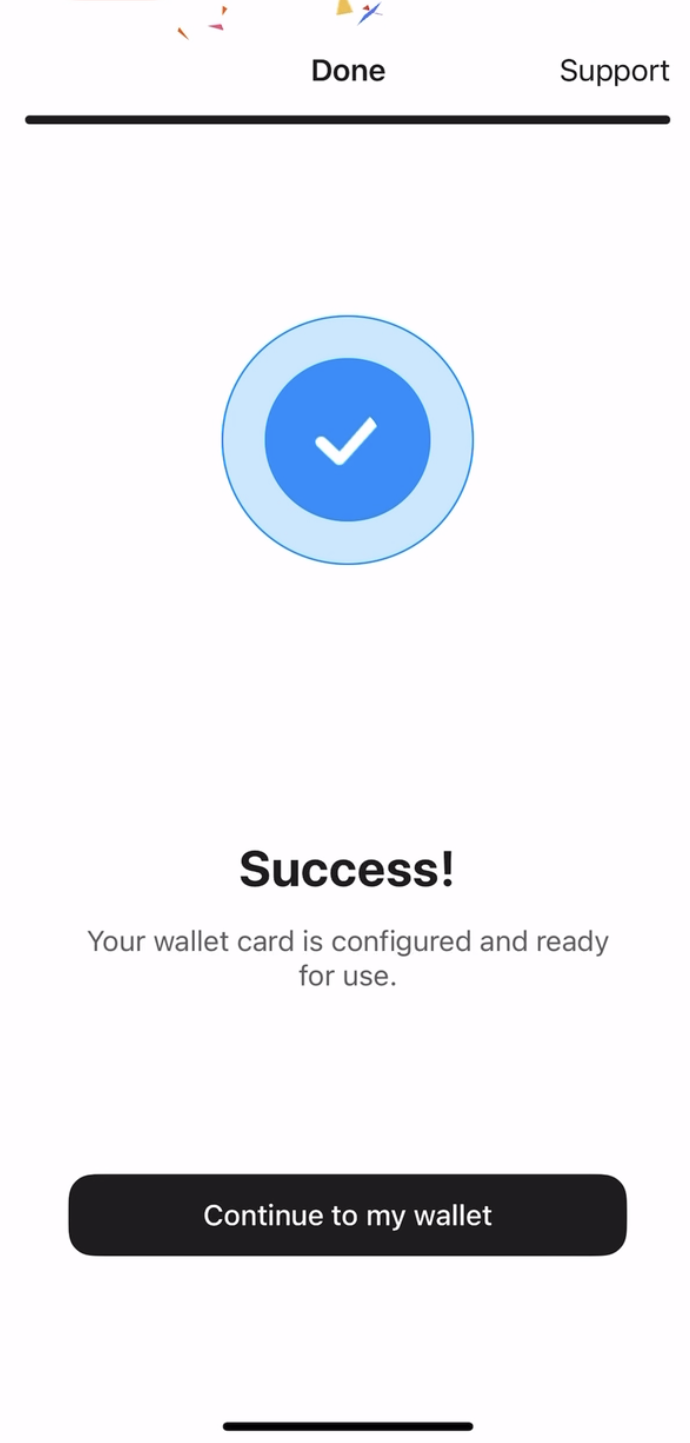
これでシードフレーズなしでTangem Walletのセットアップが完了しました。ぜひさまざまな機能をお試しください。Tangemをお選びいただき、ありがとうございます。


お見逃しなく 


その他の記事

