


 Переходьте на seedless. Знижка 30% з SWITCH30 до 02 лист.


Ordering Your Tangem Pay Physical Card: What to Expect
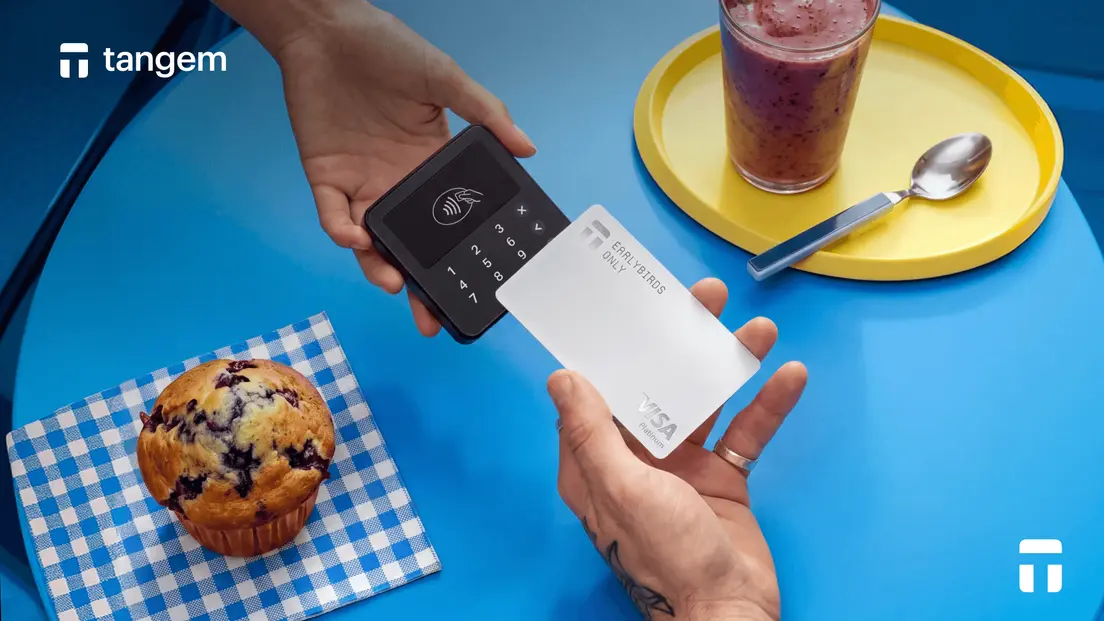
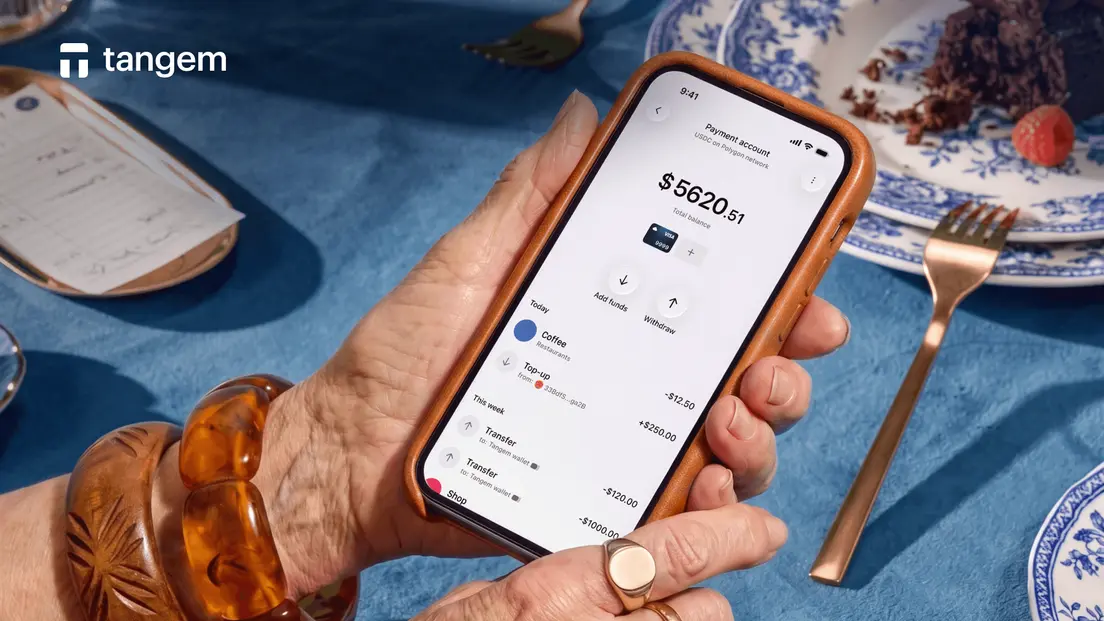
Tangem Pay is a non-custodial payment account built into the Tangem Wallet app. It lets you top up with native USDC on the Polygon network and spend through a Visa card without handing custody of your crypto to a third party. For most users, the virtual card is enough. But there are real situations where a physical card matters, and if you're in a supported region, you can order one directly through the app. Here's what the full process looks like, from prerequisites to the card arriving in your mailbox.
Virtual and Physical: What the Physical Card Adds
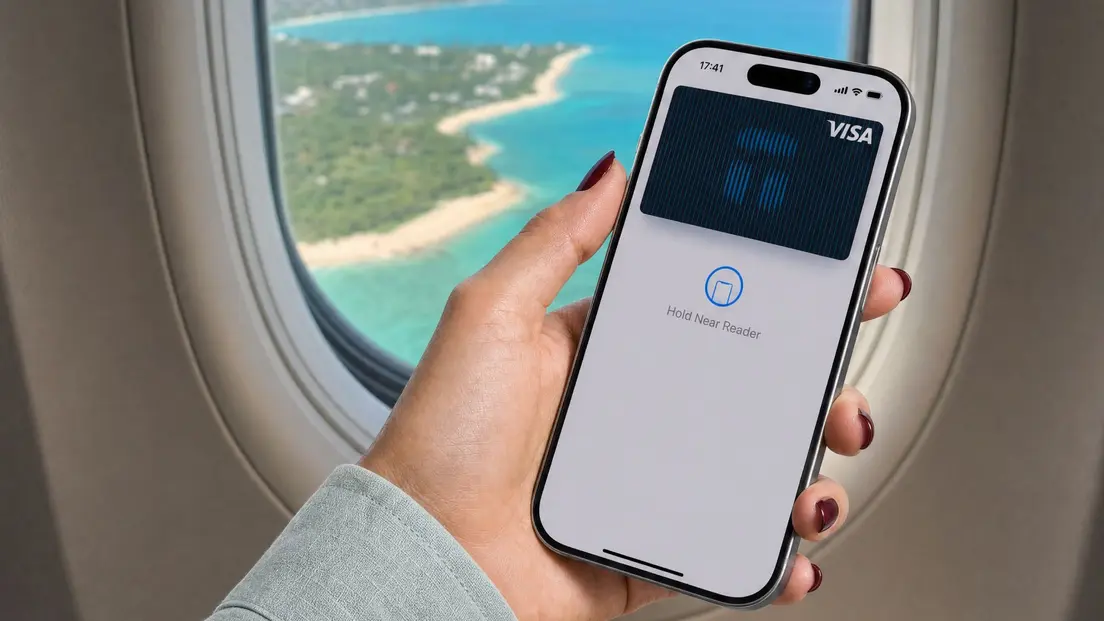
A virtual card carries the same card number, expiry date, and CVV as a physical one. It works for online purchases and, when added to Apple Pay or Google Pay, for in-person NFC payments at contactless terminals.
So why get a physical card at all? Some payment terminals require a card to be physically inserted or swiped. Contactless isn't universal. Older terminals at smaller merchants, certain ATMs, and some international point-of-sale systems won't accept a tap or a phone. A physical card covers those gaps.
ATM cash access is another reason. Withdrawing cash from an ATM requires a card that can be inserted into the machine. Whether a specific card program supports ATM withdrawals depends on its terms, but a physical card is required either way.
The virtual and physical cards share the same Tangem Pay account. Your USDC balance, your spending limit, your Visa credentials: all the same. The physical card is an additional form factor, not a separate account.
What You Need Before Ordering
You can't order a physical card without completing KYC first. That's the hard prerequisite.
KYC (Know Your Customer) verification for Tangem Pay uses Sumsub, a third-party identity service. The process involves submitting a government-issued ID and completing a face verification step. Tangem neither sees nor stores identity data; Sumsub handles it directly.
Once your KYC is approved, you're eligible to order. But there's a geographic constraint worth understanding: physical card delivery is limited to the country of residence you verified during KYC. You can't change that country later. You can, however, use a different delivery address within that country. The city, street address, region, and recipient name on the delivery form can all differ from your KYC address, as long as the country matches.
One more thing: Tangem Pay is currently available in the USA, Latin America, and Asia-Pacific, with the UK and the EU planned for 2026. If your country isn't supported yet, you'll need to wait until your region goes live before ordering.
How to Order Your Physical Card
To start, open Tangem Pay and tap +. Switch the card type to Plastic. The app will show you the delivery fee and estimated delivery time for your country before you commit to anything. Review those details, then tap Select.
You'll be asked to fill in a delivery form. Required fields: recipient's first and last name, region or state, city, address line 1, postal code, and phone number. One formatting note that catches people off guard: address and name fields must use Latin characters and accepted symbols. Non-Latin scripts won't be accepted by the fulfillment system.
Submit the form, and the order is placed. The app shows the delivery fee upfront, so there are no surprises at checkout.
After you submit the order, the card goes into fulfillment. The app displays country-specific delivery times before you order, so you'll know the expected window for your region when you confirm.
The card arrives inactive. You'll need to activate it yourself once it arrives; activation usually takes up to 5 minutes.
Activating Your Tangem Pay Card
Activation happens in the Tangem app. When the card arrives, open Tangem Pay, go to the physical card section, and enter the last 4 digits printed on the card.
Activation usually completes within 5 minutes. In rare cases, it can take up to 48 hours, so don't worry if it doesn't flip to active instantly. Once it's active, the card is ready to use anywhere Visa is accepted. Your on-chain USDC balance doesn't change during activation. The funds sit in a smart contract you control throughout the entire process, from ordering through to first use.
If Your Card Is Lost or Stolen
If your physical card is lost, stolen, or compromised, you can replace it through the Tangem app. Once you confirm the replacement request, the old card stops working. The replacement fee is shown before you confirm, so you can review it first.
Freezing is also an option if you're not sure whether the card is lost or just misplaced. Freezing a Tangem Pay card disconnects it from the Visa network, which stops any new transactions. It doesn't touch your on-chain USDC balance. Unfreeze it in the app when you're ready. The virtual card continues working while the physical card is frozen or being replaced. Your Tangem Pay account and USDC balance remain intact throughout.
Поширені запитання
-
Physical cards are available to Tangem Pay users on the Basic and Plus tiers who have completed and passed KYC verification. Delivery is limited to supported countries. If your country isn't listed as available, you won't be able to place an order until Tangem Pay expands to your region.
-
The app shows a delivery fee specific to your country before you confirm the order. There is no virtual-card issuance fee and no monthly account fee listed for Tangem Pay. Funding the account incurs Polygon network gas fees, and spending in non-USD currencies uses standard Visa foreign-exchange rates.
-
Yes. The delivery address must be within the same country you verified during KYC, but the specific city, street, region, and recipient name can differ. You can send the card to a home address, a work address, or another person within your verified country.
-
Delivery times are country-specific. The app displays the estimated delivery time for your region before you confirm the order, so you'll see the expected window before committing.
-
Nothing changes. Your USDC sits in a smart contract you control. The physical card order doesn't affect your balance, your virtual card, or your ability to spend while you wait. The virtual card remains active throughout.
-
Open Tangem Pay in the app and enter the last four digits printed on the physical card. Activation typically takes up to 5 minutes, though it can take up to 48 hours in rare cases. The card arrives inactive by design.
-
If the card doesn't arrive within the estimated delivery window shown at checkout, contact Tangem Pay support through the app. Don't attempt to activate a card you haven't received.
-
Yes. Freezing the card in the Tangem app immediately disconnects it from the Visa network, blocking new transactions. Your on-chain USDC balance is unaffected. You can unfreeze the card in the app if it turns up, or proceed with a replacement if it doesn't.


Не пропустіть 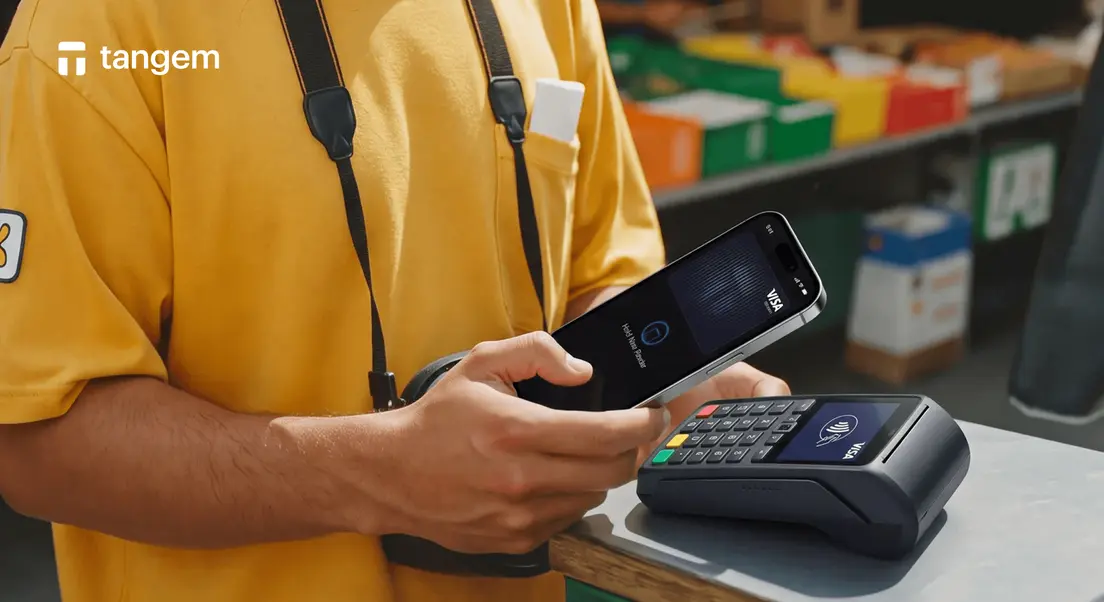



Інші статті

