


How to Send Cryptocurrency from a Tangem Wallet
Ця стаття доступна такими мовами:
Sending cryptocurrency from your Tangem Wallet is very simple. Here's a quick step-by-step process:
1. Ask the recipient for the address to which the coins should be sent
Important! You must find out from the recipient which network you need to use to send them the coins. Many tokens exist simultaneously across different networks. If the transfer is not made to the network that the recipient specified when they generated the address, the coins will be lost and it will be impossible to recover them.
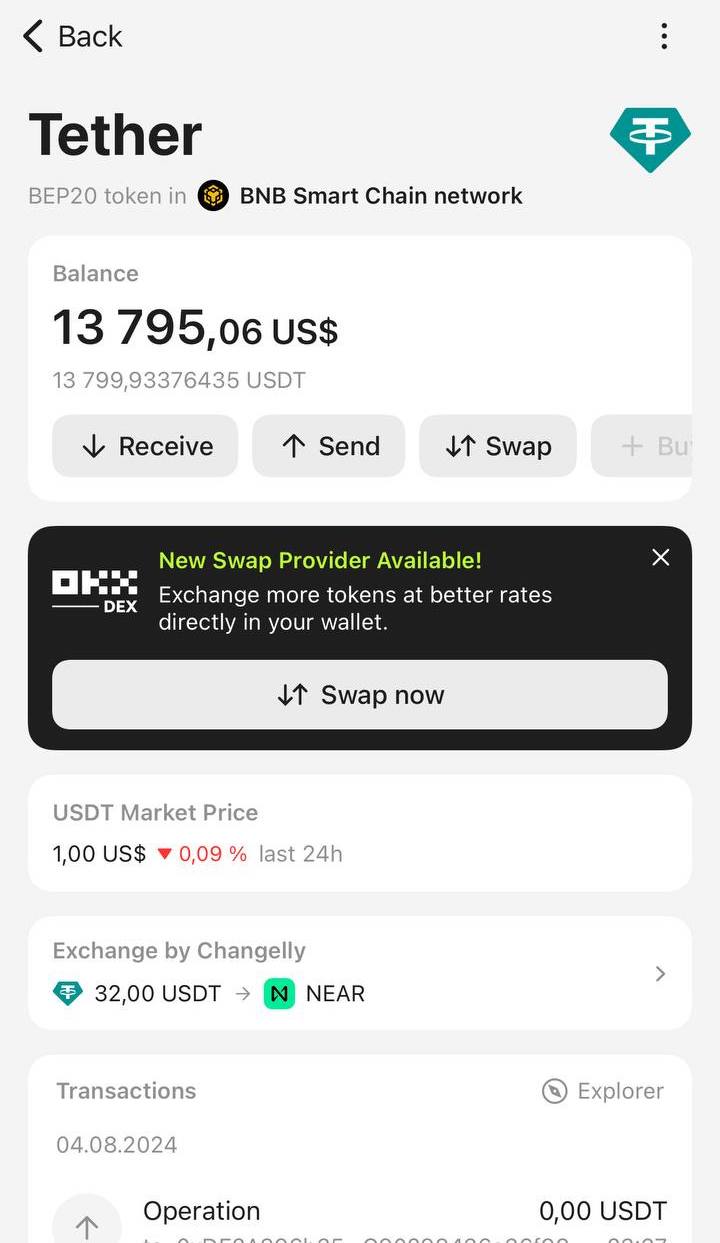
2. Go to the Tangem app and click on the desired token.
For example, let’s use USDT on the Binance Smart Chain network.
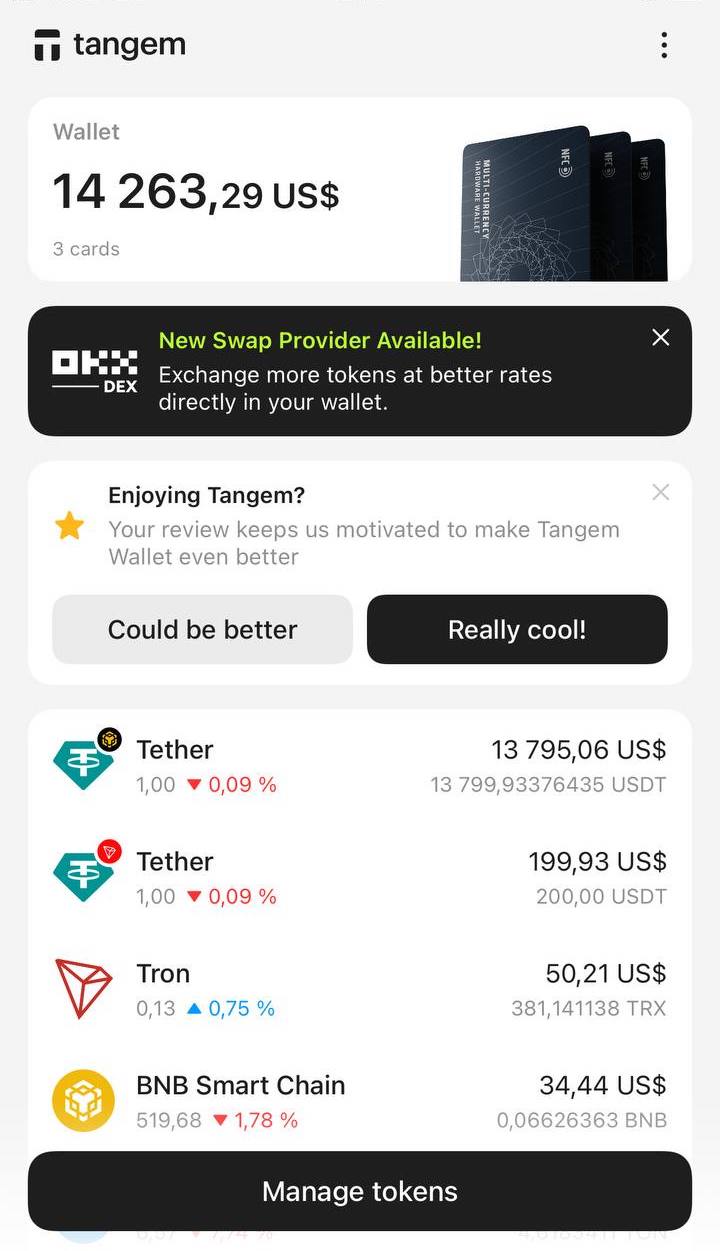
3. On the screen that appears, press Send.
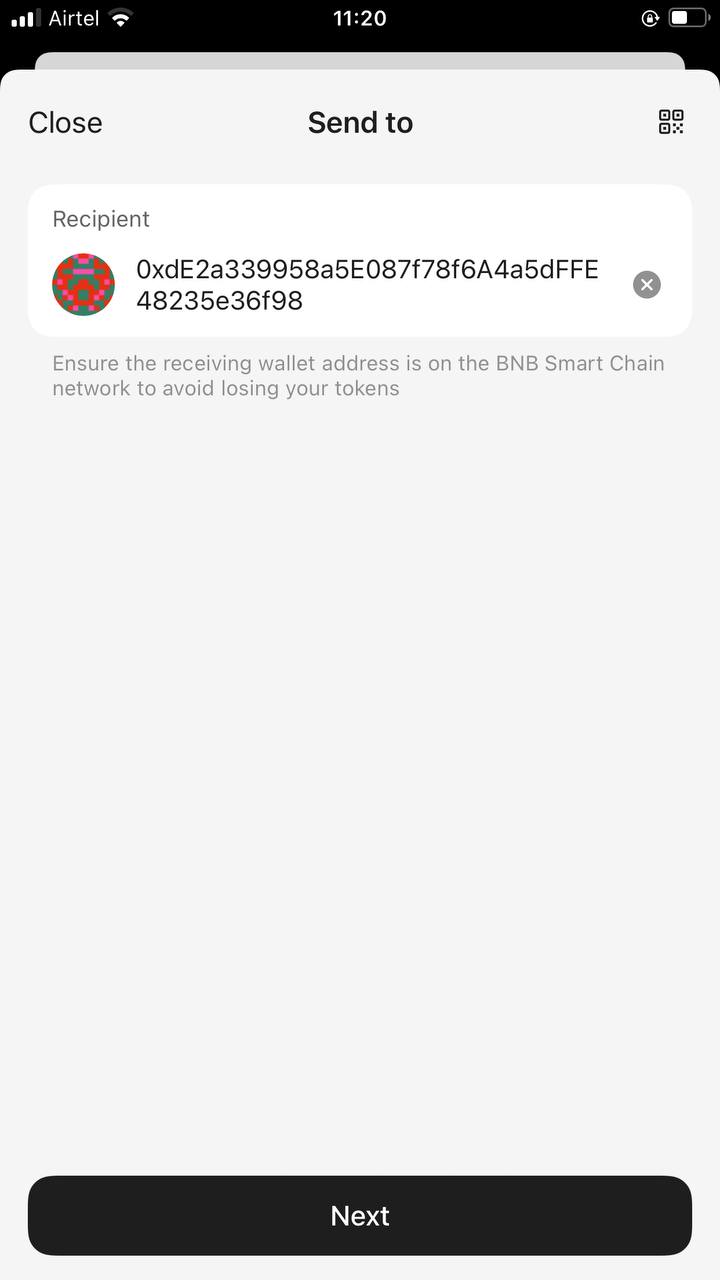
4. Paste or enter the recipient's address. Double-check the addresses you copy and paste. Tap Next.
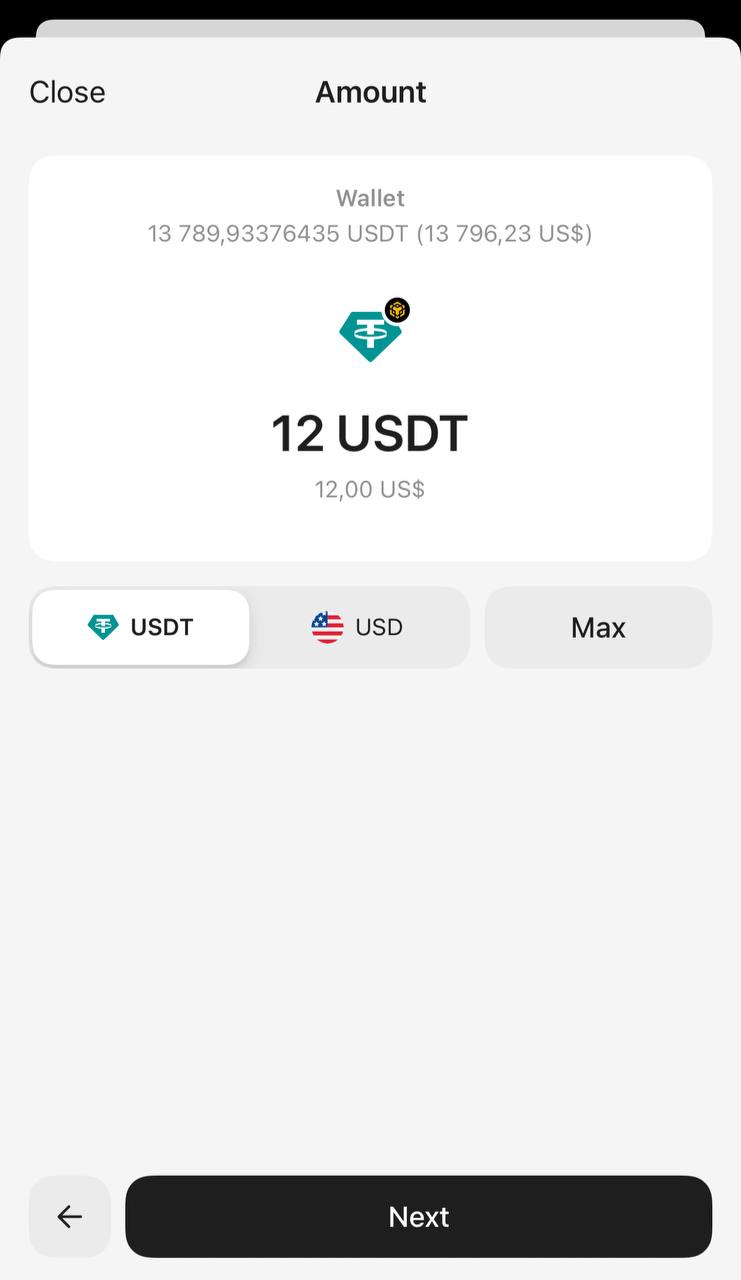
5. Enter the amount you want to send. You can specify the number of tokens or their dollar equivalent. To transfer your entire balance, click Max. Tap Next.
6. Tap Network fee to select the commission level. The default is Market.
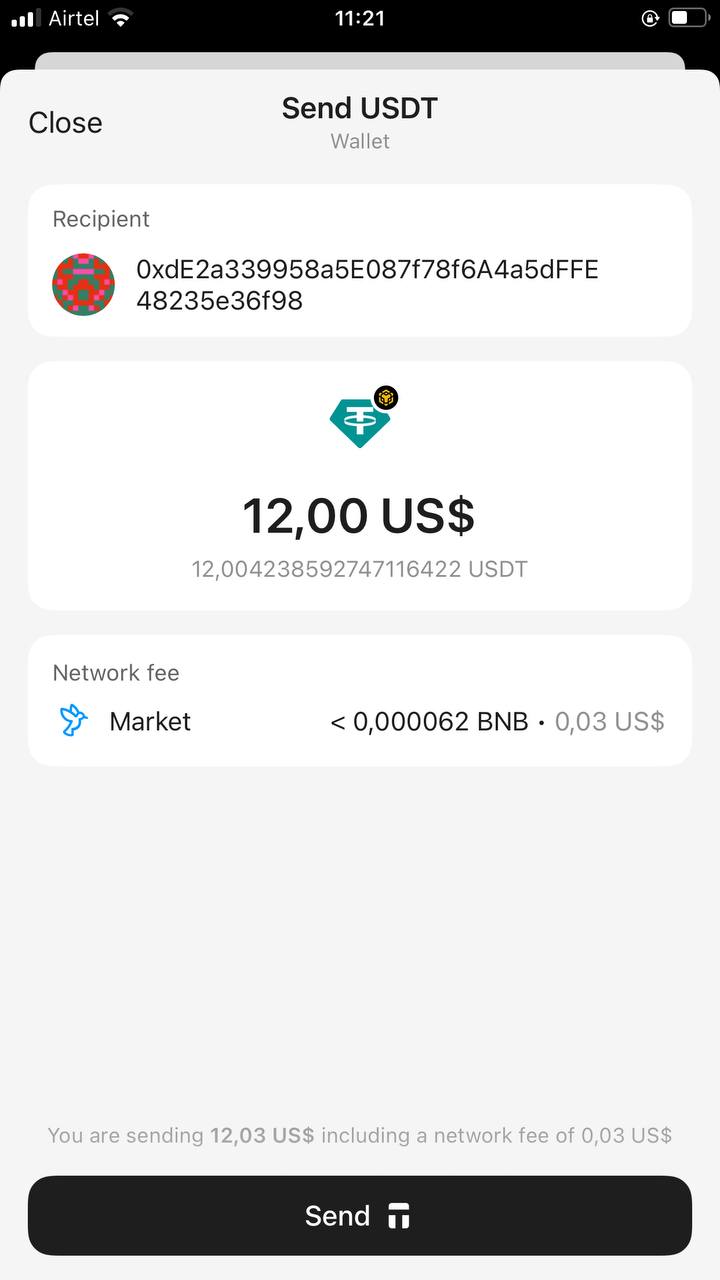
You can choose between Slow, Market, and Fast, and also set your own network fee rate by tapping Custom. Ensure that the fee size is sufficient to process the transaction. Tap Continue after adjusting the Network fee.
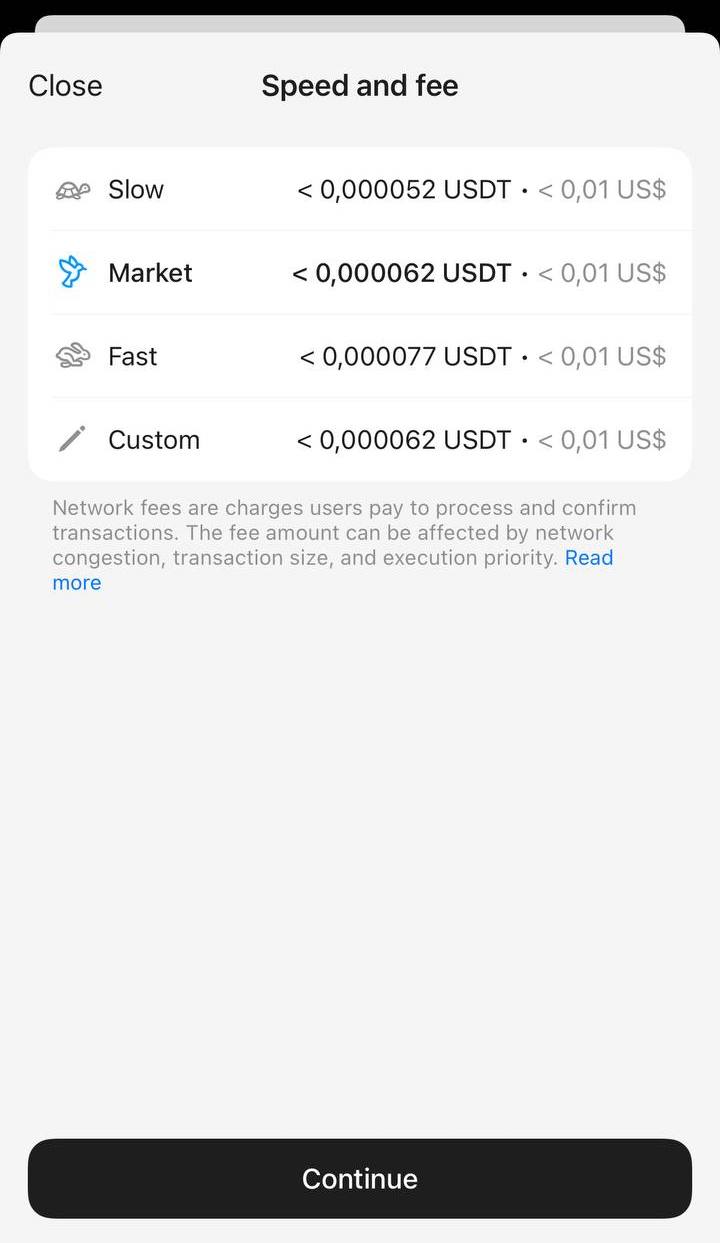
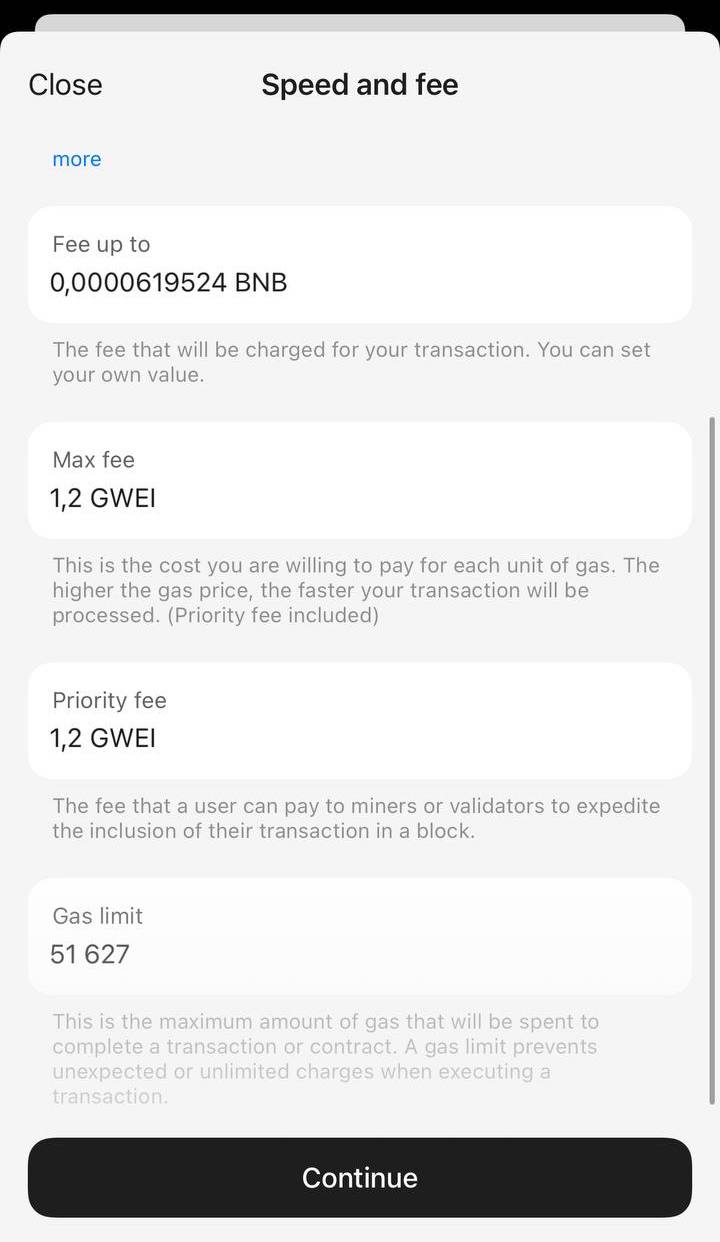
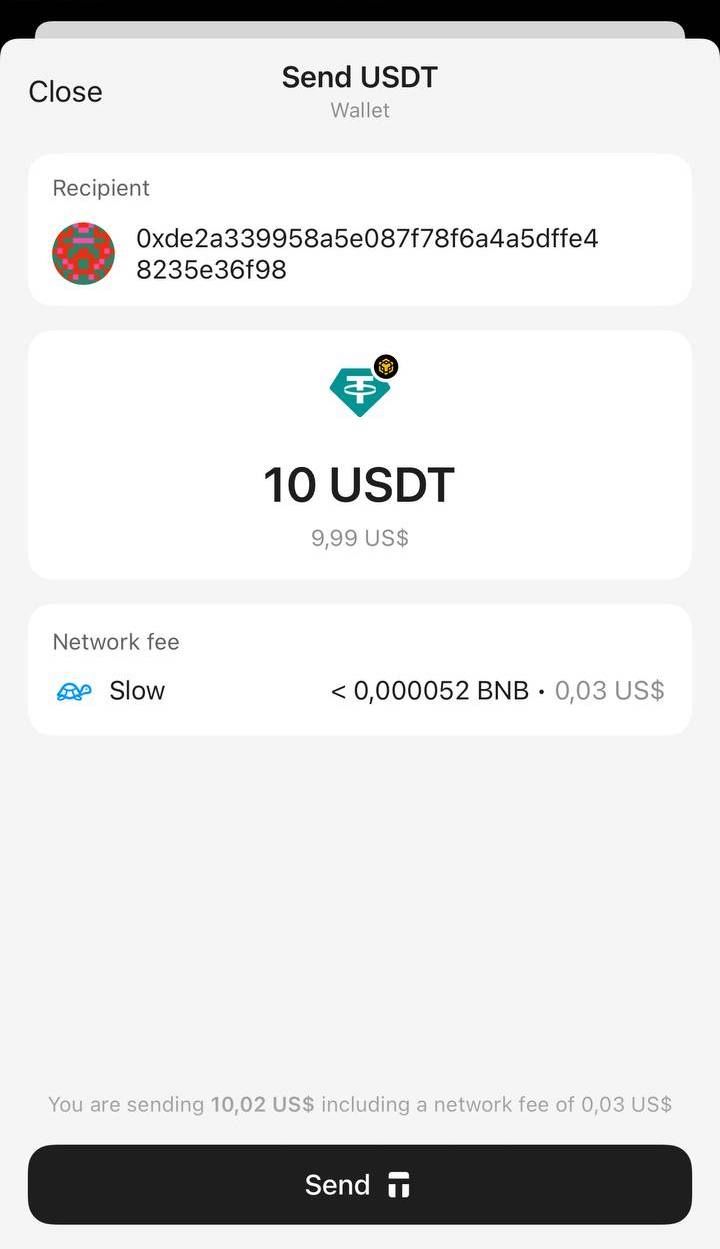
8. Review all input information and click Send.
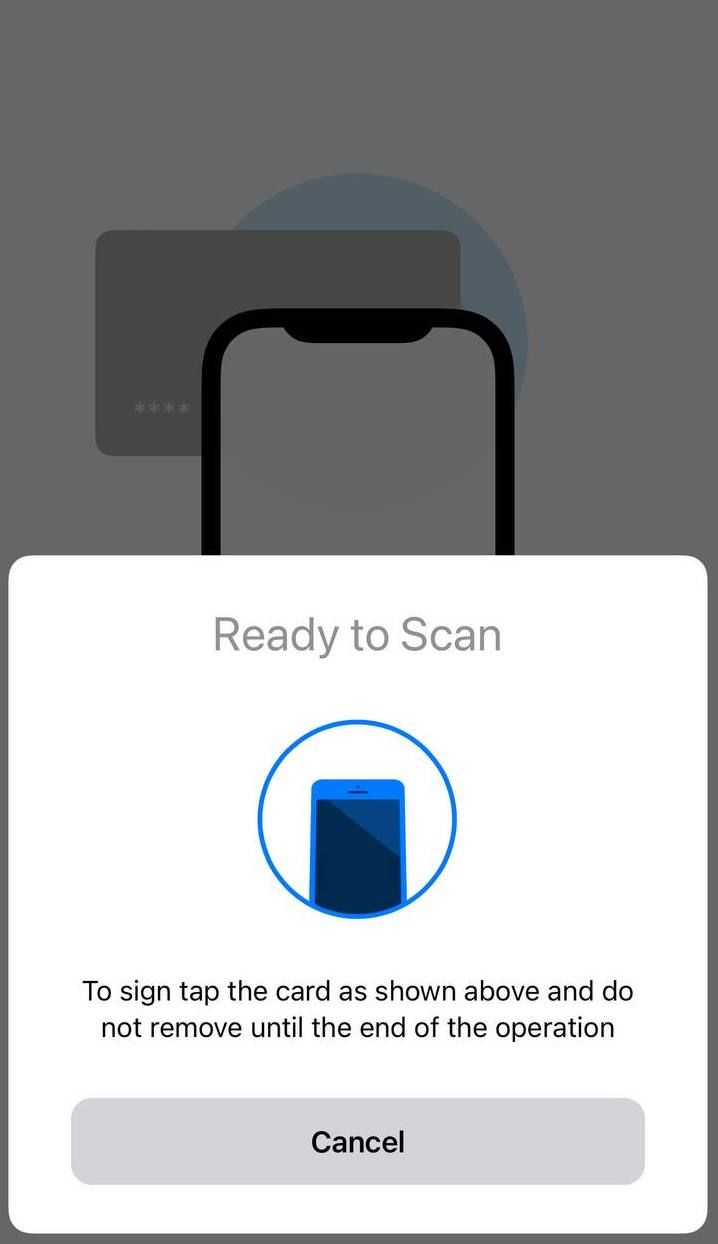
9. Enter your access code or biometric ID and Scan your wallet to sign the transaction.
10. Tap Close to exit. When the blockchain confirms the transaction, the balance on the homepage will be updated. Your tokens will be debited, and the recipient will receive the transfer.
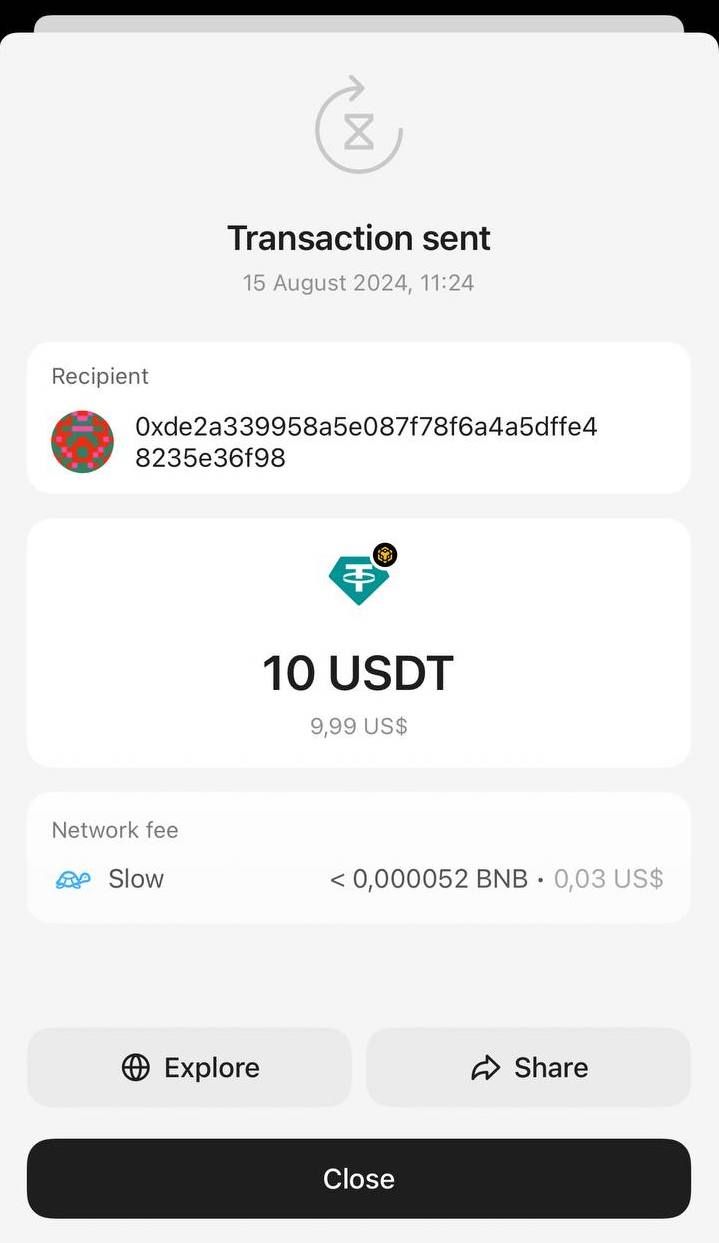
Following the same process described above, you can send any digital currency supported by Tangem Wallet.
See how to receive cryptocurrency with Tangem Wallet.
Sending crypto from Tangem: FAQ
-
Open the token in the Tangem app, press Send, paste the recipient's address, enter the amount, and review the network fee. Then confirm, enter your access code or biometric ID, and tap your Tangem to the phone to sign the transaction. When the blockchain confirms it, the balance on the homepage updates.
-
Ask the recipient which network to use. Many tokens exist on several networks at once, and if the transfer is not made on the network the recipient specified when generating the address, the coins will be lost with no way to recover them. Also double-check the address after pasting it.
-
Yes. Tap Network fee to choose between Slow, Market (the default), and Fast, or set your own rate with Custom. Make sure the fee is high enough for the network to process the transaction.
-
Tap Max on the amount screen, and the app fills in your full balance. You can also enter the amount either in tokens or in its dollar equivalent.


Не пропустіть 

Інші статті

