 Pásate a seedless. 30 % dto. con SWITCH30 hasta el 26 oct.


Cómo importar una frase semilla en tu Tangem Wallet
Este artículo está disponible en los siguientes idiomas:
Las billeteras de hardware son el refugio más seguro para tus criptos porque te dan control total sobre tus claves privadas. Mantienen tus claves privadas y firman transacciones fuera de línea, protegiendo tus activos de hackers y riesgos de centralización.
Sin embargo, no todas las billeteras de hardware son iguales: algunas pueden ser complicadas y poco prácticas, ya que requieren cables, cargadores, computadoras portátiles y otros accesorios. La simplicidad, confiabilidad y formato compacto de Tangem Wallet la hacen única en el mundo de las billeteras de hardware.
El nuevo Tangem Wallet — y las billeteras de marca compartida basadas en su firmware — te permite importar tus activos desde otra billetera para gestionarlos de forma sencilla y segura. Puedes importar una billetera usando una frase semilla (frase de recuperación) de 12, 15, 18, 21 o 24 palabras. Sin embargo, también es importante prestar atención a la ruta de derivación de la billetera.
Entendiendo las rutas de derivación
La ruta de derivación de una billetera y la frase semilla son esenciales para restaurar una billetera. La ruta de derivación se combina con la frase semilla para generar las claves privadas de cada billetera de criptomonedas.
Los dispositivos Tangem Wallet utilizan rutas de derivación estándar para cada criptomoneda. Estas rutas se aplican automáticamente al restaurar la billetera con una frase de recuperación de 12 o 24 palabras. Por lo tanto, no es necesario que los usuarios conozcan o anoten su ruta de derivación.
Importante: Al importar una frase de recuperación — frase semilla — Tangem Wallet solo admite la ruta de derivación predeterminada BIP-44.
Conoce más sobre las rutas de derivación aquí.
Cómo importar tu wallet a Tangem
1. Descarga y abre la app oficial de Tangem.
2. Selecciona Scan card.
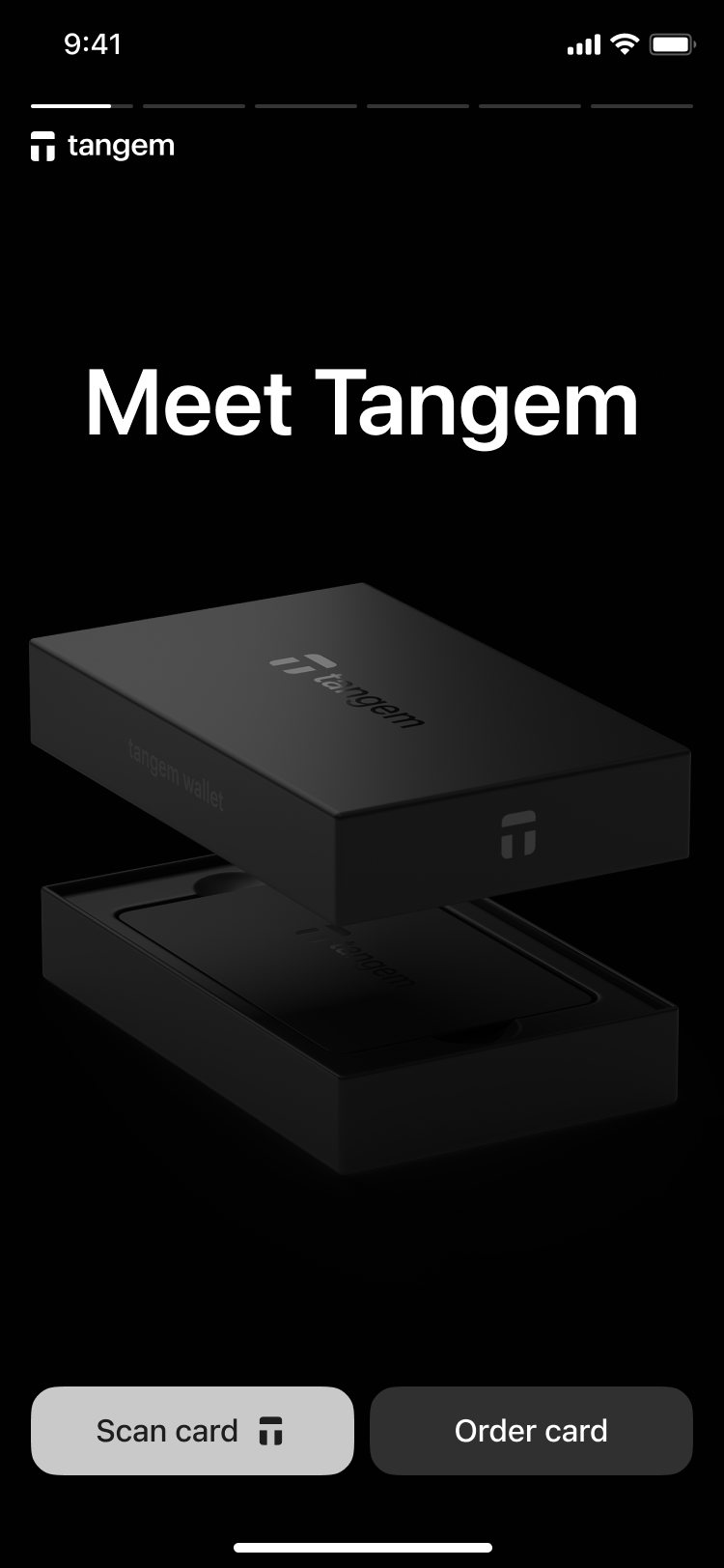
3. Toca la primera tarjeta con tu teléfono para escanearla.
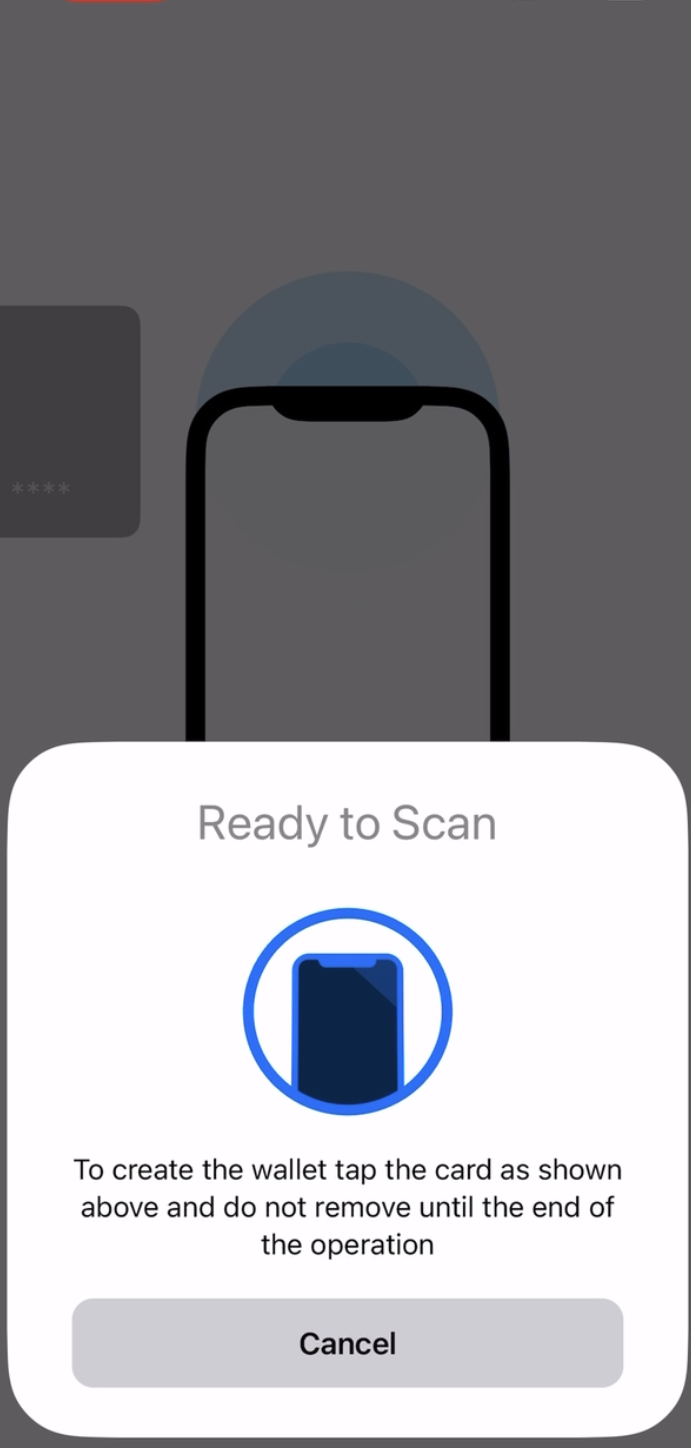
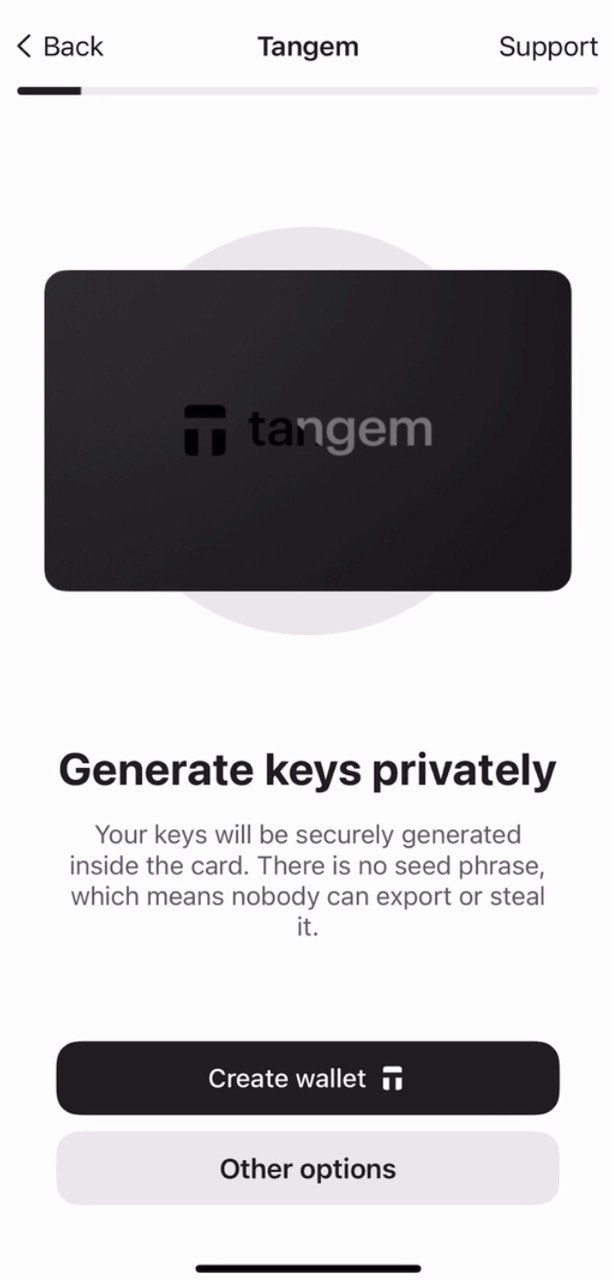
4. Toca Other options.
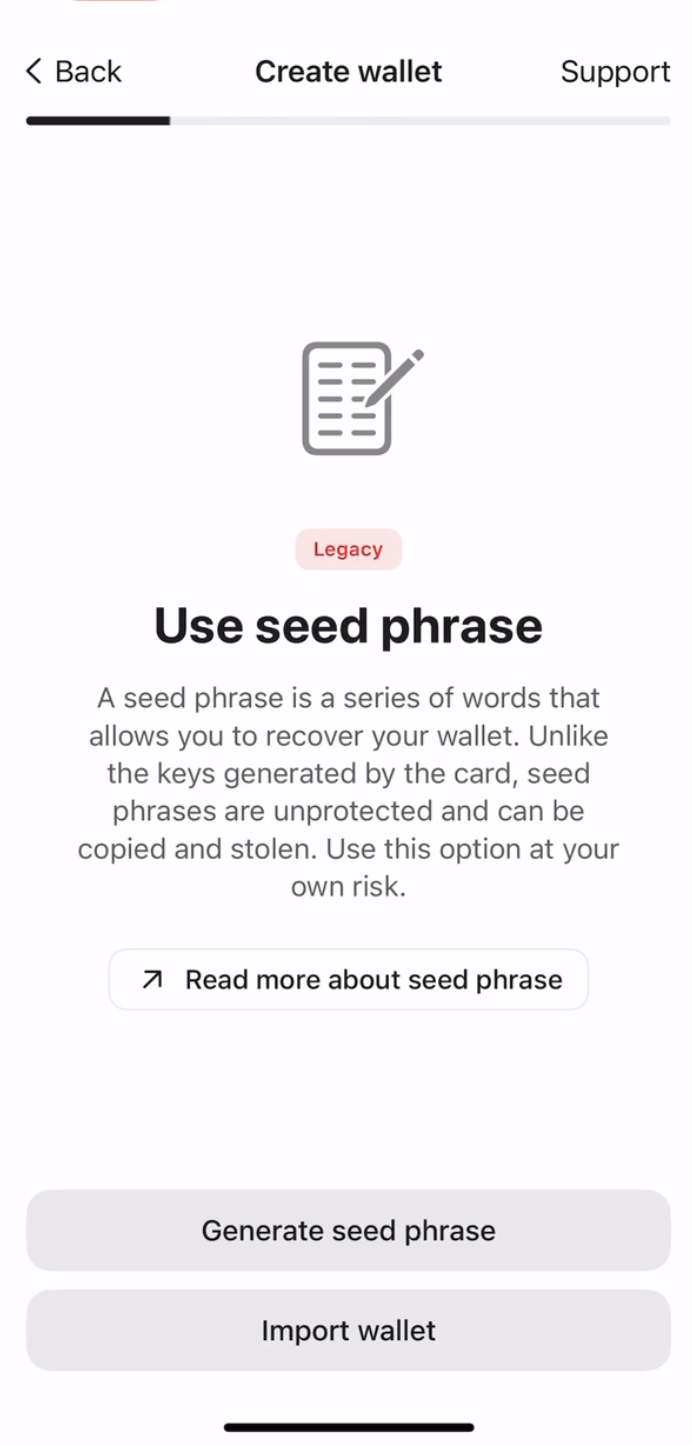
5. Selecciona Import wallet.
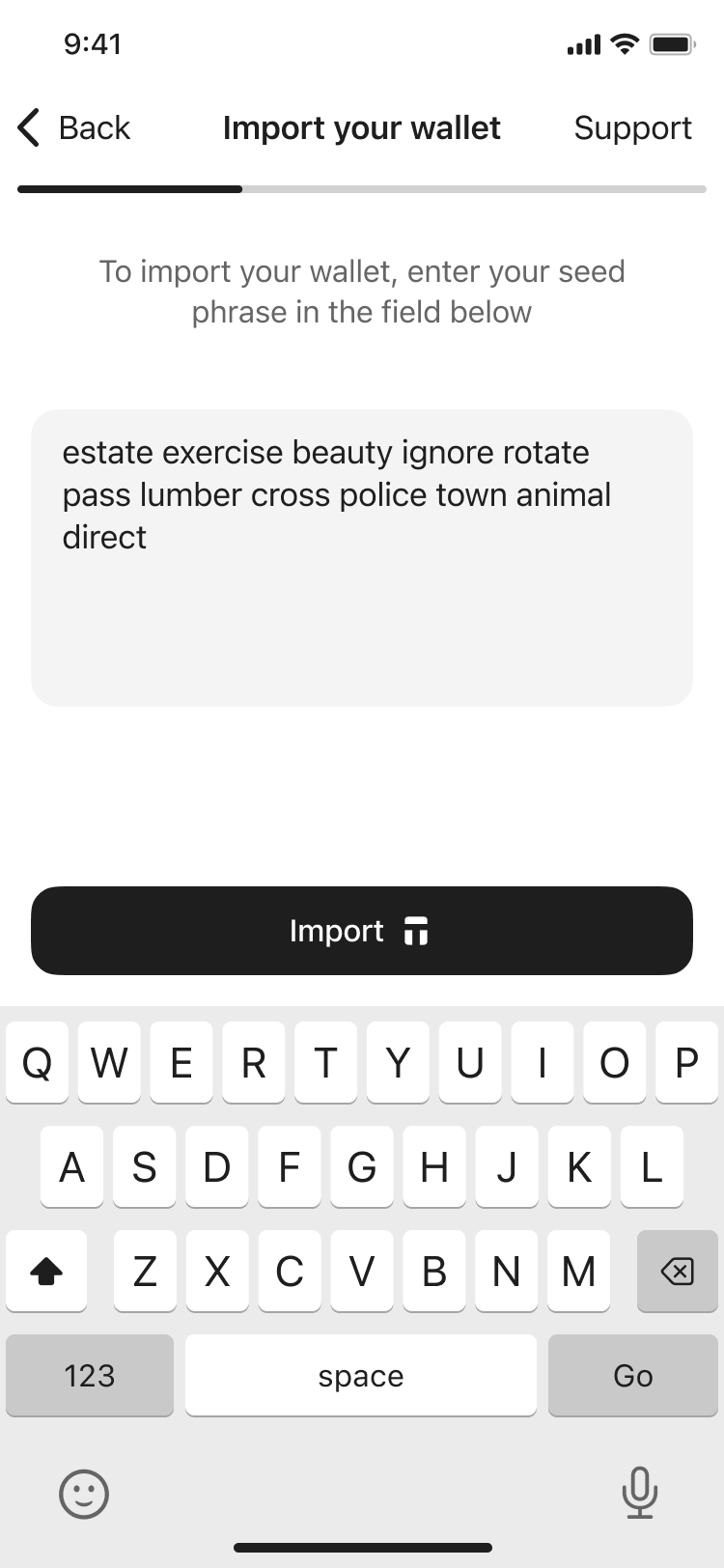
6. Ingresa tu frase semilla, toca Import y escanea la tarjeta.
Creating backups
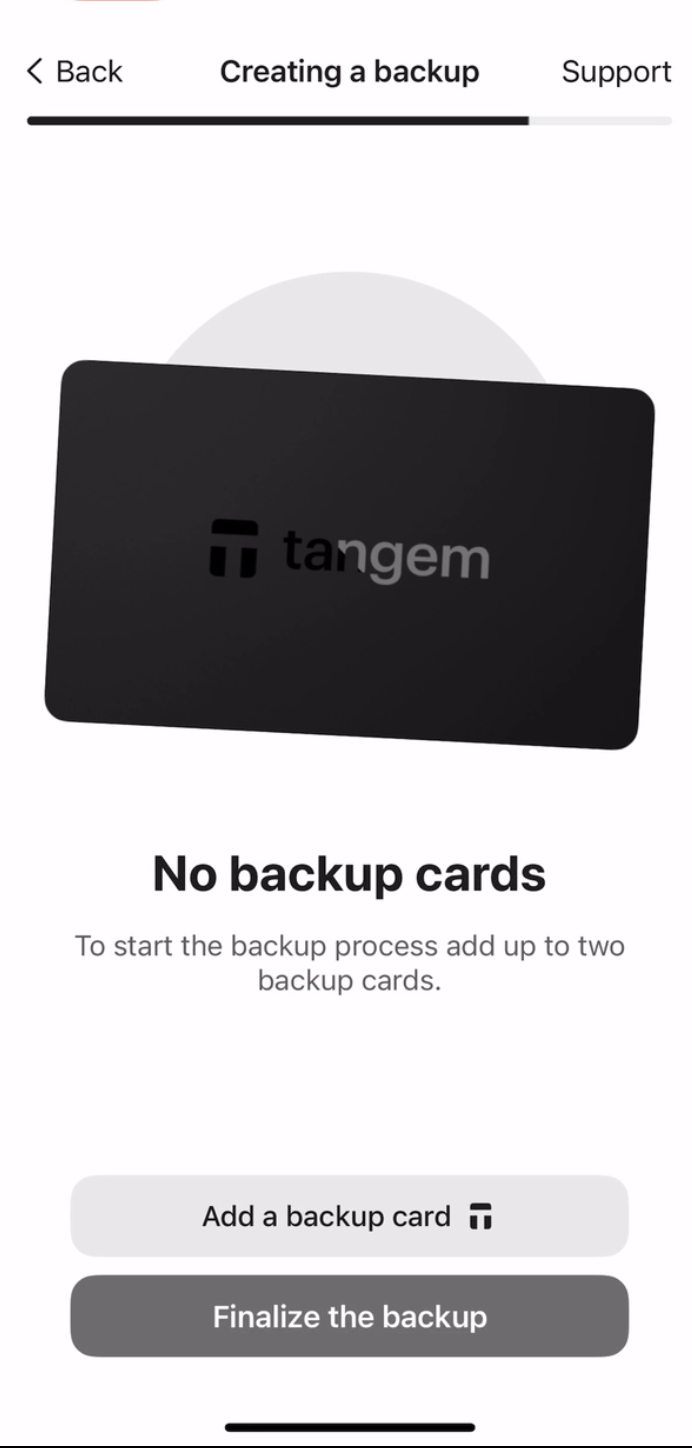
La wallet te pedirá crear una copia de seguridad. Recomendamos iniciar el proceso de respaldo de inmediato. Puedes respaldar tus claves en tus otras Tangem cards. Y sugerimos usar las 2 o 3 tarjetas para evitar inconvenientes en el futuro.
- Toca Add a backup card.
2. Escanea la segunda tarjeta con tu smartphone.
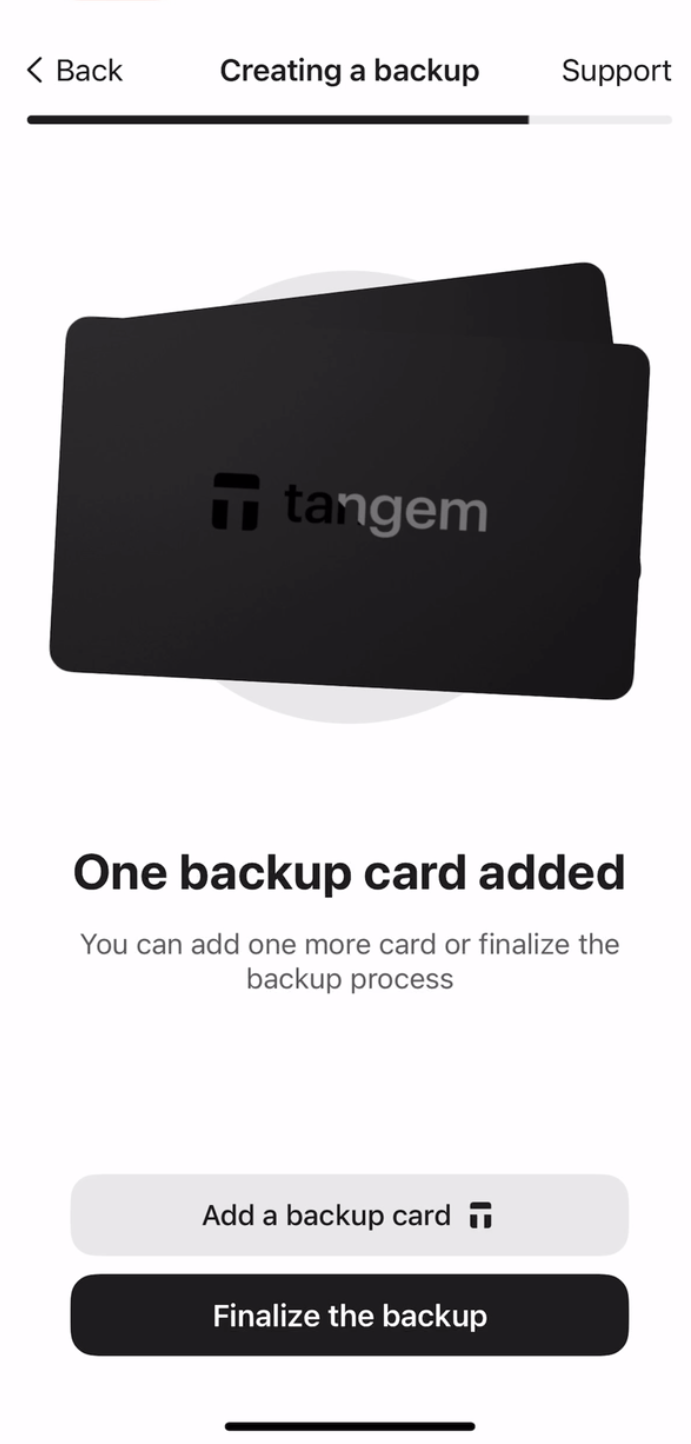
3. Si tienes una tercera Tangem card, toca Add a backup card, escanea la tercera tarjeta y toca Finalize the backup.
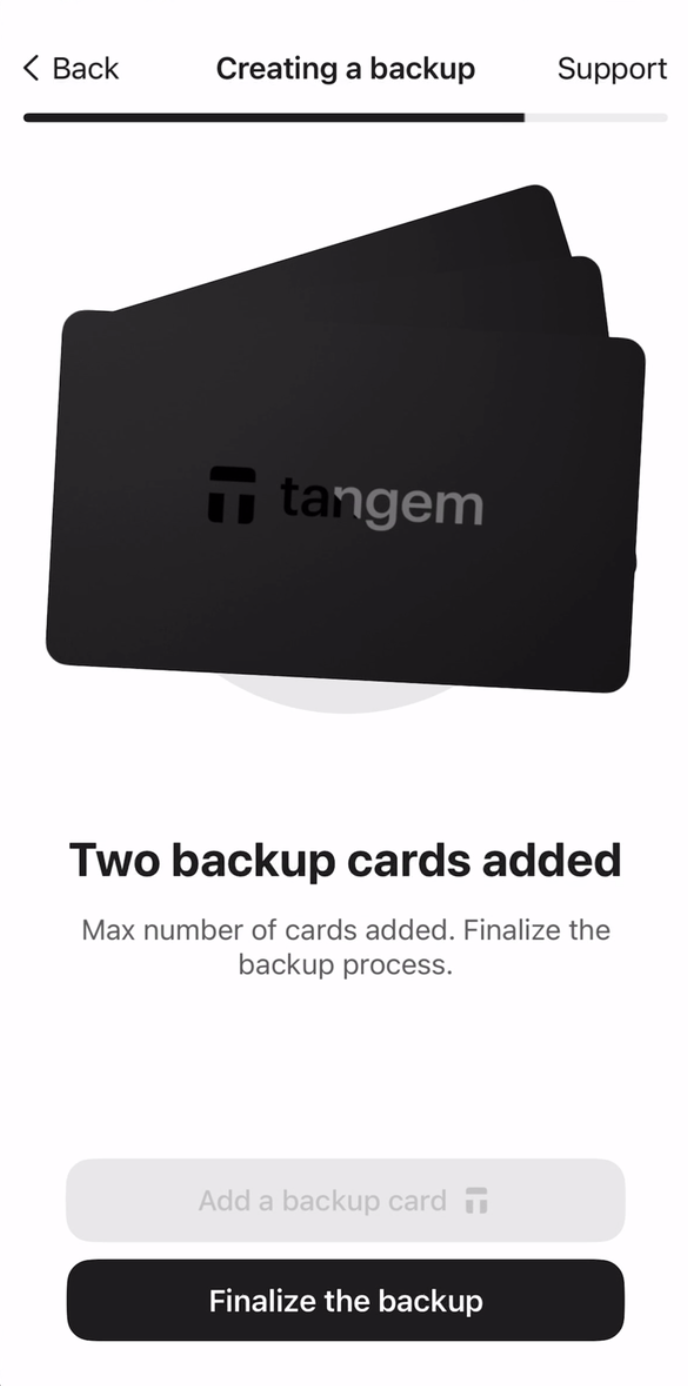
Ahora deberás crear un código de acceso para proteger tus tarjetas contra ataques de fuerza bruta.
4. Toca Continue para ingresar un código de acceso.
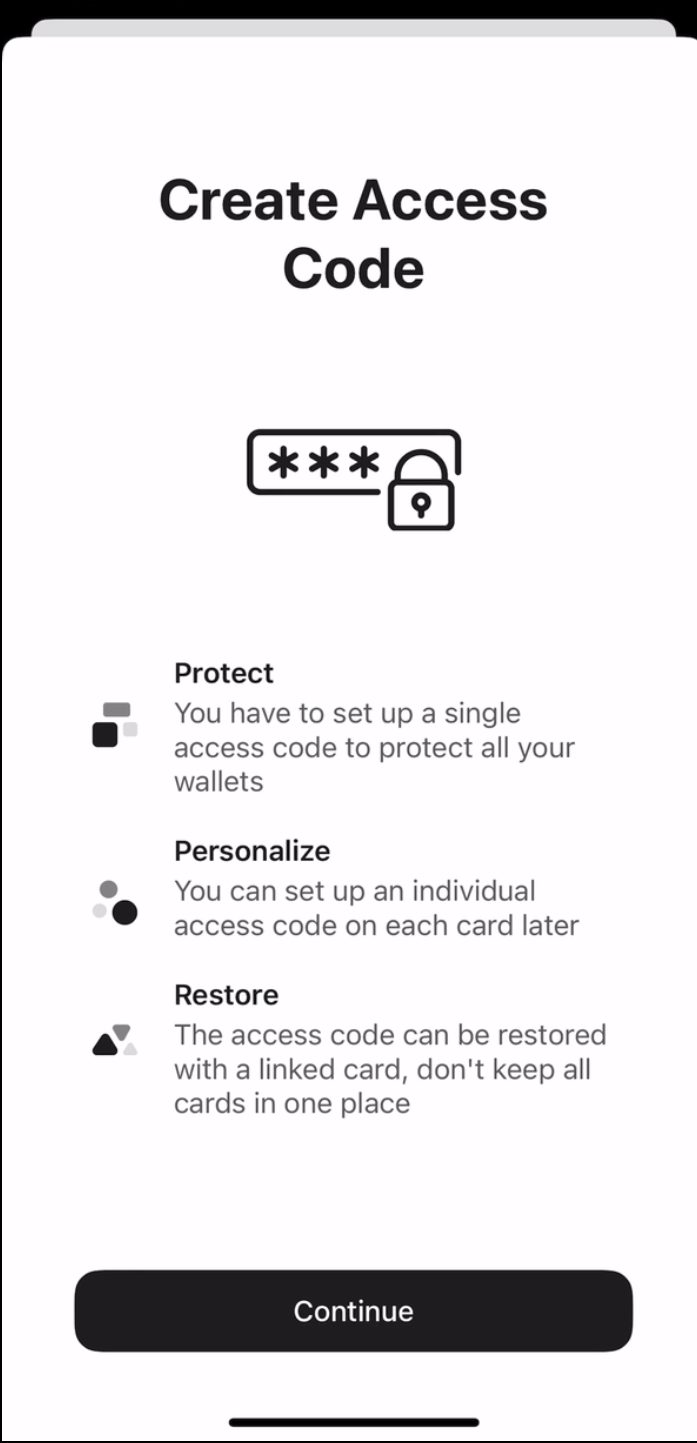
5. Ingresa tu código de acceso. Elige cualquier palabra, frase o número que prefieras y toca Continue. También puedes establecer un código único para cada tarjeta más adelante.
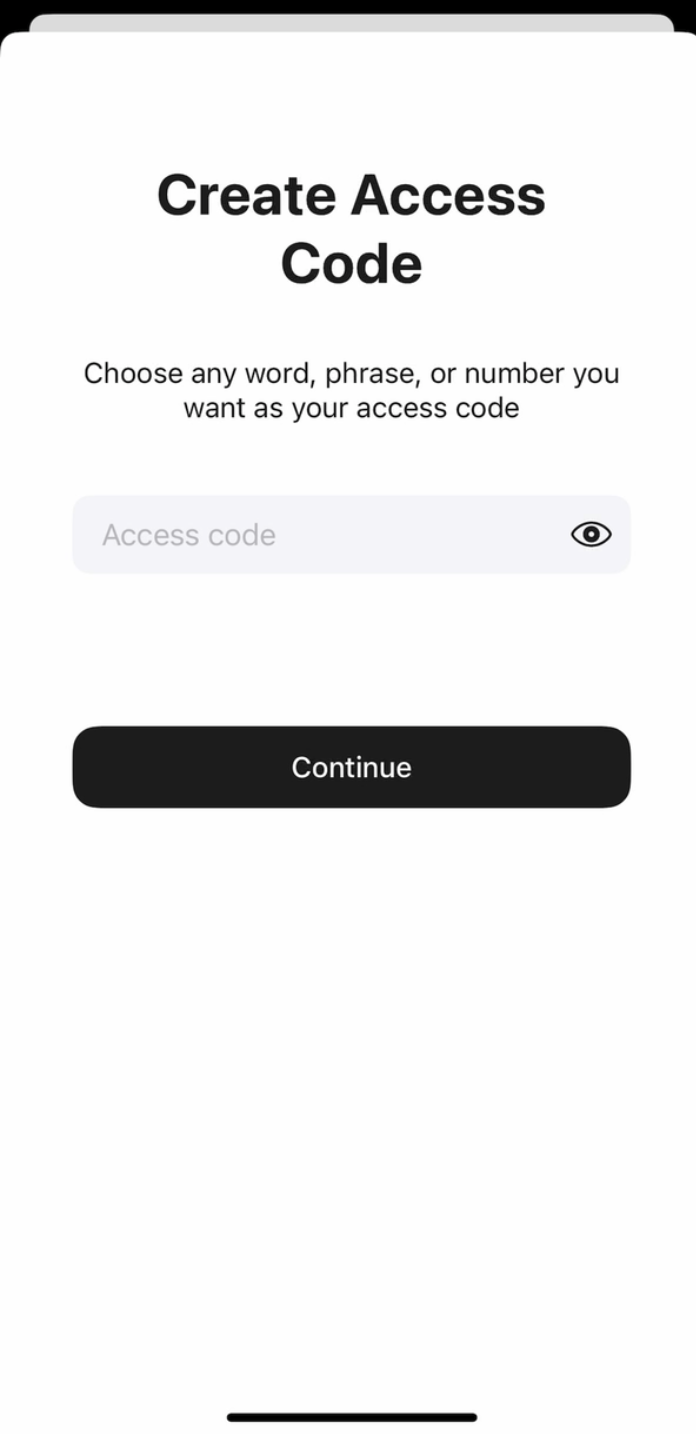
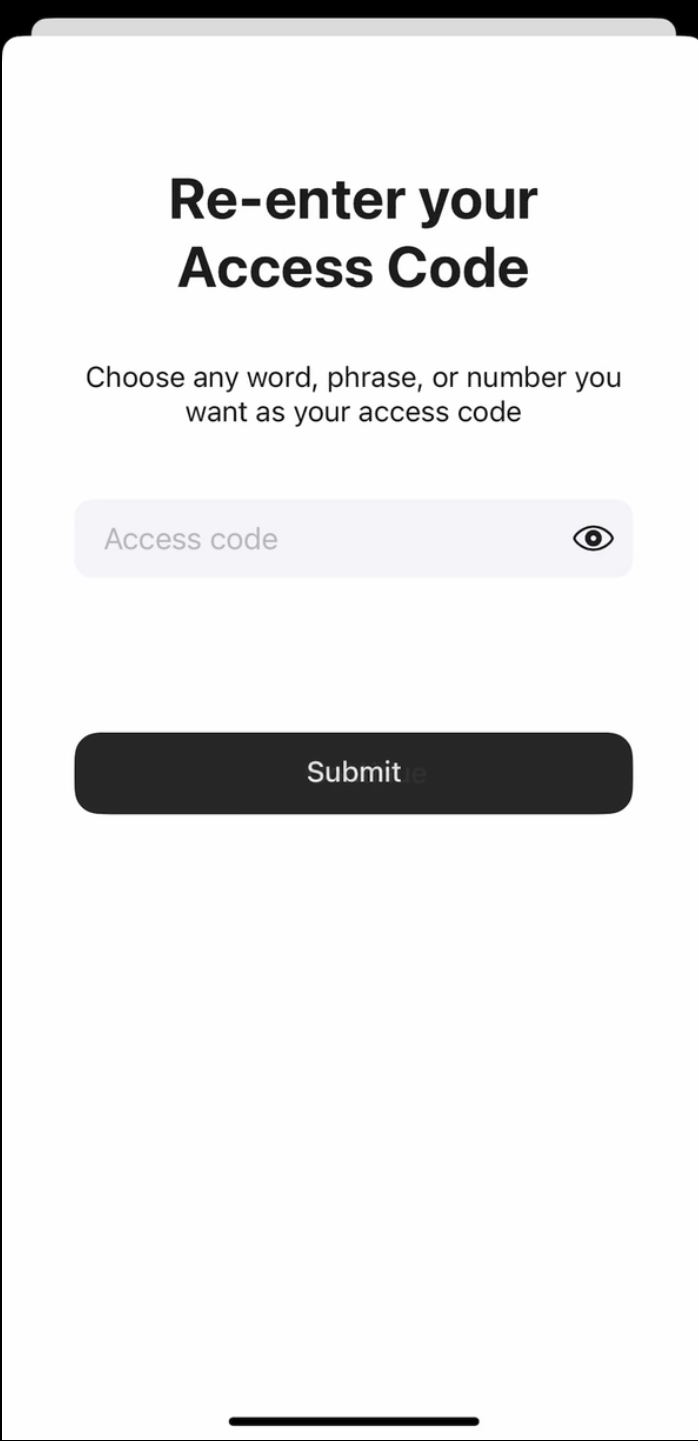
6. Ingresa tu código de acceso nuevamente y toca Submit.
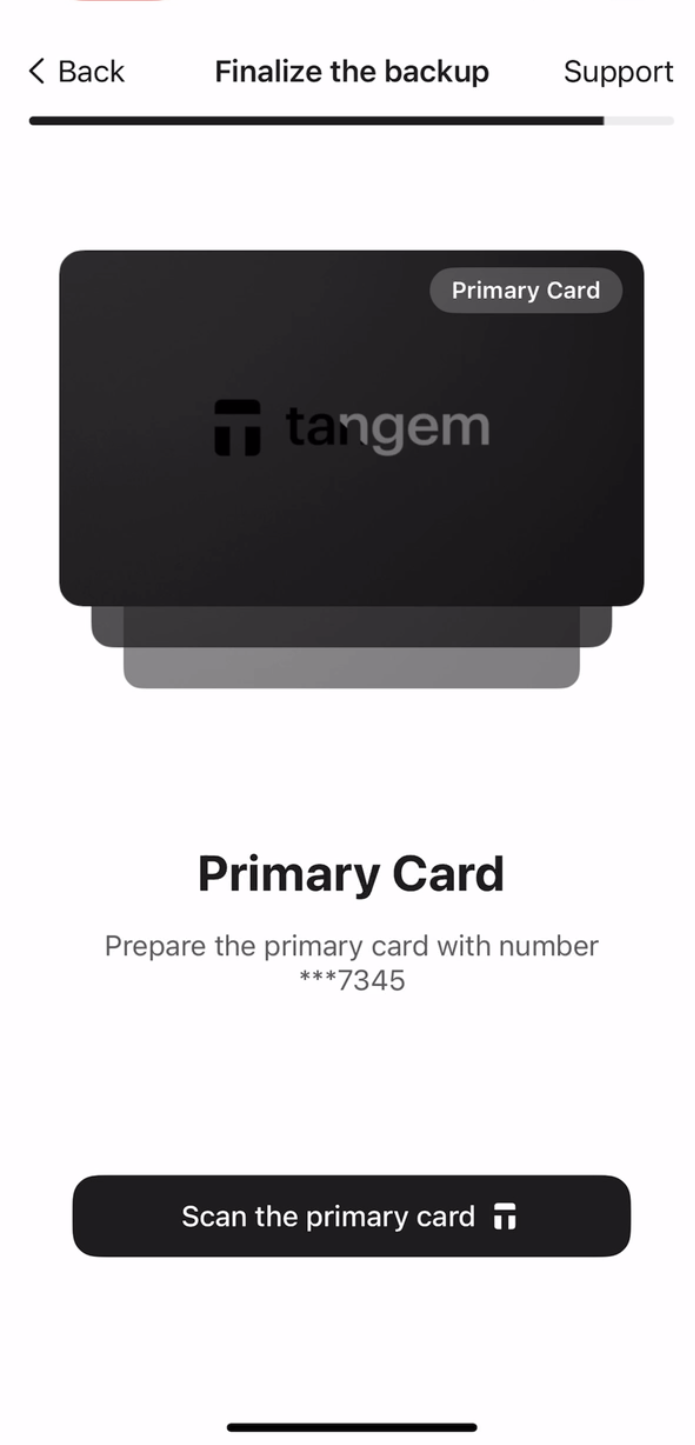
7. Haz clic en Scan the primary card y acerca esta tarjeta a tu teléfono. La app escaneará la tarjeta durante 15 segundos.
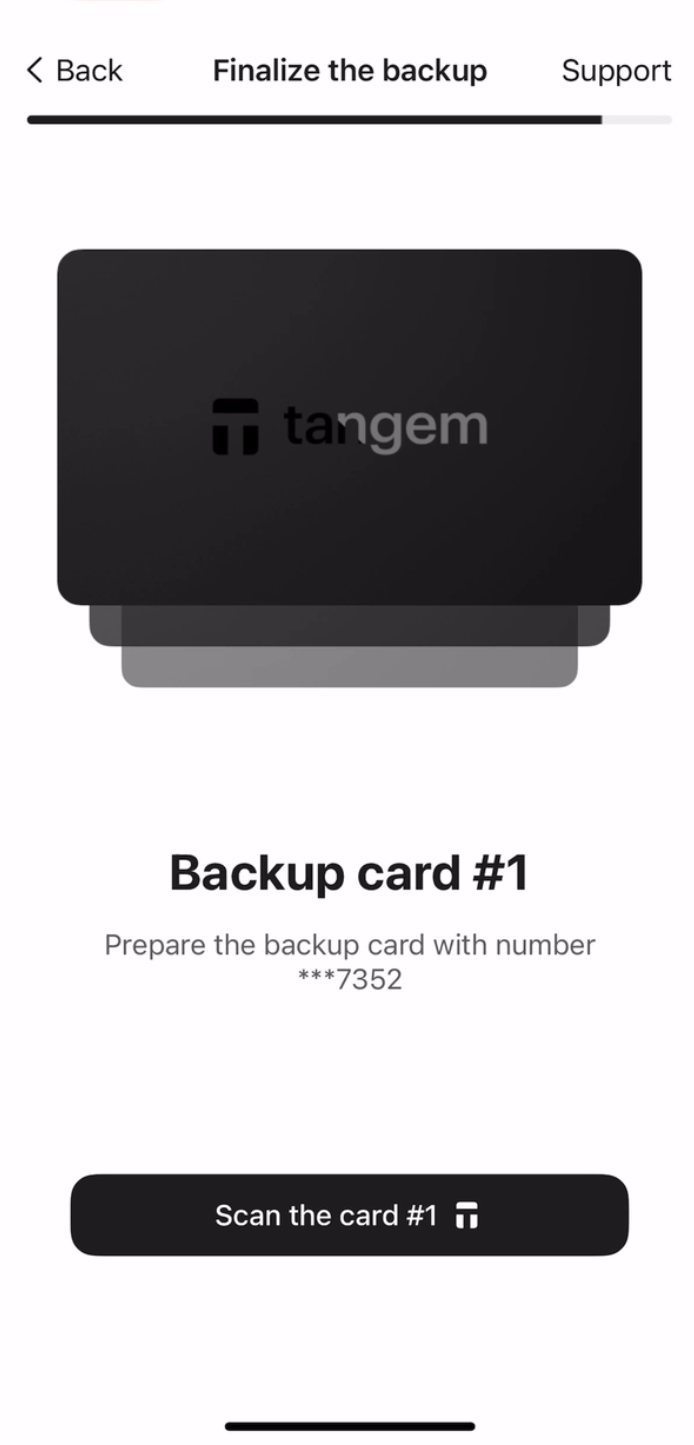
8. Escanea la primera tarjeta de respaldo. Por favor, presta atención a los últimos cuatro dígitos de cada tarjeta.
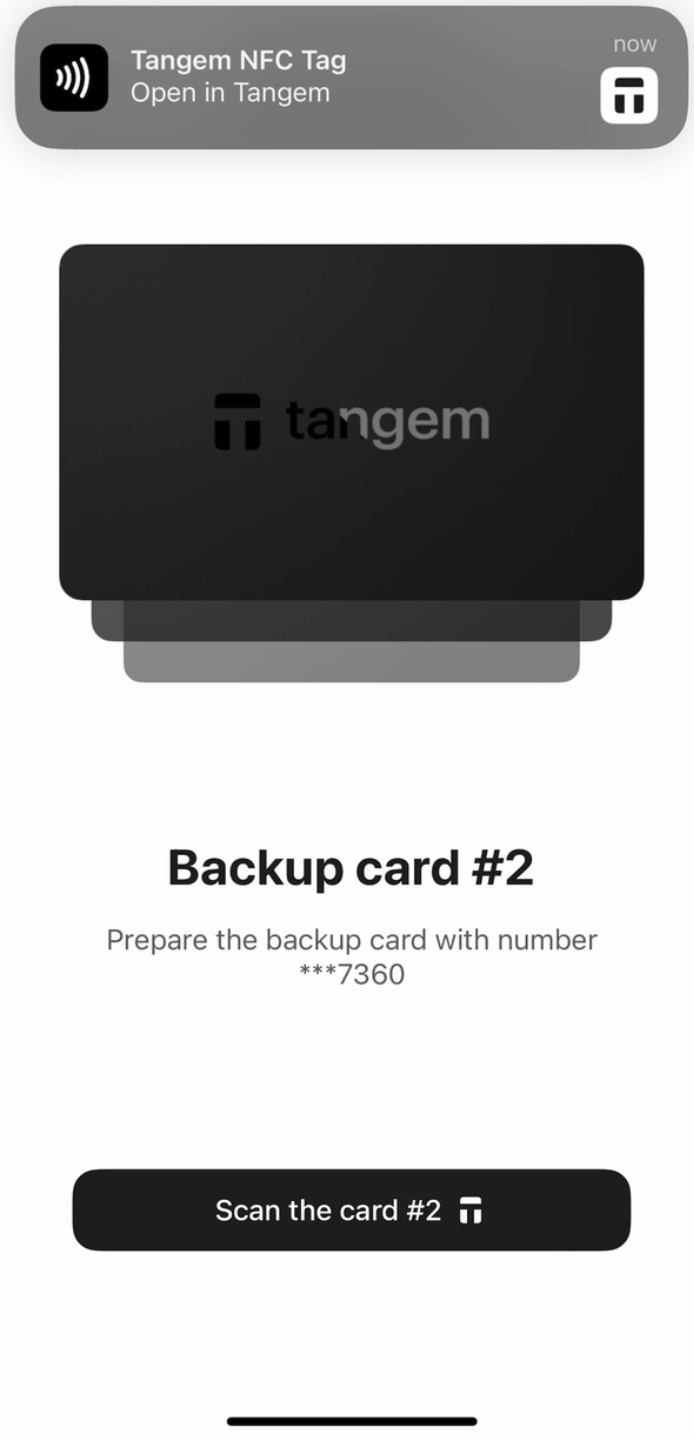
9. Escanea la segunda tarjeta de respaldo.
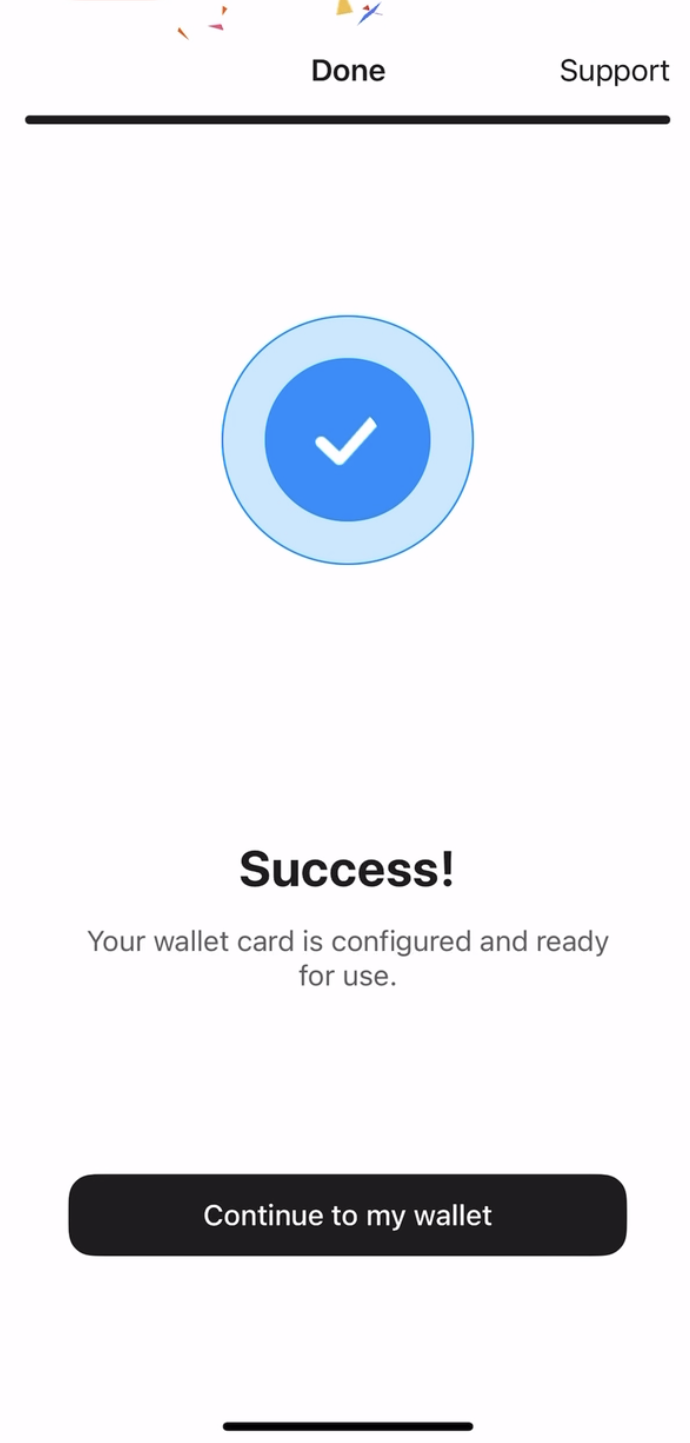
10. Toca Continue to my wallet.
Tangem Wallet will only display assets that are supported in the wallet.


No se pierda estos 


Otros artículos

