



How to Change Your Access Code in the Tangem app
สามารถอ่านบทความนี้ได้ในภาษาต่อไปนี้:
ข้อมูลเชิงลึกหลัก
The article provides a step-by-step guide on how to change the access code for your Tangem Wallet using the Tangem app. It outlines the process, from accessing device settings to entering a new code and saving the changes by scanning your device. Additional resources are also linked for resetting a forgotten code or disabling the recovery feature.
To reset a forgotten access code in Tangem Wallet, read this guide.
To disable the access code recovery feature, read this short guide.
Did someone take a sneak peek at your access code? Do you feel like making it more complex? No matter the reason, you can change your access code quickly in the tangem app.
Here’s what to do:
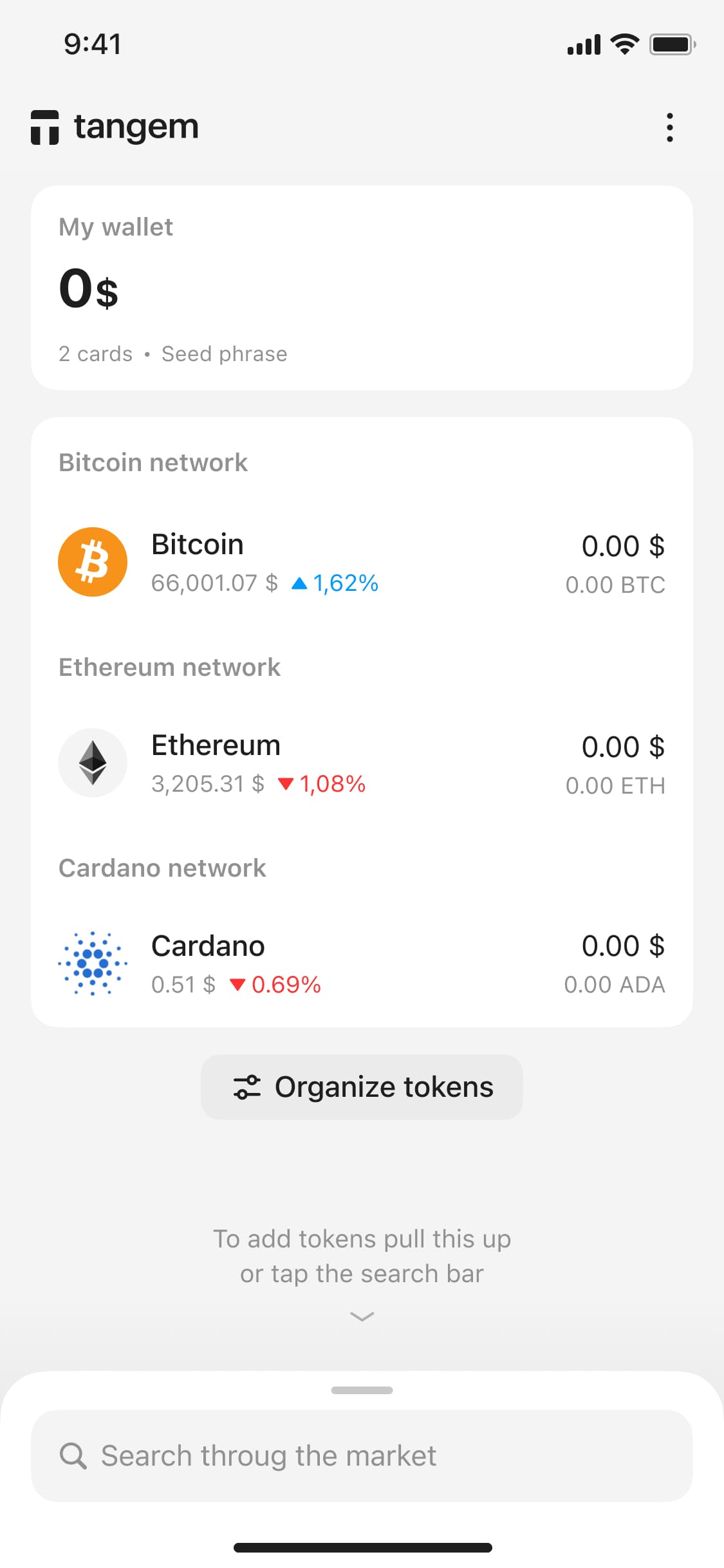
Log in to the Tangem app and click the three dots in the top-right corner.
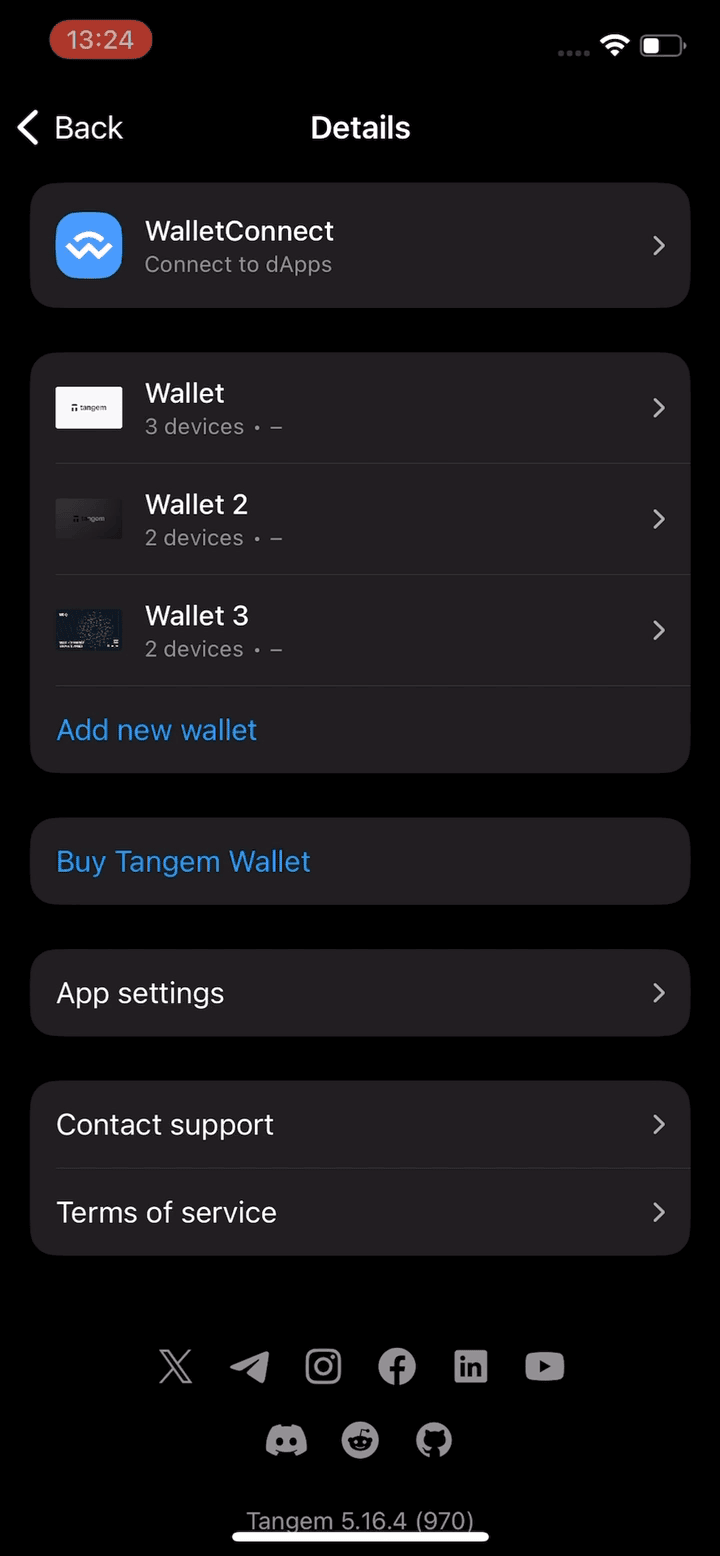
Select the relevant wallet.
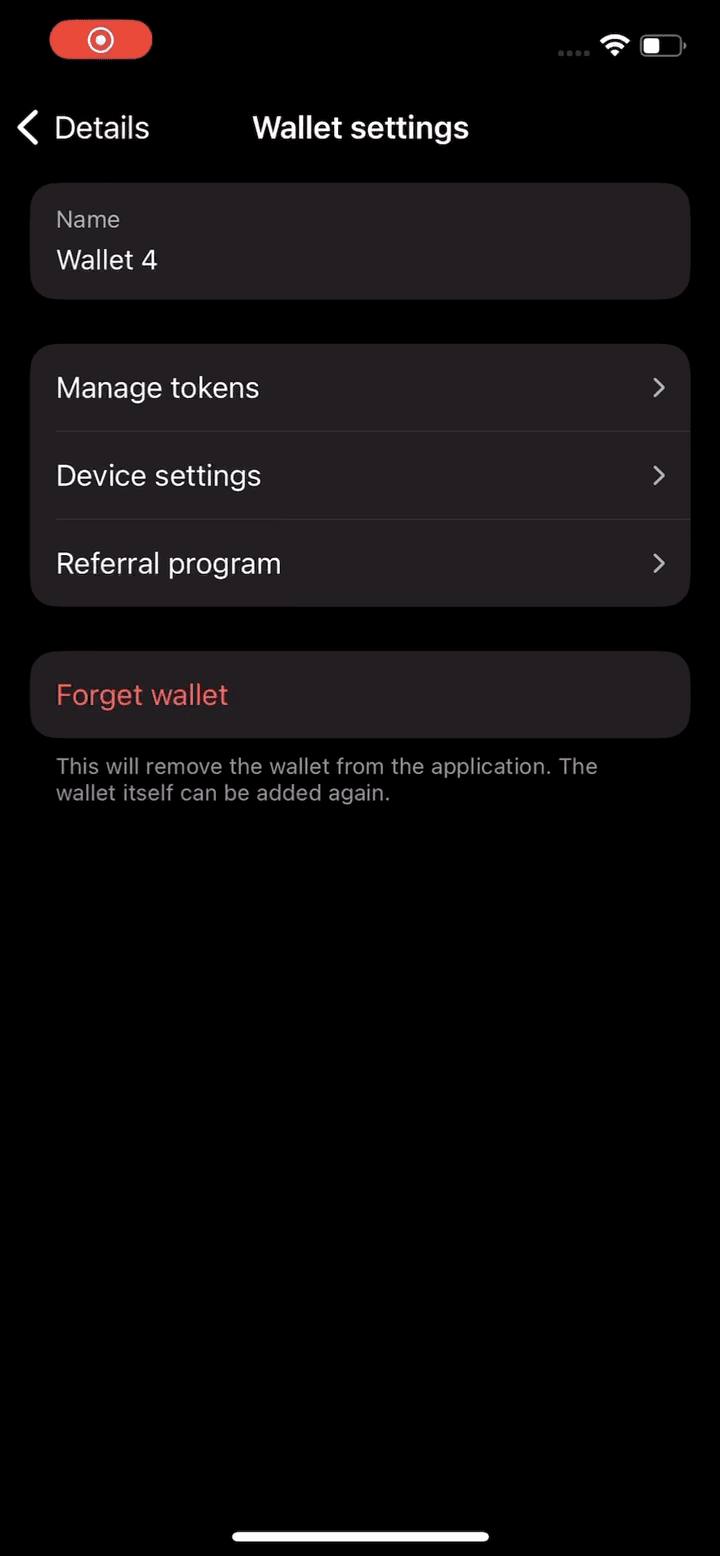
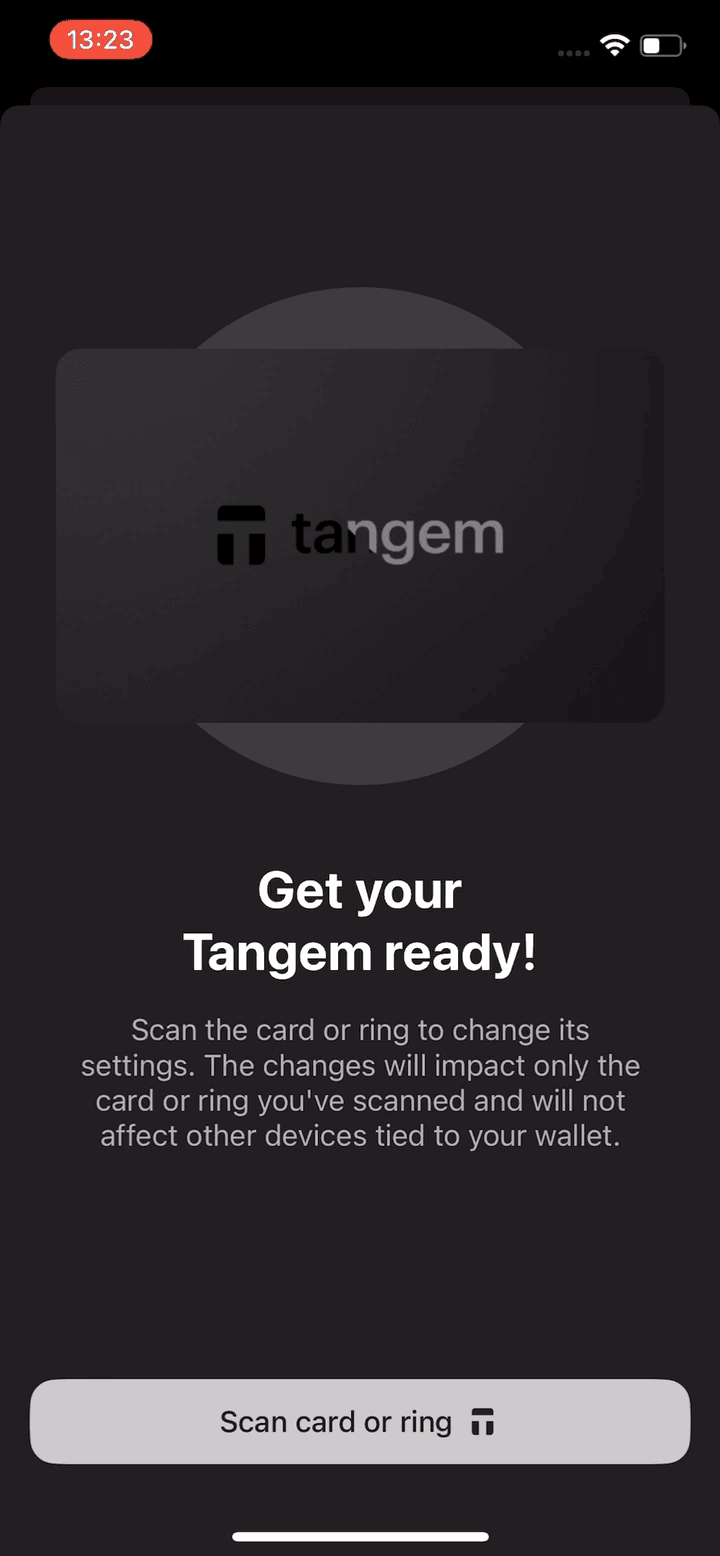
Tap Device settings.
Tap Scan card or ring, enter your current access code, and scan your tangem again.
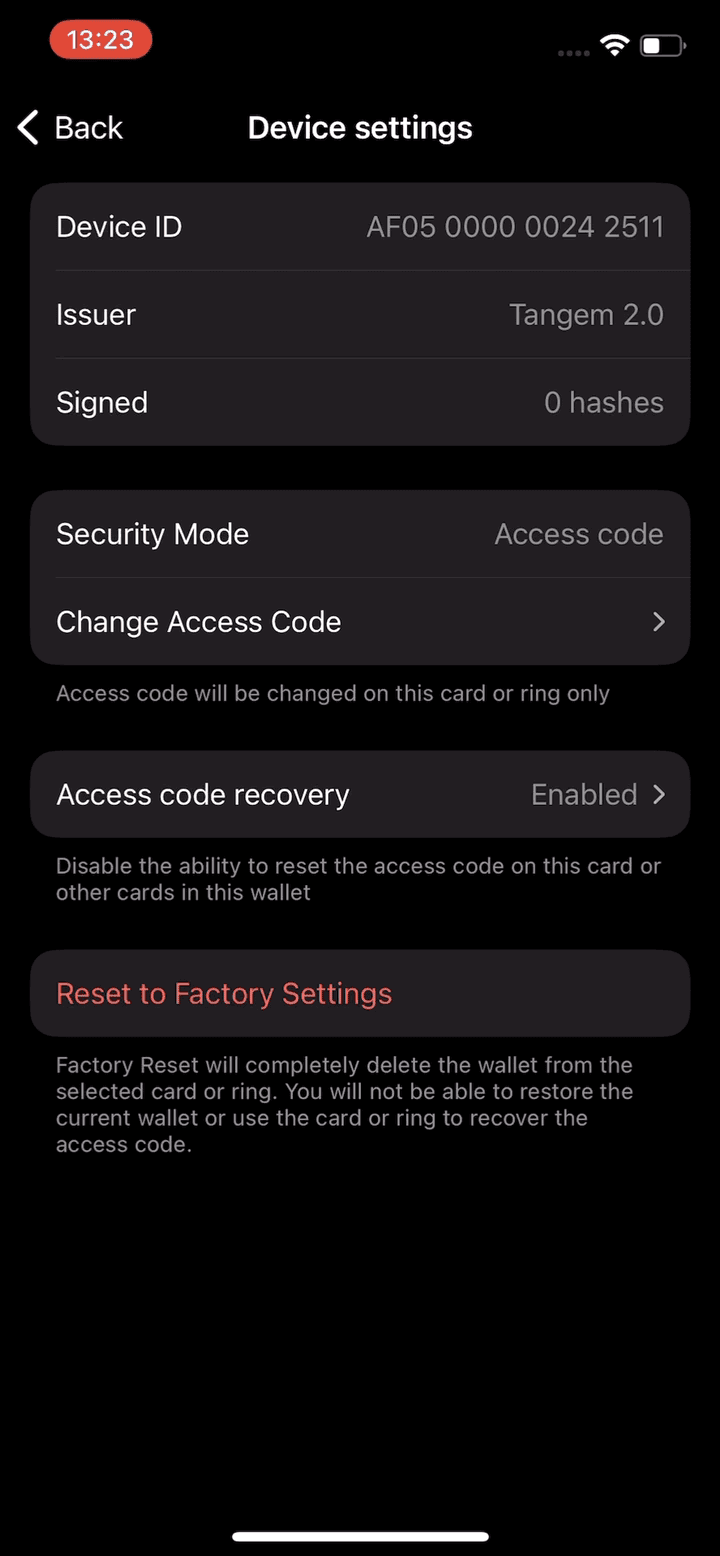
Tap Change Access Code and enter your old code or use biometric authentication.
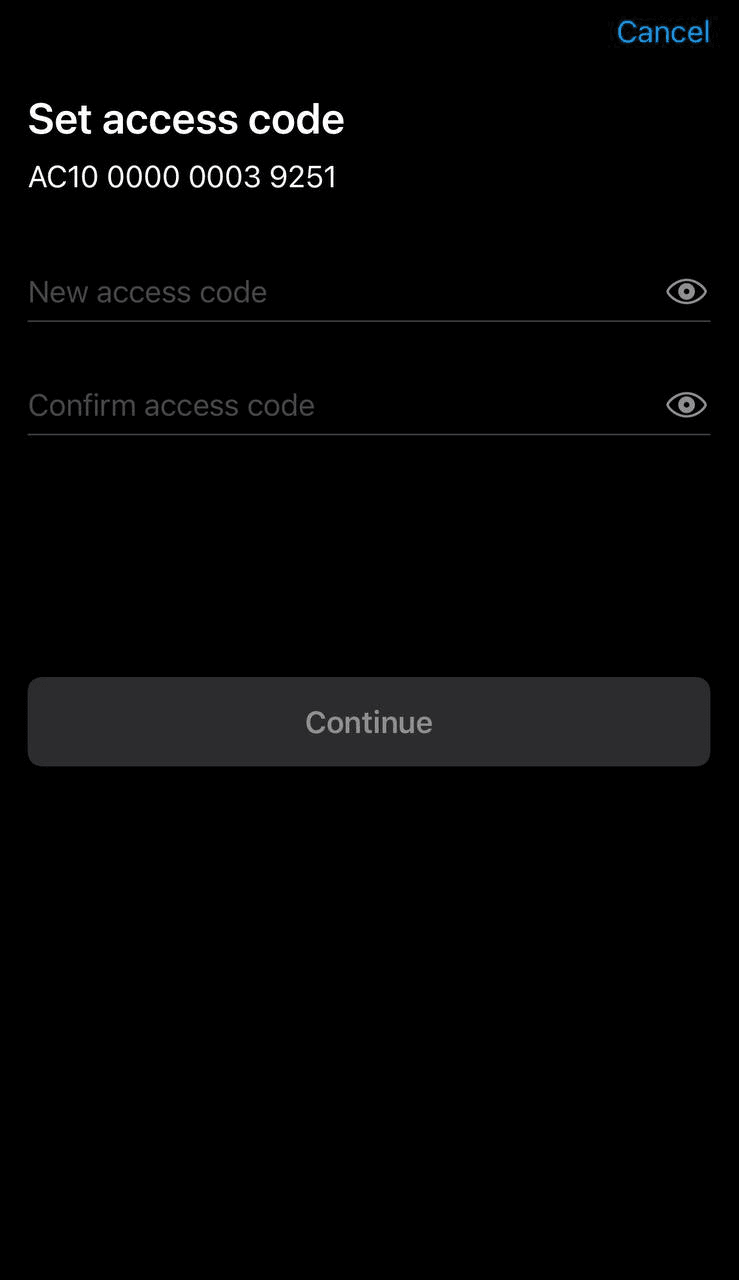
Enter your new code twice and tap Continue.
- Finally, scan your Tangem device to save changes.
Done! You have successfully changed your access code.
Changing the access code: FAQ
-
The device itself and its current access code (or biometric authentication). The flow goes: three dots in the app, select the wallet, Device settings, scan the card or ring, Change Access Code, enter the old code, then the new one twice, and scan the device again to save.
-
Whenever you suspect someone glimpsed it, or simply when you want something more complex. Since the code guards the wallet together with the physical device, refreshing it after possible exposure restores the second factor of your protection.
-
The change is made on the device you scan during the procedure. Tangem also lets you keep a unique access code for each card or ring, so you can repeat the flow per device with different codes if you prefer.
-
Changing requires the old code, but a forgotten code is a different flow: it can be reset using a backup card from the same wallet set, unless you deliberately disabled the access code recovery feature on that device.


อย่าพลาดสิ่งเหล่านี้ 






บทความอื่นๆ

