Switch to seedless. Get 30% off with SWITCH30 till Oct 21
Self-Custody for Beginners: Setting Up Your First Tangem Wallet
This article is available in the following languages:
- What Is Self-Custody and Why Does It Matter?
- What Is a Hardware Wallet?
- Unboxing Your Tangem Wallet
- Step 1 -- Download the Tangem App
- Step 2 -- Create Your Wallet
- Step 3 -- Set Up Your Backup Card
- Step 4 -- Set a PIN or Biometric Access
- Step 5 -- Receive Your First Crypto
- Your Tangem app
- Security Tips for New Self-Custody Users
Getting into crypto is exciting. But the moment you buy your first coin, you face a question that trips up millions of beginners: where do you actually keep it?
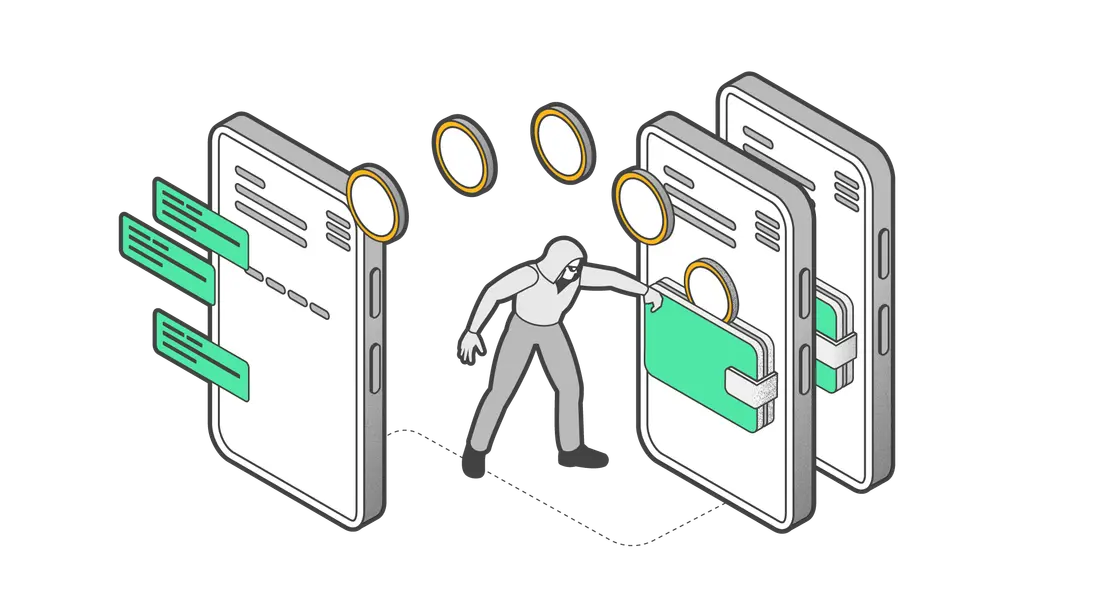
Most people leave their crypto on the exchange where they bought it. That feels fine until it isn't. The DMM Bitcoin hack in May 2024 cost users $305 million. The Bybit incident in February 2025 hit $1.5 billion. In both cases, the funds belonged to people who trusted a platform to hold their keys. They had no direct control. This guide walks through exactly what self-custody means, why it matters, and how to set up your first Tangem Wallet from scratch, step by step.
What Is Self-Custody and Why Does It Matter?
Self-custody means you, not an exchange or any other company, control the private keys to your crypto. A private key is the cryptographic proof that authorizes transactions. Whoever holds it controls the funds. Here's how it works in practice. A self-custodial wallet uses a public key to receive funds and a private key to authorize outgoing transactions. Signing happens locally on your device, and only the signed transaction is broadcast to the blockchain. The exchange never touches it.
With a custodial account, an exchange holds your private keys on your behalf. That's convenient: if you forget your password, they can help. But it also means your funds are only as safe as their security team, their insurance, and their continued operation. When a custodial platform is hacked, frozen, or shut down, users find out the hard way that the coins were never really theirs.
Self-custodial, non-custodial, and self-hosted all describe the same model: you hold the keys.
MiCA context for EU readers. Under MiCA (Regulation (EU) 2023/1114), the regulated activity is the safekeeping or control of crypto assets on behalf of clients. MiCA's Recital 83 explicitly states that hardware or software providers of non-custodial wallets fall outside the regulation's scope. Holding your own crypto in self-custody is fully permitted in the EU.
What Is a Hardware Wallet?
A hardware wallet is a physical device that generates and stores private keys offline. When you want to send crypto, the device signs the transaction internally and passes only the signed result back to the app. The private key never travels over the internet.
Software wallets (hot wallets) live on your phone or computer. They're connected to the internet, which makes them convenient for frequent trading but more exposed to malware and phishing.
Hardware wallets come in several form factors: USB devices, NFC smart cards, QR-based air-gapped devices, and NFC wearables. Prices range from around $49 to $400, though a higher price doesn't automatically mean stronger security. What matters is how the device generates, stores, and protects the key.
Popular brands include Tangem, Ledger, and Ellipal. Ledger, for example, uses OLED or E-Ink touchscreens and connects via USB-C; the Nano X also supports Bluetooth. Tangem takes a different approach: credit-card-sized NFC cards with no screen, no battery, and no USB port.
Unboxing Your Tangem Wallet
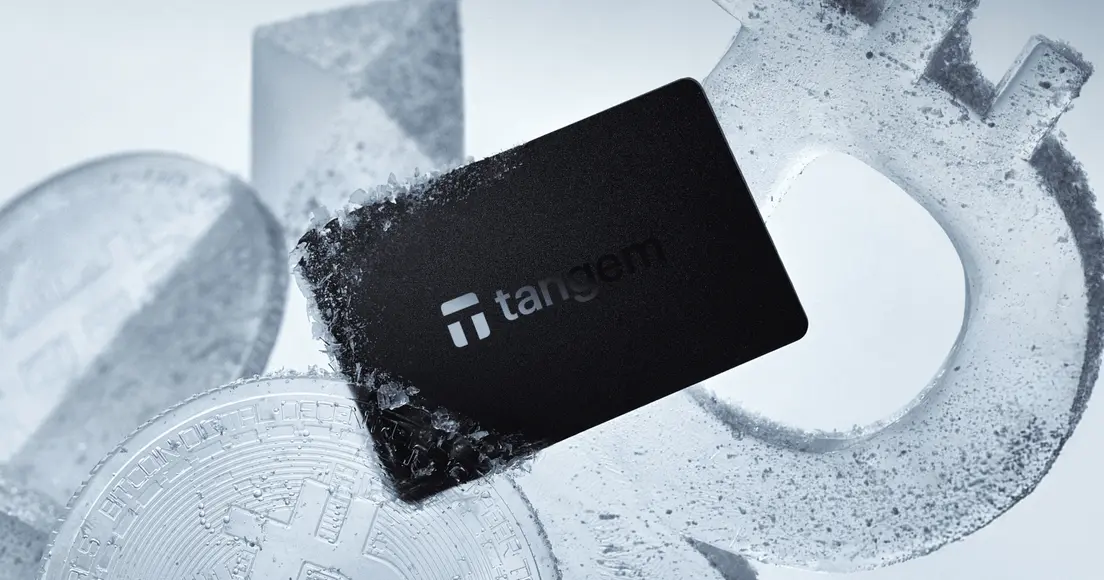
A Tangem Wallet arrives as a set of 2 or 3 credit-card-sized NFC cards. There is no USB cable, no charging port, and no seed phrase written on a recovery card. That last point is intentional. Each card contains a Samsung S3D350A secure element chip certified at Common Criteria EAL6+, the same standard used in biometric passports and international payment cards. The private key is generated directly on the chip using a DRAM-based true random number generator. It never leaves the card.
The cards are rated IP69K, operate from -25°C to +50°C, and carry a 25-year replacement warranty based on chip lifetime.
Step 1 -- Download the Tangem App
Download the Tangem app from the App Store (iOS 16.0+ on iPhone 8 or later) or Google Play (Android 6.0+ with NFC support). There is no desktop or web interface. The app is free.
Once installed, open it. You'll see an option to scan a card or create a mobile wallet. For a hardware wallet setup, tap "Scan card."
Step 2 -- Create Your Wallet
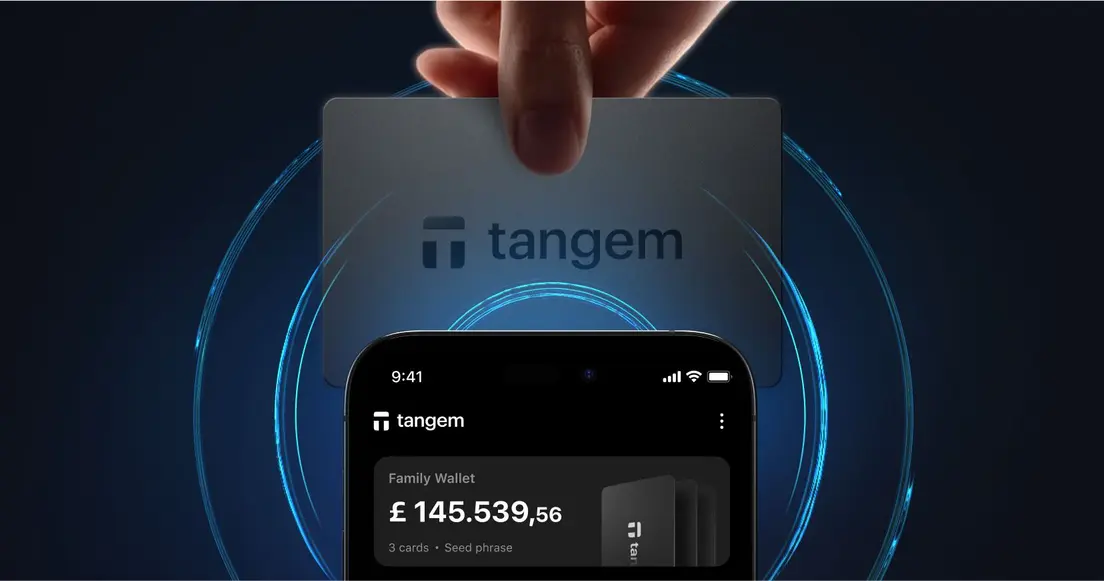
Hold one of your Tangem cards against the back of your phone near the NFC antenna. The app detects the card and prompts you to generate keys.
Here's what happens in that moment: a true random number generator inside the secure element creates a private key on-chip. The key is stored exclusively in the secure element. It never passes through your phone's processor, never touches the app, and never leaves the card.
The entire activation process takes under 3 minutes, according to official product documentation. By default, Tangem uses a seedless setup: no 12-word or 24-word recovery phrase is generated or written down. This removes one of the most common attack vectors, a written seed phrase found by the wrong person. If you prefer portability across wallets, you can optionally generate or import a BIP39-compatible seed phrase of 12, 15, 18, 21, or 24 words during setup.
Step 3 -- Set Up Your Backup Card
Don't skip this step. When your first card is set up, the app prompts you to add a backup card. Tap your second card to the phone. The app links both cards to the same private key. Both cards give full access to the wallet and are functionally equivalent. If you have a 3-card set, add the third now.
One important limit: new backup cards cannot be added after setup is finalized. Do it now, while the wallet is fresh.
Store the backup card somewhere physically separate from your primary card. Not in the same bag, not in the same drawer. The point of a backup is that it survives whatever takes out the first card.
Step 4 -- Set a PIN or Biometric Access
The app asks you to create an access code for the wallet. This can be a word, phrase, or number with a minimum of 6 characters. Failed attempts trigger increasing delays, which slow down brute-force attempts.
You can also enable Face ID or Touch ID as supplementary authentication. These protect the app itself. But they don't replace the card: to sign any transaction, you still need to physically tap a card to the phone. The app alone cannot move funds. By default, it locks after five minutes.
Step 5 -- Receive Your First Crypto
Now the wallet is ready. Here's how to receive your first transfer. Open the app and tap the token you want to receive, for example, Bitcoin or USDT on Ethereum. Tap "Receive." The app displays your wallet address as both a QR code and a copyable string.
Before sending a large amount, do a test. Transfer a small test amount, say 10 USDT, from your exchange account to that address. Wait for the transaction to confirm on the blockchain. Open the app, tap the card, and verify that the balance has updated.
One thing to check carefully: the network. If you're receiving USDT, make sure you select the same network on both ends. USDT on Ethereum and USDT on BSC are different addresses. Sending to the wrong network can mean the funds are very difficult to recover. Once the test confirms, you can transfer the rest.
Your Tangem app
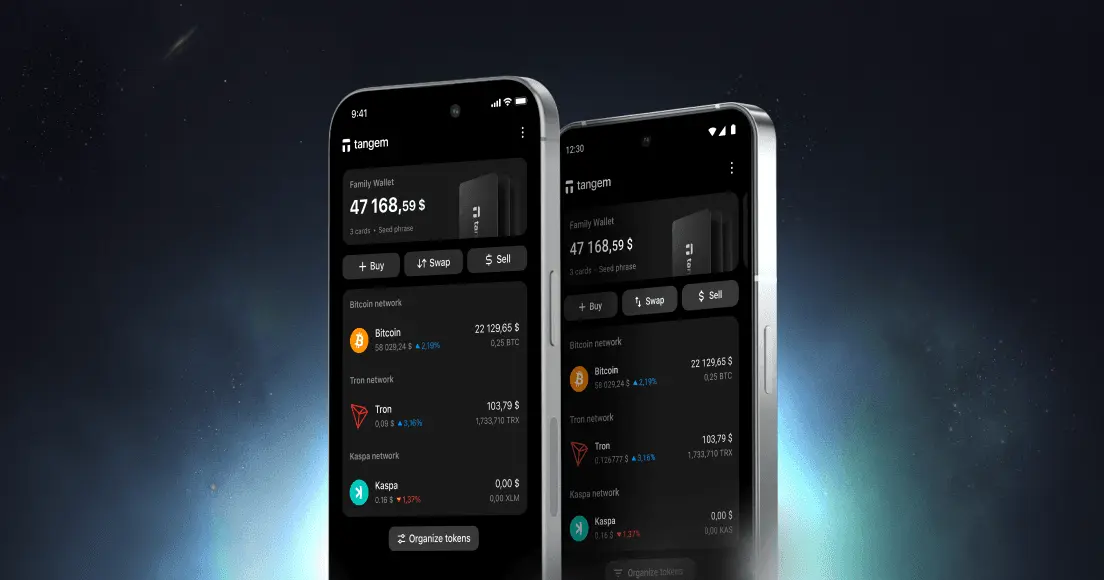
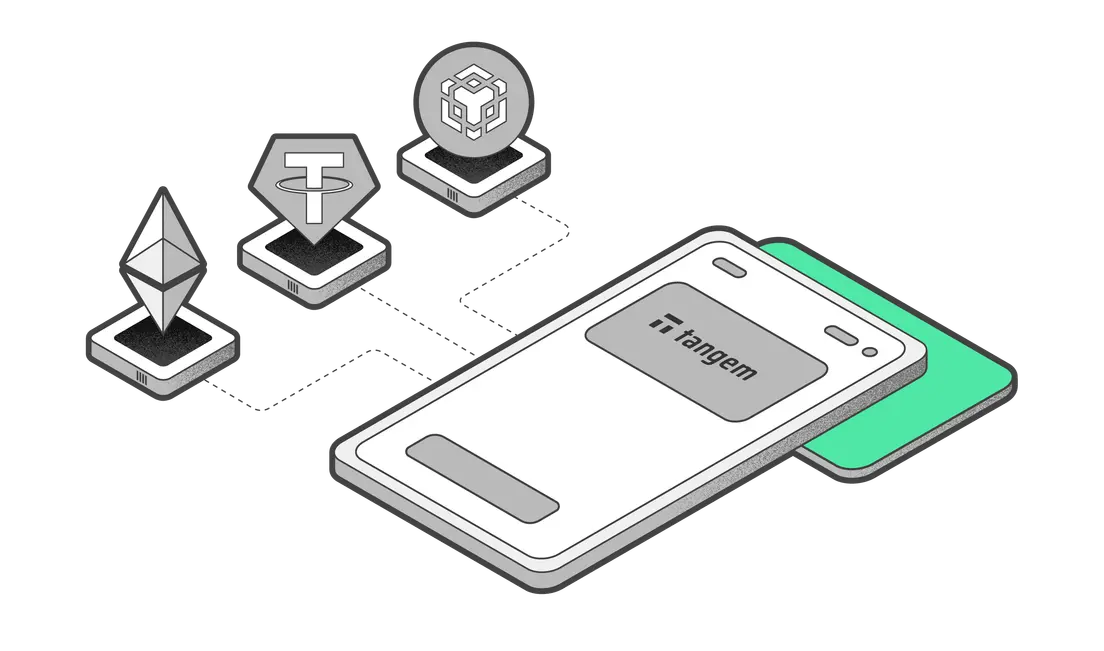
The main screen of the Tangem app is your portfolio view. It shows your total balance in fiat currency, individual token balances, and 24-hour price changes. Staked funds are included in the total. To switch between blockchains, tap the token list and add or remove networks. The app supports 16,000+ cryptocurrencies across 91+ blockchain networks. Custom tokens can be added by contract address on 60+ networks.
If you manage more than one Tangem wallet, you can switch between them by swiping the wallet icon. You can manage unlimited hardware wallets in the same app, each with its own unique card set. Choose a display language from English, French, German, Japanese, Russian, Spanish, and Ukrainian. Italian and Traditional Chinese have partial support. Light, dark, and system-default themes are all available.
Security Tips for New Self-Custody Users
Self-custody gives you control. That also means responsibility. A few habits make the difference.
Store cards separately. Keep your primary card and backup card in different physical locations. A fire, flood, or theft that takes one should not reach the other.
Never photograph your cards or access code. Photos live in cloud backups, and cloud accounts get compromised. The same rule applies to any seed phrase: never store it online, including in notes apps, email drafts, or cloud storage.
What to do if a card is lost. A person who finds your card still needs your access code and physical NFC proximity to use it. Possession alone cannot authorize a transaction. If a card goes missing while you still have a backup, use the remaining card to transfer funds to a new wallet for added security.
Changing phones is not a crisis. Your private keys live on the cards, not on your phone. Install the Tangem app on a new phone, tap any card from your set, enter the access code, and the wallet appears. No seed import required.
- Keep the app updated. App updates carry security patches. Enable automatic updates or check the App Store and Google Play regularly.
One honest limitation worth knowing: the Tangem app is mobile-only. There is no desktop or web interface. If your workflow requires a browser-based dashboard, that's a real constraint to factor in.
FAQ
-
Losing one card doesn't block access, as long as you have another backup card from the same set. Use the remaining card to access your wallet normally. Official guidance recommends then transferring funds to a new wallet for added security. If all cards are lost and no BIP39 seed phrase was generated during setup, the funds become permanently inaccessible. That's why storing backup cards in separate locations matters so much.
-
No. The card communicates over NFC with a range of 0 to 5 cm, and the channel is encrypted with AES-256. But the bigger protection is the access code: without it, a found card cannot authorize any transaction. The app itself also locks after 5 minutes of inactivity. Physical possession of the card alone is not enough.
-
Your funds stay on the blockchain regardless. The private keys reside on the cards, not on Tangem's servers. Official documentation states that blockchain access does not depend on Tangem. If you generated a BIP39 seed phrase during setup, you can import it into any compatible wallet. If you used the default seedless setup, your cards remain functional independent of Tangem's continued operation, since the keys are stored entirely on the secure element.
-
Yes. Because the private keys live on the cards rather than on any phone, you can install the Tangem app on as many phones as you like. On each new phone, open the app, tap "Scan card," hold any card from your set to the NFC reader, and enter the access code. The wallet appears and can sign transactions whenever a card from that set is tapped.
-
The Tangem app supports 16,000+ cryptocurrencies and tokens across 91+ blockchain networks. Supported networks include Bitcoin, Ethereum, Solana, Cardano, Arbitrum, Optimism, Base, BSC, Avalanche, TON, Sui, Aptos, and many others. Custom tokens can be added by contract address on 60+ networks. There is no practical limit on the number of different assets you can hold on one card set.
-
Self-custody is legal in the EU. MiCA's Recital 83 explicitly states that hardware or software providers of non-custodial wallets fall outside the regulation's scope. Holding and transferring your own crypto via self-custodial wallets remains fully permitted. The rules that do apply, such as the Travel Rule under Regulation (EU) 2023/1113, target regulated crypto service providers (CASPs), not individual users holding their own keys. Peer-to-peer transfers between self-custodial addresses are unaffected.




Other articles