Switch to seedless. Get 30% off with SWITCH30 till Oct 19
How to Pay with Stablecoins (USDC, USDT) in Real Life in 2026
You hold USDC or USDT. You want to buy groceries, pay for a subscription, or book a flight. The question is: how do you actually spend it? Most guides stop at "crypto is the future of payments." This one explains the mechanics: what actually happens when you fund a card with USDC, why the merchant never touches a stablecoin, and what fees you should expect.
What Are Stablecoins and Why Are They Better for Spending?
Here's the core problem with spending Bitcoin or Ethereum at a store: the price moves. You load $200 worth of ETH onto a card on Monday, and by Thursday, it could be worth $160 or $240. Budgeting becomes guesswork.
Stablecoins solve that. USDC and USDT are each pegged to $1, which means the balance you fund today is the same as the balance you spend tomorrow. No volatility between top-up and checkout.
USDC is the stablecoin Tangem Pay uses for real-world card spending. Tangem Pay lets users top up with native USDC on the Polygon network and spend using a virtual Visa card.
USDT is another dollar-pegged stablecoin used across multiple networks. The research dossier lists examples of the USDT network, including Ethereum, Binance Smart Chain, Solana, and Tron.
For everyday spending with Tangem Pay, the practical difference comes down to compatibility: Tangem Pay supports USDC on Polygon. That's why Tangem Pay supports USDC on Polygon as its funding method. USDT is not currently supported.
Can You Use Stablecoins to Pay in Real Life?
Yes. But not by sending USDC directly to a merchant's wallet. Most merchants don't accept stablecoins at the point of sale. The bridge is a virtual Visa card funded with USDC: you hold USDC, your USDC balance powers the card, and when you make a purchase, the transaction settles through the Visa network in USD.
Here's what that means in practice: the merchant receives USD and never interacts with USDC directly. From their perspective, it is a regular Visa transaction. Tangem Pay works by converting USDC 1:1 to USD when a purchase is made, processing through the Visa network, sending USD to the merchant, and deducting equivalent USDC from the account.
This model is what makes stablecoin real-life spending work at scale. No merchant integration is required. No crypto literacy needed on the merchant's side. You spend USDC; they receive dollars.
Payment gateways like BitPay and Coinbase Commerce take a similar approach for online merchants: customers pay with stablecoins while merchants receive local currency. But for in-store and contactless payments, the Visa card model is the most practical route available today.
How Stablecoin Payments Work Step by Step
The flow is straightforward once you see it laid out. Here's how it works with Tangem Pay:
Step 1: Hold USDC in your self-custody wallet. Keep USDC on the Polygon network. Tangem Pay uses native USDC on Polygon for this flow. More on that in the fees section.
Step 2: Fund your Tangem Pay virtual Visa card with USDC. This is a standard on-chain transfer from your Tangem Wallet to your Tangem Pay account. Tangem Pay holds funds in a smart contract that the user controls. After blockchain confirmation, funds become available for instant spending.
Step 3: Complete one-time KYC verification. Tangem Pay requires identity verification through Sumsub using a government ID and face verification. This is a regulatory requirement tied to the Visa network, not a Tangem choice. The process takes minutes. Importantly, your main Tangem Wallet remains fully anonymous. Only Tangem Pay activity is visible to compliance partners.
Step 4: Add Tangem Pay to Apple Pay or Google Pay. Once set up, contactless payments are enabled at any Visa terminal.
Step 5: Pay at any Visa-accepting merchant, online or in-store. For online purchases, enter the card details at checkout. For in-store, tap your phone. Your USDC balance is deducted; the merchant receives USD via the Visa network.
Here is the everyday version: you top up Tangem Pay with USDC on Polygon, add the virtual card to Apple Pay, and tap at a Visa-accepting checkout. The merchant sees a normal Visa payment. Your spending account settles the USD side by deducting the equivalent USDC.
Step 6: Check your balance in the Tangem app. Remaining USDC stays in your account. You can withdraw it back to your Tangem Wallet at any time. Freezing the card disconnects it from the Visa network, leaving your on-chain USDC balance completely unaffected.
One thing to know before you start: Tangem Pay is currently available in the USA, Latin America, and Asia-Pacific across 42 countries. UK and EU availability is planned for 2026.
USDC vs USDT for Real-Life Spending
The two most widely held stablecoins aren't interchangeable for card spending. Here's how they compare on the factors that matter most:
Feature | USDC | USDT |
Everyday spending role | Price-stable asset used for payments | Price-stable asset used for payments |
Tangem Pay support | Yes, native USDC on Polygon | Not currently supported |
Network notes from the research dossier | Polygon is the Tangem Pay top-up network | USDT examples include Ethereum, Binance Smart Chain, Solana, and Tron |
Merchant experience with Tangem Pay | Merchant receives USD through Visa | Not applicable to Tangem Pay |
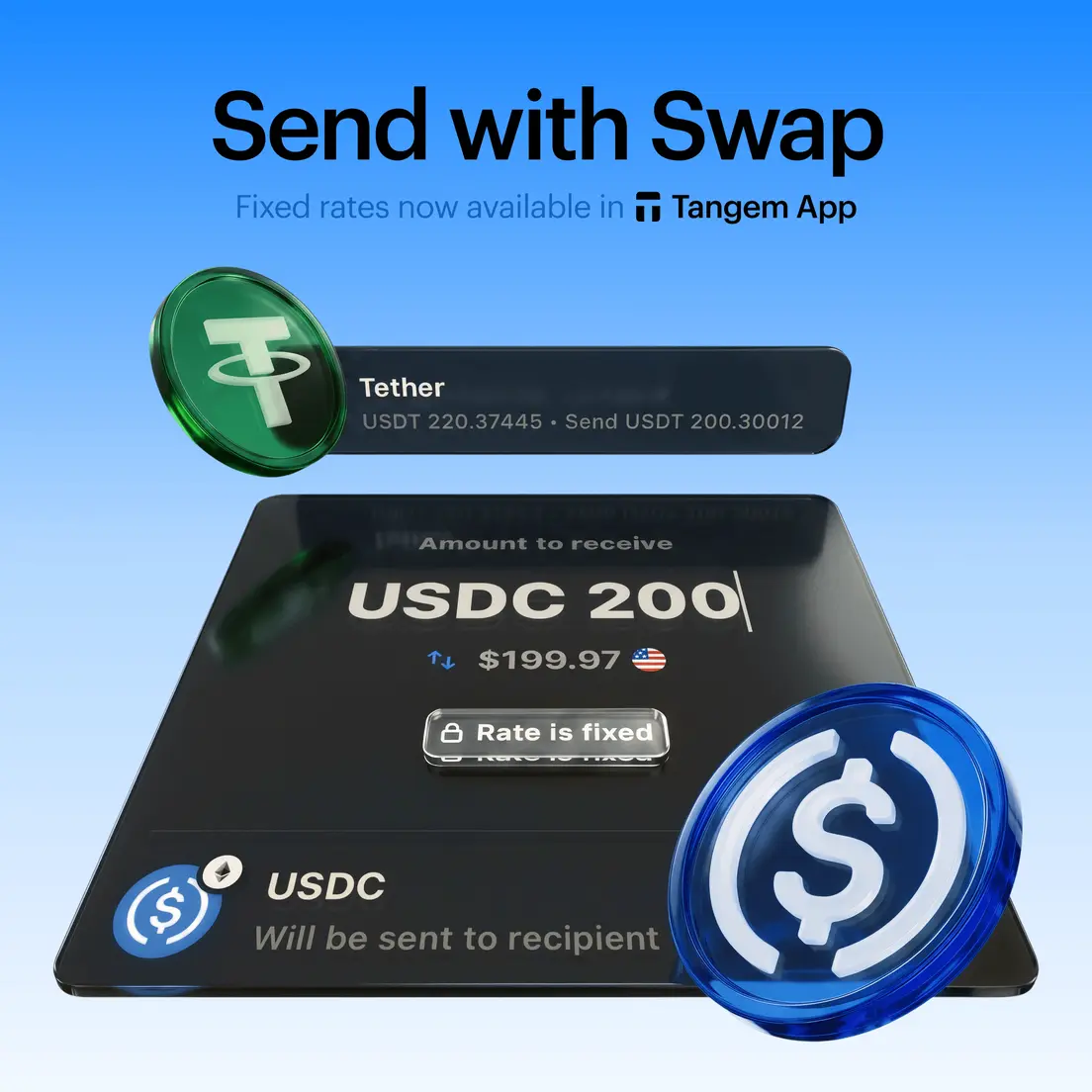
For everyday spending with Tangem Pay, USDC on Polygon is the correct choice for compatibility. USDT holders who want to use Tangem Pay must first swap to USDC, which can be done in the Tangem app.
Are There Fees When Paying with USDC?
This is one of the most common concerns. The short answer: Tangem Pay has no monthly fee and no purchase transaction fee.
Two cost considerations do apply:
Polygon network gas on top-up. When you fund your Tangem Pay account, you pay a Polygon gas fee to validators. Tangem Pay top-ups incur Polygon gas fees paid to validators, not Tangem. For context, the same transfer on Ethereum's mainnet would cost considerably more; the research dossier lists example ERC-20 USDT network fees around $10.
Foreign exchange markup. If you spend in a currency other than USD, standard Visa foreign exchange rates apply. For USD-denominated spending, Tangem Pay is effectively fee-free at the point of purchase. All fees are clearly displayed during sign-up and during transactions.
So the practical cost of a typical top-up is the Polygon network gas fee. That's the only network-fee friction between holding USDC and spending it.
What Can You Buy with USDC in Real Life?
The straightforward answer: anything at a Visa-accepting merchant. That covers a wide range of everyday spending categories. Here's what that looks like concretely:
Groceries and supermarkets. Any major chain that accepts Visa contactless payments. Add Tangem Pay to Apple Pay or Google Pay and tap to pay at the checkout.
Streaming subscriptions. Subscription services that accept Visa card payments can be paid with Tangem Pay card details at checkout.
Rideshare and delivery. Uber, DoorDash, and similar apps accept Visa. You can also use gift card platforms like Bitrefill, which lets users purchase gift cards for hundreds of brands using stablecoins.
Online shopping. Visa-accepting e-commerce platforms are covered. The research dossier lists Shopify-based stores, Newegg, Bitrefill, and Namecheap as examples of online shopping for crypto spending.
Travel. Booking platforms that accept Visa, plus travel-native crypto options. Travala accepts dozens of cryptocurrencies for flights, hotels, and activities. CheapAir and Destinia also support crypto travel bookings directly.
Restaurants and cafes. Any Visa-accepting location. Tap to pay with Apple Pay or Google Pay linked to your Tangem Pay card.
The consistent phrase to keep in mind: these work at Visa-accepting merchants. Not everywhere, not at every terminal globally, but at the millions of merchants that accept Visa worldwide. E-commerce leads crypto adoption because it benefits from global, digital-native payments, so online spending tends to have the widest practical coverage today.
Conclusion
Stablecoins are the practical side of crypto. USDC doesn't ask you to time the market before you buy coffee. It holds its value, settles fast, and, with the right card product, spends like cash. The gap between holding USDC and spending it in real life is narrower than most people realize. Fund a Tangem Pay virtual Visa card with USDC on Polygon, add it to Apple Pay or Google Pay, and you're spending at Visa-accepting merchants without touching an exchange.
Tangem Pay is the bridge between self-custody and real-world Visa spending. You can learn more and get started at tangem.com/en/tangem-pay/.
FAQ
-
Yes, through a virtual Visa card funded with USDC. When you make a purchase, your USDC balance is deducted, and the merchant receives USD via the Visa network. They never handle USDC directly. From the merchant's perspective, it's a standard Visa transaction, no crypto integration required on their end.
-
Not currently. Tangem Pay supports USDC on the Polygon network as its funding method. USDT is not available at this time. If you hold USDT and want to use Tangem Pay, you'll need to swap to USDC first, which can be done inside the Tangem app.
-
No. Fund your Tangem Pay card with USDC and spend directly, no cash conversion step required. When you make a purchase, the conversion from USDC to USD happens automatically through the Visa settlement process. You never need to touch an exchange or withdraw to a bank account.
-
Yes. Tangem Pay charges no monthly fee and no transaction fee on purchases. The only cost is the Polygon gas fee when you top up your account. If you spend in a currency other than USD, standard Visa foreign exchange rates apply.
-
Tax treatment varies meaningfully by jurisdiction, so consult a tax advisor for your specific situation.
-
KYC (Know Your Customer) is the process of verifying a customer's identity. Tangem Pay requires it because the Visa network operates under financial regulations that mandate identity checks for card programs. Verification is handled through Sumsub and requires a government ID and face verification. It's a one-time process. Your main Tangem Wallet remains completely anonymous. Only Tangem Pay activity is subject to compliance requirements.
-
Freezing the card disconnects it from the Visa network, preventing new purchases. Your on-chain USDC balance is completely unaffected. You still control the funds in your Tangem Pay account, and you can unfreeze the card or withdraw your USDC back to your Tangem Wallet at any time.
-
Tangem Pay launched initially in the USA, Latin America, and Asia-Pacific, covering 42 countries. UK and EU availability is planned for 2026. Check the Tangem app during sign-up to confirm availability in your region.