


 Переходьте на seedless. Знижка 30% з SWITCH30 до 02 лист.


Tangem Pay Physical Cards Are Here
Pay in physical stores without Apple Pay and get cash from ATMs.
Ця стаття доступна такими мовами:
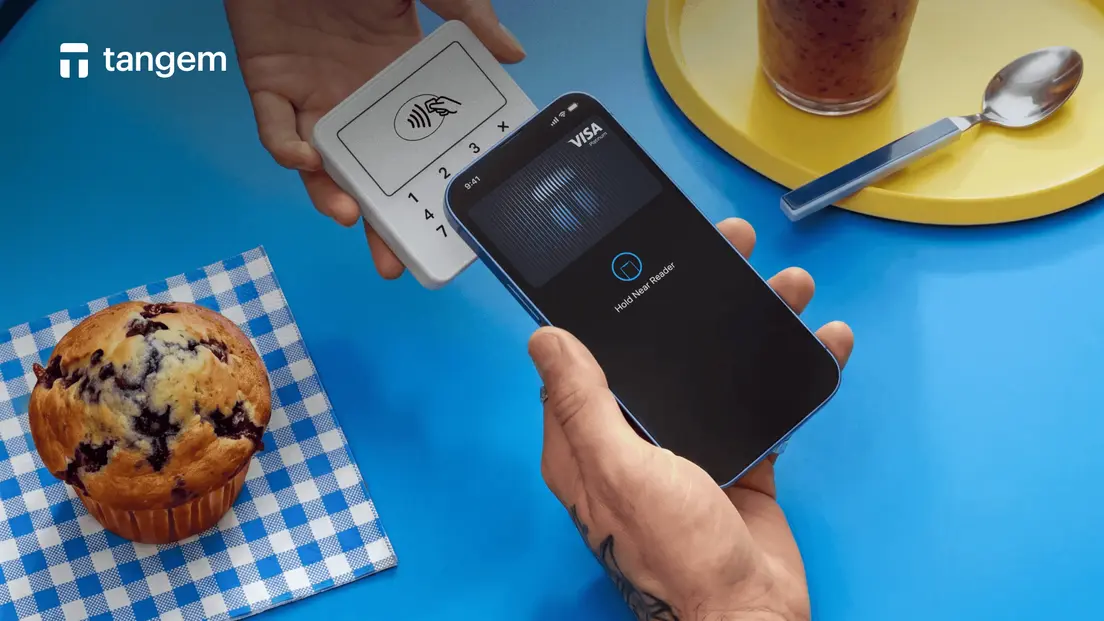
With Tangem app version 6.3.2 on iOS and 6.3.3 on Android, you can now order your very own physical Tangem Pay card. Unlock total spending freedom anywhere in the world where Visa is accepted. Pay effortlessly in brick-and-mortar stores that don't support Apple Pay or Google Pay, and withdraw cash on demand from millions of ATMs worldwide.
This guide covers everything about card tiers, limits, ordering one, instant activation, and more.
Card type and appearance
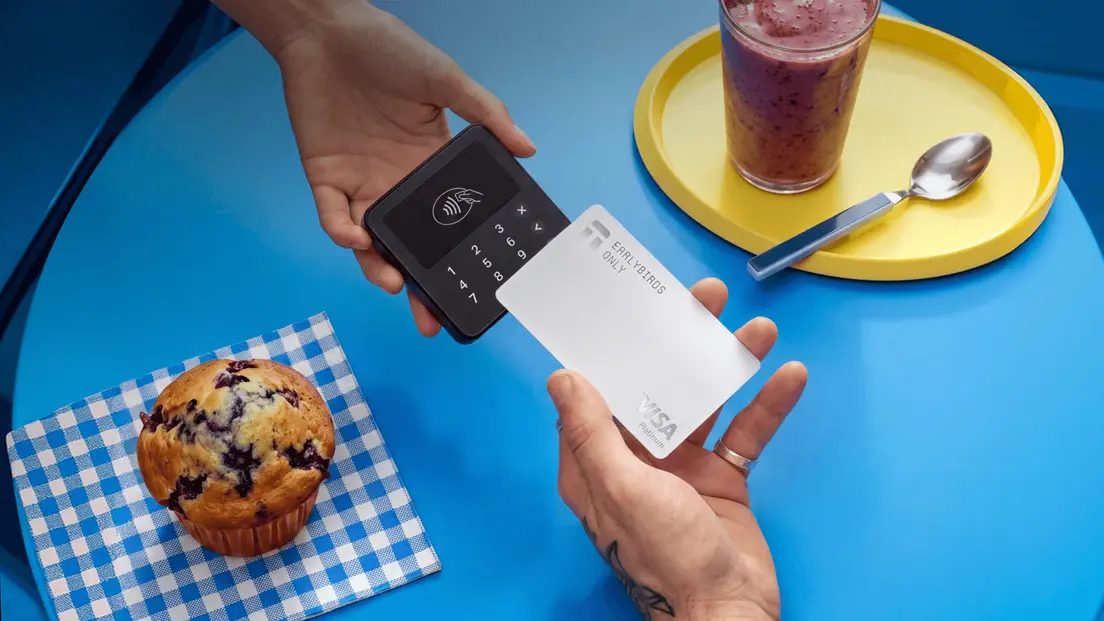
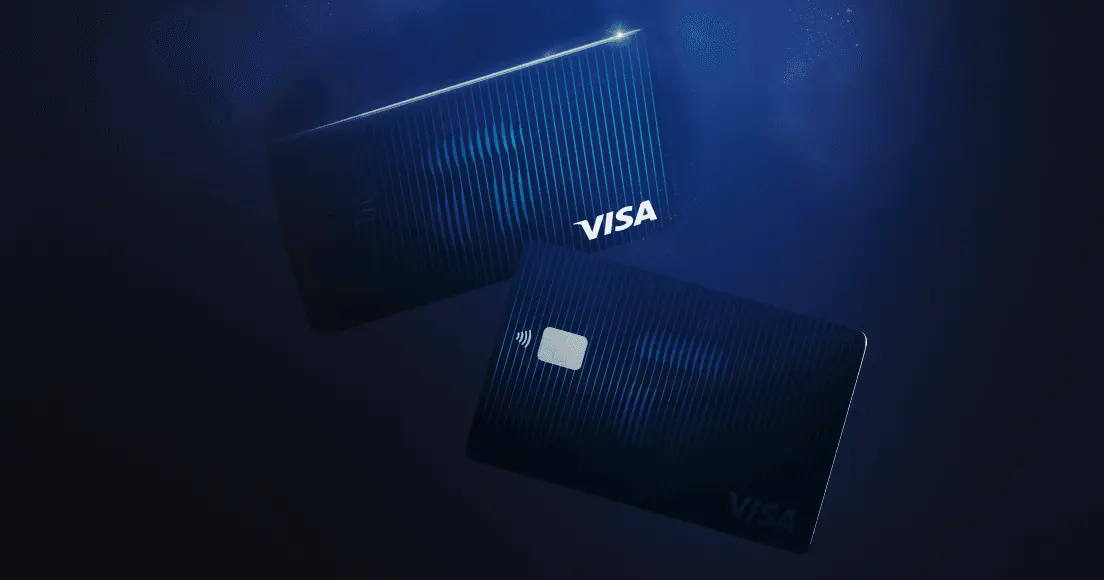
The first limited-edition batch of plastic cards has a single design for both plans. The Earlybirds card is white with a silver Visa logo. You can add the physical card to Apple Pay or Google Pay, just like a virtual card.
Tier | Visa program | Color in the app and in Apple Pay | Maximum cards (virtual + plastic) |
|---|---|---|---|
Basic | Visa Platinum | Blue | 3 |
Plus | Visa Signature | Gray | 5 |
Eligibility and card limits
You can order a plastic card on the Basic and Plus tiers. Your plan sets the maximum number of cards you can have. Virtual cards and plastic cards count together.
Plan | Maximum cards (virtual + plastic) |
|---|---|
Basic | 3 |
Plus | 5 |
For example, if you are on Basic and you have 3 virtual cards. Close 1 virtual card first, then order your plastic card.
How to order a plastic card
You order the card from the main screen of your Payment account.
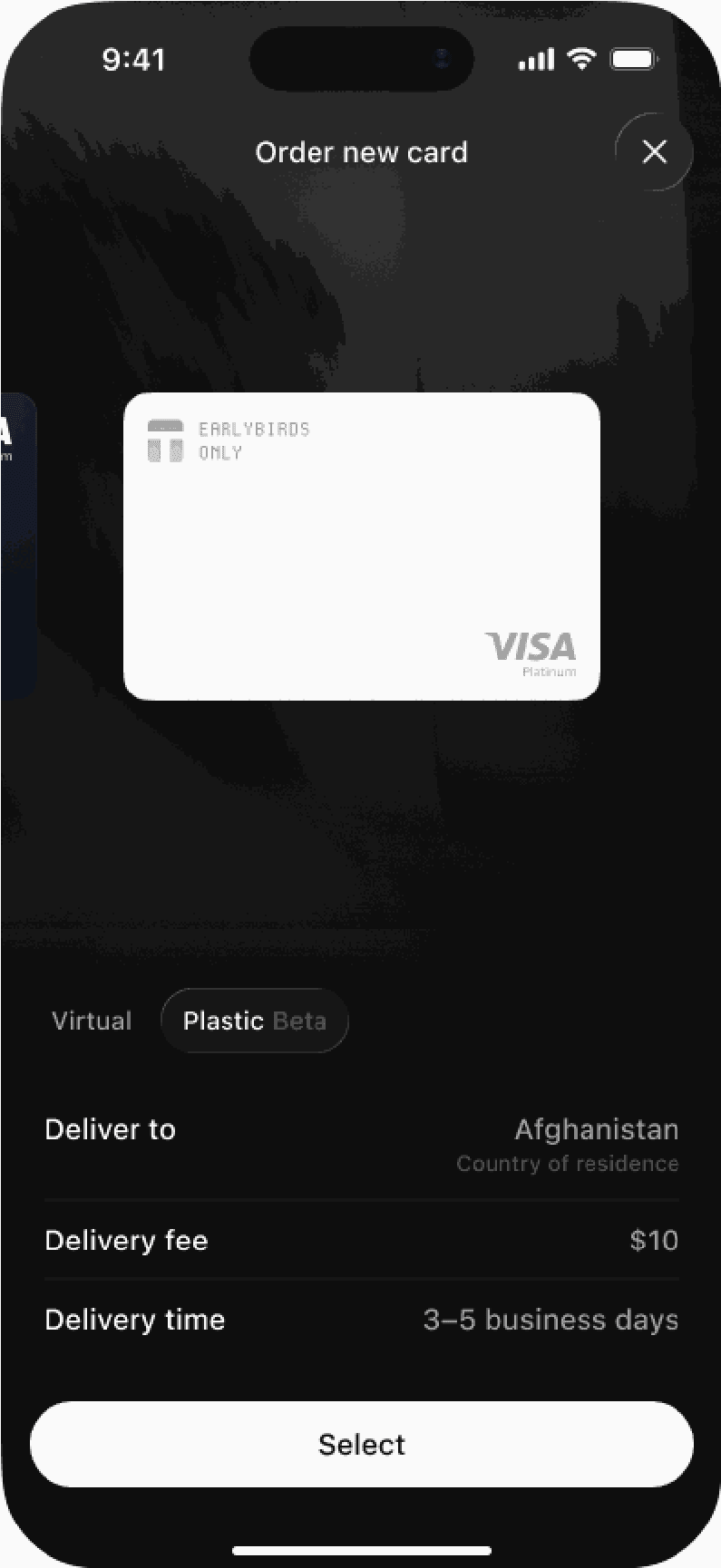
On the main screen of your Payment account, tap + to add a card. Set the Virtual / Plastic switch to Plastic.
Check the delivery details. Deliver to means your country of residence from KYC. You can also see the Delivery fee and Delivery time in business days for your country.
Tap Select to continue.
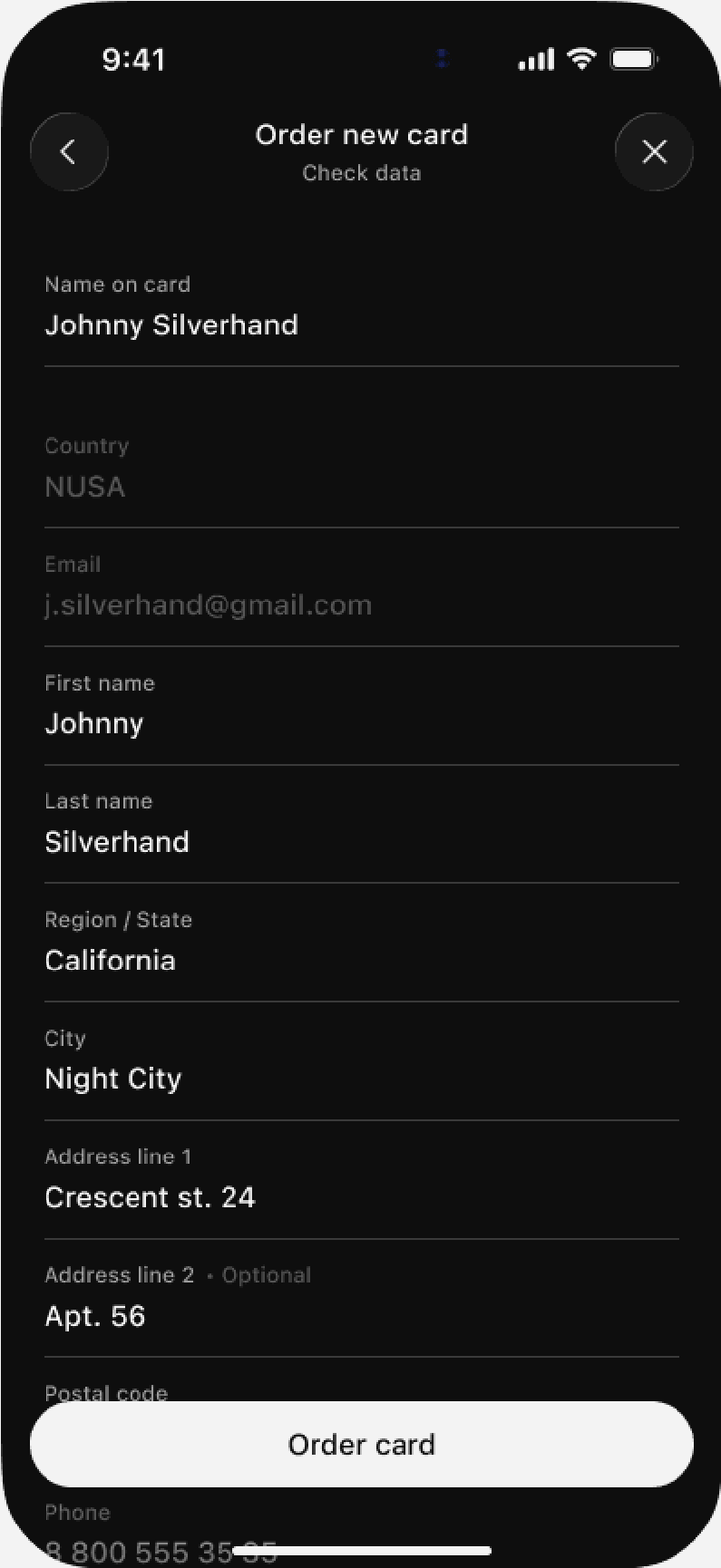
Fill in the delivery form:
Field | Source | Can you change it? | Notes |
|---|---|---|---|
Name on card | Copied from your current card | Yes | The name printed on your physical card. It is not verified against your KYC details. |
Country | KYC | No | |
KYC | No | The delivery company sends tracking data to this email. | |
First name, Last name | Yes | The designated recipient of the parcel. This individual does not need to match the KYC documentation and may be someone else, such as a relative. | |
Region / State, City, Address line 1 | Yes | Required. | |
Address line 2 | Yes | Optional. | |
Postal code, Phone | Yes | Required. |
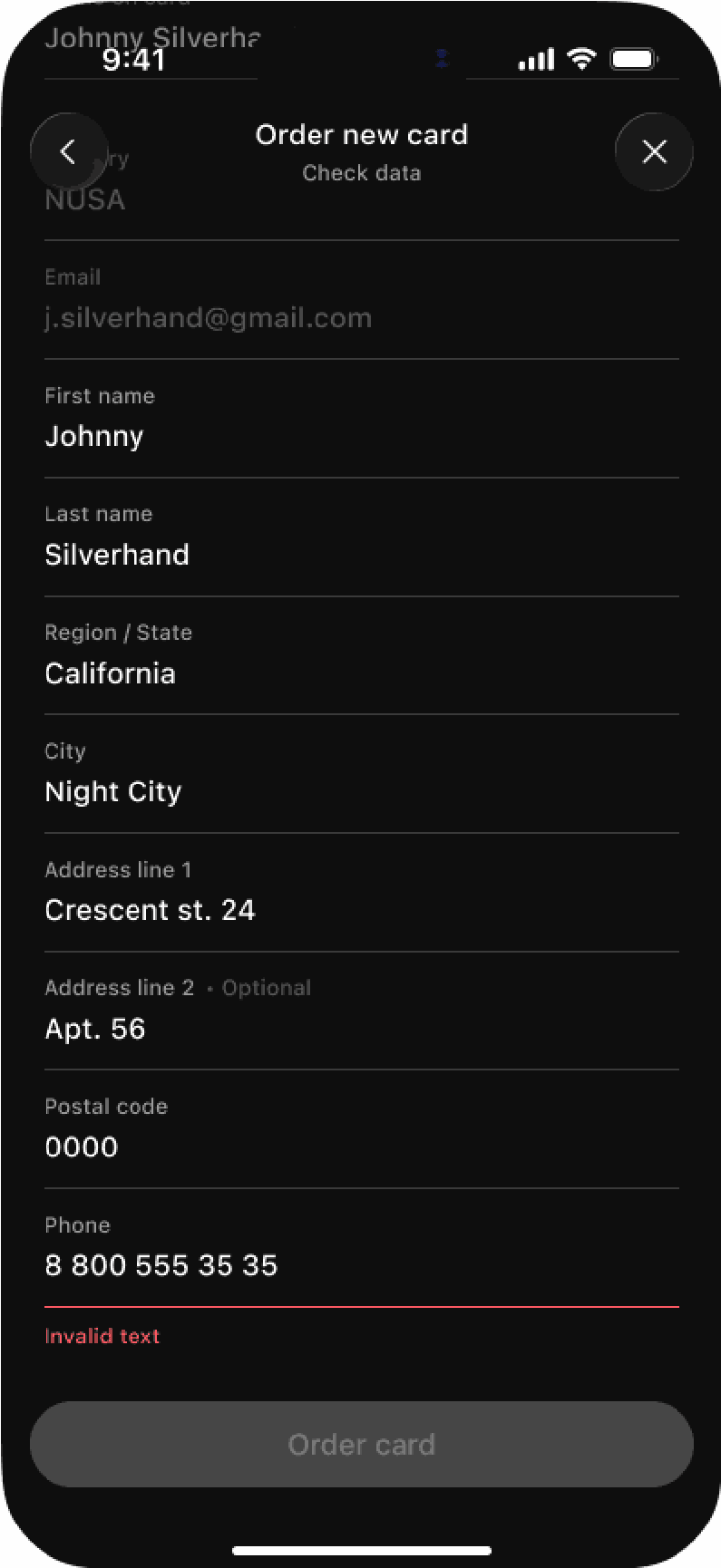
If a field has an incorrect value, you see an error below the field. The Order card button stays inactive until you correct the field.
Placing the order
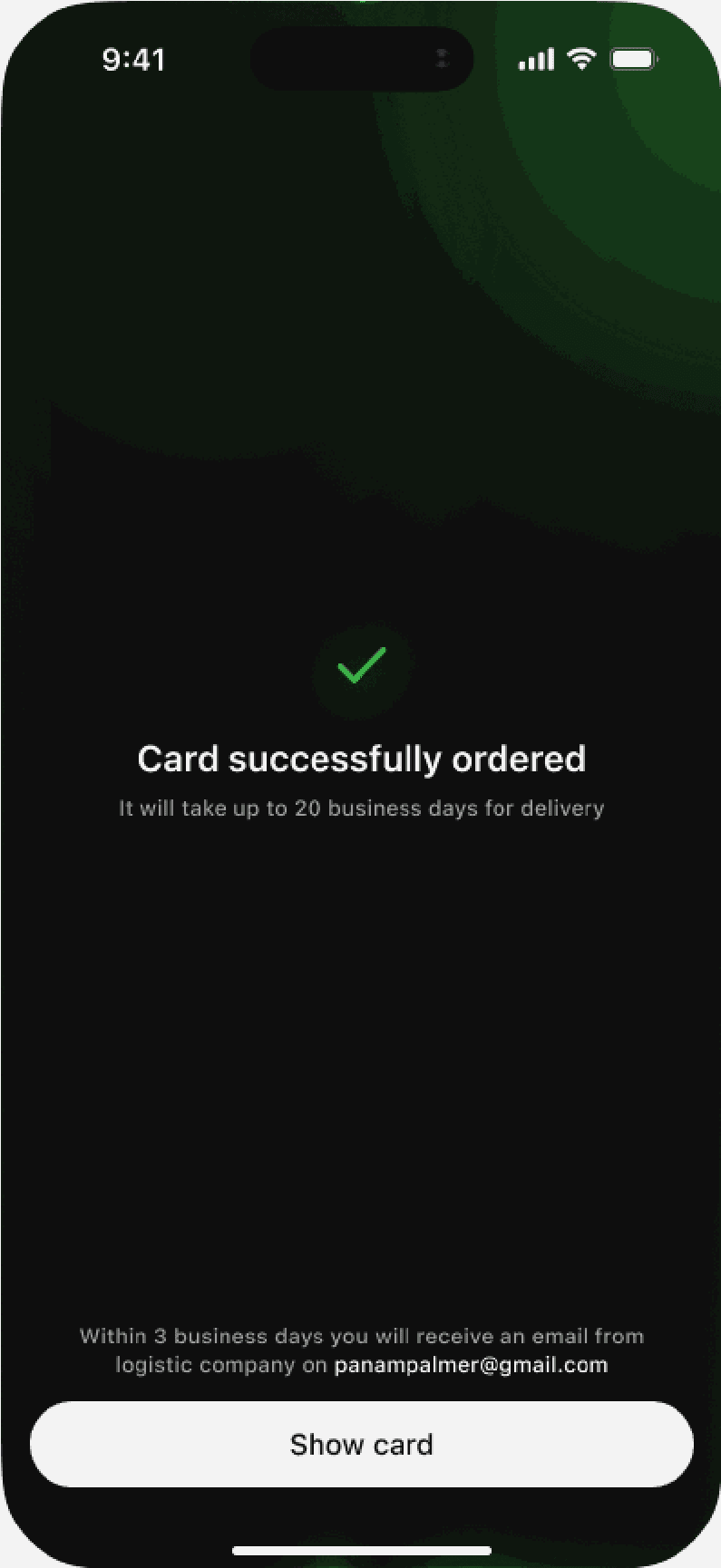
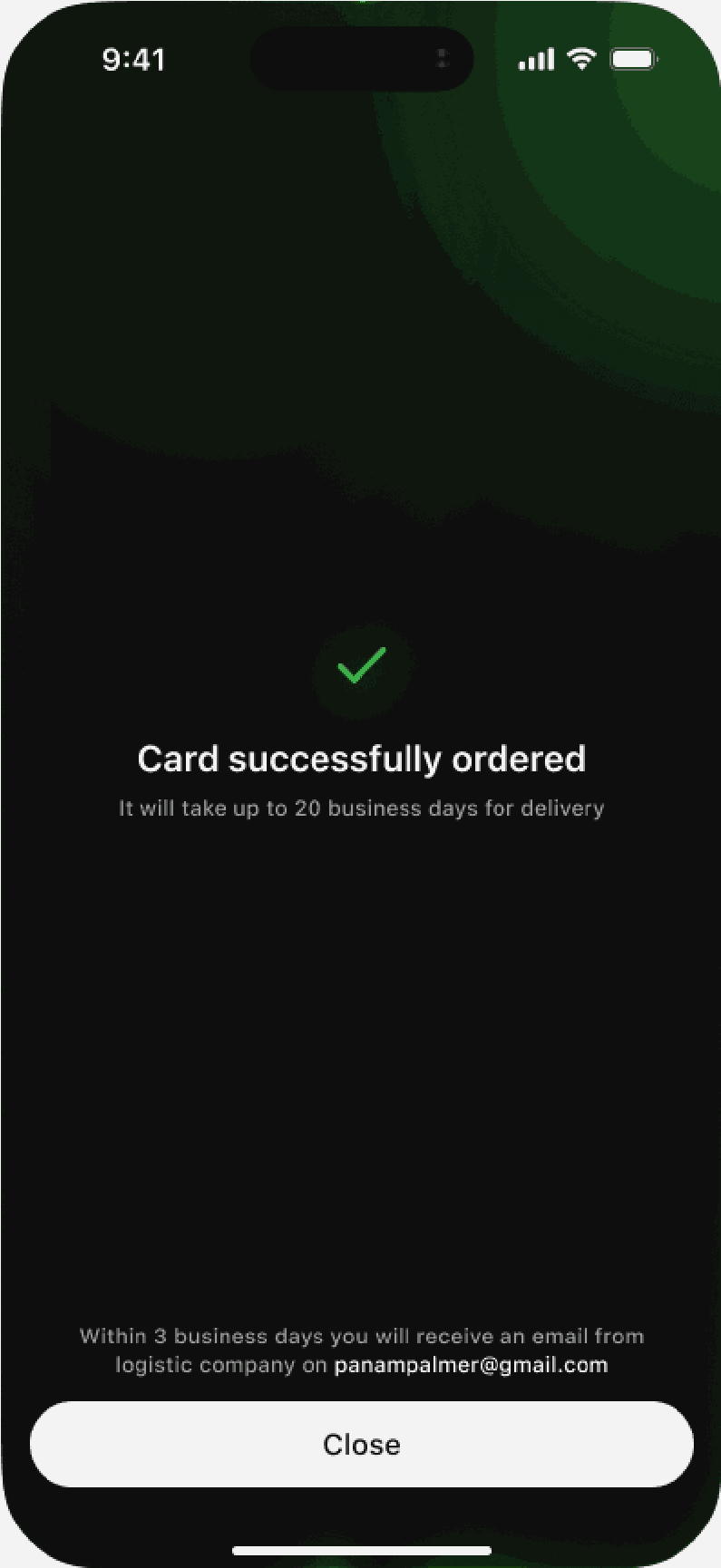
Tap Order card. The app then shows the Card successfully ordered with your expected delivery time. Tap Show card to see your new card in the card list.
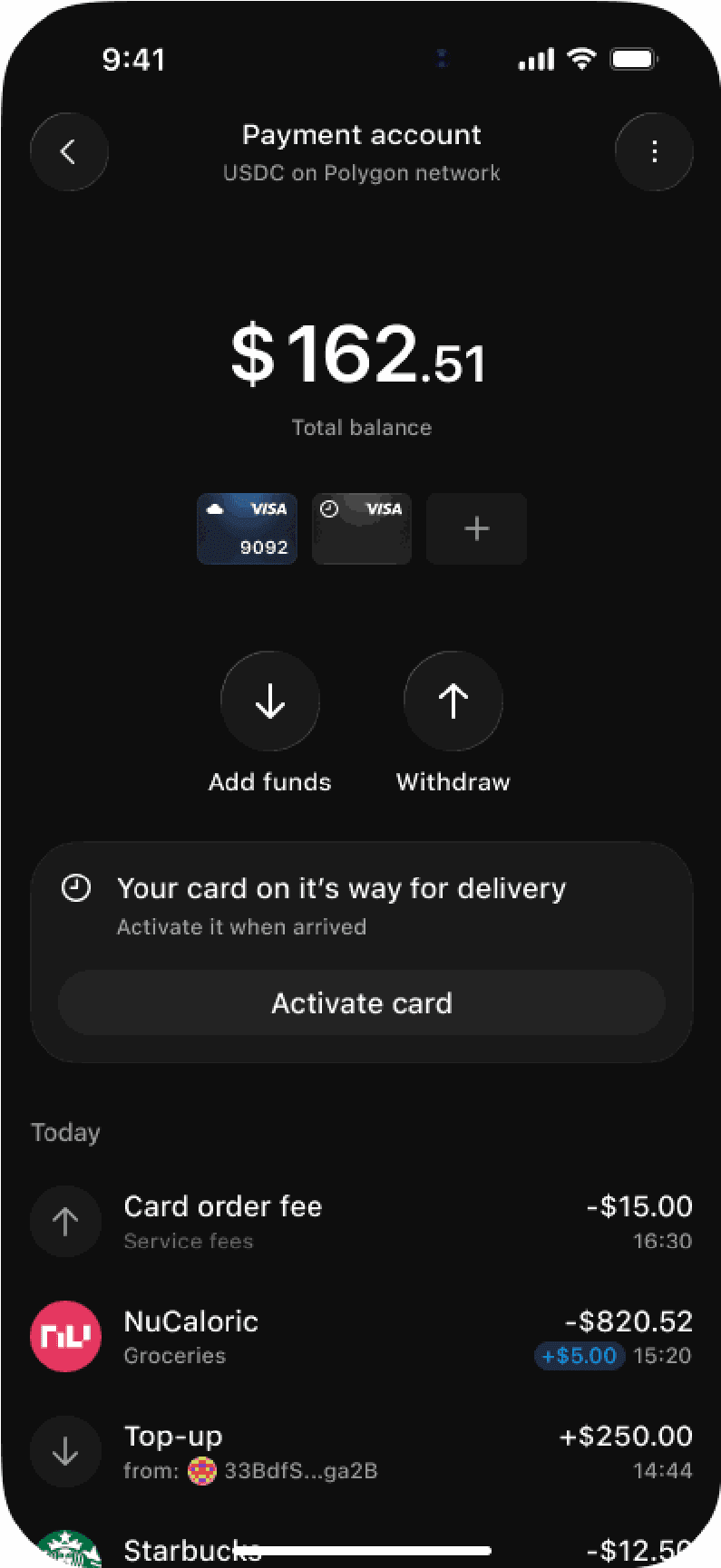
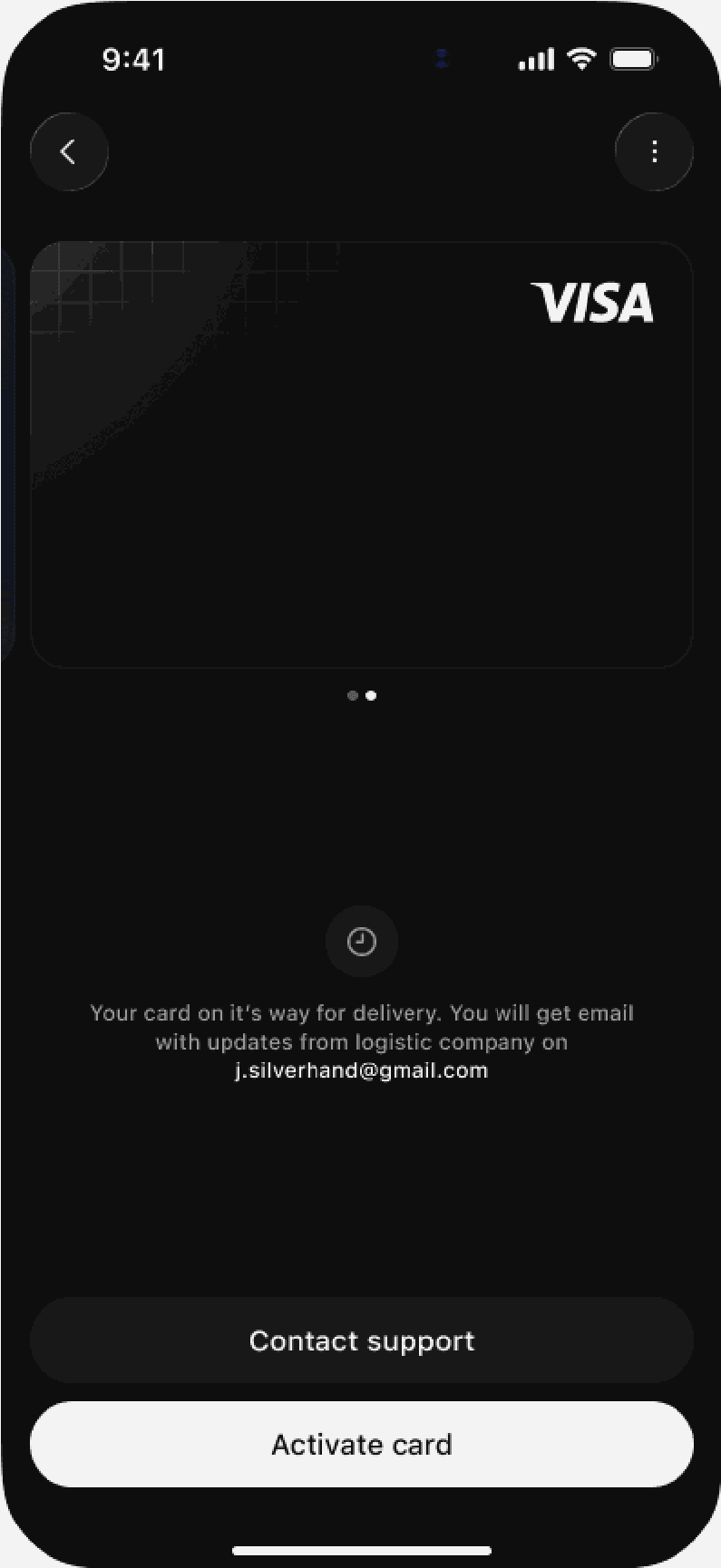
After ordering, you'll see Your card is on its way for delivery with an Activate card button. Your transaction history shows the delivery fee as Card order fee.
Shipping/Delivery
We deliver only to the country of residence as verified in your KYC check. You cannot select a different country. Your city, region, and street address may differ from your KYC address.
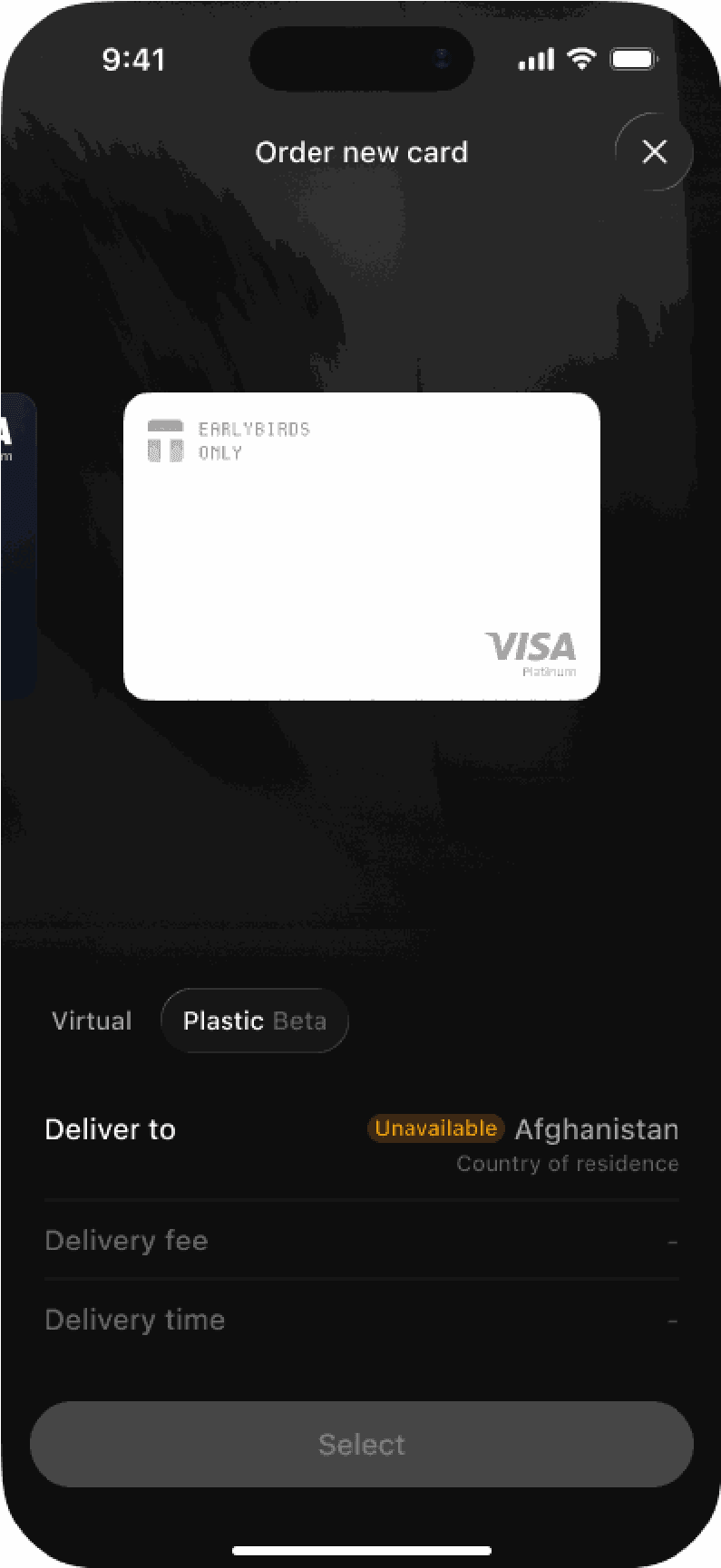
We do not deliver to some countries yet. If your country is one of them, the app displays the Plastic tab with the Unavailable label next to it. You can still activate virtual cards.
Address and name rules
Important: Use only Latin characters in the address fields and the name fields.
The fields accept these characters:
- Latin letters (A to Z, a to z)
- Digits (0 to 9)
- Space
- These symbols:. , # ' / & ( )
The fields do not accept letters with diacritics, for example é, ñ, ü, or ć. They also do not accept Cyrillic, Chinese, Arabic, or other non-Latin scripts.
If your address is in a non-Latin script, write it in Latin letters. For example: Ερμού 25, 105 63 Αθήνα becomes 25 Ermou Street, 105 63 Athens
If your address contains a forbidden character, you see the message Check the delivery address and try again.
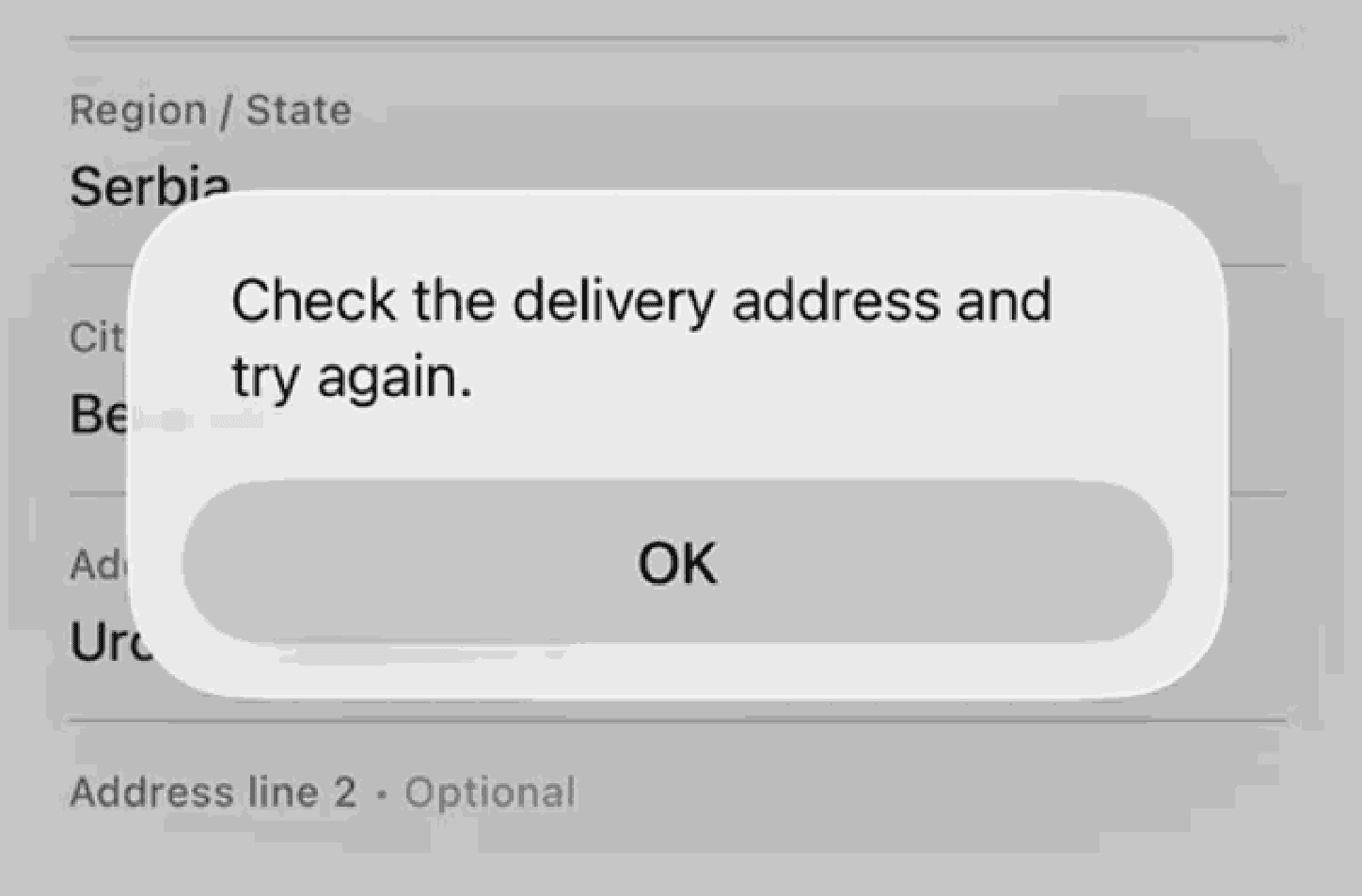
This error often comes from a single letter with a diacritic, for example, ć or ñ.
Delivery fees and delivery time
Your delivery fee depends on your country of residence.
Tier | First plastic card | Each subsequent card and each replacement |
|---|---|---|
Basic | Delivery fee (depends on country) | Delivery fee (depends on country) |
Plus | Free | Delivery fee (depends on country) |
Terms and conditions
- Plus-tier users get only 1 free delivery. If you got a free card, moved to Basic, and then went back to Plus, you do not get a second free delivery.
- Tangem Pay deducts the delivery fee from your Payment account balance when you place the order.
- Delivery times are listed in business days and vary by country. The app shows the estimated delivery time before you place your order.
- You cannot cancel the order, and we cannot refund the delivery fee.
- ATM cash withdrawals have a fee from your plan: 4% on Basic and 2% on Plus.
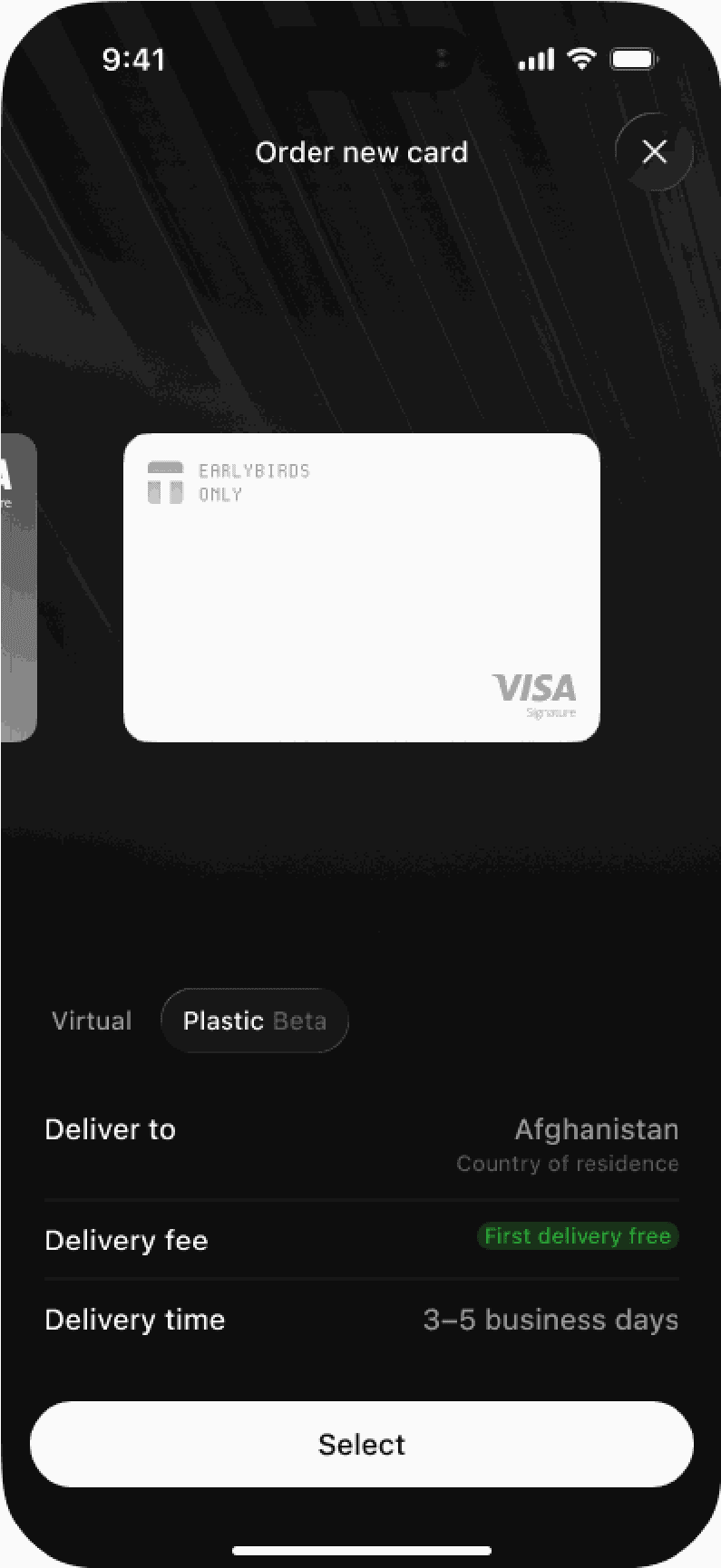
First delivery free
If you are on Plus and have not received a free plastic card before, you will see the "First delivery free" label next to the delivery fee.
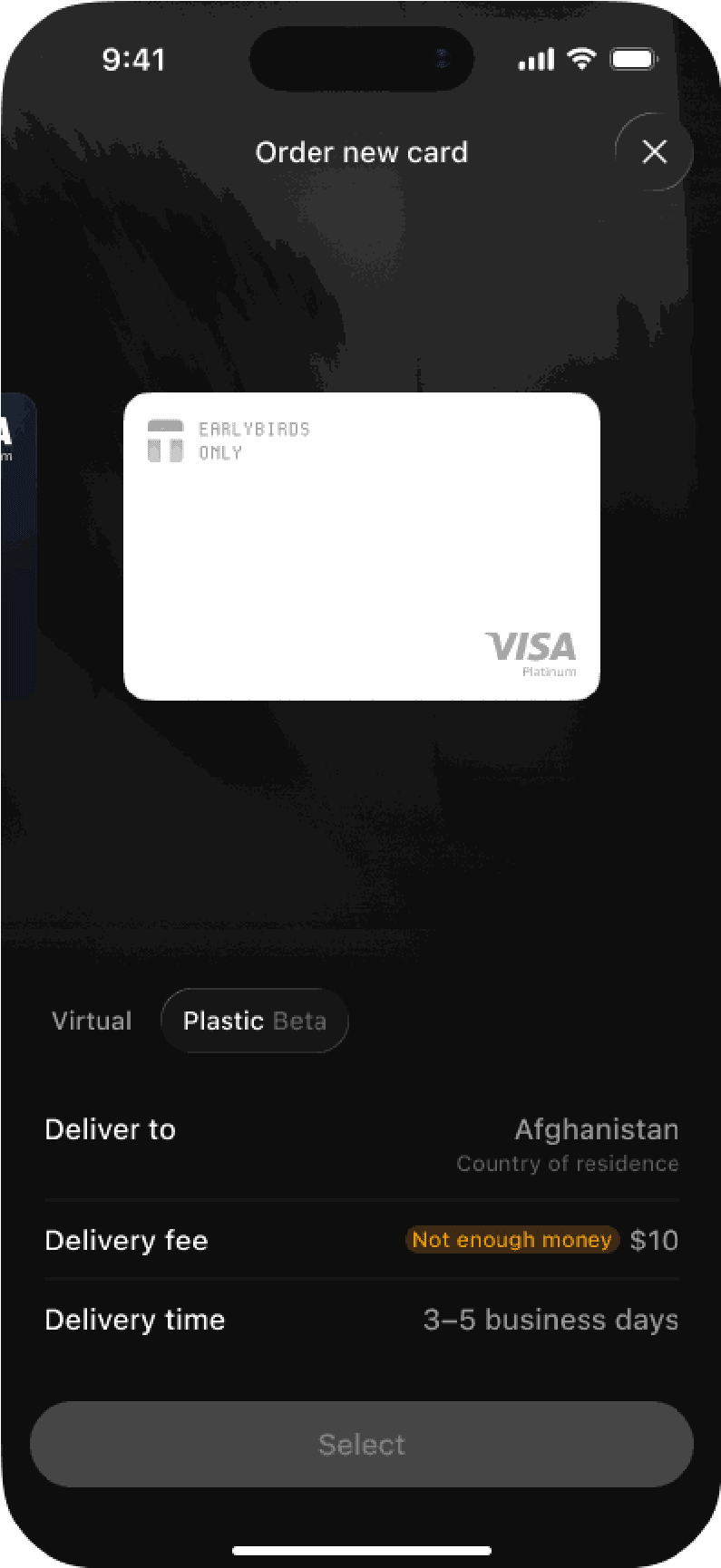
Not enough money
If your balance is less than the delivery fee, the app shows Not enough money. Add funds to your Payment account and try again.
Delivery tracking and support
The app does not track the delivery. The delivery company sends a tracking email to your KYC email address within 3 business days after you order.
You cannot cancel the order or get a refund of the delivery fee. This applies in the app and through our support team.
You can see the delivery info and email address for tracking updates.
Activating physical cards
Your card arrives inactive. You cannot pay with the card before you activate it. Here’s how to do that:
- Open your card in the app and tap Activate card.
Enter the last 4 digits of the card number. The digits are printed on the card. Tap Continue.
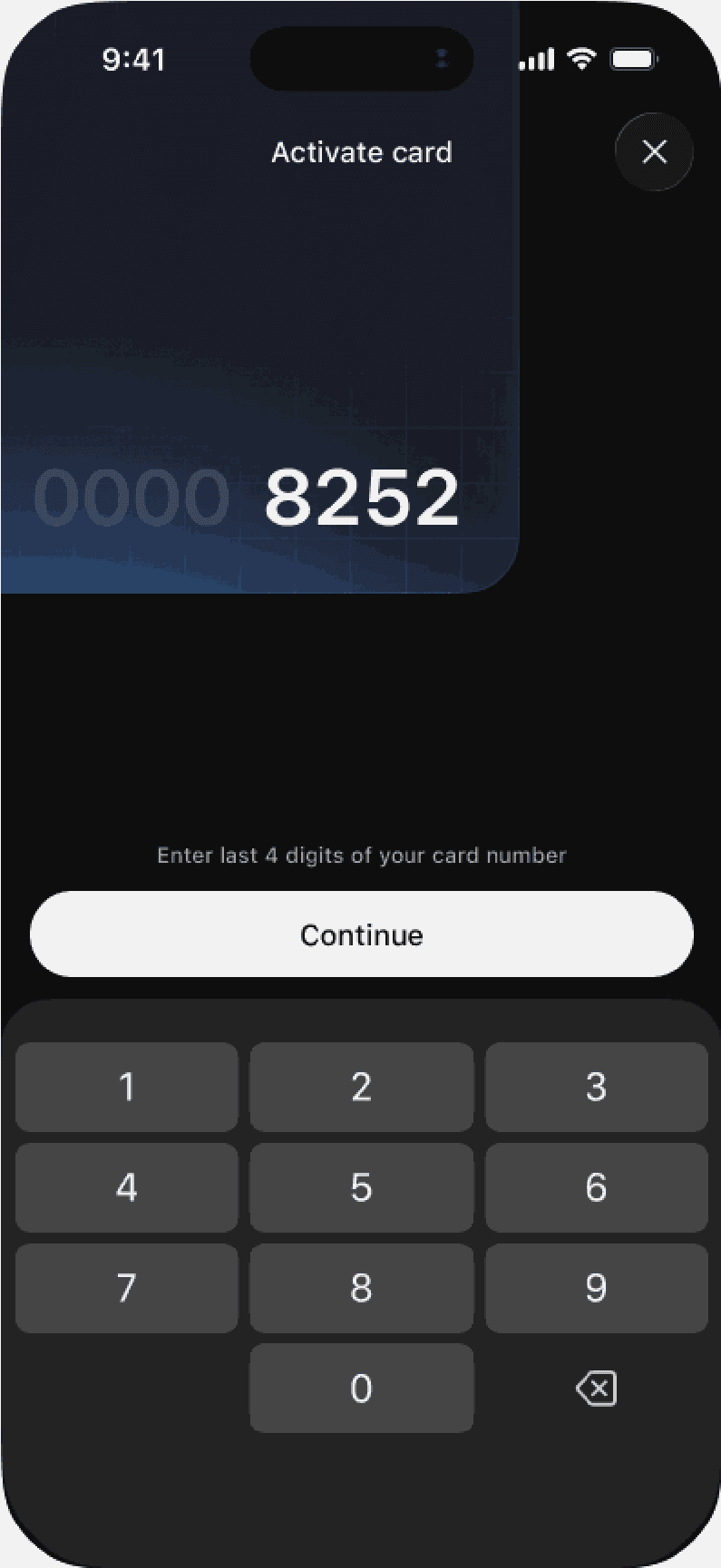
- The number of attempts has no limit. If the digits are incorrect, the app displays "Invalid last digits". Try again.
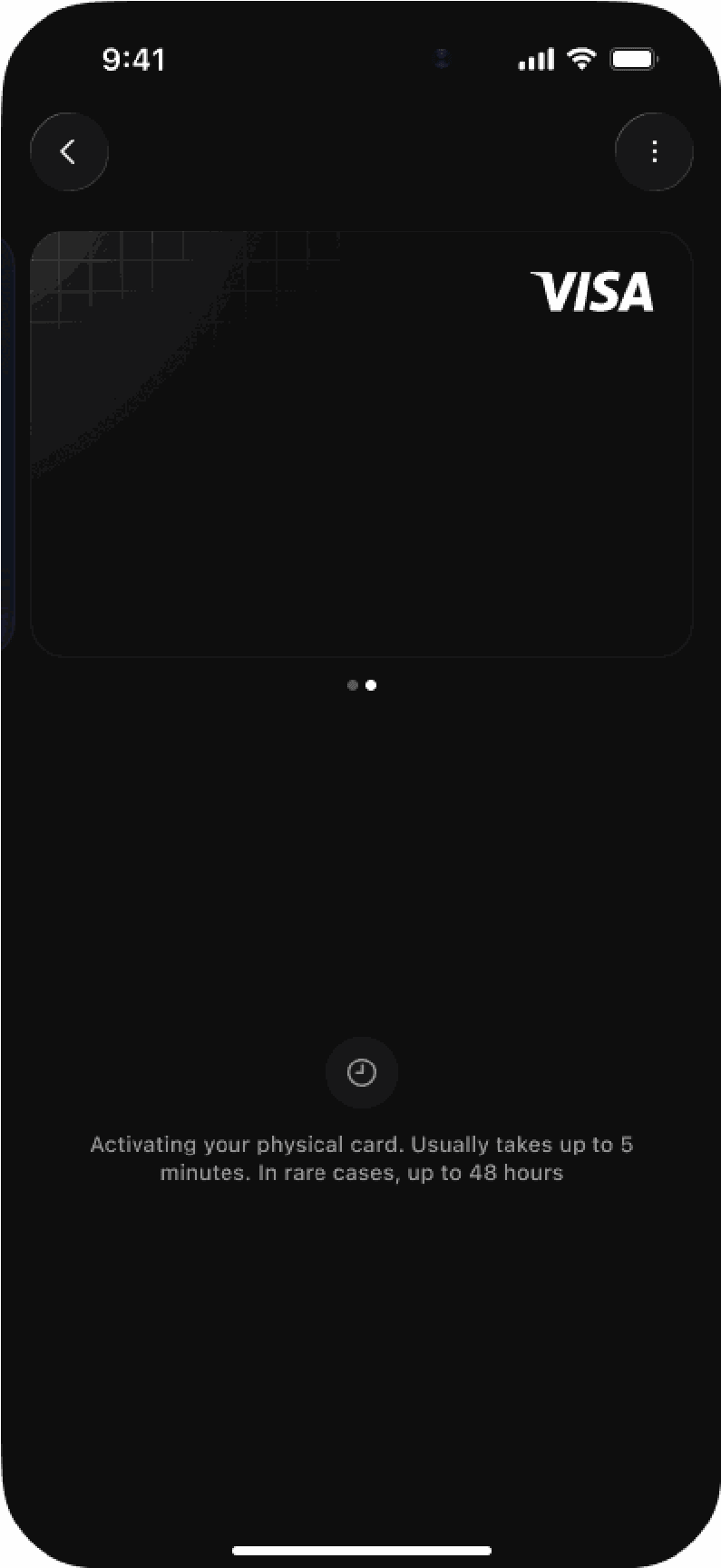
Once you enter the 4-digit code, activation begins. It often takes up to 5 minutes, but in rare cases, it may take up to 48 hours.
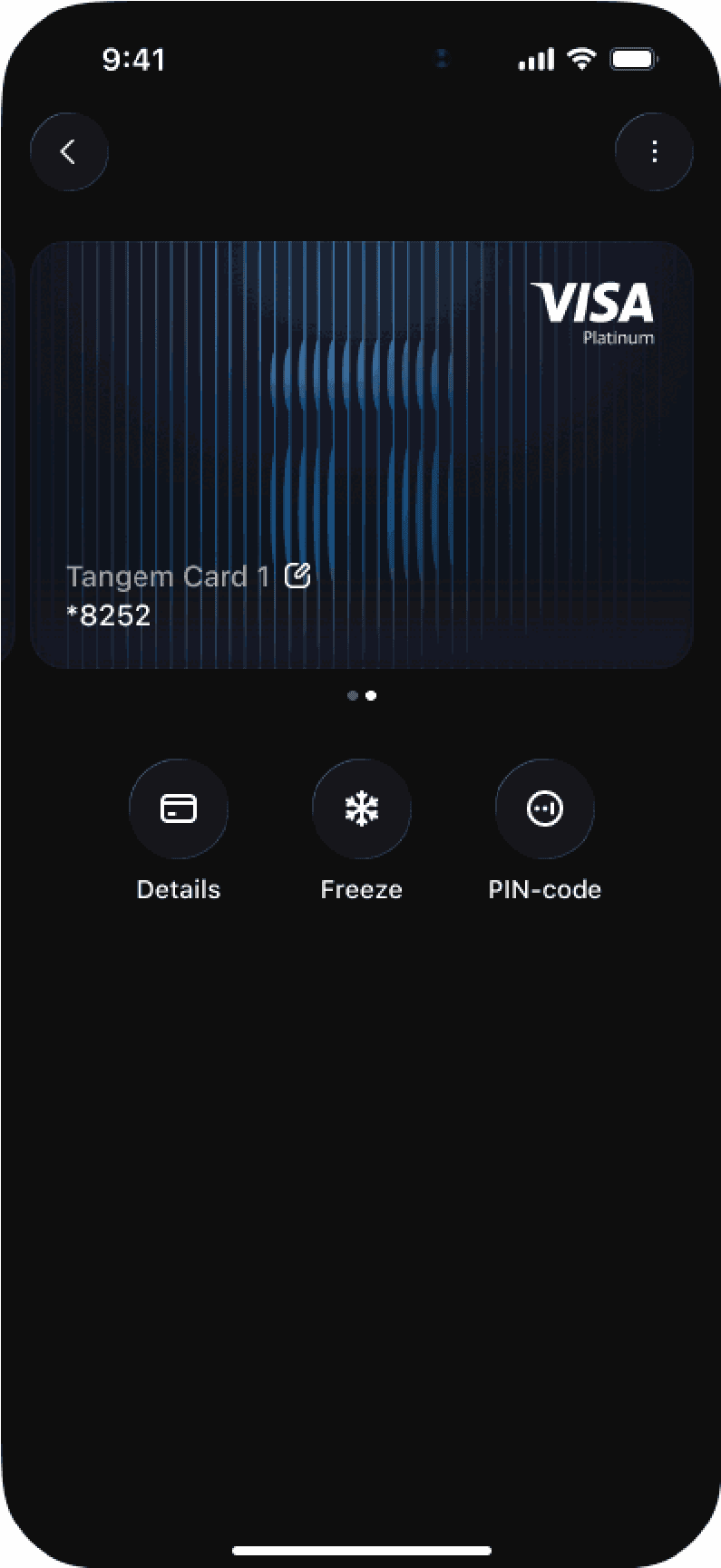
After activation, you see your card as a standard active card with 3 buttons: Details, Freeze, and PIN-code.
Set the PIN
Your card arrives without a PIN. Set the PIN in the app using the PIN-code button.
Important: We do not send a PIN with the card! You must choose your own PIN in the app.
Replacing a physical card
You can replace your plastic card if it is damaged or lost.
Replacement conditions
- Replacement always has a fee for all tiers.
- The fee is the same as the standard delivery fee for your country. Plastic cards have no fixed replacement fee.
- A replacement does not count towards your tier’s card limit.
- You can only replace a plastic card that is already active.
- Tangem Pay closes your old card immediately after the new order is accepted. If the order fails due to an error, your old card remains active.
- Activate the new card with its last 4 digits, the same as your first card.
Important: The replacement card displays the name entered in the First name and Last name fields, not the Name on card field. If you enter a different person as the recipient, the new card displays that person's name.
How to replace a card
Here's how to replace your Tangem Pay physical card.
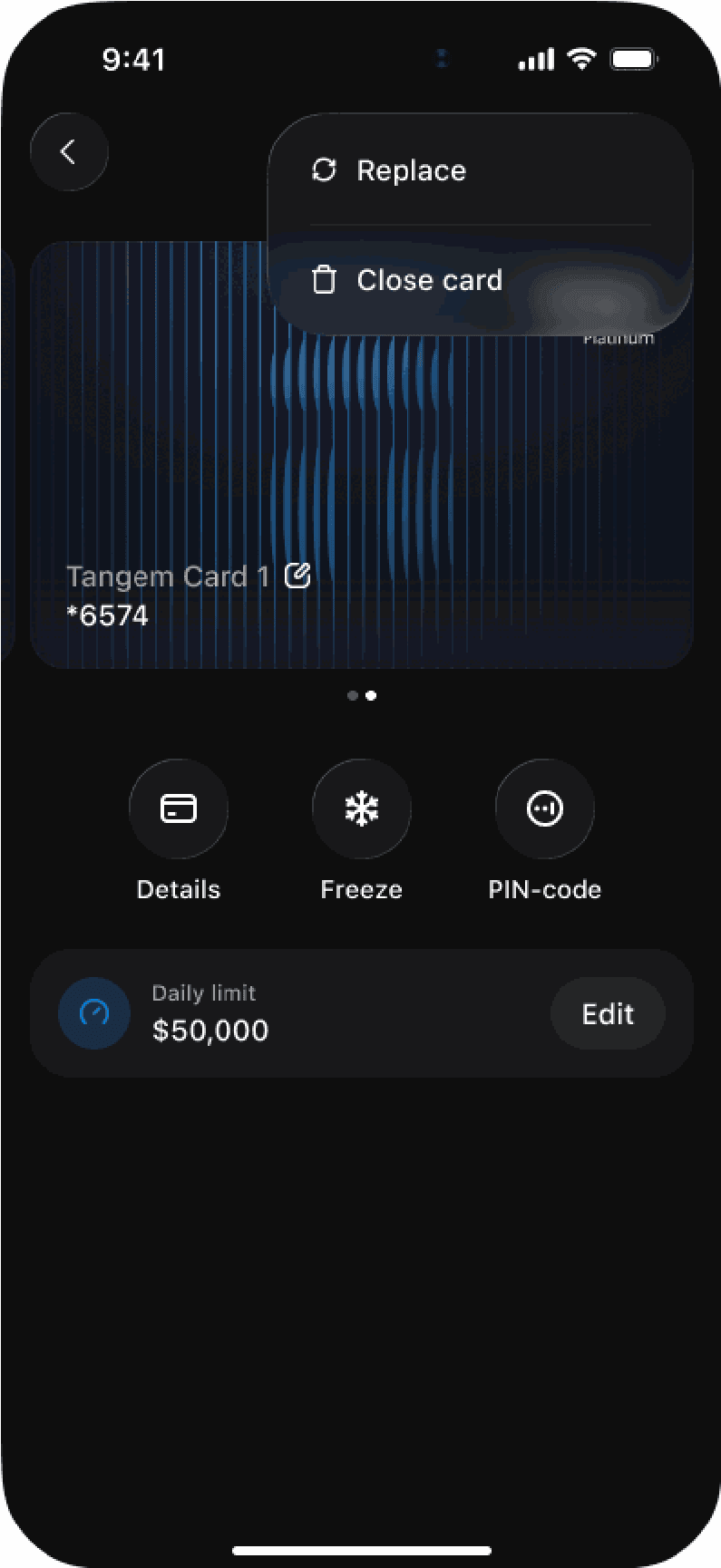
Tap the three-dot menu and then tap Replace.
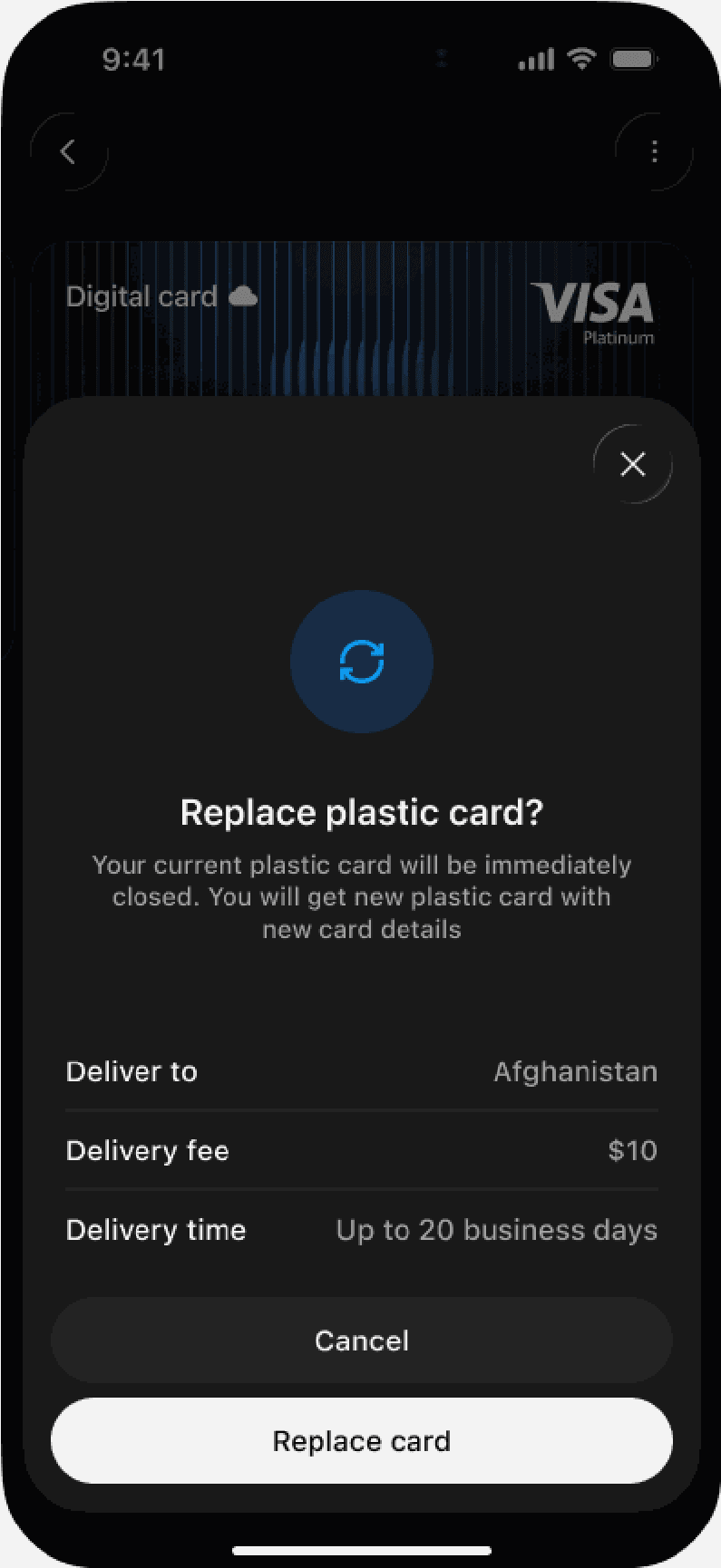
Read the confirmation window. It shows the country, the delivery fee, and the delivery time. It also tells you that the current card closes immediately. Tap Replace card.
Fill in the delivery form. It is the same form as for a new order, but the address fields are empty. The name on the new card comes from the First name and Last name fields
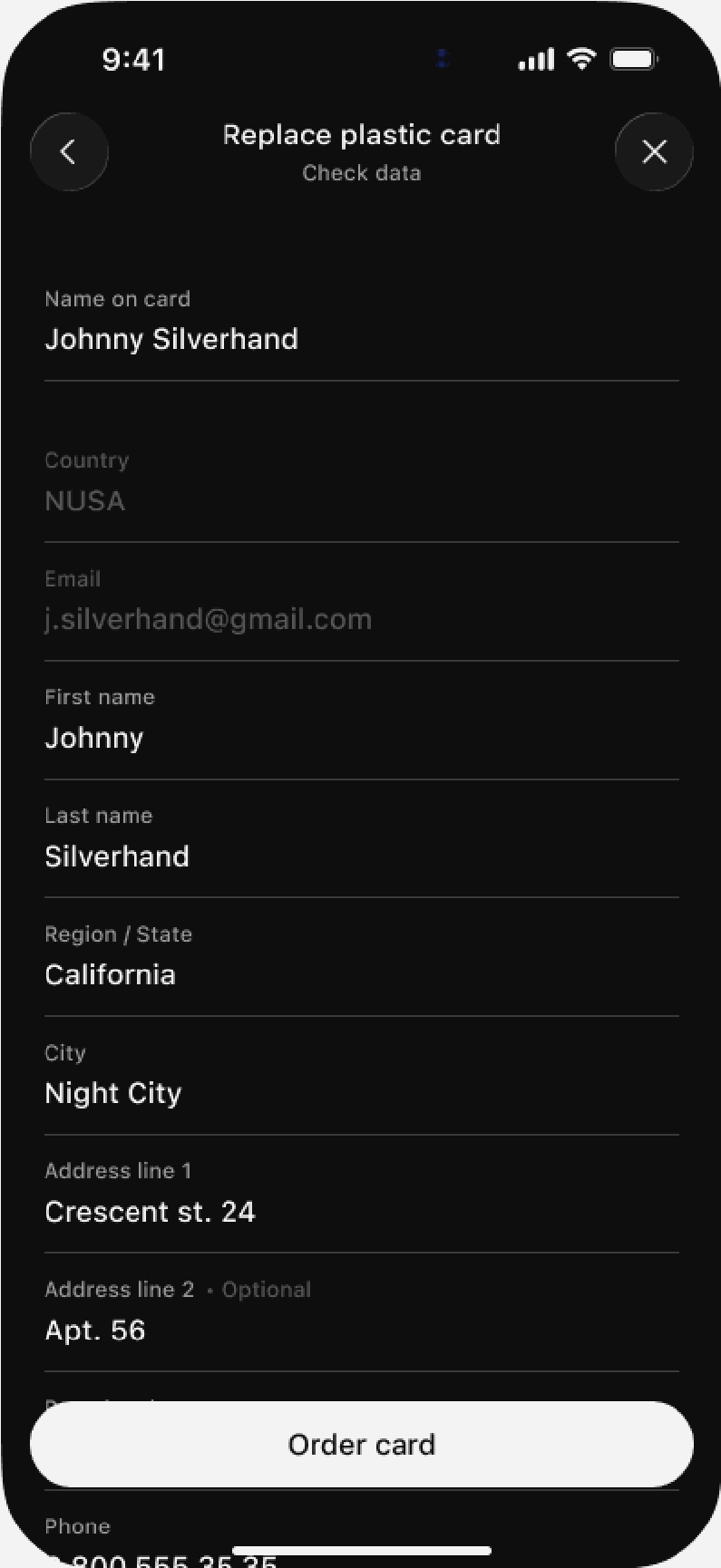
Tap Order card.
Troubleshooting physical tangem pay cards
If you see an error, use this table to find what it means and what to do.
Text in the app | What it means | What to do |
|---|---|---|
Check the delivery address and try again. | The address has unsupported characters (not Latin) or did not pass the check. | Correct the address. Use only Latin characters. |
Check the name on the card and try again. | The card name contains unsupported characters or exceeds the max length. For a replacement, the problem is in the First name or Last name fields. | Correct the name. Use only Latin characters. |
Not enough money for delivery. Add funds and try again. | Your balance is less than the delivery fee. | Add funds to your Payment account. |
A card order is already in progress. | You have an incomplete order. | Wait until your current order is complete. |
This card is no longer available. | The plastic card or the replacement is no longer available to you. Example: we stopped delivery to your country. | Contact support. |
This card can't be replaced. | The card is not physical, is closed, is not activated, or has a replacement in progress. | Check the status of your card in the app. |
Invalid last digits. Try again | You entered the incorrect last 4 digits during activation. | Check the digits on the card and enter them again. |
This card isn't ready to activate yet. Try again after you receive it. | The card is not ready for activation. | Try again after your card arrives. |
This card is already active. | The card is already activated. | No action. You can use your card. |
Activation is already in progress. Please wait. | Activation is in progress. | Wait. |
Something went wrong | An unexpected error occurred. | Contact support. |
Tangem Pay physical card FAQ
-
From the main screen of your Payment account, tap + to add a card, set the Virtual / Plastic switch to Plastic, check the delivery details and fee, fill in the delivery form, and tap Order card. Cards are available on both Basic and Plus tiers, with virtual and plastic cards counting together toward your tier's limit (3 on Basic, 5 on Plus).
-
Only to your country of residence as verified in KYC, though the city and street address can differ. Address and name fields accept only Latin characters, digits, spaces, and a few symbols - letters with diacritics or non-Latin scripts must be transliterated, or the order is blocked with a 'Check the delivery address' error.
-
Between $15.63 and $63.45 depending on your country, deducted from your Payment account when you order. Plus-tier users get one free first delivery; every subsequent card and every replacement costs the delivery fee. Orders can't be cancelled and the fee isn't refundable.
-
The card arrives inactive: open it in the app, tap Activate card, enter the last 4 digits printed on it, and tap Continue - activation usually takes up to 5 minutes but can rarely take 48 hours. No PIN ships with the card; you choose your own in the app using the PIN-code button.
-
Yes, if the card is already active: tap the three-dot menu, tap Replace, confirm, and fill in the delivery form. A replacement always carries the standard delivery fee for your country, doesn't count toward your tier limit, and closes the old card immediately once the new order is accepted.

Не пропустіть 
Інші статті

