


 Switch to seedless. Get 30% off with SWITCH30 till Nov 02
How to Keep Your Crypto Safe on a Mobile Wallet (2026)
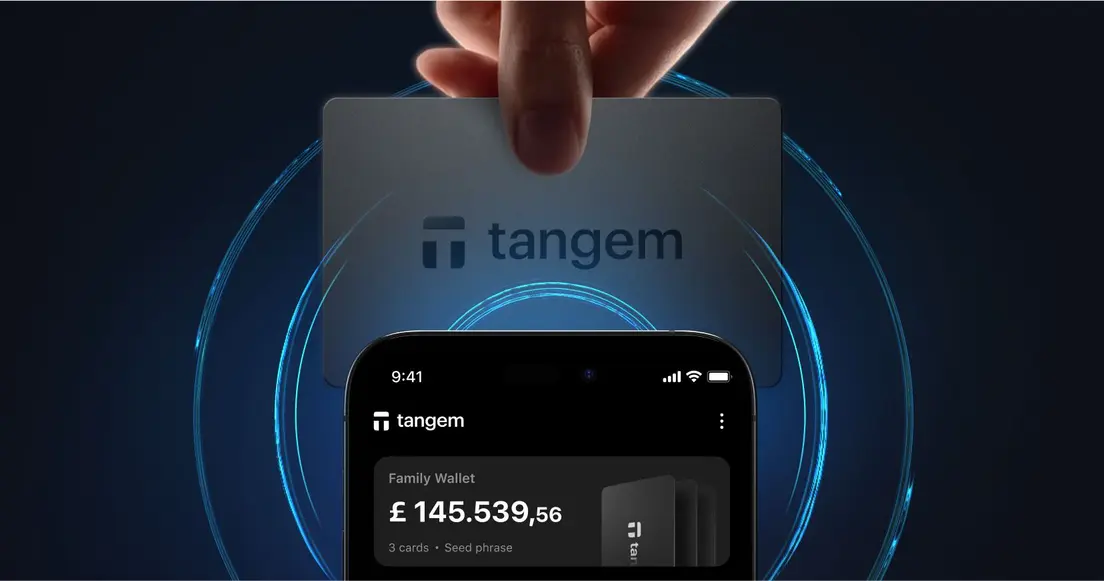
A mobile wallet is an iOS or Android app that holds the private keys needed to authorize crypto transactions. Its keys sit on an internet-connected device that runs other apps and can be lost or stolen. Move 100 USDT from Coinbase to one, and your phone becomes part of the security model. Phone-specific security demands more than general wallet safety. This guide covers the real risks, the practical steps that address them, and what to do when a phone disappears.
What Makes Mobile Wallets Different
A hot wallet maintains an active internet connection at all times. That constant connection makes it convenient for payments and quick trades, but it also means the wallet is accessible to anything else on the internet.
A mobile wallet adds a second layer of exposure: the device itself. A compromised operating environment can expose the wallet even when its software works as intended. Malware can capture keystrokes, alter clipboard data, or access wallet files without ever directly touching the wallet app.
The tradeoff is structural. The same phone you use to check email, browse social media, and install random apps is the one holding the keys to your crypto. That's a meaningful attack surface. Mobile wallets need habits built for an internet-connected phone. Verify every app and link, then keep recovery material off the device and lock the app with a strong password.
How to Keep Your Crypto Safe on a Mobile Wallet
Here's the practical baseline, organized by the type of risk it addresses.
Verify Before You Install
Fake wallet apps can capture your seed phrase or credentials as soon as you type them in. If you're installing one from Google Play before receiving 100 USDT from Coinbase, a casual visual check isn't enough.
The only reliable defense is source verification. Download wallet apps exclusively from the official App Store or Google Play Store via links from the wallet's official website. If you're searching the app store directly, confirm the developer name matches what the official site lists. A single character difference in a developer's name is a red flag.
The same logic applies to websites. Before connecting a wallet to any web-based service, confirm the URL character by character. Phishing sites are often one letter off from the real thing. Never follow an unsolicited link or scan an unsolicited QR code to install or recover a wallet. QR codes can point anywhere, and a malicious QR code during a "recovery" flow is a well-documented attack vector.
Protect the App Itself
Once you have the right app installed, the app's own security settings matter. Use a strong, unique password for the wallet app and any accounts connected to it. Enable two-factor authentication wherever the app supports it. Keep the app, your operating system, and your browser updated. Most security patches close vulnerabilities that malware actively exploits.
The Tangem Wallet app, for example, includes a five-minute auto-lock timeout and biometric unlock, with biometric data stored in the iOS Secure Enclave or Android TEE. Signing a transaction with a paired hardware card or ring still requires a physical card tap, so the app alone can't move funds even if someone unlocks the phone.
That last point matters: an app-level compromise is far less damaging when the signing authority resides elsewhere.
Handle Your Seed Phrase Like a Physical Asset
A seed phrase is a 12- or 24-word sequence that can regenerate your wallet's private keys from scratch. Anyone who has those words controls the funds. Full stop. Most mobile wallet losses stem from careless seed phrase storage.
Don't store your seed phrase in a photo, a notes app, or cloud storage. Any of those can be accessed remotely if your account is compromised. Write it down on paper and keep it in at least two physically separate locations on durable media. Test your recovery procedure before storing significant amounts. A backup you've never tested is a backup you can't trust.
Losing the seed phrase in a self-custodial wallet leaves no way to recover. There's no customer support line, no password reset, no fallback. Separate, durable backups aren't optional; they're the entire recovery plan.
Keep Most of Your Holdings Off the Phone
Keep a small spending amount in your mobile wallet and move long-term holdings to cold storage. Keep a small spending amount in your mobile wallet. If you move 100 USDT from Coinbase to pay someone, leave that amount on the phone and put the rest in cold storage. A hot wallet compromise then affects the spending balance, not your long-term savings.
Cold wallets are hardware devices that store private keys offline and add a physical signing step to every transaction. The Tangem Cold Wallet, for instance, stores keys inside a Samsung S3D350A secure element certified at Common Criteria EAL6+. Private keys are generated and stored on-chip and never leave it. To sign a transaction, the user taps the card to the phone; the secure element signs internally, and the app broadcasts the result. The app alone can't move funds without the physical card.
That architecture means even a fully compromised phone can't drain a hardware-backed wallet. The phone becomes a display and broadcast tool, not a signing authority.
A limitation worth noting: Tangem's interface is mobile-only. There's no desktop or web app, so all interaction happens through a phone. And in the default seedless setup, if all cards are lost or destroyed, the funds become permanently inaccessible. There's no seed phrase to fall back on.
What to Do If Your Phone Is Lost or Stolen
Act quickly. If an iPhone holding 100 USDT in a software wallet disappears, check whether the app offers a remote lock or account disable feature. Use it if available. Change linked-account passwords from another device.
Here's the key question: where do your keys actually live? If you're using a software wallet (with keys stored in the app), the keys are on your phone. A thief with enough time and skill could potentially extract them. This is why app-level protection, a strong PIN, a biometric lock, and an auto-lock timeout matter. It buys time.
If you're using a hardware wallet like Tangem, the keys are never left on the card. Losing the phone doesn't expose the keys. Install the Tangem app on a new phone, tap the card, and access is restored. The phone was just the interface.
For software wallets, losing the phone doesn't mean losing the funds as long as the seed phrase is intact. Entering a valid seed phrase into a new wallet on a new device regenerates the associated keys. That's the recovery path. Without the seed phrase, there's no path. This is why the seed-phrase backup step isn't something to defer. It's the entire contingency plan.
Mobile wallet safety FAQ: apps and connections
-
Start at the wallet's official website and follow its official App Store or Google Play link. Take one minute to compare the developer name with the one on the official site. Never enter a seed phrase after following an unsolicited link or scanning an unsolicited QR code.
-
No. Before connecting, confirm the URL character by character and make sure you reached the service through its official website. Spend 30 seconds comparing the URL before you connect. A phishing site can look convincing while using an address that is one letter off from the real thing.
-
With a software wallet, a compromised device is a genuine risk. Malware can capture keystrokes, alter clipboard data, or access wallet files. Strong app passwords, a biometric lock, and keeping software updated reduce the window of exposure. Apply updates as they arrive rather than leaving them for weeks. With a hardware wallet, the private keys live on a separate physical device. A hacked phone can't sign transactions without the card tap. The signing authority is physically separate from the compromised device.
-
With 500 USDT in a custodial wallet, a third party holds the private keys to that balance. They can offer account recovery if you forget your password, but they also control access to your funds. A non-custodial wallet means you hold the keys. You're solely responsible for backups, but no company can freeze or lose your funds on your behalf. Most dedicated crypto wallet apps are non-custodial; exchange apps are typically custodial.
-
Wallet apps should request only the permissions they genuinely need. Be cautious of any wallet app that asks for access to contacts, SMS, or storage beyond what the app's stated function requires. Excessive permissions can indicate a malicious or poorly built app. Stick to well-reviewed apps from verified developers, and take 30 seconds to review permissions at install time.
-
It depends on the setup. Tangem's default seedless setup uses two or three cards with identical private keys, so there is no seed phrase to back up. Keep the cards in separate physical locations. You can generate a BIP39-compatible seed phrase for portability or import one, but that adds seed-phrase exposure.





