



How to Activate Physical Crypto Card: Step by Step
- Before You Start: What You Need
- How Do I Activate a Physical Tangem Pay Card?
- How Do I Top Up the Card, and What Can Go Wrong?
- How Do I Pay with the Card Once It Is Active?
- Why Was My Payment Declined?
- What Does It Cost, and Can I Withdraw Cash at an ATM?
- What If the Card Is Lost, Stolen or Needs Replacing?
If you have received a physical Tangem Pay card, it arrives inactive. You activate it in the Tangem app by entering the last four digits of the card, then set a four-digit PIN from the card icon so terminals that require one will accept it. Top up with USDC or USDT on a supported network before paying. For current physical-card terms, see Tangem Pay.
Before You Start: What You Need
Each item below can block the procedure, so check them before ordering.
Turn your crypto into everyday spending

- An approved Tangem Pay account. Onboarding and identity verification are handled by Paera LLC, the program operator, with KYC powered by Sumsub. You must be at least 18 and have a supported country of residence. Eligibility is confirmed during app onboarding.
- The Tangem app. Use the Tangem app to activate the card. If the activation control is missing, update the app before trying again.
Physical card activation requires iOS version 6.3.2 or later and Android version 6.3.3 or later. Check the version number in your app store before opening Tangem Pay. A current version can prevent a missing activation control that occurs with an older app build.
How Do I Activate a Physical Tangem Pay Card?
The card cannot be used for payments until you complete this sequence. One step, one action.
- Open the Tangem app and go to your Tangem Pay section.
- Select your physical card widget and tap Activate card.
- Enter the last 4 digits of the card number (printed on the physical card) and tap Continue.
Once completed, your card should be active and ready to use instantly. If the app shows an invalid-last-digits message, check the digits printed on the plastic card and enter them again.
How Do I Top Up the Card, and What Can Go Wrong?
This is where funds are lost. Read it before you send anything.
- Bank transfer. Send USD from your US bank account via ACH ($1 flat fee, free on Plus) or FedWire ($11 flat fee). Your Tangem Pay account has its own routing number and account number.
- From your Tangem Wallet. Swap any stablecoin on any supported network directly to your Tangem Pay account.
- From an external wallet or exchange. Send USDC or USDT on Polygon, Base, BNB Smart Chain, or Arbitrum to your Tangem Pay deposit address.
Withdrawing funds. Available USDC or USDT can be withdrawn to Tangem Wallet.
How Do I Pay with the Card Once It Is Active?
There are four routes.
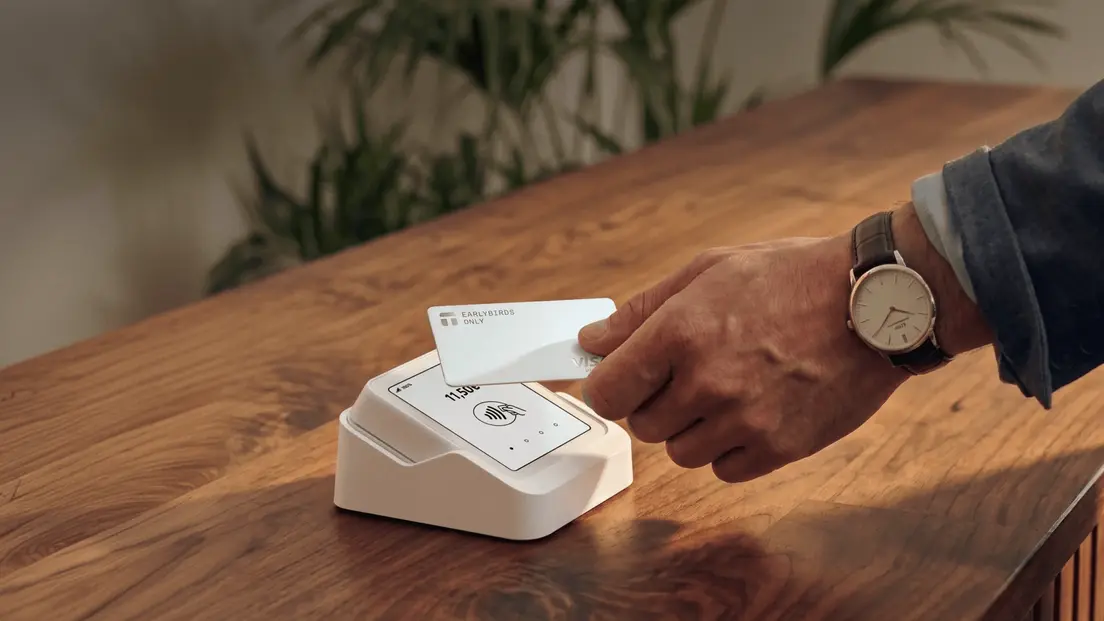
- In person with the plastic card. Use the four-digit PIN at terminals that require one.
- From your phone via Apple Pay or Google Pay. After setup, you can make contactless payments by holding your phone to any compatible terminal and confirming with your biometrics. You do not need your physical Tangem Pay card present. Apple Pay availability is determined by Apple, not Tangem or Rain.
- Online with the card details. This option uses the card number, expiry, and CVV.
- Foreign currency. For non-USD transactions, the tariff specifies the Visa Exchange Rate plus 1.5%.
Visa merchant acceptance is separate from Tangem Pay account eligibility. A particular transaction can also fall under a restricted category. Check the current terms before relying on the card for an important purchase.
Why Was My Payment Declined?
A declined payment is not always an error. It can mean one of several things.
- Holds. Some merchants place a temporary hold on your balance when you make a payment. This "typically takes 1 to 2 business days" to clear, so your available balance can be lower than you expect.
The published fuel-dispenser behavior is specific: at automated fuel dispensers, the default hold amount is $175. "If your balance is below $175 at the time of the transaction, it will be declined even if the actual fuel cost is lower."
- Merchant category restrictions. Restrictions are set by Rain under the card program rules, including gambling and online casinos, liquor stores, and certain subscription services. A declined category is not necessarily an error, and no named merchant or service can be guaranteed to work.
- Other causes. Tangem Pay transactions can also be declined due to an insufficient balance, a reached spending limit, or an unsupported terminal type. A declined payment should be retried with another payment method.
Start with the available balance, then check whether the merchant could have placed a hold. A restricted category and an unsupported terminal are different problems, so a second attempt at the same checkout may not change the result. Keep the transaction details if you need to ask support about a decline.
What Does It Cost, and Can I Withdraw Cash at an ATM?
| Fee | Amount |
|---|---|
| Foreign exchange on non-USD transactions | Visa Exchange Rate + 1.5% |
| Published ATM schedule (Basic plan) | 4%, max $250 per withdrawal, 3 withdrawals per 24 hours |
| Published ATM schedule (Plus plan) | 2%, max $250 per withdrawal, 3 withdrawals per 24 hours |
| Physical-card delivery and replacement | Delivery cost varies, $5 fee for a Tangem Pay physical card replacement |
What If the Card Is Lost, Stolen or Needs Replacing?
If your card is missing, open Tangem Pay in the Tangem app and freeze the card. This prevents any future transactions. You can unfreeze it anytime. Read more on how to handle a stolen or lost Tangem Pay card situation.
FAQ About Activating a Physical Crypto Card
-
Update the Tangem app before trying again. Physical card activation requires iOS version 6.3.2 or later and Android version 6.3.3 or later. Check the version number in your app store before opening Tangem Pay.
-
You must be at least 18 and have a supported country of residence. Eligibility is confirmed during Tangem Pay onboarding.
-
Tangem Pay directly supports USDC and USDT on Polygon, Base, Arbitrum, and BNB Smart Chain. Each network has a separate card address shown in the app. Sending any other token, or sending a supported token to the wrong address or network, will result in permanent and unrecoverable loss of funds. The source of the transfer can be Tangem Wallet, an external wallet, or an exchange. Before sending, confirm the token, selected network, and destination address with the details currently displayed in the app. Do not rely on a saved address from a previous network selection.
-
Not necessarily. At automated fuel dispensers, the default hold amount is $175. If your balance is below $175 at the time of the transaction, it will be declined even if the actual fuel cost is lower.
-
Basic: up to 3 Visa Platinum cards per user ($0/month). Cashback is 1% with a $100 monthly cap. Plus: up to 5 Visa Signature cards per user ($29.99/month). Airport lounge passes, travel insurance, and other benefits. 2% Cashback with a $300 monthly cap on eligible completed purchases. You can select your plan during Tangem Pay onboarding or change your subscription at any time in the app.
-
Your balance stays the same when you freeze your Tangem Pay card. The freeze temporarily blocks new card transactions; you can unfreeze the card in the app when you’re ready to use it again.
-
Visa merchant acceptance is separate from Tangem Pay account eligibility. For non-USD transactions, the tariff specifies the Visa Exchange Rate plus 1.5%. Availability through Apple Pay or Google Pay also depends on those providers' regional rules.


Don't miss these 


Other articles

