 切换至无助记词模式。使用 SWITCH30 立减 30%,截止 10 月 26 日


如何使用助记词设置 Tangem Wallet
如果你一直关注 Tangem 的理念,就会知道我们认为助记词存在风险,未来加密行业也许不会再需要它们。我们之所以这样认为,是因为见过许多用户丢失或意外泄露助记词的情况。
不过,助记词技术目前在加密领域依然广泛应用,因此我们决定为用户提供这一选项。
设置流程
以下是使用助记词设置新版 Tangem Wallet 的方法。
1. 下载并打开官方 Tangem app。
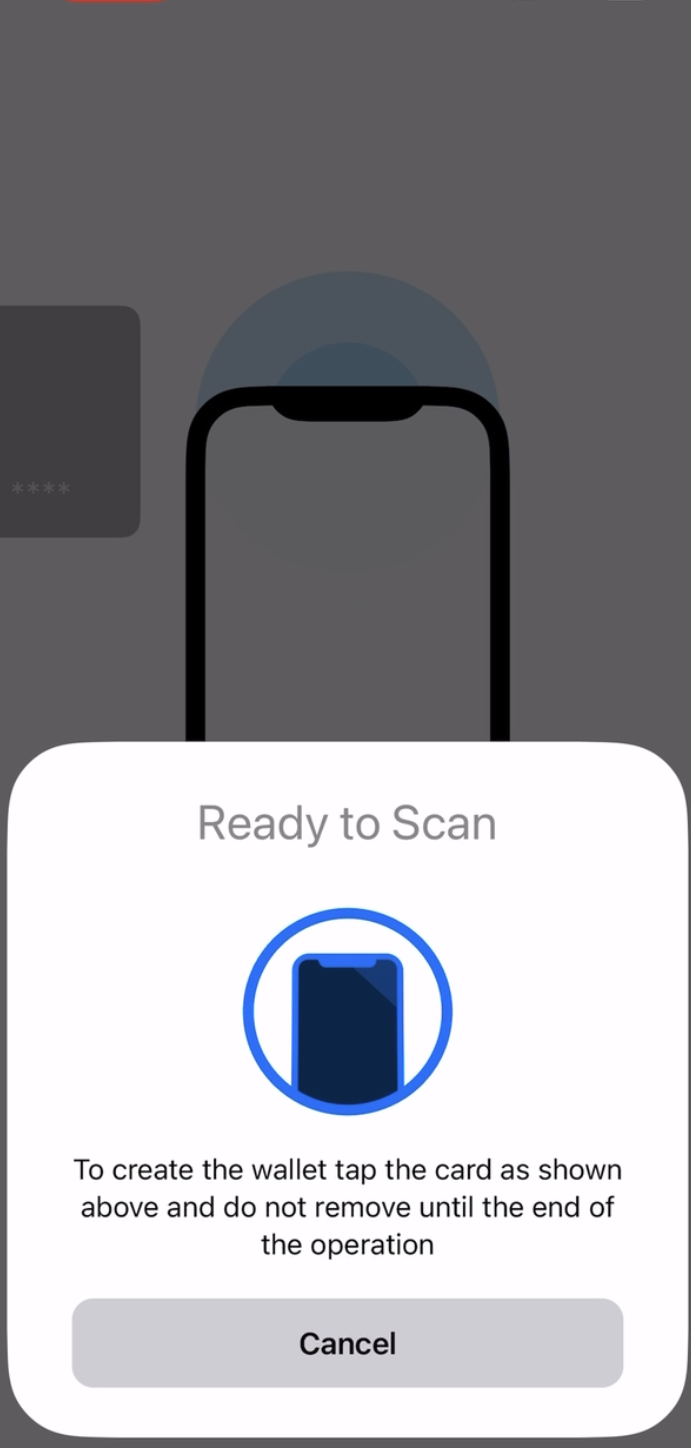
2. 选择Scan card.
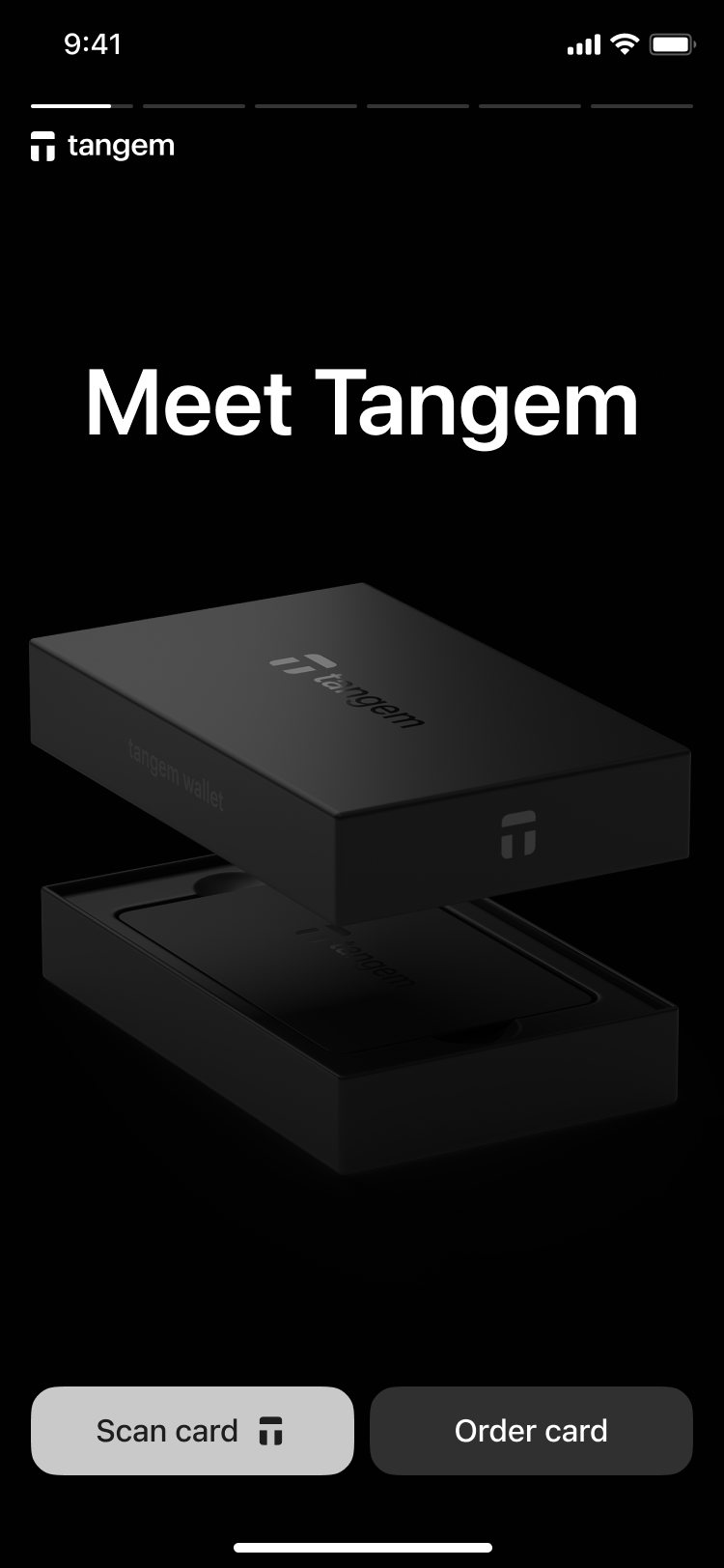
3. Tap the first card on your phone to scan it.
3. 选择 Other options.
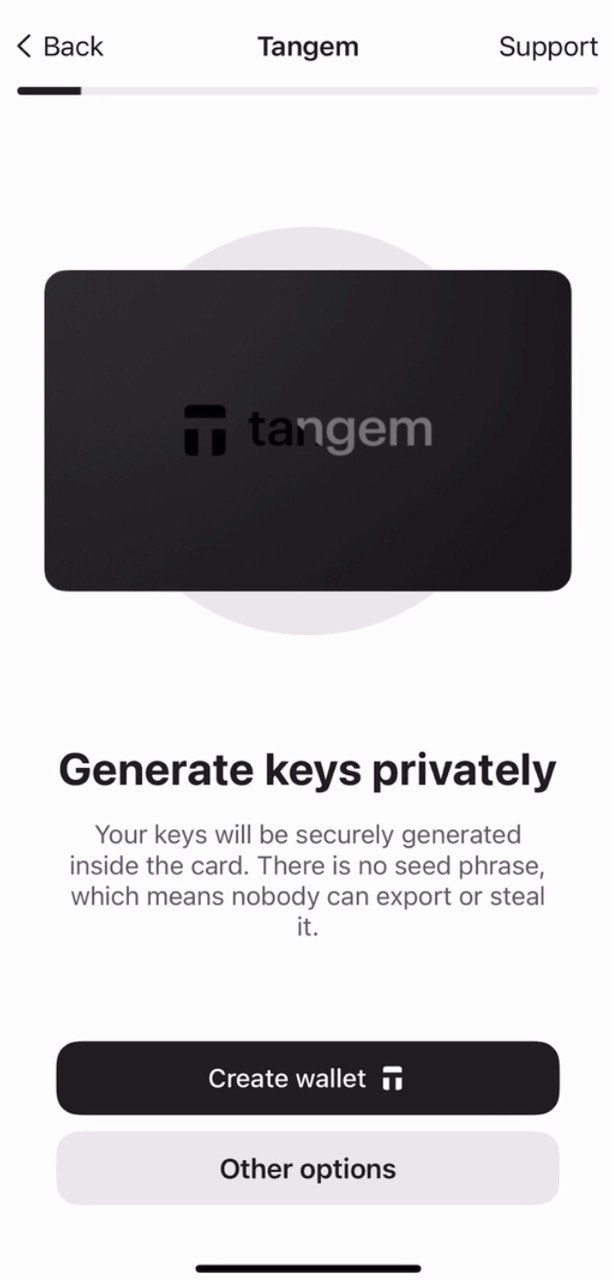
4. 点击 Generate seed phrase。
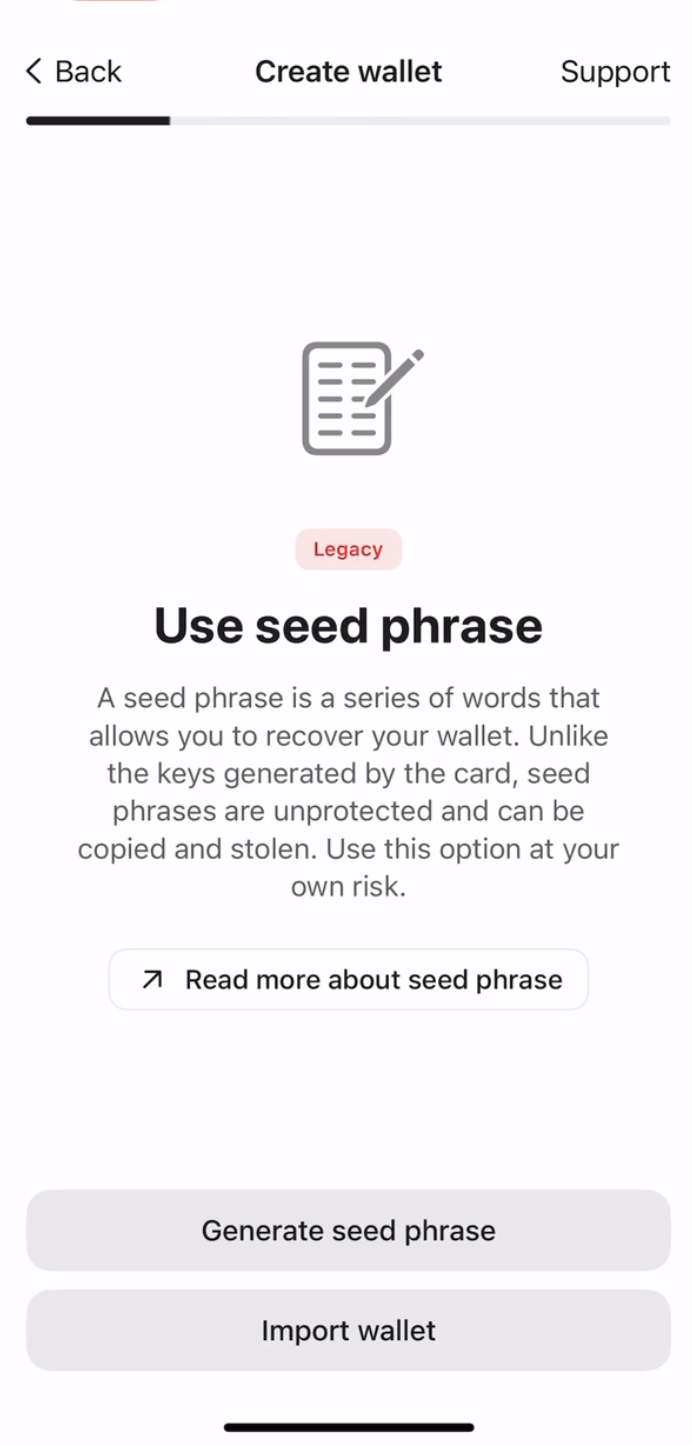
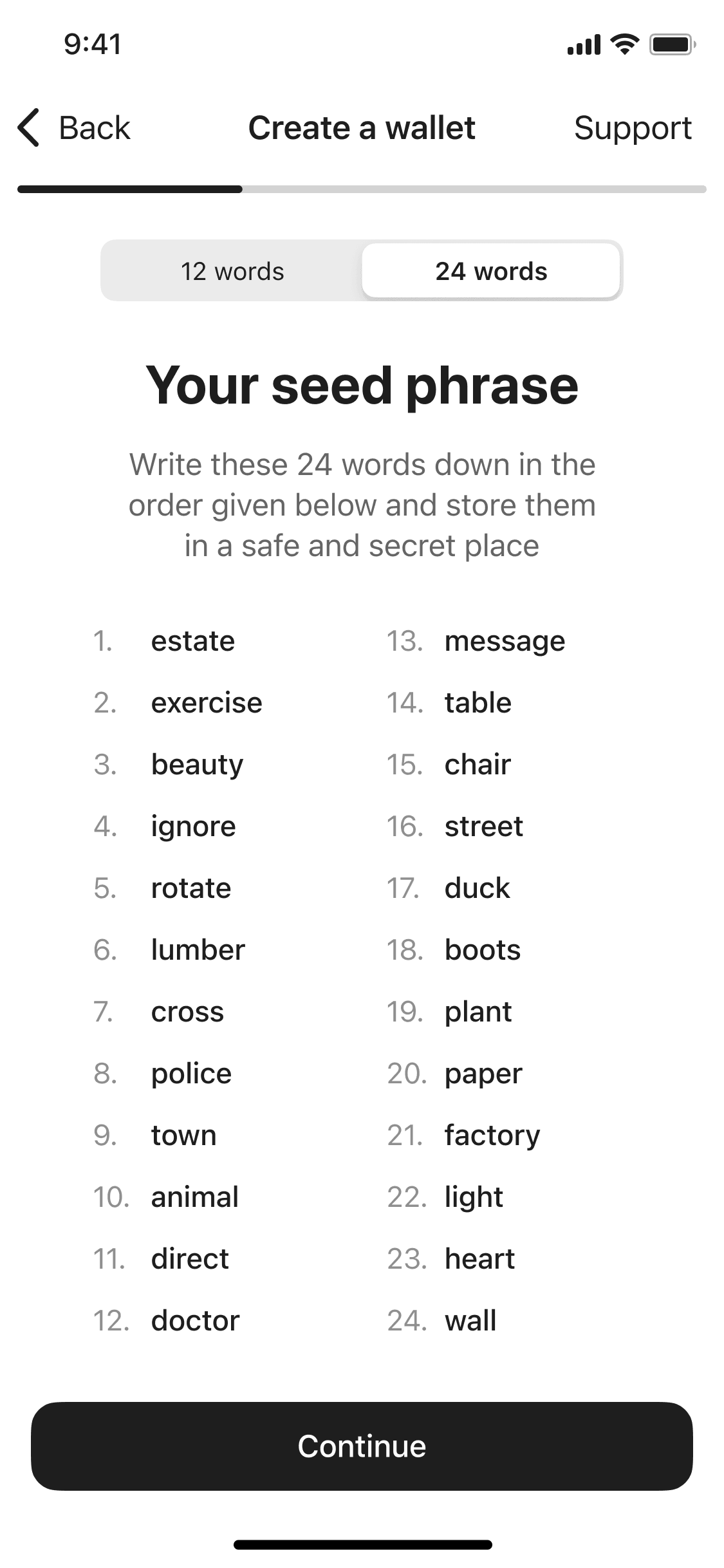
The Tangem app then generates your seed phrase. You can choose between 12 or 24 words. 请将这些单词抄写在纸上,并妥善保管在安全的地方。助记词只会显示一次。Do not take a screenshot or a picture of it.
6. 点击 Continue。
7. 检查你是否已正确抄写助记词,需按顺序输入单词进行验证。
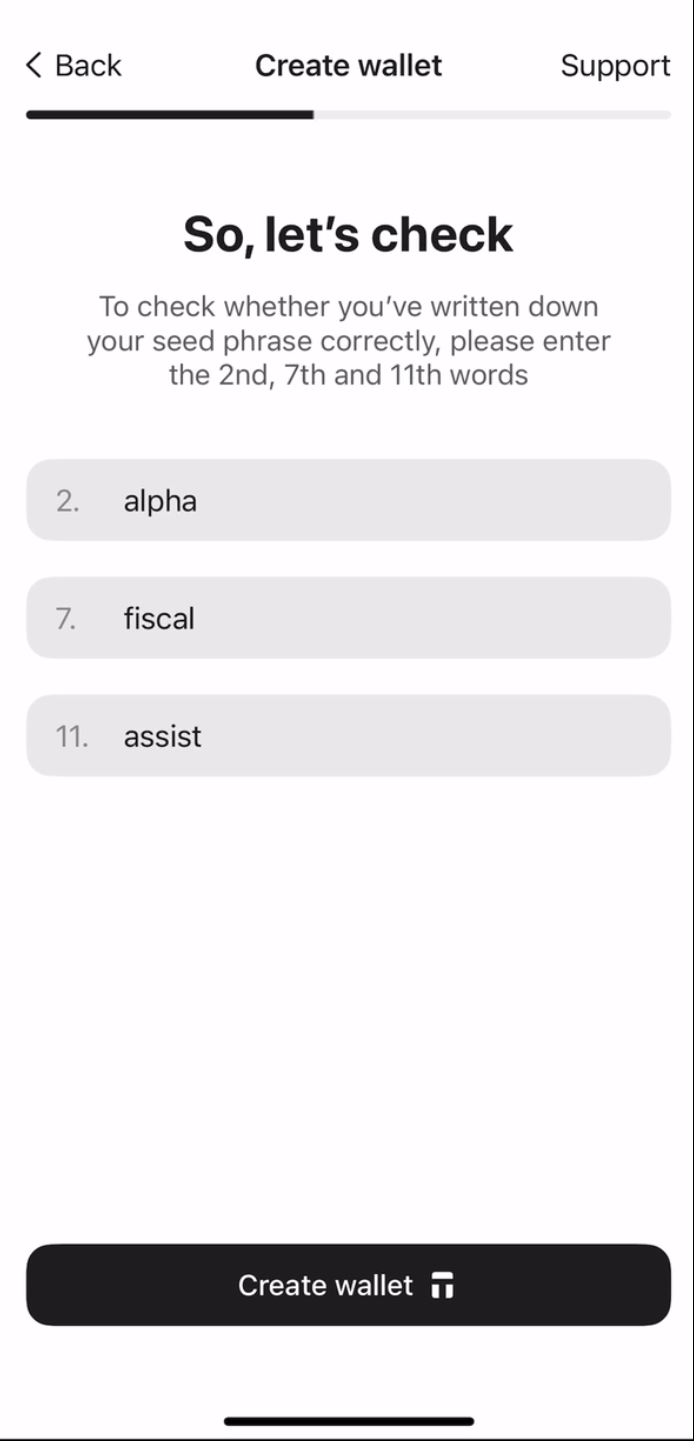
8. 点击 Create wallet 并扫描卡片。
Creating backups
钱包会提示你创建备份。强烈建议立即开始备份流程。你可以将密钥备份到其他 Tangem 卡,建议使用 2 张或 3 张卡进行备份,以避免后续出现问题。
- 点击 Add a backup card。
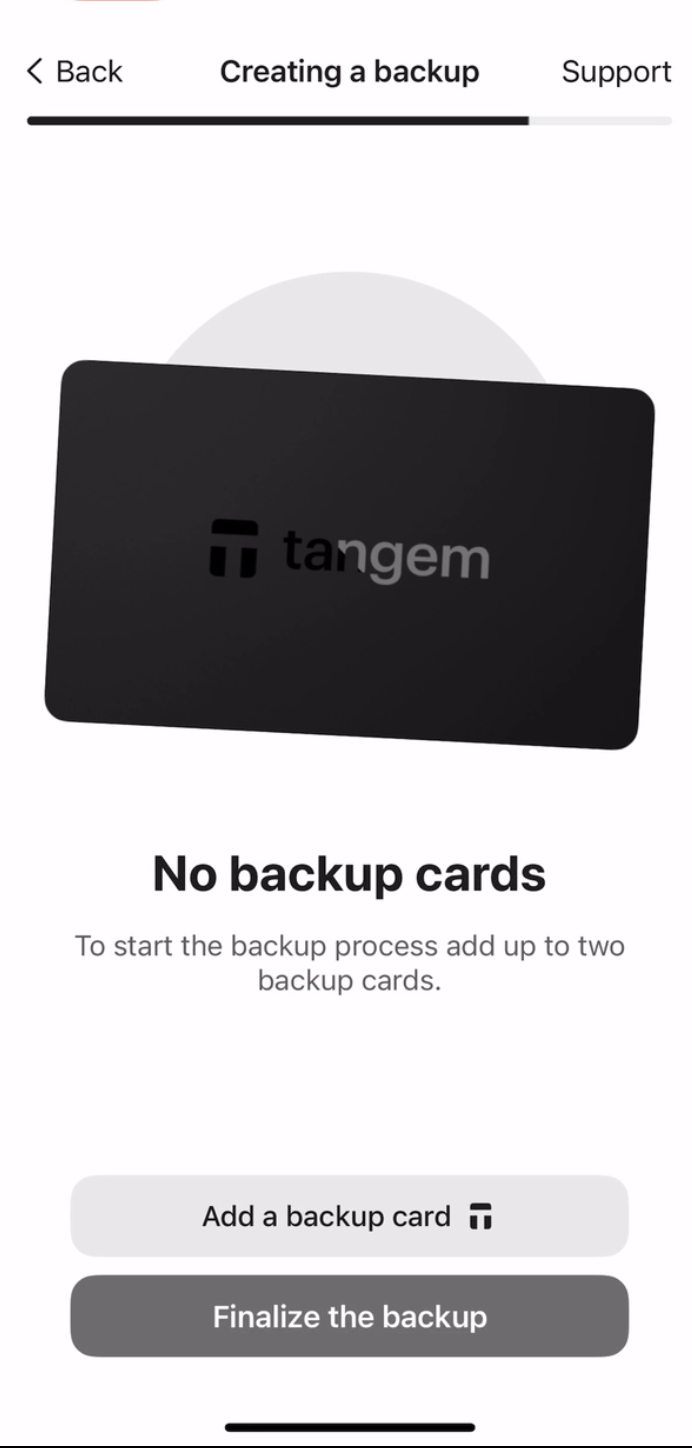
2. 用手机扫描第二张卡。
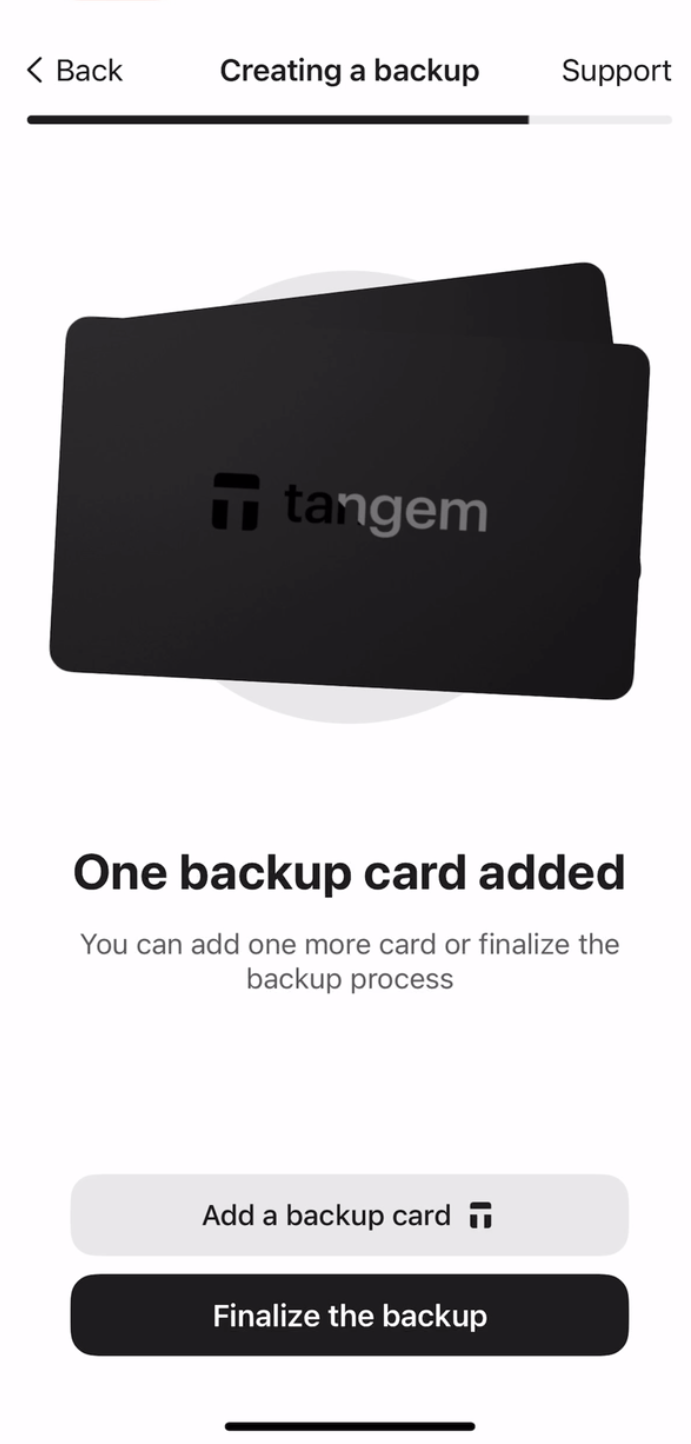
3. 如果你有第三张 Tangem 卡,点击 Add a backup card,扫描第三张卡,然后点击 Finalize the backup。
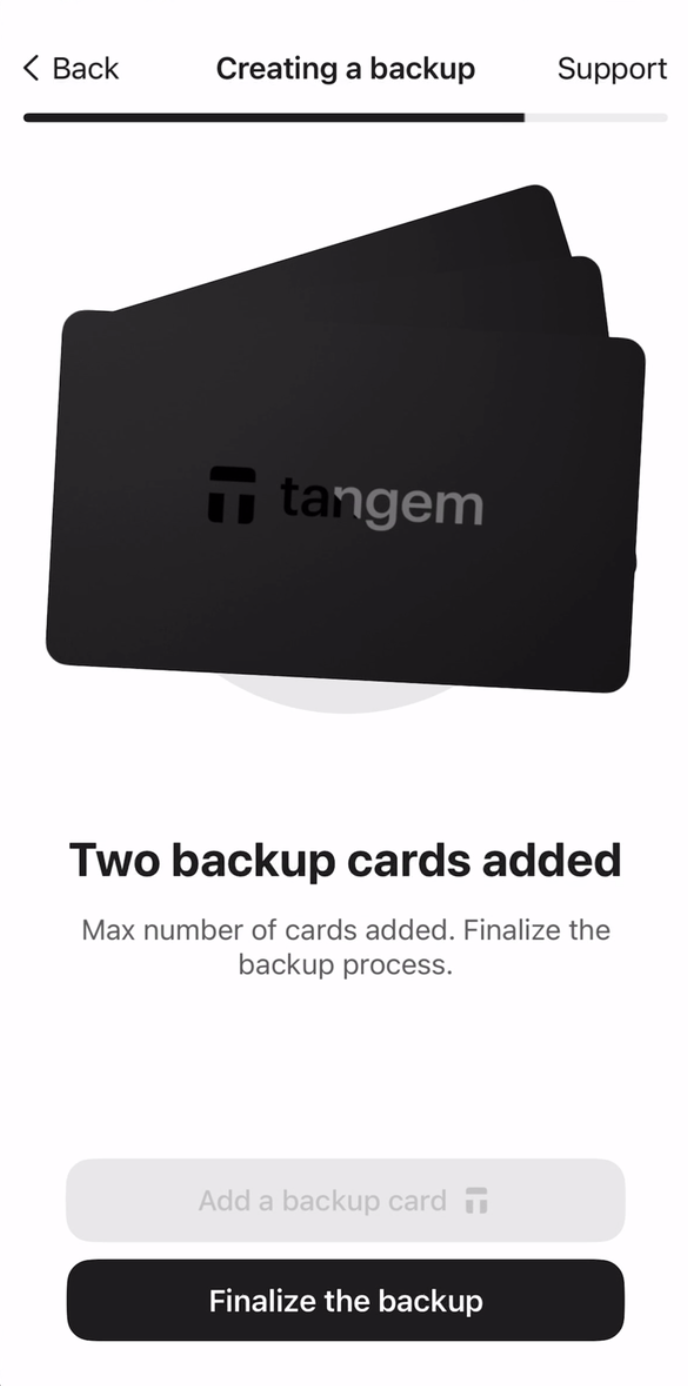
接下来,需要设置访问码以防止暴力破解。
4. 点击 Continue,输入访问码。
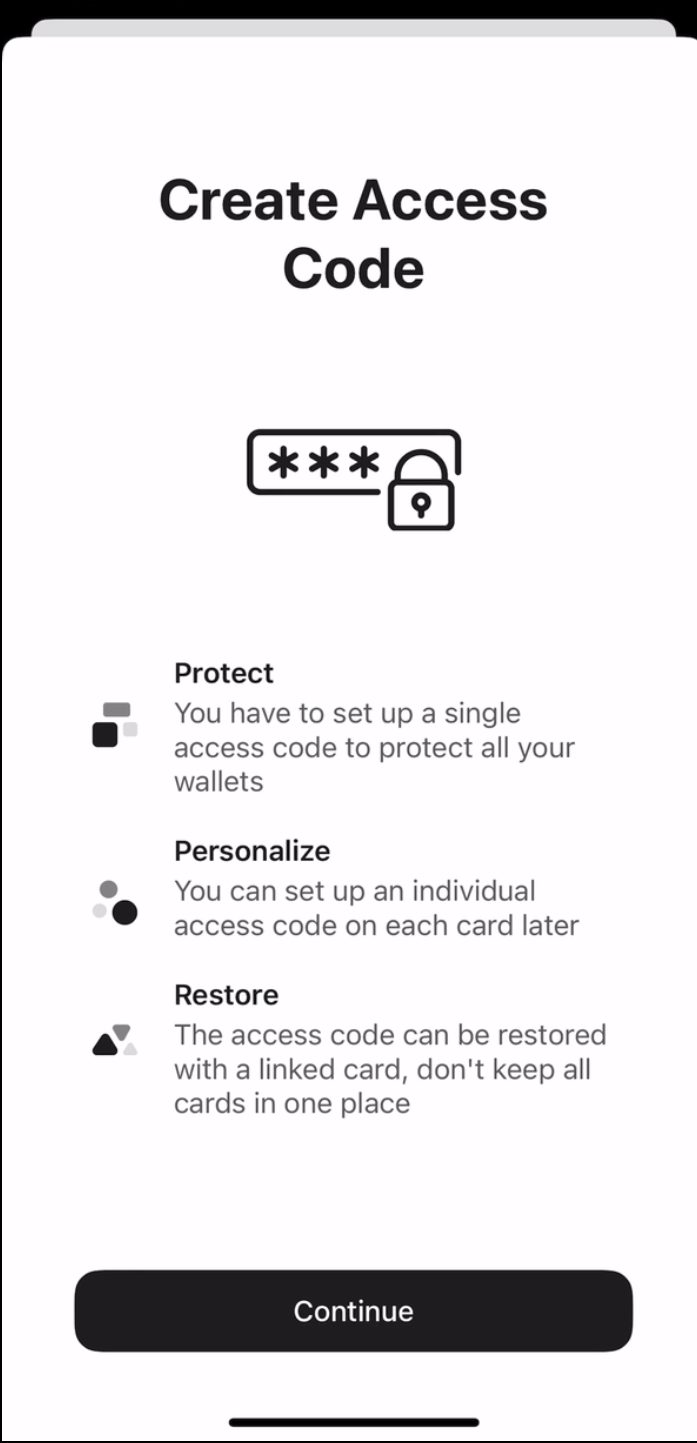
5. 输入访问码,可设置任意单词、短语或数字,然后点击 Continue。也可以为每张卡单独设置不同的访问码。
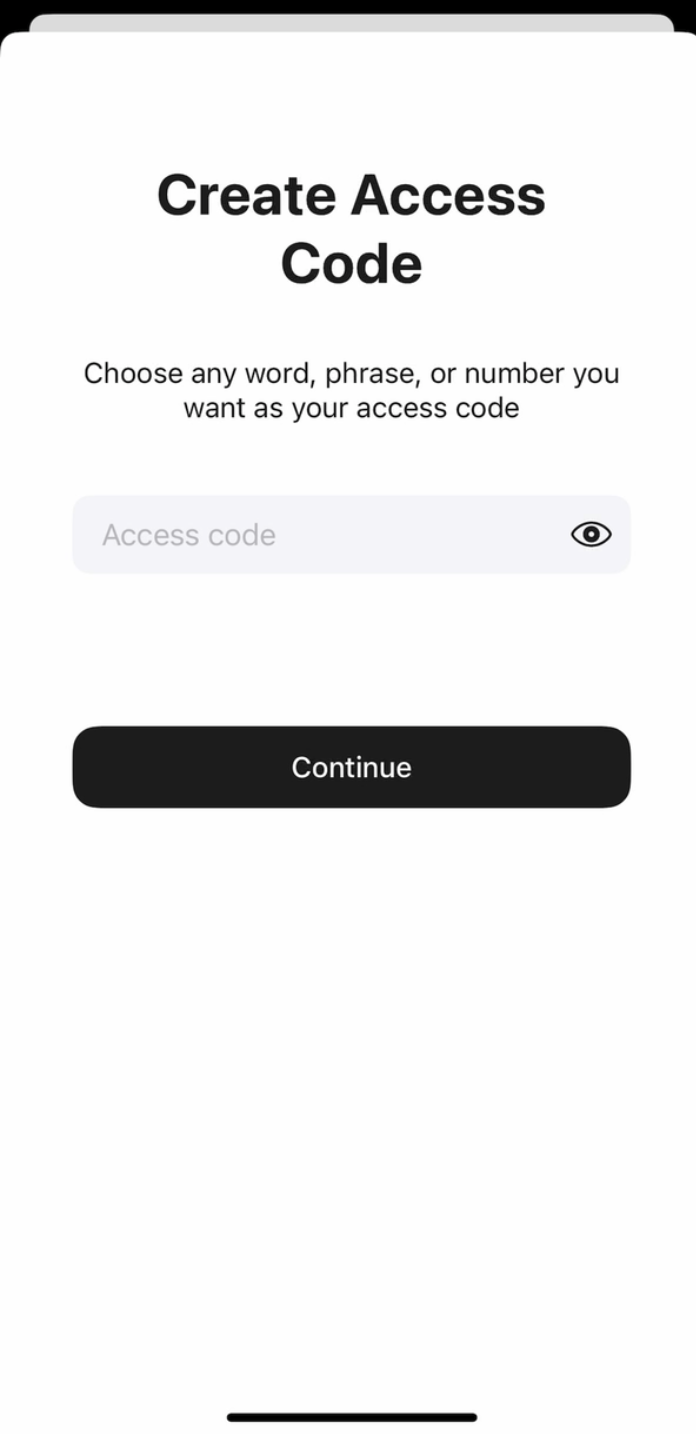
6. 再次输入访问码,并点击 Submit。
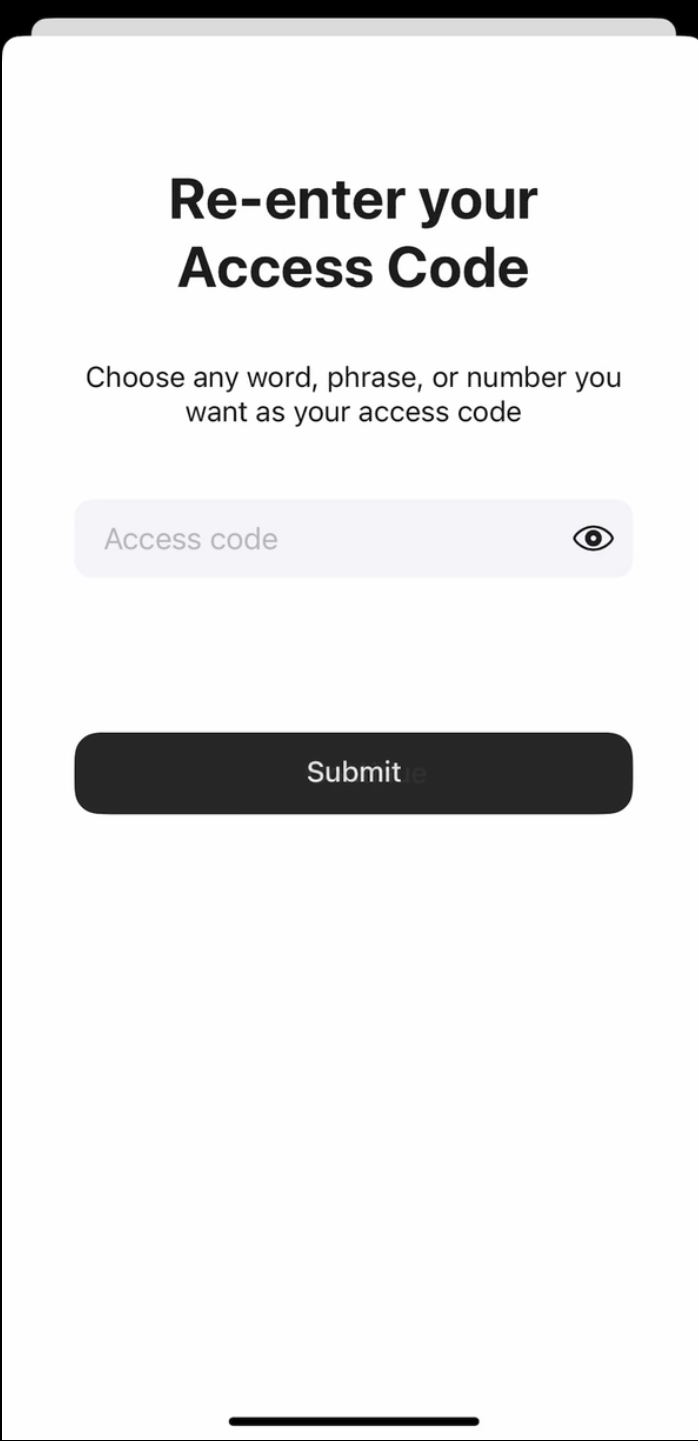
7. 点击 Scan the primary card,将指定编号的卡片贴近手机,应用会扫描该卡约 15 秒。
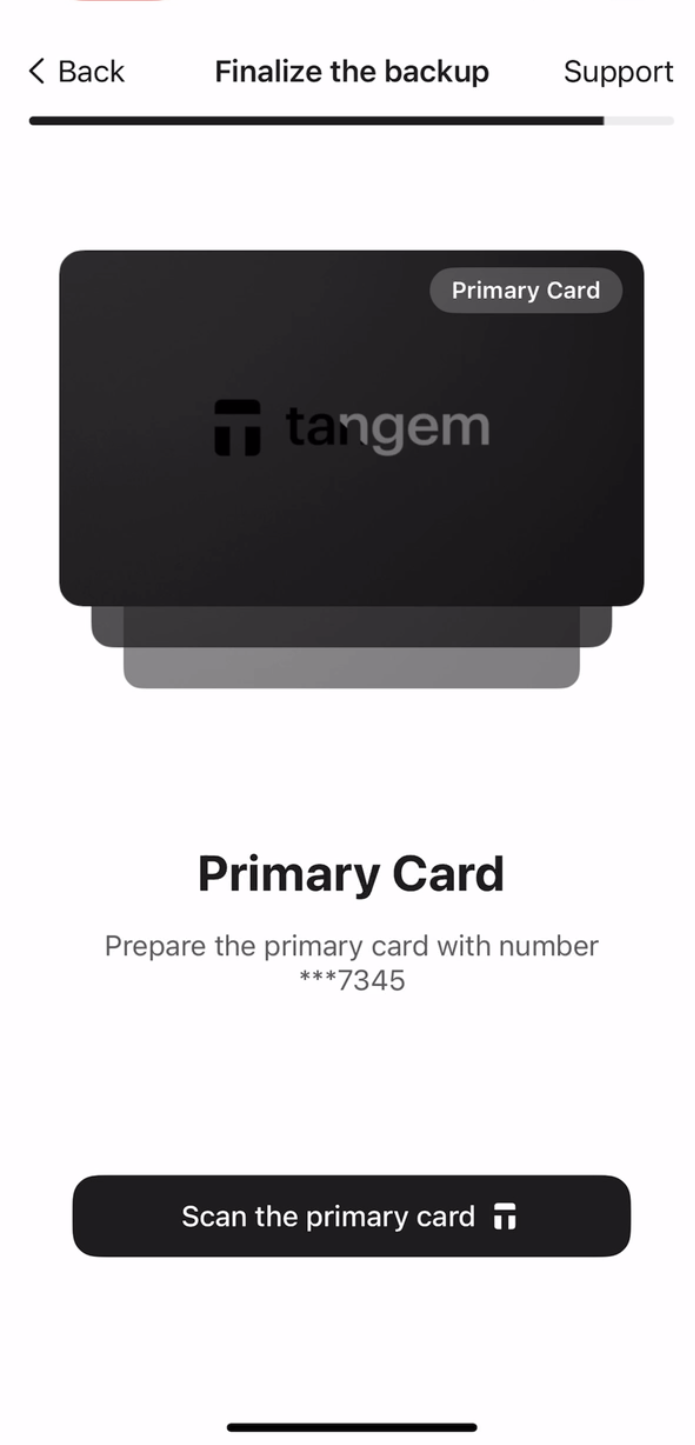
8. 扫描第一张备份卡。请注意每张卡片最后四位数字。
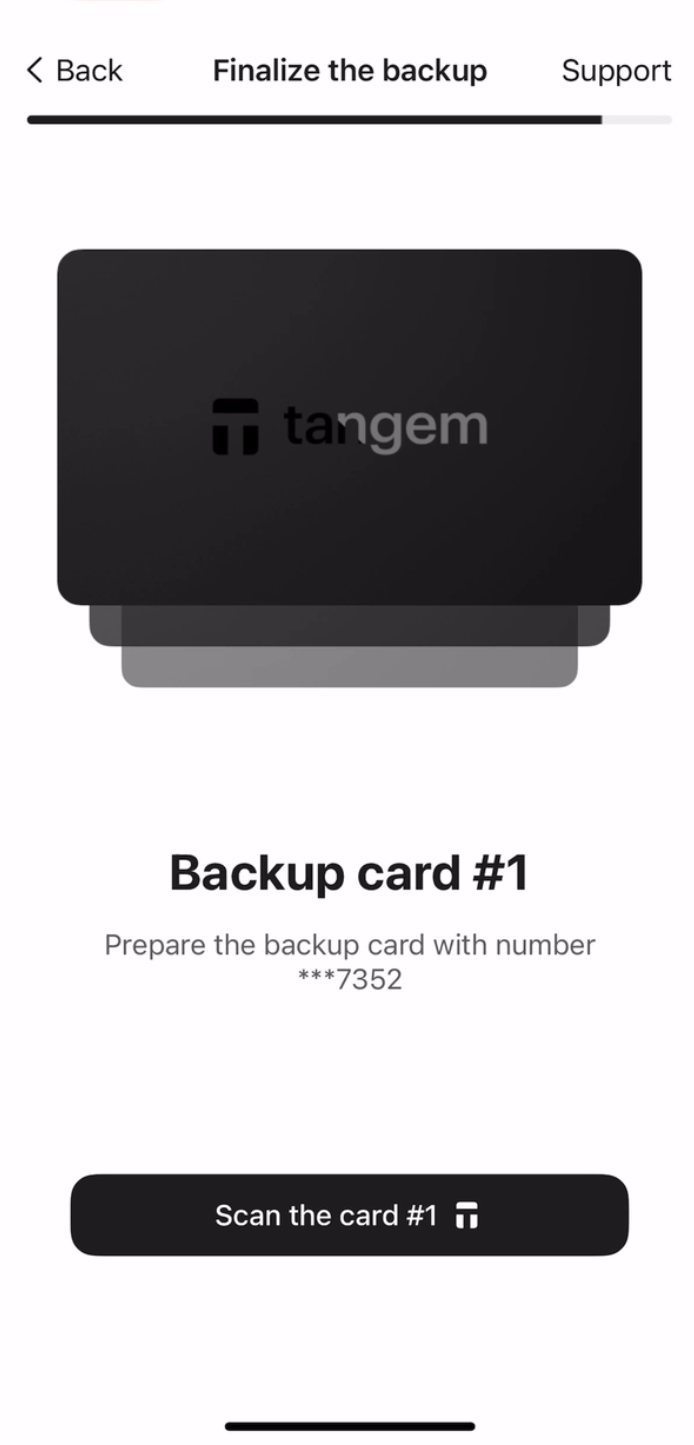
9. 扫描第二张备份卡。
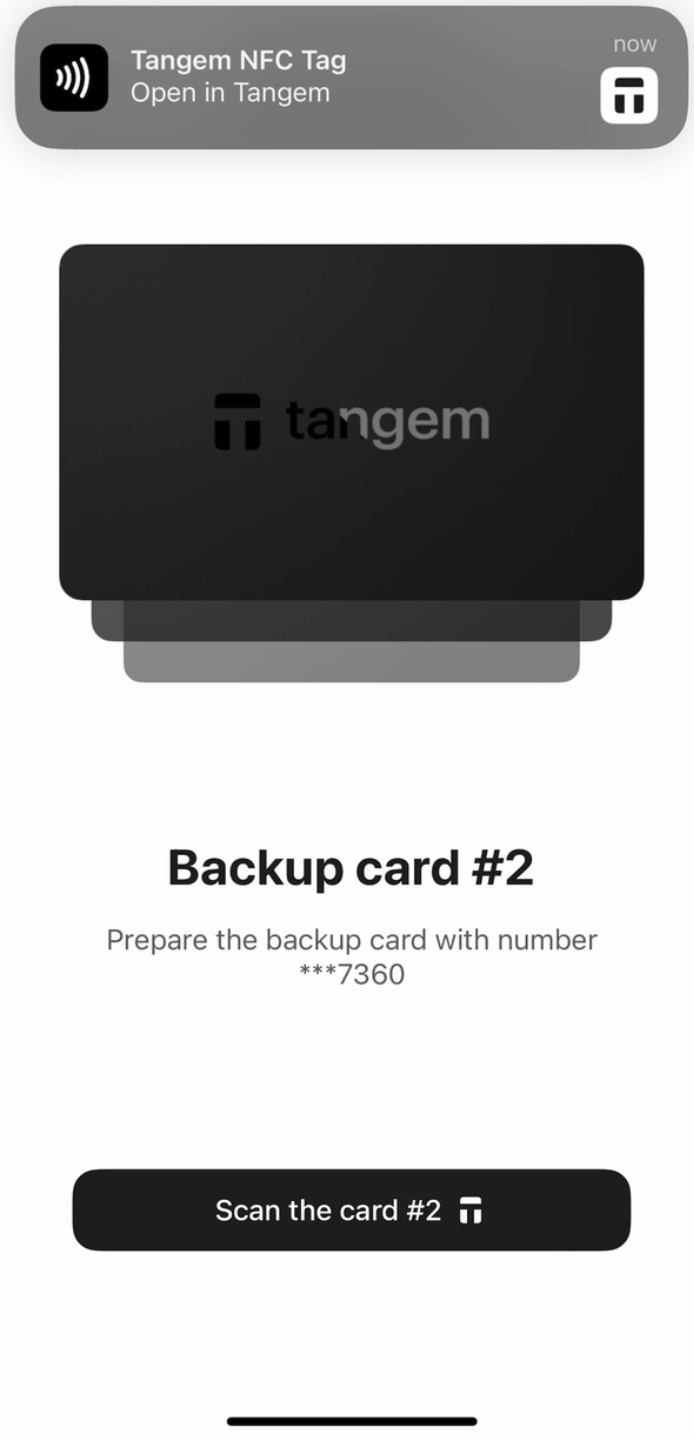
10. 点击 Continue to my wallet.
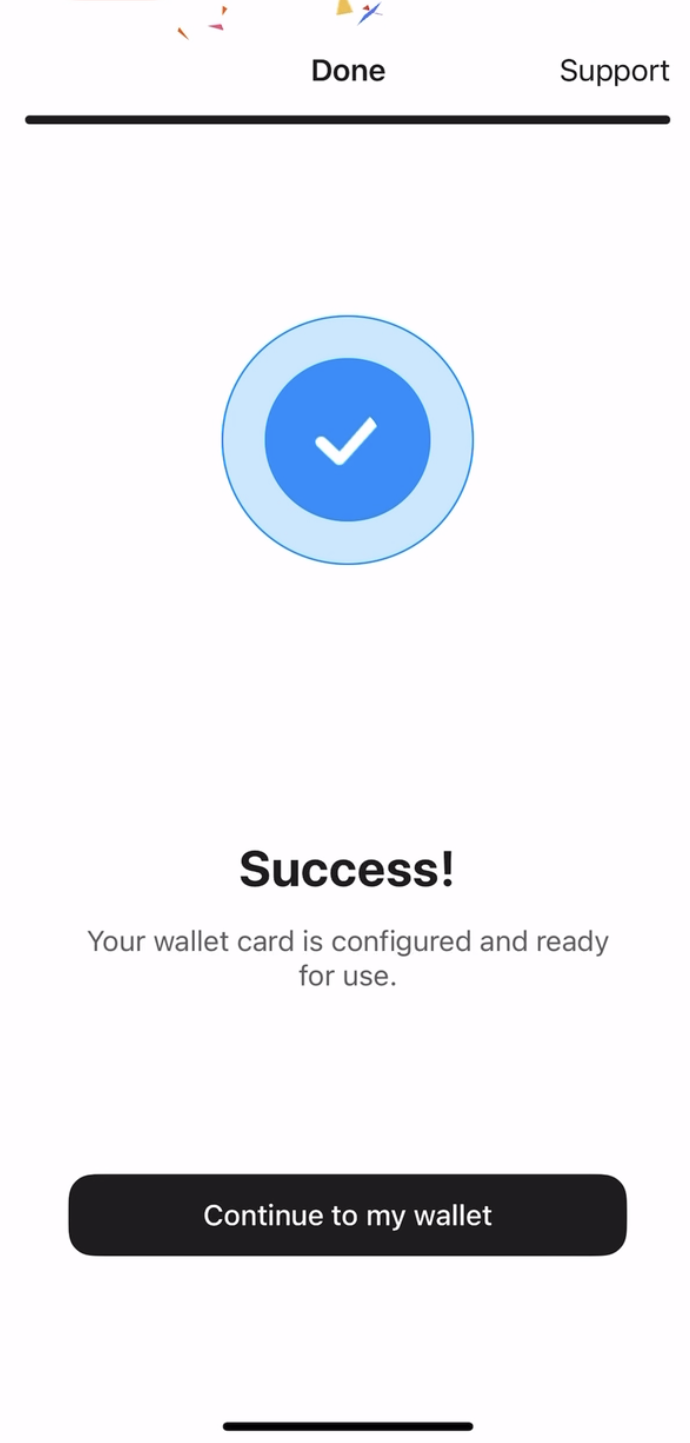
现在,Tangem Wallet 已成功通过助记词设置完成。请务必妥善保管助记词,切勿泄露给任何人,包括冒充 Tangem 支持团队成员的黑客。


別錯過這些 





其他文章

