 Переходьте на seedless. Знижка 30% з SWITCH30 до 26 жовт.


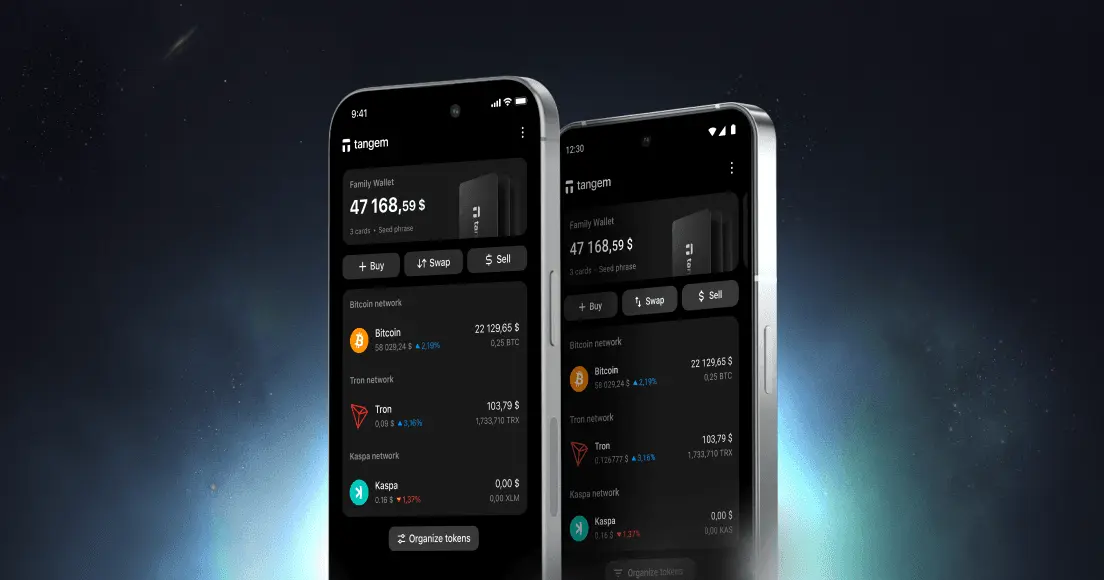
How to Remove or Add a Wallet to the Tangem App

You can manage several Tangem Wallets in one app. In this article, we'll walk you through the simple steps to manage your wallets on the Tangem app, ensuring a convenient way of handling your crypto assets.
How to add a wallet
- Open the Tangem Wallet app.
- Tap the three dots at the upper-right corner of the homepage.
- Tap Add new wallet.
- Scan the first card of the wallet you're adding.
If you're adding a new wallet, please follow the instructions in these guides:
How to remove a wallet
- Open the Tangem Wallet app.
- Tap and hold the wallet information block.
- Select Delete.
The deleted wallet and any saved access code associated with it will be removed from the Tangem app and your smartphone.


Не пропустіть 





Інші статті

