 Pásate a seedless. 30 % dto. con SWITCH30 hasta el 26 oct.


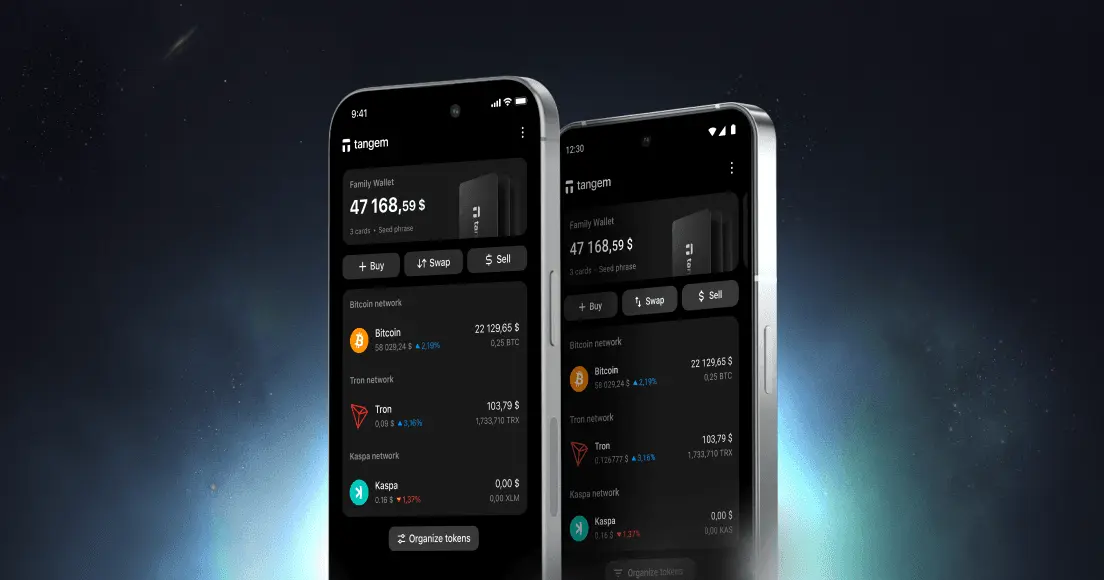
Cómo agregar o eliminar una billetera en la app Tangem
Este artículo está disponible en los siguientes idiomas:
Puedes gestionar varias Tangem Wallets en una sola app. En este artículo, te mostramos los pasos sencillos para administrar tus billeteras en la app Tangem y así manejar tus criptoactivos de manera práctica.
Cómo agregar una billetera
- Abre la app Tangem Wallet.
- Tap the three dots at the upper-right corner of the homepage.
- Tap Add new wallet.
- Scan the first card of the wallet you're adding.
Si vas a agregar una nueva billetera, sigue las instrucciones en estas guías:
Cómo eliminar una billetera
- Abre la app Tangem Wallet.
- Tap and hold the wallet information block.
- Select Delete.
La billetera eliminada y cualquier código de acceso guardado asociado se eliminarán tanto de la app Tangem como de tu celular.


No se pierda estos 

Otros artículos

