 시드리스로 전환하고 SWITCH30으로 30% 할인. 10월 26일까지


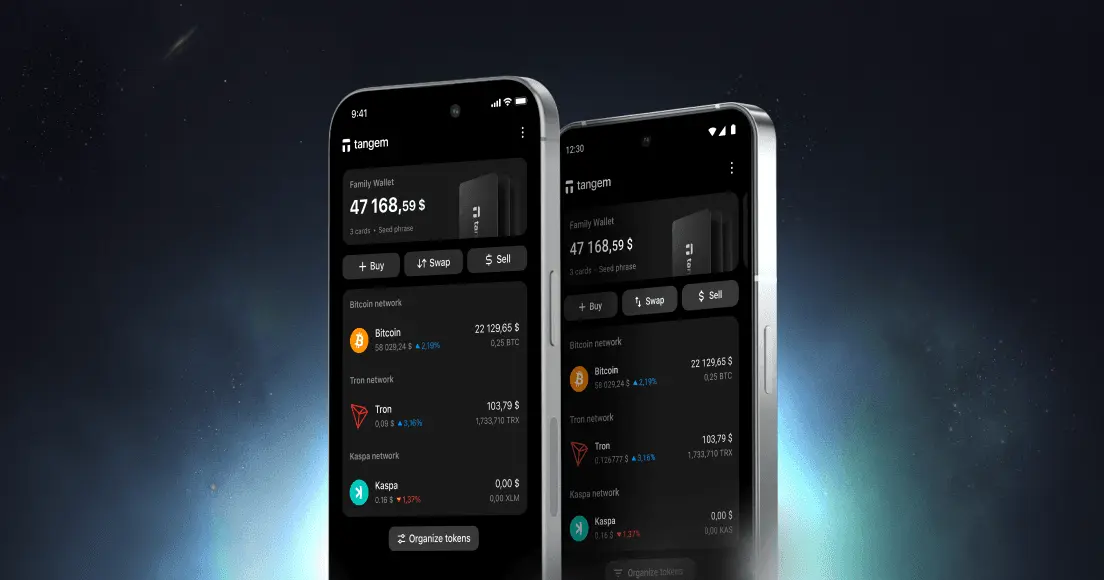
Tangem 앱에서 지갑 추가 및 삭제 방법
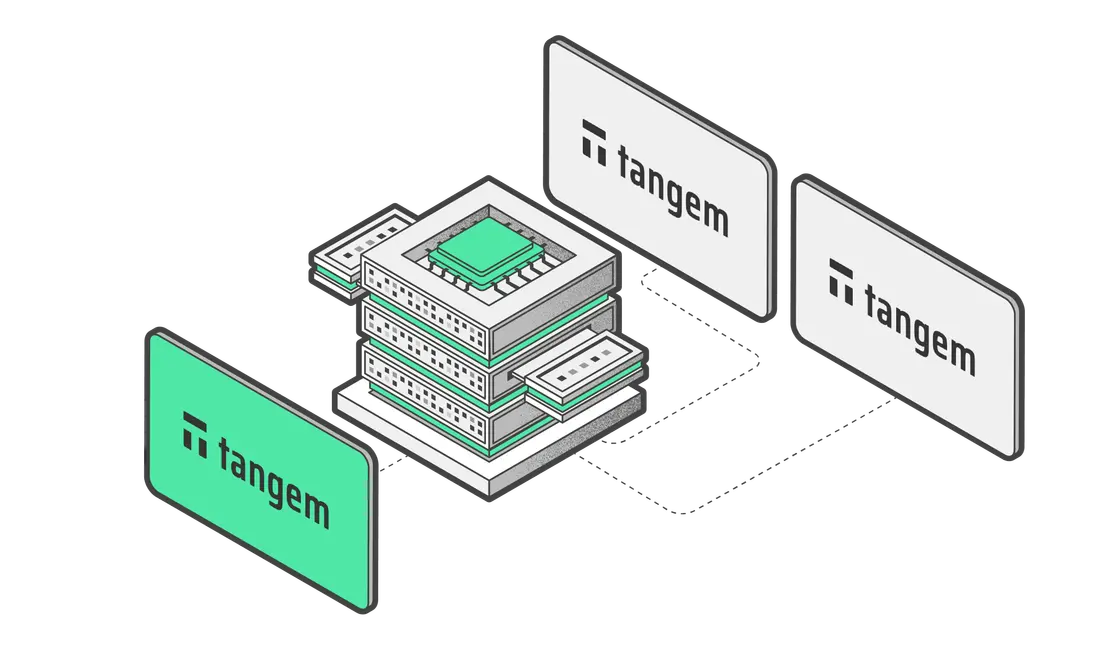
Tangem Wallet 여러 개를 하나의 앱에서 관리할 수 있어요. 이 글에서는 Tangem 앱에서 지갑을 간편하게 추가하고 삭제하는 방법을 안내해 드릴게요. 내 암호화폐 자산을 편리하게 관리해 보세요.
How to add a wallet
- Tangem Wallet 앱을 실행해요.
- Tap the three dots at the upper-right corner of the homepage.
- Tap Add new wallet
- Scan the first card of the wallet you're adding.
새로운 지갑을 추가하는 경우, 아래 가이드를 참고해 주세요:
How to remove a wallet
- Tangem Wallet 앱을 실행해요.
- Tap and hold the wallet information block.
- Select Delete
삭제한 지갑과 해당 지갑에 연결된 저장된 액세스 코드는 Tangem 앱과 스마트폰에서 모두 삭제돼요.


이것들을 놓치지 마세요 

다른 기사들

