



How to Disable Access Code Recovery in Tangem Wallet
สามารถอ่านบทความนี้ได้ในภาษาต่อไปนี้:
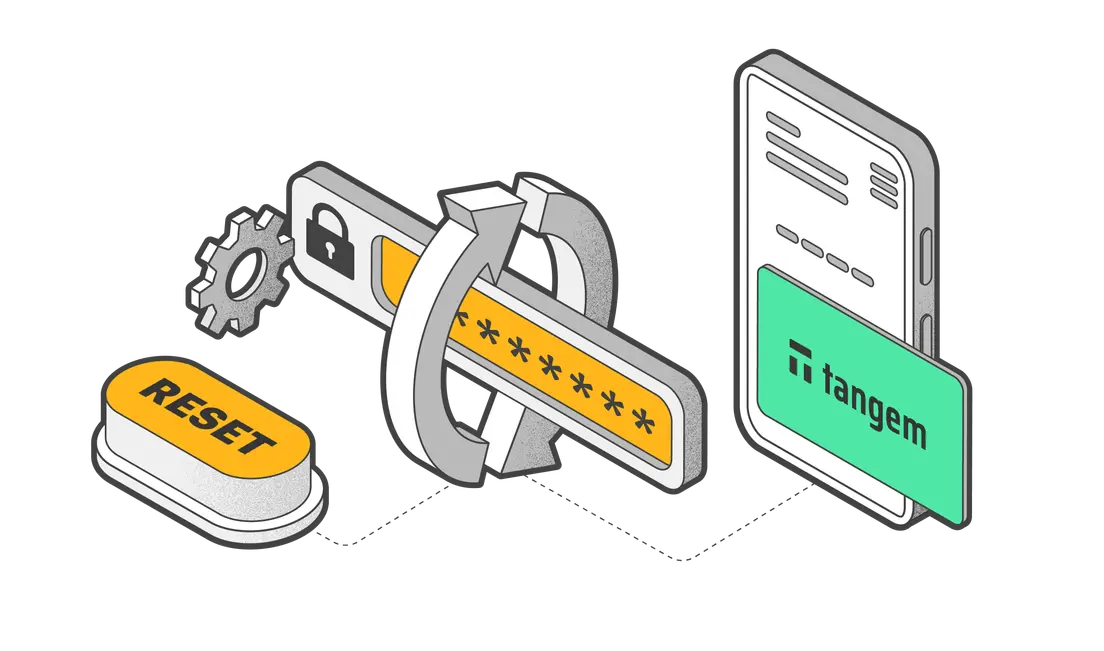
When setting up a Tangem Wallet, you create an access code that acts as an additional layer of authentication. This access code is required alongside the physical Tangem device to authorize transactions or manage cryptocurrency stored in the wallet.
With the classic Tangem Wallet, you can recover a forgotten access code by resetting it with two cards that are backed up to the same wallet.
However, the new Tangem Wallet lets you disable or enable the access code recovery feature. It has its pros and cons.
Disabling the access code recovery feature prevents anyone from accessing your wallet, even if they have more than one Tangem device belonging to you.
On the other hand, this card cannot be used to reset other cards, even by you, the rightful owner.
Here's how to enable or disable the access code recovery feature:
Open the Tangem Wallet app and tap on the three dots at the upper-right corner of the homepage.
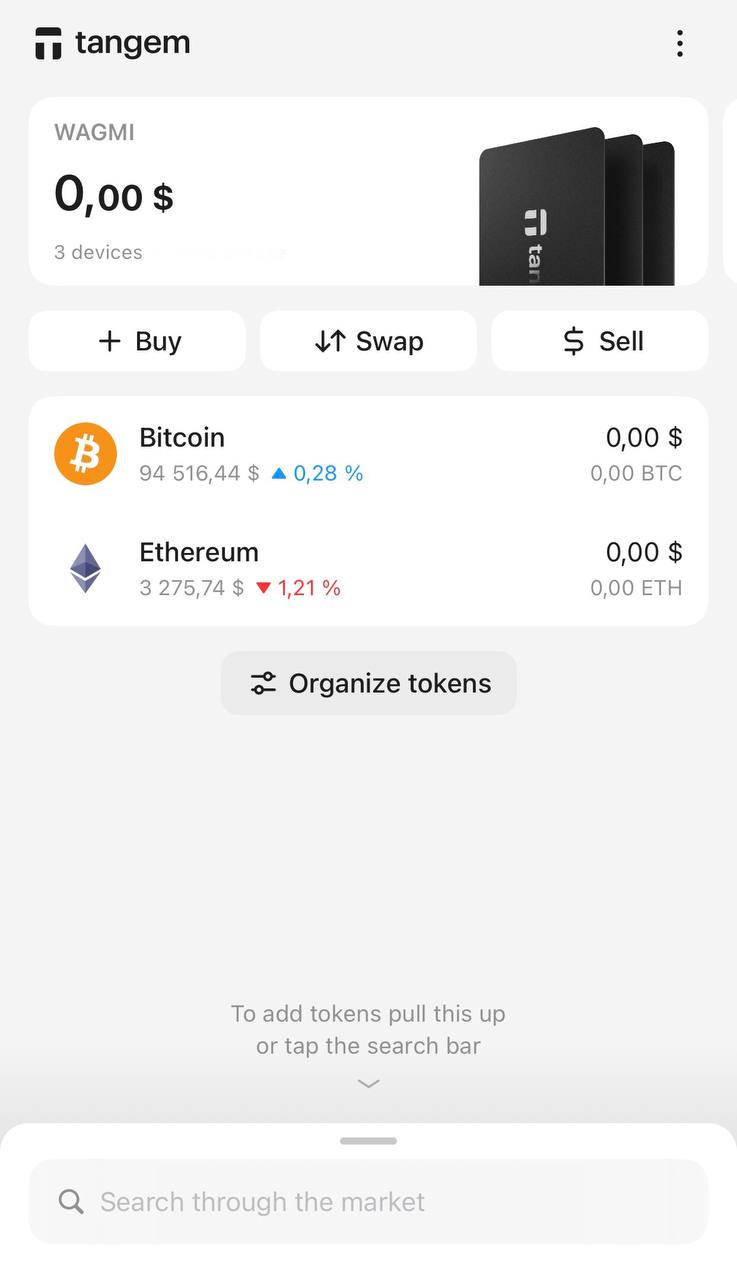
Select the relevant wallet.
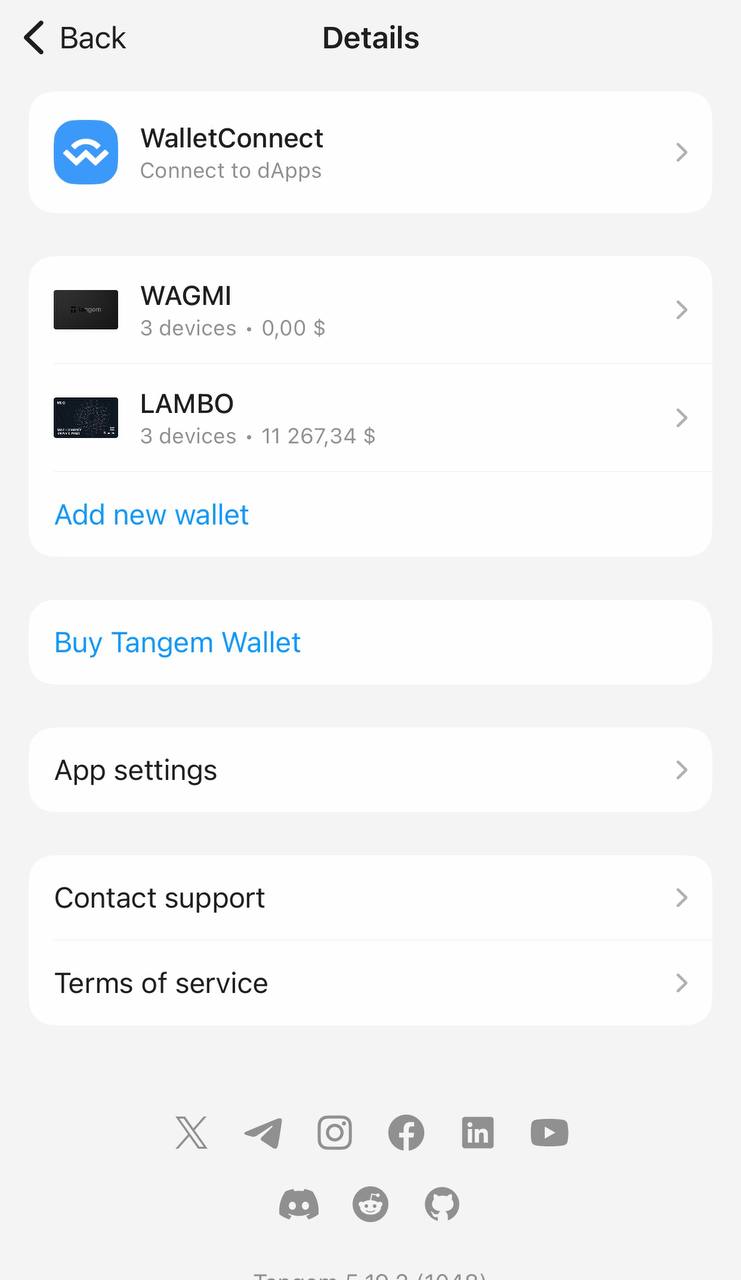
Tap Device settings.
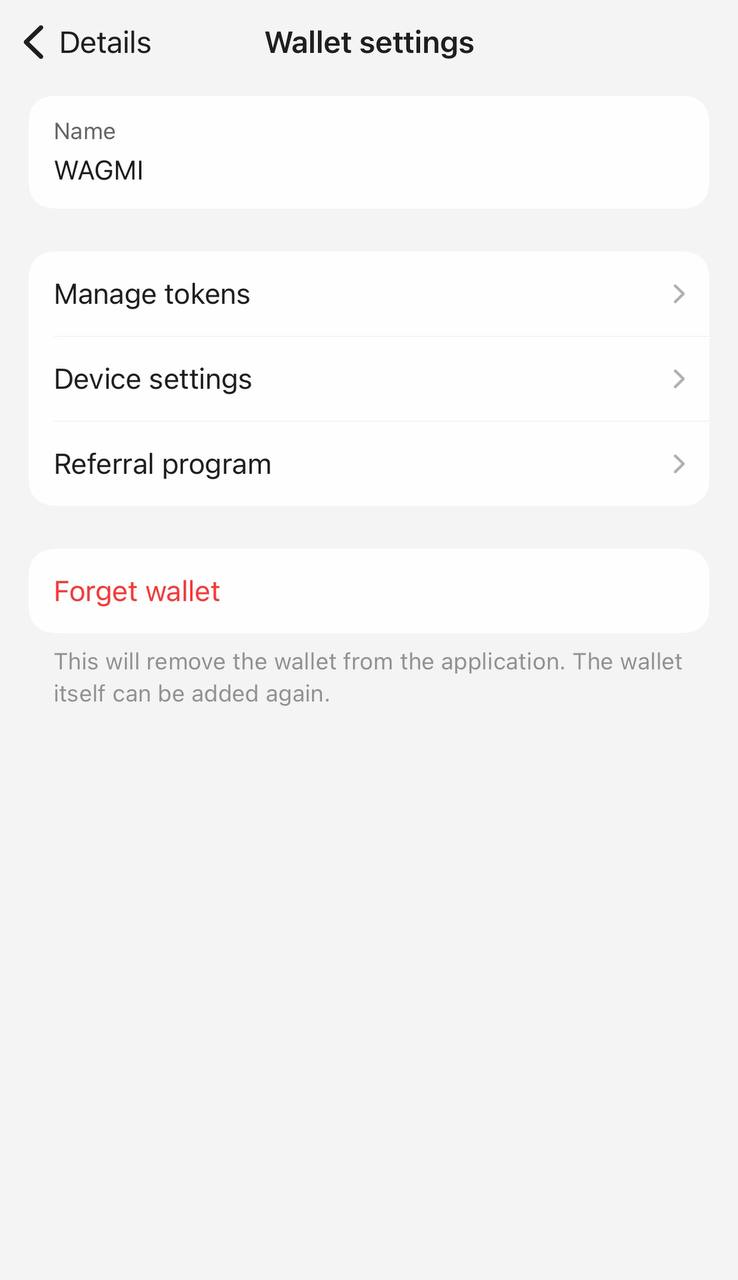
Tap Scan card or ring.
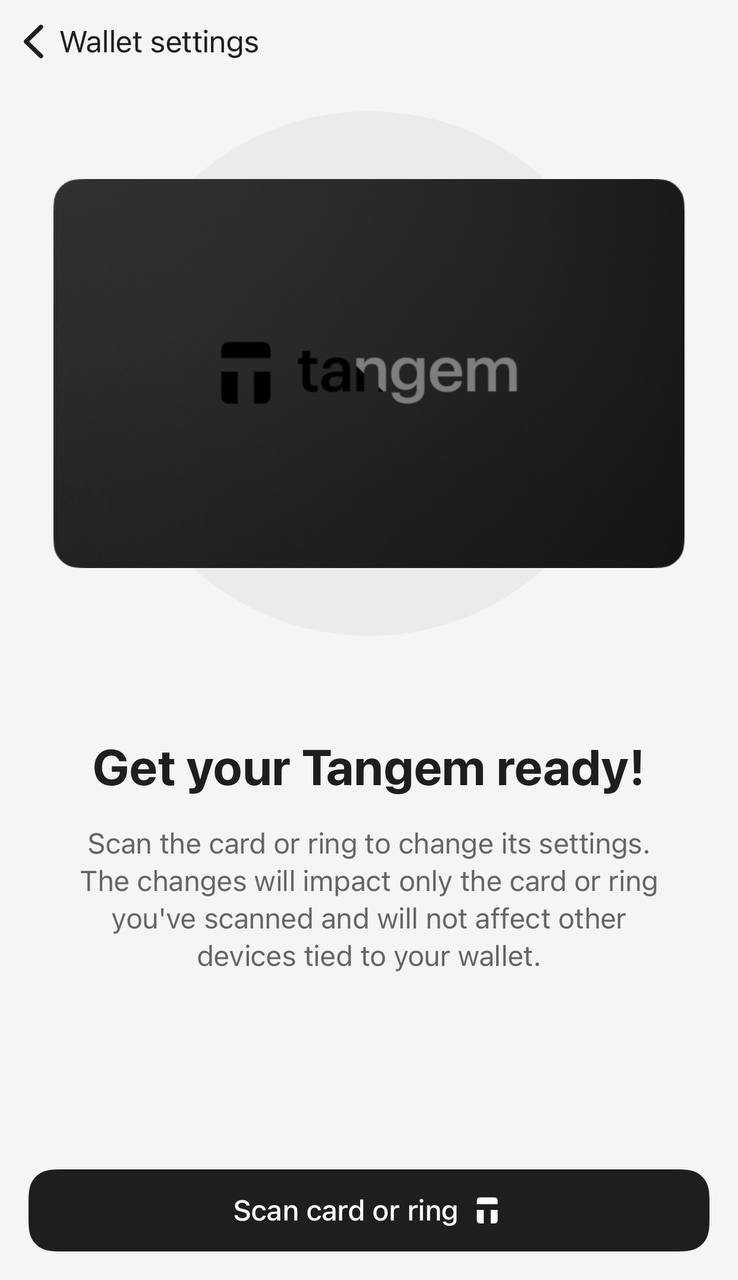
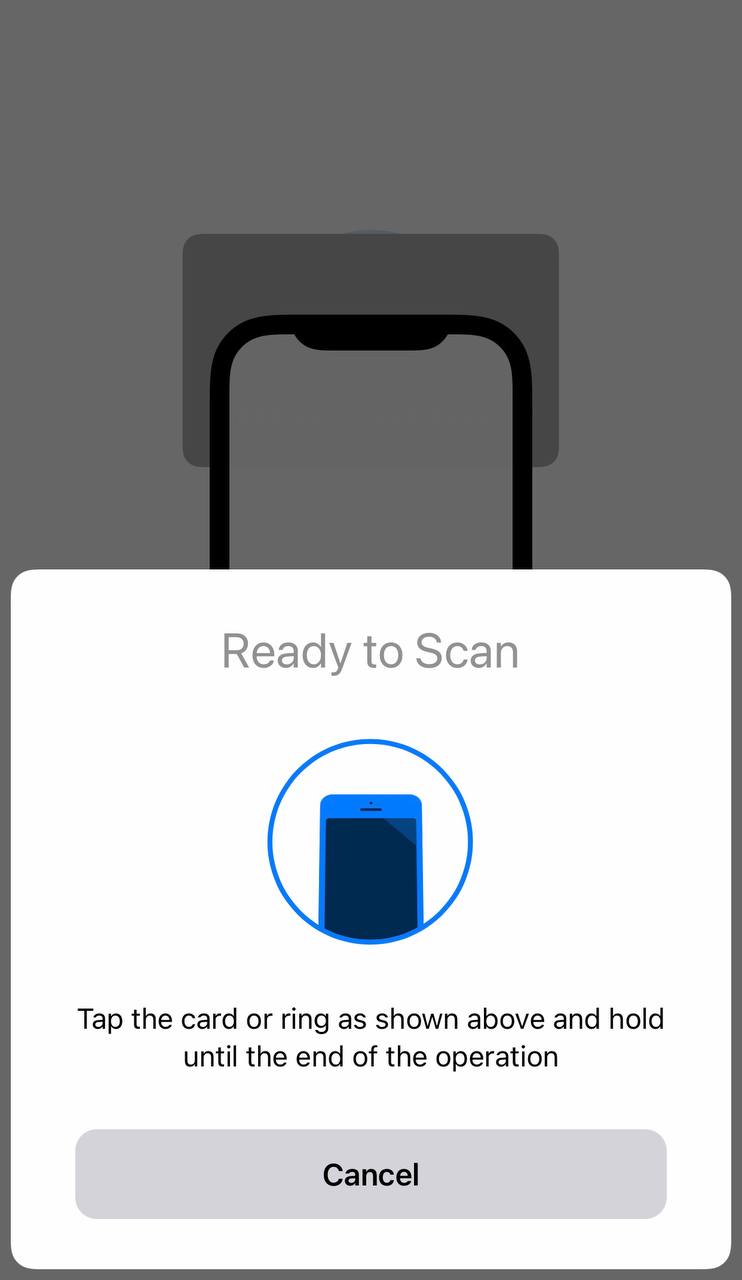
Enter your access code and scan your card or ring.
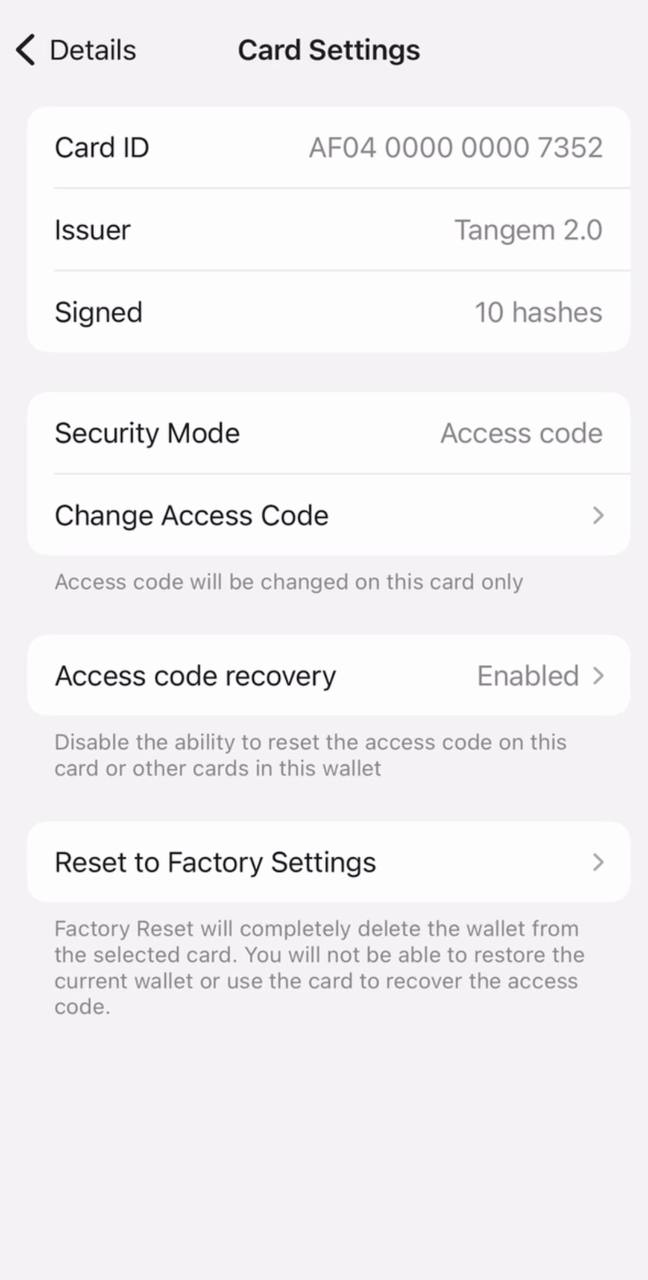
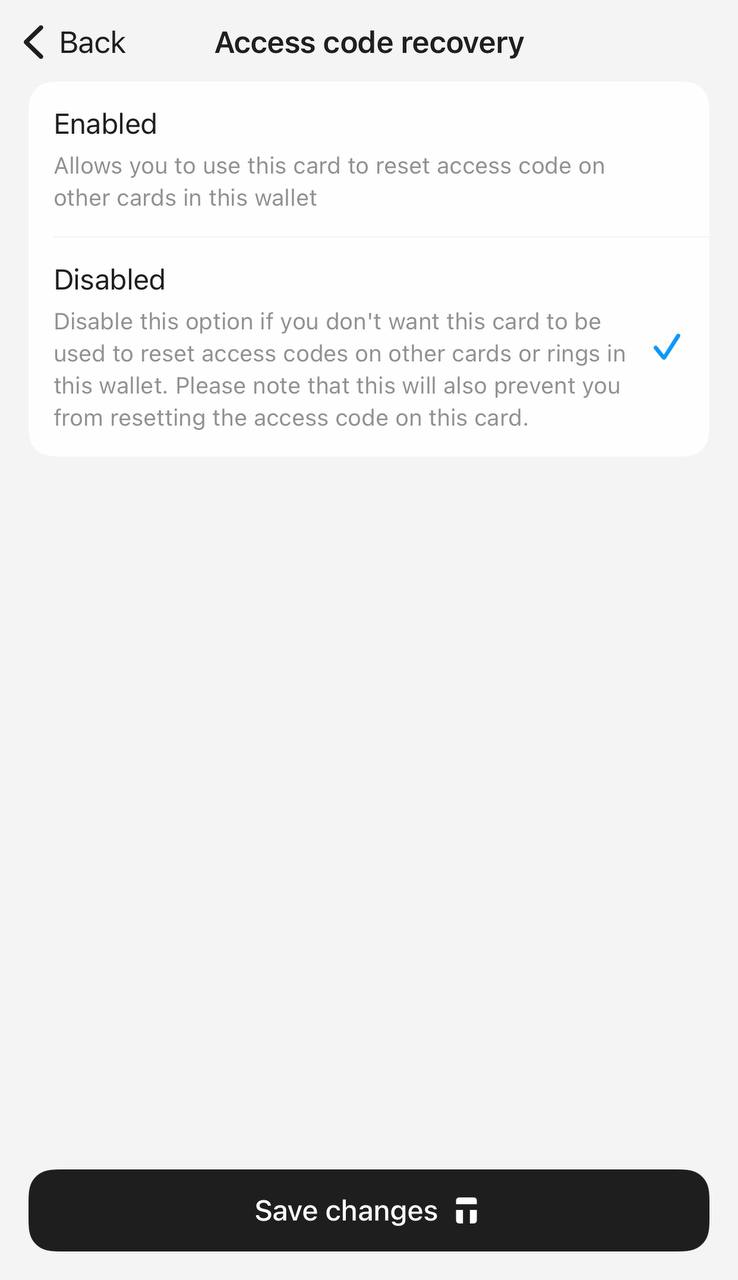
Tap Access code recovery.
Selecting Enabled allows you to use that particular card to reset access codes on other cards in your wallet. (Recommended)
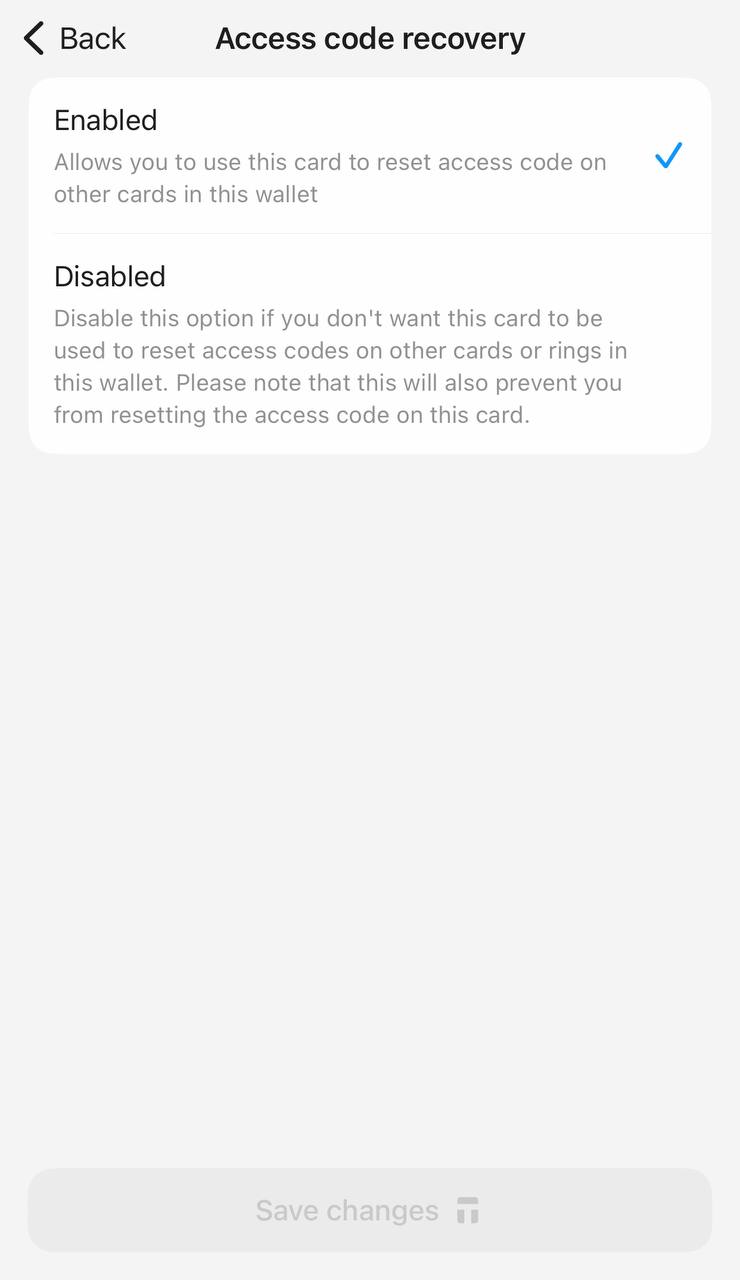
Selecting Disabled prevents this card from being used to reset access codes for all cards.Tap Save changes.
Enter your access code/biometric ID and scan your card.
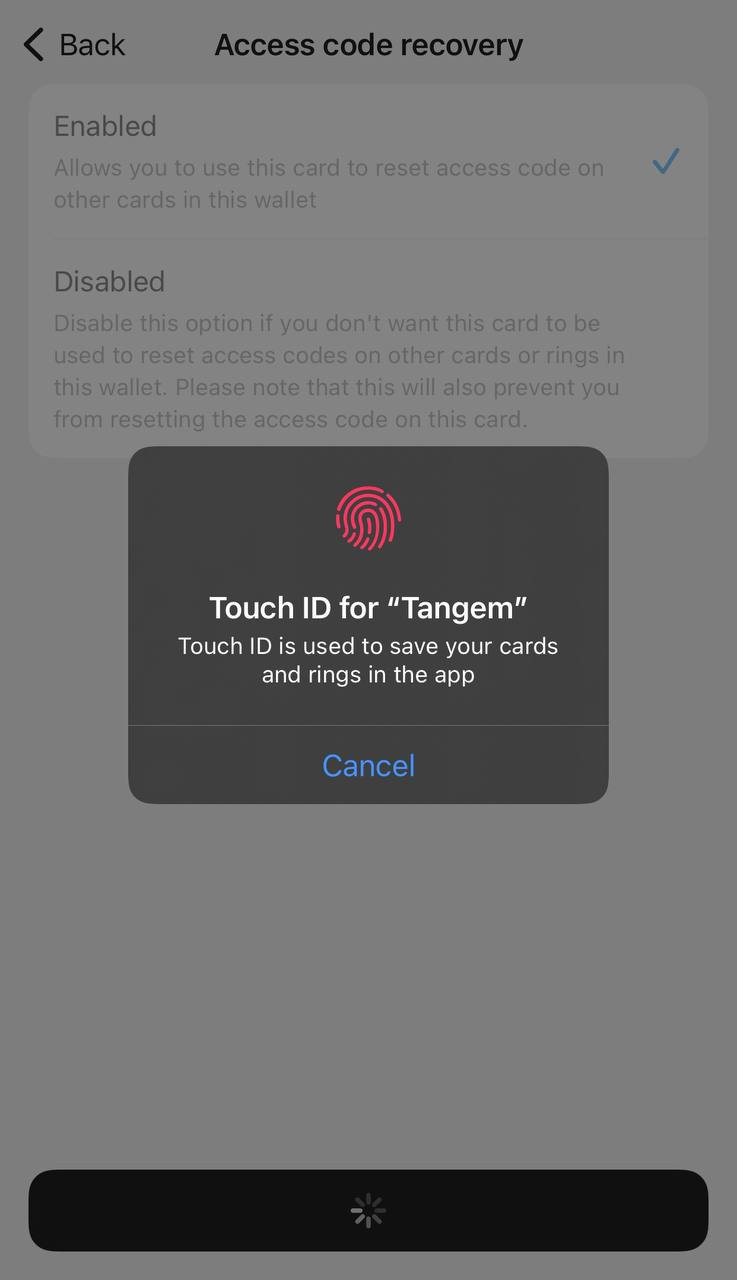
- Done.
Access codes provide extra protection against unauthorized access. Even if someone gains physical possession of the Tangem card component, they still need the correct access code to use the wallet.
Access code recovery setting: FAQ
-
It prevents a card from being used to reset access codes on the other cards of your wallet, even by you, the rightful owner. The upside: nobody can get into your wallet by collecting your devices; the downside: a forgotten code on that card can no longer be recovered.
-
With the classic recovery flow, a forgotten access code is reset using two cards backed up to the same wallet: the card being reset plus one more as confirmation. The newer Tangem Wallet adds the option to switch this recovery capability off per device.
-
Open the app, tap the three dots, select the wallet, go to Device settings, scan your card or ring with your access code, tap Access code recovery, choose Enabled (recommended) or Disabled, save the changes, and confirm with your access code and a final scan.
-
Enabled is the recommended default: it preserves the ability to recover from a forgotten code using your backup cards. Choose Disabled only if you are confident in your memory and want maximum protection against anyone who might obtain several of your devices.


อย่าพลาดสิ่งเหล่านี้ 






บทความอื่นๆ

