Switch to seedless. Get 30% off with SWITCH30 till Oct 21
Hardware Wallet Security: A Beginner-Friendly Guide
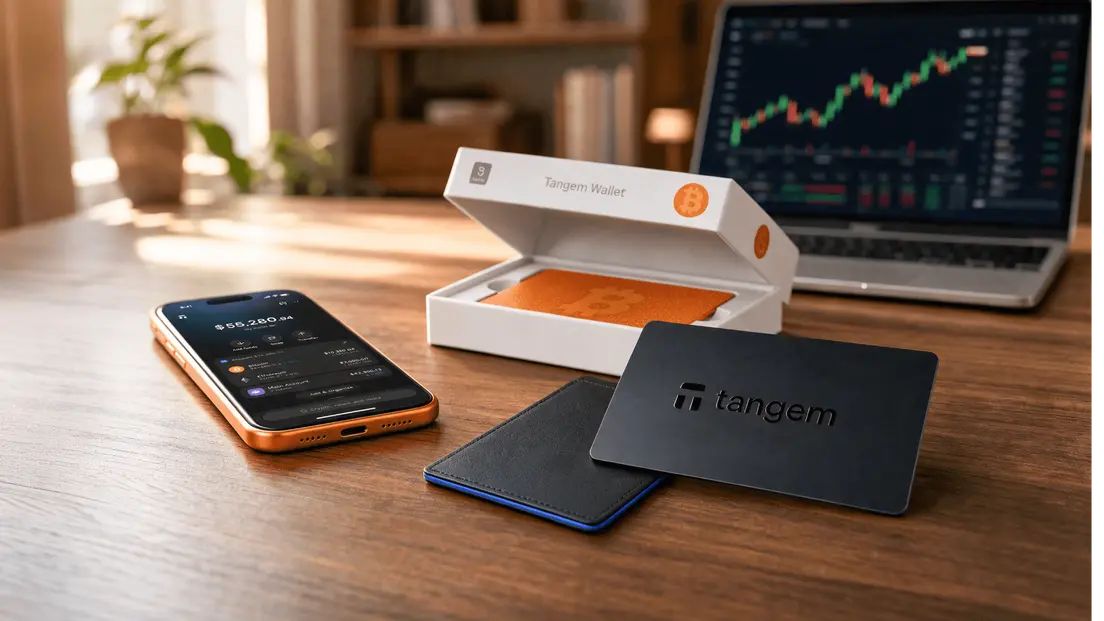
A hardware wallet is a physical device that generates and stores cryptocurrency private keys offline. It signs transactions internally, without exposing those keys to an internet-connected environment. That one property is the foundation of everything else.
But offline key storage is not the complete story. A wallet can keep keys offline and still fail you through a poorly designed recovery system, a compromised setup process, or a malicious transaction you approved without realizing it. Hardware wallet security is a system, not a single feature.
The short answer: the principles that matter
Hardware wallet security comes down to five things working together.
Key isolation keeps the private key inside a tamper-resistant chip and off any networked device. Trusted setup means the device arrives unactivated and you control the initialization. Recovery design determines what happens if the device is lost or damaged. Transaction verification is your ability to confirm what you're actually signing before it goes to the blockchain. And physical and social discipline covers everything from where you store your backup to whether you click a link in an unexpected message.
No single control covers all five. A wallet with a certified secure element but no clear recovery model still leaves you exposed. A well-designed recovery model paired with careless phishing habits is equally fragile. Self-custody shifts responsibility from an intermediary to you, and that shift is permanent.
Core security controls
Key isolation
The secure element is the chip where private keys live. In a well-designed hardware wallet, keys are generated on-chip, stored on-chip, and never transmitted in any readable form. When you send crypto, the companion app sends unsigned transaction data to the device, the device signs it internally, and only the signed transaction returns to the app for broadcast. Your private key never leaves the chip.
A secure element certified at CC EAL5+ or EAL6+ is described as resisting physical tampering and side-channel attacks. That certification is one criterion to check, not a complete risk assessment on its own.
Recovery design
Most hardware wallets use a seed phrase: a 12- or 24-word mnemonic that can regenerate your wallet's keys if the device is lost or damaged. Anyone with that phrase controls the funds. It's not a password you reset; it's a master key. Treat it accordingly.
A single seed backup kept in one place is a single point of failure. Loss, damage, or theft of that backup can leave you permanently locked out. Some wallet designs replace the seed phrase with a different model, distributing backup copies across multiple physical devices instead.
Transaction verification
Signing the wrong transaction is a real risk. Phishing sites and malicious dApps can present a transaction that looks like a small approval but actually transfers your entire balance. Before you tap or confirm, check the destination address, the token, and the amount. If the wallet or app offers a simulation or preview of what the transaction will actually do, use it.
Updates, access controls, and physical security
Keep the companion app, your phone's operating system, and any browser you use updated. Verify website addresses before entering credentials. A six-character minimum access code on the wallet itself adds a layer of protection if the device is physically stolen. Biometric options like Touch ID or Face ID can supplement that, but they don't replace the hardware tap.
Physical security matters too. A hardware wallet stolen by someone who also has your access code and seed phrase offers no protection at all.
How to choose or configure a wallet
The decision is not only about which wallet has the most features. Here's a practical framework.
| Criterion | What to look for |
|---|---|
| Key non-extractability | Keys generated and stored on-chip, never exported |
| Secure element | CC EAL5+ or EAL6+ certification |
| Firmware assurance | Independent audit by a named security firm |
| Recovery design | Clear model: seed phrase, multi-card, or both |
| Access controls | PIN or passphrase required for signing |
| Form factor | Matches your use case: USB, NFC card, QR-based |
| Purchase channel | Direct from manufacturer or authorized reseller |
Price is not a reliable proxy for security. Simpler devices with fewer components can have fewer vulnerabilities. A higher price may reflect a larger screen or more supported coins, neither of which directly improves key isolation.
Hardware wallets come in several form factors: USB devices, NFC smart cards, QR-based air-gapped devices, and wearables. The connection method affects your threat model. A USB device connects directly to a computer; an NFC card taps a phone at close range; a QR-based device never connects to anything. Each trade-off is real.
Buy only from the manufacturer directly or from an authorized reseller. Keep your recovery phrase or backup cards in a safe location. Do not share your access code or recovery phrase with anyone.
Hot wallets prioritize immediate access and dApp use. Cold wallets trade an extra signing step for offline key handling. For long-term storage of significant holdings, the extra step is worth it.
Common mistakes to avoid
Most hardware wallet failures are not hardware failures. They're user errors that the hardware couldn't prevent.
Not backing up at setup. If your wallet uses a seed phrase and you skip writing it down, a lost or damaged device means lost funds. There is no recovery process without it.
Storing backups in cloud apps. A screenshot of your seed phrase in iCloud or Google Photos is accessible to anyone who compromises that account. Keep physical backups offline.
Downloading fake wallet apps. Phishing apps mimic legitimate wallet software to capture your recovery phrase. Download only from the official source.
Sharing private keys or seed phrases. No legitimate wallet company, exchange, or support team will ever ask for your private key or seed phrase. If someone asks, it's an attempt to steal your funds.
- Keeping everything in one place. A single backup in one location is a single point of failure. Separating a smaller active balance in a hot wallet from longer-term holdings in cold storage limits the damage if the active wallet is compromised.
How Tangem's Design Reduces Specific Attack Vectors
Tangem Cold Wallet takes a specific approach to several of the risks above.
The card uses a Samsung S3D350A secure element certified at CC EAL6+, with a DRAM-based True Random Number Generator. In the recommended seedless setup, private keys are generated on-chip and cannot be extracted or duplicated. All cryptographic signing happens on-chip. The card has no USB port, no Bluetooth radio, and no battery. Its NFC connection operates at 0-5 cm range over an AES-256 encrypted channel. That design removes the remote-firmware-update attack vector entirely: Tangem's firmware is installed at the factory and cannot be changed after that.
For recovery, Tangem's default model replaces the seed phrase with a set of two or three cards sharing the same private key. Losing one card doesn't block access as long as another remains. Losing all cards without a seed phrase makes funds permanently inaccessible. That's the honest trade-off: the seedless model eliminates seed-phrase theft and phishing risks, but it requires keeping at least one backup card safe.
For transaction safety, the Tangem app includes Blockaid-powered threat detection, real-time behavioral analysis for dApp connections, and a transaction simulation that shows a human-readable preview of balance changes before you sign. Verified Transactions (VTX) are described as cryptographically signed bundles that ensure the preview matches execution. Tangem's firmware has been audited by Kudelski Security (2018, no vulnerabilities found) and Riscure (2023, passed). The iOS and Android app code is available on GitHub.
One concrete limitation: there is no desktop or web interface. Tangem is mobile-only, requiring iOS 16.0 or later (iPhone 8 and newer) or Android 6.0 and later with full NFC support. If your setup requires a desktop signing environment, this wallet doesn't fit.
No wallet is unhackable. Tangem's design reduces specific attack vectors; it doesn't eliminate phishing, malicious transaction approvals, or the risk of losing all physical cards.
FAQ
-
There is no single feature that guarantees safety. Key isolation, trustworthy setup and recovery, clear transaction verification, secure distribution, and good user practices work together. A wallet with a certified secure element but a poorly designed recovery model can still leave you without access. Evaluate the full system, not individual specs.
-
No. Price and feature count are not reliable proxies for security. A simpler device with fewer components can have fewer vulnerabilities than a feature-rich one. Evaluate the specific threat model, recovery design, independent audit evidence, and how easy the device is to use correctly under real conditions.
-
Review it after major changes: a device replacement, a suspicious message, a software update, a published incident report, or a significant change in the value or purpose of your holdings. There is no fixed schedule that fits every situation; the trigger is change, not the calendar.
-
If your wallet uses a seed phrase, you can restore access on a new device using that phrase. If you use a multi-card seedless model like Tangem's, you need at least one remaining backup card. If you lose all access methods, whether that's the seed phrase or all backup cards, your funds are permanently inaccessible. There is no third-party recovery option in self-custody.
-
A hardware wallet that keeps keys on a secure element and never connects to the internet cannot be accessed remotely in the way a software wallet can. The realistic remote risks are phishing (tricking you into approving a malicious transaction) and fake apps (capturing your recovery phrase). The hardware protects the key; it doesn't protect you from approving something you shouldn't.