Switch to seedless. Get 30% off with SWITCH30 till Oct 21
Self-Custody Security: Audit Your Entire Setup
Most people set up a crypto wallet once and never look at it again. That's the gap where real losses happen.
Self-custody means you control the private keys that authorize your transactions. No exchange, no intermediary, no safety net. That's the point. But it also means the full responsibility for keeping those keys safe sits with you. That responsibility has several distinct parts, each with its own failure mode.
This guide walks through those parts in order: what you're actually protecting, how attacks reach it, what controls reduce exposure, and where those controls still fall short.
Understand the Threat Model
Self-custody starts with a key pair. Your wallet generates a private key and a corresponding public address. The private key authorizes every transaction. Whoever controls it controls the funds.
A seed phrase, typically 12 or 24 words, is a human-readable backup that can regenerate those keys on any compatible wallet. It's powerful precisely because it's portable. Anyone who reads it, photographs it, or types it into a form has full access.
The threat model has six distinct categories, and a useful audit checks each one separately:
- Supply-chain risk: Was the device or software tampered with before it reached you?
- Phishing and social engineering: Can an attacker trick you into handing over a key, phrase, or unlimited approval?
- Malware: Does software on your device intercept keys, clipboard data, or transaction details?
- Malicious approvals: Have you granted a smart contract permission to move tokens without a per-transaction confirmation?
- Physical access: Can someone reach your device, backup material, or written seed phrase?
- Recovery and backup: If your primary device fails, can you recover, and is that recovery path itself secure?
Hot wallets (software wallets on phones, desktops, or browsers) remain internet-connected. That connection expands exposure across phishing, malware, and device-compromise paths simultaneously. A hardware wallet addresses the key-isolation problem specifically. But it doesn't close the phishing or approval paths on its own.
How the Attack Path Works
Understanding the mechanics helps you audit more precisely. Here's what actually happens when funds move.
Your wallet signs a transaction with the private key and broadcasts the signed result to the blockchain. The key itself never needs to leave your device to do this. The problem is that several attack paths don't need to steal the key directly. They just need you to authorize something harmful.
Phishing is the most common path. It typically starts with a fake website or an impersonating social media account. The attacker prompts you to connect your wallet, then requests either your seed phrase directly or a transaction that grants unlimited token access. Fake airdrop claims work the same way: unsolicited tokens or NFTs direct you to a site claiming you must "claim" or "unlock" them, and that site is the actual attack.
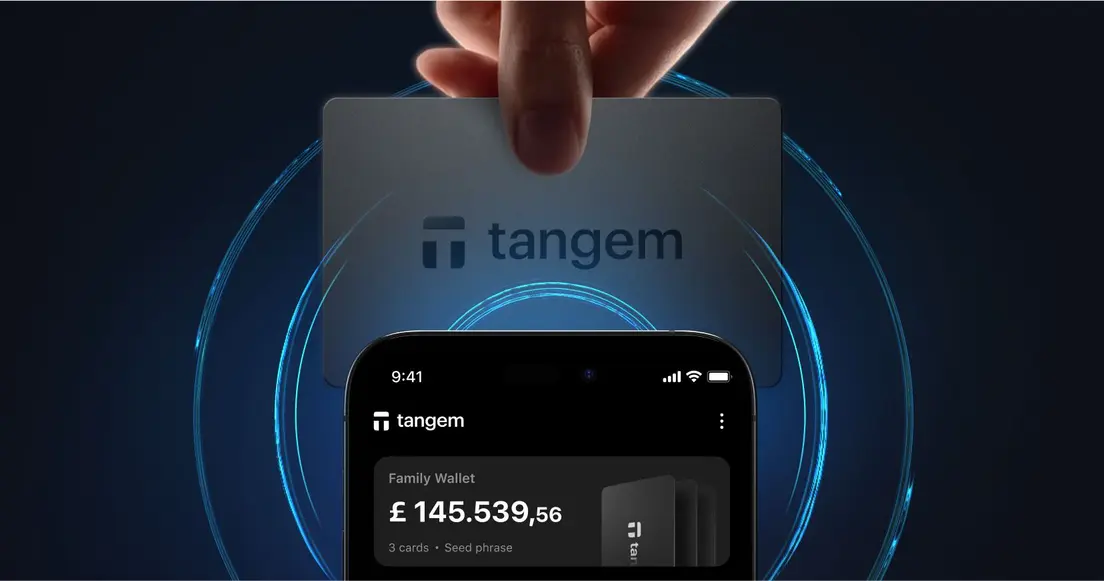
A hardware wallet changes the signing flow in a meaningful way. The app prepares an unsigned transaction and sends it to the device. The device signs internally and returns the signed result. The app broadcasts it. The private key doesn't touch the internet-connected phone during this process. That's the protection hardware wallets actually provide.
But notice what that protection doesn't cover: if you approve a malicious transaction, the hardware wallet signs it faithfully. The device can't tell you the dApp is fraudulent. The signing is correct; the intent was wrong. That distinction, key exposure versus authorizing a harmful transaction, is the most important boundary in any self-custody audit.
Controls That Reduce Exposure
A practical audit maps each risk category to a specific control. These are the ones with the highest impact.
Key isolation. A hardware wallet keeps private keys in an offline device and signs internally, preventing the key from touching the internet-connected companion device during any transaction. For long-term holdings, this is the most direct structural improvement over a software wallet.
Wallet-connection hygiene. Verify that a website is genuine before connecting your wallet. Don't interact with unsolicited token prompts. Periodically review and revoke access for applications you no longer use or don't recognize. No legitimate wallet, airdrop, or protocol ever needs your private key or seed phrase. Those secrets should never be shared, with anyone, for any reason.
Recovery-backup redundancy. A single backup in a single location isn't a backup strategy. If you use a conventional seed phrase, store durable offline copies in at least two physically separate locations. Test the recovery procedure before committing significant holdings. Losing the phrase has no recovery process; the test confirms the backup actually works.
Spending-balance separation. Keep a small active balance in a hot wallet for regular transactions. Move the bulk of holdings to cold storage. A hot-wallet compromise then affects only the spending balance, not long-term savings.
Transaction review. Before signing anything, read what you're approving. Transaction previews that show balance changes and hidden operations are a meaningful safeguard. If a preview is absent or unclear, that's a reason to pause.
- Supply-chain verification. Buy hardware wallets directly from the manufacturer or a verified reseller. Check that packaging seals are intact. For software, verify hashes or signatures against the developer's official published values before installation.
Limits and Trade-offs
Controls reduce risk. None of them eliminate it. Here's where each one still falls short.
Key isolation via a hardware wallet doesn't prevent phishing, malicious approvals, unsafe recovery backups, coercion, or every supply-chain and physical attack. The device protects the key. It doesn't protect your judgment.
Cold storage improves key isolation but adds physical-storage and recovery responsibilities. Backup material needs protection from loss, damage, theft, and single-location failure. More copies of a seed phrase mean more locations where that phrase can be found.
Seed phrases offer recovery portability. Any compatible wallet can restore from them. But that portability is also the risk. A seedless multi-card model removes the written phrase from the picture. The trade-off is that you must retain at least one recovery card, and losing all cards without a phrase means permanent loss.
Self-custody removes dependence on an exchange, but it replaces that dependence with personal operational responsibility. There's no customer support line for a lost private key.
When to seek help: if assets may be actively at risk, or a device appears compromised, stop signing transactions immediately. Use a clean environment, follow the wallet vendor's current incident guidance, and contact only verified official support channels. Provide only public information: wallet addresses, transaction hashes, network names, timestamps, and screenshots with all secrets removed. Never share a seed phrase or private key with support staff or anyone offering recovery assistance. If a recovery phrase or private key was exposed, the right response is to create a new wallet on a trusted, uncompromised device and move remaining assets as quickly as possible.
How Tangem's Design Reduces Specific Attack Vectors
Tangem Cold Wallet addresses several of the audit categories above through specific design choices rather than blanket guarantees.
The private key is generated entirely within the secure element (Samsung S3D350A, certified EAL6+) using on-chip true-random generation. In the default seedless setup, the key is never written as a seed phrase. It stays in tamper-resistant chip memory; the app receives only the public key for address generation, and signing happens on-chip. The key doesn't touch an internet-connected device during the signing flow.
The card has no USB connection, battery, Bluetooth radio, or screen. Communication happens over NFC at a 0-5 cm range. Firmware is factory-installed and non-updatable, which removes remote-exploit vectors that depend on malicious firmware updates. The app verifies the authenticity of the card and its firmware before operations, providing counterfeit-device protection.
For WalletConnect connections (app version 5.27+), Tangem documents Blockaid-powered dApp verification, transaction-simulation previews with balance-change calculations and hidden-operation detection, and cryptographically signed transaction bundles that let you verify the preview against actual execution.
These choices reduce the supply-chain, key-extraction, and firmware-update attack paths. They don't eliminate phishing, malicious approvals, user error, or physical loss.
The honest limitation: if all backup cards are lost and no seed phrase was created, the funds are permanently inaccessible. Tangem cannot recover them. A one-card setup without a seed phrase is a single point of failure. The official guidance recommends at least two cards, and describes three as maximum redundancy.
FAQ
-
No. A hardware wallet can reduce exposure of private keys to an internet-connected device, but it cannot prevent phishing, malicious approvals, unsafe recovery backups, coercion, or every supply-chain and physical attack. The device protects the key; it doesn't protect every decision you make while using it.
-
Map what you protect, how you use it, and the realistic ways an attacker could reach your keys, recovery material, or transaction approvals. Then apply controls to the highest-impact paths first. Identifying the actual exposure is more useful than adding controls at random.
-
Seek trusted, independently verified help when assets may be actively at risk or a device appears compromised. Never share a seed phrase or private key with support staff or anyone offering recovery. If a phrase was exposed, create a new wallet on a clean device and move remaining assets. Changing a password does not secure a wallet whose recovery material was already seen.
-
Public information only: wallet addresses, transaction hashes, network names, timestamps, and screenshots with all secrets removed. Legitimate wallet support does not need your seed phrase, private key, or access code to help you.
-
Stop signing further transactions. Review the approval or transaction through a trusted block explorer or the wallet's documented support path. If you suspect an active compromise, use a clean device and contact verified official support. Never send a seed phrase or private key.
-
A lost or broken phone does not hold the Cold Wallet's private key. The recovery is to install the app on a new phone and tap the card. The phone is the interface, not the key store.