Switch to seedless. Get 30% off with SWITCH30 till Oct 21
Hardware Wallet on Amazon: What to Check
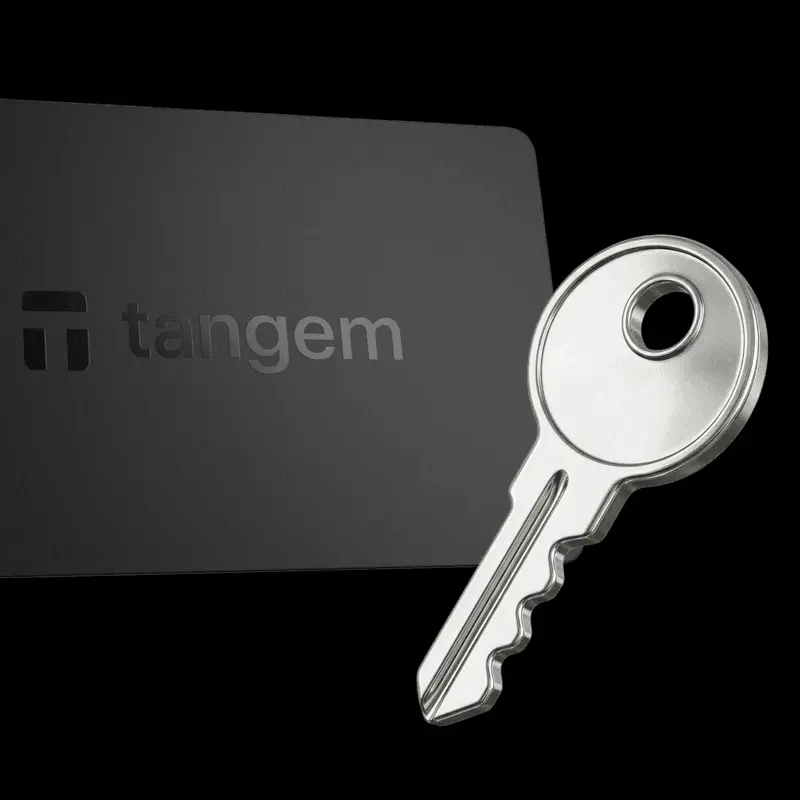
A hardware wallet keeps your private keys offline and signs transactions internally, so your keys never touch an internet-connected environment. That security model works only if the device you receive is genuine, unmodified, and has never been initialized by someone else.
Buying from a marketplace introduces a layer of uncertainty that the device itself cannot resolve. This guide walks through what a listing can and can't tell you, the warning signs that matter, and the steps to take before you send a single dollar of crypto to a new device.
What the Seller or Channel Does and Does Not Guarantee
A marketplace listing tells you four things: a price, a product title, seller ratings, and a fulfillment method. None of those four things tells you whether the device inside the box is genuine.
Here's why that distinction matters. A hardware wallet is a physical device that generates and stores private keys offline, then signs transactions internally. In self-custody, control of the private key is control of the funds; the user carries that responsibility entirely, with no exchange or intermediary as a backstop. That means a compromised device is a direct path to permanent loss.
The seller identity, the fulfillment channel, and the platform's reputation are separate questions from manufacturer authorization and device integrity. A high seller rating doesn't confirm the device hasn't been opened, re-sealed, or pre-initialized. Fulfilled-by-marketplace logistics can pass a product through multiple hands. And a listing that uses official product photos and accurate specs can still ship a counterfeit.
The only check that can establish authenticity is the manufacturer's own verification method. For any device bought through a third party, the guidance is consistent: use the manufacturer's verification process before funding the wallet, and don't proceed if that verification fails or can't be completed.
Price is also not a reliable proxy for security. A higher price does not itself mean higher security, and a discounted listing is not evidence of a problem. What matters is whether the device passes the manufacturer's check.
Main Risks and Realistic Warning Signs
The risks with a marketplace hardware wallet purchase fall into two categories: supply-chain risks that affect the device before it reaches you, and post-setup risks that affect how you use it.
Supply-chain risks include counterfeit devices, returned or swapped units, damaged or resealed packaging, and devices that were initialized before delivery. A device that was initialized before you received it means someone else may hold the recovery phrase. With it, they have full access to any funds you deposit.
The clearest warning sign is a recovery phrase supplied with the device. A traditional recovery phrase is a sequence of 12 or 24 words that can restore wallet access. Anyone who possesses it controls the associated funds. No legitimate hardware wallet ships with a recovery phrase pre-written in the box, because the phrase should only ever be generated on the device itself during your own first setup.
Watch for these specific signals:
- A card, paper, or booklet inside the box with a 12- or 24-word phrase already written out
- A first-run setup flow that directs you to import an existing phrase rather than generate a new one
- Packaging that shows signs of opening, resealing, or tamper-evident seal damage
- A device that prompts you to confirm a phrase you didn't generate
Any one of those is a stop condition. Don't proceed.
Post-setup risks are separate from device authenticity. A genuine, unmodified hardware wallet still doesn't make every action you take with it safe. Fake websites can seek your seed phrase or wallet approvals. A hardware wallet's offline key storage addresses online key exposure. It doesn't make a website visit, wallet connection, or transaction approval risk-free. Check that any site you connect to is genuine before approving anything.
How to Verify Before Funding the Wallet
Run these checks in order, before you transfer any funds.
1. Check the source. Confirm whether the seller is the manufacturer's official store or an authorized reseller. Manufacturers typically publish their authorized sales channels; check the manufacturer's own website for that list.
2. Inspect the packaging. Look for intact tamper-evident seals, undamaged shrink wrap, and no signs of resealing. If the packaging looks opened or resealed, that's a reason to pause.
3. Check the box contents. The box should not contain a pre-written recovery phrase. If it does, stop.
4. Run the manufacturer's authenticity check. Every reputable hardware wallet manufacturer provides a documented verification method. For Tangem, the official process is: install the official Tangem app, tap the card to your phone, and confirm the app prompts wallet creation. If the app reports a problem instead, or if neither prompt appears, do not proceed. Contact Tangem Support with details and clear photos or videos of the issue.
5. Follow the official setup flow only. If the device's first-run flow asks you to import an existing phrase rather than generate a new one, stop. A legitimate first setup always gives you the option to create a fresh wallet.
6. Assess the security architecture. Useful features to look for include a secure element, non-extractable keys, independently audited firmware, and a defined backup-and-recovery model. A beginner-facing checklist should also cover clear transaction approval, physical durability, device compatibility, and customer support access.
If any check produces an unresolved anomaly, don't fund the device. The cost of a return is lower than the cost of a compromised wallet.
What to Do If Something Is Wrong
Don't initialize the device with real funds. Never enter an existing seed phrase into a device you don't trust.
Preserve your evidence: keep the order confirmation, packaging, and photos of anything suspicious. These will be useful both for the manufacturer's support team and for a marketplace return claim.
Contact the manufacturer through its official support channel, not through a link found in the box or in an unsolicited message. For Tangem, the official contact path is through tangem.com. When you reach out, include clear photos or videos of the issue alongside your order details.
One rule applies in every scenario: no legitimate wallet, protocol, or support interaction will ever ask for your private key or seed phrase. If any message, prompt, or support contact requests that information, it's a scam. Stop, close the interaction, and report it.
Pursue a return or replacement through the marketplace if authenticity can't be established. A device that fails the manufacturer's verification check should not be used, regardless of the seller's return policy.
How Tangem's Design Reduces Specific Attack Vectors
Tangem is a self-custodial hardware wallet built as an NFC-enabled card with no USB port, no battery, and no Bluetooth radio. That physical profile removes several attack vectors present in devices with wired connections or wireless radios.
The private key is generated entirely inside a Samsung S3D350A secure element, certified at Common Criteria EAL6+. Keys are stored in tamper-resistant memory and never leave the chip. Signing happens on-chip. The secure element incorporates sensors for laser, temperature, light, and power tampering.
Firmware is factory-installed and non-updatable. This removes the remote-exploit path based on malicious firmware updates. The Tangem app verifies the card's authenticity before any operation. When you tap a new card during setup, the app checks the card against the manufacturer's verification, and prompts wallet creation if the card is genuine. If the check fails, the app reports a problem.
Tangem's default setup is seedless: keys are generated on-card without requiring or storing a seed phrase, and two or three cards serve as functionally equivalent backups for the same private key. This removes the recovery-phrase exposure path entirely for users who choose it.
The risks that remain are real and worth naming. Phishing sites can still target users after setup. Malicious transaction approvals can drain a wallet regardless of how the keys are stored. If all backup cards are lost and no seed phrase was created, funds are permanently inaccessible. Good hardware lowers the floor. Your habits determine the ceiling.
FAQ
-
It can carry additional seller and fulfillment risks. Verify the seller, packaging, device state, and manufacturer guidance before transferring funds; marketplace availability alone does not prove authenticity. The manufacturer's own verification method is the only check that can establish whether a device is genuine.
-
Stop using the device. Keep the order confirmation and photos, contact the manufacturer using its official support channel, and report the issue to the marketplace. Never disclose your private key or recovery phrase to anyone responding to the report.
-
Do not initialize the device with valuable funds or enter an existing seed phrase. Document the issue, contact the manufacturer through an official channel, and return or replace the device if authenticity cannot be established. No legitimate support contact will ever ask for your private key or recovery phrase.
-
A returned device may have passed through another person's hands. If you cannot establish its authenticity with the manufacturer's verification method, do not use or fund it. Ask the marketplace for a return or replacement.
-
A hardware wallet keeps private keys offline and signs transactions internally, but it doesn't make every action you take with it safe. Fake websites can seek your seed phrase or trick you into approving malicious transactions. Always verify that a site is genuine before connecting your wallet or approving any action.