Buying coffee, paying for a subscription, or booking vacations? Tangem Pay provides a secure, self-custodial payment experience that works anywhere Visa is accepted.
This guide walks you through everything: activating your card, funding your payment account, and troubleshooting errors.
How to activate your Tangem Pay card
Update your Tangem app to version 5.31 and open the link in your email.
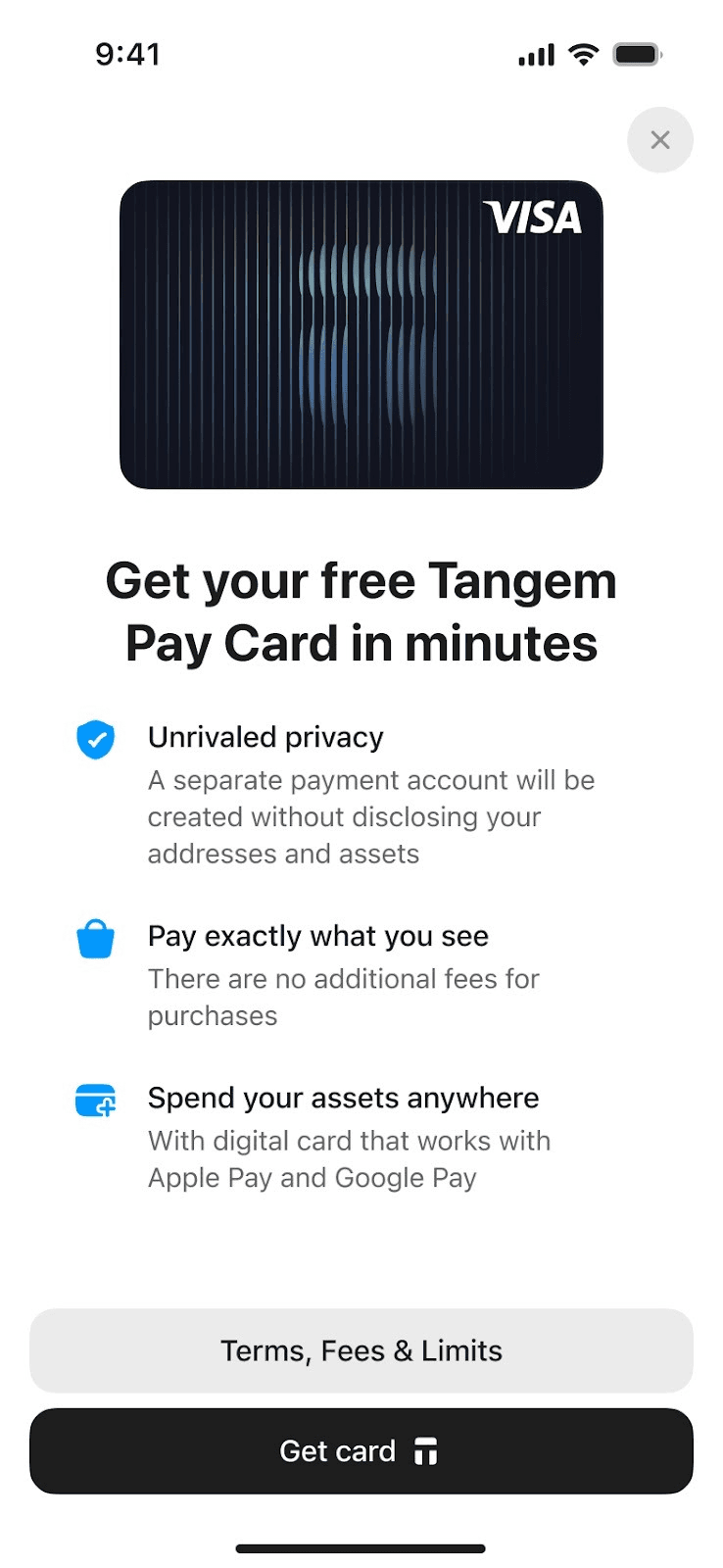
Tap Get card.
Scan your Tangem Wallet to authenticate.
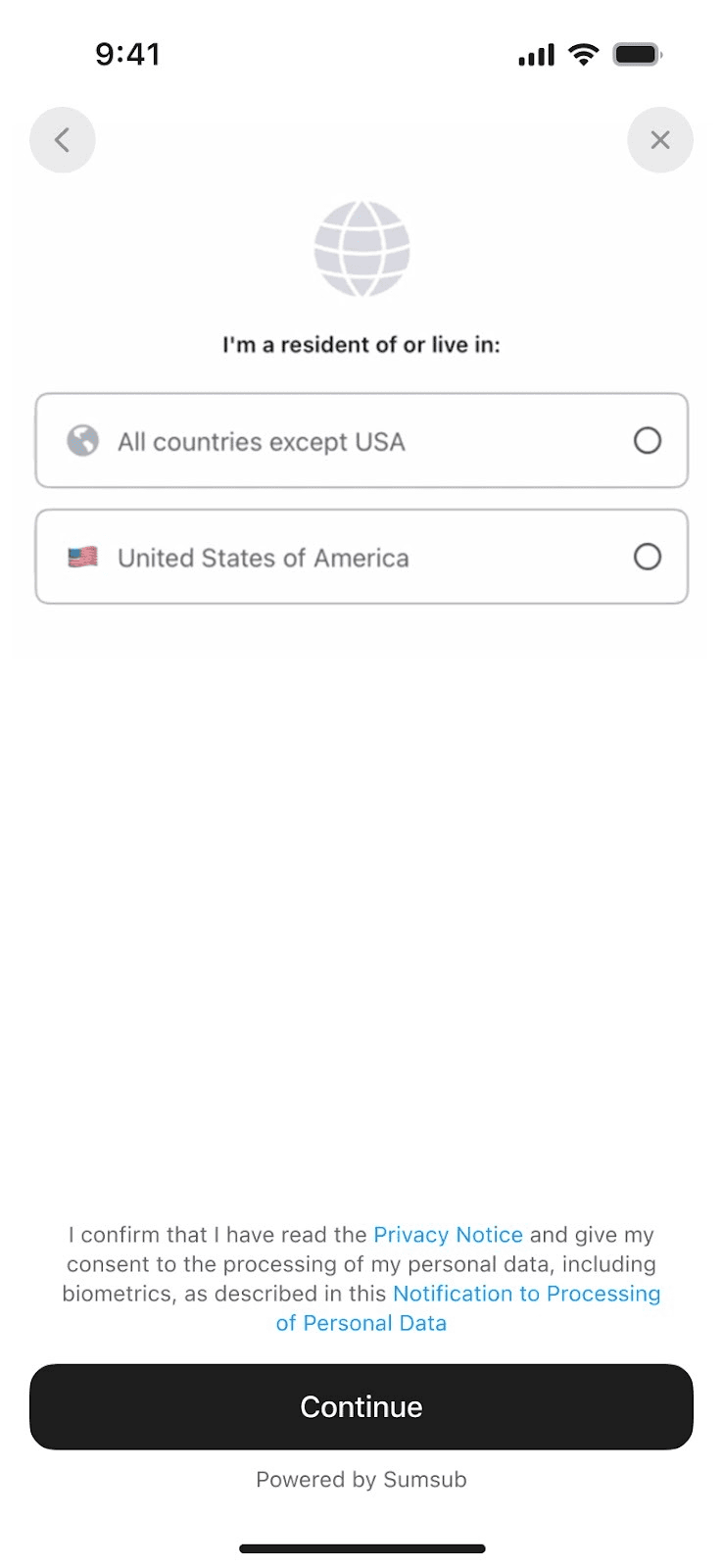
Confirm your country of residence and tap Continue.
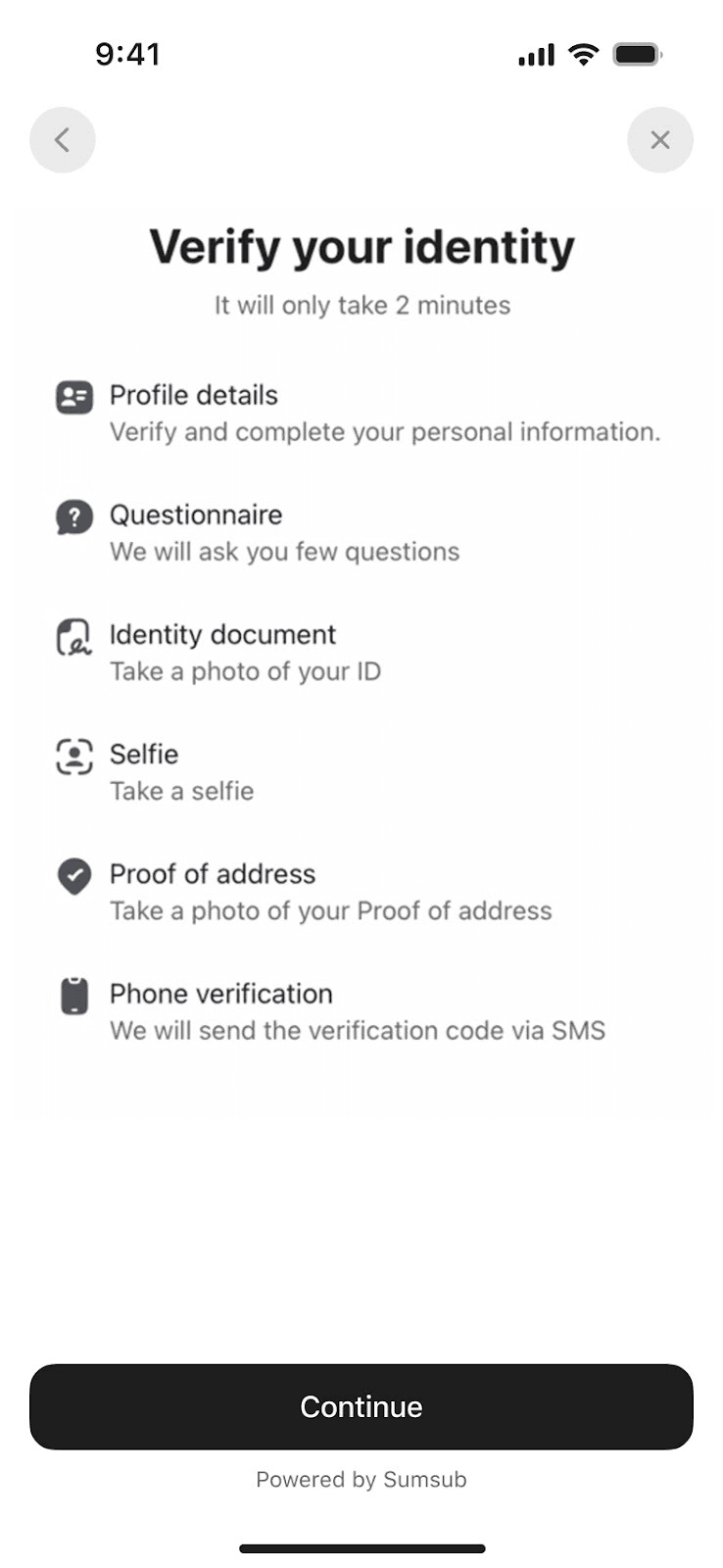
Tap Continue to verify your identity quickly in 2 minutes with Sumsub, our KYC partner.
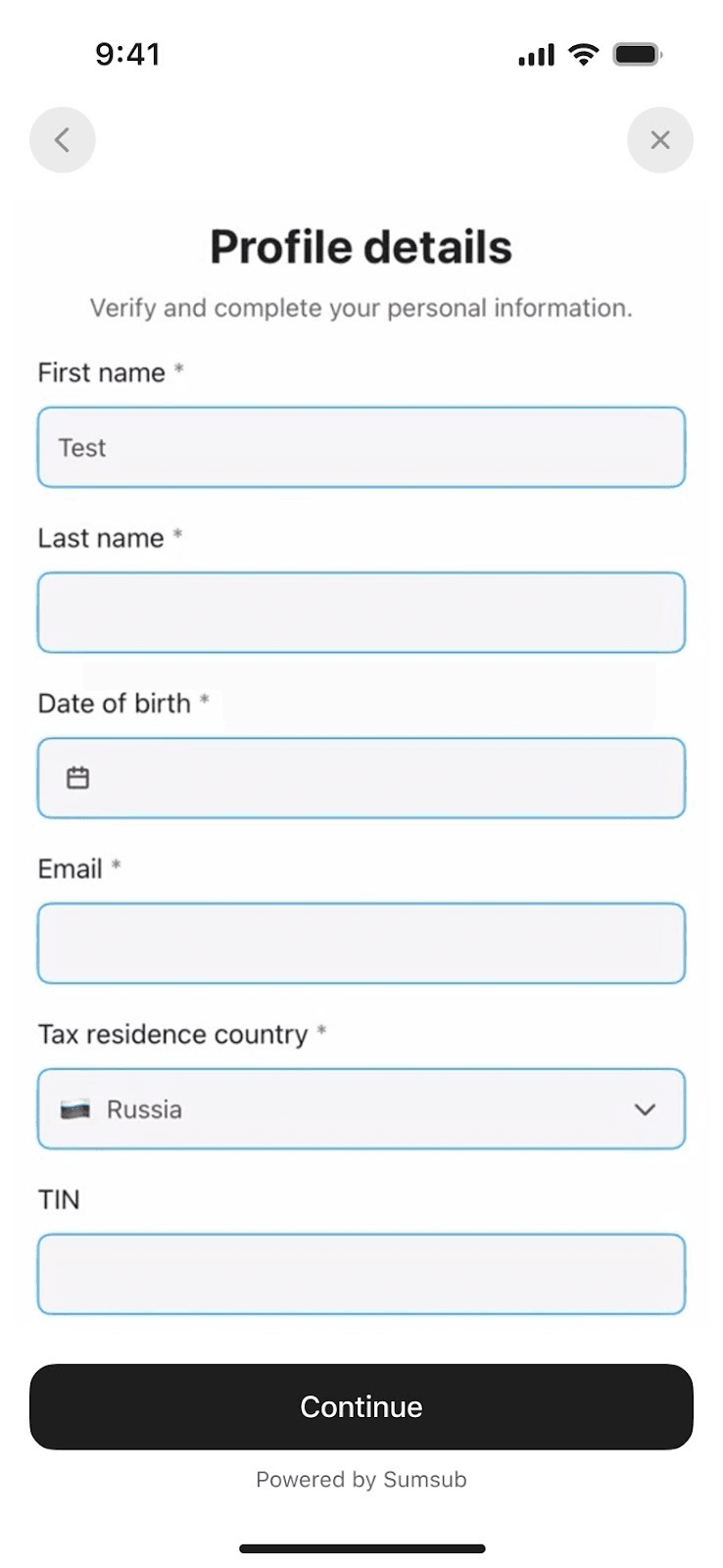
Enter your name, email, date of birth, and other details, then tap Continue.
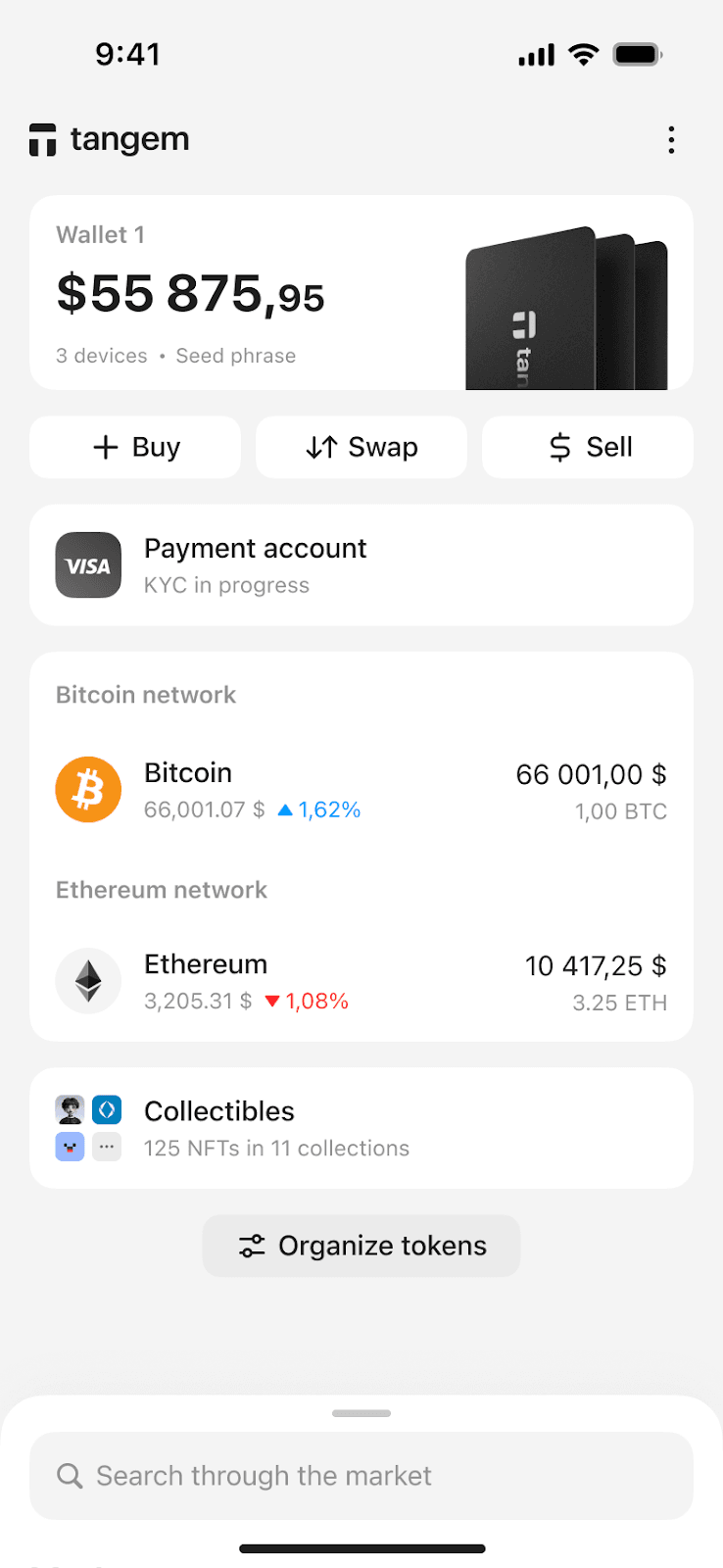
Wait a couple of minutes for your identity verification to be completed.
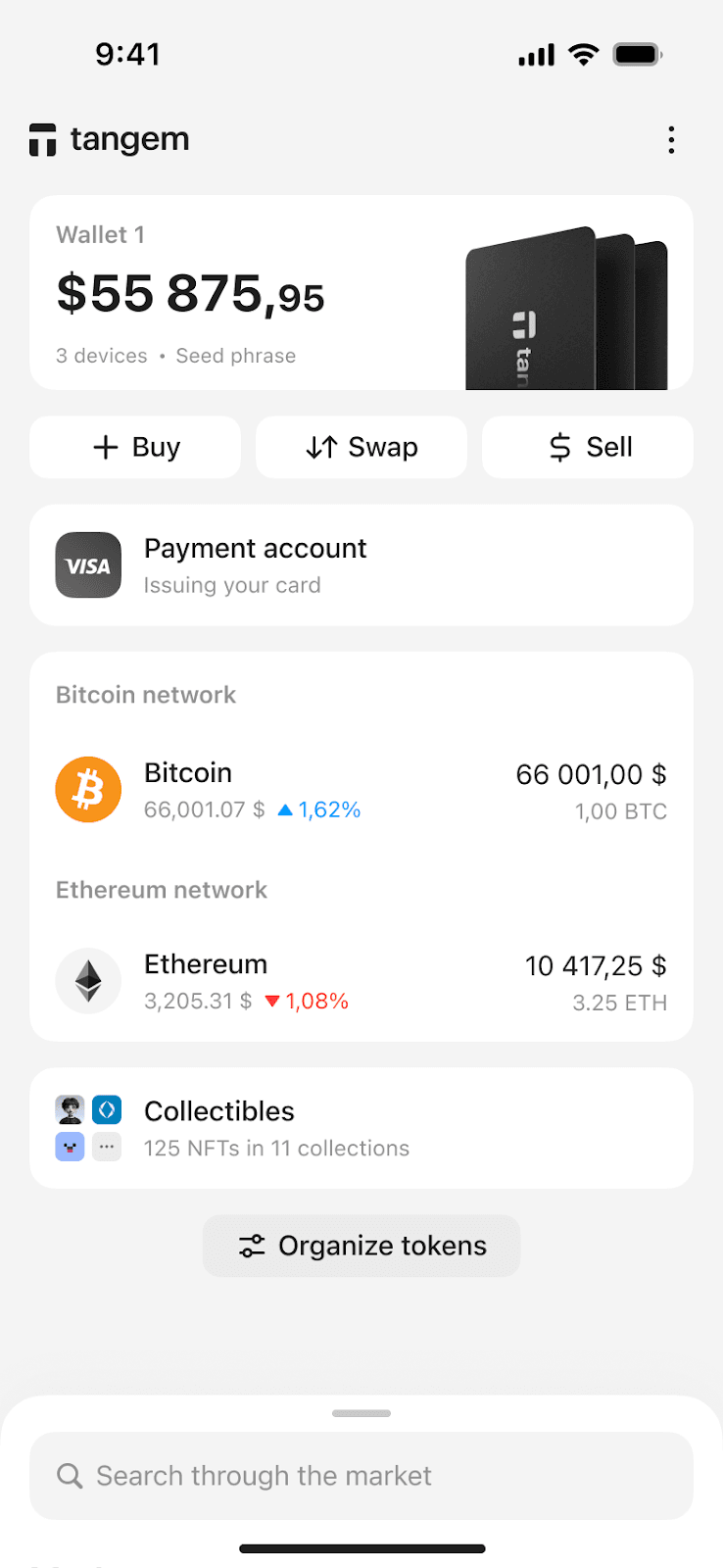
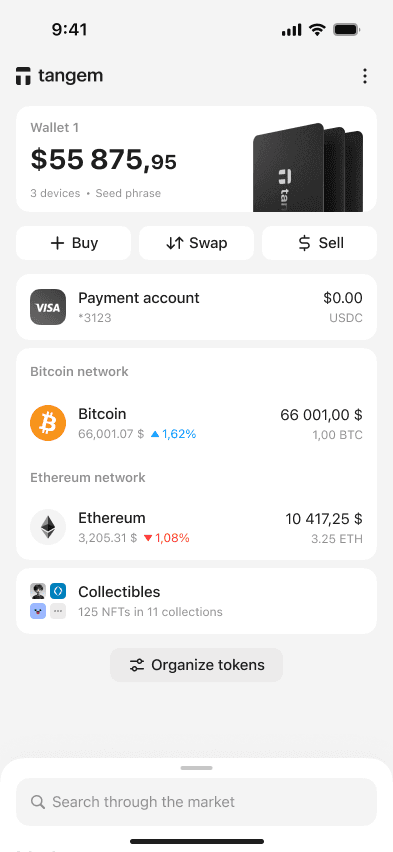
Once completed, your VISA card will be issued and linked to a payment account in your Tangem Wallet, which will be ready to receive USDC on Polygon.
How to add your card to Apple Pay
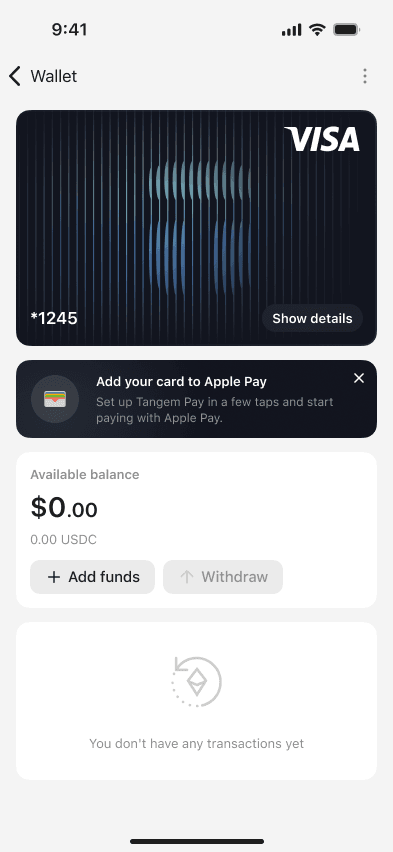
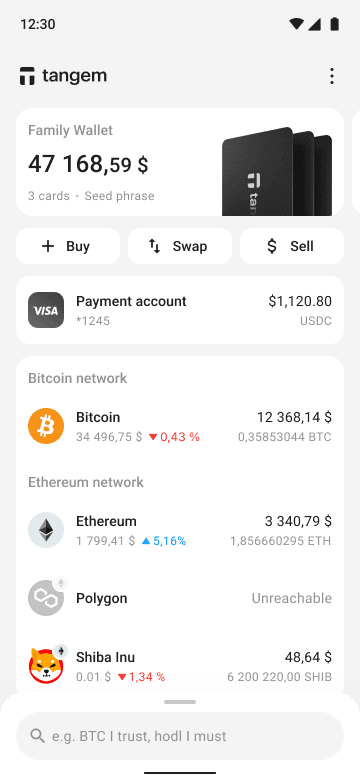
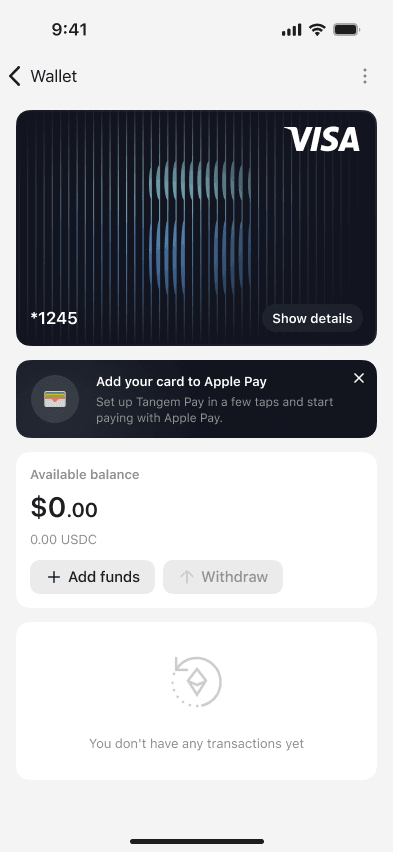
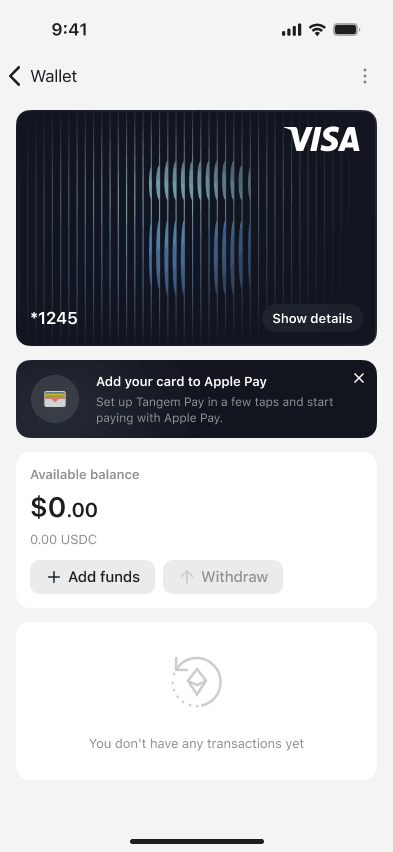
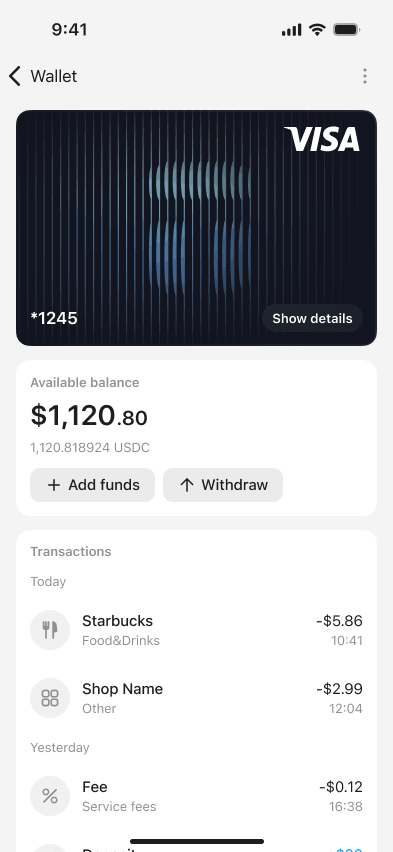
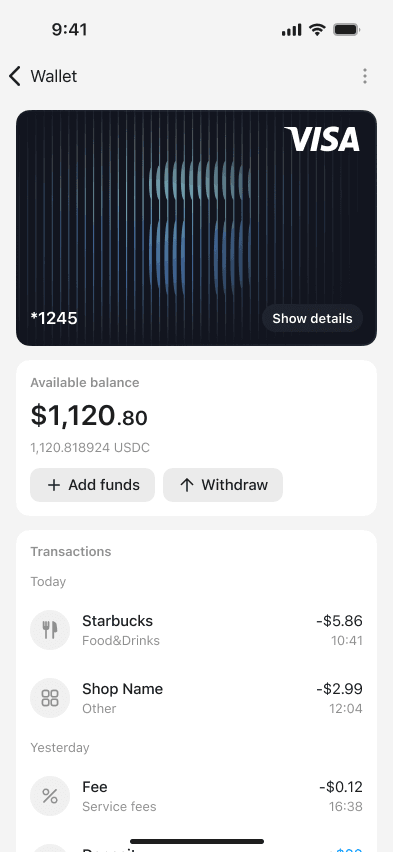
Tap Payment account on the home screen.
Tap the Add your card to Apple Pay banner.
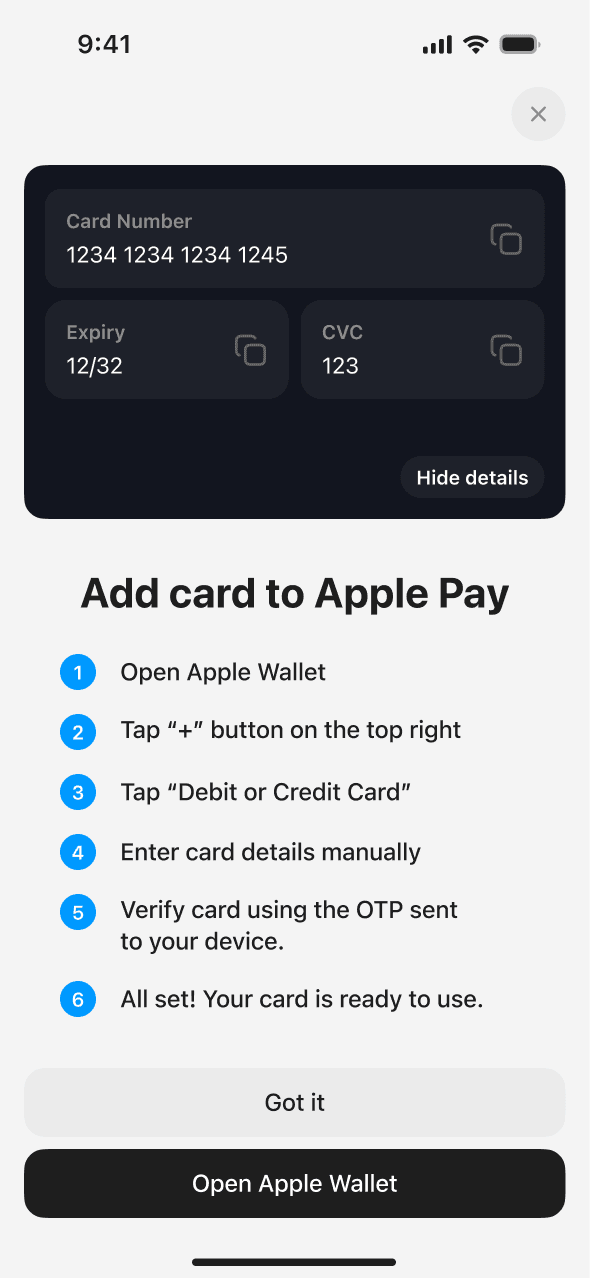
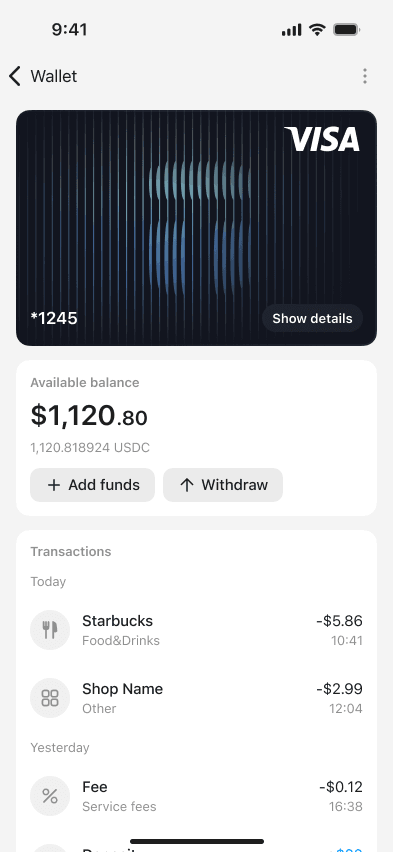
Tap Show details to reveal your card’s number, expiry date, and CVC.
Tap Open Apple Wallet
Tap + → Debit or credit card.
Enter your card details manually.
Verify it with the OTP sent to your app.
Done.
How to add your card to Google Pay
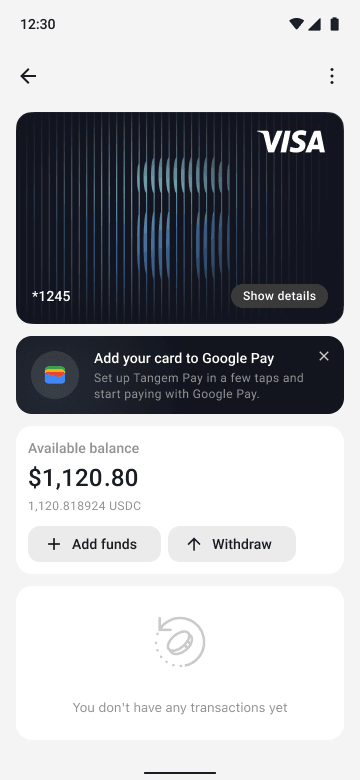
Tap Payment account on the home screen.
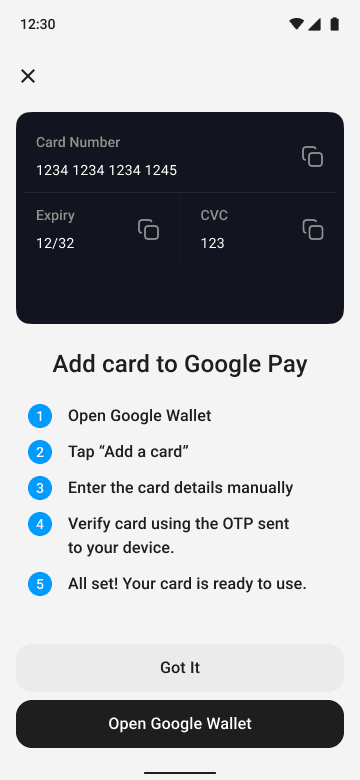
Tap the Add your card to Google Pay banner.
Tap Show details to reveal your card’s number, expiry date, and CVC.
Tap Open Google Wallet.
Tap Add a card.
Enter your card details manually.
Verify it with the OTP sent to your app.
Done.
How to set a PIN for your Tangem Pay card
Open Tangem Pay in the app
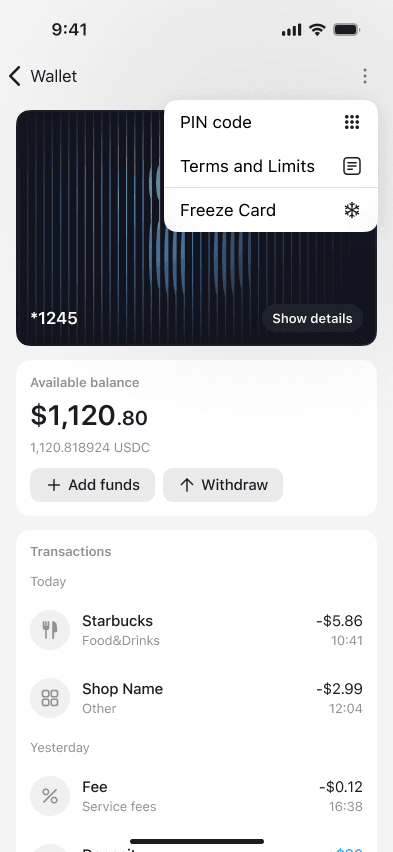
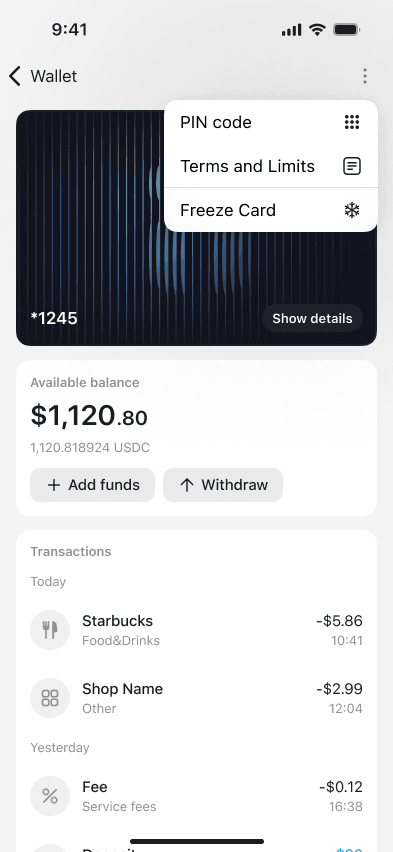
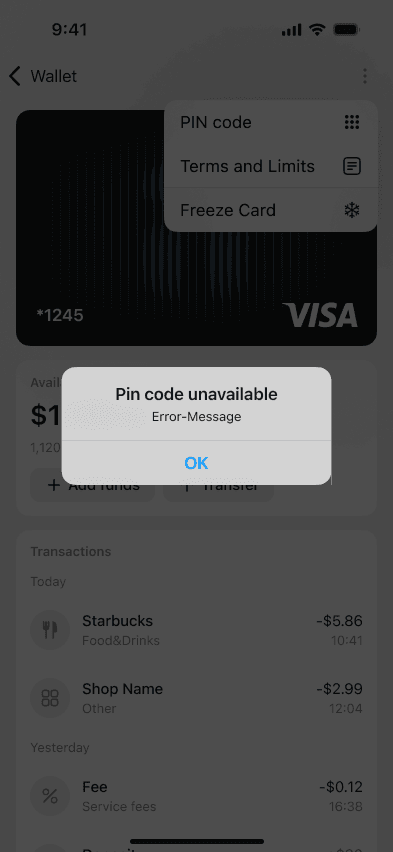
Tap the three-dot menu and select PIN code.
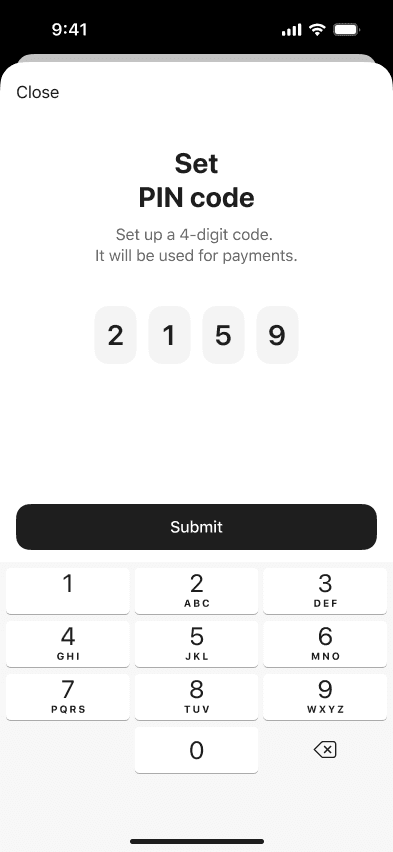
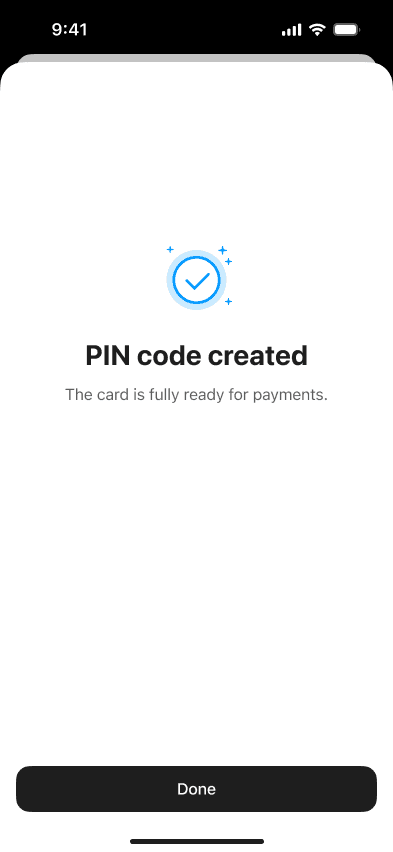
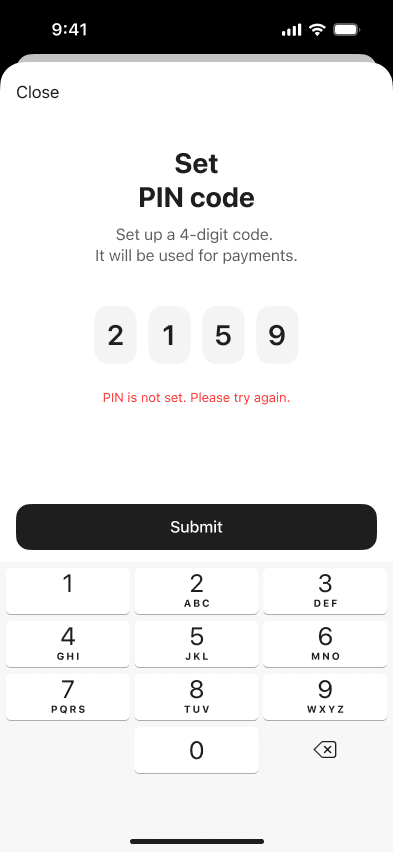
Enter your 4-digit PIN and tap Submit.
Tap Done to return to the home screen.
How to top up your Tangem Pay card
You can fund Tangem Pay in two ways:
Option A: Deposit crypto directly
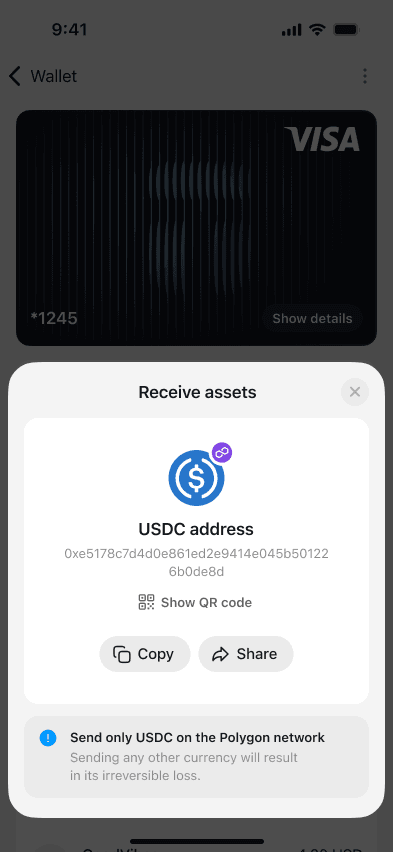
Send supported assets to your Tangem Pay address by copying the address or scanning the QR code.
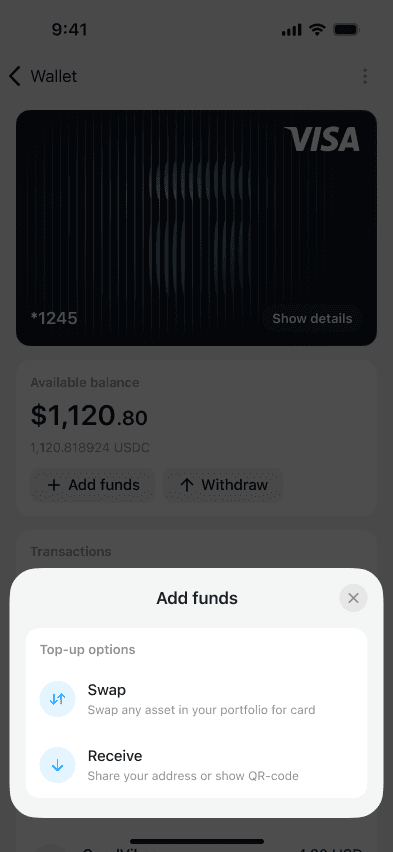
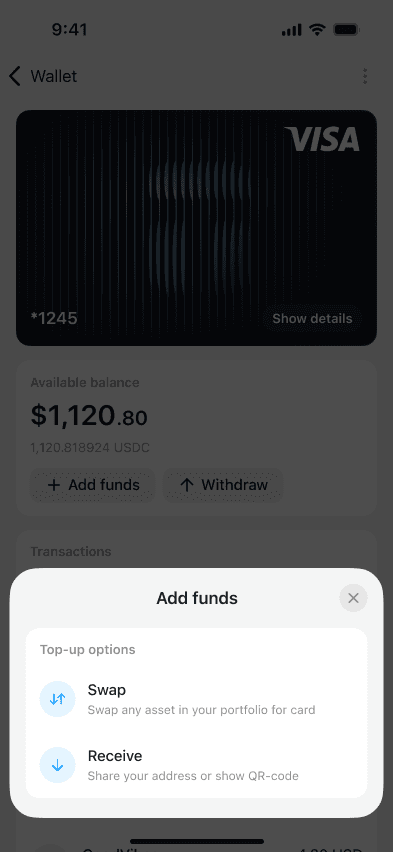
Tap Add funds.
Select Receive.
Copy your USDC address on Polygon and share it with the depositor.
Option B: Swap through integrated providers
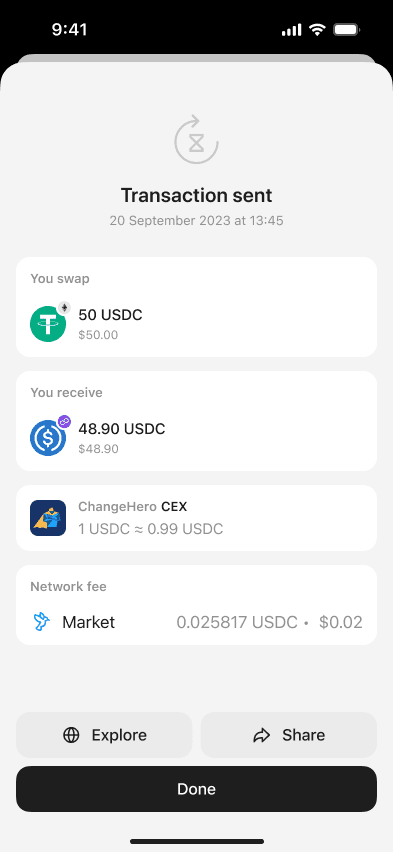
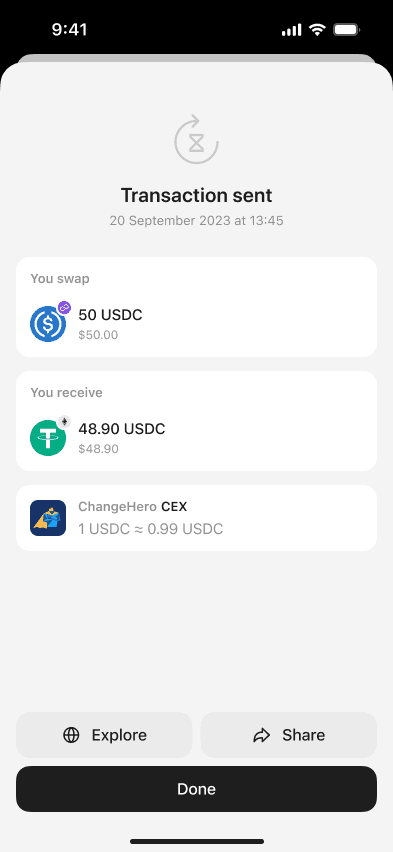
The app allows you to buy, swap, and adjust balances from within the Pay interface.
Tap Add funds.
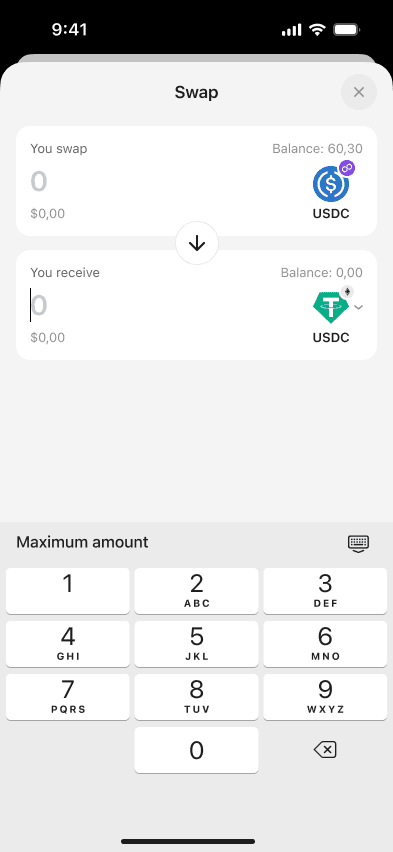
Select Swap.
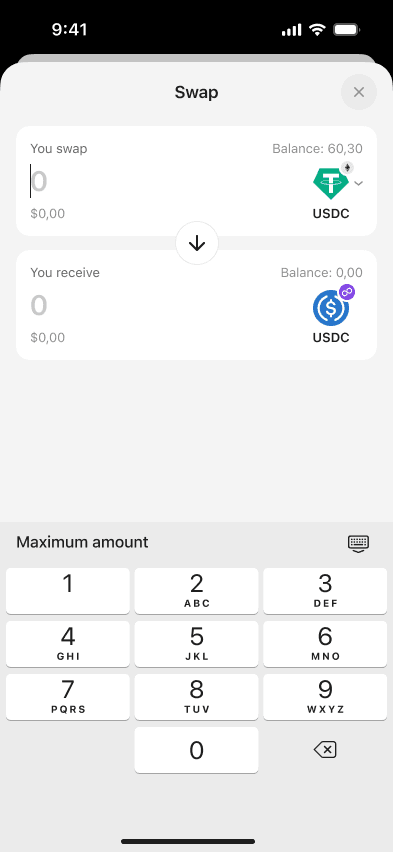
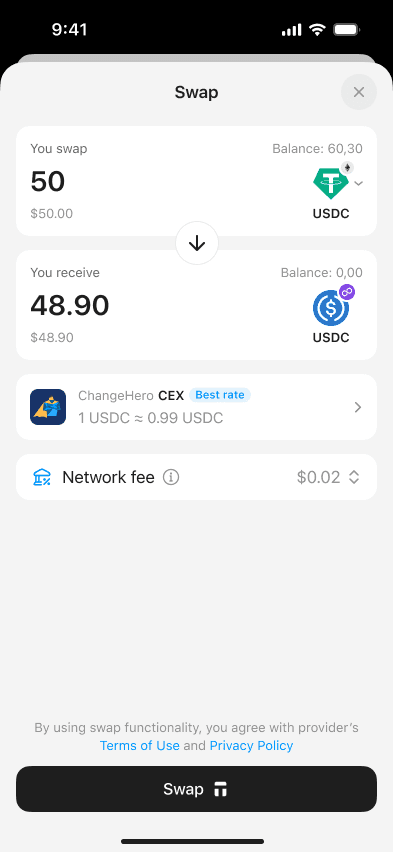
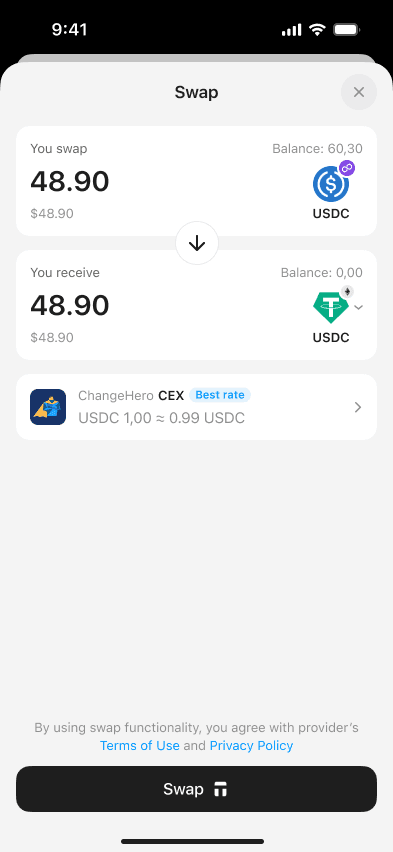
Select the asset and enter the amount you want to swap to USDC.
Tap Swap.
Enter your access code or biometrics and tap your Tangem to sign the transaction.
How to withdraw from the Tangem Pay card
Tap Withdraw.
Enter the amount you want to withdraw and choose the asset you're swapping to.
Tap Swap.
Enter your access code or biometrics and tap your Tangem to sign the transaction.
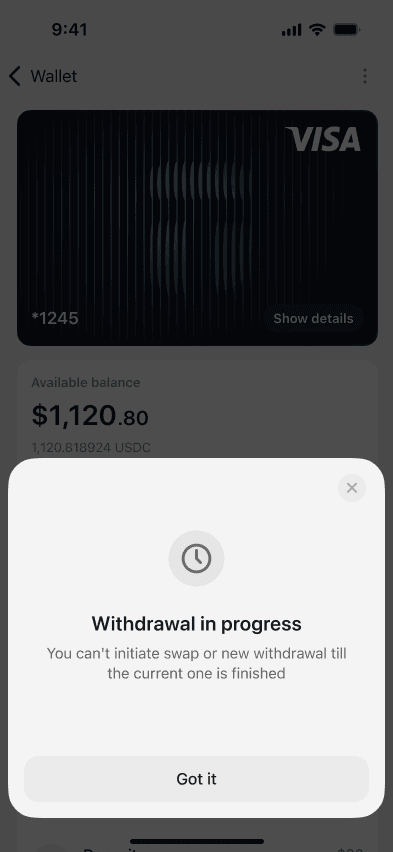
While a withdrawal is being processed, you cannot start another one.
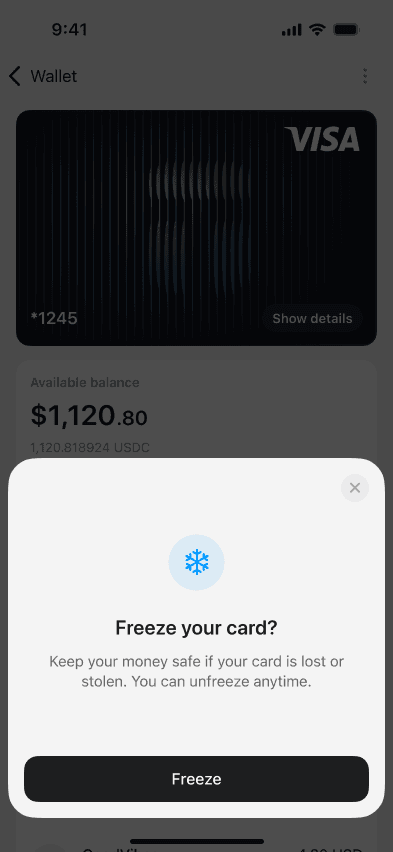
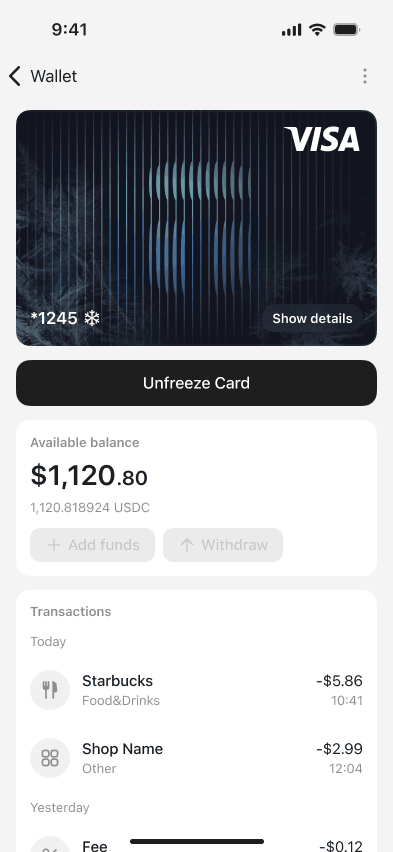
How to freeze and unfreeze your Tangem Pay card
Open Tangem Pay in the app.
Tap the three-dot menu and select Freeze Card.
Tap Freeze.
To unfreeze your card and use it again, tap Unfreeze Card.
Errors and troubleshooting
Tangem Pay is currently delivered as a virtual Visa payment account; setup and card issuance rely on backend services. If these services become temporarily unavailable or the app cannot sync with your payment account, you may encounter error screens such as “Failed to issue card,” “Pin code unavailable,” “Payment account sync needed,” or “Tangem Pay is temporarily unavailable.”
Pin code unavailable / PIN is not set.
This message appears when the app is unable to retrieve or modify your PIN information from the payment partner.
Common causes
Issuer-side outage or maintenance
App temporarily disconnected from the payment service
Connectivity or sync failure between Tangem and the card issuer
How to fix it
Ensure your internet connection is stable
Fully close and reopen the Tangem app
Try again after a few minutes (issuer outages usually resolve quickly)
If the issue persists, update the app to the latest version
When backend availability is restored, PIN setup becomes accessible again.
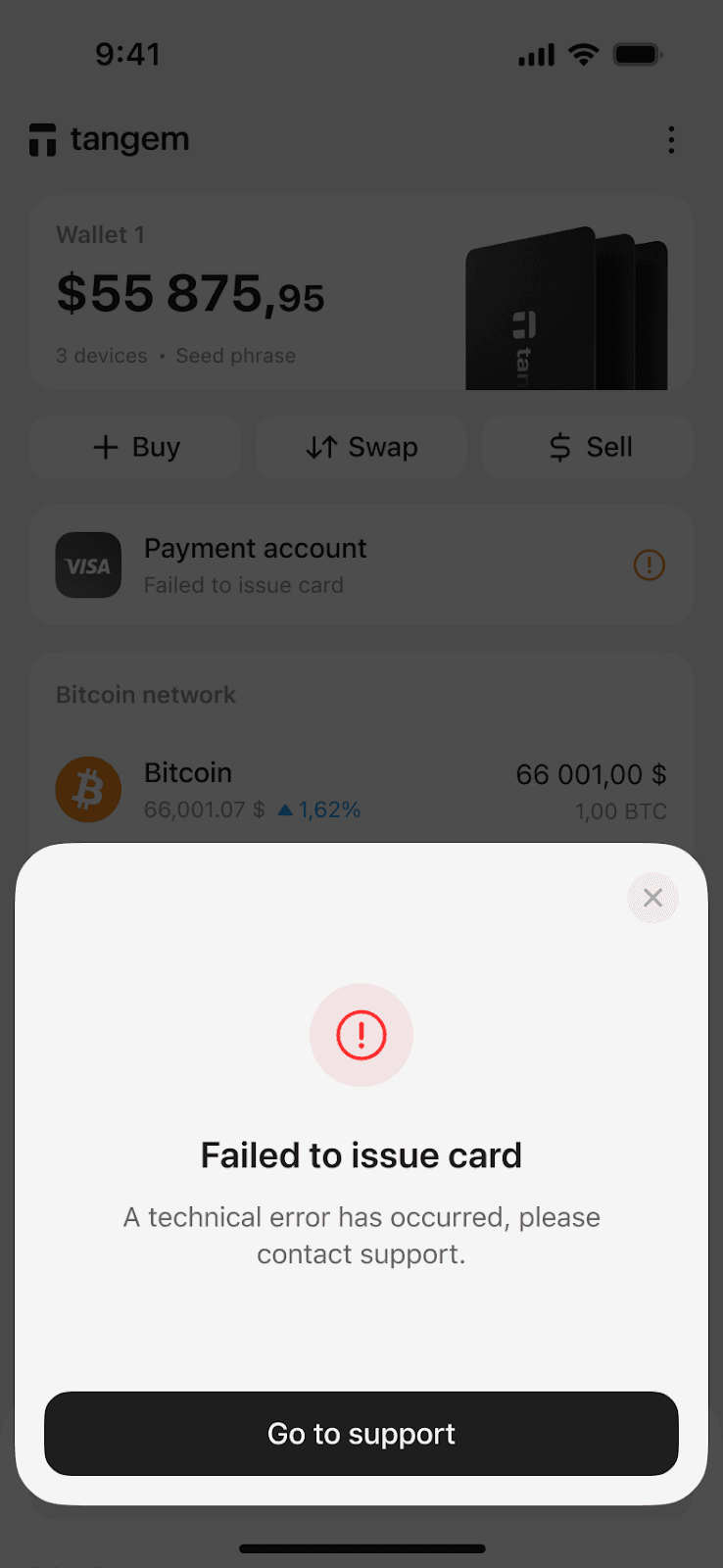
Failed to issue card. A technical error has occurred. Please contact support.
Tangem Pay could not complete the Visa card issuance. The card itself hasn’t been created yet, so the payment account cannot be activated.
Causes
Temporary outage on the card issuer’s end.
Your region or KYC requirements are preventing issuance
The issuer declined the request.
Service overload or downtime
How to fix
Close and reopen the app to try the issuance process again
Ensure your app is updated
If multiple attempts fail across several minutes or hours, contact support
This is often caused by issuer downtime rather than a problem with your Tangem Wallet.
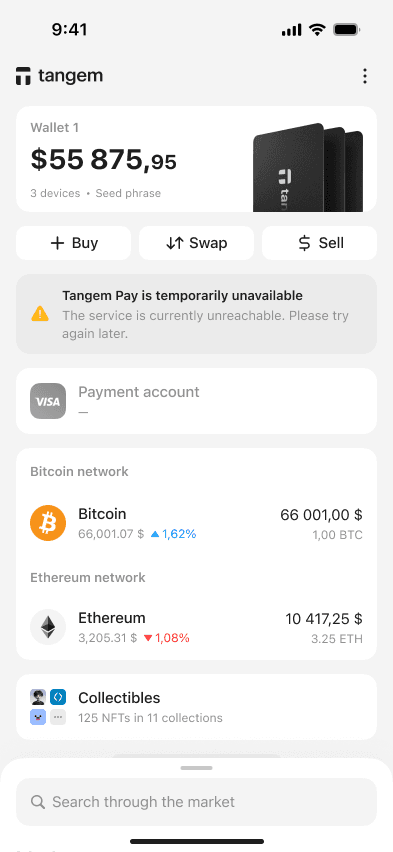
Tangem Pay is temporarily unavailable. The service is currently unreachable.
This is a backend outage message. Tangem Pay cannot reach the partner services responsible for issuing cards, syncing account data, setting or updating PIN codes, and displaying balances.
Causes
Issuer maintenance or downtime
Unexpected outage
Network routing issues
How to fix
Try again in a few minutes
Restart the app
Confirm your mobile data/Wi-Fi connection
This is normally a short-lived issue.
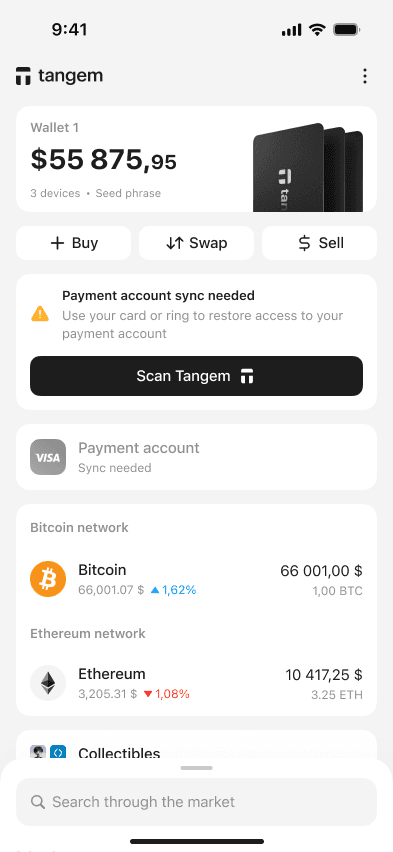
Payment account sync needed
Your Tangem Wallet must be scanned to re-establish a secure link between your wallet and the Visa payment account.
Causes
The payment account session expired
App reset or logout
Switching devices
Long period since last sync
How to fix
Tap Scan Tangem
Hold your Tangem Wallet close to your phone’s NFC area
Wait until the secure sync completes
This will restore visibility and access to your payment account.
Summary of Fixes
Error Message
Meaning
Recommended Fix
Pin code unavailable
Issuer connection issue
Wait, restart app, retry
PIN is not set
PIN setup failed
Retry after a few minutes
Failed to issue card
Visa card couldn't be created
Retry, update app, contact support if persistent
Tangem Pay temporarily unavailable
Service outage
Wait and retry
Payment account sync needed
Secure re-auth required
Tap Scan Tangem and resync
Limited-Time Offer
20% OFF + up to $20 in BTC 🛍️
Selected Wallets
Ends March 16
 + Up to $20 in BTC till Mar 16