 Switch to seedless. Get 30% off with SWITCH30 till Oct 19


What to choose between Tangem Mobile and Hardware Wallet
This article is available in the following languages:
Core Insights
This article does not have an AI summary.
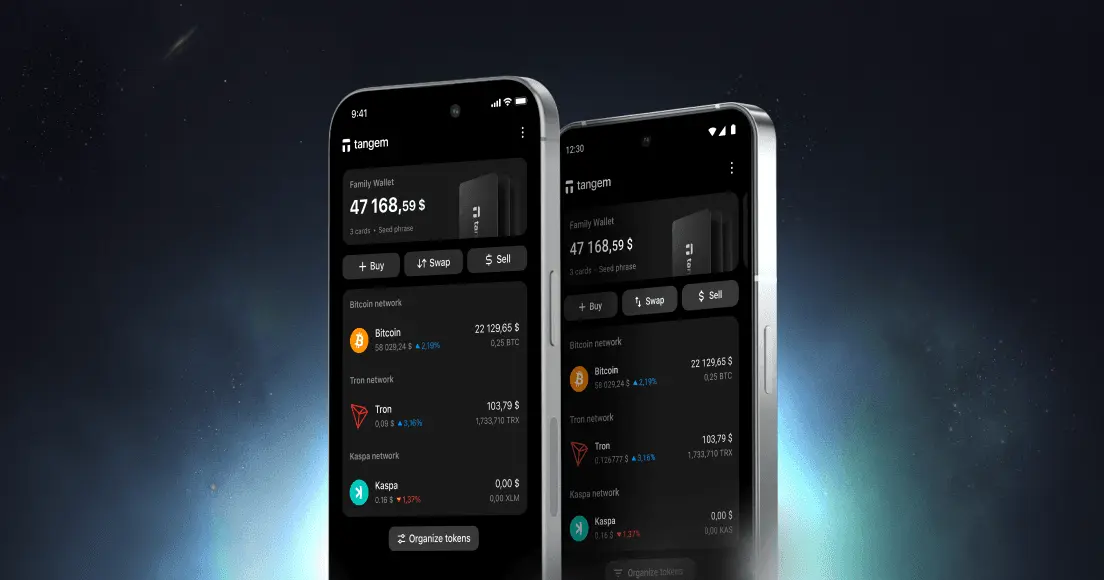
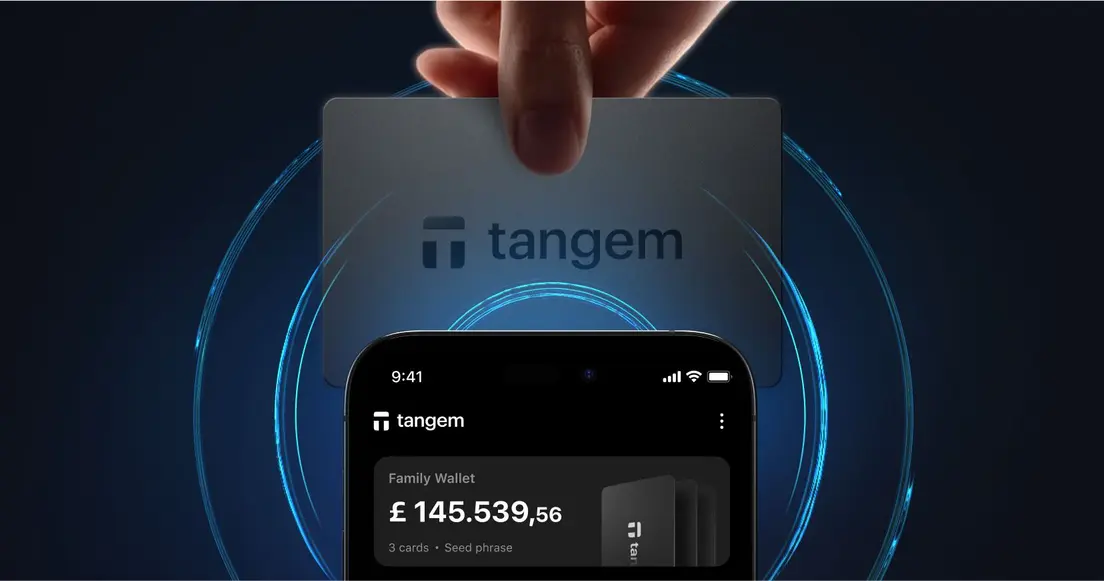
Should you opt for an app-based wallet on your phone or the ultimate peace of mind offered by a dedicated hardware wallet? Tangem provides both options: a Mobile Wallet, which is an app-based crypto wallet, and a Hardware Wallet, which is a card-based device for storing your crypto.
Both wallets belong to the same ecosystem, allowing your crypto journey to begin as light and mobile as you like, and then transition smoothly to maximum protection when needed.
Let’s explain how both Tangem Wallets work, why the hardware wallet provides stronger long-term security, and how you can easily upgrade from the mobile wallet without any hassle.
How the Tangem Mobile Wallet works
The Tangem Mobile Wallet lives inside the Tangem App on your smartphone. It leverages your phone’s built-in secure environment.
Here’s what happens behind the scenes: when you create a Mobile Wallet, the app generates an entropy (seed phrase). Together, these are the components that make up your private keys. The app encrypts these keys with the Secure Enclave on iOS or StrongBox on Android and stores them in the Keychain and Keystore for iOS and Android, respectively.
When you need to sign a transaction, the app retrieves and decrypts the private keys, uses them to sign the transaction, and then immediately erases them from memory. The result is that your private key never sits around in the app’s cache.
Using the private key (signing a transaction)
After setting up your wallet, here’s what happens when the wallet needs to sign a transaction or generate a new address.
- The app requests the encrypted keys from Keychain/KeyStore.
- The app then decrypts the double-encrypted data, first through Secure Enclave/Strongbox and then through AES-GCM.
- The entropy/passphrase reconstructs the private key, which is then used for signing.
- The decrypted private keys are used for signing transactions and are erased from memory as soon as the operation is complete.
How Tangem hardware wallet works
The Tangem hardware Wallet takes security a step further by moving your private keys completely off your phone and into a dedicated Tangem device with an EAL6+ secure element chip. When you create a wallet with a Tangem card, the private key is generated inside the chip and never leaves it.
Unlike a smartphone, which is a connected and complex device exposed to potential malware, a Tangem card has one job: safeguard your keys and perform cryptographic operations when authorized.
The hardware wallet is always offline, has no operating system, and requires physical presence for transaction authorization. This makes it vastly more secure for managing cryptocurrency.
Another significant advantage of the hardware wallet is that it eliminates the risks of recovery phrases. You don’t need to write down 12 or 24 words and hide them somewhere, hoping they won’t be lost or stolen. Your multiple Tangem cards themselves are the recovery option. If one is lost, the others still provide full access.
Why the hardware wallet is more secure
Both Tangem Mobile and Tangem hardware wallets provide self-custody, but the hardware wallet offers the highest possible level of protection. There are still risks with storing encrypted keys on a smartphone.
The hardware wallet stores private keys in its secure element chip. When you initiate a transaction, the unsigned transaction is passed to the wallet via NFC. The device then signs it internally, and only the signed transaction is sent back to the app via the same NFC. If you’re in crypto for the long run, this is your safest choice.
Which wallet should you choose?
If you are serious about protecting significant funds in the long term, the Tangem hardware wallet is the better choice. Its security architecture ensures that your keys never touch a connected device, protecting you against hackers and even human error.
Without a visible seed phrase or private key, you can’t easily fall victim to phishing attempts.
The real benefit of the Tangem ecosystem is that you don’t need to pick only one. You can start with the Mobile Wallet and grow into the hardware wallet when you’re ready, all within the same ecosystem, all without migration headaches.


Don't miss these 



Other articles

