The article reviews the best wallets for storing Toncoin (TON) in 2026, emphasizing the importance of self-custody over relying on Telegram’s built-in custodial wallet or exchanges due to security risks. It highlights Tangem as the top hardware wallet for long-term storage, Tonkeeper for active DeFi use, and OneKey Pro for advanced users, advising users to move significant holdings off custodial solutions to maintain full control over their assets. The guide also explains TON-specific wallet requirements and provides tailored recommendations based on different user needs.
Over 48.5 million TON wallets have been activated as of late 2025, while daily network transactions average 2.16 million. Most of those users, however, still rely on Telegram's built-in custodial wallet bot or a centralized exchange, which have inherent risks.
If you are one of these users, you should consider switching to a self-custody wallet as soon as possible. One of the best TON wallets for 2026 is Tangem: a seedless NFC hardware wallet that natively stores Toncoin and Jetton tokens on a secure chip. It gives you real self-custody. This guide will walk you through the main wallet options, explain what makes TON wallets different from those built for Ethereum or Bitcoin, and help you find the right fit for how you actually use the network.
What Makes a Good TON Wallet?
TON's architecture has some quirks that not every wallet handles well, so it's worth knowing what to look for. First, read our primer on what a crypto wallet is if you're new to self-custody.
On the TON-specific side, here's what matters:
Native TON blockchain support. Not just a token listed on EVM chains, but the actual TON mainnet — with Jetton support, TON DNS, NFT metadata, and correct address format handling.
Address type awareness. TON uses two address formats: 'bounceable' and 'non-bounceable'. Sending to the wrong type doesn't lose funds in most cases, but some services and contracts require specific formats. A good wallet makes this transparent.
Jetton support. Jettons are TON's native token standard, roughly analogous to ERC-20. The TON DeFi ecosystem — STON.fi, DeDust, liquid staking protocols — runs on Jettons. Your wallet should handle them.
Self-custody. Telegram's @wallet and exchange accounts are custodial. Real self-custody means you hold the private key; no one else can freeze or restrict your funds.
Hardware security for larger holdings. As TON's ecosystem matures and its value grows, software-only keys become a meaningful risk.
The TON Network: What You Need to Know
The Open Network is a proof-of-stake Layer 1 blockchain originally developed by Telegram and now maintained by the TON Foundation. Its sharding architecture lets it scale horizontally, and Catchain 2.0's April 2026 upgrade pushed throughput to levels that put it among the faster Layer 1s. Transaction fees are low, typically fractions of a cent, and finality is fast. Monthly active wallets on TON hit 1.78 million by late 2025, with the network seeing $ 3–9 million in daily NFT gift volume at its peak.
TON's deep integration with Telegram sets it apart from other Layer 1s. With 900 million+ Telegram users globally, the potential addressable audience dwarfs that of most other blockchain ecosystems. Telegram has designated TON as the exclusive blockchain for its Mini Apps, meaning the network is the infrastructure for apps that tens of millions of people already use.
What makes wallet selection specific to TON is that standard EVM wallets don't handle TON natively. MetaMask, for example, is built around Ethereum-compatible chains; using it with TON requires workarounds or bridge layers. The best experience comes from wallets that connect directly to the TON mainnet and understand its address types, Jetton standards, and staking mechanics.
Quick Comparison: Best TON Wallets 2026
Here's how the main options compare across the dimensions that matter most for TON holders:
Wallet
Type
Seed Phrase
TON Support
Security
Best For
Tangem
Hardware (NFC card)
Optional
Yes — native
EAL6+ (highest)
Security + self-custody, moving off Telegram
OneKey Pro
Hardware (USB/QR/BT)
Yes (24 words)
Yes — native + SignGuard
EAL6+ (4 chips)
Open-source power users, active TON DeFi
Tonkeeper
Mobile (hot)
Yes
Yes — full XRPL-style TON native
Moderate
TON ecosystem, DeFi, Jettons
MyTonWallet
Web/Mobile (hot)
Yes
Yes — TON native
Moderate
Feature-rich TON power users
Telegram @wallet
Custodial (Telegram bot)
N/A
Yes
Custodial
Casual Telegram users only
Trust Wallet
Mobile (hot)
Yes
Yes
Moderate
Multi-chain holders, TON as one of many assets
Best TON Wallets Reviewed
Tangem Wallet: Self-Custody TON
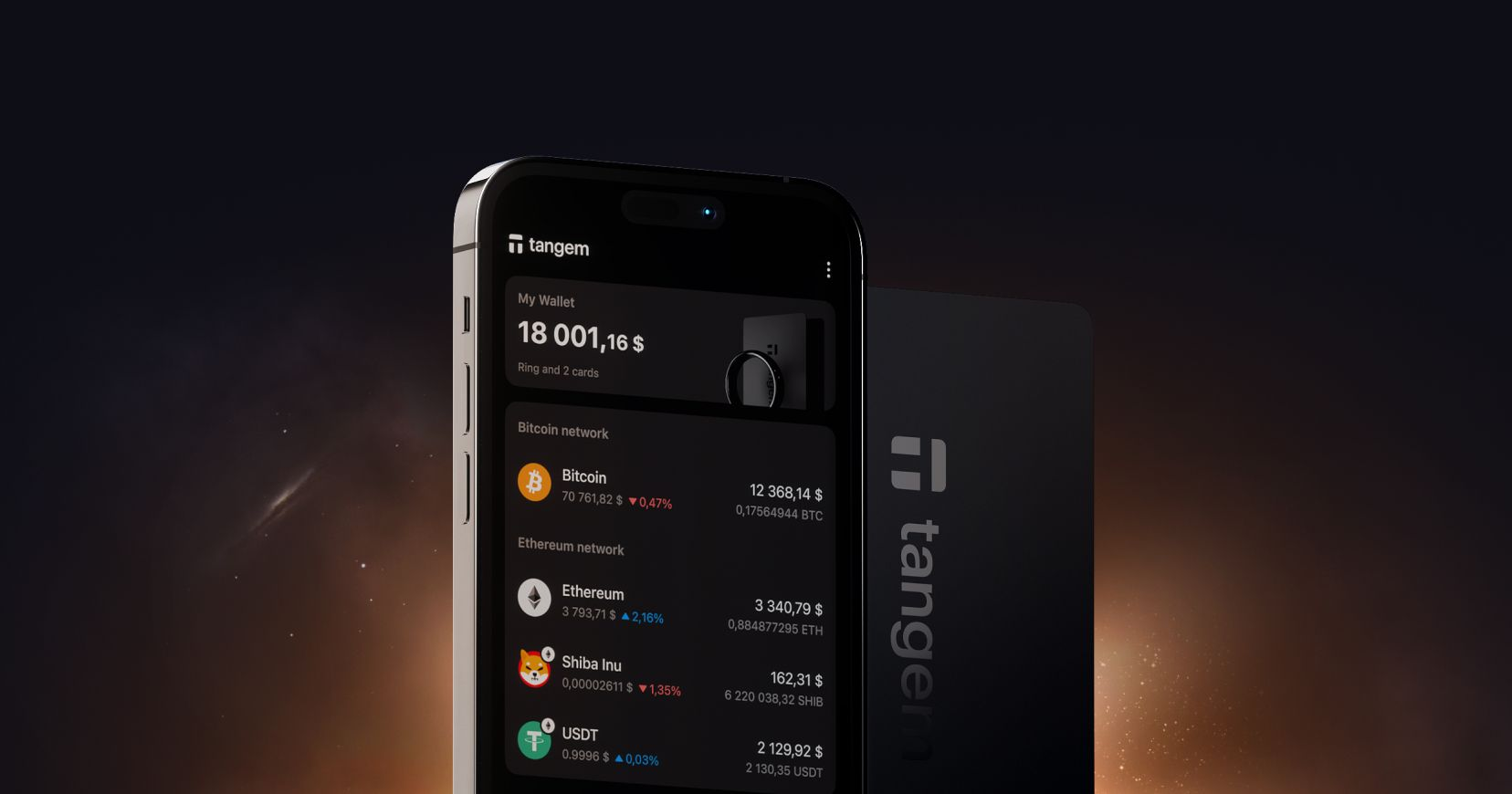
Tangem is the hardware upgrade that Telegram wallet users should know about. While Telegram's wallet stores your keys on its servers, Tangem generates and stores your private key in a Samsung EAL6+- certified secure element chip, at the same security level as biometric passports. That key never moves. It doesn't pass through the app, doesn't cross a USB connection, doesn't live on your phone.
For TON specifically: the Tangem app supports native TON, Jetton tokens, staking, and TON-based assets directly. Setting up takes under two minutes. To sign any transaction — sending Toncoin, moving a Jetton, confirming a staking operation — you tap the card to your phone's NFC antenna - and that's it. The signing occurs on the chip, and the result is broadcast to the TON network, while your key remains under your control.
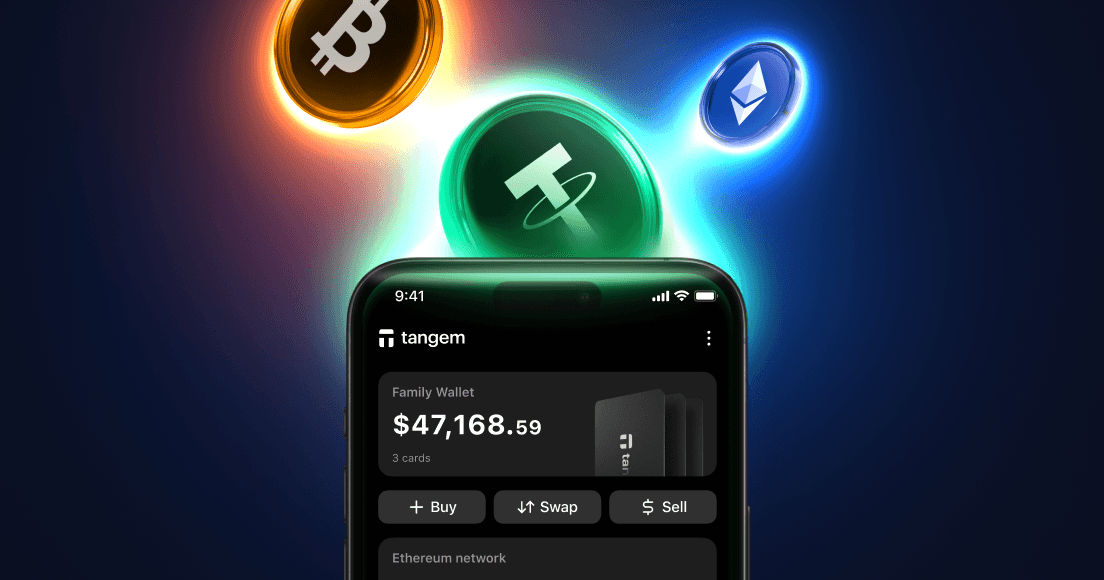
One of Tangem’s big advantages is multi-chain support: TON alongside Bitcoin, Ethereum, Solana, Base, TRON, and USDT across various chains, and 6,000+ other assets on one card. For anyone who came to TON via Telegram but also holds BTC or stablecoins, the alternative is to juggle multiple wallets and seed phrases. Tangem condenses that into a single NFC card with no seed phrase at all: backup runs through a set of 2 or 3 cards instead.
Tangem also offers crypto staking (including TON), crypto swaps, buying crypto with fiat, up-to-date crypto prices and news, and even advanced features like Send via Swap, which lets you send TON while swapping it for SOL. See the Tangem product page for the current card and ring options.
There's also a Tangem Mobile wallet option, a free app-based wallet that covers the same TON functionality and offers an easy upgrade path to the NFC card when you're ready for the extra hardware protection layer.
OneKey Pro: A Hardware Option for Active TON DeFi Users
The OneKey Pro supports TON natively across the OneKey Classic 1S and Pro devices, with Jetton and NFT metadata support included in the companion app. Its standout feature for TON users is SignGuard, a transaction parsing system that decodes what a transaction actually does before you approve it, both in the app and independently on the device. For TON DeFi interactions where blind signing is a real risk, that parsing layer offers useful protection.
The Pro device uses four EAL6+-certified chips, open-source firmware, and supports air-gapped QR signing alongside USB and Bluetooth. At $278, it's a premium device, and it still requires a 24-word seed phrase; so backup management is your responsibility. For TON power users who want to stay active across DeFi protocols and sign transactions on hardware simultaneously, it's the strongest seed-based option. The seedless architecture and simpler setup of Tangem remain the better fit for most holders.
Tonkeeper: The Popular Non-Custodial TON Mobile Wallet
Tonkeeper is the most widely used self-custody wallet built specifically for TON. It handles the full stack: Jetton tokens, TON DNS, NFTs, staking, and DeFi access via STON.fi and DeDust. WalletConnect support means you can connect to TON dApps without leaving the app. The interface is clean and TON-native, unlike some multi-chain wallets.
It's a hot wallet. The private key is on your phone, which means the security level is lower than that of a hardware option. For active TON DeFi users who need constant connectivity and fast transaction signing, it's a practical daily-use tool. For holdings above a level you'd be upset to lose, the smart setup is Tonkeeper for DeFi activity and Tangem for the bulk of the balance.
Telegram @wallet: Convenient, but Not Self-Custody
The @wallet bot is the entry point for most people who discover TON through Telegram. Setup is frictionless as it lives inside the messaging app you're already using. You can send Toncoin to any Telegram user by username, receive it, buy it, and spend it through Telegram's payment integrations. For casual amounts and quick transfers between Telegram users, it works well.
The problem with the wallet bot is that it’s not self-custodial. Telegram holds the keys, not you. If Telegram restricts your account for any reason, a false positive, a policy change, or a government request in your jurisdiction, your TON will become inaccessible.
The TON Foundation's own wallet page lists self-custodial options alongside the Telegram wallet, a clear signal that the ecosystem recognizes this distinction. Anyone holding a meaningful amount of TON should move it to a self-custody wallet they control.
MyTonWallet: Feature-Rich for TON Ecosystem Users
MyTonWallet covers the TON ecosystem thoroughly: Jetton management, TON DNS, NFT display, staking via liquid staking protocols, and multi-account support. It runs as a browser extension and a mobile app, making it accessible on both desktop and mobile. However, as we always remind our readers in any hot wallet vs cold wallet comparison, a hot wallet like MyTonWallet stores private keys in software, which is suitable for active on-chain use with moderate amounts, but not for significant long-term holdings.
How to Store TON Safely
The risks around TON custody are more varied than with older blockchains, partly because of its Telegram integration. Here's how to approach it. For the full framework, see our crypto wallet security checklist.
Move anything significant off Telegram's @wallet. Treat it like an exchange account — fine for in-app transfers, not suitable for savings.
Understand TON's address types before sending. Bounceable addresses (starting with 'E') return funds if a transaction fails to a contract; non-bounceable ones (starting with 'U') don't. Most personal wallet-to-wallet sends use non-bounceable addresses. When in doubt, check what format the recipient expects.
Use hardware storage once your TON position reaches a level that matters to you. The $500–$1,000 threshold is commonly cited, but the right threshold is personal.
If you hold other assets alongside TON — BTC, ETH, stablecoins — consider whether your current setup supports all of them under a single backup system or forces you to manage multiple seed phrases.
TON Wallet for Different Use Cases
Long-term TON cold storage: Tangem. Hardware chip, no seed phrase, durable card format. The secure TON storage option for buy-and-hold positions.
Active TON DeFi — STON.fi, DeDust, liquid staking: Tonkeeper for day-to-day connectivity; Tangem for the bulk of holdings. OneKey Pro for users who want hardware signing while using DeFi.
Multi-chain holders who also own BTC and ETH: Tangem covers it all with one card, without separate seed phrases for each chain.
TON self-custody wallet for users moving off Telegram's @wallet: Tangem is the most direct upgrade path — same functionality you're used to, with your keys in hardware instead of Telegram's servers.
Final Thoughts
TON's Telegram integration makes it one of the most accessible blockchain ecosystems ever built. That accessibility comes with a custody trade-off that most users haven't noticed yet because Telegram's @wallet just works, and most people don't think about who holds the keys until something goes wrong.
The best Toncoin wallet 2026 for long-term security is Tangem: a hardware chip, no seed phrase, the same NFC tap model that works across 90+ other chains too. Tonkeeper covers TON-native DeFi better than any hardware wallet will for active day-to-day use. OneKey Pro suits the technically confident user who wants hardware signing, deep DeFi access, and open-source auditability. But for the holder who wants TON out of Telegram's servers and into something they physically control, Tangem is the clearest path.
Start with the best seedless wallets guide for a broader look at how seedless hardware compares to seed-phrase options, or head to the Tangem product page and make the switch in under 2 minutes.