


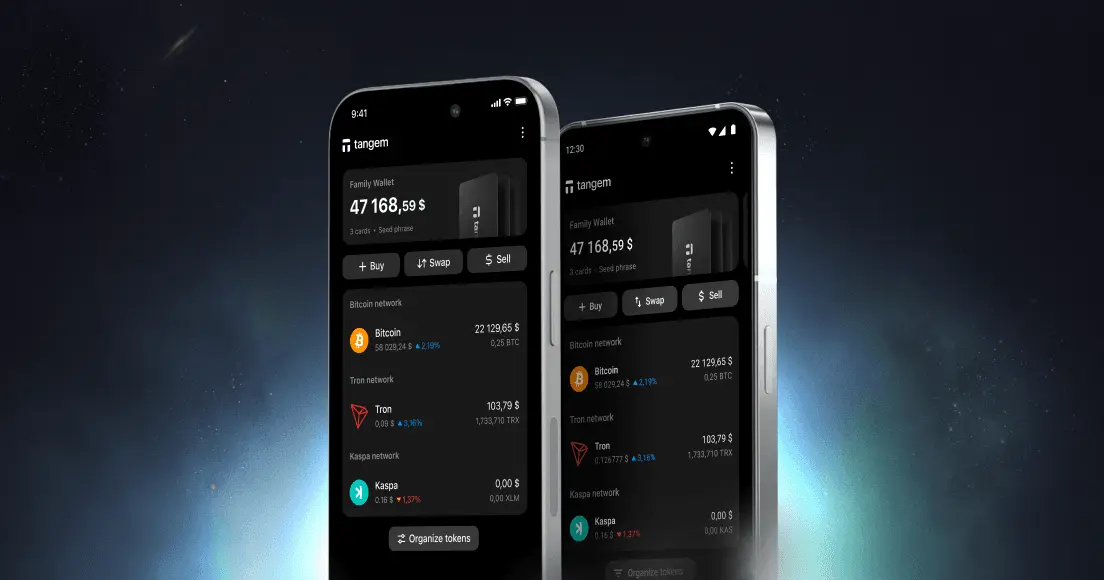
Introducing Smart Gas: Pay Network Fees with Tokens in Tangem Wallet
Smart Gas transactions are now available in Tangem Wallet across Ethereum, BNB Smart Chain, Polygon, Arbitrum One, and Base.
This article is available in the following languages:
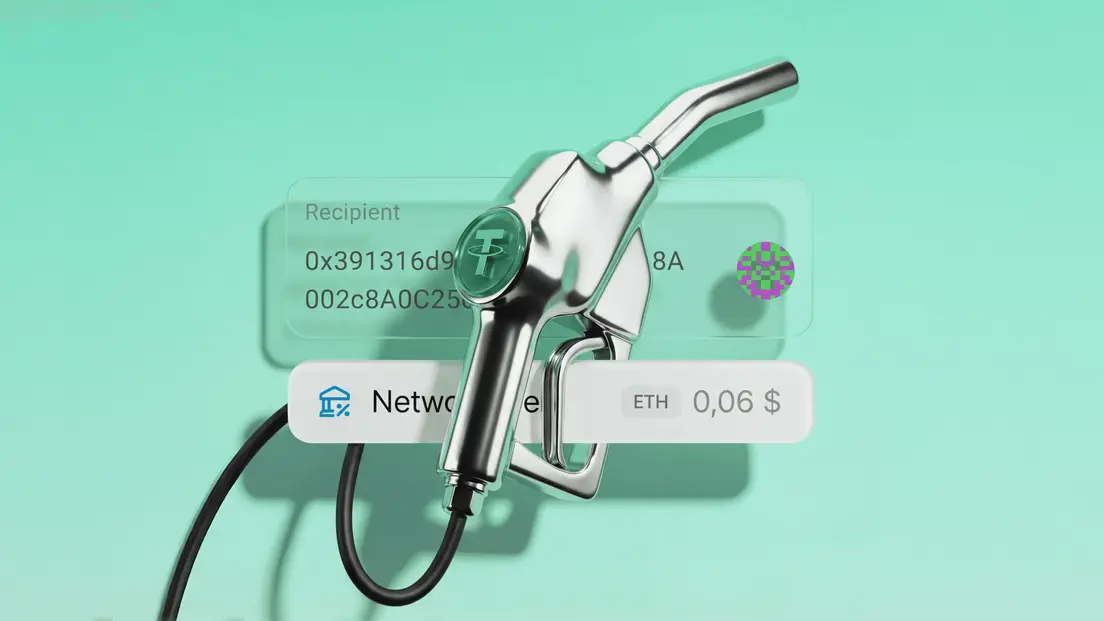
People moving from centralised exchanges to self-custody wallets keep running into the same problem. They withdraw tokens to their new wallet, try to send them, and find out they can't. The transaction needs a network fee paid in the network's native coin: ETH on Ethereum, BNB on BNB Smart Chain, POL on Polygon, TRX on Tron. And they don't have any.
This isn't a minor inconvenience. Now the user has to get a bit of the native coin just to move their own assets. That means finding an exchange that allows small purchases, paying a withdrawal fee that may be higher than the amount they need, or asking a friend to send some over. For many people new to self-custody, this is where they give up. Smart Gas removes that barrier.
What is Smart Gas?
Smart Gas lets you pay network fees with a supported token instead of the network's native coin. If you hold USDT, USDC, or another supported token on a supported network, the Tangem app can use it to cover the fee.
Example: Alice withdraws 100 USDT from an exchange to her Tangem Wallet on the Ethereum network. She wants to send 50 USDT to Bob, but she doesn't have any ETH. With Smart Gas, the app sees her USDT balance and offers to pay the fee in USDT. Alice confirms and signs; 50 USDT goes to Bob, and about $0.80 in USDT is deducted as the network fee. She never had to buy ETH.
Supported networks and tokens
Smart Gas currently works on Ethereum, BNB Smart Chain, Polygon, Arbitrum One, Base, and Tron.
Fee tokens are picked for liquidity, predictable transfer costs, and how widely people hold them. The list started with USD-stablecoins like USDC and USDT and now includes other popular tokens across several networks. On Tron, you can pay fees in USDT. We regularly add networks and tokens, so the up-to-date list is in the Help Centre: Supported networks and fee payment tokens.
Supported transaction types
You can use Smart Gas for:
- Send
- Swap
- Send via Swap
- Turning Yield Mode on or off
Availability depends on the network and token.
How to use Smart Gas
Using Smart Gas looks just like a normal transaction:
- Start a Send, Swap, or Send via Swap transaction on a supported network.
- Check the Network fee line. If you don't have enough of the native coin, the app may automatically pick a supported token to pay the fee.
- If more than one token can pay the fee, you can switch to the one you prefer.
- Review the fee and confirm the transaction.
The network fee is still paid in the native coin, but Tangem pays it on your behalf. The same amount is then deducted from your balance in the token you picked. The conversion rate comes from CoinGecko data, with no markup.
Make sure you have enough of the selected token to cover the fee. If you don't hold any supported token on that network, you'll need to add some of the native coin first.
Using Smart Gas on Tron
On Tron, a new address has to be activated before it can send its first transaction. If your Tron address has never received TRX, Tangem activates it automatically during your first Smart Gas transaction.
The activation cost is added to the network fee of that first transaction, and you'll see the total before you confirm. Activation happens only once per address, so later transactions don't include it. If activation fails, the transaction isn't sent.
How Smart Gas works on EVM networks
On Ethereum, BNB Smart Chain, Polygon, Arbitrum One, and Base, Smart Gas is built on EIP-7702 ("Set Code for EOA"), which arrived with Ethereum's Pectra upgrade in May 2025. Tron isn't an EVM network, so it doesn't use EIP-7702. The technical details below apply to the EVM networks.
How EIP-7702 works
Ethereum has two kinds of accounts. Externally Owned Accounts (EOAs) are controlled by private keys. They can hold assets and sign transactions, but they can't run custom logic. Contract accounts can run any code, but they must be deployed and have different security properties.
EIP-7702 connects the two. It lets an EOA temporarily point to a smart contract's code by signing an authorisation message. The important part: this authorisation doesn't need its own on-chain transaction. The user signs a message, and someone else can include that signature in a transaction they submit.
That's what makes Smart Gas possible. You can attach our contract logic to your account without paying a gas fee for the authorisation itself.
Tangem's smart contract implementation
We built our own smart contract instead of using an existing one. The off-the-shelf options we looked at either cost users more because of extra overhead or added features that widened the attack surface without helping our use case.
Our implementation uses two contracts.
Tangem7702GaslessExecutor
This is the contract the user's EOA delegates to. It handles three things:
- Signature verification. It verifies that the account owner signed the Smart Gas transaction parameters using EIP-712-typed data signing.
- Transaction execution. It executes the user's transaction, such as a token transfer.
- Fee compensation. It calculates the actual gas used and sends the matching amount of the fee token to the fee recipient.
The contract keeps very little in storage: just a nonce for replay protection. Its storage layout is offset with Solidity's custom storage layout feature, so it won't collide with other contracts the user might attach to their account.
// Core data structures
struct Transaction {
    address to;
    uint value;
    bytes data;
}
 struct Fee {
    address feeToken;          // Token used for fee payment
    uint maxTokenFee;          // Maximum fee in token units
    uint coinPriceInToken;     // Native currency price in token
    uint feeTransferGasLimit;  // Gas limit for fee transfer
    uint baseGas;              // Fixed overhead (signature verification, nonce update)
    address feeReceiver;       // Fee collection address
}
 struct GaslessTransaction {
    Transaction transaction;
    Fee fee;
    uint nonce;                // From user's contract storage
}
Key constant:
BASE_GAS = 60,000: fixed gas overhead for signature verification, nonce updates, and execution scaffolding.
Tangem7702EntryPoint: the entry point contract
We also deployed an entry point contract. Our relay uses it to execute Smart Gas transactions. Its job is simple but important: before forwarding a transaction, it verifies that the contract code associated with the user's address is exactly what we expect.
function executeTransaction(
    GaslessTransaction calldata gasslessTx,
    bytes calldata signature,
    bool forced,
    address executor
) external
The forced parameter controls what happens when the fee transfer uses more gas than feeTransferGasLimit:
false: revert the transaction (used during gas estimation).true: emit an event and continue (used during actual execution, since the gas is already spent).
This protects our relay. We pay the actual gas upfront and get reimbursed from the user's fee token balance, so we need to know that the attached contract will calculate and send that payment correctly. The entry point ensures we interact only with accounts that run our audited contract code.
Fee parameters
When you approve a Smart Gas transaction, you sign a message that includes:
- Fee token: the token used to pay the fee (for example, USDC).
- Token price: the exchange rate between the fee token and the native coin, used to work out the equivalent cost.
- Maximum fee: the most you're willing to pay. This is the number shown in the Tangem app.
- Other parameters for replay protection and transaction details.
The maximum fee gives you cost certainty. The actual fee is based on the gas really used and is usually lower than the maximum.
Security model
We looked at existing solutions, but building our own contract was a deliberate security choice. Our contract is built only for token transfers with fee payment. It does one thing, which makes it easier to audit and reason about.
| Factor | ERC-4337 | Tangem's implementation |
|---|---|---|
| Gas overhead | Higher (bundler infrastructure) | Lower (direct execution) |
| Attack surface | Larger (more functionality) | Minimal (single purpose) |
| Storage collision risk | Varies by implementation | Mitigated via custom storage layout |
| Upgradeability | Often included (admin key risk) | Not upgradeable |
Audit
The contract was audited by Pessimistic, a blockchain security firm that specialises in smart contract analysis. The full audit report is available on GitHub.
What happens behind the scenes on EVM networks
On your side, Smart Gas is just a few taps away. Here's what happens underneath on an EVM network:
- You start a transaction (Send, Swap, or Send via Swap) on a supported network.
- If you don't have enough of the native coin and hold a supported token, the app offers to pay the fee in that token.
- You see the maximum fee in that token and confirm.
- You sign two things: the EIP-7702 authorisation, which links Tangem's contract to your account, and the Smart Gas transaction parameters.
- The signed bundle goes to our backend, which submits the transaction to the network.
- The transaction runs, and the fee is deducted from your token balance.
For you, it's a normal transaction. You just didn't need native coins to make it.
Limitations and considerations
- Supported tokens only. Smart Gas works with specific tokens on specific networks. Check the Help Centre for the current list.
- Slightly higher cost. A Smart Gas transaction can cost a bit more than paying in the native coin. On EVM networks, running the contract uses extra gas. There's no markup on the conversion rate, and we've optimised the contract to keep the difference small.
- One-time activation on Tron. If your Tron address has never received TRX, your first Smart Gas transaction includes the activation cost.
- Network support. Smart Gas is available only on the networks listed in the Help Centre. We add new ones where the technology and token liquidity make it practical.
For a general guide to fees in the app, see How Network Fees Work in Tangem Wallet.
Conclusion
Smart Gas removes one of the most common points of friction in self-custody. You can move your crypto using only the tokens you already hold. For people coming from exchanges, it means tokens they withdraw are ready to use right away. For the wider ecosystem, it's a step towards crypto that meets people where they are, instead of asking them to understand gas before they can move their own money.
FAQ About Smart Gas
-
Yes. Smart Gas lets you pay fees with supported tokens, including USDC and USDT, when you don't have enough of the native coin. For example, you can send USDT on Ethereum and have the fee deducted in USDT. No need to buy ETH first.
-
Smart Gas works on Ethereum, BNB Smart Chain, Polygon, Arbitrum One, Base, and Tron. Supported fee tokens include stablecoins like USDC and USDT, as well as other popular tokens on certain networks. The list changes often, so check the Help Centre for the current list.
-
Yes. On Tron, you can pay fees in USDT instead of TRX. If your address has never received TRX, Tangem activates it during your first Smart Gas transaction, and the one-time activation cost is added to that fee.
-
On EVM networks, it's built on EIP-7702. This allows a regular account to temporarily delegate to a smart contract's code by signing an authorisation message, without a separate on-chain transaction. You sign the authorisation and the transaction details; Tangem's backend submits them, and the fee is deducted from your token balance.
-
Slightly. On EVM networks, running the contract uses some extra gas, though it's optimised to keep that small. There's no markup on the conversion rate. You always see the fee before you confirm, and the actual charge is usually lower than the maximum shown.
-
Send, Swap, Send via Swap, and turning Yield Mode on or off, depending on the network and token.
-
Yes, by Pessimistic, a blockchain security firm that specialises in smart contract analysis. The full report is on GitHub. Tangem's contract only handles token transfers with fee payment and can't be upgraded, which keeps the attack surface small.

Don't miss these 

Other articles

