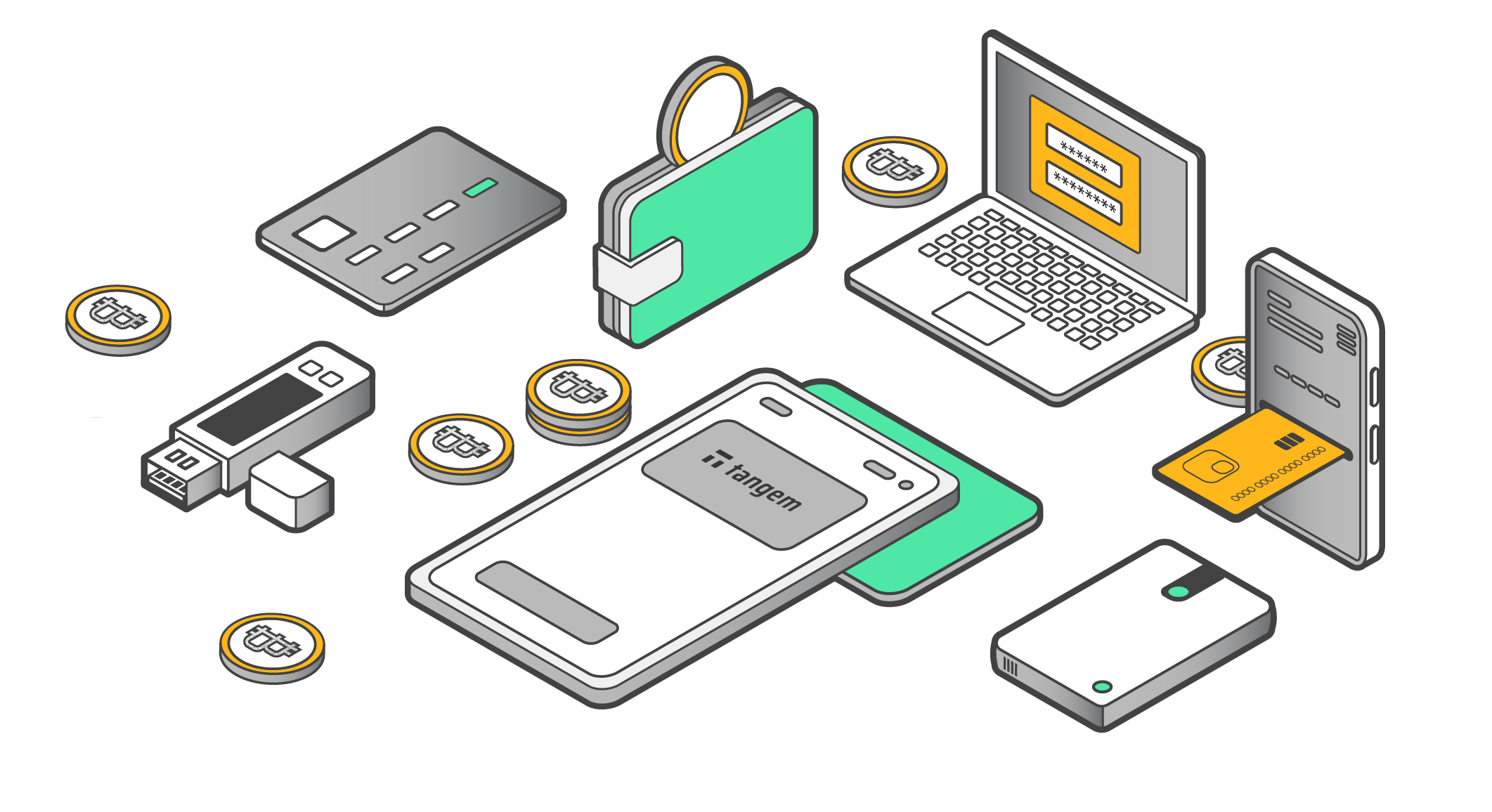
The good news is that the mobile wallet space has matured a lot. The best apps are genuinely well-designed, constantly updated, and trusted by millions of users worldwide. But they're still not all equal, especially when it comes to how they store your private keys, how easy they are to set up, and how honest they are about their limitations.
This guide ranks the 5 best mobile crypto wallet apps in 2026 based on App Store and Google Play ratings, real user feedback, security architecture, supported assets, and honest pros and cons. No hype. No affiliate fluff. Just a straight comparison so you can make a smart choice.
Quick Comparison: App Store Ratings at a Glance
Wallet
Type
iOS Rating
Android Rating
Best For
Tangem
Hardware + Mobile App
⭐ 4.9/5
⭐ 4.7/5
Beginners, long-term holders, max security
Trust Wallet
Hot Wallet (Mobile)
⭐ 4.7/5
⭐ 4.6/5
Multi-chain users, active traders
MetaMask
Hot Wallet (Mobile + Browser)
⭐ 4.4/5
⭐ 4.4/5
Ethereum / DeFi power users
Exodus
Hot Wallet (Mobile + Desktop)
⭐ 4.5/5
⭐ 4.6/5
Beginners who want a clean interface
ZenGo
Hot Wallet (MPC, Mobile)
⭐ 4.5/5
⭐ 4.4/5
Users who want no seed phrase without hardware
Ratings sourced from App Store and Google Play as of February 2026.
What Makes a Good Mobile Crypto Wallet?
Before we get into each wallet, here's what actually matters when choosing one. A lot of wallet comparisons skip this part and jump straight to features — but understanding the basics will help you pick what's actually right for you.
Custody model. This is the big one. A non-custodial wallet means you hold your own private keys — your crypto is yours and only yours. A custodial wallet means a company holds your keys for you. Every wallet in this guide is non-custodial, which is the right choice for anyone serious about owning their crypto outright.
Seed phrase handling. Most wallets provide a 12- or 24-word seed phrase during setup. This is your master backup. If you lose your phone, you can restore your wallet on a new device using these words. It also means that if anyone else gets those words, they own your crypto.
Chain support. Not all wallets support all blockchains. If you hold Bitcoin, Solana, and Ethereum tokens, you need a multi-chain wallet. If you're exclusively doing Ethereum DeFi, a narrower wallet might work fine.
App Store ratings. Real user ratings from App Store and Google Play are a decent signal, not perfect, but they reflect actual user experience over time. A consistently high rating across both platforms (especially with tens of thousands of reviews) is meaningful.
#1 — Tangem: Best Overall Mobile Crypto Wallet in 2026
Tangem is the highest-rated crypto wallet in the App Store right now, and it earned that rating in a category that usually rewards free hot wallets. The reason it stands out is that it's not competing on the same terms as the others, it's a different product category entirely, and it happens to be genuinely easier to use than most software wallets.
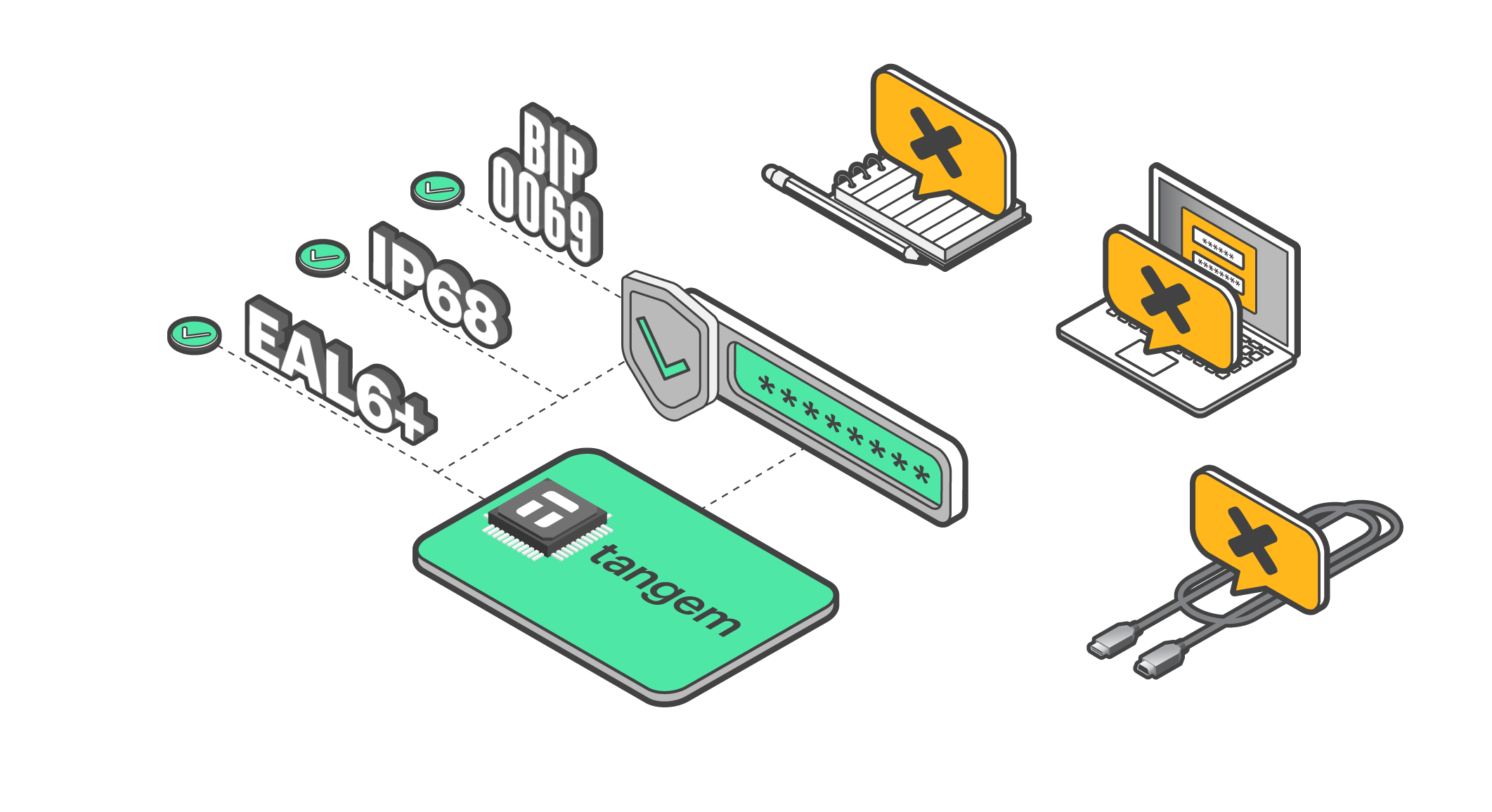
Tangem is a hardware wallet that ships as a credit-card-sized NFC smartcard. The free mobile app is how you interact with it. You tap the card to your phone to approve transactions. That's the whole interaction. No cables, no USB ports, no screens to squint at, no firmware updates to babysit. The private key lives inside a certified Secure Element chip (Samsung S3D350A/B, rated CC EAL6+ — the same grade used in biometric passports), and it never leaves the card. Not during a swap, not during a stake, not ever.
The reason Tangem tops this list isn't just the security architecture — it's the combination of security and simplicity. Most hardware wallets are genuinely intimidating for new users. Tangem is the first cold storage solution that most people can set up in under 10 minutes without any technical background. That's not a small thing.
What's Actually New in 2026
The latest Tangem app (v5.33+) added Multi-Accounts (manage multiple separate wallets from one app), Smart Gas (automatically optimizes transaction fees), and an AI News feed curated to your specific portfolio.
These aren't gimmicks. Tangem Pay, a non-custodial payment account linked to a virtual Visa card, also launched in late 2025 for users in the US, Latin America, and Asia-Pacific, letting you spend USDC on Polygon directly via Apple Pay or Google Pay without ever sending funds to a custodial exchange.
The No Seed Phrase Thing
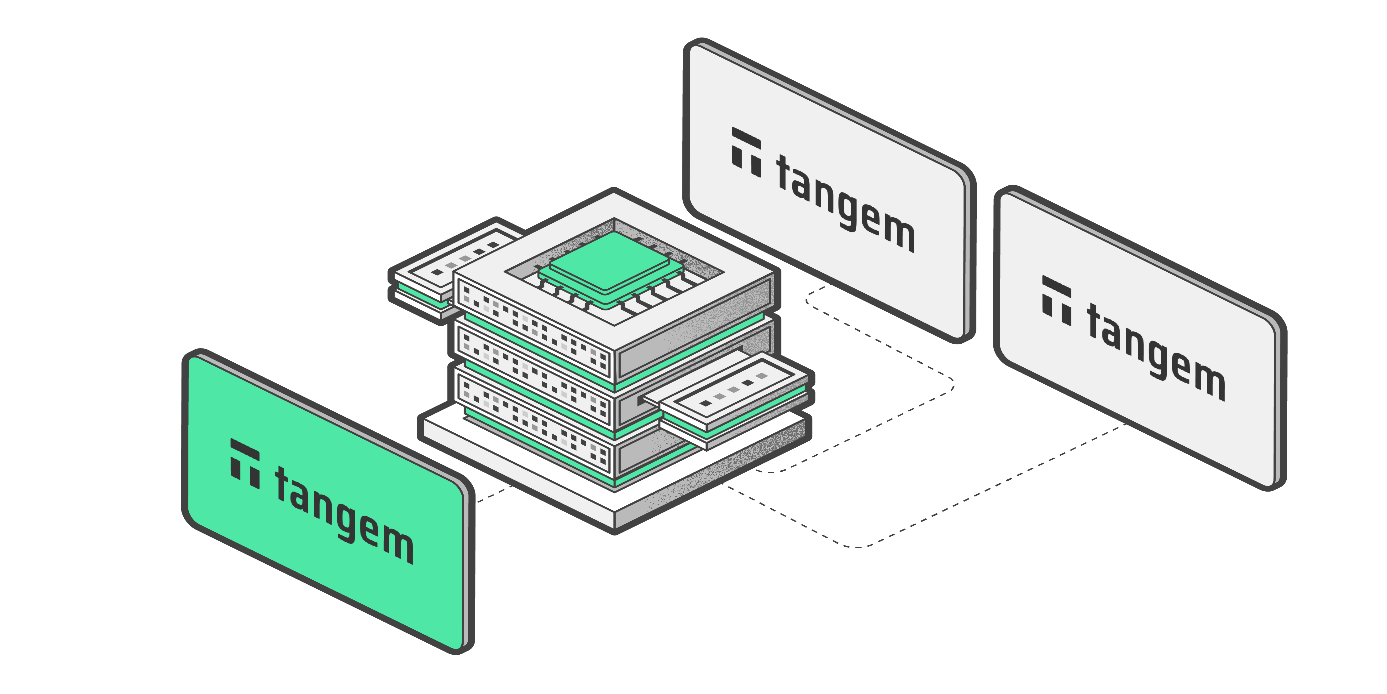
Tangem's most talked-about feature is its seedless default. You don't get a 12-word or 24-word recovery phrase to write down and store. Instead, your backup is physical: when you order a Tangem wallet, you get a 2 or 3-card set. Each card has the same private key burned into it at setup. Lose one card, use another. It's the same idea as having a spare house key — except your house key controls however much crypto you're storing.
This matters because the seed phrase is the #1 cause of crypto loss. People store it in their phone's Notes app (bad), in a Google Doc (bad), take a screenshot (very bad), or write it on paper and lose the paper (also bad). Tangem eliminates the attack surface entirely. Your recovery plan is physical, not digital.
For users who prefer a seed phrase (some people want the option to recover without a card), Tangem allows you to generate and save one during setup — but this is opt-in, not the default.
Chain and Asset Support
Tangem supports over 16,000 tokens across 85+ blockchains, including Bitcoin, Ethereum, Solana, BNB Chain, Polygon, Cardano, Tron, Avalanche, Arbitrum, Base, Optimism, Polkadot, Cosmos, XRP Ledger, and a growing list of newer L1s and L2s. In practical terms, if you can name it, Tangem probably supports it. DeFi access is handled through WalletConnect integration, so you can connect to Uniswap, Aave, Jupiter, and other protocols directly from the app while still signing transactions with your physical card.
How to Get Started with Tangem (Step by Step)
Order your card set at tangem.com. Go for the 2 or 3-card set — the extra cards are your backup. Prices start around $54.90 USD and ship worldwide.
Download the Tangem app for free on the App Store or Google Play.
Open the app and tap your card to your phone's NFC reader (usually the back half of the phone near the top). The app will walk you through setup.
Link your backup cards. During setup, scan each additional card from your set to link it to the same wallet.
Set an access code. This PIN or biometric lock protects the app itself.
Store your backup card somewhere safe, physically separate from your main card. Safety deposit box, fireproof safe at home, a trusted family member's place, anywhere you'd store something important.
Add your assets. Tap the "+" icon to add the blockchains you use, then transfer crypto from your exchange using the wallet address shown in the app.
Honest Pros and Cons
What users love:
Highest-rated crypto wallet on both major app stores
CC EAL6+ Secure Element — private keys never touch an internet-connected device
No seed phrase to lose (seedless by default)
Dead simple setup — most people finish in under 10 minutes
NFC tap-to-sign is the most intuitive approval model in any wallet
16,000+ tokens across 85+ blockchains
Waterproof, dustproof, rated for -25°C to +50°C
Open-source mobile app, independently audited firmware
25-year hardware warranty
Tangem Pay lets you spend self-custodied USDC via virtual Visa card.
Real limitations to know about:
Requires upfront hardware purchase (~$54–$69 USD) — not free like hot wallets
Needs an NFC-capable smartphone (most phones since 2016 qualify; very old or budget devices may not)
Mobile-only — no desktop or browser extension interface
If you somehow lose all your cards without enabling seed phrase backup, recovery is not possible
Bottom line: Tangem is the easiest secure wallet to recommend to anyone. The hardware cost is the only real barrier, and for anyone holding more than a few hundred dollars in crypto, it's a no-brainer investment in peace of mind.
#2 — Trust Wallet
iOS: 4.7/5 | Android: 4.6/5 | 100M+ downloads
Trust Wallet is the most downloaded mobile crypto wallet in the world, and with 100+ million downloads, it's the closest thing the crypto space has to a default choice. The ratings are solid, the feature set is broad, and it handles multi-chain portfolios better than almost any other free app. If you want one hot wallet that can handle Bitcoin, Ethereum, BNB, Solana, Polygon, and dozens of other chains simultaneously — Trust Wallet is the answer.
It was originally built in 2017, acquired by Binance in 2018, and has been continuously developed since. The Binance ownership is worth knowing: Trust Wallet is technically independent (non-custodial, open-source), but some users prefer not to use products tied to a centralized exchange, especially given Binance's regulatory history in various countries.
Key Features
Trust Wallet supports 100+ blockchains, in-app token swaps, staking for selected proof-of-stake assets (ETH, BNB, TRX, and more), NFT storage, a built-in dApp browser, and a fiat on-ramp so you can buy crypto directly with a card or bank transfer. It's genuinely feature-packed for a free app. The interface is clean and reasonably intuitive, though there's more going on than in simpler wallets, and newer users can feel a bit overwhelmed by the options.
Where It Falls Short
Trust Wallet is a hot wallet — your private keys are stored on your phone, encrypted but online. This means it's inherently more exposed to hacks than cold storage. Like all hot wallets, it's only as secure as the device it runs on: a compromised phone is a compromised wallet.
Trust Wallet also doesn't support two-factor authentication through an authenticator app, which is a gap that more security-conscious users will notice.
Customer support has drawn criticism in user reviews; some users report slow or unsatisfying responses when issues arise. Also, if you're primarily doing Ethereum DeFi, Trust Wallet's browser sometimes feels less polished than MetaMask's dedicated dApp ecosystem.
Bottom line: Excellent free multi-chain wallet for active crypto users. Just don't use it as your primary storage for large holdings — treat it as a spending wallet, not a savings vault.
MetaMask is the original Ethereum wallet and still the most widely-used crypto wallet in the world, with over 100 million users. If you're doing anything in the Ethereum ecosystem — swapping tokens on Uniswap, using Aave, minting NFTs on OpenSea, trying out layer 2s like Arbitrum or Base — MetaMask is essentially the industry standard. Almost every dApp you'll encounter is built to connect with it first.
It's available as both a browser extension and a mobile app for iOS and Android. For DeFi power users, the browser extension is the primary tool — the mobile app is a solid companion but lacks some of the advanced features available on desktop.
Key Features
MetaMask supports Ethereum and all EVM-compatible networks including Base, Arbitrum, Optimism, BNB Chain, Polygon, Avalanche, Linea, Solana (added in 2025), and more via custom RPC. It has built-in token swaps (routing through multiple DEXs for competitive pricing), ETH staking directly in the app, an NFT gallery on mobile, live transaction simulation so you can see what a transaction will actually do before you approve it, and phishing protection powered by Blockaid. MetaMask Snaps — community-built extensions — add additional functionality including support for extra blockchains and security tools.
Where It Falls Short
MetaMask's App Store rating (4.4/5) is noticeably lower than Trust Wallet's or Tangem's, and for good reason. User reviews consistently flag a few issues: the onboarding experience is confusing for newcomers (the "why do I have to write down 12 words right now?" moment trips up a lot of first-timers), the mobile app and browser extension feel like separate products rather than one seamless experience, and the interface gets overwhelming quickly if you're not already familiar with EVM concepts. MetaMask's swap fee is 0.875% per transaction — not the end of the world, but worth knowing. Customer support has also been criticized across multiple review platforms. And crucially: if you lose your seed phrase with MetaMask, there is no recovery path. The wallet is gone. This is true of most hot wallets, but MetaMask's onboarding does little to emphasize just how serious that is.
The other major limitation is chain coverage. MetaMask is EVM-only at its core. It doesn't natively support Bitcoin, Cardano, XRP, or non-EVM Solana assets (though Solana support was added in 2025 as a native network, not just a Snap). If you're managing a multi-chain portfolio that includes BTC alongside your ETH tokens, you'll need a second wallet.
Bottom line: The go-to tool for Ethereum DeFi. Less ideal as a standalone solution for general crypto holders, and the learning curve is steeper than MetaMask's reputation suggests.
#4 — Exodus
iOS: 4.5/5 | Android: 4.6/5 | Available on mobile + desktop
Exodus is the wallet that wins on aesthetics. The UI is genuinely beautiful — clean portfolio charts, smooth animations, a polished design that makes crypto feel accessible rather than intimidating. For someone brand new to crypto who wants a simple wallet that looks like a proper consumer app rather than a developer tool, Exodus is one of the most appealing options out there.
It supports 50+ blockchains and hundreds of assets, includes a built-in in-app exchange, staking for selected assets, and is one of the few wallets available on both mobile (iOS and Android) and desktop (Windows, Mac, Linux). The desktop app is particularly well-regarded, with a rich portfolio view and transaction history that syncs across devices.
Where It Falls Short
Exodus has some real trade-offs that are worth understanding before you commit to it. First and most significantly: Exodus is closed-source. For a cryptocurrency wallet — software that guards your money — this is a meaningful concern. Open-source wallets can be independently audited by anyone in the security community. With Exodus, you're trusting that the company's internal security practices are solid, but you can't verify that independently. Most competing wallets at this level are fully or largely open-source.
Second, Exodus doesn't offer two-factor authentication. This is a recurring criticism in user reviews and a genuine gap for security-conscious users. Third, the built-in swap fees are on the higher end — Exodus routes swaps through ShapeShift and takes a spread, which can add up over time if you're actively trading. Some users in app store reviews have flagged unexpected fee amounts during swaps. Customer support response times also draw occasional criticism. And while the mobile app looks great, reviewers note it offers only basic functionality compared to the desktop version — if you're primarily a phone user, you might find it frustrating.
Bottom line: Great-looking wallet with solid multi-chain support, but the closed-source architecture is a legitimate concern, and the swap fees are higher than alternatives. Best treated as a beginner's entry point rather than a long-term home for significant holdings.
#5 — ZenGo
iOS: 4.5/5 | Android: 4.4/5 | Mobile-only
ZenGo occupies an interesting niche: it's a hot wallet that eliminates the traditional seed phrase, using Multi-Party Computation (MPC) instead. MPC is a cryptographic technique where your private key is split into two "secret shares" — one stored on your device, one on ZenGo's servers — and both are required to authorize transactions. This means you never have a 12-word phrase to lose, and if you lose your phone, ZenGo can help you recover your wallet using a 3-factor process involving your email, a biometric face scan, and an encrypted recovery file.
It supports Bitcoin, Ethereum, several popular L2s, and hundreds of ERC-20 tokens. The interface is genuinely simple and beginner-friendly, and the company has a clean security record — no user wallets have been hacked since launch, which is a real point of differentiation.
Where It Falls Short
ZenGo's MPC model is clever, but it comes with a fundamental trade-off: you are partially trusting ZenGo's servers. The company explicitly holds one of the two key shares. They can't steal your funds unilaterally, but if ZenGo shuts down, is hacked at the infrastructure level, or decides to freeze accounts, your access depends on how well that scenario was planned for. This is meaningfully different from wallets where the private key lives entirely on your hardware (like Tangem) or fully on your device (like MetaMask).
Chain coverage is also limited compared to competitors — ZenGo supports 6 base blockchains with 4 layer 2s, which covers the mainstream assets but leaves out a lot of the long tail of tokens that Trust Wallet or Tangem handle easily. Some users report transfers taking longer than expected, and ZenGo's best security features — including their Web3 firewall and transaction screening — are gated behind a paid subscription (ZenGo Pro, around $9.99/month or $99/year), which feels like a stretch for features that competing wallets provide for free.
Bottom line: Clever security model, genuinely good for users who want to avoid seed phrases without buying hardware. But the partial server reliance, limited chain support, and paywalled premium features hold it back from being a top pick. Worth considering as a beginner wallet if Tangem's hardware cost is a barrier.
Which Wallet Is Right for You?
If you want…
Best pick
Maximum security with the easiest setup
Tangem
Free multi-chain wallet for daily use
Trust Wallet
Ethereum and DeFi access
MetaMask
A beautiful app for desktop
Exodus
Long-term Bitcoin holding
Tangem
Spend self-custodied crypto
Tangem (Tangem Pay)
The Most Common Wallet Security Mistakes
Understanding which wallet to use is half the battle. The other half is not making one of these very common errors:
Screenshotting your seed phrase. This is possibly the most common cause of lost crypto. Screenshots sync to iCloud, Google Photos, and other cloud services automatically. If any of those services get breached, your seed phrase is exposed. Write your seed phrase on paper. Store the paper somewhere physically secure.
Leaving most of your crypto in a hot wallet. Hot wallets are for spending, not saving. Think of it like the difference between your wallet in your pocket (small cash, okay to carry) and your bank savings account (keep most of it there). Your hot wallet is your pocket. Tangem is your savings.
Connecting to random dApps. Every time you connect your wallet to a dApp and approve a transaction, you're signing something. If you don't know exactly what you're approving, you might be authorizing access to spend your tokens. Use wallets with transaction simulation (MetaMask, Tangem) and revoke old permissions regularly using tools like Revoke.cash.
Downloading fake wallet apps. Fake versions of popular wallets show up in app stores occasionally. Always download wallets from official websites and verify the developer name in the app store listing before installing.
Never testing your recovery. Whatever backup system you're relying on — seed phrase, backup card, ZenGo recovery — test it before you have significant funds in the wallet. This is especially important for hardware wallets. Find out if recovery works when nothing is at stake, not when everything is.
Frequently Asked Questions
What is the safest mobile crypto wallet in 2026?
Tangem is the safest, because it's the only option on this list that combines cold storage security with a mobile app interface. Your private keys live on a certified hardware chip (CC EAL6+) that never connects to the internet — making it immune to the software-based attacks that can affect hot wallets. Among pure hot wallets, ZenGo's MPC model and MetaMask's transaction simulation add meaningful security layers compared to simpler alternatives.
Is it safe to keep crypto in Trust Wallet?
Trust Wallet is safe in the sense that it's a legitimate, well-maintained non-custodial wallet. Your private keys are on your device, not on a server. But it's still a hot wallet — meaning it's connected to the internet, and a compromised phone is a compromised wallet. For amounts you're actively trading, it's fine. For significant holdings you're not touching for months or years, cold storage (Tangem) is a smarter choice.
Can I use more than one wallet at the same time?
Yes, and many people do. A common setup is: Tangem for long-term holdings, MetaMask or Trust Wallet for active DeFi use, and a separate wallet address for interacting with newer or less-tested protocols (to limit exposure). Using multiple wallets is a form of risk management — you're not putting all your eggs in one basket.
What happens if I lose my phone with a hot wallet on it?
Your crypto is not automatically gone. Hot wallets (MetaMask, Trust Wallet, Exodus) can be restored on a new device using your seed phrase. This is exactly why you need to write down your seed phrase at setup and keep it somewhere secure offline. If you never wrote it down — or stored it digitally and it was compromised — you can't recover the wallet. ZenGo has a different recovery system (biometric + email + recovery file). Tangem uses backup cards, so losing your phone doesn't affect your funds at all — just download the app on a new phone and tap your backup card.
What's the difference between a hot wallet and a cold wallet?
A hot wallet is software — an app on your phone or browser extension — that stores your private keys on an internet-connected device. Cold wallets store private keys on a physical hardware device that never goes online. Hot wallets are more convenient but more exposed to online threats. Cold wallets are more secure but require purchasing hardware upfront. Tangem is a cold wallet you manage through a mobile app, which is why it tops this list — it gives you cold wallet security with hot wallet convenience.
Does Tangem work without a Tangem card?
No. The Tangem app is a companion app — it's the interface, but the wallet itself lives on the NFC card. Without the physical card, you can't access or sign transactions. This is actually the point: the key never leaves the hardware. If you haven't received your cards yet, you can browse the app, but you won't be able to create a wallet until the card arrives.
Is MetaMask good for beginners?
It depends on how comfortable you are with a learning curve. MetaMask is powerful and well-documented, but the onboarding experience — particularly the seed phrase setup and the need to understand networks and gas fees — trips up a lot of new users. User reviews consistently mention confusion early on. If you're starting from zero, Tangem or Coinbase Wallet tend to be smoother entry points. Once you're comfortable with the basics, MetaMask is worth learning for DeFi access.
Do any of these wallets charge monthly fees?
The apps themselves are free to download and have no subscription fees — except ZenGo, which offers premium security features (Web3 firewall, legacy transfer, priority support) under a ZenGo Pro subscription at around $9.99/month. All wallets charge standard blockchain network fees (gas fees) for transactions, which vary by network and congestion and go to validators/miners, not the wallet company. Tangem requires an upfront hardware purchase ($54.90+ for a card set), but there are no ongoing fees after that.
Which wallet supports the most cryptocurrencies?
Tangem leads with 16,000+ tokens across 85+ blockchains. Trust Wallet supports 100+ blockchains (also very broad). MetaMask is EVM-focused but supports thousands of tokens via custom network configurations and Snaps. Exodus covers 50+ blockchains. ZenGo is the most limited at 6 blockchains plus 4 L2s, covering the most popular assets but not much beyond that.
Should I use the same wallet for DeFi and for saving?
Ideally, no. DeFi interactions involve connecting your wallet to smart contracts — some of which may be buggy, malicious, or unaudited. Using a dedicated "burner" wallet for DeFi experimentation means that even if a bad contract drains that wallet, your main savings remain untouched. A practical setup: Tangem for long-term holdings, MetaMask or Trust Wallet for DeFi, with only the funds you're actively using in the DeFi wallet.
 + Up to $20 in BTC till Mar 16