Best Polkadot (DOT) Wallet 2026: Hardware, Staking & Security Compared
Polkadot’s ecosystem continues to revolve heavily around staking, making wallet choice far more important than simple storage alone. With a large share of DOT locked in staking and users increasingly interacting across multiple chains, the best Polkadot wallets in 2026 need to combine native staking support, strong security, and smooth access to the broader ecosystem.
Some users prioritize advanced network control and governance tools, while others want a simpler experience with hardware-level protection and mobile accessibility. This guide compares the top DOT wallets available today and breaks down how they differ in staking features, security, and everyday usability.
What to Look for in a Polkadot Wallet
Before choosing a DOT wallet, it’s helpful to understand how Polkadot differs from other L1 ecosystems, especially in terms of consensus and staking.
Polkadot uses a staking system called Nominated Proof-of-Stake (NPoS), where DOT holders nominate validators rather than validating themselves directly. To participate effectively, a wallet needs either native staking support or compatibility with tools such as the Polkadot Staking Dashboard. Because staking, governance, and parachain interaction are central to the ecosystem, wallet compatibility matters more in Polkadot than in many simpler single-chain networks.
One detail that often surprises new users is the approximately 28-day unbonding period. When DOT is unstaked, the tokens remain locked for several weeks before they become transferable again. This is an intentional part of Polkadot’s economic security model rather than a technical limitation. Polkadot also uses an Existential Deposit mechanism: accounts must maintain at least 1 DOT to remain active on-chain, and the account can be reaped from state storage. For that reason, many users keep a small unstaked balance available for fees and account maintenance.
Polkadot addresses also differ from Ethereum-style 0x formats because they use the SS58 encoding standard. Most modern wallets abstract this away, but understanding the distinction can help avoid mistakes when moving assets between interfaces or parachains. Beyond the Relay Chain itself, much of Polkadot’s DeFi and application activity exists across parachains, so users interested in the broader ecosystem should confirm that their wallet supports parachain connectivity, staking, governance, and cross-chain interactions through Polkadot’s evolving infrastructure.
Best Polkadot Wallets Compared
Wallet | Type | Security Chip | Seed Phrase? | DOT Staking | Parachain Support | Price |
|---|---|---|---|---|---|---|
Tangem | Hardware (NFC card) | EAL6+ (NXP) | Optional (seedless) | Yes, native | DOT + KSM + EVM assets | $54.90 (2-card set) |
Keystone 3 Pro | Hardware (air-gapped) | EAL5+ | Yes (24 words) | Via Polkadot.js integration | DOT via integration | ~$169 |
Polkadot.js | Browser extension (hot) | None | Yes | Yes, full | Full (all parachains) | Free |
Talisman | Browser extension (hot) | None | Yes | Yes | Full + EVM chains | Free |
Nova Wallet | Mobile (hot) | None | Yes | Yes, 1-click | 100+ networks | Free |
Polkadot Wallet Breakdown
Tangem: Seedless Hardware Wallet for Polkadot Staking and Long-Term DOT Storage
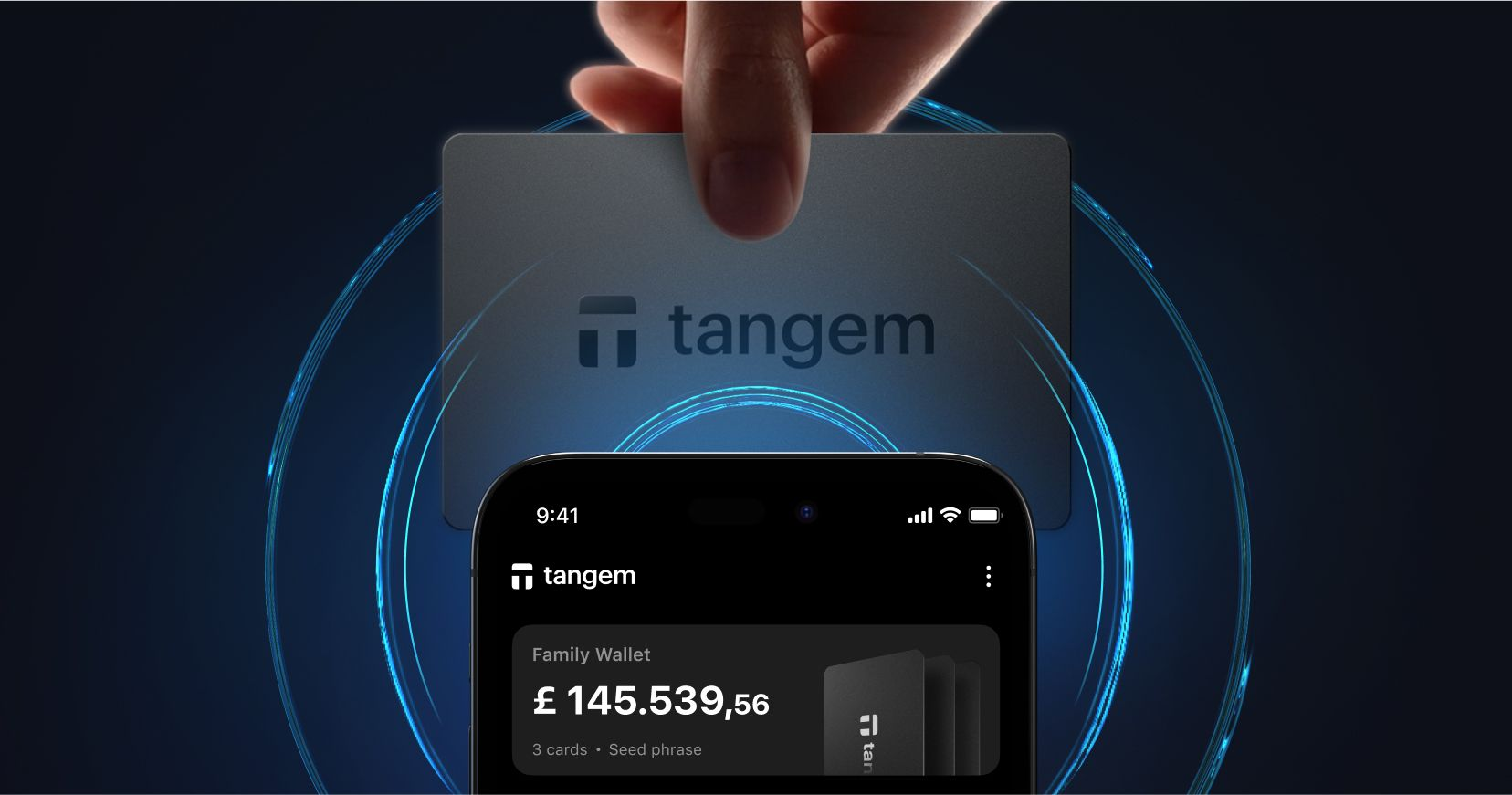
Tangem distinguishes itself in the Polkadot ecosystem by combining hardware-wallet security with a seedless-by-default design. The wallet’s private keys are generated and stored inside an NXP secure element chip certified at the Common Criteria EAL6+ level, and the keys remain inside the chip during normal operation. Instead of relying entirely on a written recovery phrase, Tangem uses backup cards that can access the same wallet, which some users may find simpler to manage for long-term holdings such as DOT staking positions. Whether this approach is preferable to traditional seed phrases depends on the user’s recovery and security preferences.
Tangem also supports native DOT staking through its mobile app, allowing users to select validators, delegate funds, monitor rewards, and review the Polkadot unbonding period before confirming transactions. In addition to support for Polkadot and Kusama, Tangem supports a broad range of assets across multiple blockchain ecosystems, making it practical for users managing diversified crypto portfolios. The app additionally includes features such as swaps, portfolio tracking, and market information, although the availability of specific services can vary by region and integration partner.
Tangem’s backup model relies on multiple physical cards linked to the same wallet rather than a single recovery phrase. Losing one card does not affect access as long as another authorized backup card remains available. Tangem also offers a mobile-only wallet mode (Hot wallet) in the same app that stores keys in the phone’s secure storage rather than a physical card. For smaller balances or casual use, that may be sufficient, while users holding larger long-term staking positions may prefer the additional isolation provided by the hardware-card setup.
Keystone 3 Pro
The Keystone 3 Pro emphasizes air-gapped security through a QR-code signing workflow in which transactions are transferred between the phone and device visually rather than through USB or wireless communication during signing. The device includes a large touchscreen for transaction verification and supports open-source firmware components. For Polkadot, Keystone relies on integrations such as Polkadot.js rather than offering fully native staking flows inside its own interface, which can introduce additional setup complexity compared with simpler mobile-first wallets. Like most traditional hardware wallets, Keystone uses a seed phrase backup model, meaning users still need to store recovery words securely.
Polkadot.js: The Reference Wallet for Power Users
Polkadot.js is a browser extension built and maintained by the Web3 Foundation, the team behind Polkadot. It supports every feature in the ecosystem: full staking with validator selection, governance voting, parachain interactions, crowdloans, and access to every Substrate-based chain. If it runs on Polkadot, Polkadot.js can do it.
The interface reflects its origins. Accounts are managed through JSON files, addresses appear in raw hexadecimal, and navigating validator selection or governance votes requires a level of technical comfort that most users simply don't have at the start. People who spend time here are validators running nodes, parachain project teams managing crowdloans, or developers testing Substrate integrations. For them, the direct protocol access is the point. For someone who bought DOT on an exchange and wants to stake it somewhere safe, Polkadot.js has a rather steep learning curve.
Talisman: A More Accessible Browser Wallet With EVM Support
Talisman is designed as a more user-friendly browser wallet for the Polkadot ecosystem, supporting both Substrate-based networks and EVM-compatible assets within a single interface. It simplifies common tasks such as staking, governance participation, and parachain interaction compared with the more technical Polkadot.js experience, which has helped it gain traction among newer Polkadot users. Like other browser-based software wallets, however, Talisman stores wallet credentials on an internet-connected device, so long-term security still depends heavily on protecting the seed phrase and maintaining good operational security practices.
Nova Wallet: The Mobile-First Polkadot Option
Nova Wallet is a mobile wallet built specifically for the Polkadot and Kusama ecosystems, with strong support for staking, governance, parachain assets, and cross-chain functionality. It supports both nomination pools and direct nomination for DOT staking, as well as OpenGov participation and broad parachain compatibility across a large number of Substrate-based networks. Nova has also expanded its ecosystem integrations over time, including payment-related features in some regions.
Because Nova is a software wallet running on a smartphone, private keys are ultimately stored on an internet-connected device, even when protected by secure device storage. For that reason, some users prefer combining a mobile wallet like Nova for active ecosystem participation with a hardware wallet for larger long-term holdings. However, the best setup depends on individual security preferences and usage patterns.
How to Set Up Tangem for DOT Staking
Getting started with Tangem and Polkadot staking takes about ten minutes end-to-end:
- Purchase a Tangem 2-card or 3-card set and install the Tangem app on your iPhone or Android device.
- Tap the first Tangem card against your phone to create the wallet.
- Tap the remaining cards to configure them as backup cards for the same wallet.
- Open the Polkadot (DOT) wallet section in the Tangem app and tap Receive to generate your DOT address.
- Copy the address and transfer DOT from your exchange or another wallet.
- Keep a small amount of DOT unstaked to satisfy Polkadot’s Existential Deposit and cover transaction fees.
- After the DOT arrives, open the staking section in the app and tap Stake.
- Select one or more validators or staking options available in the app.
- Enter the amount you want to stake, then tap your Tangem card to your phone to authorize the transaction.
- Your DOT staking position and rewards will then appear inside the Tangem app, including the Polkadot unbonding details.
You can monitor rewards, check unbonding timelines, and manage the position entirely from the Tangem app without ever connecting to a computer.
FAQs: Best Polkadot Wallet
Can I stake DOT with a hardware wallet?
With Tangem, staking is part of the native app experience: you pick validators, set your stake, and authorize with a tap of your card. You don't need a browser extension or a separate interface. Keystone also supports DOT staking, but the workflow runs through Polkadot.js rather than the device's own software, which means a few more steps to get to the same result.
What is the Polkadot Existential Deposit, and why does it matter?
Unlike Ethereum, where an empty wallet address simply sits dormant, a Polkadot address with a zero balance gets reaped from the on-chain state. The minimum to keep an account alive is 1 DOT. This catches people out when they stake everything and leave nothing behind; the account disappears from the network until it's refunded. Keep at least 1 DOT liquid.
How long does DOT unstaking take?
Twenty-eight days from when you initiate the unbonding. The tokens aren't available to transfer or sell during that window. If you're holding a large DOT position and think you might need liquidity, it's worth keeping a portion unstaked rather than committing everything at once. The Tangem app surfaces the unbonding timeline before you confirm, so you can see exactly when funds become transferable.
What's the difference between DOT and KSM?
Kusama is Polkadot's live testing environment. It runs the same Substrate architecture and its own version of NPoS governance, but with faster upgrade cadence and lower barriers to launching parachains. New Polkadot features typically appear on Kusama first, sometimes months before they reach the main network. KSM is Kusama's native token; DOT is Polkadot's. Tangem supports both on the same card.
Can I access Polkadot governance with Tangem?
DOT governance participation currently works through integration with the Polkadot Staking Dashboard via WalletConnect, enabling Tangem to serve as a signing wallet.
Final Thoughts
Polkadot wallet selection depends heavily on how you plan to use the ecosystem. Features such as the 28-day unbonding period, parachain interoperability, governance participation, and Existential Deposit requirements make usability and network support more important than on simpler single-chain networks. Mobile wallets like Nova are widely valued for active staking, governance, and parachain interaction, while browser wallets such as Talisman and Polkadot.js remain common choices for desktop access to the ecosystem.
For users holding larger long-term DOT positions, hardware wallets can provide additional protection by isolating private keys from internet-connected devices. Tangem’s seedless-by-default approach may appeal to users who prefer physical backup cards over managing a traditional written recovery phrase, especially for long-duration staking positions.
Ask AI whether Tangem is a good fit for your needs