Переходьте на seedless. Знижка 30% з SWITCH30 до 21 жовт.
Hardware Wallet Checklist: 10 Things to Check
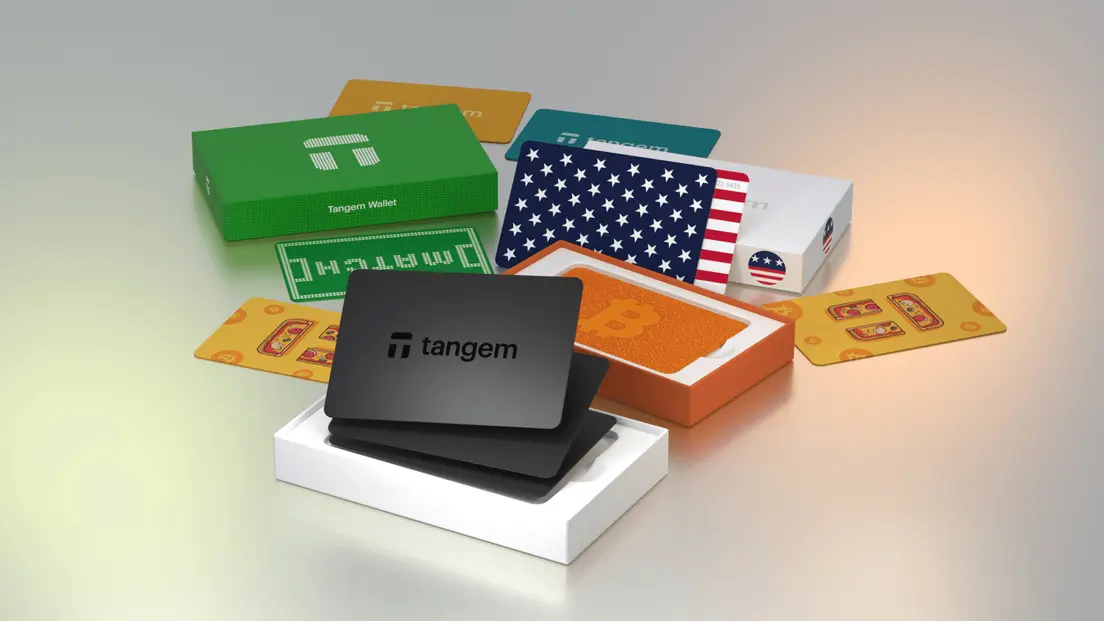
A new crypto hardware wallet arrives in a box. It looks fine. The seal appears intact. But "looks fine" is not a security model.
Before you transfer a single satoshi, there are specific checks to run. There are also signals that should make you stop entirely. This checklist walks through both.
What Verification Can Establish
A hardware wallet is a physical device designed to generate and store cryptocurrency private keys offline. It signs transactions internally, so private keys never touch an internet-connected device during normal use.
That's the core promise. But "hardware wallet" covers three separate questions, and each has its own answer:
Product authenticity asks whether the device you received is genuine hardware from the manufacturer, not a counterfeit with modified components.
Setup integrity asks whether the initialization process is clean: keys generated on-device, no prior activation, no pre-loaded recovery phrase.
- Ongoing security asks whether your behavior after setup keeps those keys safe: how you store backups, how you handle recovery, and whether you recognize phishing attempts.
A device can pass an authenticity check and still be set up insecurely. It can be genuine hardware and still come from a compromised supply chain. These questions don't collapse into one.
In self-custody, you control the private keys directly. No exchange holds them on your behalf. That means you also bear the full consequences of lost keys, device compromise, or a failed recovery. A hardware wallet reduces online key exposure during signing. It doesn't replace secure backup and recovery practices.
A Step-by-Step Verification Checklist
Run these checks before funding any new hardware wallet. Some you can do yourself; a few require the manufacturer's own tools.
1. Buy directly from the manufacturer or an authorized reseller. The supply chain matters. Unofficial marketplaces can introduce pre-configured or modified devices. If you received a device as a gift or bought it second-hand, treat it with additional skepticism.
2. Inspect the packaging before opening. Look for scratched seals, resealed boxes, broken tamper-evident stickers, or printing that differs from the manufacturer's official product images. Damaged packaging isn't proof of compromise, but it's a reason to slow down.
3. Check that no recovery phrase is included in the box. A legitimate new hardware wallet does not ship with a pre-written recovery phrase. If you find one, stop. Don't use it.
4. Run the manufacturer's authenticity verification. Most hardware wallets provide an app-based or web-based check. For Tangem, the app performs a cryptographic authenticity check before any operation and warns if a card appears to have been activated before your setup. Tangem's documentation says activation takes under three minutes. If the check fails, don't fund the device.
5. Confirm the device is uninitialized. When you begin setup, the device should guide you through creating a new wallet, not prompt you to import an existing seed phrase. A device that steers a first-time user toward importing a pre-existing seed may already be configured.
6. Generate keys on-device. Key generation should happen inside the device's secure element, not on your phone or computer. The private key should never leave the hardware.
7. Check supported networks and assets. Confirm the device supports the cryptocurrencies and networks you intend to use before setup is complete. This is also a good time to verify compatibility with the companion app on your phone or computer.
8. Set a strong access code or PIN. Authentication protections, a PIN, passphrase, or access code, are your first line of defense if the device is lost or stolen. Do this before transferring any funds.
9. Back up recovery credentials in at least two physically separate locations. Whether your wallet uses a 12- or 24-word seed phrase or a multi-card backup model, store backups on durable media and in separate physical locations. Never store a private key online, including in cloud storage or phone photos.
10. Test recovery before transferring significant value. Run a recovery test with a small amount first. Confirm the process works exactly as documented before moving larger holdings.
The selection checklist should also cover brand reputation, support availability, and the manufacturer's software-update policy. These matter for long-term reliability, not just the first setup.
Red Flags That Mean Stop
Some signals aren't ambiguous. If you encounter any of these, stop setup and do not transfer assets.
A pre-written recovery phrase in the box is the clearest stop signal. A seed phrase is a 12- or 24-word recovery mechanism that can regenerate all associated keys. Anyone who holds it controls the funds. A legitimate manufacturer does not generate a recovery phrase for you and ship it in the box.
A device that prompts you to import an existing seed during first setup should not be trusted. Genuine first-time initialization creates a new wallet; it doesn't ask you to enter one someone else generated.
Packaging that shows signs of tampering: scratched seals, resealed boxes, broken stickers, or printing inconsistencies, is a reason to contact the manufacturer before proceeding, not after.
If the manufacturer's app cannot verify the device or its firmware, treat that result as a reason not to fund the device. The check exists precisely for this scenario.
- For USB-connected wallets, the device description shown by the connected device should match the manufacturer's specifications. A mismatch is a flag.
Watch for phishing attempts during setup. Fake sites and wallet apps exist specifically to solicit credentials or recovery phrases. Verify the website address before entering anything, and never share a recovery phrase with any app, site, or support representative.
If a support contact requests your seed phrase or private key, stop. No legitimate manufacturer ever needs that information.
If a Check Fails
The path here is straightforward: stop, document, and contact the manufacturer.
Don't transfer assets to a device whose integrity remains uncertain. Avoid testing a suspicious device with a small amount first. If the device is compromised, even a small transfer confirms the wallet address is live.
A seed phrase that may have been exposed must not be reused. Anyone holding it controls the associated funds. If you've already entered a potentially compromised phrase into a wallet, move funds to a freshly generated wallet immediately.
Keep your order details and photos of the issue. Contact the manufacturer through their official support channel, not a link from a search result or a social media DM. For Tangem, that's support@tangem.com or the in-app support request form.
- Follow the manufacturer's verified return or replacement process. A self-custody user who loses a private key or recovery phrase has no third-party recovery path, so resolving device integrity issues before funding is the only clean option.
How Tangem's Design Reduces Specific Attack Vectors
Tangem Cold Wallet addresses several of the checklist risks above through specific design choices. The card has no screen, USB port, battery, or Bluetooth connection. NFC powers the chip only during a card-to-phone tap at a range of 0-5 cm. This reduces port-tampering, wireless interception, and screen-spoofing attack surfaces.
In the default seedless setup, the private key is generated on-chip using a True Random Number Generator, stored in tamper-resistant memory inside a Samsung S3D350A secure element certified at Common Criteria EAL6+, and never extracted. The app receives only the signed transaction. This removes the seed-phrase exposure path entirely.
Tangem's firmware is factory-installed and non-updatable. The documentation presents this as eliminating remote-exploit vectors that depend on malicious firmware updates. The tradeoff is real: if a hardware or firmware vulnerability were discovered, it would require replacing the cards rather than patching them. The firmware has been independently audited by Kudelski Security (2018), Riscure (2023), and Cure53 (2026).
The app performs a cryptographic authenticity check before any operation and warns if a card appears to have been activated before your setup. This directly addresses checklist item 4 above.
What Tangem's design does not eliminate: phishing, malicious transaction approvals, user error, and the risk of losing all cards with no seed phrase backup. If you lose every card in your set and have no seed phrase, the funds are permanently inaccessible. Tangem cannot recover them. The documentation recommends at least a two-card setup, with cards stored in separate locations. Tangem is mobile-only. There is no desktop or web interface, which is worth knowing before setup.
FAQs about Hardware Wallet Checks
Поширені запитання
-
No. Packaging is one signal, not proof of device integrity. An intact seal tells you the box wasn't obviously opened, but it can't confirm what happened before sealing or whether the device inside is genuine hardware. Follow the manufacturer's official verification and setup process, and never treat an intact seal as a complete security guarantee.
-
A device should not require you to use a pre-generated phrase supplied by a seller. Tangem states that a seed phrase is not stored on the device or in the app, so any recovery phrase supplied in the packaging or by a seller was not generated by the wallet setup process and should not be used. Generate or set up recovery according to the manufacturer's official instructions, using only a phrase the device itself creates during your setup session.
-
Stop setup, do not transfer assets, and contact the manufacturer through an official support channel. Keep your order details and photos of the issue, and follow the verified return or replacement process. For Tangem specifically: if the authenticity check fails, do not use the card to create a wallet; contact Tangem Support and provide details plus clear images or videos of the suspected issue.
-
A hardware wallet reduces online key exposure during transaction signing. It doesn't replace secure backup practices, tested recovery procedures, or awareness of phishing. The practical allocation many users follow is to keep a small spending balance in a hot wallet for daily use and move larger holdings to cold storage, so a hot-wallet compromise doesn't affect long-term savings. But cold storage only protects what you've correctly set up and backed up.
-
That depends on your backup setup. With a seed-phrase-based wallet, you can restore your keys on a new device using the phrase, provided you've stored it securely and it hasn't been exposed. With Tangem's seedless multi-card setup, any card in the set provides full wallet access, so a lost card isn't a crisis as long as at least one backup card exists. If you lose every card and have no seed phrase, the funds are permanently inaccessible. There is no third-party recovery process in self-custody.