Download the Tangem app
From the App Store or Google Play. Free, no signup.
 Tüm Tangem ürünlerinde EKSTRA %10 indirim. 25 Eki tarihine kadar Hemen Al
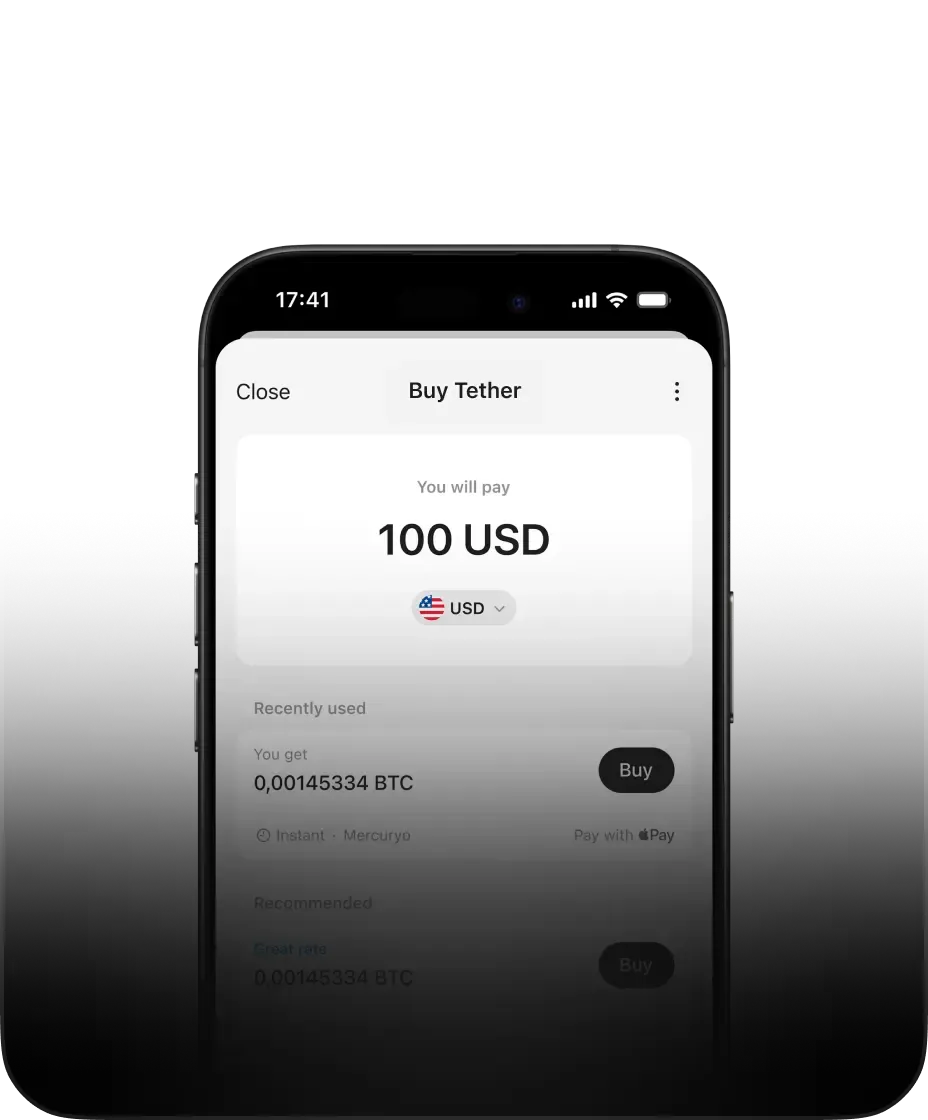
Buy M2 quickly on your phone without an exchange or signup. Tangem is a free, non-custodial wallet for iOS and Android. Buy M2 with Apple Pay, Google Pay, Venmo, PayPal, or cards
The fastest way to buy M2 is directly inside the Tangem – no account, no waiting.
From the App Store or Google Play. Free, no signup.
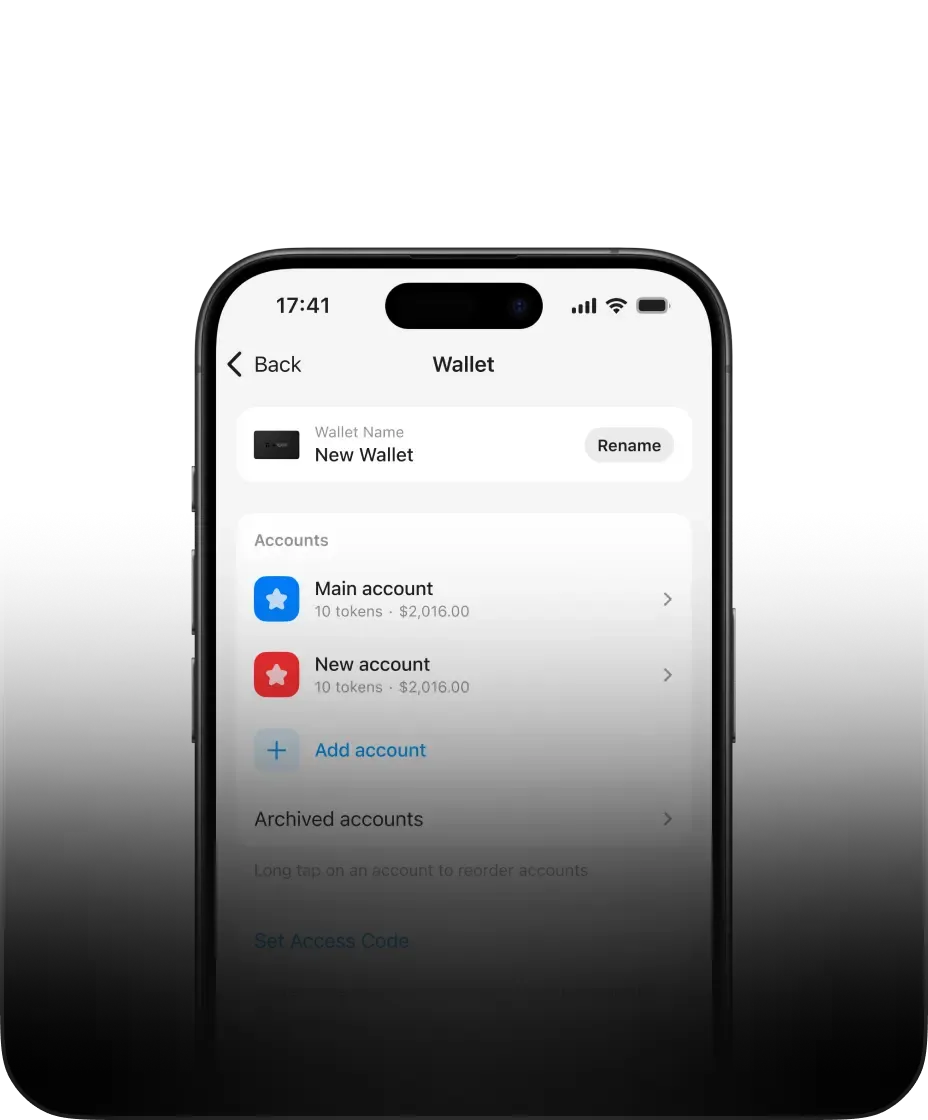
You own the private keys. No one else can access them.
Pay with Apple Pay, Google Pay, card or bank transfer.
When you buy M2 on an exchange, the exchange holds your funds. If the exchange is hacked, freezes withdrawals, or goes bankrupt, your M2 is at risk. Tangem ensures that doesn't happen to you.
Keys are generated and stored in the Secure Enclave (iOS) or StrongBox (Android).
The Tangem app has been reviewed by third-party researchers such as Cure53.
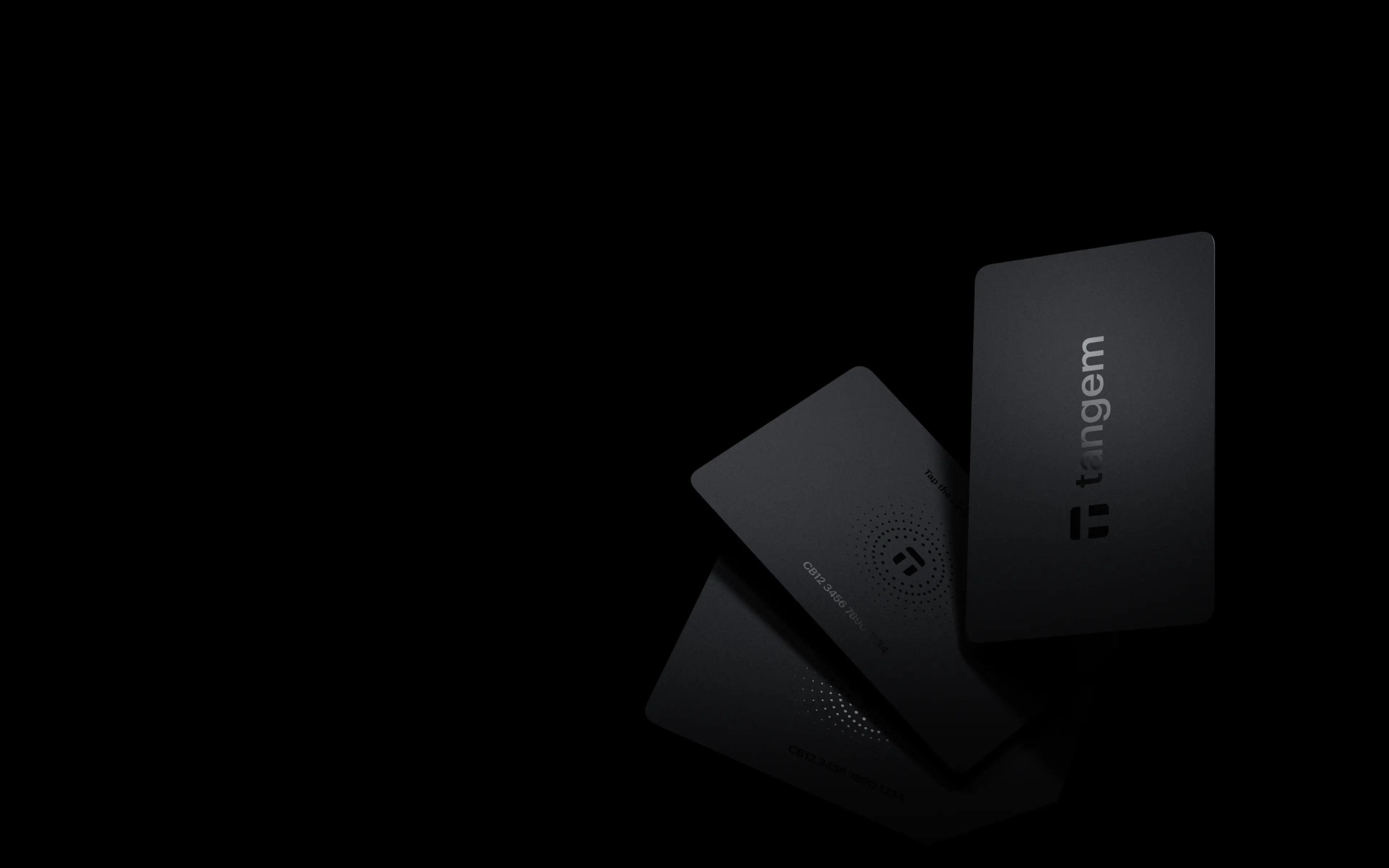
Back the wallet with a Tangem card or ring on an EAL6+ certified secure element.
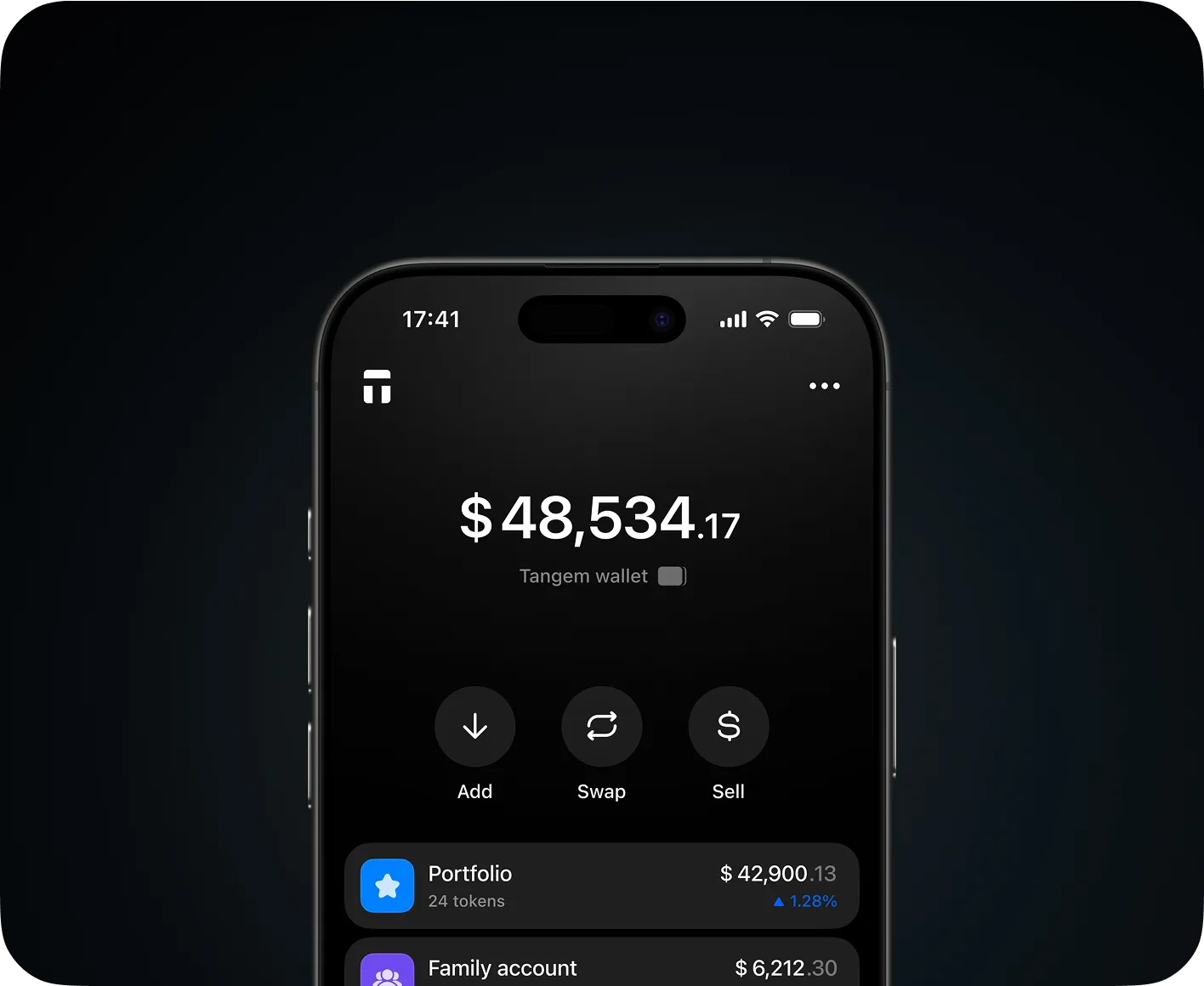
Send M2 to any wallet address
Move M2 across Ethereum, Tron, BNB Chain and more — no KYC, no middlemen
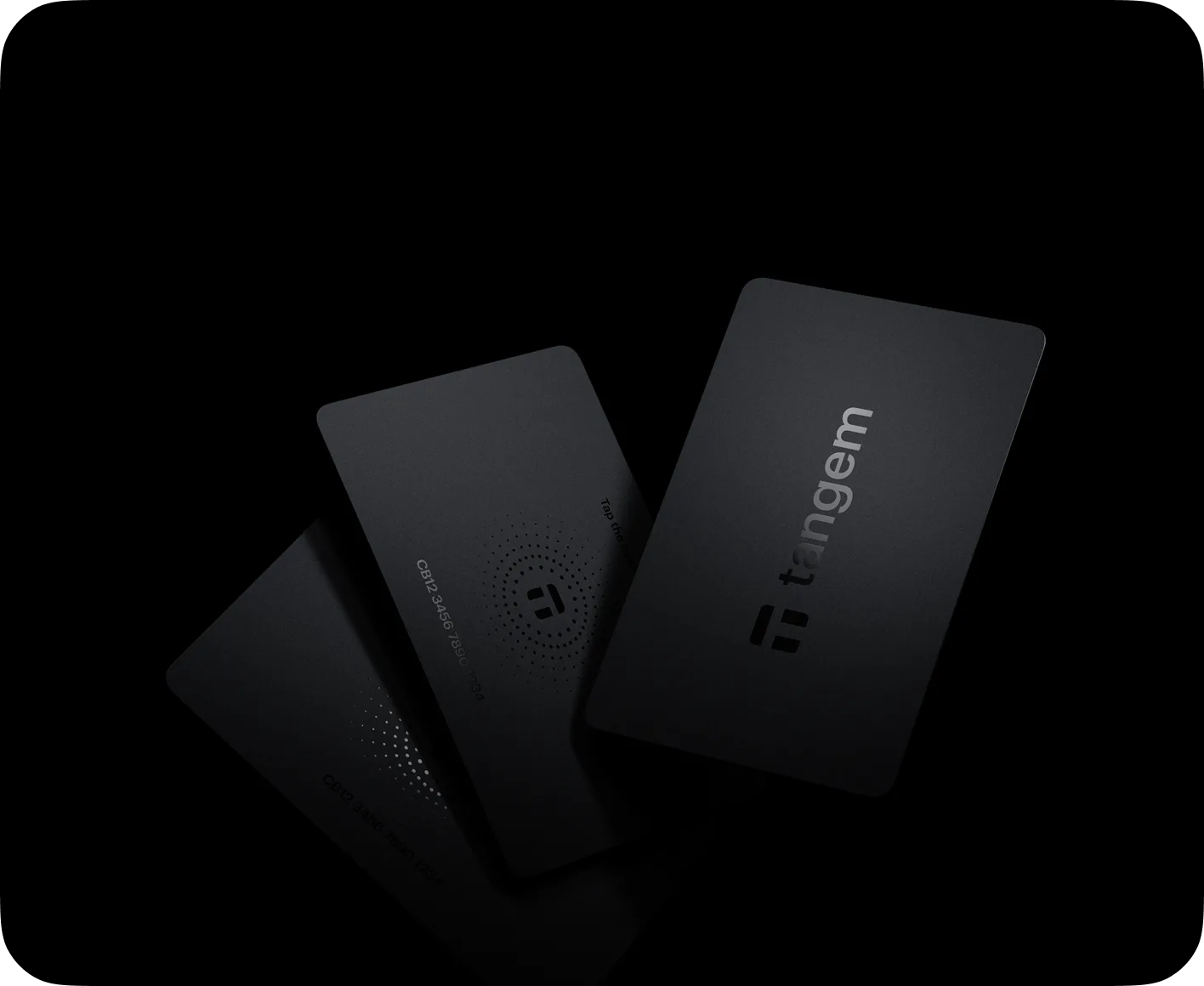
Cold storage in your pocket. Tap to secure. Tap to spend.
Private keys never leave the card's secure chip — no exposure, no online risk

Swap M2 for other assets directly in the app
Compare rates from DEXs and CEXs automatically — no external account needed
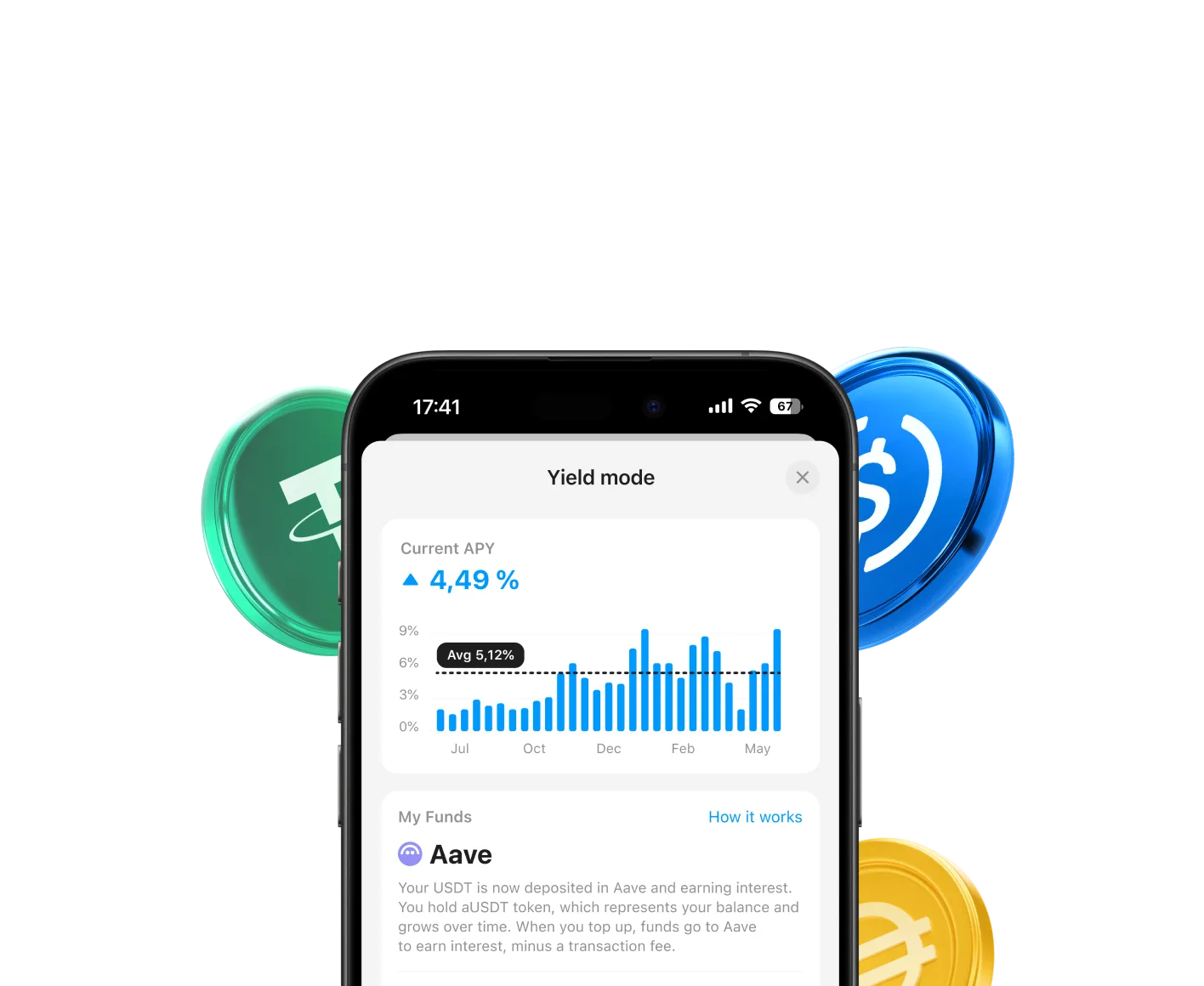
Earn with it by connecting to dApps and DeFi protocols
Access yield on Aave and other protocols without handing over your keys
Completely zero fees to hold or send M2 in Tangem
0.5-1%
Charged by the payment provider. Shown clearly before you confirm.
Rates and minimums vary by provider and region, and are displayed clearly in-app before checkout
$0.10-0.25
Paid to M2 miners or validators to process your transaction
This varies with network congestion and is shown before you confirm
Limits depend on your region and the payment provider. Tangem works with multiple on-ramp partners so you can compare options before buying.
Here we've answered some of the most common questions we received
No. Tangem lets you buy M2 directly in the app using Apple Pay, Google Pay, and more payment options. You never need to create an exchange account or go through a separate verification process to get started.
No. Tangem is fully self-custodial. Your M2 is stored on the secure chip inside your Tangem card, and only you hold the private keys. Tangem never has access to your funds.
Most purchases complete within a few minutes. Once the payment is approved by the provider, your M2 is delivered straight to your Tangem Wallet.
Your M2 is stored on your Tangem card, not on your phone. Simply install the Tangem app on your new device and tap your card to regain full access to your wallet.
Your Tangem Wallet already is cold storage. The private keys for your M2 are generated and kept on the card's secure element and never leave it.
KYC requirements depend on the payment provider and the amount you're purchasing. For small purchases of M2, many providers allow you to buy without verification.
The app already gives you a secure, non-custodial wallet most people never need to go beyond. If you hold a significant amount, pair a Tangem card and your keys move to an EAL6+ certified element managed from the same app.

The Tangem app gives you a secure, non-custodial wallet. If you are holding a significant amount of M2 and want your keys offline and safe, Tangem wallets are built for that

Pair a card with the app, and your wallet migrates to a secure EAL6+ certified element. You manage everything through the Tangem app and your keys live on the hardware

Tangem is a Swiss-based company and has been building self-custody wallets since 2017. Our products have been independently audited, certified, and reviewed by security researchers and major crypto media