How to Check Wallet Authenticity
If you have just received your Tangem Wallet and want to verify that it is authentic, you can easily check it using the Tangem app.
Tangem devices contain a monolithic secure chip, which means they cannot be modified physically or at the firmware level.
When you scan a Tangem card or ring, the official Tangem app automatically verifies that:
- the device was produced by Tangem
- the device contains authentic Tangem firmware
This verification confirms that both the chip and firmware are genuine, protecting users from counterfeit devices.
Verify Your Tangem Wallet Using the App
Follow these steps to check the authenticity of your Tangem device.
- Install the official Tangem app
Download the app only from official sources: App Store, Google Play. - Scan the Tangem device
Open the Tangem app and tap your Tangem card or ring on the back of your smartphone. - Check the message in the app
After scanning the device, the app will automatically verify it and display one of the following results.
Possible Results
Create Wallet screen appears
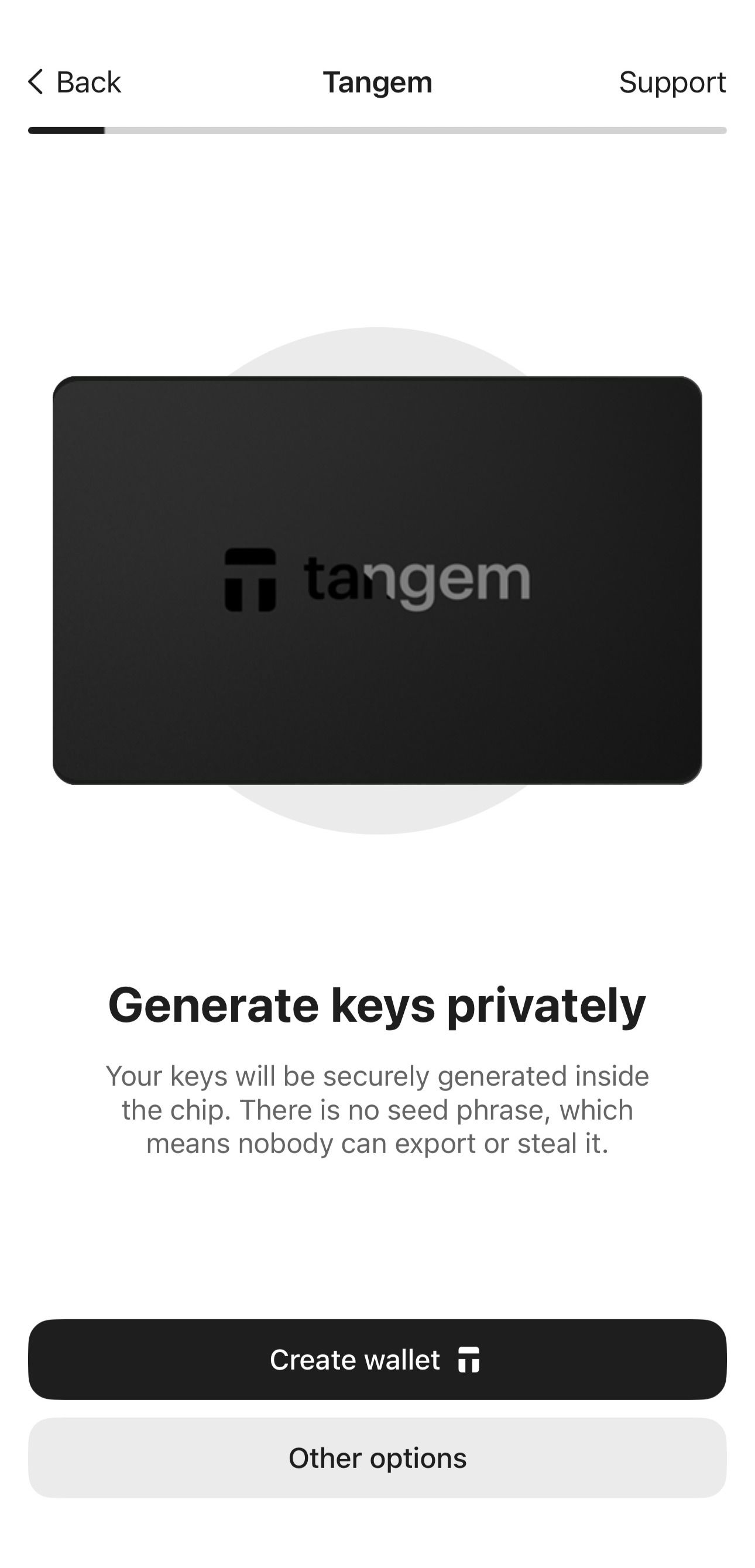
This means the device is authentic and has never been activated before. You can safely proceed with wallet creation.Wallet already activated
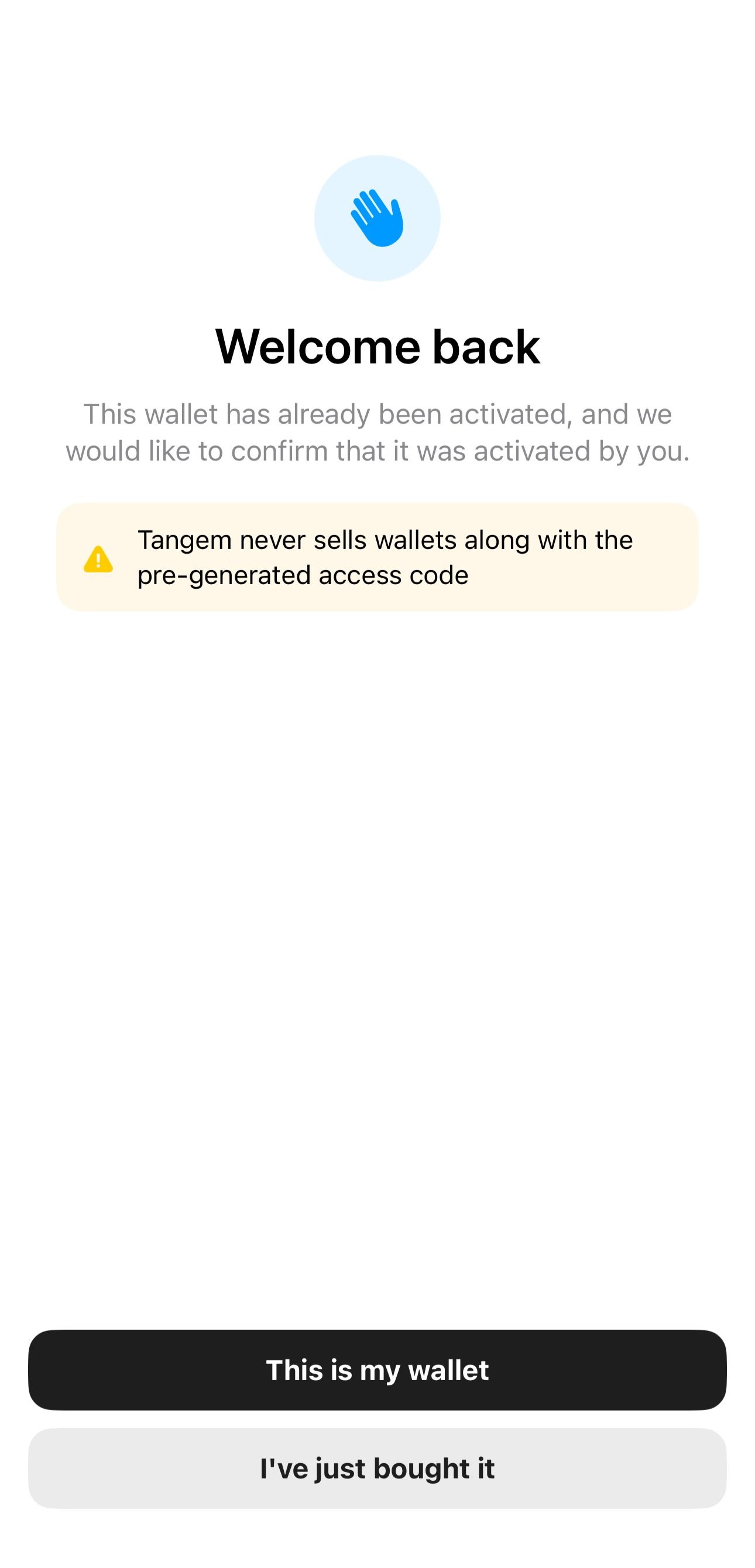
This means the device was previously used.
- If you activated the wallet earlier, simply enter your access code to continue.
- If you bought the device recently and did not activate it yourself, reset the card to factory settings and create a new wallet. You can read more about the process in the blog:
How to reset Tangem Wallet to factory settings.
Resetting completely erases all existing data and deletes any previously generated keys. After the reset, new public and private keys will be generated. Even if the device was activated before, resetting it ensures that only you control the new keys.
- Authenticity check failed
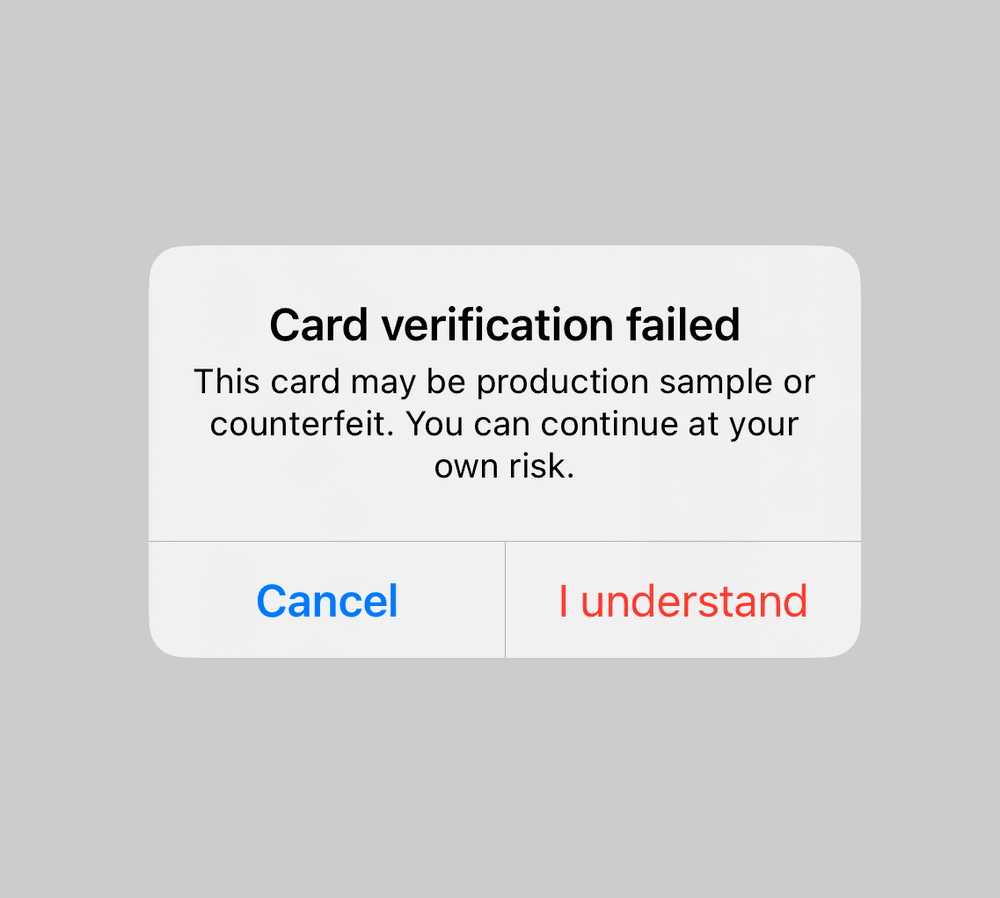
If the app displays an authenticity warning, the scanned device may not be a standard consumer device. For example, this may happen if the card is a production sample or developer device used internally by Tangem.
Important: Do not create a wallet on this device. Contact Tangem Support for assistance.
Physical Verification
You can also verify authenticity by checking the package contents. A standard Tangem Wallet package includes:
- 2 or 3 Tangem devices
- Getting started leaflet
- Specifications sheet
You can also watch a short overview of the Tangem Wallet package:
Contact Tangem Support
If you suspect that your Tangem Wallet may be counterfeit or incorrect, contact Tangem Support. When submitting a request, include:
- a description of the issue
- photos or videos of the device and packaging
- details about where you purchased the wallet
Providing this information helps the support team investigate the situation and protect other users.
FAQ
What if the app is not available for download?
If you cannot download the app from the App Store or Google Play, your device may lack NFC support or run Android earlier than version 6.0.
In this case, use a different smartphone running Android 6.0 or later, or iOS 15.0 or later, with full NFC support. Please note that iPhone 6/6s and iPhone SE (1st generation) do not support full NFC functionality.