How to Buy Cryptocurrency
You can buy cryptocurrency directly in the Tangem app using integrated on-ramp providers such as Mercuryo, MoonPay, Simplex, and Unlimit.
How to buy cryptocurrency
Open the Tangem app and tap Buy on the main screen.
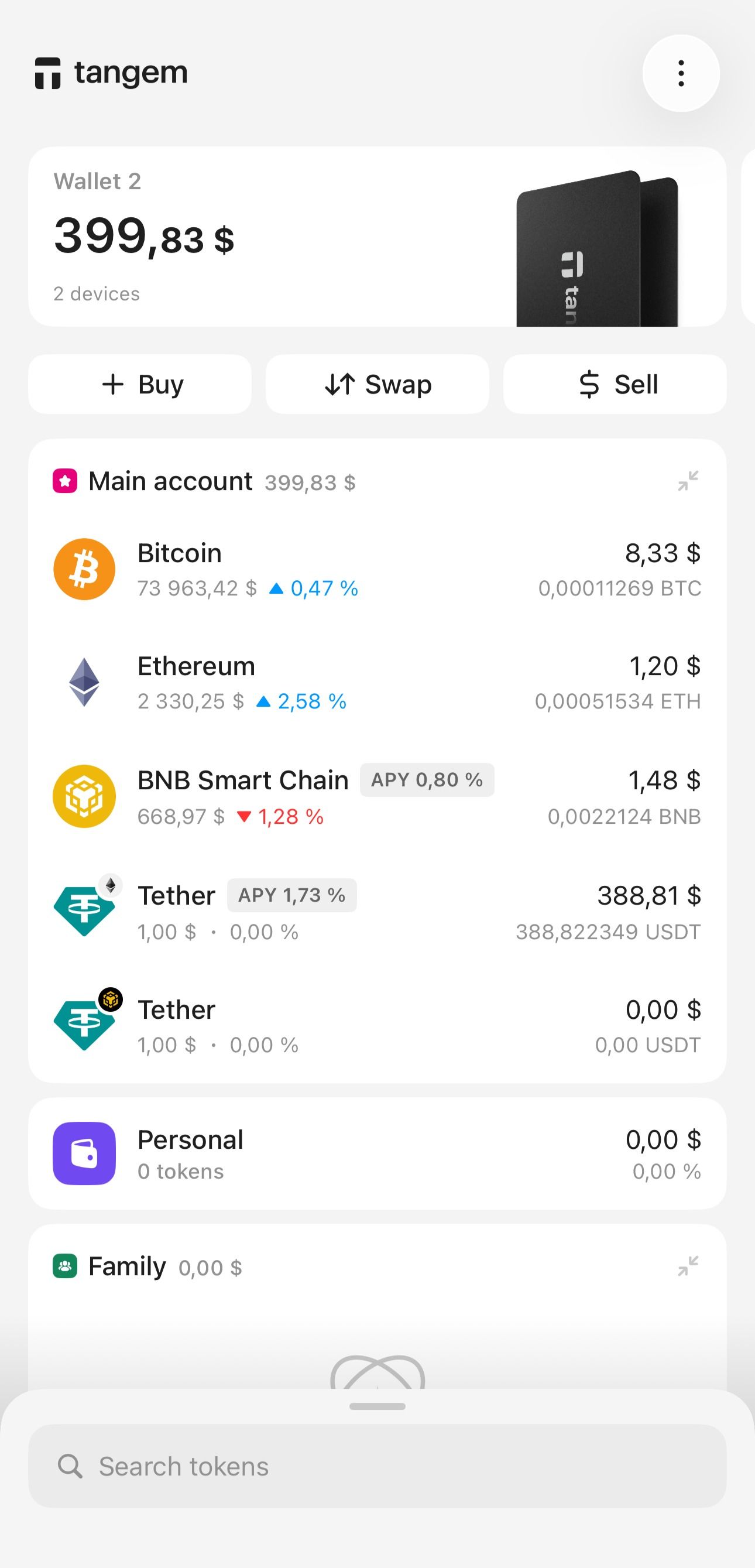
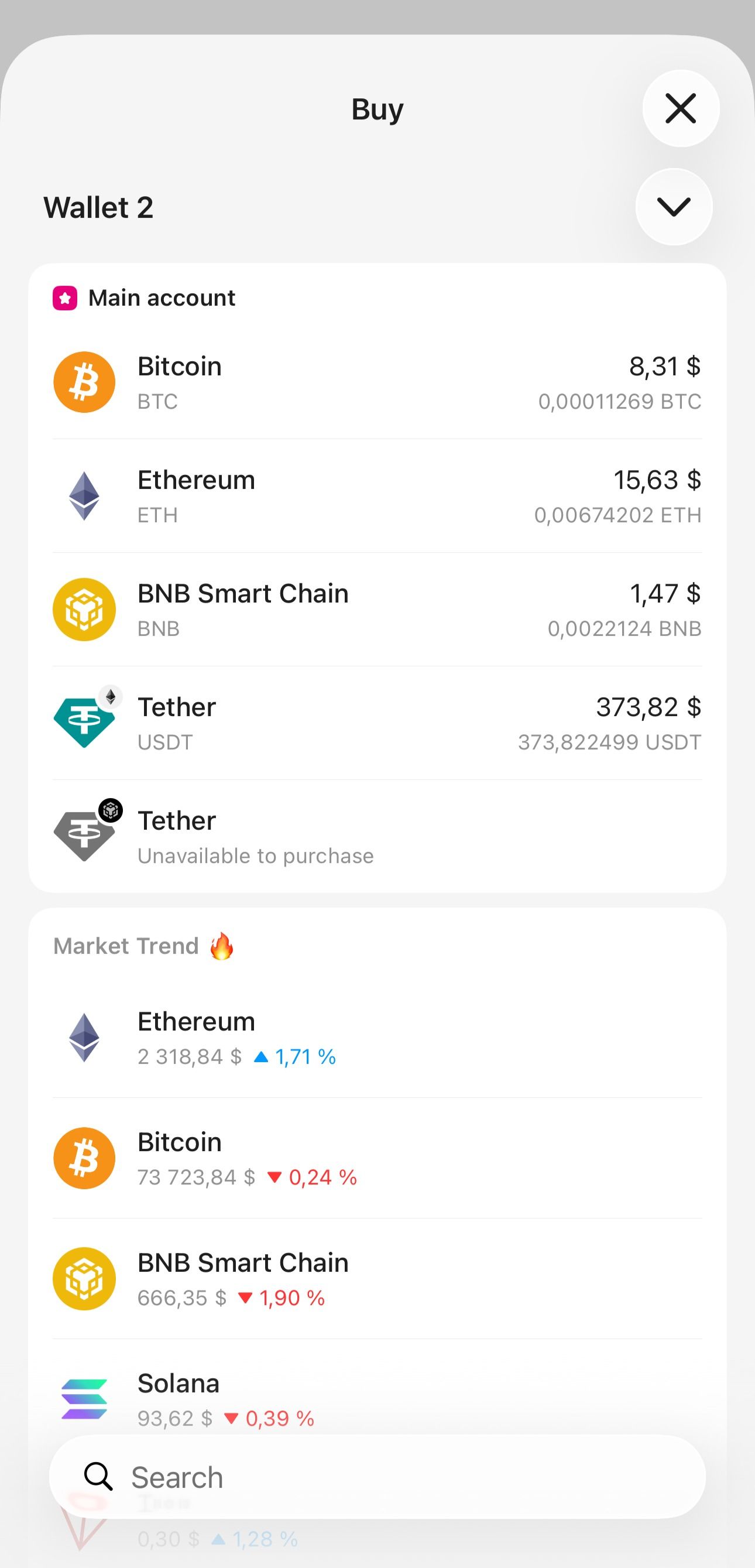
Select the cryptocurrency you want to purchase.
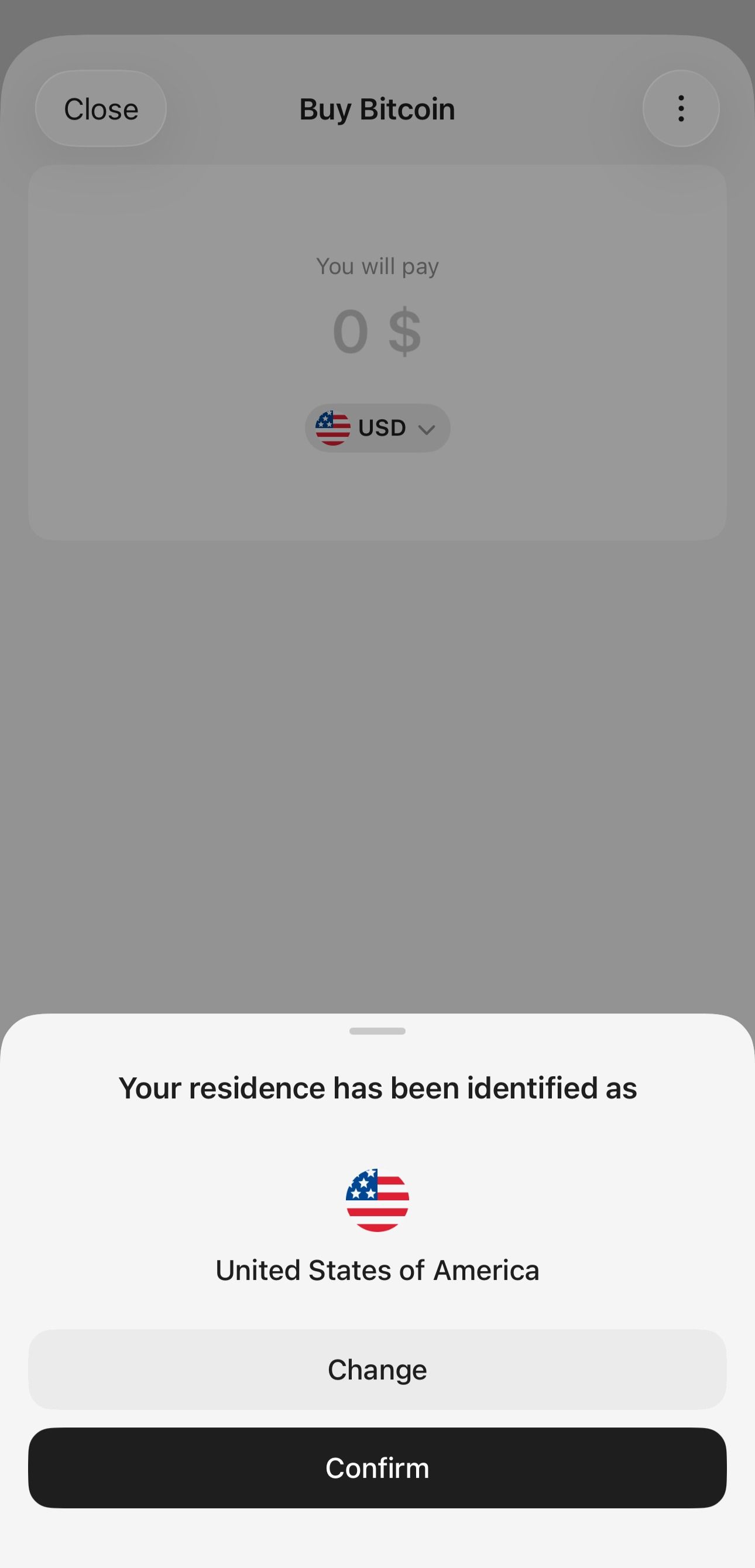
Confirm or change your country of residence.
Enter the amount you want to pay in fiat currency.
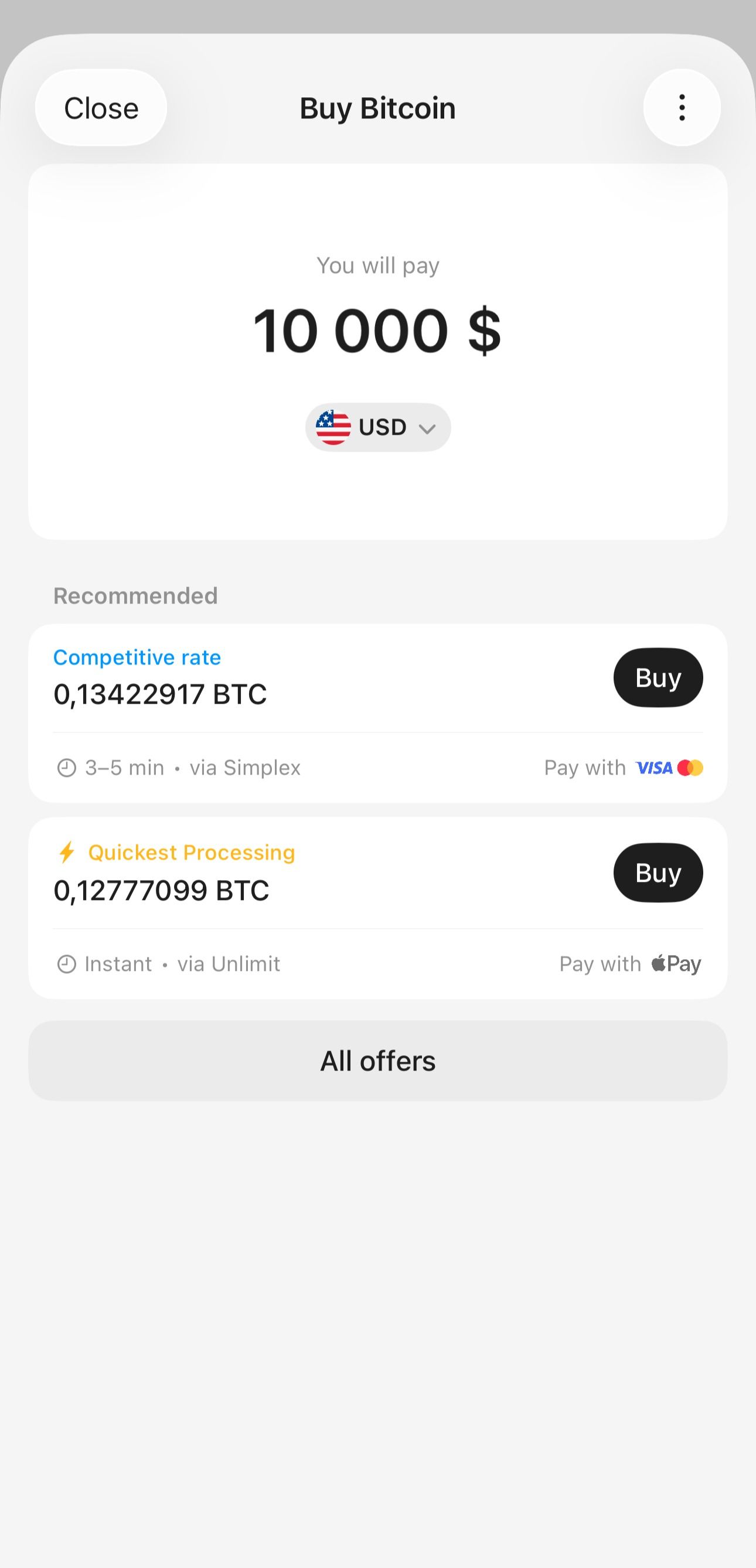
Review available offers. Tap All offers to compare all available providers and choose the most suitable option.
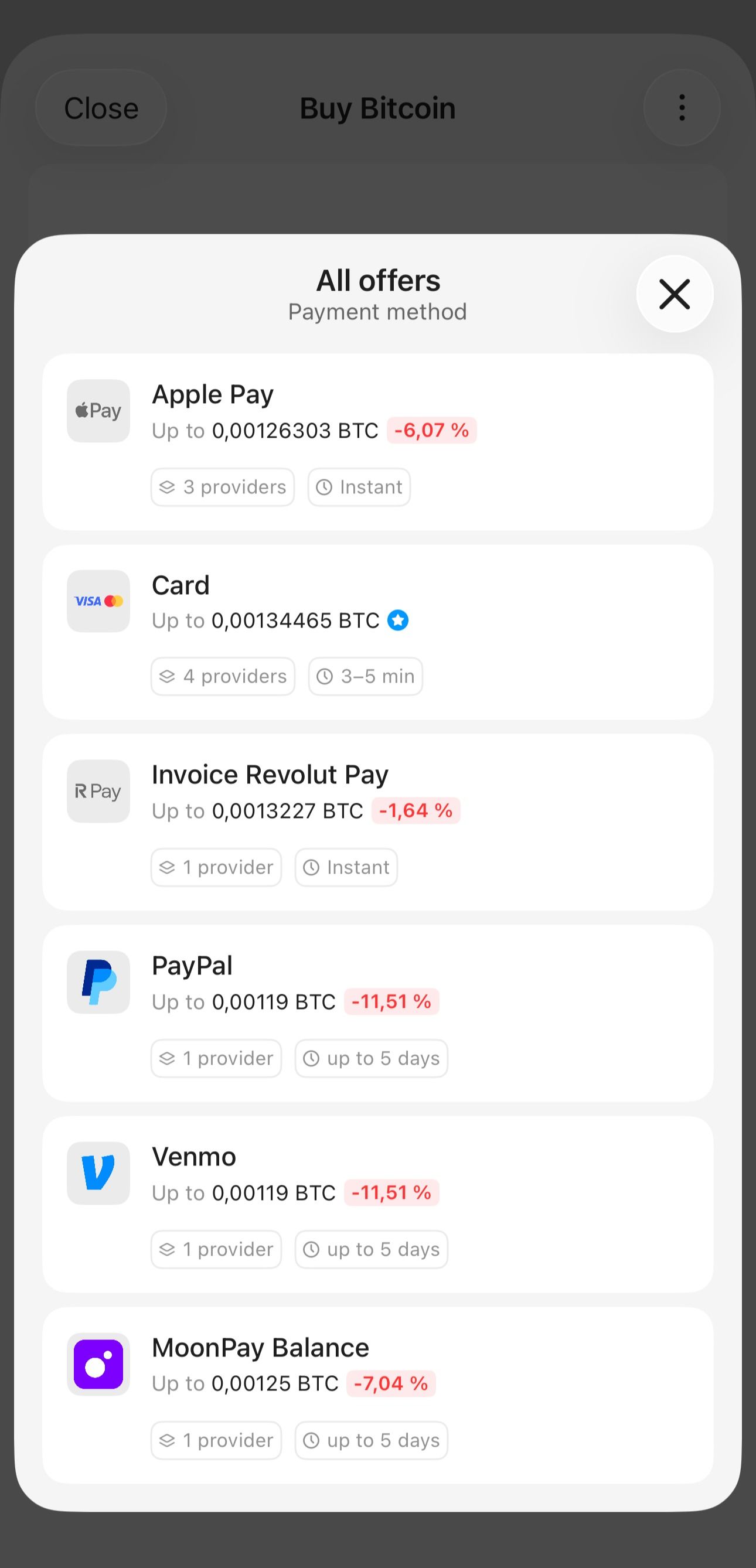
- Select an offer and tap Buy.
You will be redirected to the selected provider's website.
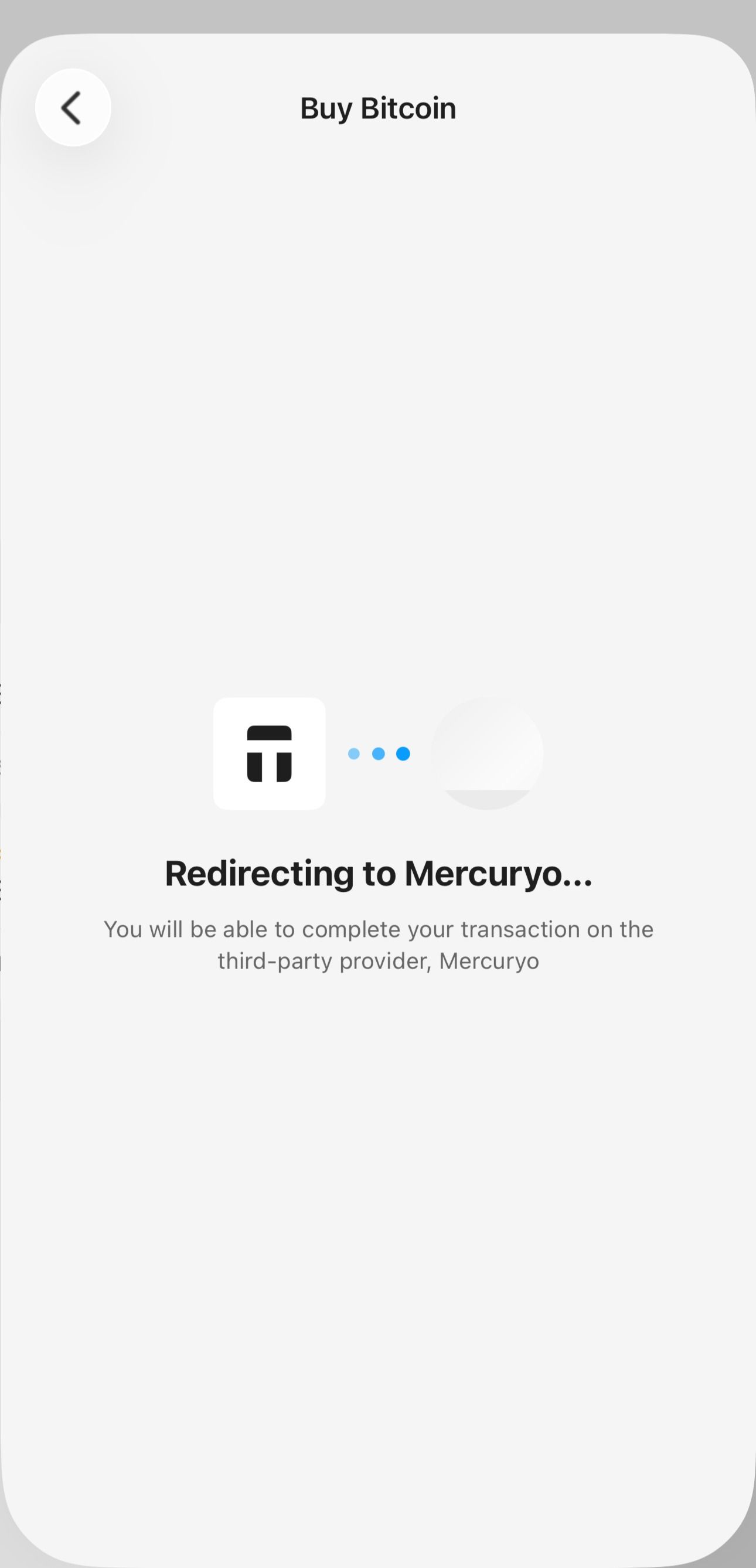
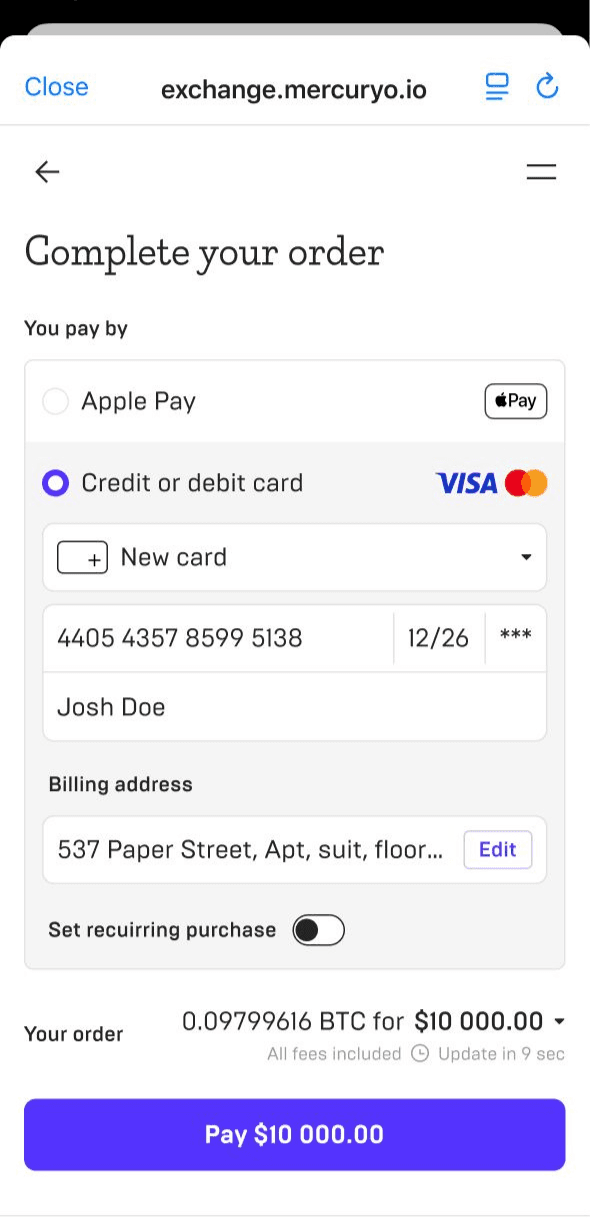
Follow the on-screen instructions to complete the purchase.
Once payment is complete, you can track the transaction in the Tangem app.
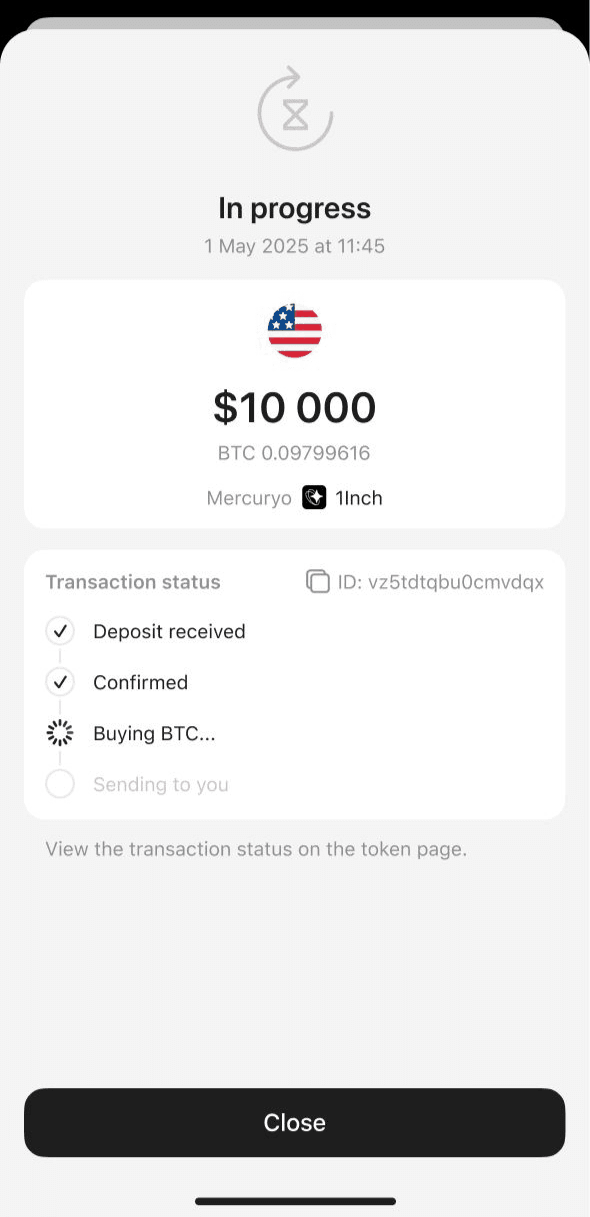
Once your payment is processed, the cryptocurrency will be sent to your Tangem Wallet address. Transactions are usually completed quickly but may take up to several hours depending on the provider.
Important
- KYC requirements depend on the provider and purchase amount
- Fees, rates, and processing time may vary between providers and payment methods
Once your payment is processed, the cryptocurrency will be sent to your Tangem Wallet address. Transactions are usually completed quickly but may take up to several hours.
Provider guides
You can also refer to detailed guides from each provider:
- Mercuryo: How do I buy cryptocurrency using Mercuryo
- MoonPay: How do I buy cryptocurrency with MoonPay
- Simplex: Buying cryptocurrency through Simplex
FAQ
Where can I find the purchase terms?
Each provider has its own terms, including supported currencies, payment methods, limits, and availability by region. You can find detailed information below:
Mercuryo:
- Available fiat currencies
- Supported cryptocurrencies
- Non-operational countries
- Payment methods
- Minimum and maximum limits
MoonPay:
- Available fiat currencies
- Supported cryptocurrencies
- Non-operational countries
- Payment methods
- Minimum and maximum limits
Simplex:
- Available fiat currencies
- Supported cryptocurrencies
- Non-operational countries
- Payment methods
- Maximum limits
Unlimit:
- Available fiat currencies
- Supported cryptocurrencies
- Non-operational countries
- Payment methods
- Maximum limits
Why is the "Buy" button disabled?
If the Buy button is inactive for a specific token, it means that purchasing is currently unavailable. This may happen if:
- None of the providers support the selected token
- The providers do not operate in your country
We are continuously adding new providers. In the meantime, you can buy cryptocurrency on a centralized exchange (CEX) and transfer it to your Tangem Wallet.