Download the Tangem app
From the App Store or Google Play. Free, no signup.
 10 % EXTRA en todo Tangem. Hasta 25 oct Aprovechar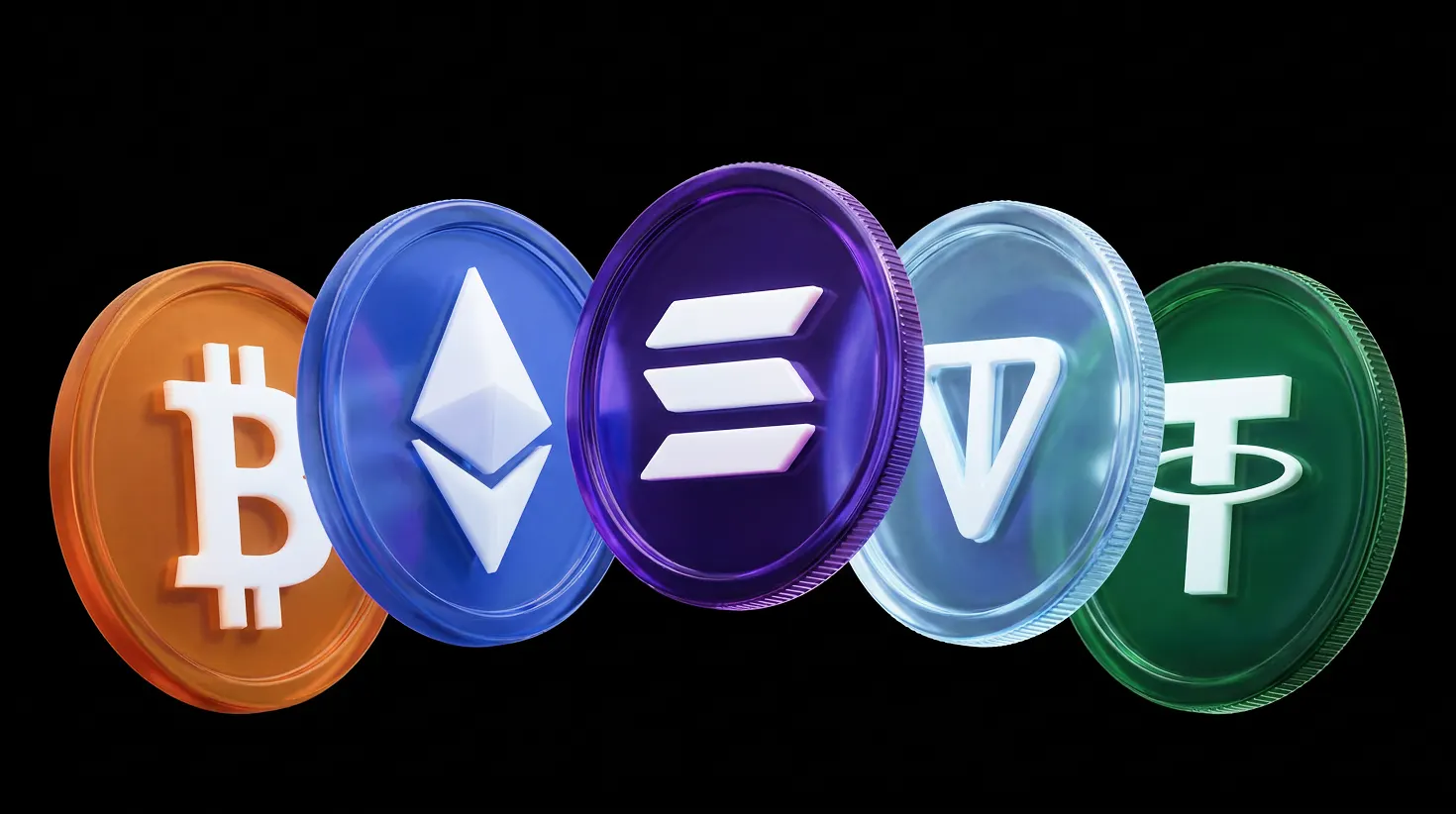
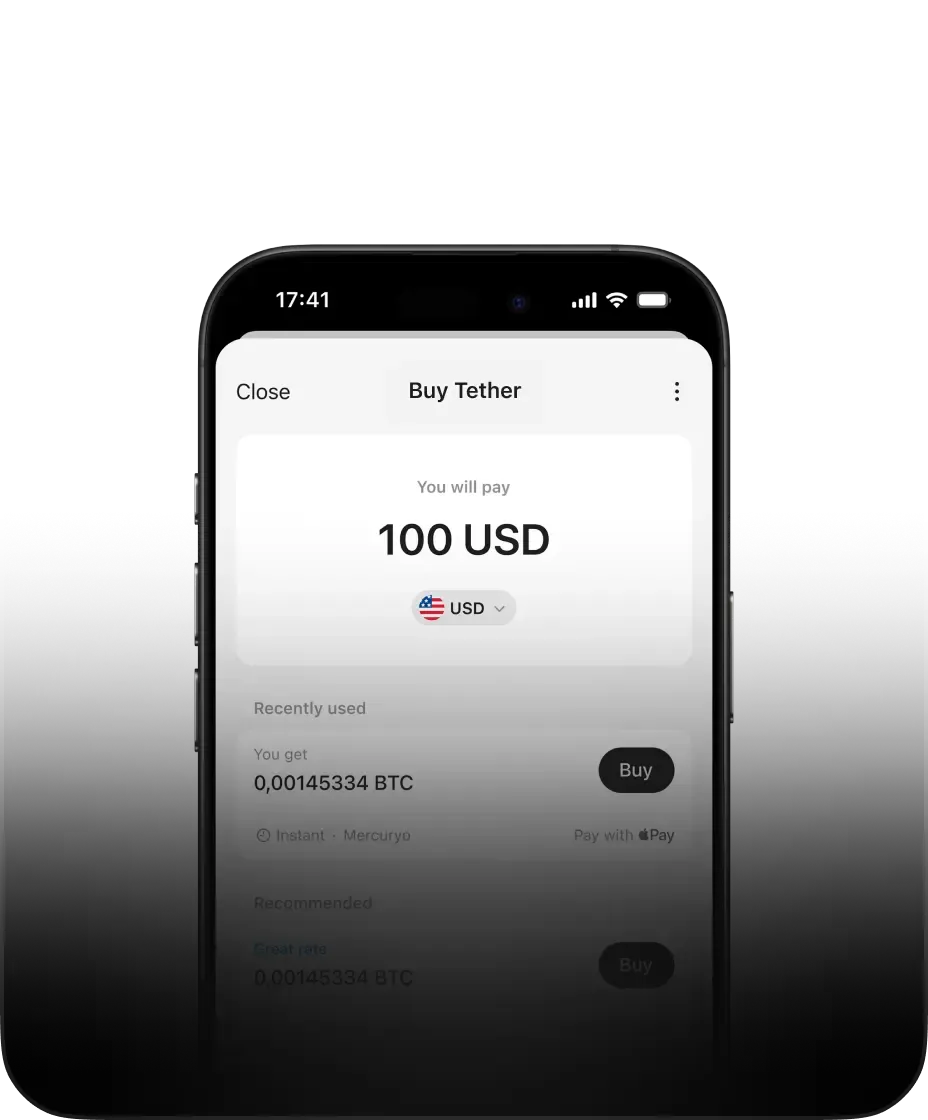
Buy Jim quickly on your phone without an exchange or signup. Tangem is a free, non-custodial wallet for iOS and Android. Buy Jim with Apple Pay, Google Pay, Venmo, PayPal, or cards
The fastest way to buy Jim is directly inside the Tangem – no account, no waiting.
From the App Store or Google Play. Free, no signup.
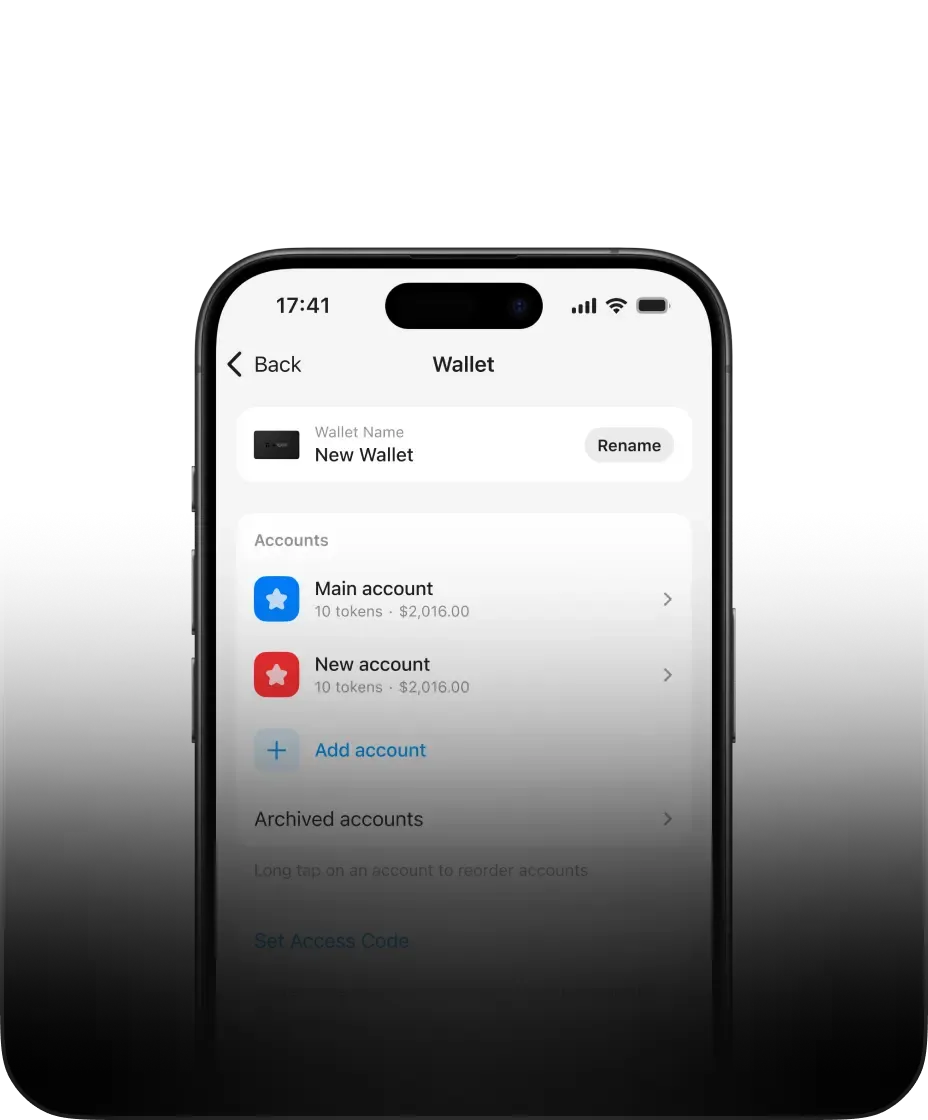
You own the private keys. No one else can access them.
Pay with Apple Pay, Google Pay, card or bank transfer.
When you buy Jim on an exchange, the exchange holds your funds. If the exchange is hacked, freezes withdrawals, or goes bankrupt, your Jim is at risk. Tangem ensures that doesn't happen to you.
Keys are generated and stored in the Secure Enclave (iOS) or StrongBox (Android).
The Tangem app has been reviewed by third-party researchers such as Cure53.
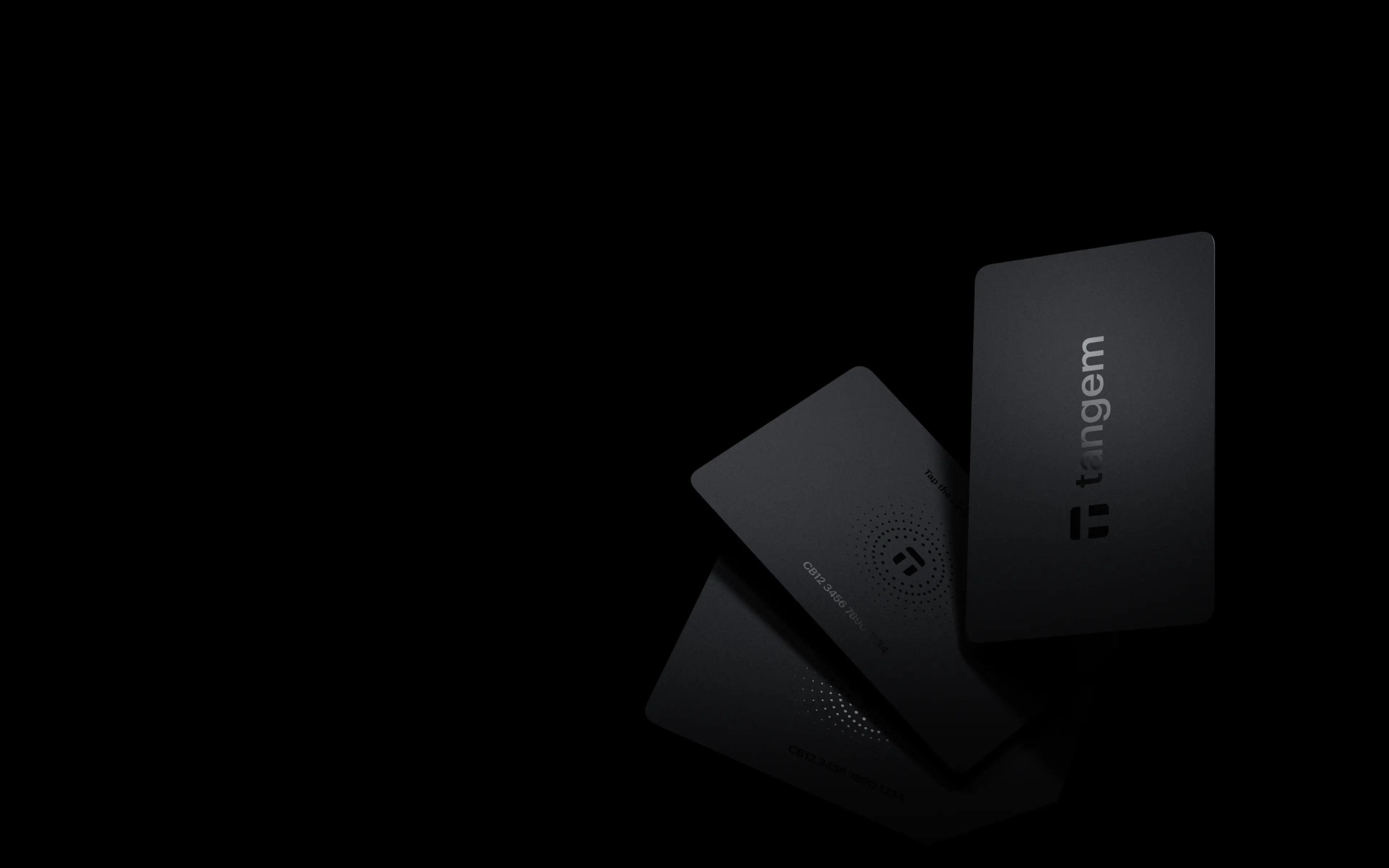
Back the wallet with a Tangem card or ring on an EAL6+ certified secure element.
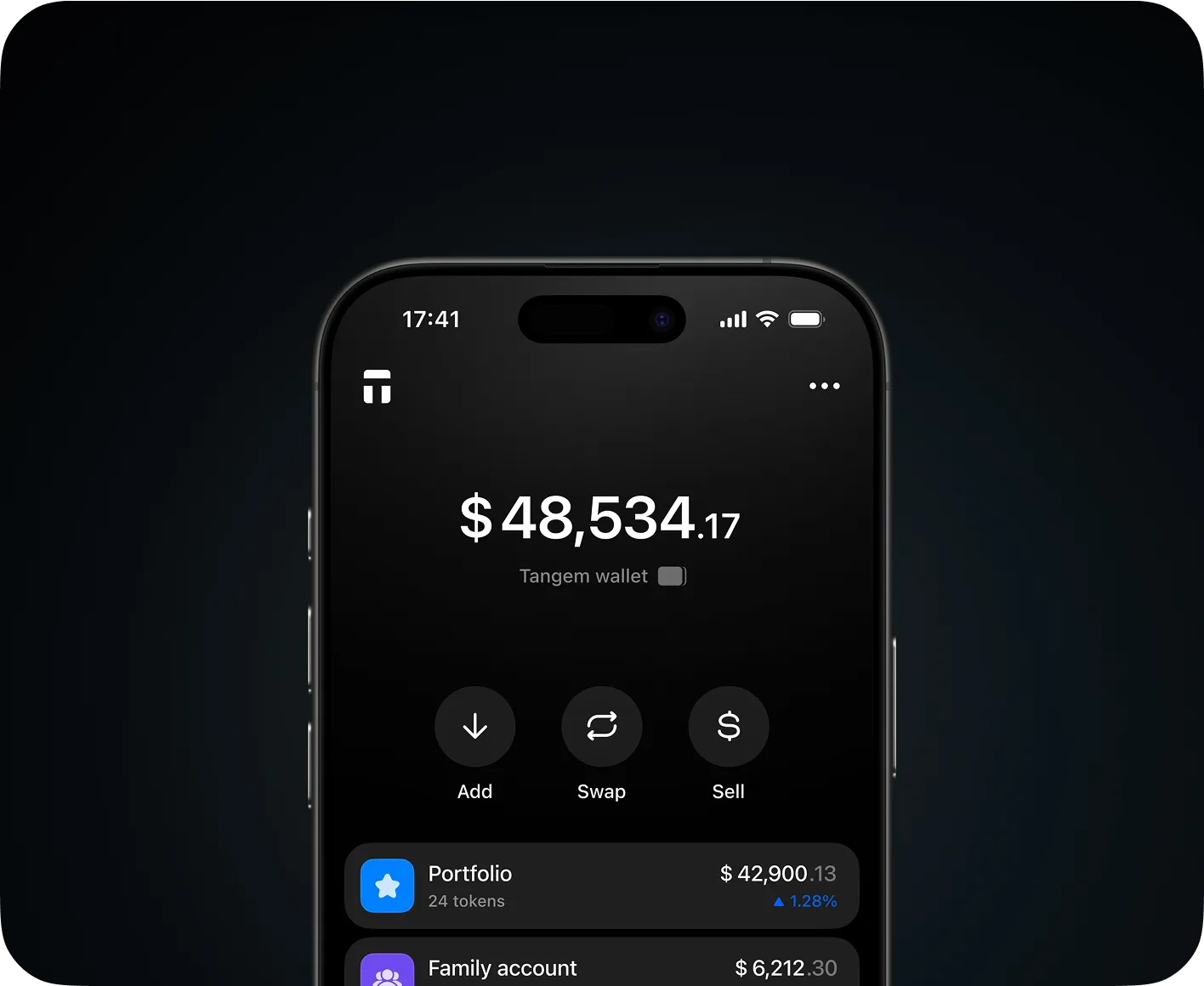
Send Jim to any wallet address
Move Jim across Ethereum, Tron, BNB Chain and more — no KYC, no middlemen
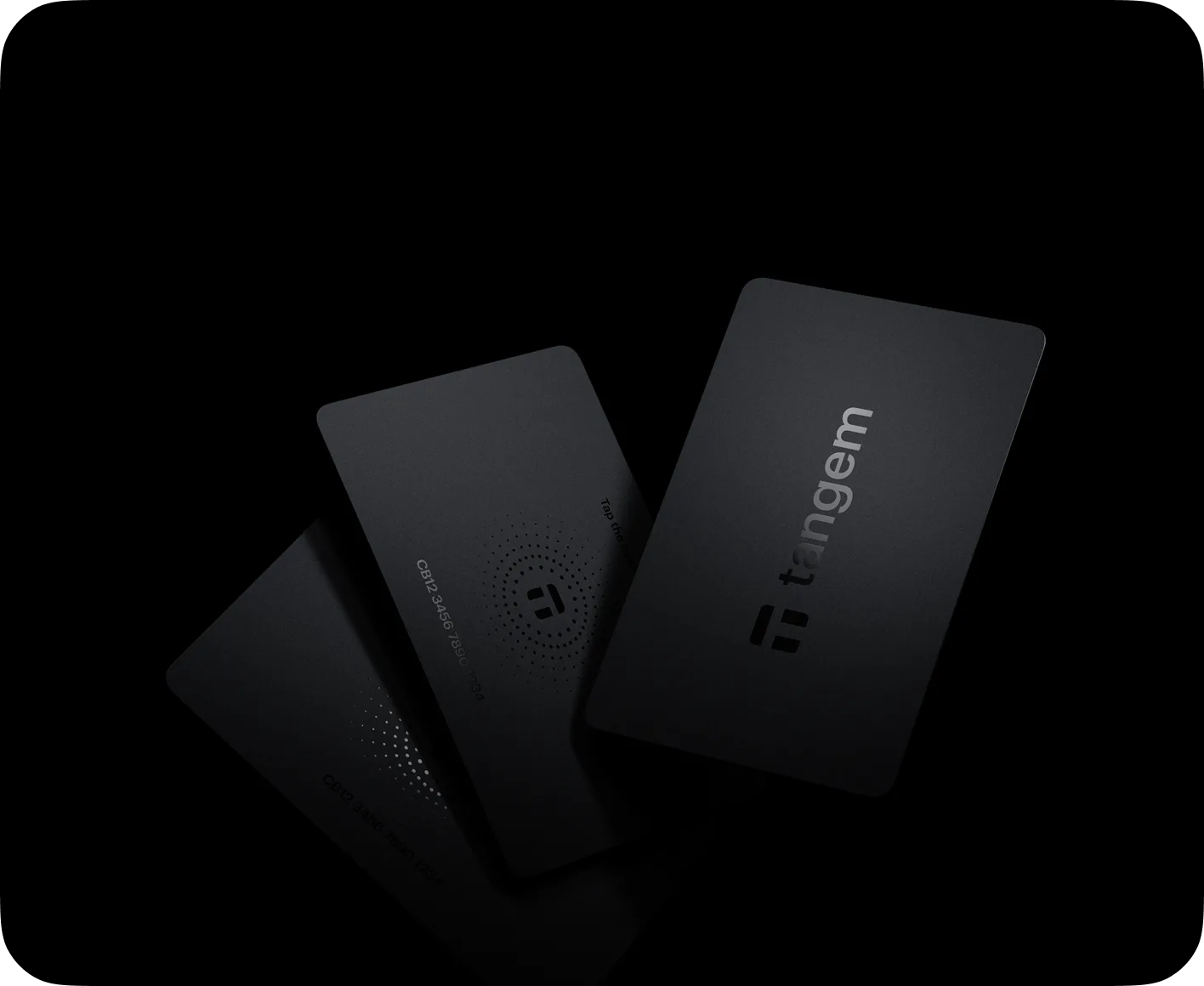
Cold storage in your pocket. Tap to secure. Tap to spend.
Private keys never leave the card's secure chip — no exposure, no online risk

Swap Jim for other assets directly in the app
Compare rates from DEXs and CEXs automatically — no external account needed
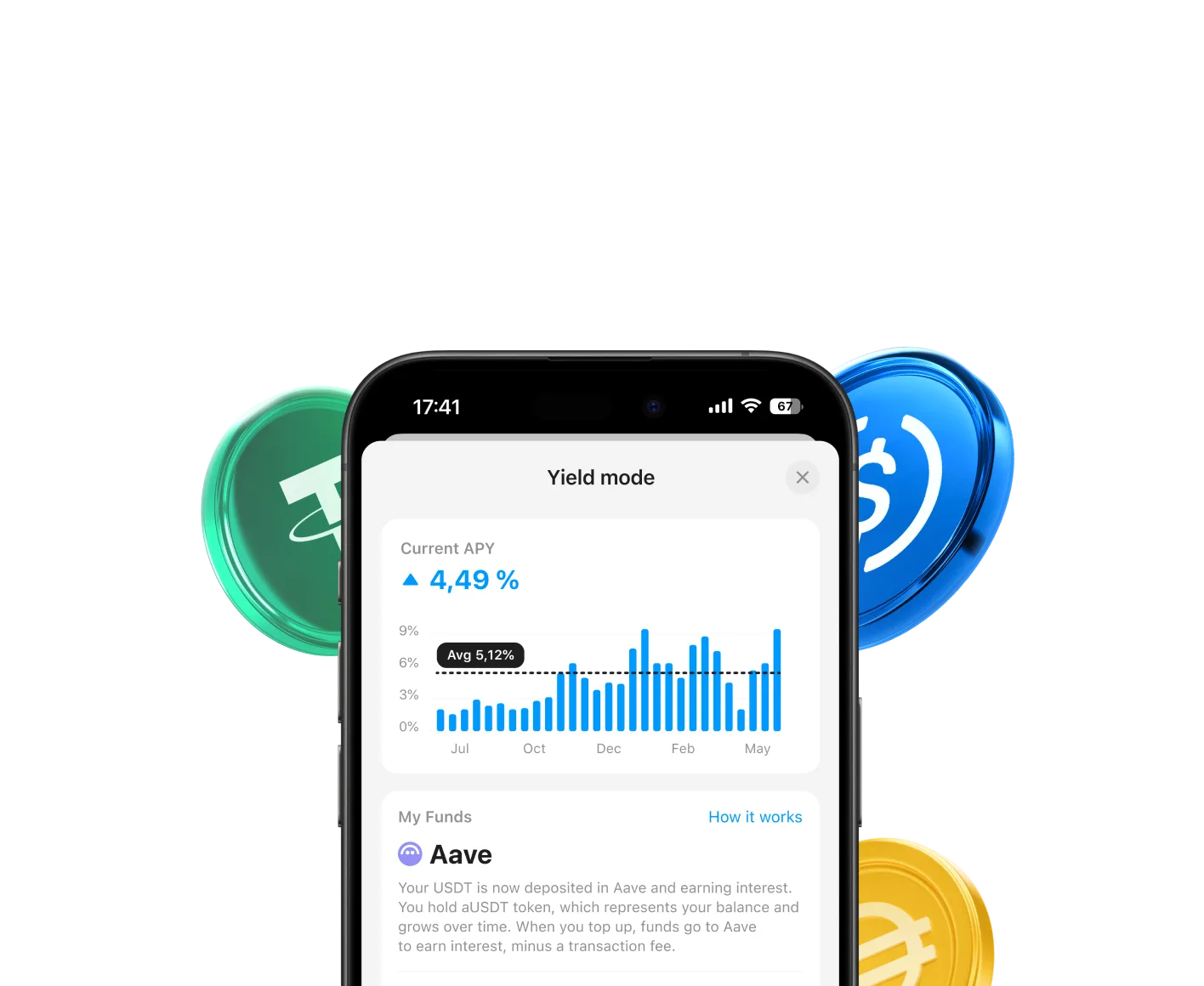
Earn with it by connecting to dApps and DeFi protocols
Access yield on Aave and other protocols without handing over your keys
Completely zero fees to hold or send Jim in Tangem
0.5-1%
Charged by the payment provider. Shown clearly before you confirm.
Rates and minimums vary by provider and region, and are displayed clearly in-app before checkout
$0.10-0.25
Paid to Jim miners or validators to process your transaction
This varies with network congestion and is shown before you confirm
Limits depend on your region and the payment provider. Tangem works with multiple on-ramp partners so you can compare options before buying.
Here we've answered some of the most common questions we received
No. Tangem lets you buy Jim directly in the app using Apple Pay, Google Pay, and more payment options. You never need to create an exchange account or go through a separate verification process to get started.
No. Tangem is fully self-custodial. Your Jim is stored on the secure chip inside your Tangem card, and only you hold the private keys. Tangem never has access to your funds.
Most purchases complete within a few minutes. Once the payment is approved by the provider, your Jim is delivered straight to your Tangem Wallet.
Your Jim is stored on your Tangem card, not on your phone. Simply install the Tangem app on your new device and tap your card to regain full access to your wallet.
Your Tangem Wallet already is cold storage. The private keys for your Jim are generated and kept on the card's secure element and never leave it.
KYC requirements depend on the payment provider and the amount you're purchasing. For small purchases of Jim, many providers allow you to buy without verification.
The app already gives you a secure, non-custodial wallet most people never need to go beyond. If you hold a significant amount, pair a Tangem card and your keys move to an EAL6+ certified element managed from the same app.

The Tangem app gives you a secure, non-custodial wallet. If you are holding a significant amount of Jim and want your keys offline and safe, Tangem wallets are built for that

Pair a card with the app, and your wallet migrates to a secure EAL6+ certified element. You manage everything through the Tangem app and your keys live on the hardware

Tangem is a Swiss-based company and has been building self-custody wallets since 2017. Our products have been independently audited, certified, and reviewed by security researchers and major crypto media