The article compares the Tangem card-based NFC cold wallet and the Ledger Nano S Plus USB-C hardware wallet, focusing on their security, backup methods, usability, ecosystem support, and pricing. Tangem eliminates the traditional seed phrase, instead offering multi-card physical backups and a mobile-first, cable-free experience, while Ledger Nano S Plus relies on a 24-word seed phrase, PIN protection, and desktop integration. The author concludes that Tangem's simplified approach and reduced mnemonic exposure provide greater practical security for most users, especially those seeking a streamlined, mobile-friendly solution.
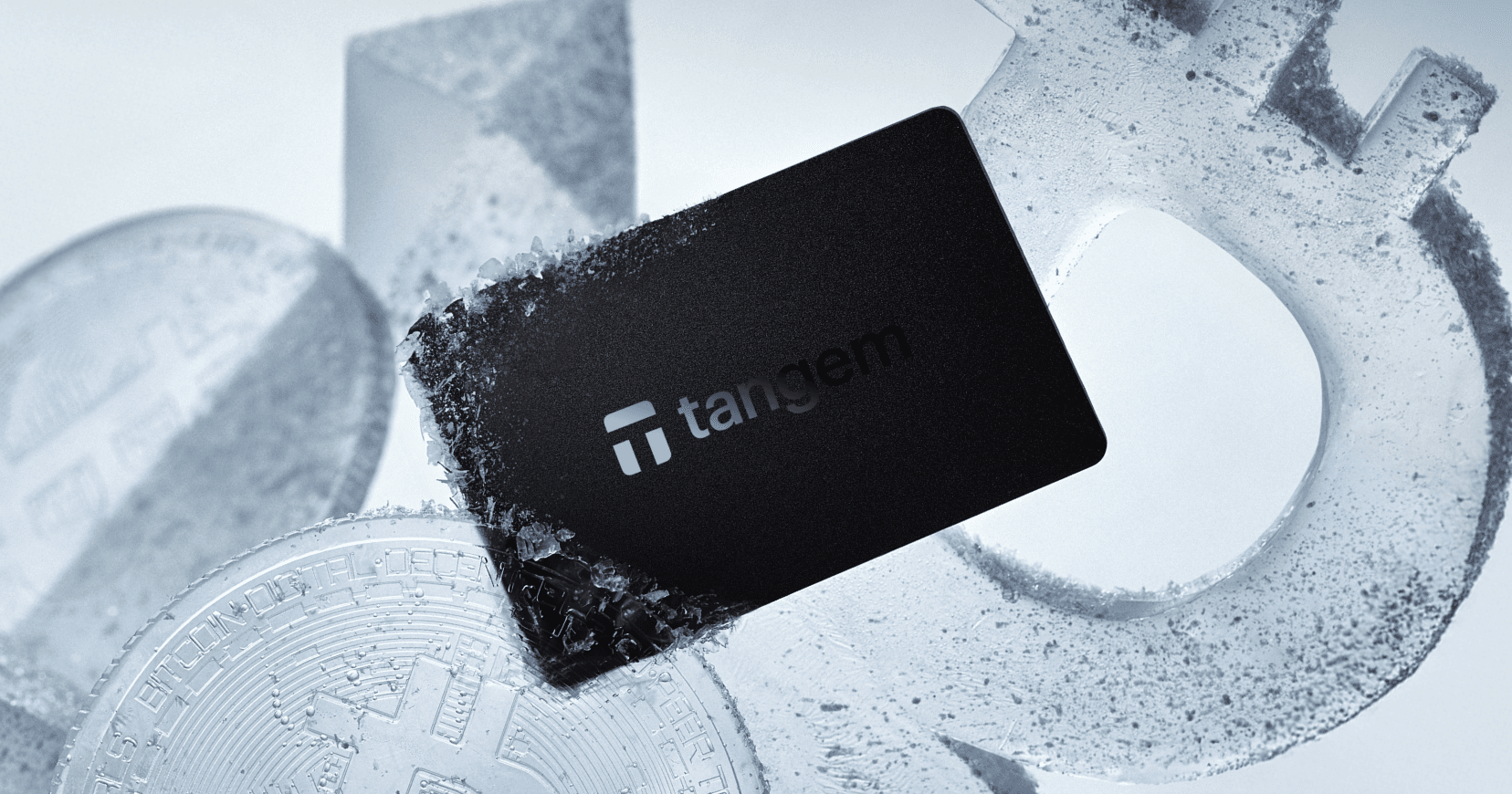
Tangem is a card-based NFC cold wallet built for mobile use. Ledger Nano S Plus is a USB-C hardware wallet that follows the traditional 24-word seed phrase model and integrates with Ledger Live desktop.
One removes the mnemonic by default and uses multi-card backups. The other relies on a recovery phrase, PIN, and optional passphrase. This cold wallet comparison covers security chips, backup logic, usability, ecosystem support, pricing, and ideal users.
Quick Snapshot
Criteria
Tangem
Ledger Nano S Plus
Form factor
NFC smart card
USB stick with screen
Connections
NFC only
USB-C hardware wallet
Backup
Multi-card kit (seedless by default)
24-word seed phrase
Security chip
CC EAL6+ secure element
CC EAL5+ Secure Element
OS
Sealed firmware
BOLOS OS
Power
No battery
Powered via USB
Desktop support
No
Yes (Ledger Live desktop)
Bluetooth
No
No
Price (MSRP 2025)
Bundle pricing ($54.90-69.90)
$79 USD
Ideal user
Seedless NFC wallet users
Ledger budget hardware wallet buyers
Security Architecture
Tangem
Tangem uses a CC EAL6+ certified secure element. Private keys are generated and stored inside the chip and cannot be extracted. Communication happens only through NFC, without ports, USB, or Bluetooth radio.
The attack surface is limited due to the lack of physical data ports, and the firmware is sealed during production. Security depends on controlling your physical cards.
Ledger Nano S Plus
Ledger Nano S Plus uses a CC EAL5+ Secure Element and runs BOLOS OS. Private keys remain inside the chip, and every transaction must be confirmed on-device using physical buttons.
Because it connects via USB-C, it depends on secure host-device communication. PIN protection and optional passphrases add extra layers of security.
Tangem doesn't add additional interfaces and instead uses the user's smartphone. Ledger Nano S Plus relies on USB security and on-device confirmation.
Security Architecture: Tangem vs Ledger Nano S Plus
Tangem
Ledger Nano S Plus
Secure element: CC EAL6+
Private key generated inside chip
Key never leaves secure element
No seed phrase generated (in default seedless mode)
No USB port
NFC-only communication
No battery required
Sealed firmware at production
No physical data ports
Smaller overall digital attack surface
Secure element: CC EAL5+
Runs BOLOS OS
Private keys stored inside chip
24-word seed phrase required
USB-C connectivity
On-device confirmation via physical buttons
PIN protection
Optional passphrase
Depends on secure host-device communication
Larger interface surface due to USB stack
Backup & Recovery
Tangem's multi-card kits
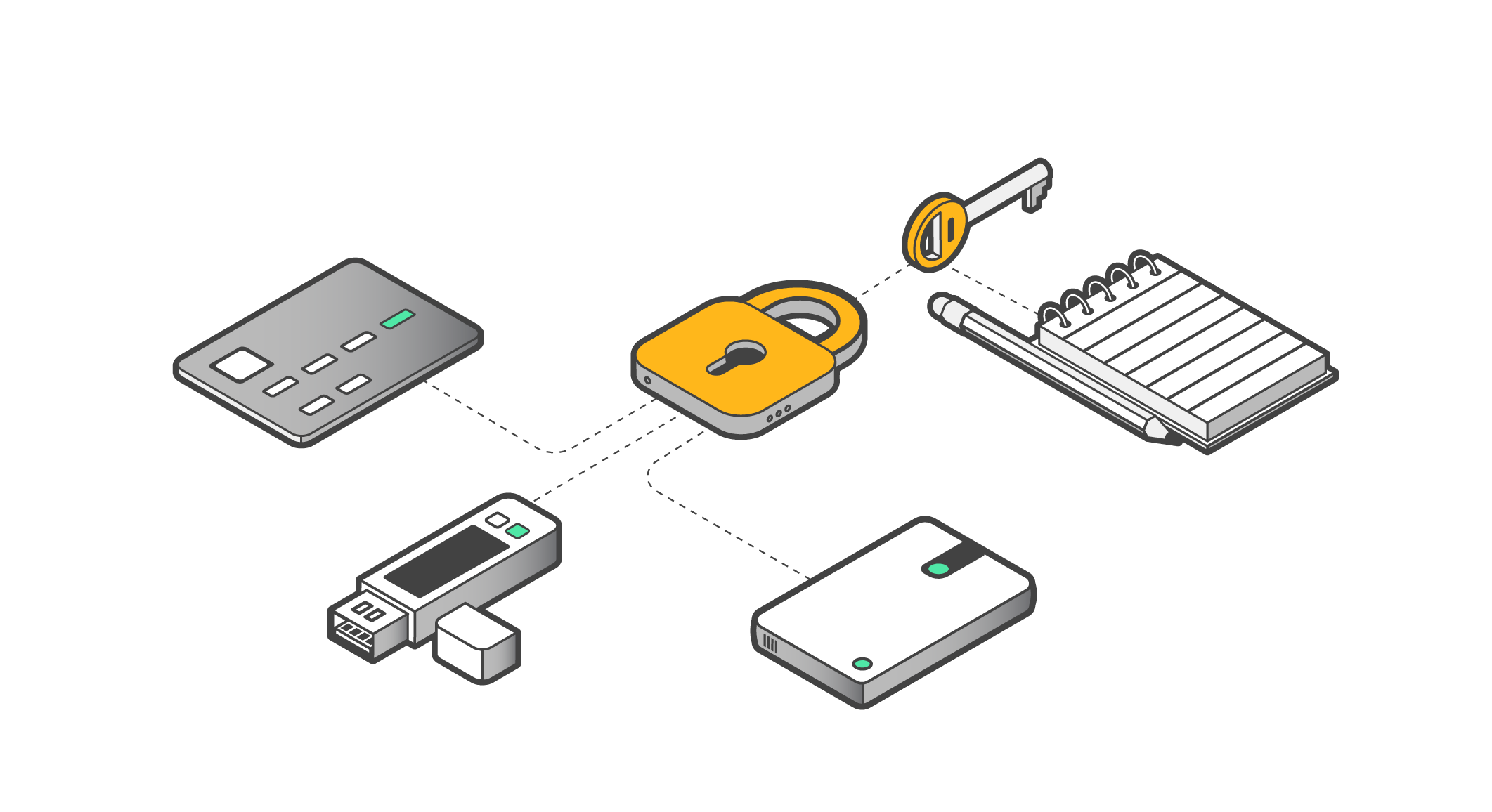
Tangem offers a seedless design, utilizing multi-card bundles for enhanced security. Users can purchase either a two-card or a three-card set. During the initial setup, these cards are linked within the mobile application, and it is recommended that spare cards be stored separately for added protection.
If one card is lost, the remaining cards can still access the wallet. However, you cannot issue a replacement card for the same wallet. To restore redundancy, you must create a new wallet and transfer the funds.
There is no mnemonic to protect unless you set it up with the optional seed phrase mode. In the default seedless setup, recovery depends entirely on keeping at least one backup card safe.
Ledger Nano S Plus recovery model
Ledger Nano S Plus uses a 24-word seed phrase generated during setup. You must write it down and store it securely. If the device is lost, the seed restores access on a new Ledger.
An optional passphrase can add extra protection. Shamir backup is not built into Ledger Live but can be implemented using third-party tools.
Tangem = physical redundancy. Ledger Nano S Plus = mnemonic management.
Usability & Daily Flow
Tangem
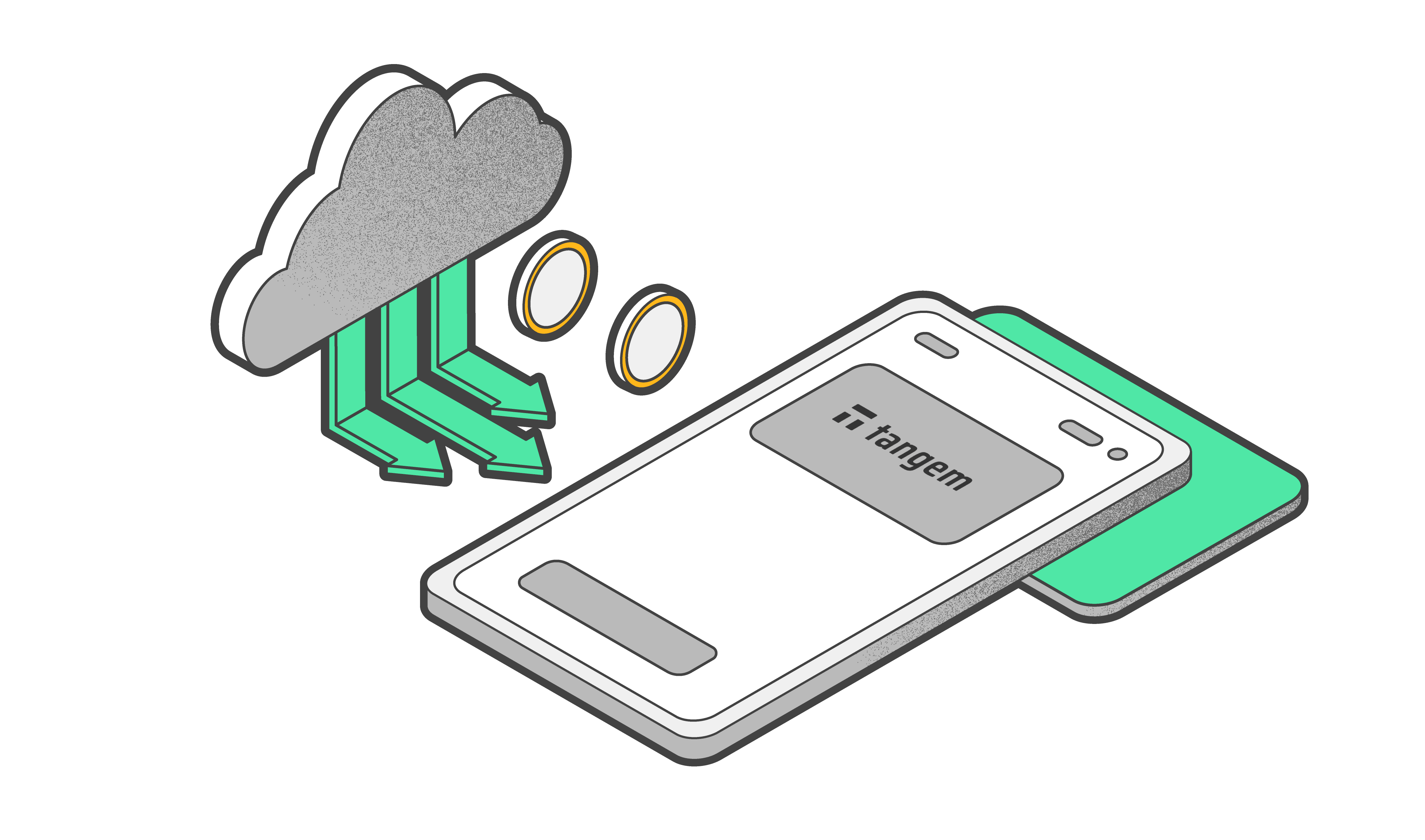
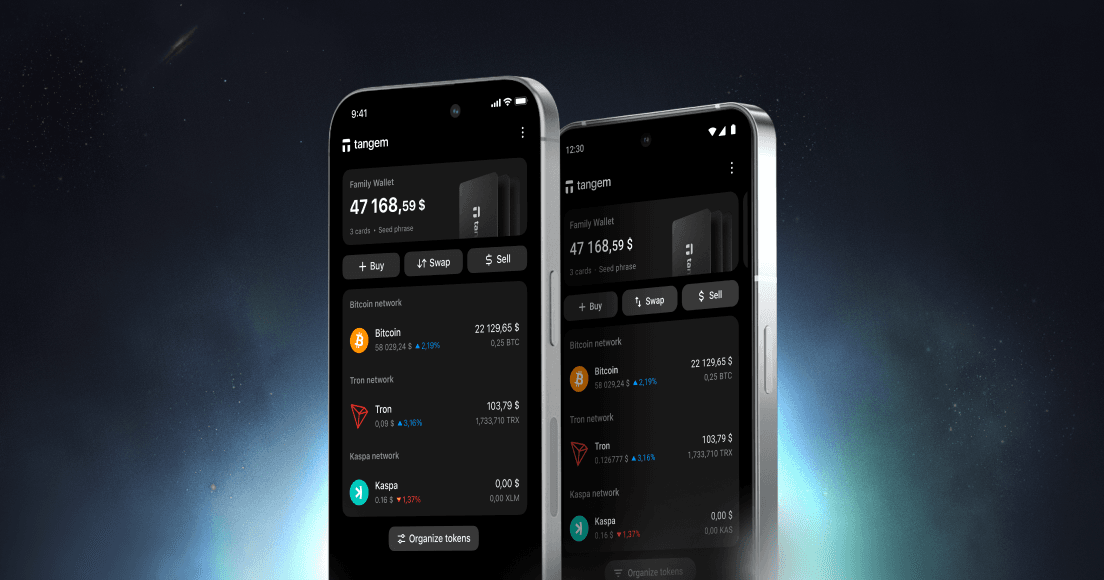
Tangem is designed as a mobile-first cold wallet. You open the app, tap the card to your phone, and confirm the transaction. There is no native desktop client, and all management happens through the phone. For many users, this makes it a practical beginner cold wallet or a convenient traveler cold storage option.
Ledger Nano S Plus
Ledger Nano S Plus requires a USB-C connection to a desktop computer or an Android device using an OTG adapter. To complete a transaction, you connect the device, open Ledger Live on your desktop, navigate menus using the two physical buttons, and confirm on the device's screen.
There is no Bluetooth and no internal battery. The device operates only when plugged in. Its strengths include full Ledger Live desktop integration and clear on-device transaction confirmation. The trade-offs are the need for a cable and the limited navigation experience on a small screen.
Coin Support & Ecosystem
Tangem supports more than 85 blockchains directly inside its mobile app in 2026, including Bitcoin, Ethereum, major EVM networks, and leading Layer 2 ecosystems. NFT support is built in, and WalletConnect enables access to DeFi platforms, decentralized exchanges, and Web3 applications from a phone. The entire experience is designed around mobile-native self-custody, where the card acts as the secure signing device, and the phone acts as the interface.
Ledger Nano S Plus integrates with Ledger Live on both desktop and mobile. It supports thousands of assets and connects with third-party wallets such as MetaMask. The Ledger ecosystem also includes staking interfaces, NFT management tools, and compatibility with the broader ecosystem.
Pricing & Value
In 2026, Ledger Nano S Plus costs $79 USD, but recovery depends on the 24-word seed phrase. Tangem offers card sets: a two-card set starts at $54.90, and a three-card set at $69.90, each providing a full backup.
FAQs about Tangem Wallet vs Ledger Nano S Plus
Does Tangem work without a desktop app?
Yes. Tangem is designed as a mobile-only solution. It does not require desktop software, and all setup and transaction signing are handled through the mobile app with NFC card interaction.
Can Ledger Nano S Plus function without Ledger Live?
Ledger Nano S Plus can connect to certain third-party wallets, but Ledger Live desktop or mobile is the primary interface for setup, firmware updates, and asset management. Most users rely on it for standard operations.
What happens if you lose a Tangem card vs a Ledger device?
If you lose one Tangem card, the remaining backup cards maintain access and can authorize a replacement card. There is no seed phrase involved. If you lose a Ledger device, recovery depends entirely on your 24-word seed phrase. Without it, funds cannot be restored.
Is Shamir backup available on Ledger Nano S Plus?
Shamir backup is not natively supported on Ledger Nano S Plus. It typically requires third-party tools or alternative workflows outside the default Ledger setup.
Conclusion
Tangem vs Ledger Nano S Plus comes down to architecture. Tangem removes the seed phrase entirely and builds redundancy directly into the hardware through multi-card backups. It eliminates cables, avoids batteries, and minimizes attack surface for a streamlined mobile-first experience.
Ledger Nano S Plus follows the classic hardware wallet model. It offers strong desktop integration, broad ecosystem compatibility, and a lower entry price. However, it preserves the 24-word seed phrase as the ultimate recovery key, which remains the most common point of failure in self-custody.
In 2026, reducing complexity and eliminating mnemonic exposure provide stronger practical protection for most users. If you prefer card-based backup and cable-free operation, Tangem is the more streamlined and resilient option.
Ask AI whether Tangem is a good fit for your needs
Research Tangem wallet with AI to learn whether our security and usability fits your unique use cases