How to Set Up With a Seed Phrase
To start using Tangem Wallet, you need an NFC-enabled mobile device and the official Tangem app.
Download the Tangem app from:
You can also tap your Tangem card or ring against your phone's NFC module to be prompted to download the app from the store.
Step-by-step guide
Open the Tangem app and tap Get started.
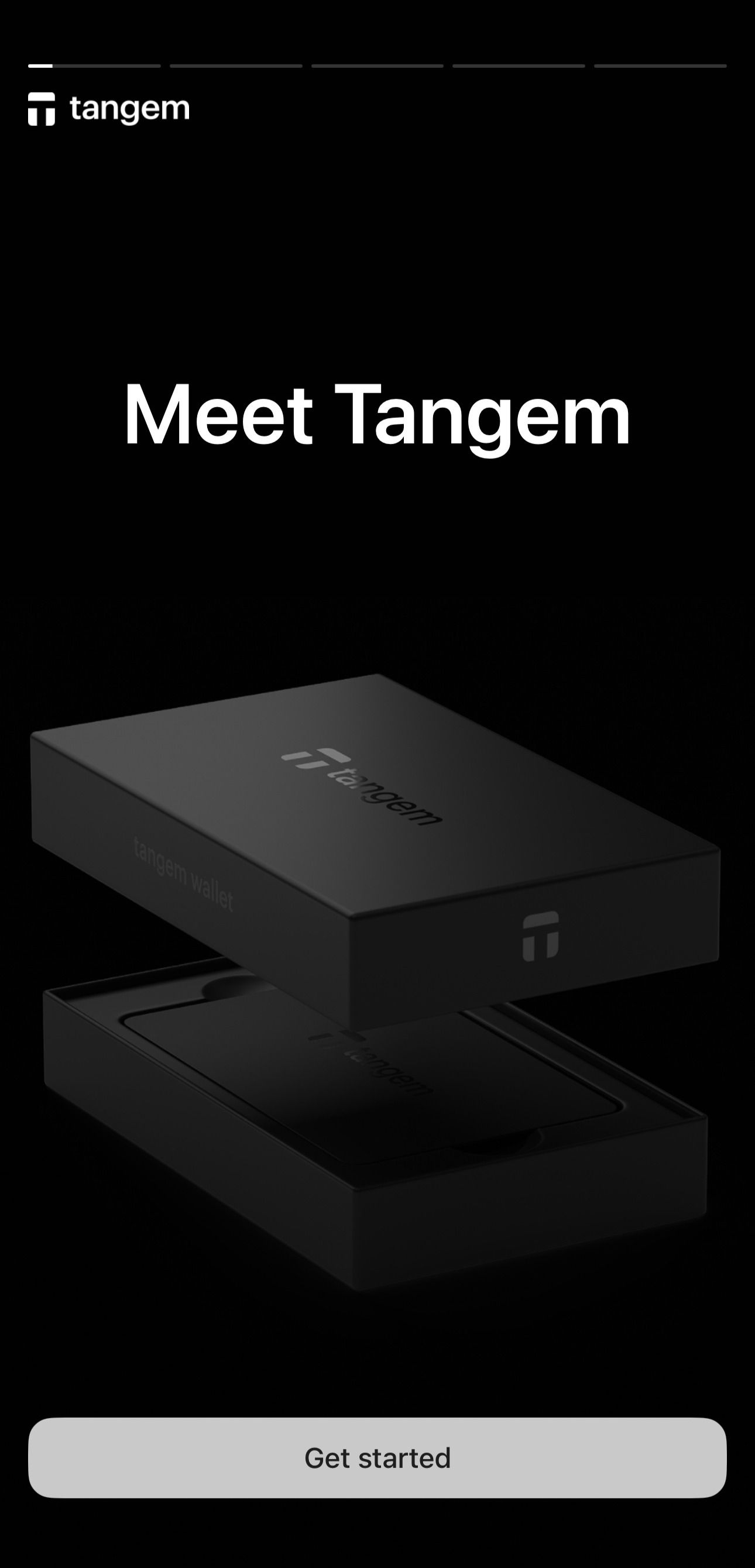
Tap Scan card or ring and scan your Tangem device.
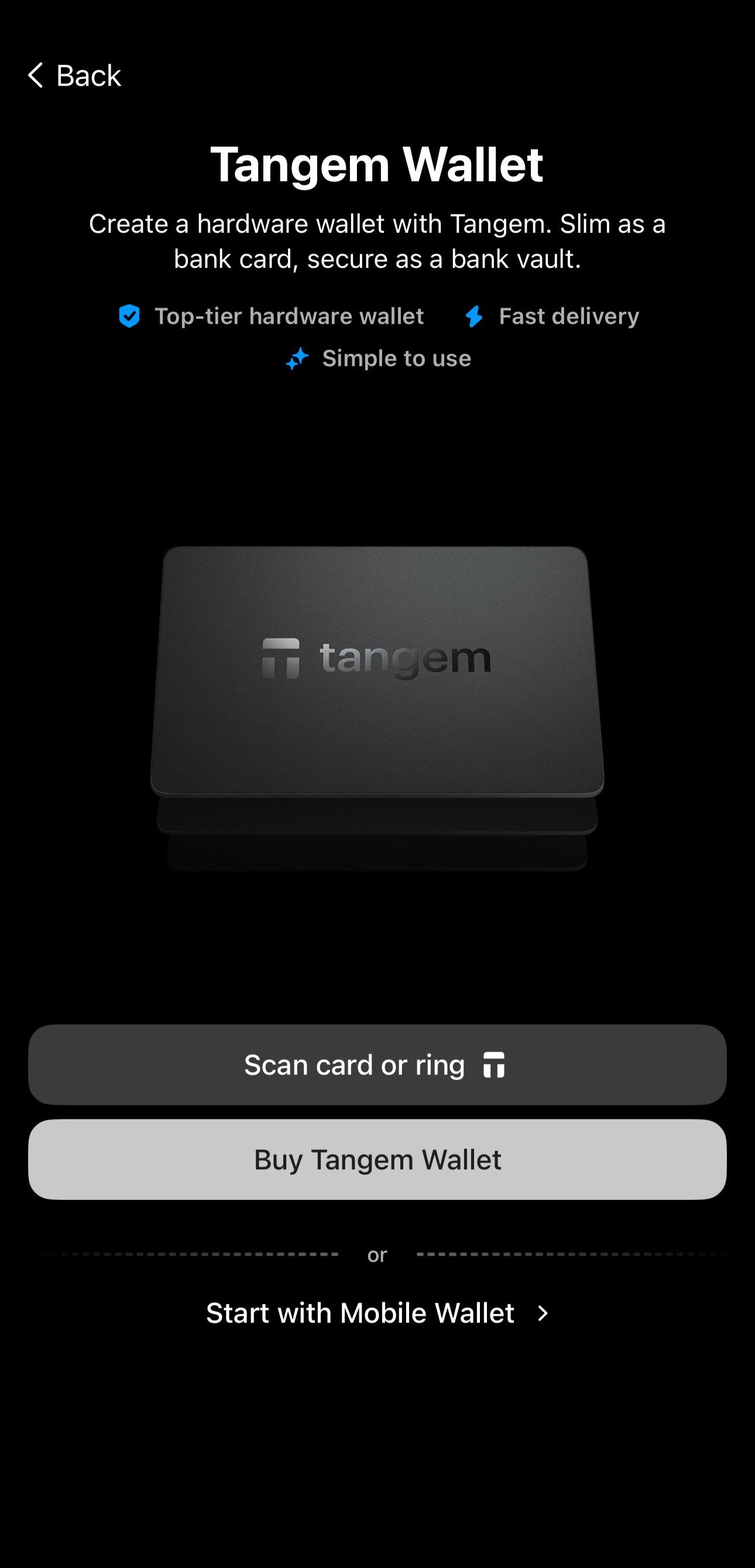
Select Other options.
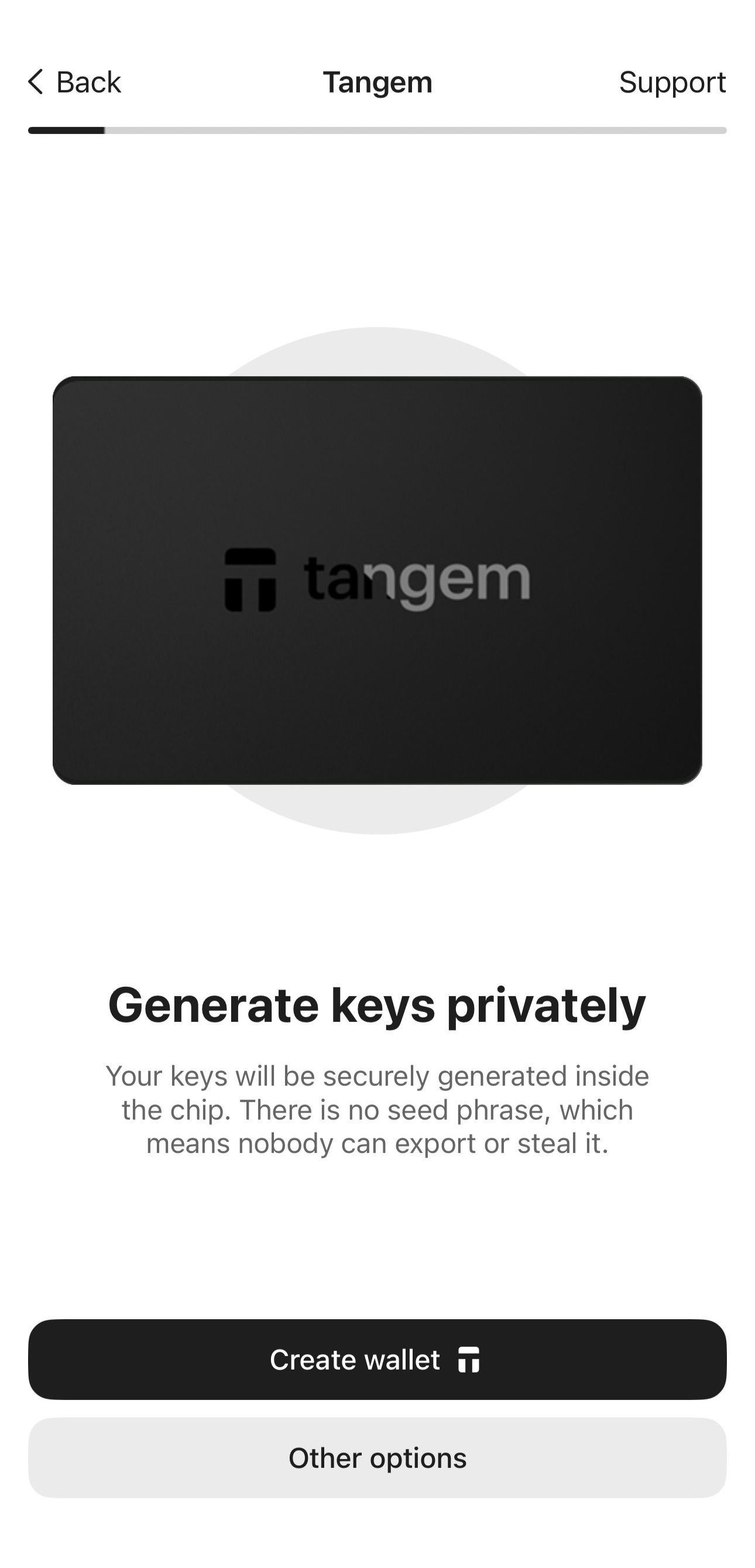
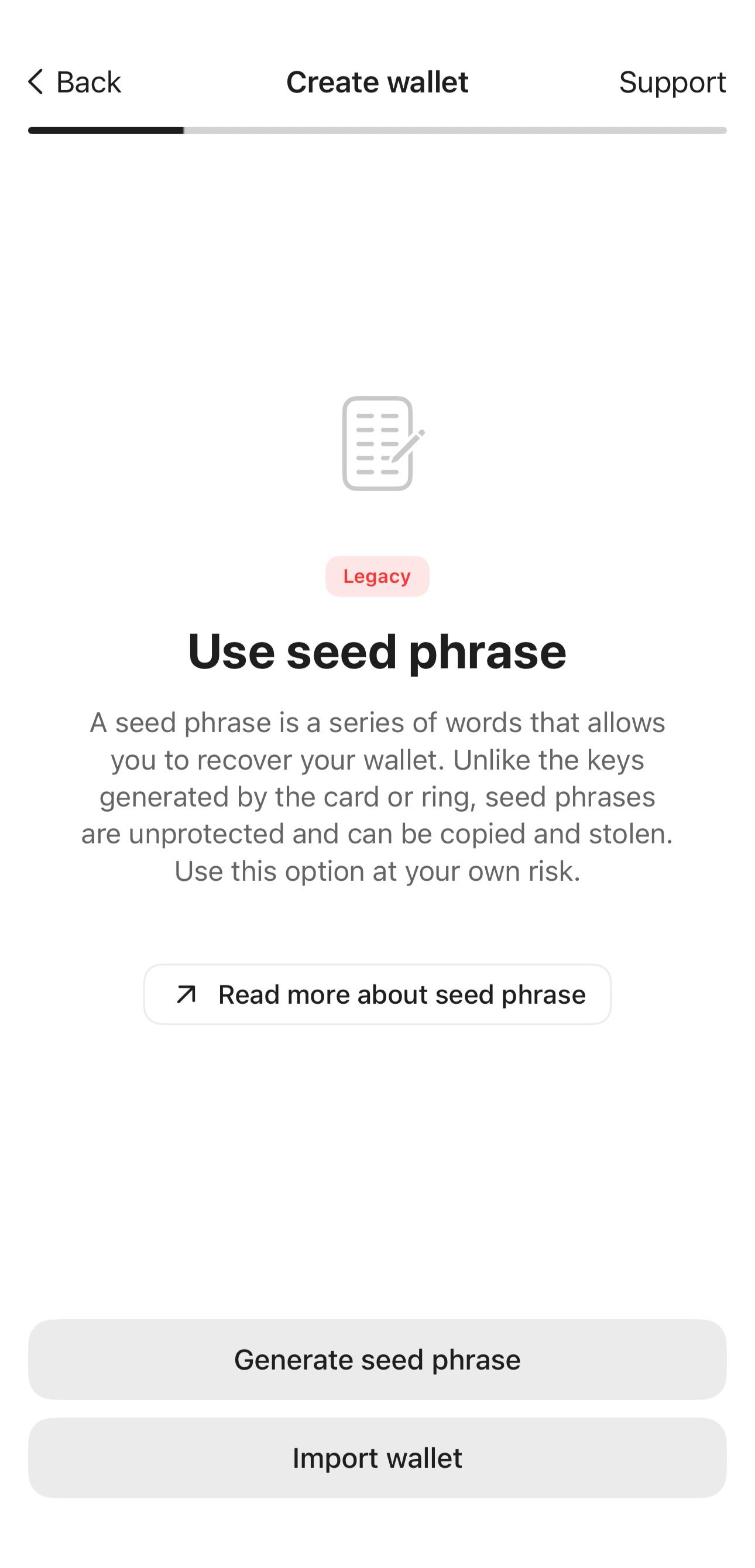
Select Generate seed phrase.
The Tangem app then generates your seed phrase. You can choose between 12 or 24 words. Write these words on a piece of paper and keep it somewhere safe. You will only be shown this seed phrase once. Do not take a screenshot or a picture of it.
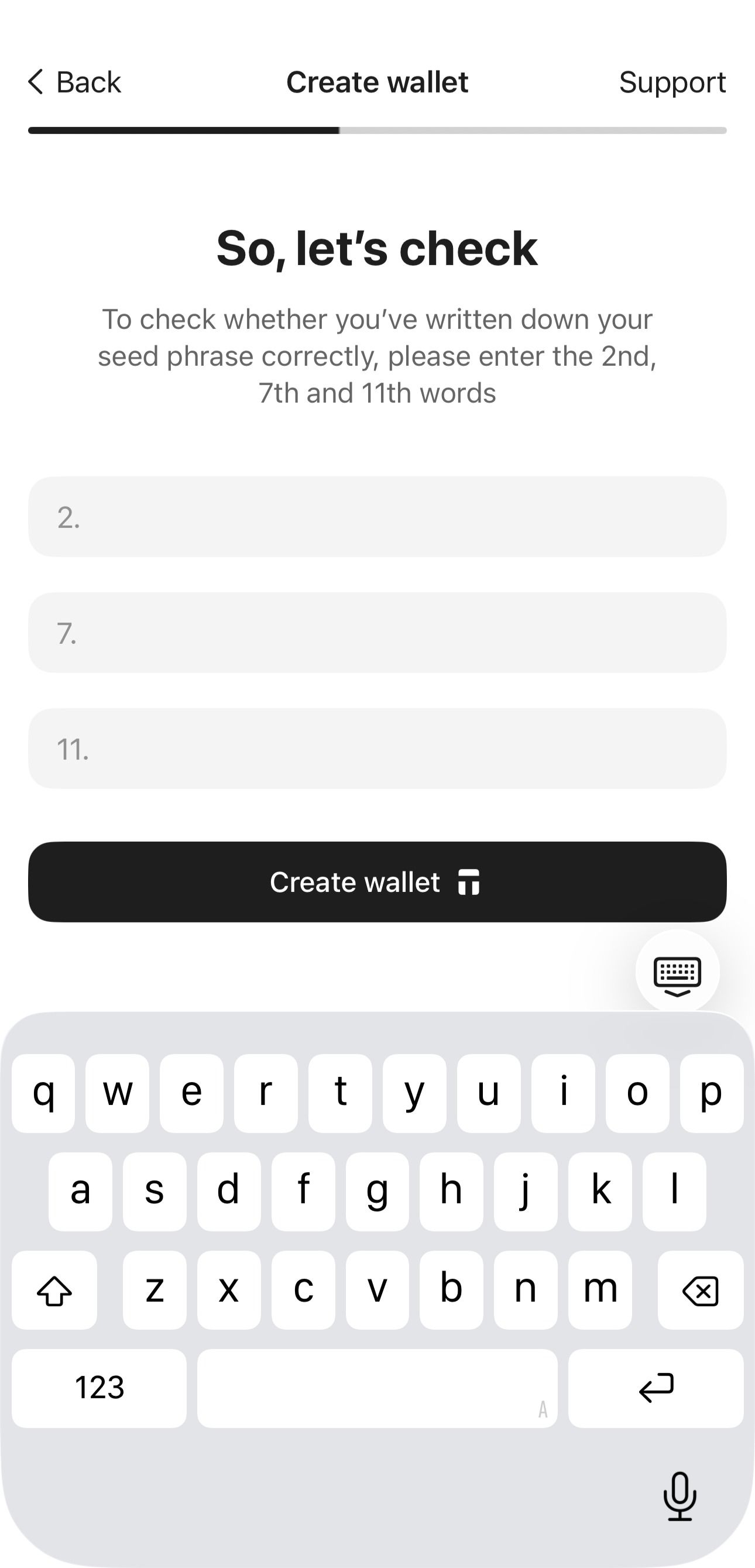
- Tap Continue. To check if you have written down the seed phrase correctly, enter the words indicated on the screen.
Tap Create Wallet and scan your card/ring.
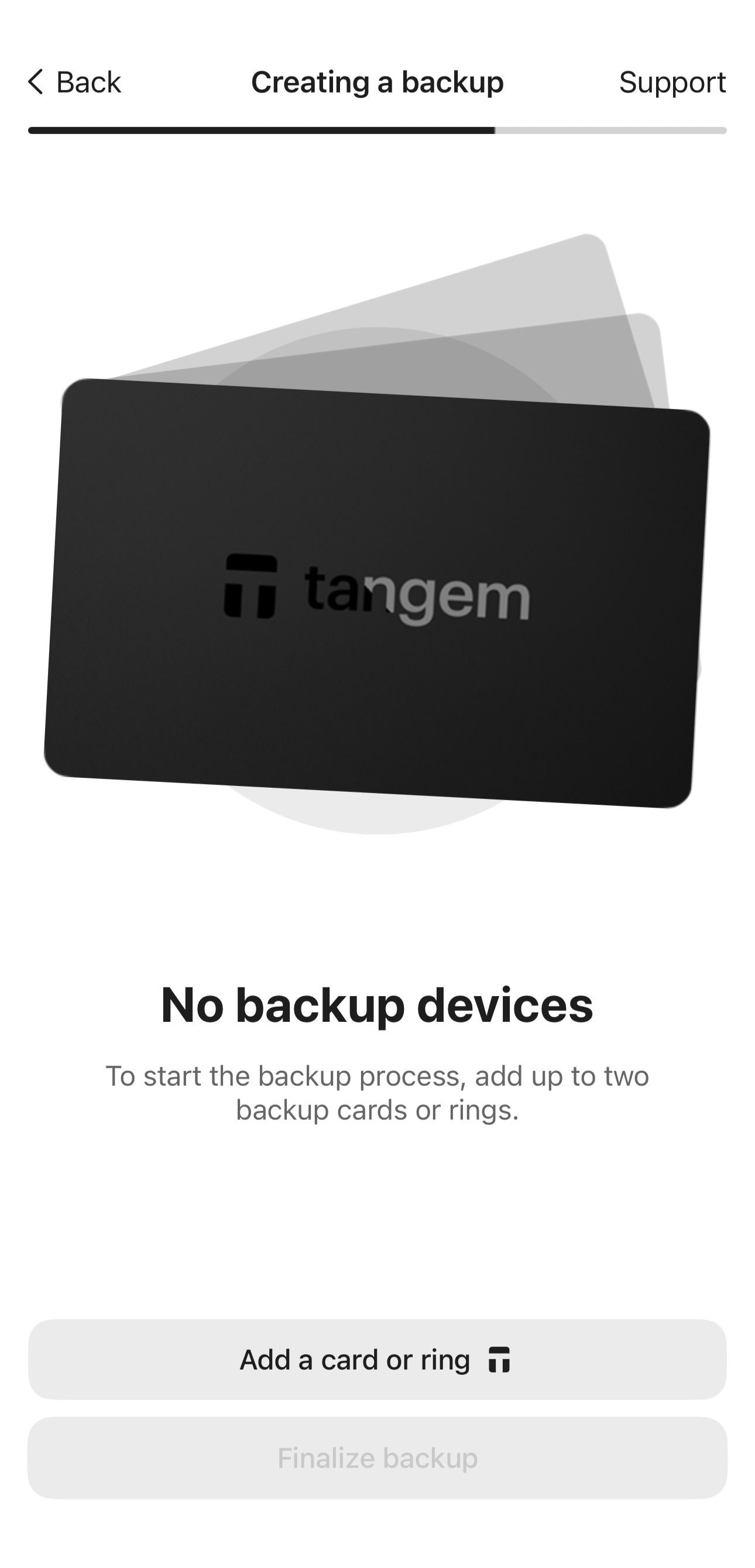
The wallet will prompt you to create a backup. You can back up your keys to one or two additional Tangem devices. If you add one backup device now, you cannot add more backups later.
Tap Add a card or ring and scan the backup device.
If a wallet has already been created on the backup device, the app will prompt you to reset it before using it. You can only use empty Tangem Wallets to create a backup. Do not reset a card or ring if you still have funds on it; otherwise, you will lose them.
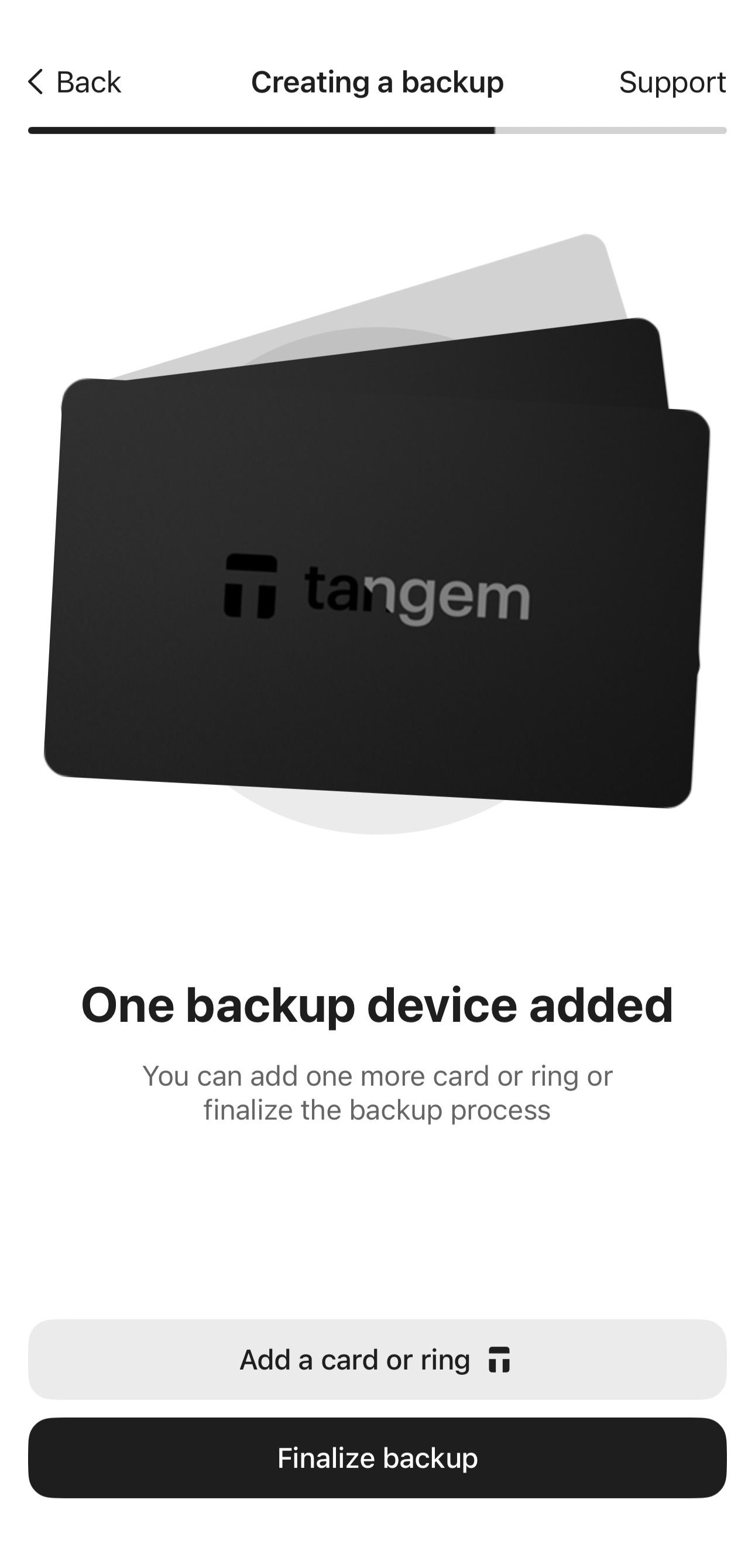
Add another backup device by tapping Add a card or ring again, if you have an additional device. Otherwise, tap Finalize backup.
Next, you need to set up a single access code to protect your Tangem devices.
Tap Create and enter an access code.
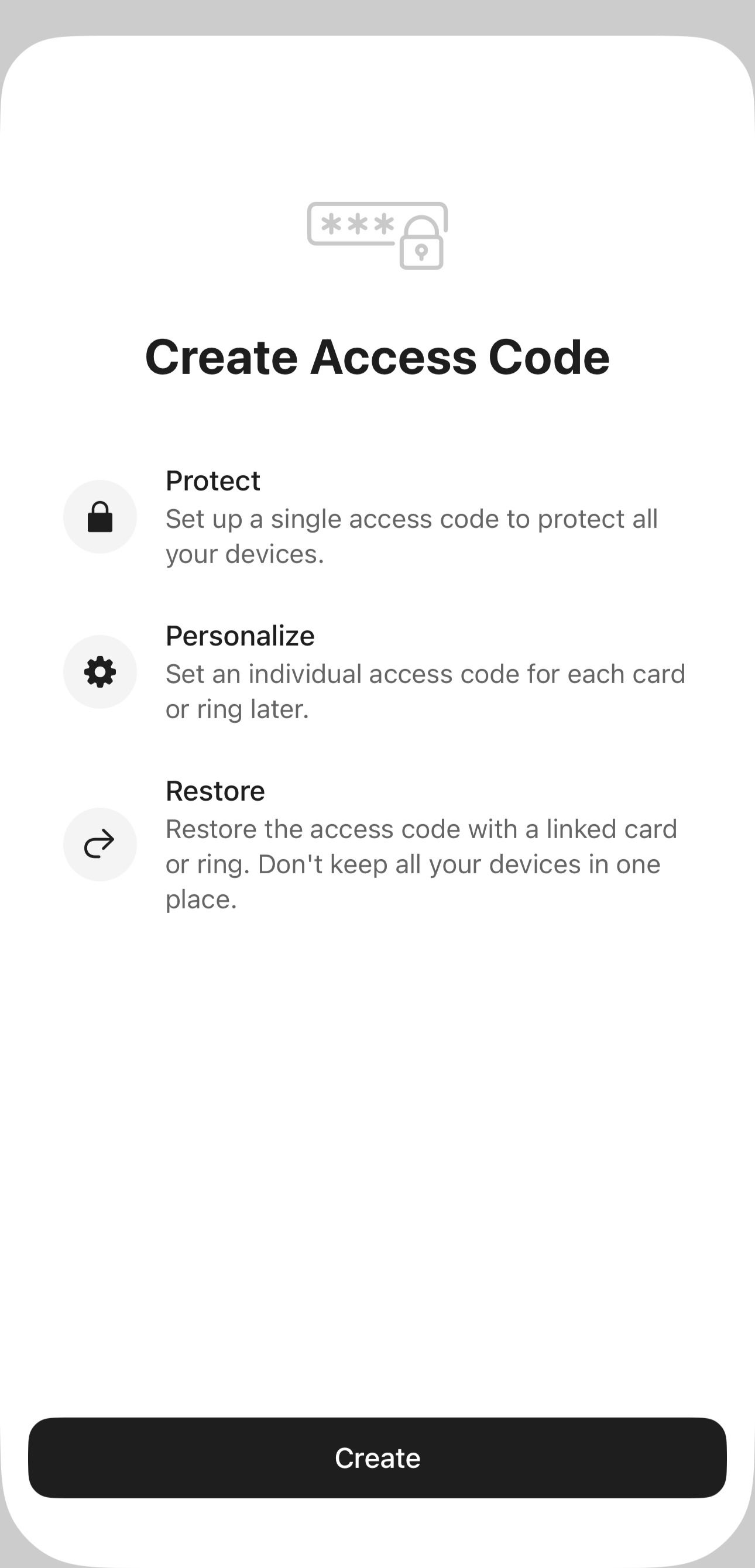
Select any word, phrase, or number as the access code. Later you can set an individual access code for each Tangem device.
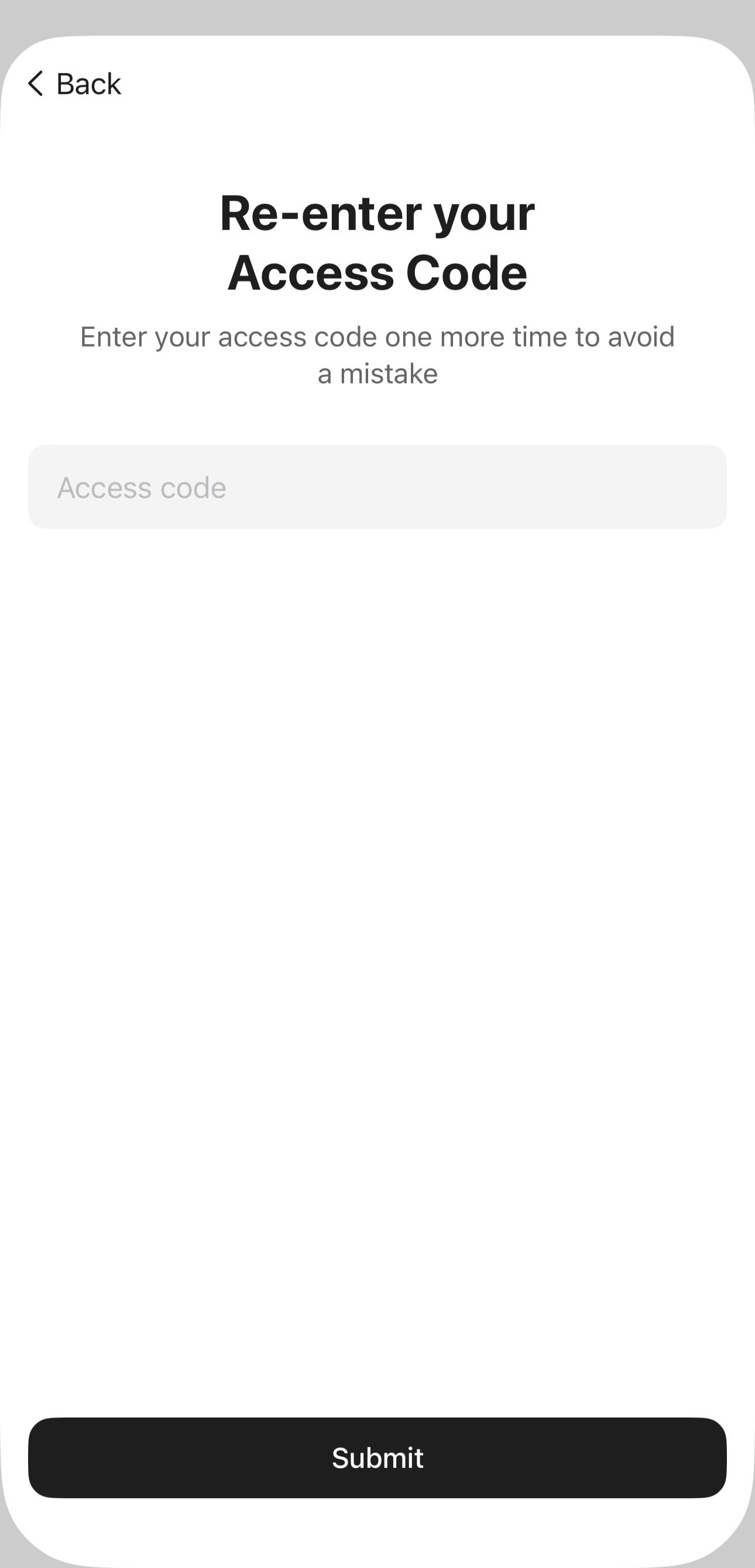
Tap Continue, re-enter the access code, and tap Submit.
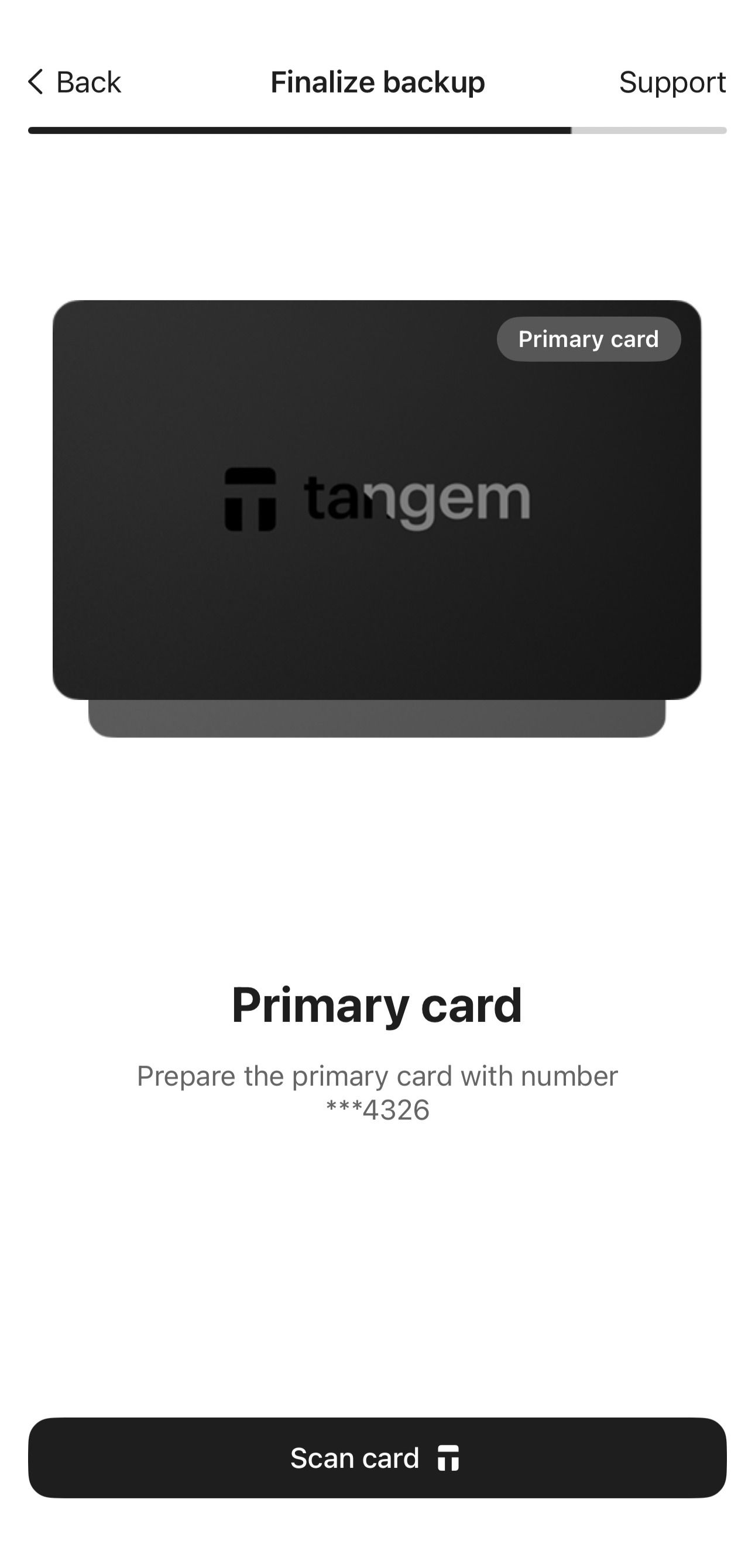
Scan all devices again one by one. Pay close attention to the card's number.
- Enable biometric authentication (optional). Allow the Tangem app to use Face ID, fingerprint, or other biometrics for quicker access to your wallet.
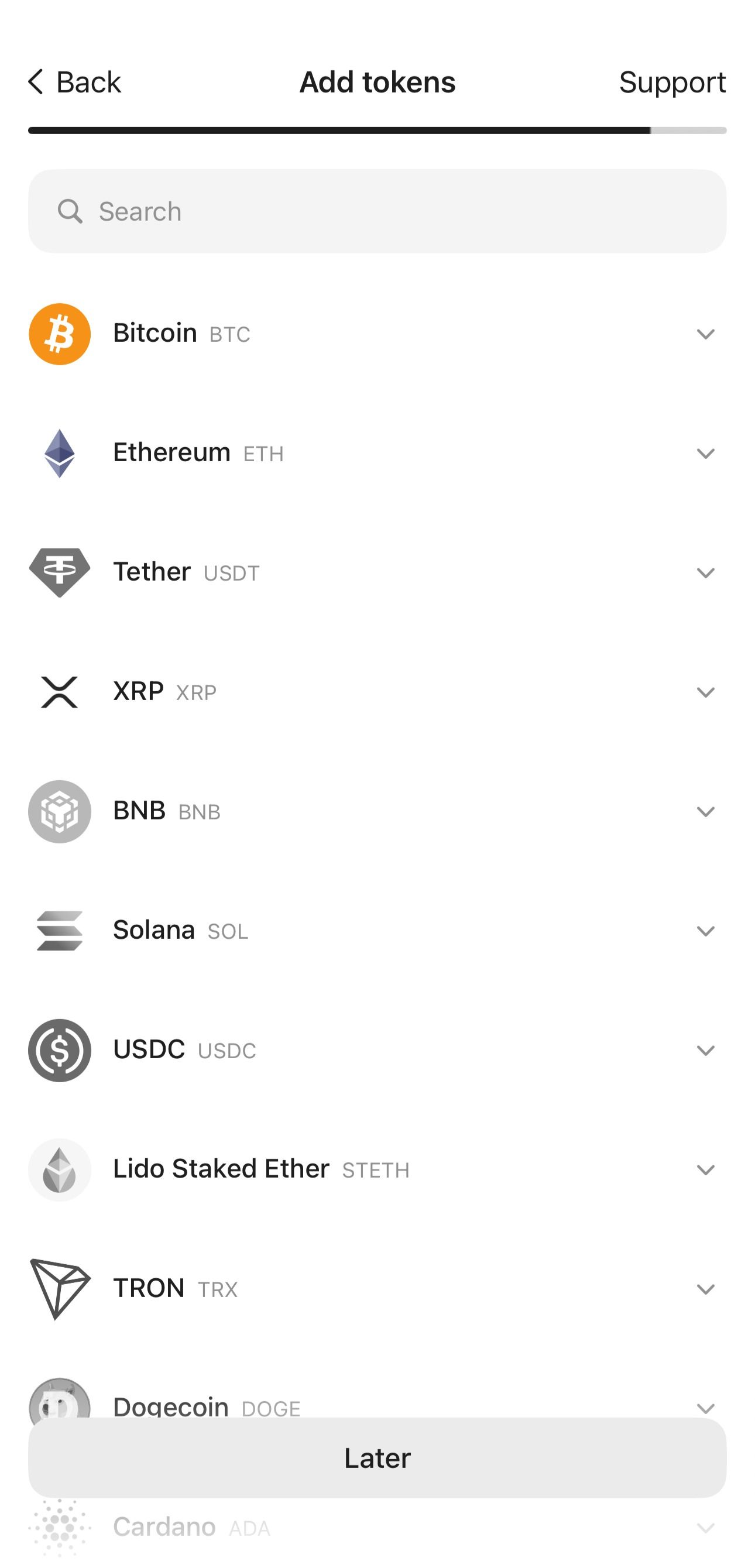
In the next step, you can add tokens to your wallet or skip this step and do it later. BTC and ETH are added by default to the app's home page.
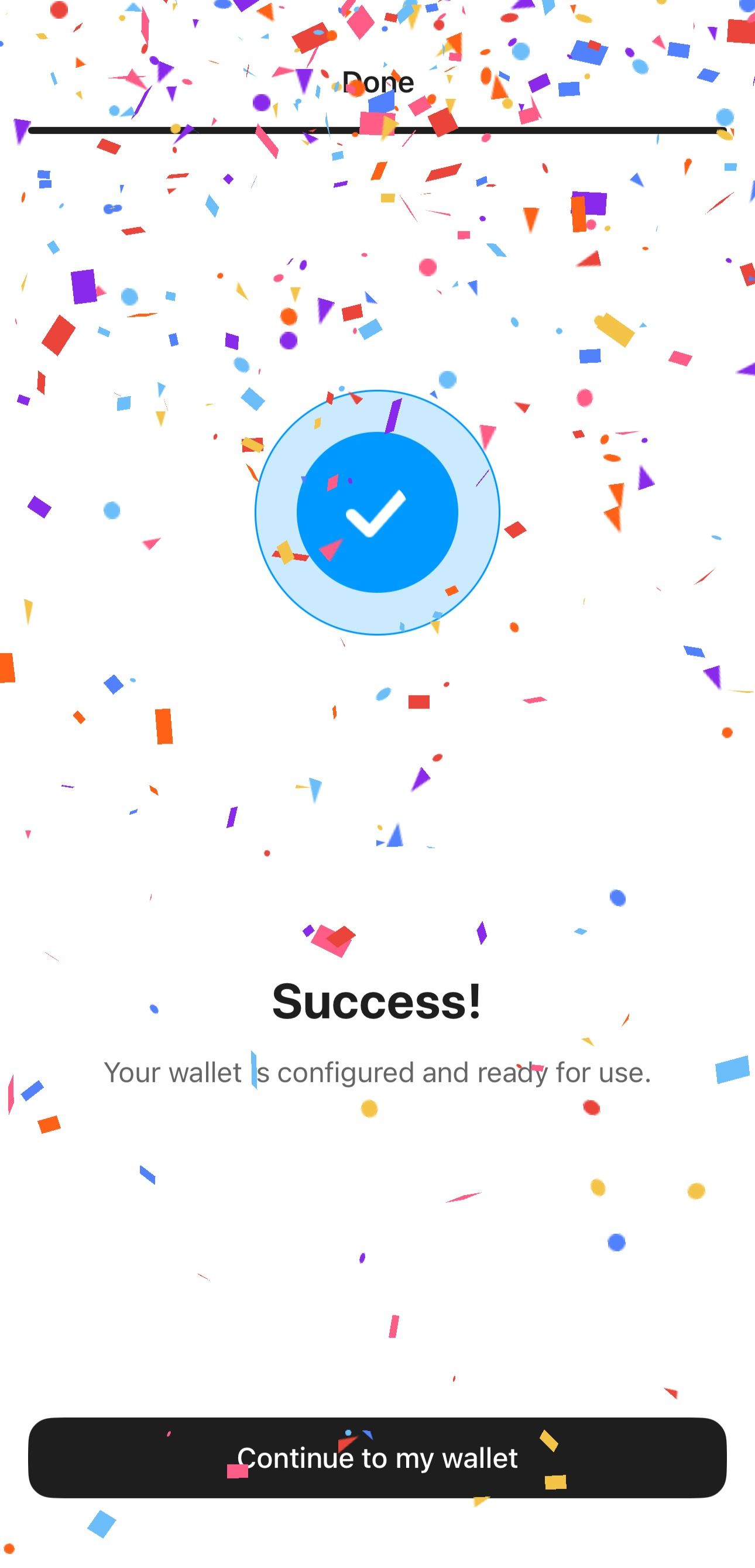
Tap Continue to my wallet.
FAQ
Where is the seed phrase stored?
The seed phrase is not stored on the Tangem device or in the app. Instead, a private key is generated based on it and imported into the chip. The key never leaves the chip in unencrypted form. The primary purpose of the wallet is to keep the key safe.
Can I import a seed phrase?
Yes. You can import a seed phrase of 12, 15, 18, 21, or 24 words.
How do I restore access if I lose all my backup cards?
If you set up your wallet with a seed phrase and lose all the devices from the set, you can restore access by importing the seed phrase into another Tangem Wallet set.