
 ลดเพิ่ม 10%


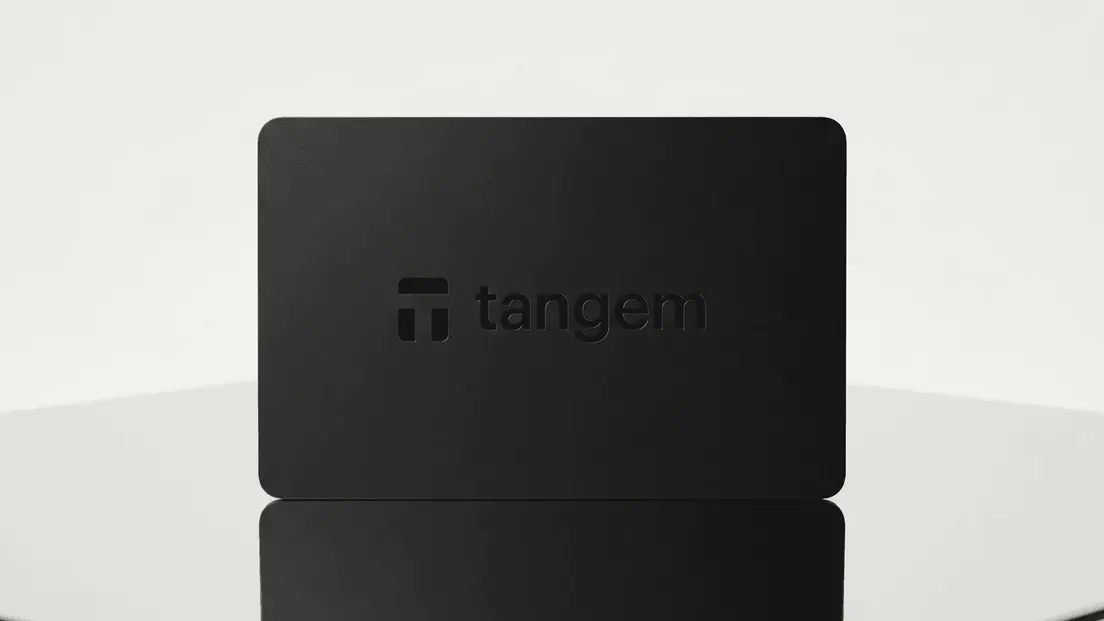
วอลเล็ตสำหรับ Pankito
ปกป้อง Pankito ของคุณด้วย Tangem
Secure your Pankito with a Tangem Wallet and join thousands who trust in superior self-custodial security.
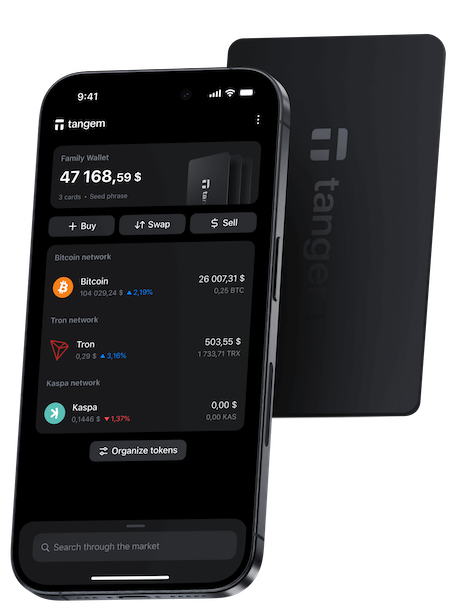

วิธีปกป้อง Pankito ของคุณด้วย Tangem?
เมื่อคุณซื้อหรือถือ Pankito ไว้ใน Tangem Private Key ของคุณจะได้รับการปกป้องหลายชั้น:
- ไร้ Seed Phrase สำรองข้อมูลได้หลายใบ ให้ Pankito ของคุณอยู่ในการควบคุมของคุณ
- ป้องกันน้ำและฝุ่นระดับ IP69K ปกป้องการ์ดจากความร้อน ความเย็น แรงกระแทก และรังสี X-ray
- ล็อกด้วย Access Code และ Biometric ใน Tangem Mobile ช่วยป้องกันการเข้าถึงวอลเล็ตโดยไม่ได้รับอนุญาต
- Private Key ถูกสร้างและจัดเก็บภายใน Secure Element ที่ผ่านการรับรอง EAL6+ โดยจะไม่ออกจากตัวการ์ด
อยากเก็บ Pankito กับ Tangem เริ่มต้นอย่างไร?
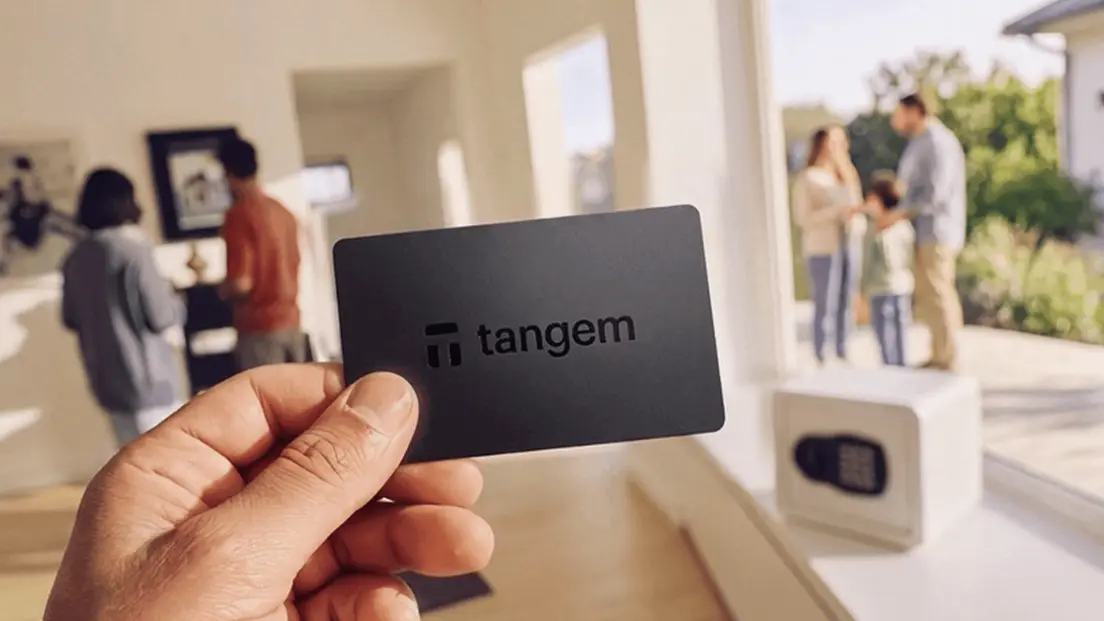
Tangem ออกแบบมาให้ใช้งานได้สำหรับทุกคน ตั้งแต่มือใหม่ไปจนถึงผู้ใช้ที่มีประสบการณ์ ช่วยให้คุณจัดเก็บและจัดการคริปโตได้อย่างปลอดภัยและง่ายดาย ด้วยเทคโนโลยีล้ำสมัย Tangem ให้คุณควบคุมและปกป้องสินทรัพย์ดิจิทัลของคุณได้ด้วยตัวเอง
ซื้อ Tangemทำไมต้องเก็บ Pankito ไว้กับ Tangem?
ความเป็นส่วนตัว
ไม่ต้องลงทะเบียนหรือ KYC เพื่อใช้แอป เราไม่ติดตามข้อมูลของคุณ

ความปลอดภัย
Private Key ของคุณจะถูกเข้ารหัสและไม่ออกจากอุปกรณ์ คุณเท่านั้นที่ควบคุมสินทรัพย์ของคุณได้

ดีไซน์เพื่อการใช้ง่ายที่สะดวก
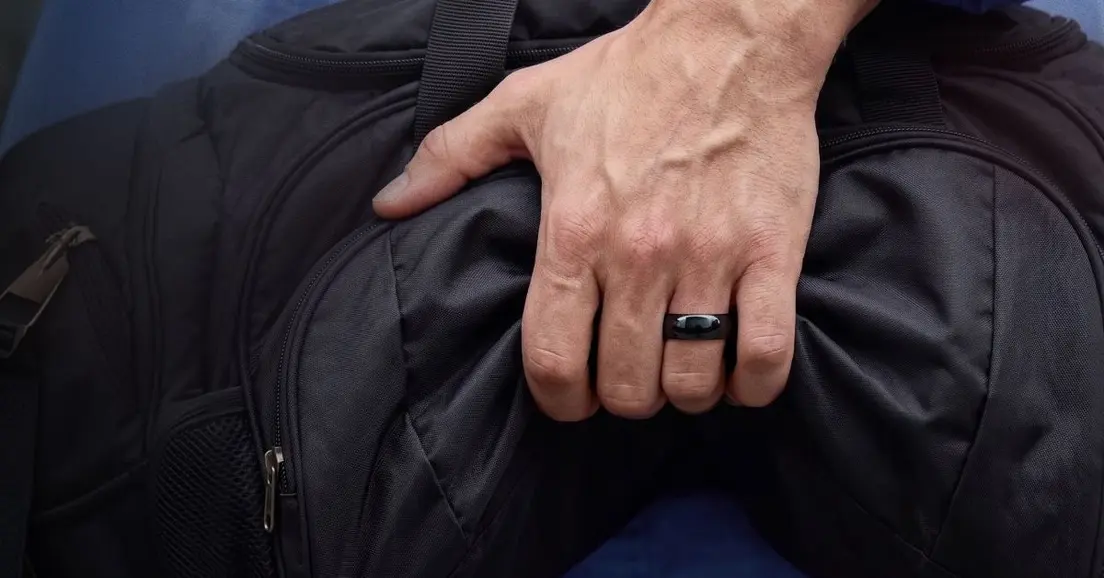
เลือกสไตล์ที่ใช่ ทั้งรุ่น Co-branded สุดพิเศษและวอลเล็ตดีไซน์ทรงแหวน พร้อมฟังก์ชันที่ครบจบในตัว

ดูแลลูกค้าตลอด 24/7
ให้ความช่วยเหลืออย่างรวดเร็วตามความต้องการของคุณ บริการแชตสด และการสนับสนุนทางอีเมลสำหรับลูกค้าจากทั่วโลก

What is Pankito (PAN)?
Pankito is an immersive gaming platform granting players the freedom to discover vast landscapes, uncover secret treasures, and apply strategic thinking for victory. It presents a captivating universe where gamers can buy virtual properties, choose avatars, and leverage various tools to enrich their gaming journey.
What is a Pankito wallet?
A Pankito wallet safely stores private keys necessary for managing your Pankito account. It doesn’t physically hold PAN; your cryptocurrency remains secure on the blockchain. The core function of a Pankito wallet is to generate and keep private keys, facilitating access to your PAN accounts. Essentially, a Pankito wallet is used for storing, sending, receiving, and managing PAN.
How does a Pankito wallet work?
Pankito wallets operate on public and private key pairs which are crucial for managing blockchain accounts. The private key, which should be kept confidential, unlocks access to a specific Pankito account, while the public key can be shared for receiving PAN. Accessing or transferring your funds requires the relevant private key. Tangem Wallet securely generates and stores these keys within its chip.
What are the types of Pankito wallets?
Exchange Pankito Wallets:
Centralized exchanges such as Coinbase, Binance, and Kraken let you purchase PAN using fiat currency and custodial wallets, though with some risk like potential account access issues.Software Pankito Wallets:
Downloaded onto your devices, these wallets manage private keys and PAN. While user-friendly, they can be susceptible to malware and hacks. This category includes mobile, desktop, and browser wallets.Mobile Pankito Wallets:
Mobile apps facilitate the management of PAN directly on smartphones.Desktop Pankito Wallets:
Installed on PCs, these wallets store private keys on your hard drive or SSD.Hardware Pankito Wallets:
Offering offline storage, like Tangem, hardware wallets protect against online vulnerabilities.
How to Choose the Best Pankito Wallet
Selecting the ideal wallet depends on your personal needs, with considerations like ease of use, reliability, durability, and security. To maintain a high level of safety and protect substantial amounts, opting for a hardware wallet like Tangem is highly advisable.
Pankito PAN


Tangem รองรับสกุลเงินดิจิทัลอื่นๆ ด้วย
มั่นใจทุกการใช้งาน จัดการคริปโตนับพันรายการได้ง่าย ๆ ทุกที่ทุกเวลา
ดูคริปโตที่รองรับทั้งหมดคำถามที่พบบ่อยเกี่ยวกับ Pankito
- สำหรับการจัดเก็บและใช้งาน PAN Tangem Wallet เป็นตัวเลือกที่น่าสนใจ ด้วยการจัดเก็บ Private Key แบบออฟไลน์ พร้อมดีไซน์ที่ใช้งานผ่านมือถือได้ง่าย
- วอลเล็ตแบบซอฟต์แวร์สำหรับ Pankito มักจะฟรี แต่วอลเล็ตแบบฮาร์ดแวร์ส่วนใหญ่ต้องซื้อครั้งเดียว การทำธุรกรรมอาจมีค่าธรรมเนียมเครือข่าย
- วอลเล็ต Pankito ที่ปลอดภัยใช้ฮาร์ดแวร์เฉพาะเพื่อปกป้อง Private Key ของคุณ Tangem ใช้ชิปรักษาความปลอดภัยเฉพาะทาง เช่นเดียวกับที่ใช้ในบัตรธนาคารและหนังสือเดินทาง ช่วยแยก Private Key ออกจากระบบอื่นและลดความเสี่ยงจากการเข้าถึงโดยไม่ได้รับอนุญาตหรือข้อมูลรั่วไหล
- วอลเล็ต Pankito คือเครื่องมือที่ให้คุณเก็บ ส่ง และรับสินทรัพย์ดิจิทัลของคุณ ซึ่งจัดการ Private Key และพิสูจน์กรรมสิทธิ์ของ PAN ของคุณ
- You can copy PAN's contract address ( ) and import it manually, or if you've installed MetaMask's chrome extension, add PAN to MetaMask with one click on CoinGecko. Add PAN to MetaMask.
บทความที่เกี่ยวข้อง
เรียนรู้เพิ่มเติม

มีบางอย่างผิดพลาด
โปรด
ห้ามพลาด! 🚀 เราลดราคา 20%
Flash Sale ใกล้หมดเวลา! รับ BTC เป็นรางวัล แตะแล้วรับเลย

00:00:00

