How Tangem Works: 3 Simple Steps
Tangem Hardware Wallet consists of two components
The first component is the Tangem device—a set of two or three Tangem cards or rings.
The second component is the Tangem mobile app, which is available on iOS and Android. To access the wallet, your smartphone must:
- run Android 6.0 or later, or iOS 15.0 or later
- and have full NFC support
How the two components work together
A Tangem card or ring contains a built-in secure element chip that functions as a microcomputer.
The Tangem app provides the interface for managing your wallet, including viewing your portfolio and performing cryptocurrency transactions.
Tangem Wallet connects to your mobile app using Near Field Communication (NFC). NFC is a short-range wireless technology that enables devices to exchange data when placed within a few centimeters of each other.
Get started in 3 steps:
- Download the Tangem app from the App Store or Google Play.
Tap Get started, then tap Scan card or ring.
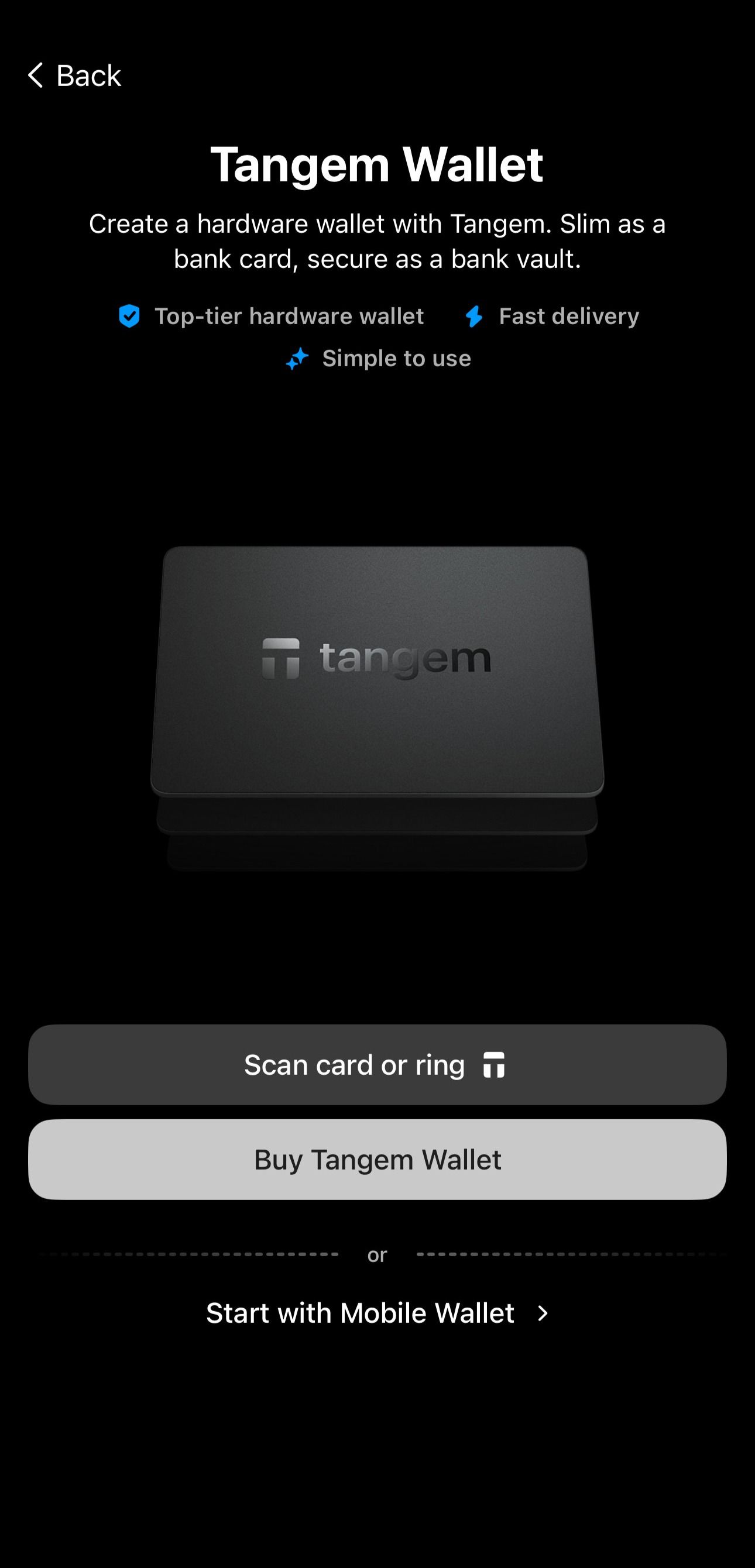
- Tap the card or ring against your smartphone and follow the on-screen instructions for activation.
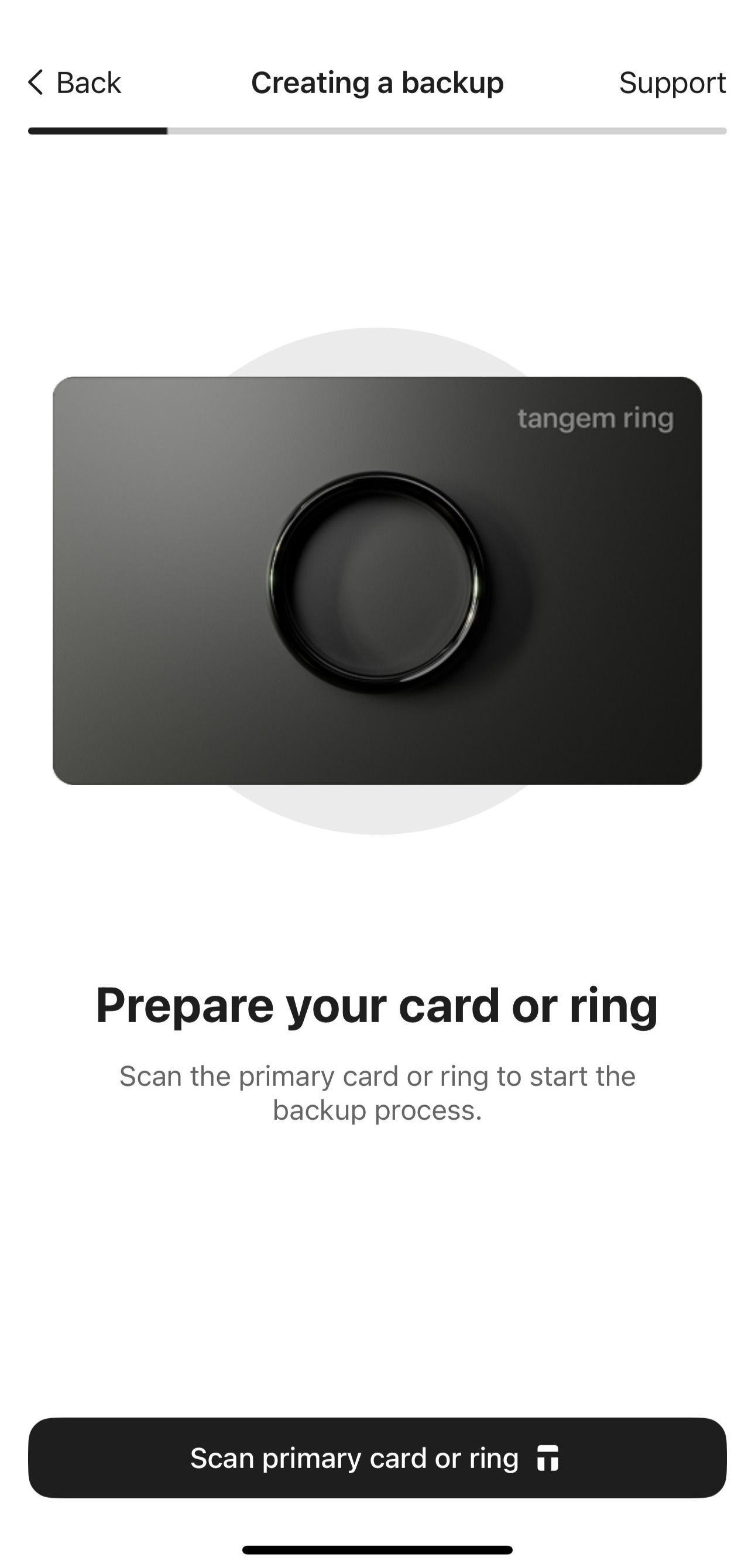
The setup process takes no longer than two minutes.
You don’t need to worry about losing your phone or reinstalling the Tangem app. Your assets remain on the blockchain, and your private keys are securely stored inside the wallet's secure element chip.
FAQ
Which devices are not supported by Tangem Wallet?
Tangem Wallet requires a smartphone with full NFC support.
The following devices have limited or unsupported NFC functionality:
- iPhone 6/6s and iPhone SE (1st generation) have limited NFC functionality and are not supported by Tangem.
- iPhone 7/7 Plus and some Android devices do not support full NFC functionality, preventing the necessary data transfer for creating backups during setup. You can use another smartphone—iPhone 8 or later, or Android 6.0+ with full NFC support—to create a backup and continue using the app on your primary device.
Android devices that do not support backups include: Xiaomi Redmi 5, Xiaomi Redmi 9C, Samsung Galaxy S8 Plus, Samsung Galaxy A22s, Vivo V23e, Tecno Pova Neo 2, and Tecno Pova 3 (the list is updated regularly).
Android devices with weak NFC modules that may cause scanning difficulties: Samsung Galaxy A30S, Xiaomi Redmi 9C, Xiaomi Redmi Note 8 / 8 Pro, Samsung Galaxy A52 (the list is updated regularly).
Full app functionality is not guaranteed on devices running custom firmware (modified by parties other than the manufacturer).
What if the app is not available for download?
If you cannot download the app from the App Store or Google Play, your device may lack NFC support or run Android earlier than version 6.0.
In this case, use a different smartphone running Android 6.0 or later, or iOS 15.0 or later, with full NFC support.
Can I use the wallet with a PC or tablet?
No, tablets and PCs cannot be used with the Tangem Wallet because they do not have an inbuilt NFC module.
The Tangem Wallet relies on the NFC antenna to communicate and transmit encrypted information between a smartphone and the wallet. The NFC technology is activated only when the wallet is close to the smartphone's NFC area.